Shadcn Marketing (Legacy) Blocks
Browse 279 responsive Marketing blocks for shadcn/ui. Heroes, features, pricing, testimonials, FAQs, blogs, and CTAs you can copy, paste, and ship.
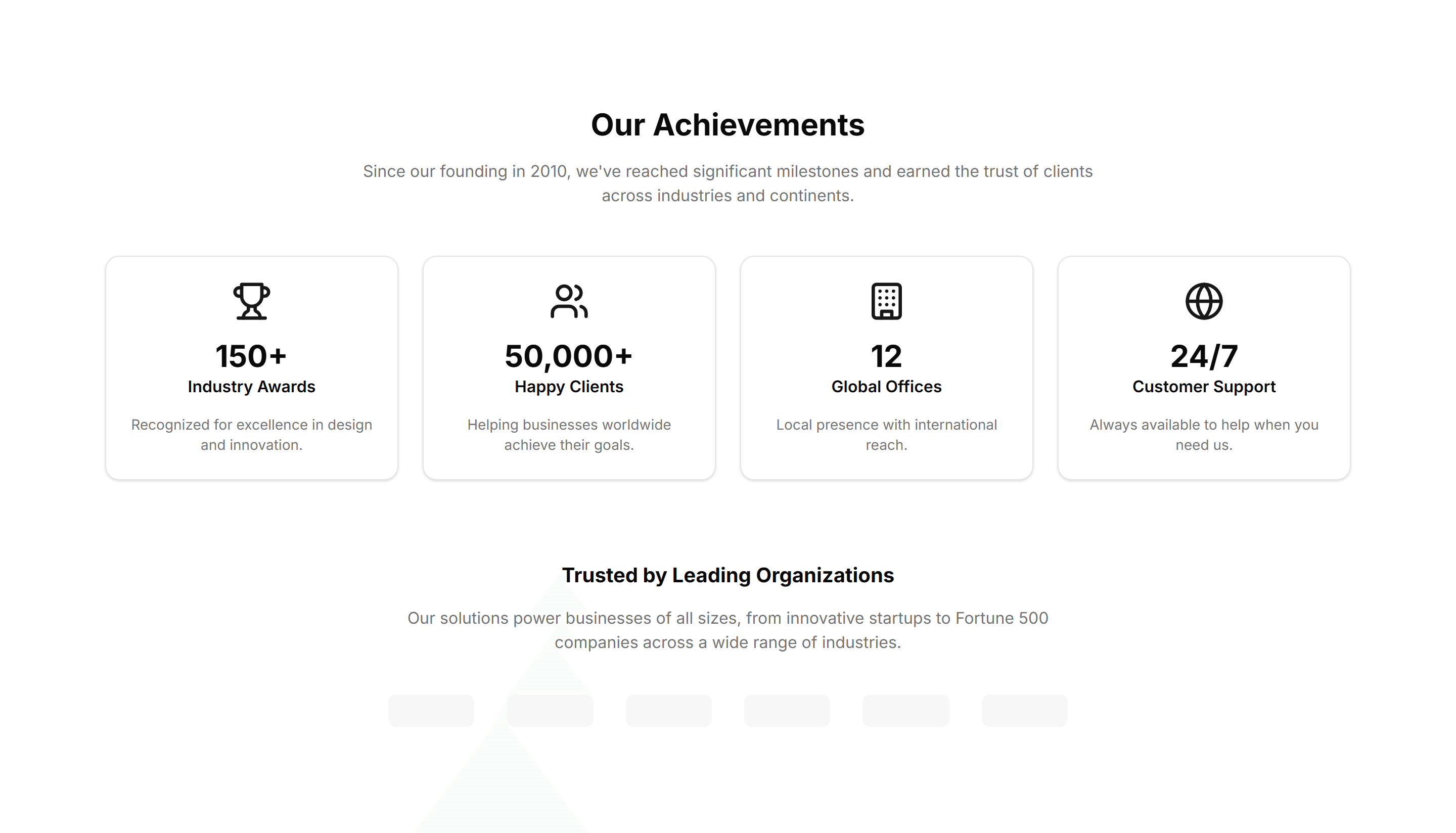
Marketing (Legacy) About Section: Achievements
A grid of awards and milestones with icons and short captions. Use it on an about page to prove credibility and show what your team has earned.
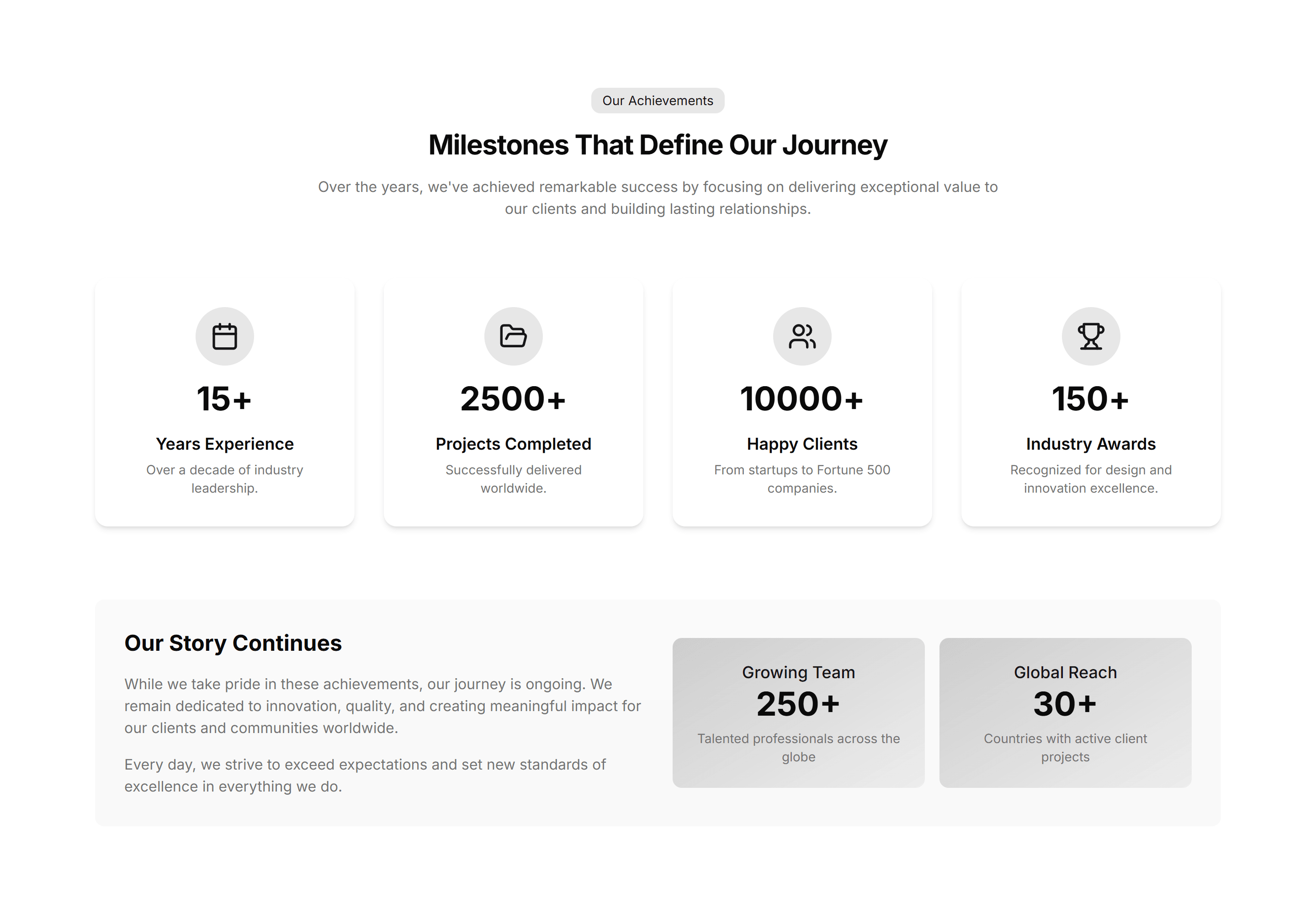
Marketing (Legacy) About Section: Animated Stats
Headline metrics that count up as they scroll into view. Drop it on an about page to make growth, users, and revenue feel alive and concrete.
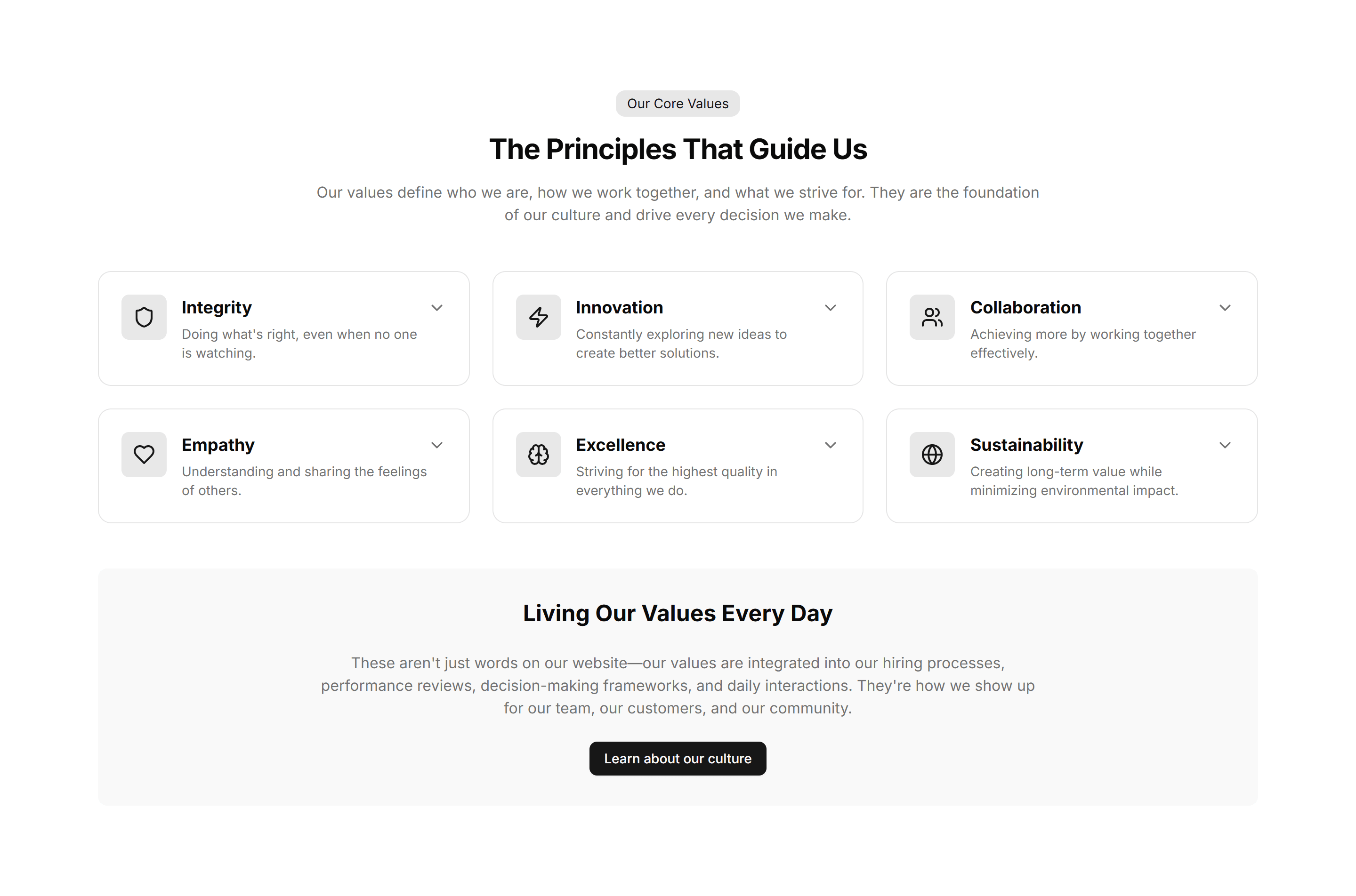
Marketing (Legacy) About Section: Brand Values
A row of value cards pairing an icon with a short principle. Use it to spell out what your brand stands for and how the team makes decisions.
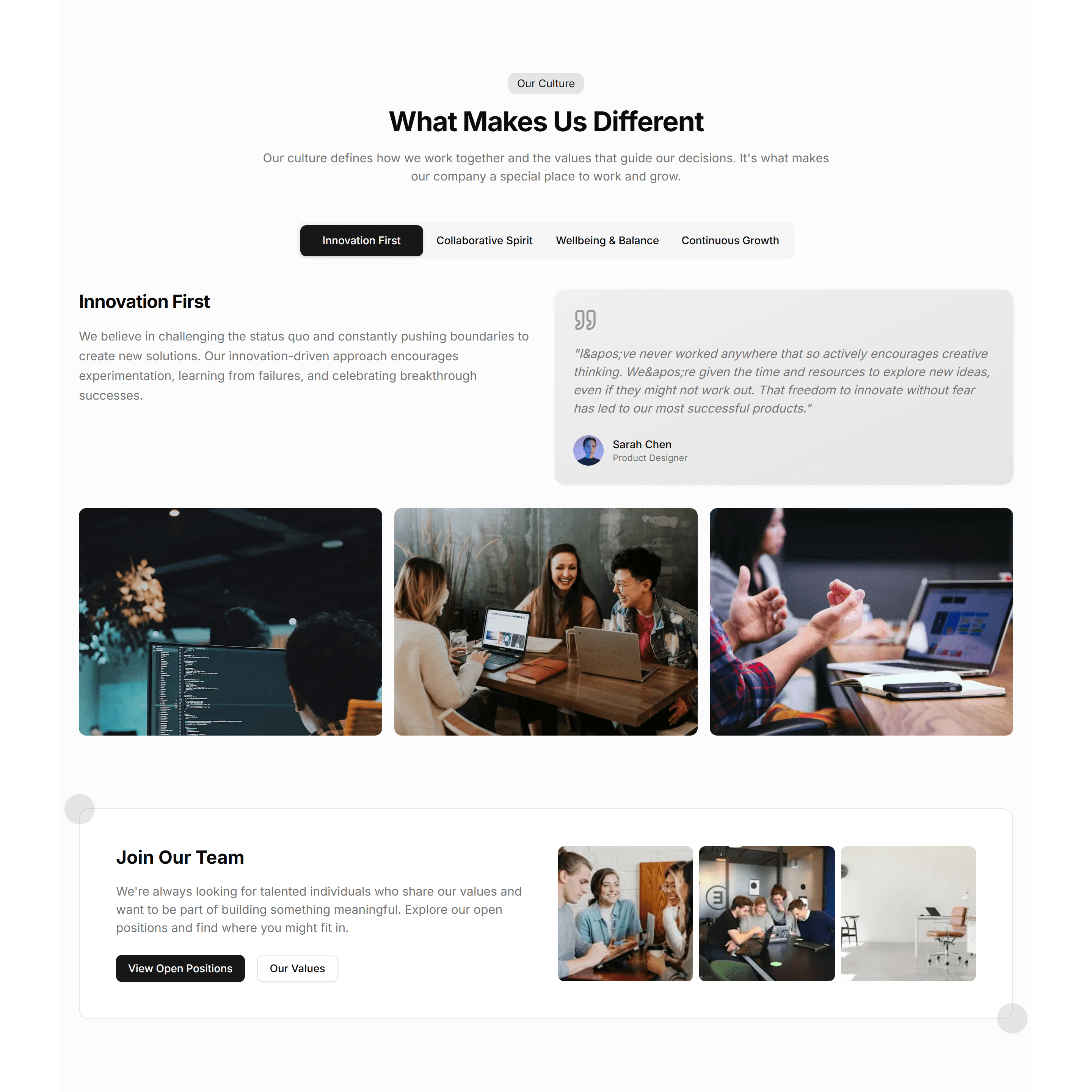
Marketing (Legacy) About Section: Company Culture
Photos and short blurbs that show how the team works and what daily life feels like. Use it on a careers or about page to attract good people.
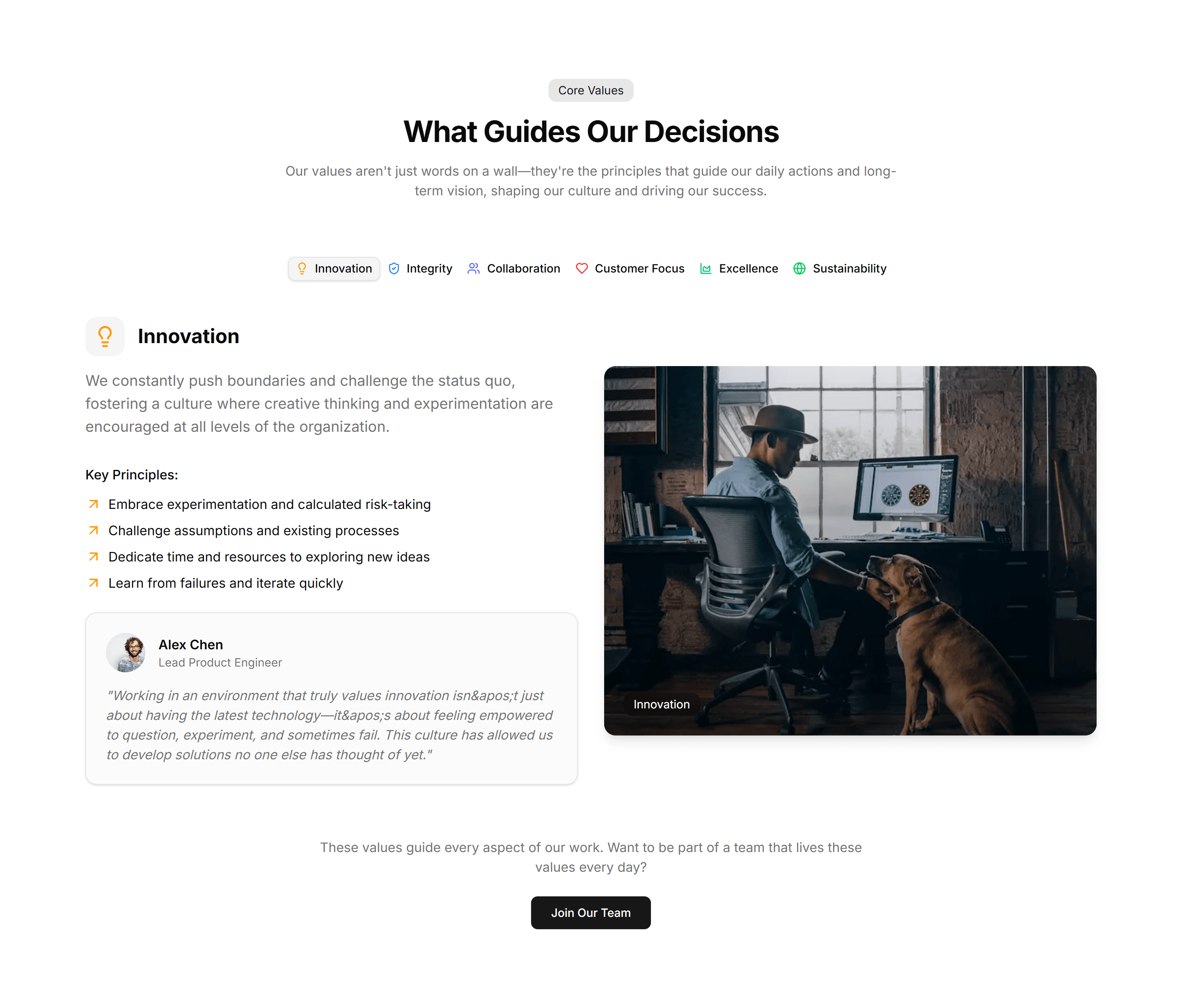
Marketing (Legacy) About Section: Company Values
A clean grid of core values, each with an icon, title, and sentence. Use it to explain the beliefs that guide how your company operates daily.
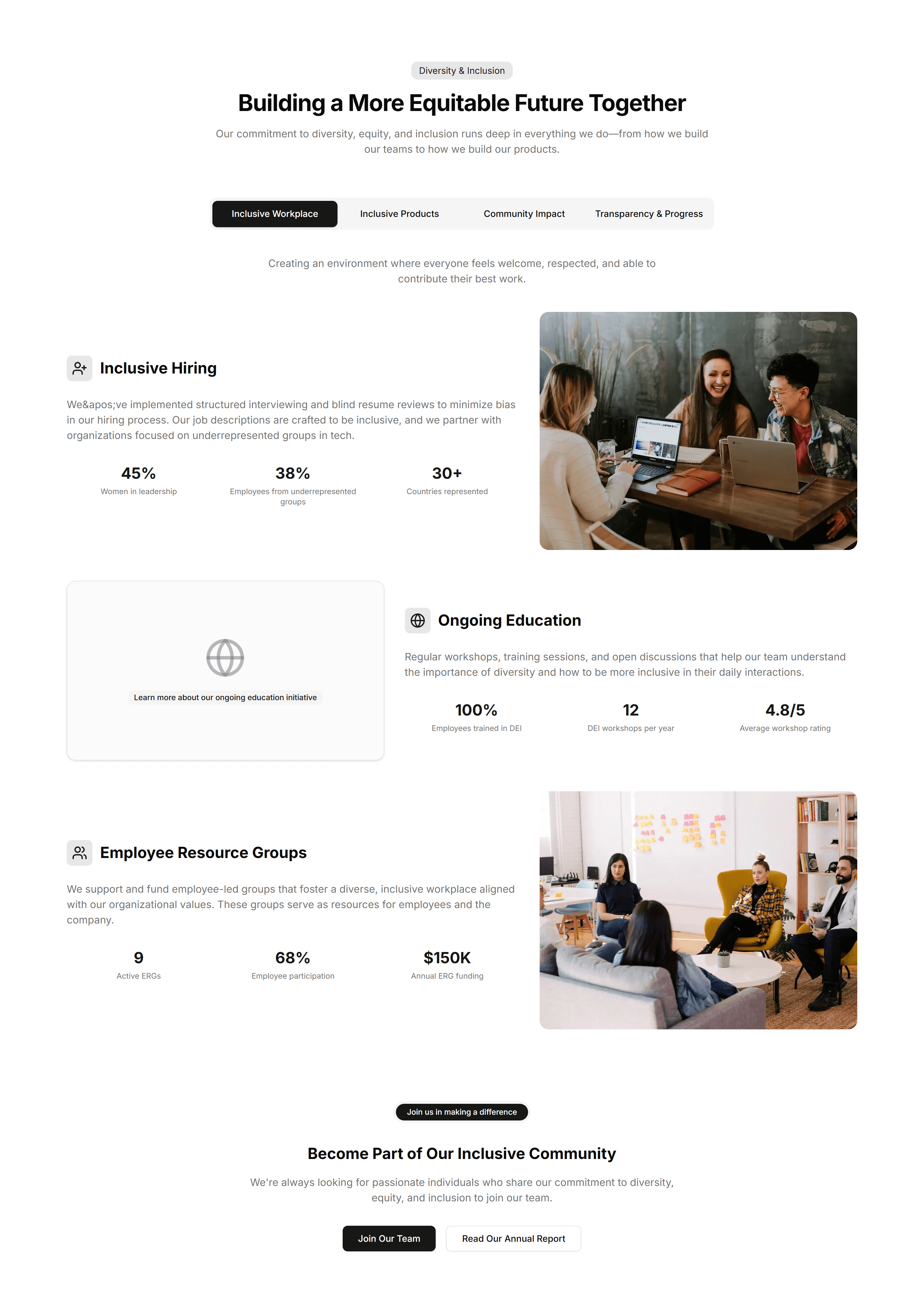
Marketing (Legacy) About Section: Diversity & Inclusion
A section pairing a statement on belonging with supporting stats and imagery. Use it to show how your company invests in people and fairness.
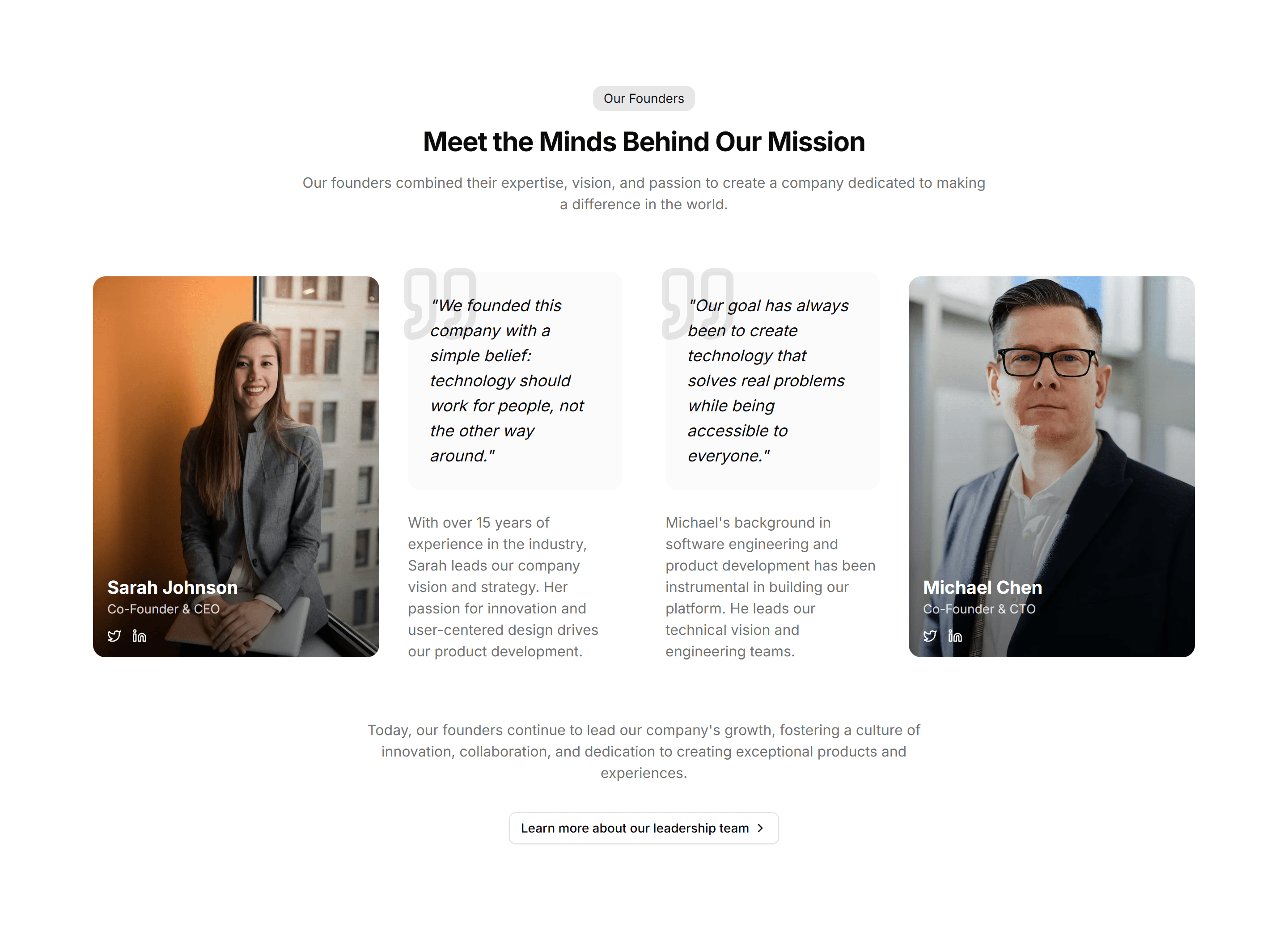
Marketing (Legacy) About Section: Founders
Portrait cards of the founders with names, roles, and a short bio. Use it on an about page to put faces and a personal story behind the company.
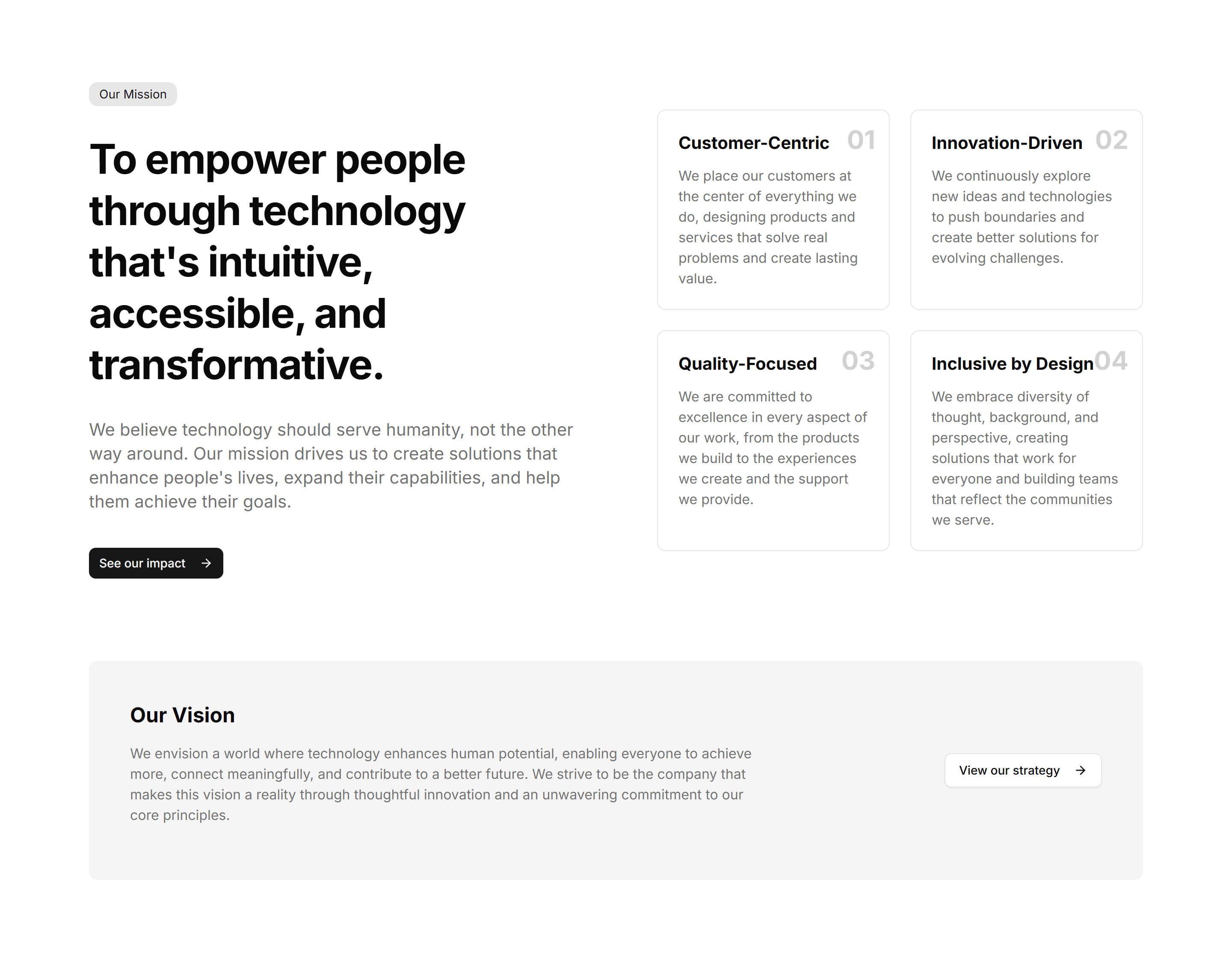
Marketing (Legacy) About Section: Mission Statement
A bold single statement of purpose framed as a centered headline. Use it at the top of an about page to anchor everything in one clear idea.
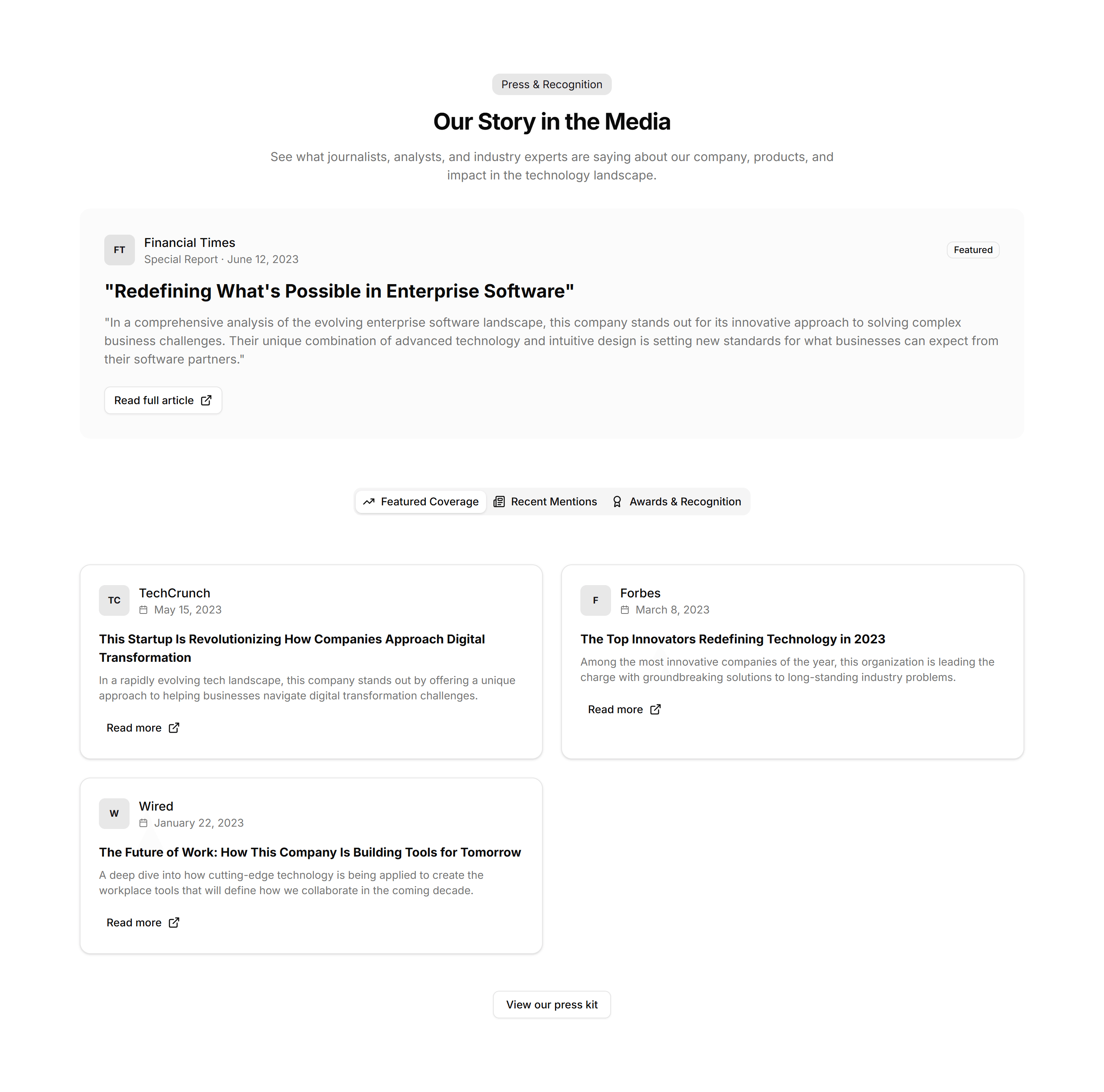
Marketing (Legacy) About Section: Press & Recognitions
A strip of publication logos and pull quotes that show where you have been featured. Use it on an about page to borrow trust from known names.
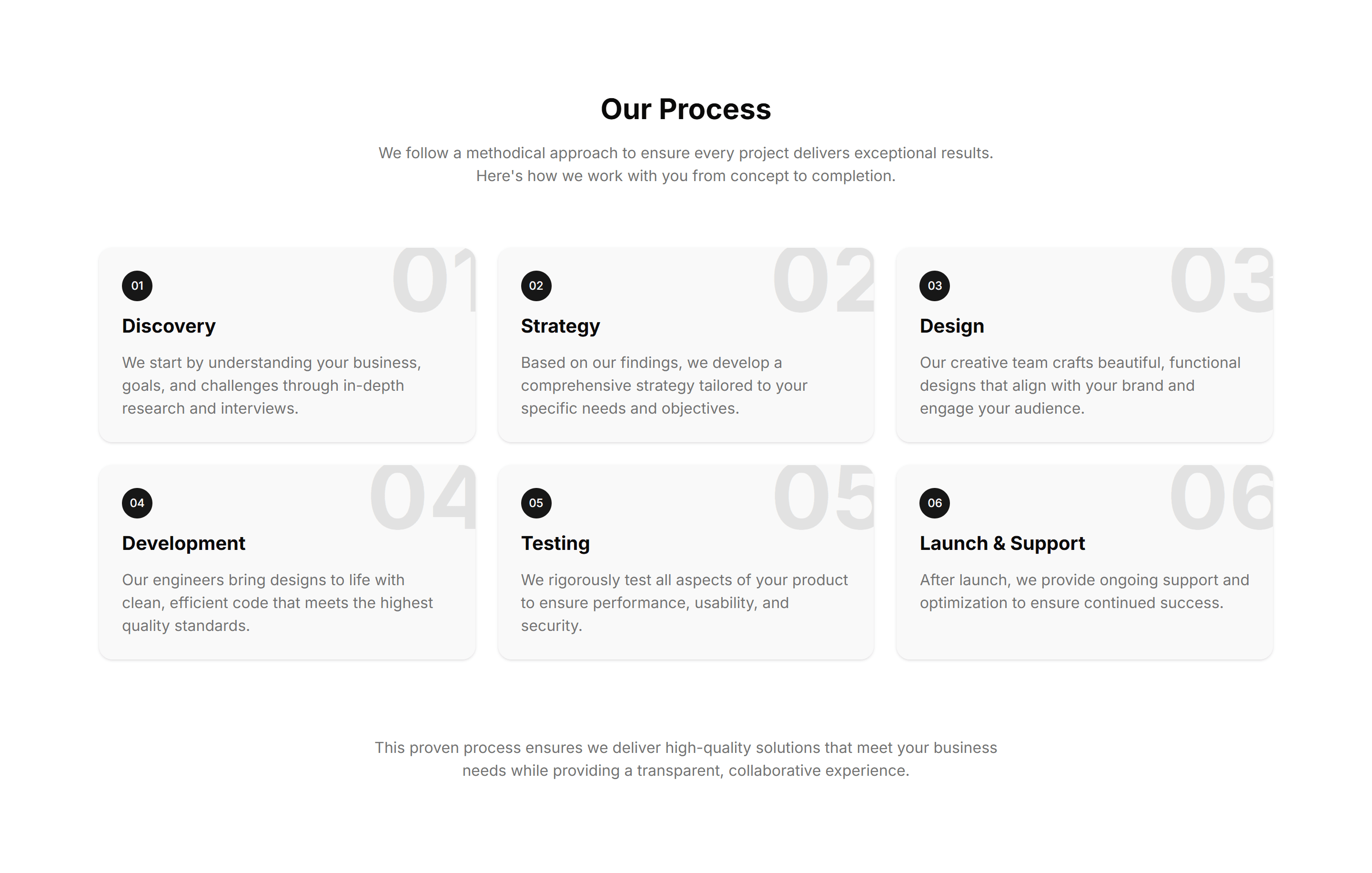
Marketing (Legacy) About Section: Process
Numbered steps that walk through how you work, from first contact to final delivery. Use it on an about or services page to set expectations.
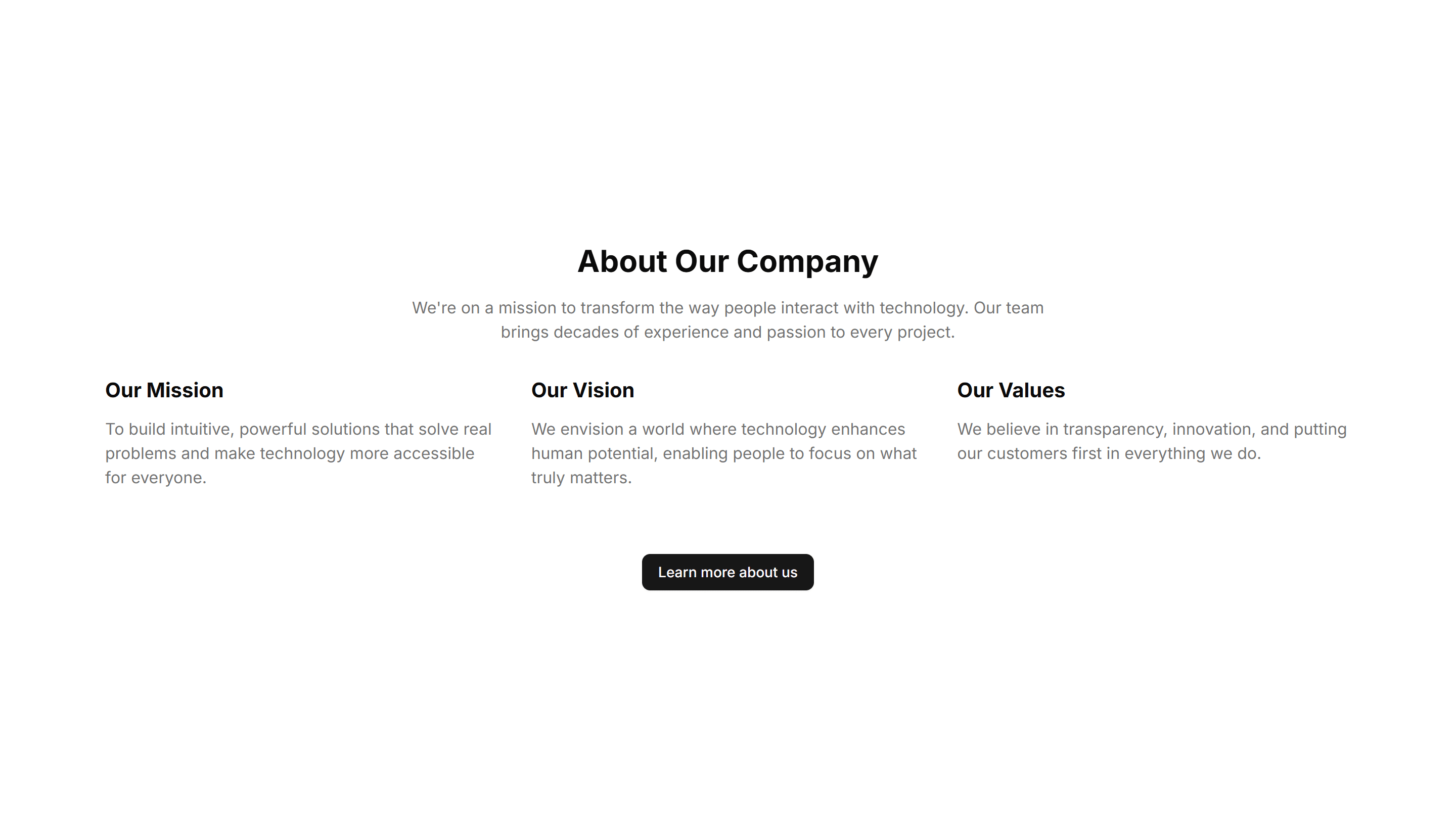
Marketing (Legacy) About Section: Simple
A minimal about block with a heading and a paragraph of company background. Use it when you want to introduce the business without extra clutter.
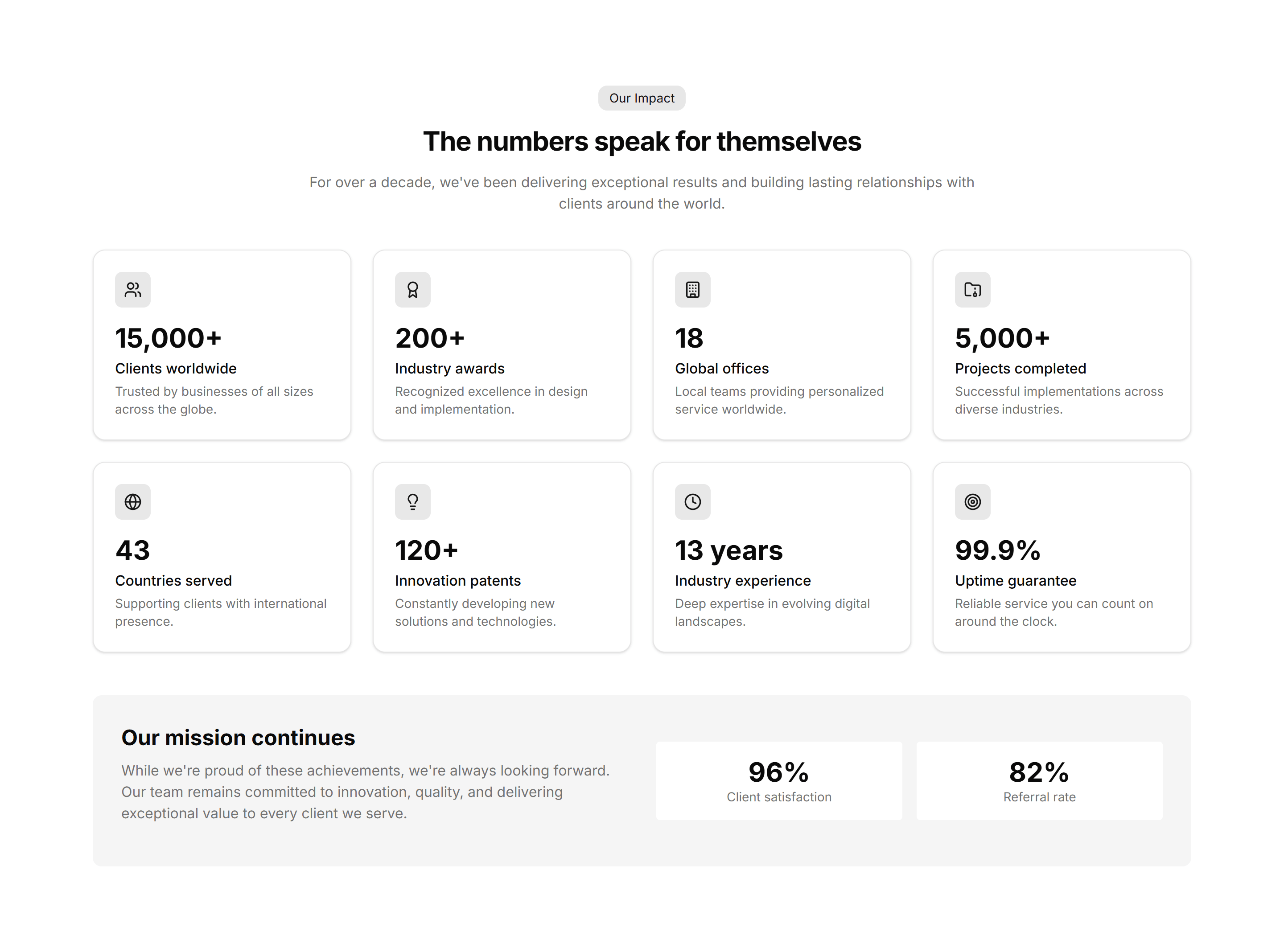
Marketing (Legacy) About Section: Stats Grid
A tidy grid of key numbers with labels for users, revenue, or reach. Use it on an about page to back up your story with solid figures, fast.
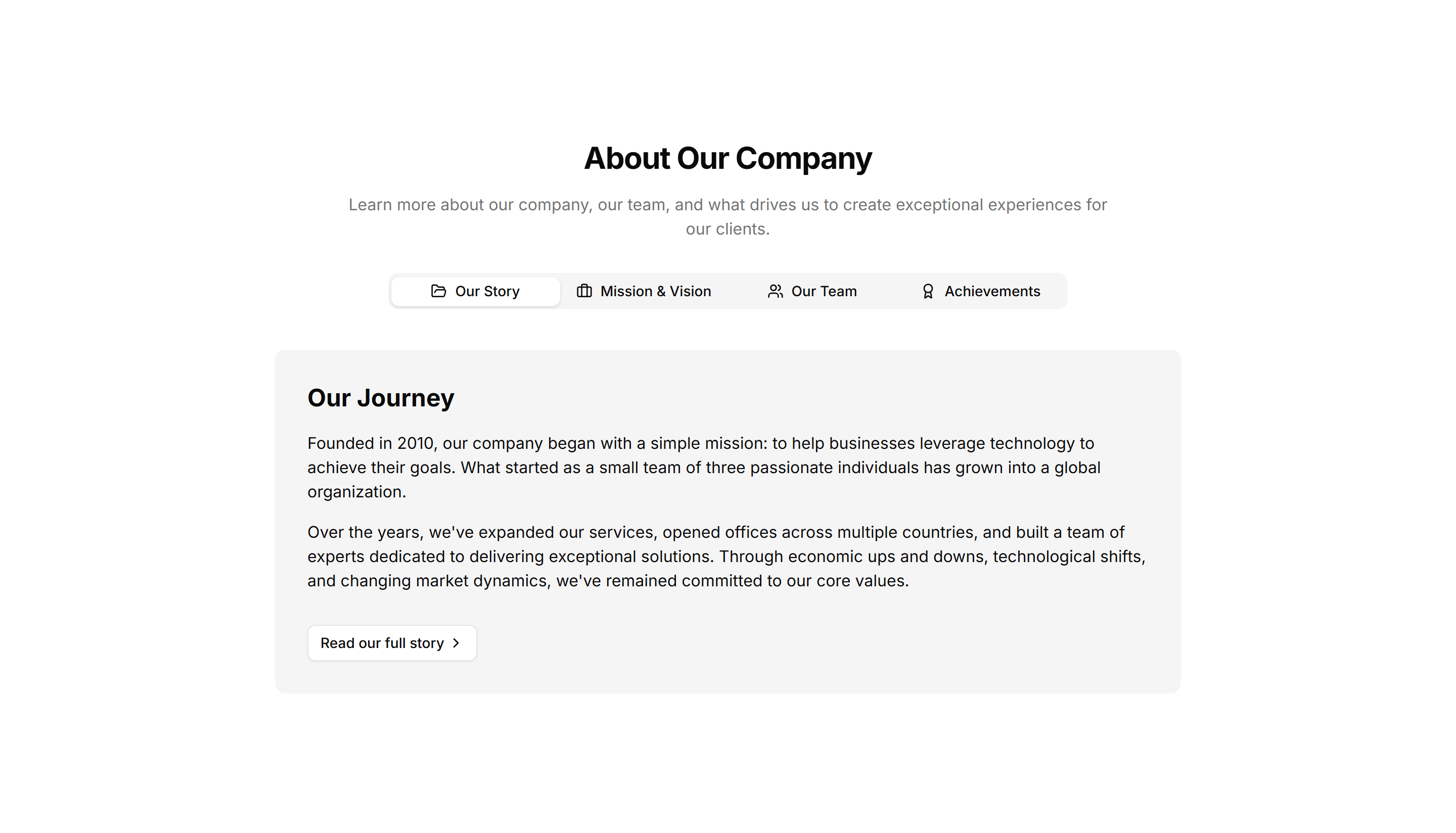
Marketing (Legacy) About Section: Tabs
Tabbed panels that split your story into mission, team, and history. Use it on an about page to pack a lot of context into one compact space.
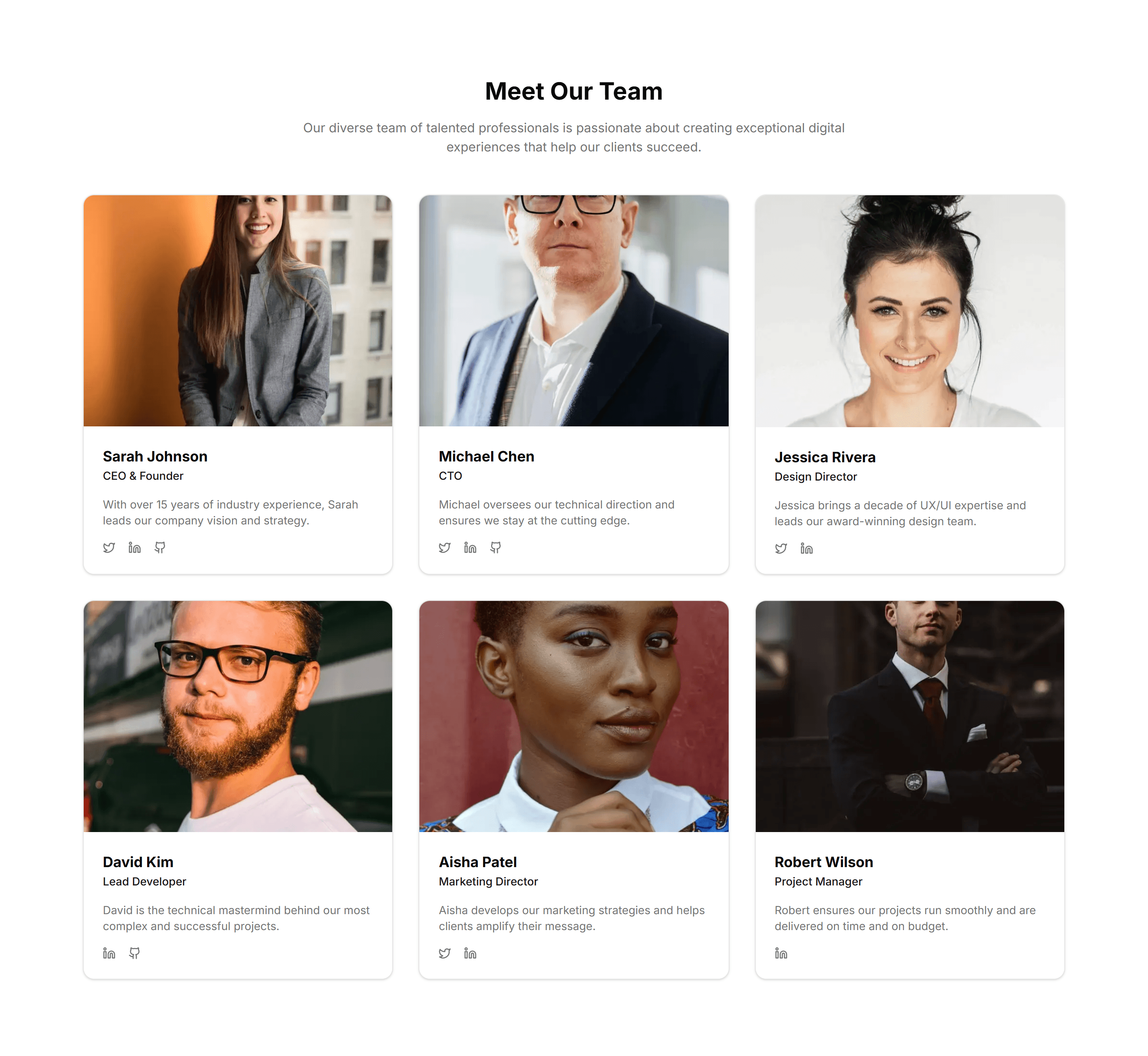
Marketing (Legacy) About Section: Team Grid
A responsive grid of headshots with names, titles, and social links. Use it on an about page to introduce the real people behind your product.
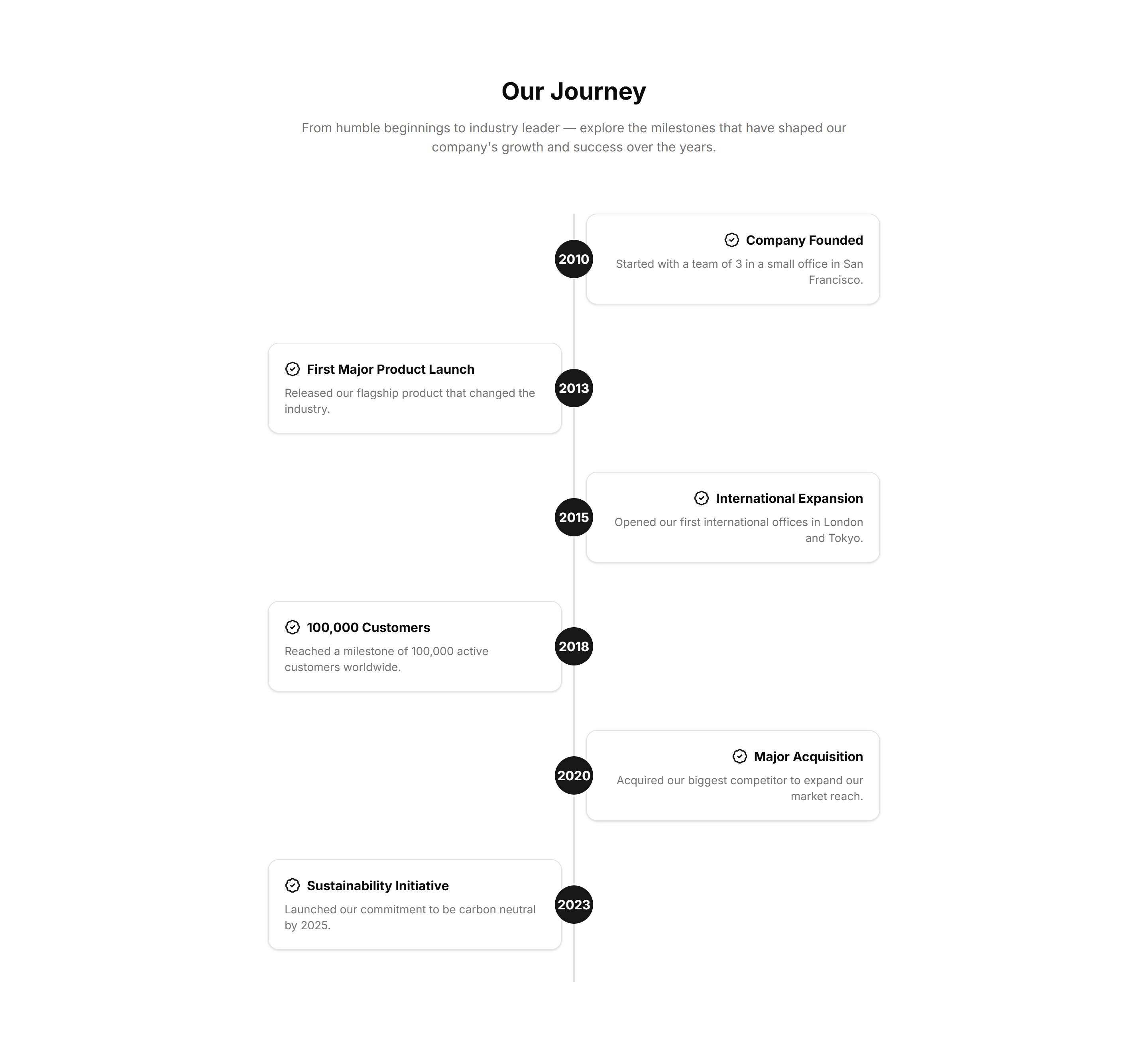
Marketing (Legacy) About Section: Timeline
A vertical list of dated milestones marking how the company grew. Use it on an about page to walk visitors through your story, year by year.
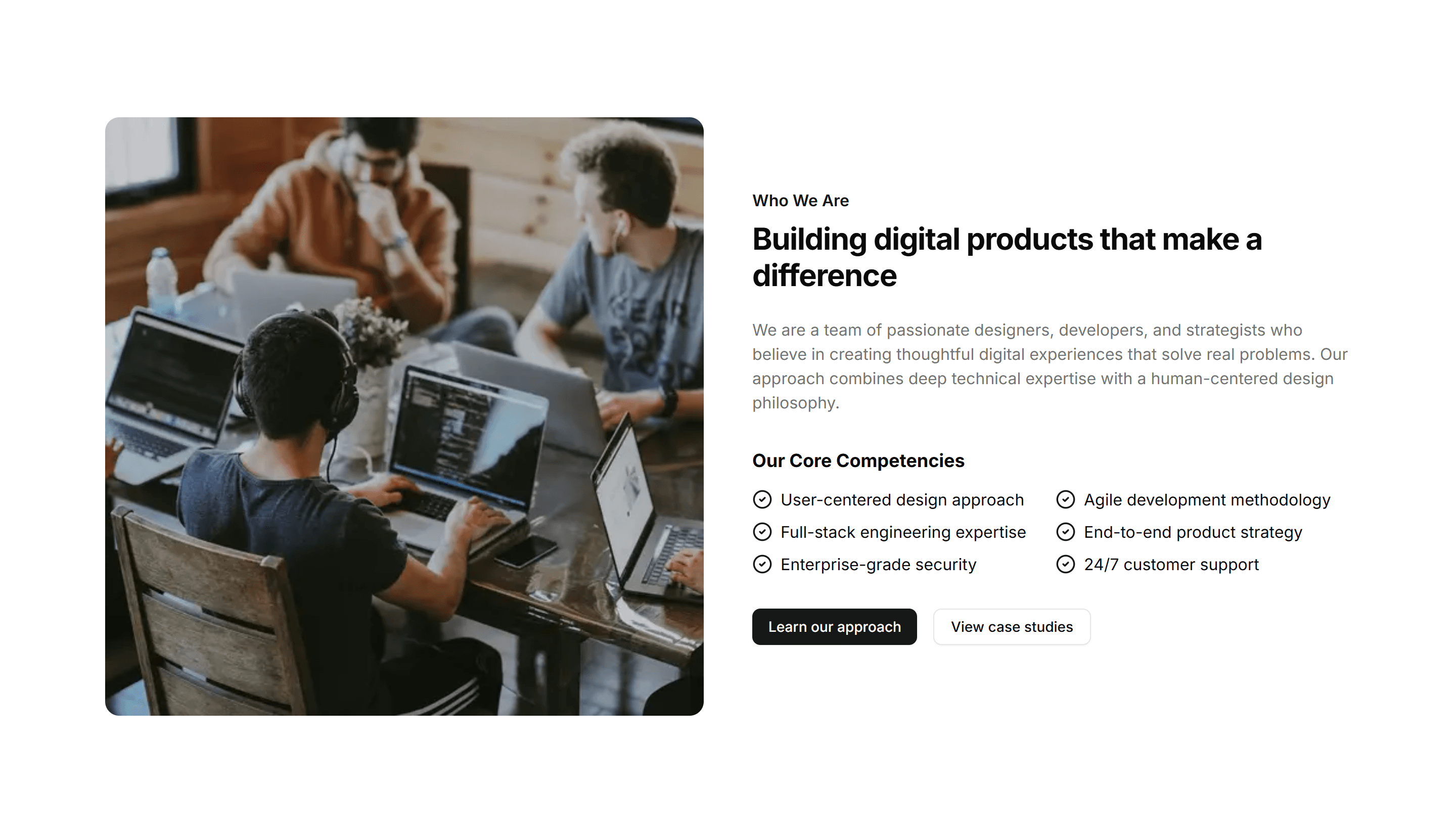
Marketing (Legacy) About Section: Two Column
A split layout with company text on one side and an image on the other. Use it on an about page to balance a short story with a clear visual.
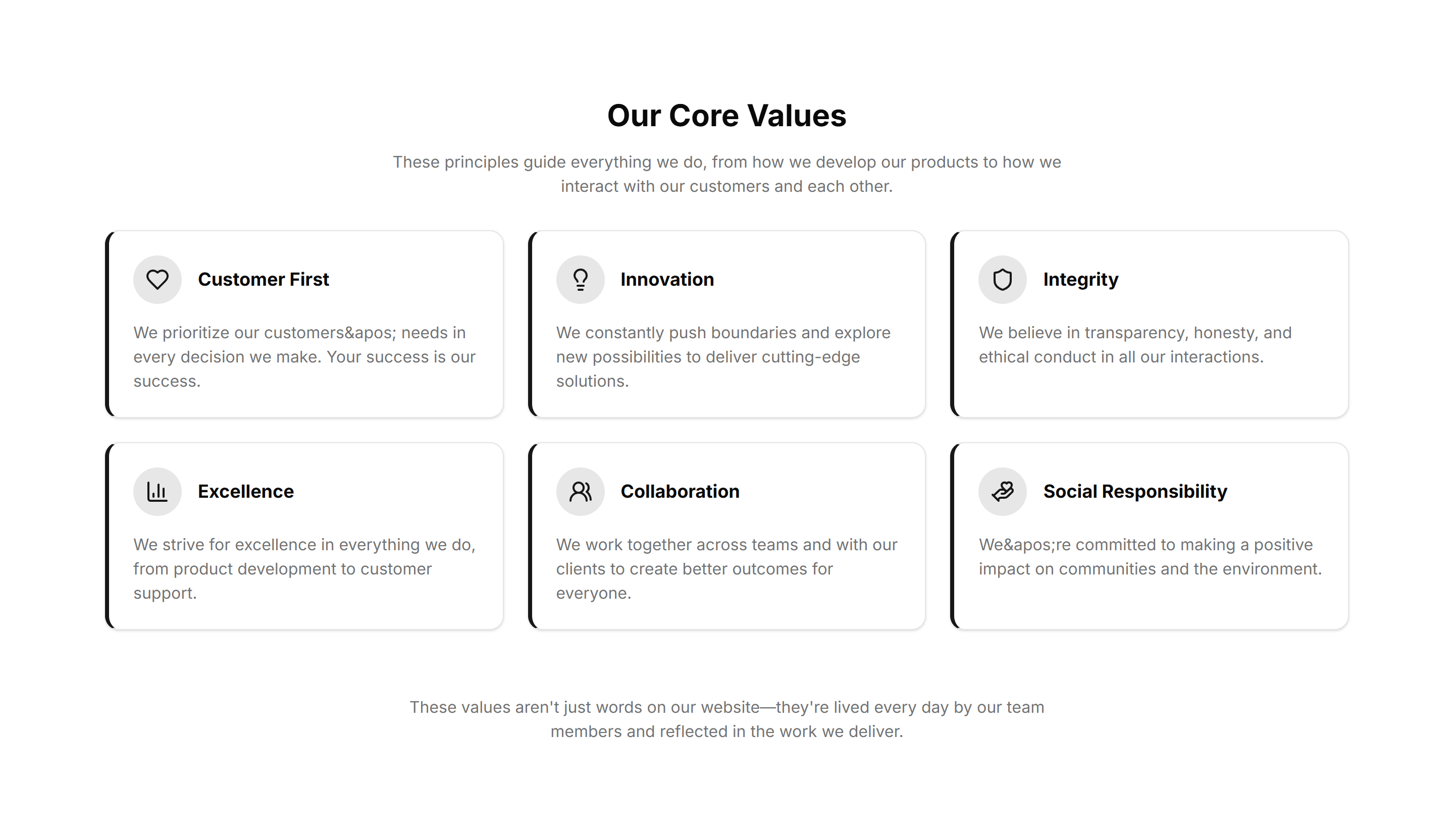
Marketing (Legacy) About Section: Values
A set of value cards each holding an icon, title, and one line. Use it on an about page to share the principles your team works by every day.
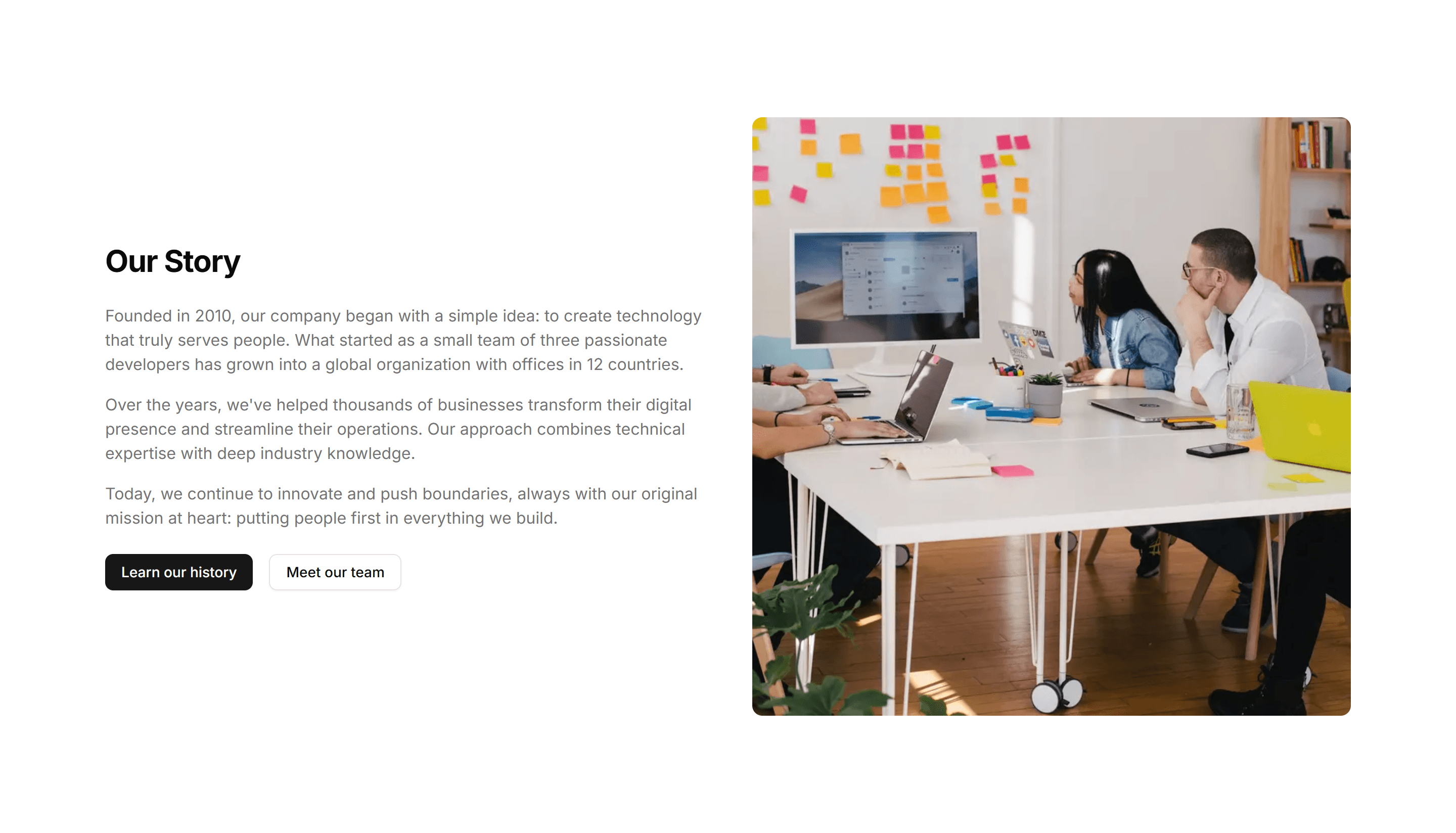
Marketing (Legacy) About Section: With Image
An about block pairing a paragraph of background with a large photo. Use it to introduce the company while a real image builds warmth and trust.
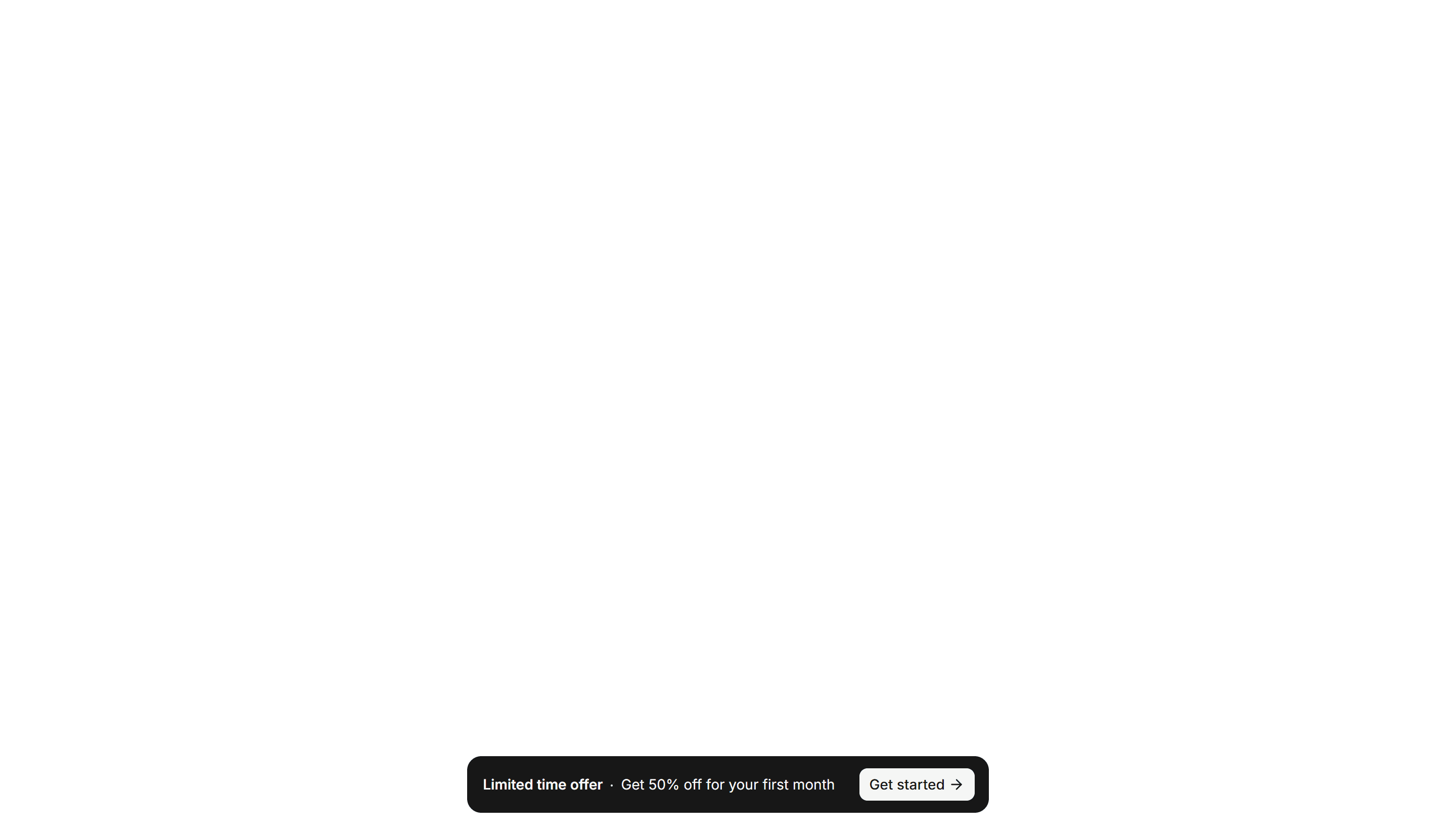
Marketing (Legacy) Announcement Banner: Floating
A banner that floats above page content with rounded corners and a dismiss button. Announce a promotion or update without pushing the layout down.
Marketing (Legacy) Announcement Banner: Simple Centered
A slim bar with centered text and a single dismiss control. Share a short notice like free shipping or a new feature across the top of any page.
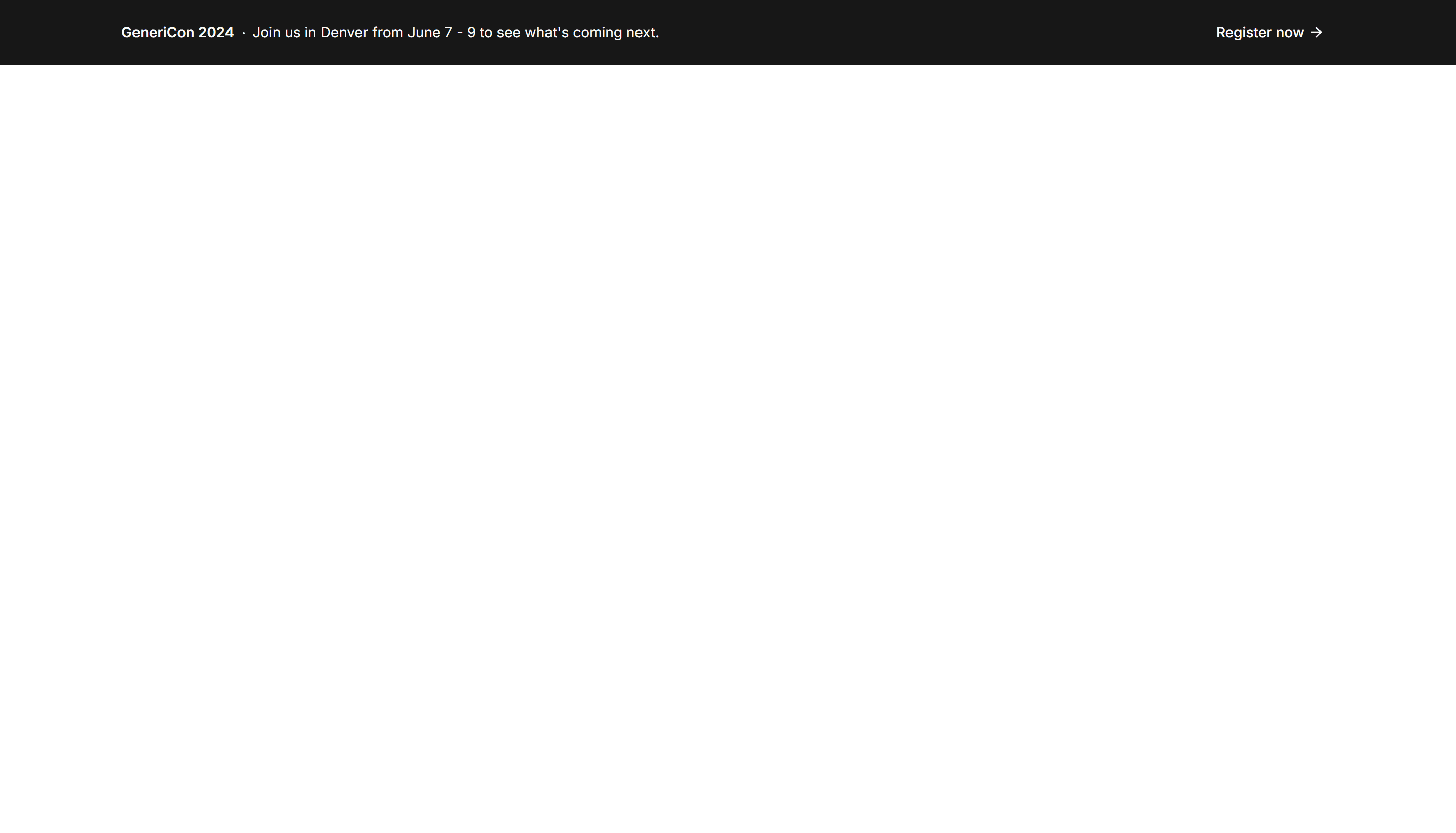
Marketing (Legacy) Announcement Banner: With Action
A banner pairing a short message with a button so readers can act at once. Use it to drive signups, trial starts, or a link to a new release.
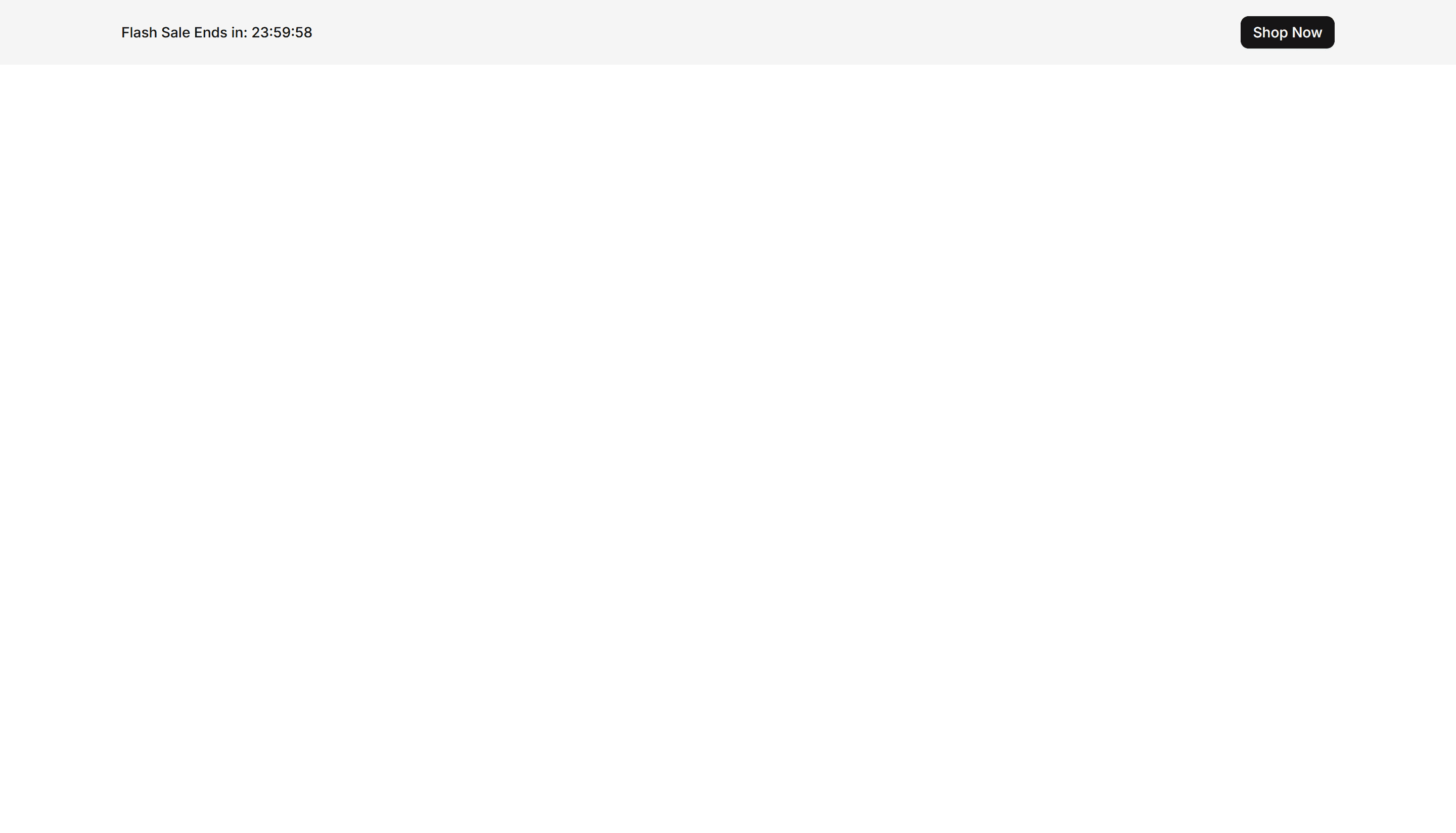
Marketing (Legacy) Announcement Banner: With Countdown
A banner with a live countdown timer beside the message. Build urgency for a sale, webinar, or deadline and prompt visitors to act before time runs out.
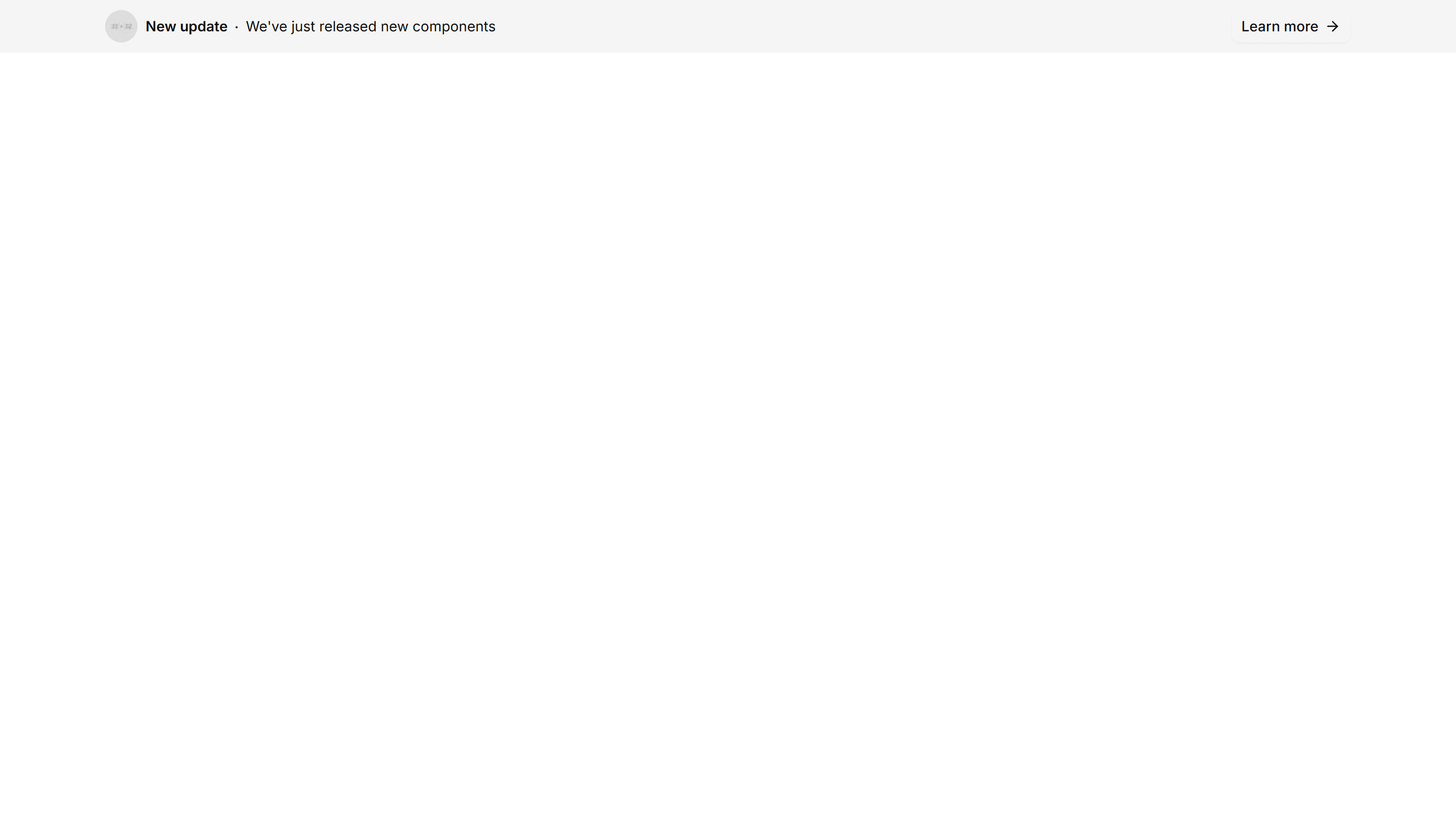
Marketing (Legacy) Announcement Banner: With Image
A banner that places a thumbnail or icon next to the headline and link. Spotlight a product, event, or article with a visual that draws the eye.
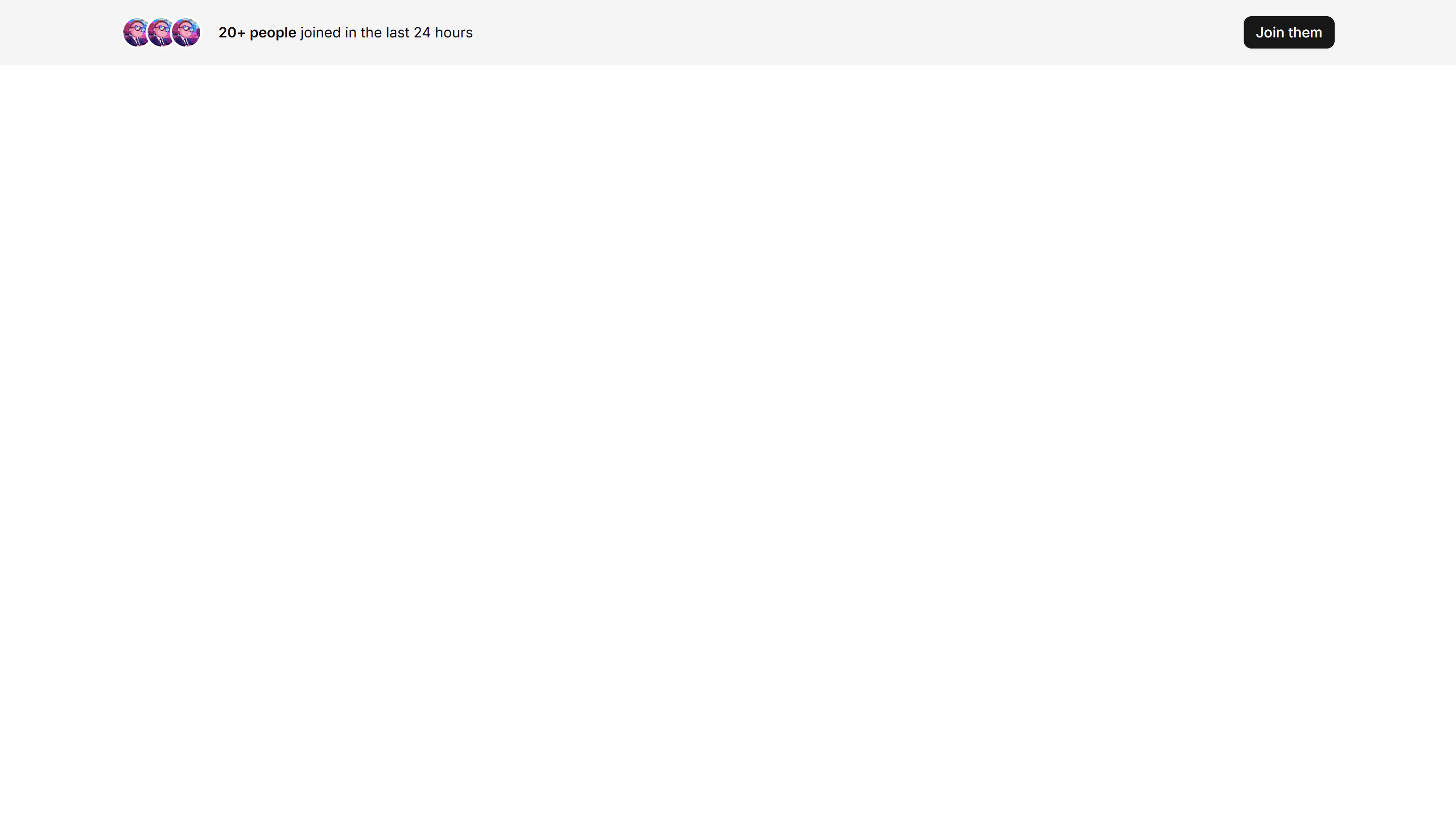
Marketing (Legacy) Announcement Banner: With Social Proof
A banner showing user counts, ratings, or avatars next to the message. Build instant trust at the top of a page and nudge new visitors to convert.
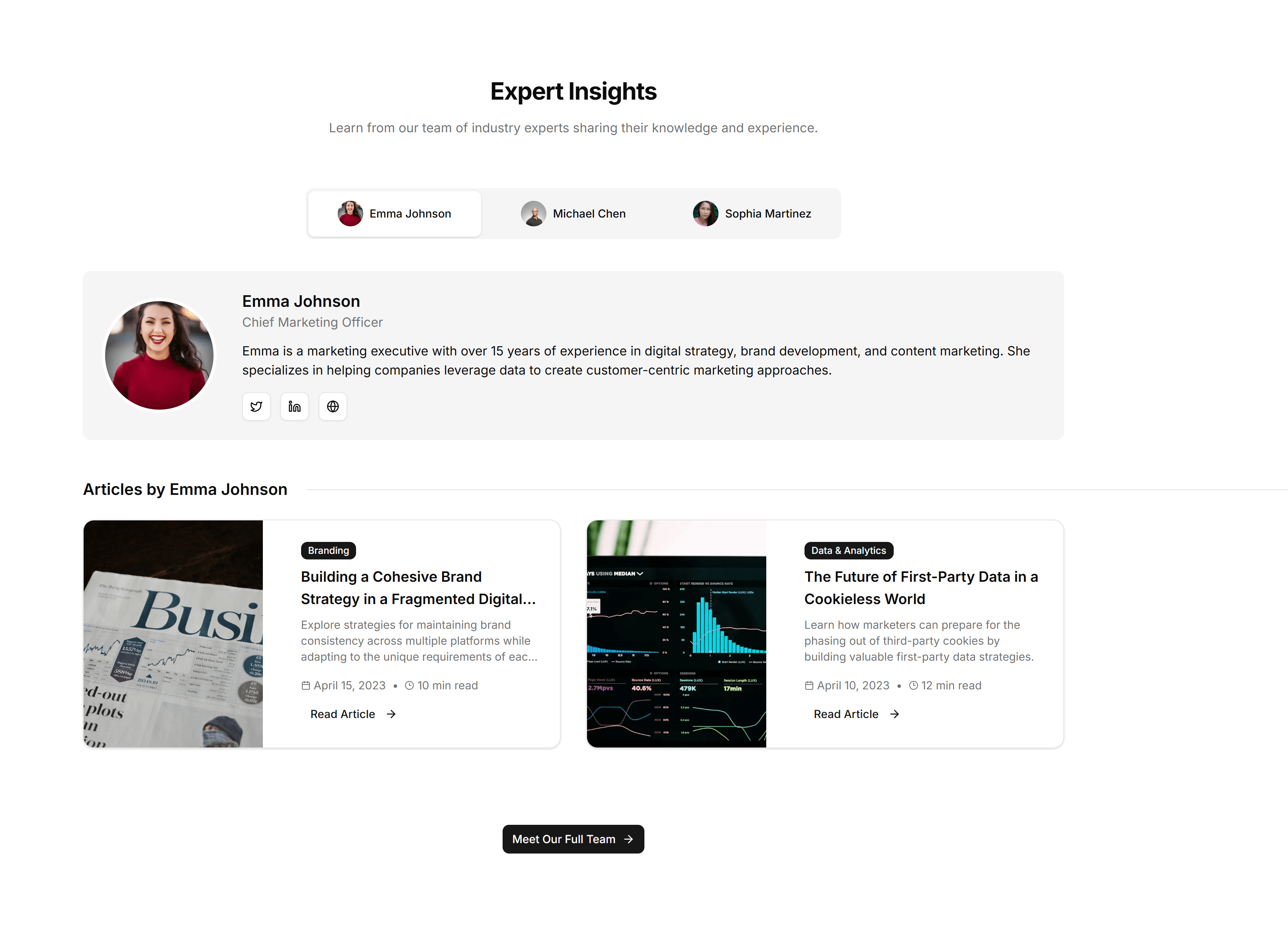
Marketing (Legacy) Blog Section: Author Spotlight
A profile block pairing an author photo, bio, and their latest posts. Use it to build trust on a blog and surface more writing from one voice.
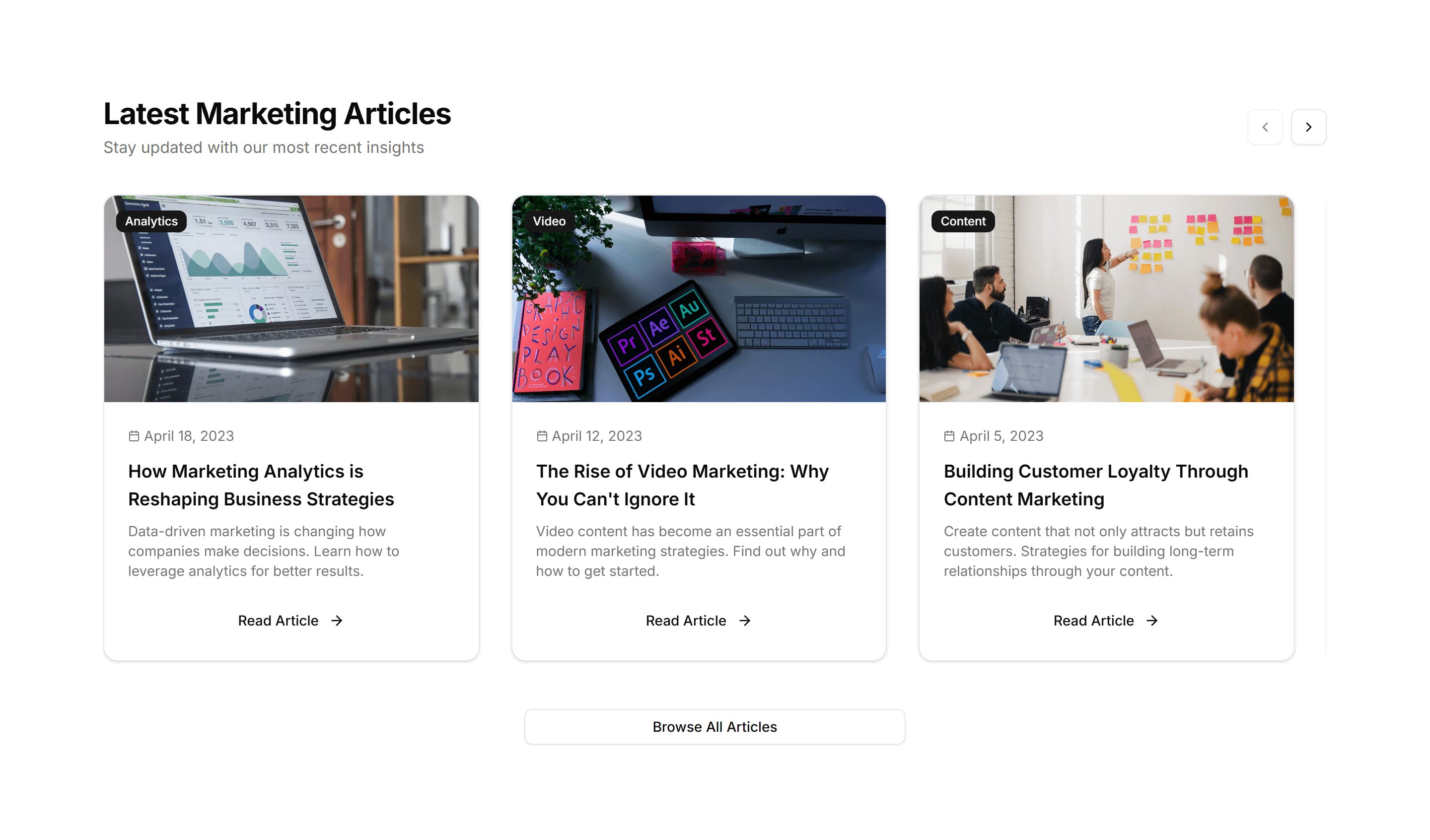
Marketing (Legacy) Blog Section: Carousel
A horizontal slider of article cards with cover images and titles. Use it to feature recent or popular posts in a compact strip readers can swipe.
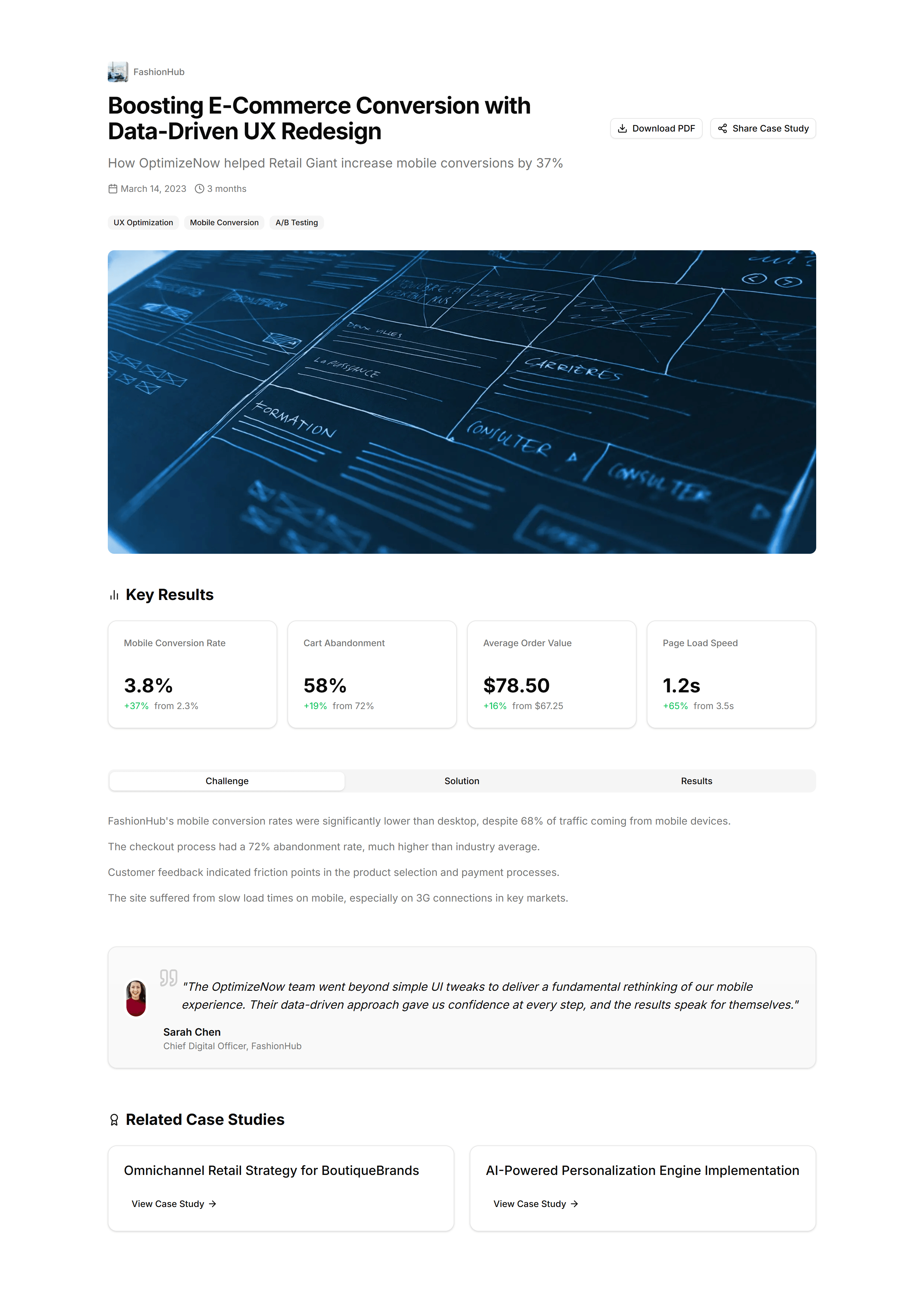
Marketing (Legacy) Blog Section: Case Study Showcase
A grid of case study cards with logos, results, and short summaries. Use it to present customer stories and proof on a results focused blog page.
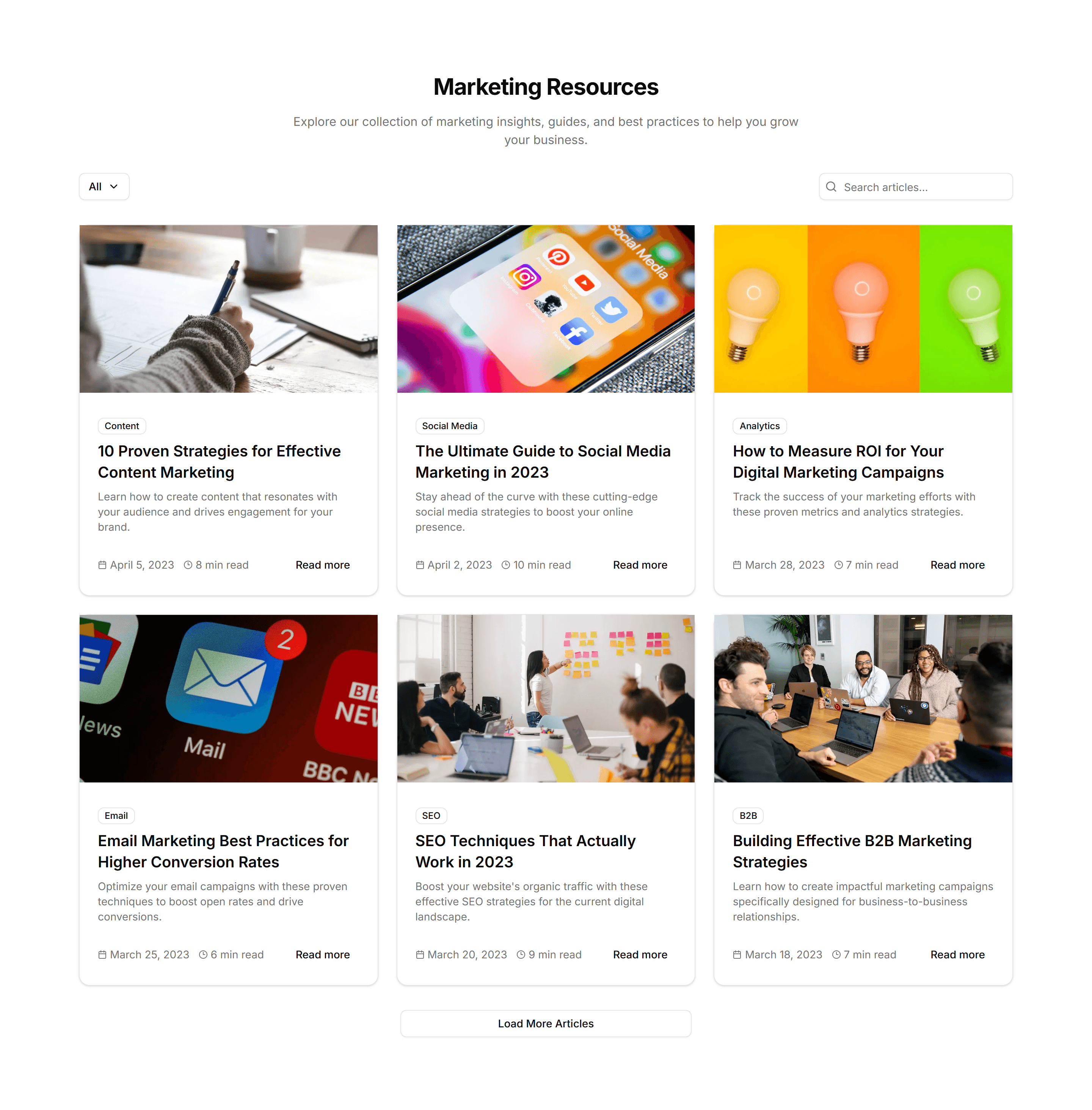
Marketing (Legacy) Blog Section: Category Filter
A post grid paired with category tabs that filter the visible articles. Use it to help readers narrow a busy blog down to the topics they want.
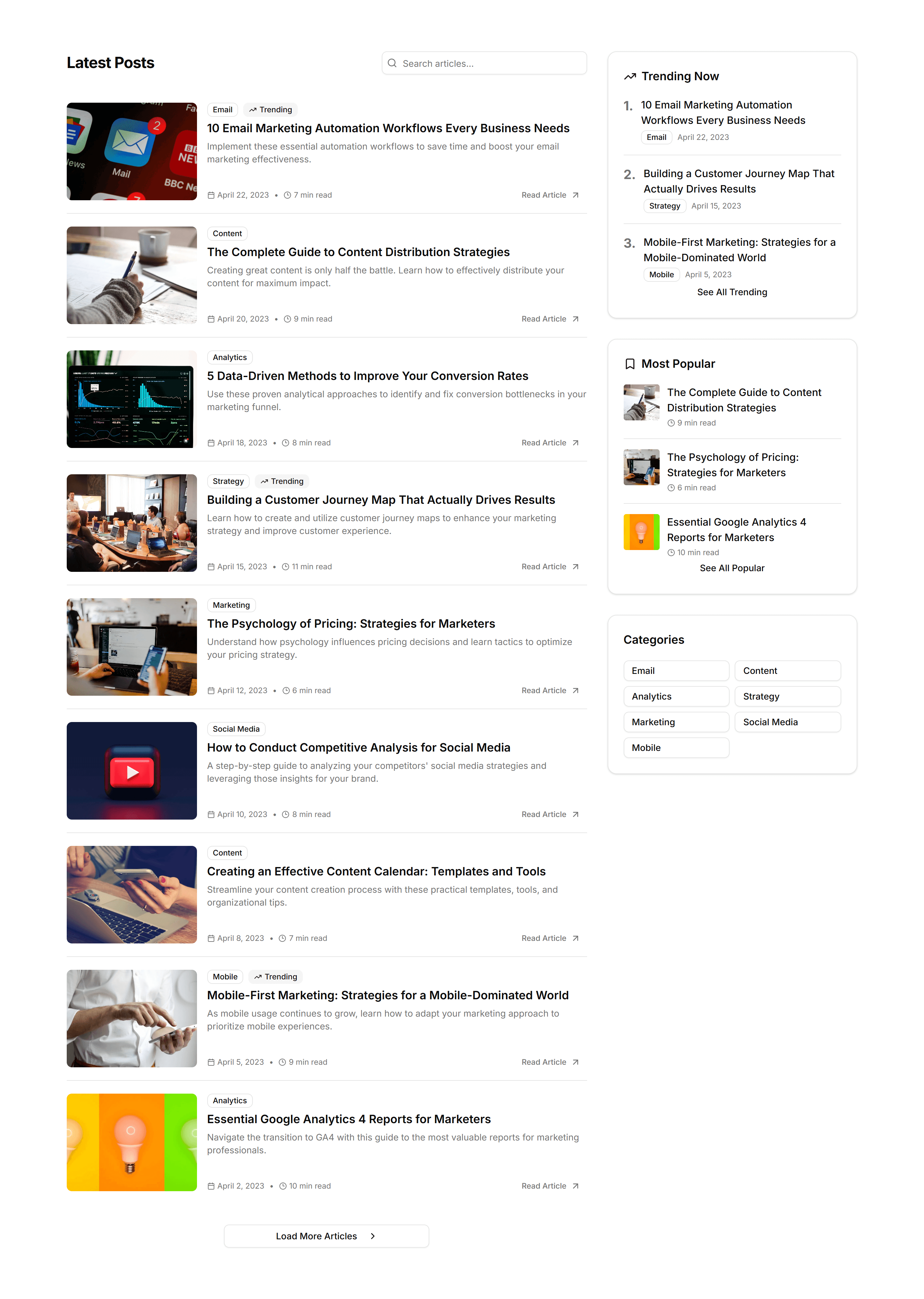
Marketing (Legacy) Blog Section: Compact List
A dense vertical list of posts with titles, dates, and short excerpts. Use it to show many articles in little space on an index or archive page.
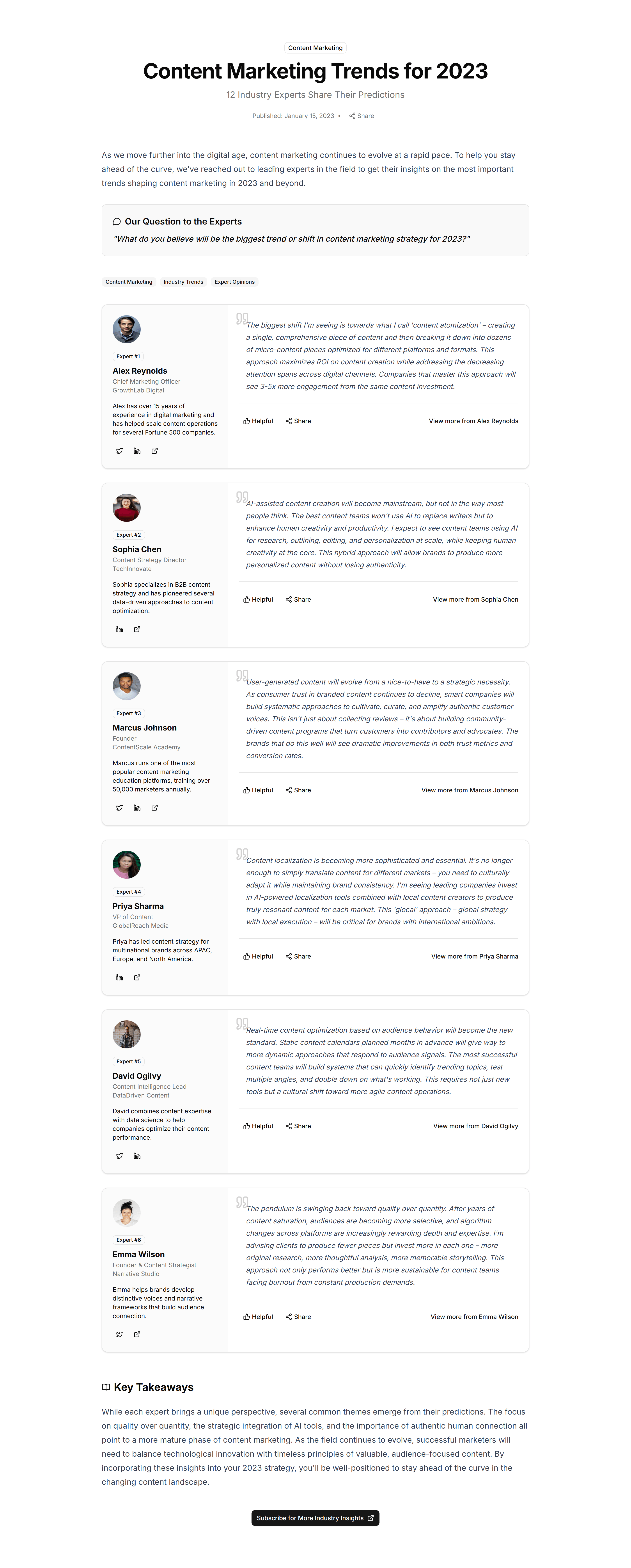
Marketing (Legacy) Blog Section: Expert Roundup
A grid collecting quotes and headshots from several contributors. Use it to package an opinion roundup or panel feature into one shareable post.
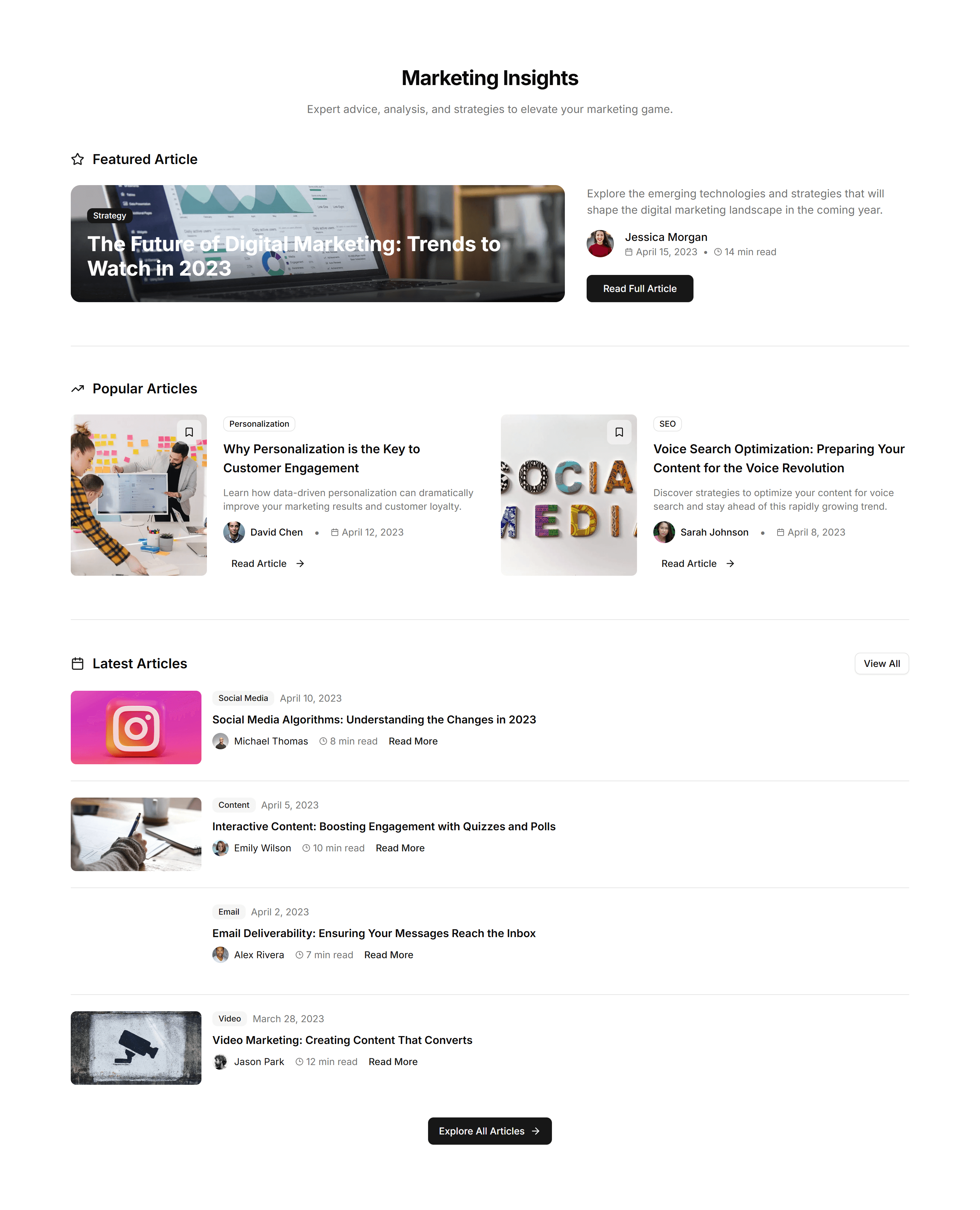
Marketing (Legacy) Blog Section: Featured List
A list led by one large featured article above smaller stacked posts. Use it to spotlight your top story while listing the rest of the feed.
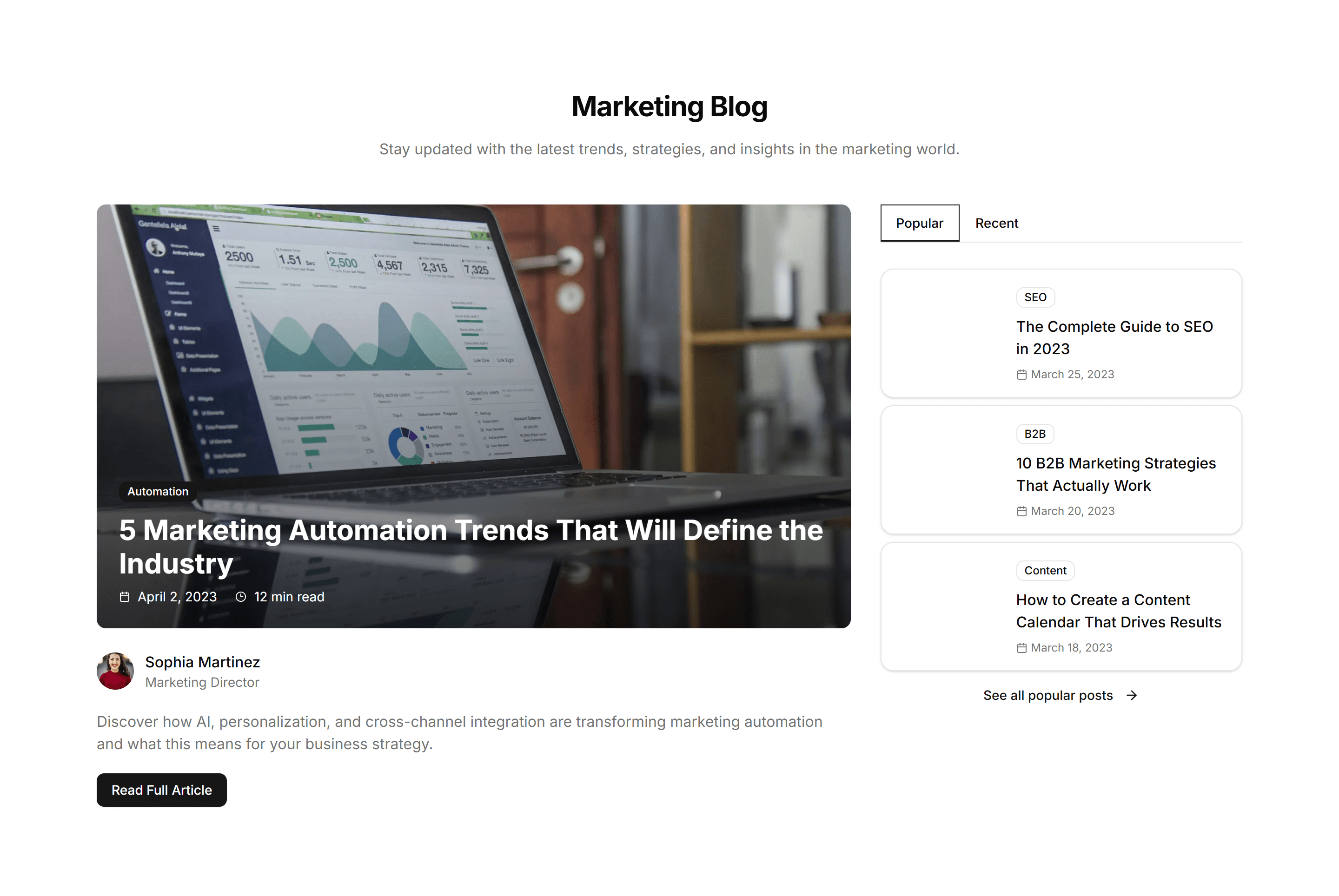
Marketing (Legacy) Blog Section: Featured With Sidebar
A two column layout with a main article feed beside a sidebar of links. Use it for a blog home that mixes posts with categories and promos here.

Marketing (Legacy) Blog Section: Hero Focus
A full width hero centered on a single article with a large cover image. Use it to launch a flagship post and pull readers straight into it.
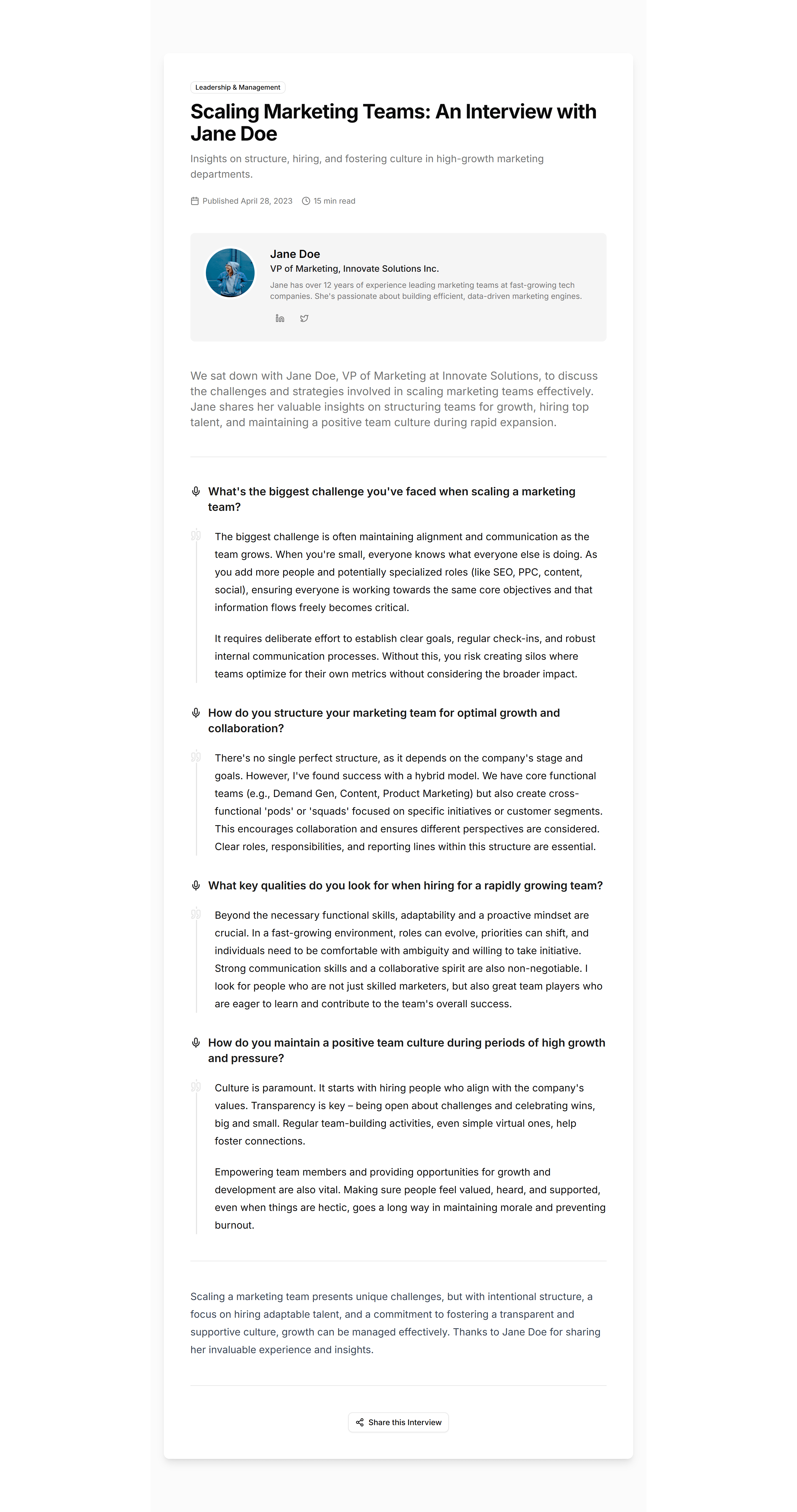
Marketing (Legacy) Blog Section: Interview Format
A question and answer layout with a guest portrait and intro. Use it to publish interviews in a clear, readable format on an editorial blog.
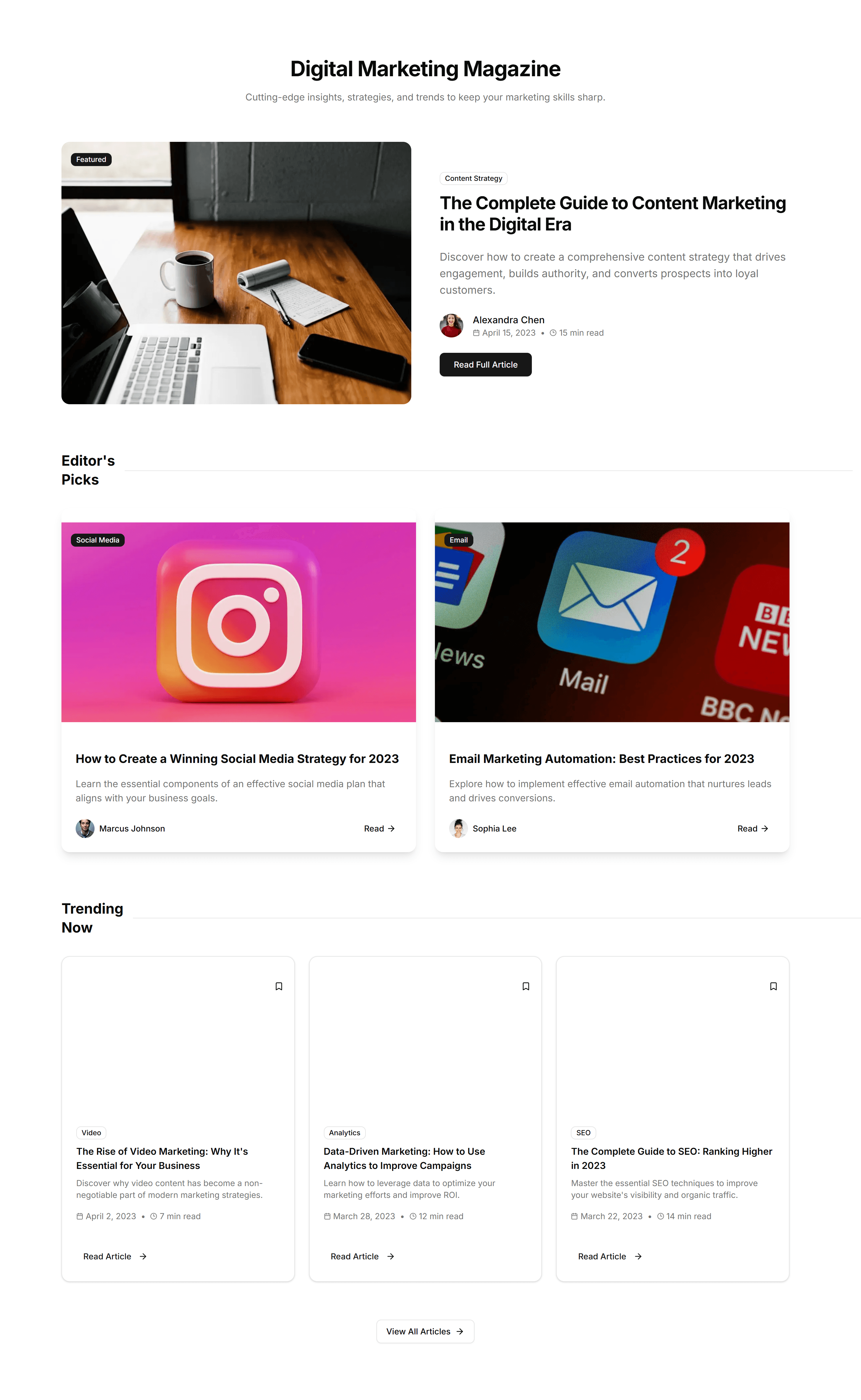
Marketing (Legacy) Blog Section: Magazine Layout
An editorial grid that mixes large and small story cards across columns. Use it to give a content heavy blog the dense feel of a print magazine.
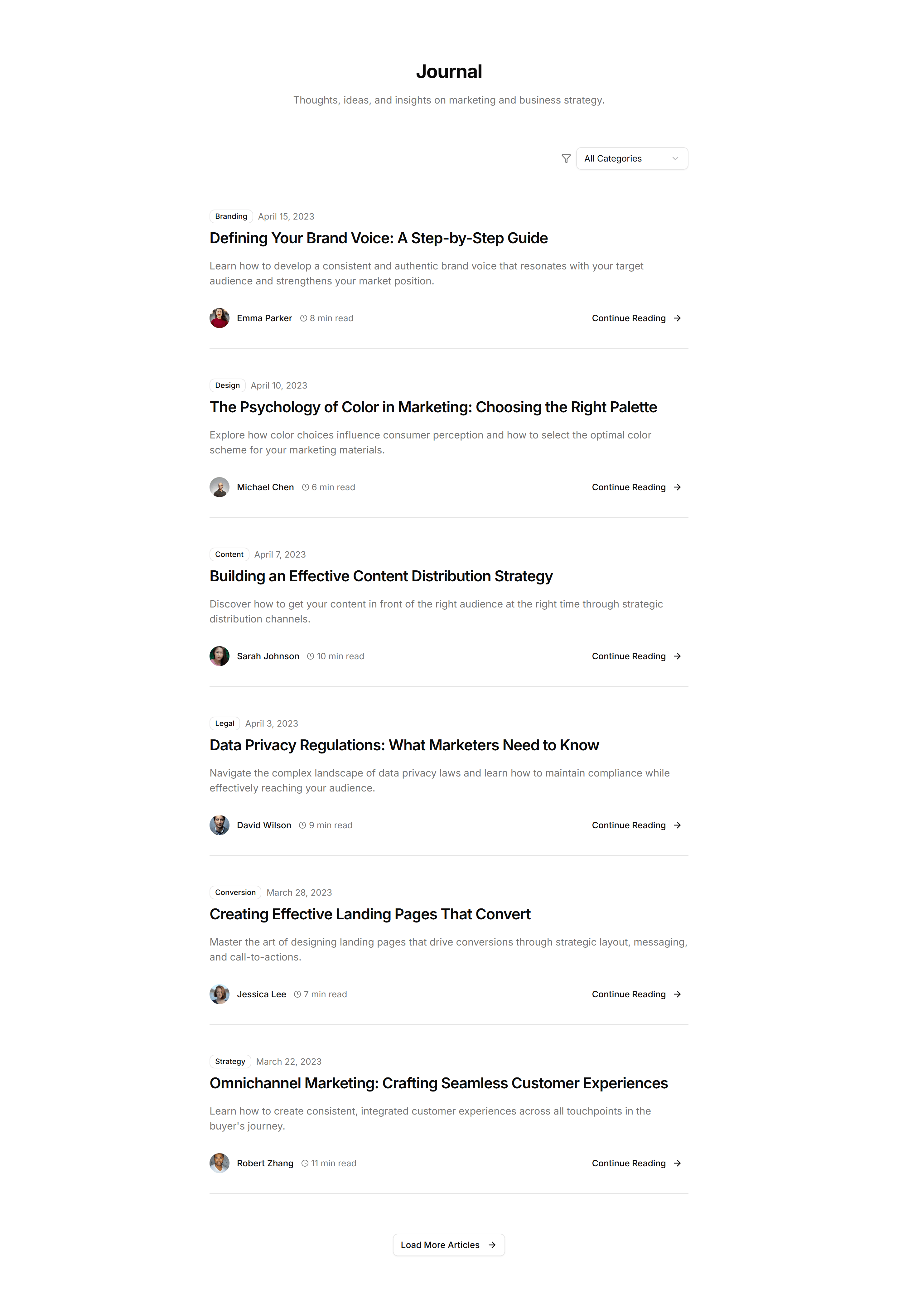
Marketing (Legacy) Blog Section: Minimal Blog
A clean list of post titles, dates, and excerpts set in plenty of space. Use it for a writing focused blog where the words carry the whole page.
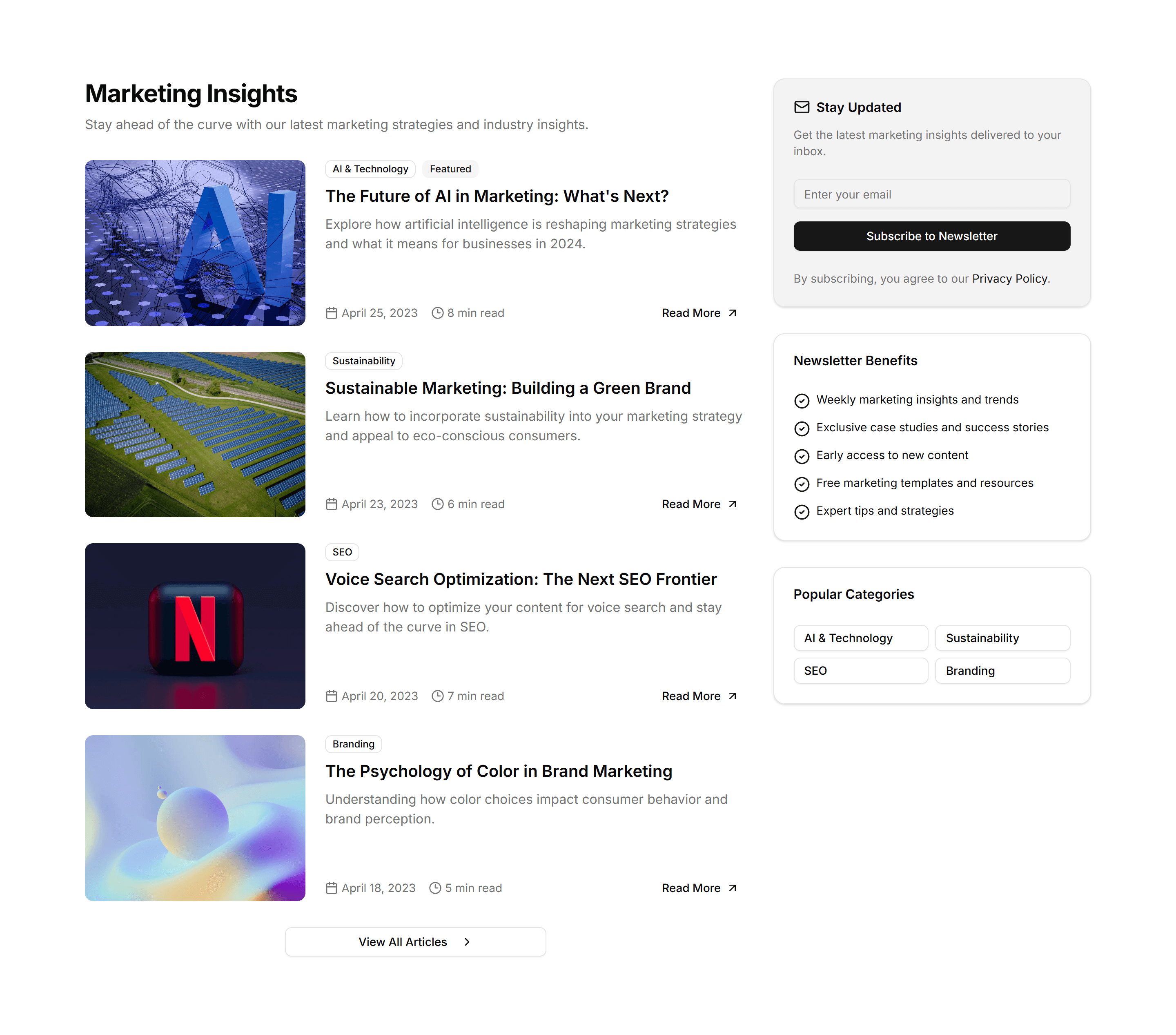
Marketing (Legacy) Blog Section: Newsletter Blog
An article feed combined with an email signup form and short prompt. Use it to grow a subscriber list while showcasing your most recent posts.
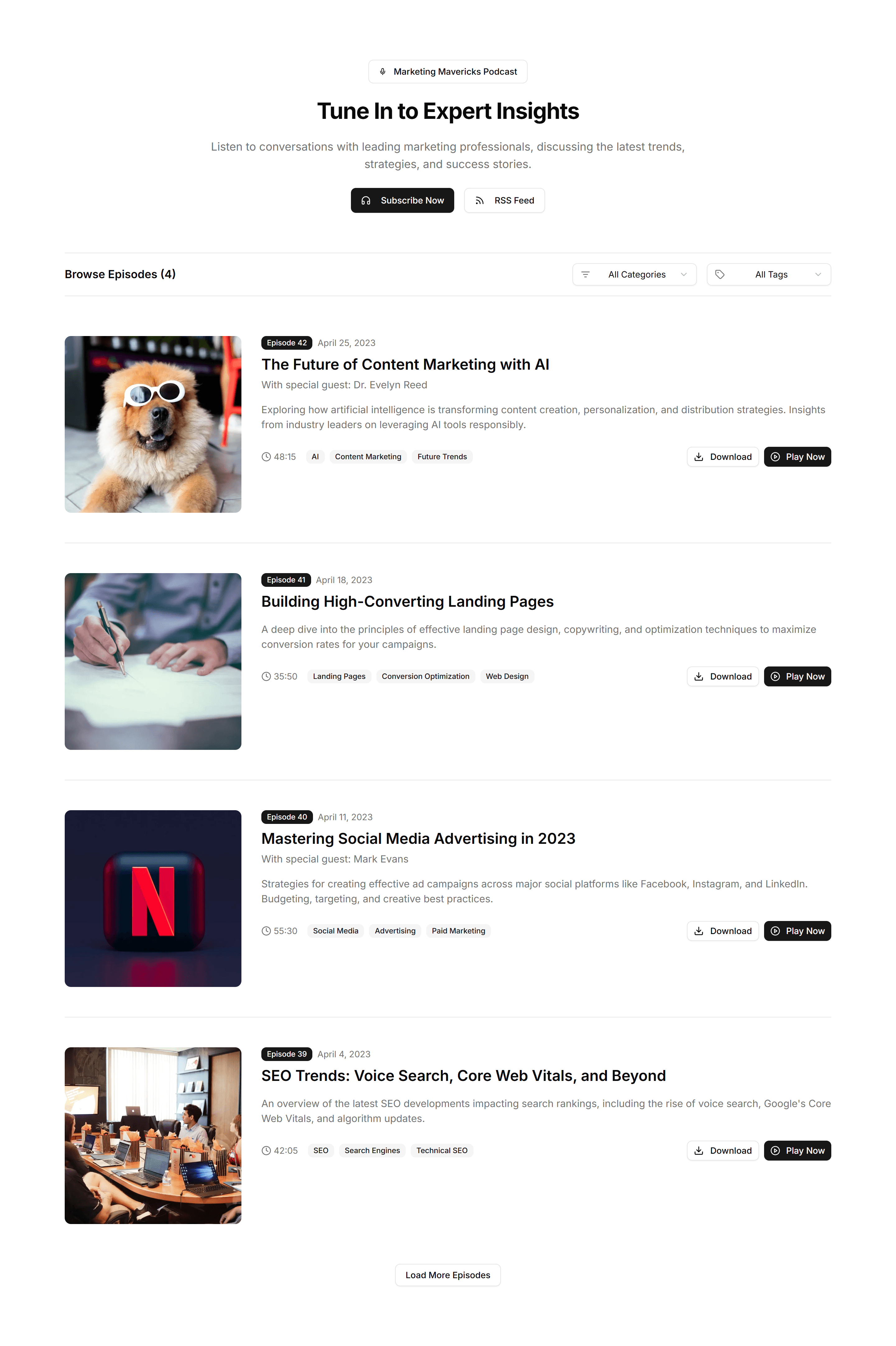
Marketing (Legacy) Blog Section: Podcast List
A list of episode cards with cover art, titles, and play controls. Use it to publish a podcast feed where listeners browse and start episodes.
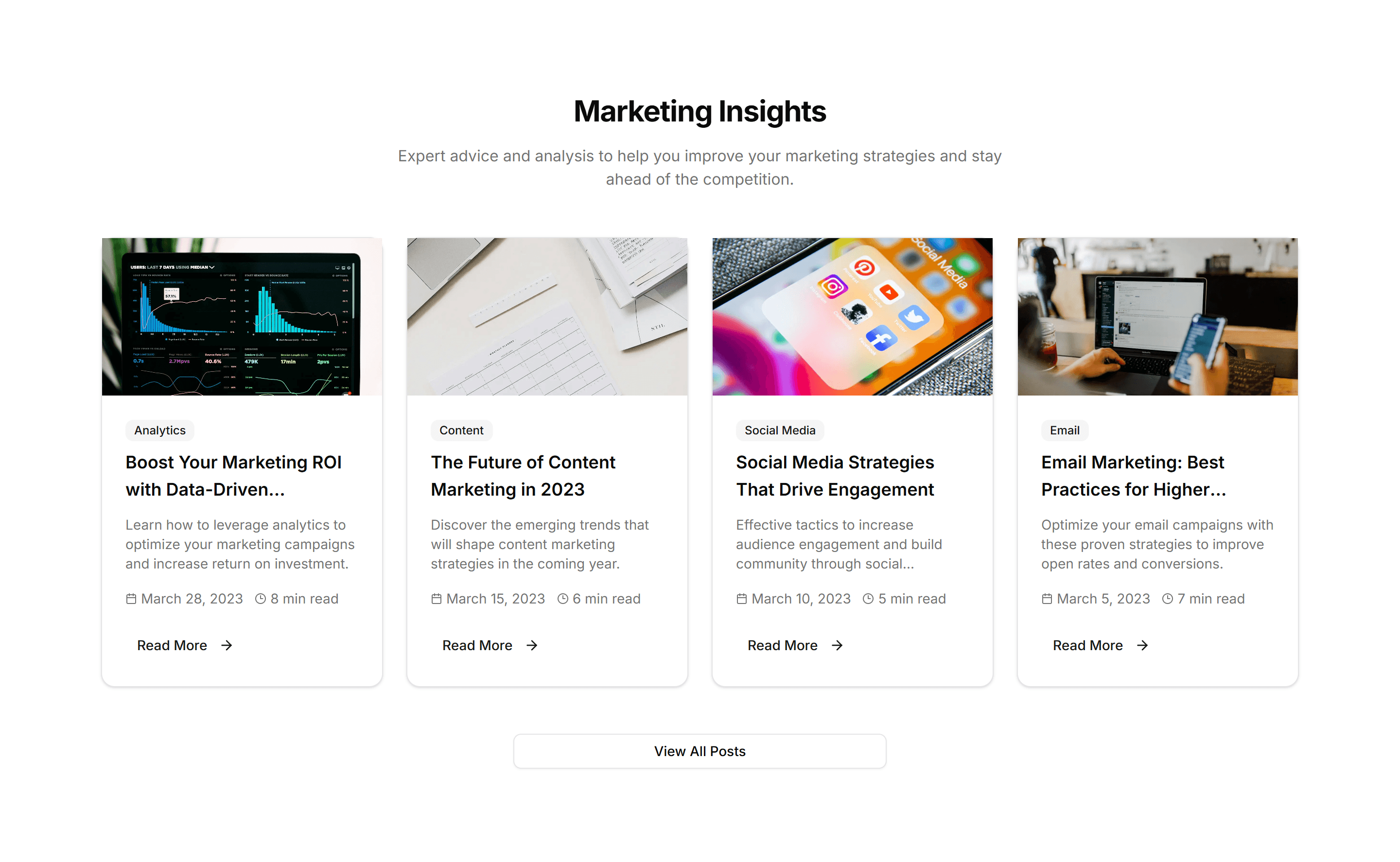
Marketing (Legacy) Blog Section: Simple Grid
An even grid of article cards with cover images, titles, and dates. Use it as a clean, flexible blog index that scales to any number of posts.
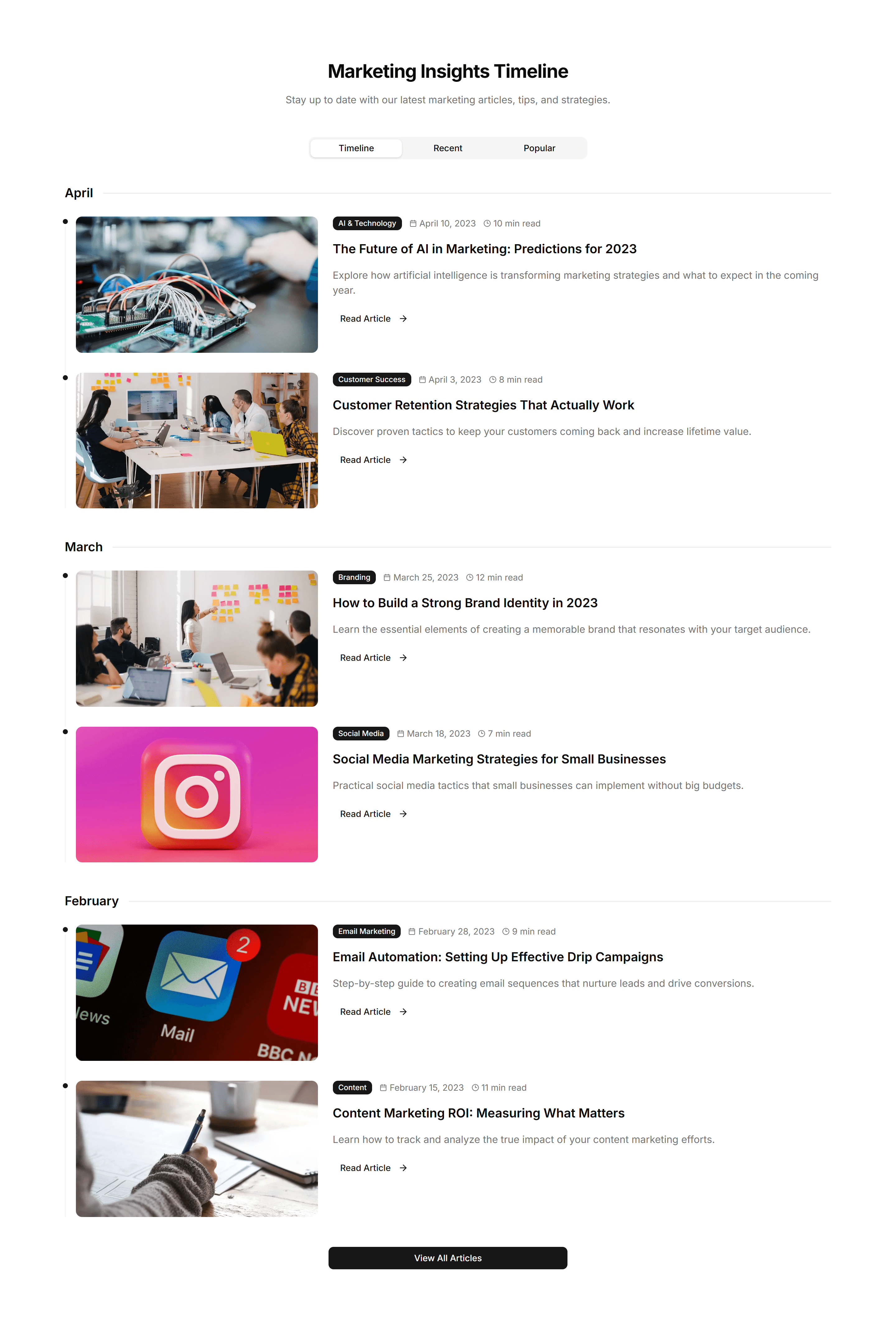
Marketing (Legacy) Blog Section: Timeline Blog
A vertical timeline that orders posts by date with markers and dots. Use it for a changelog, release notes, or a chronological story archive.
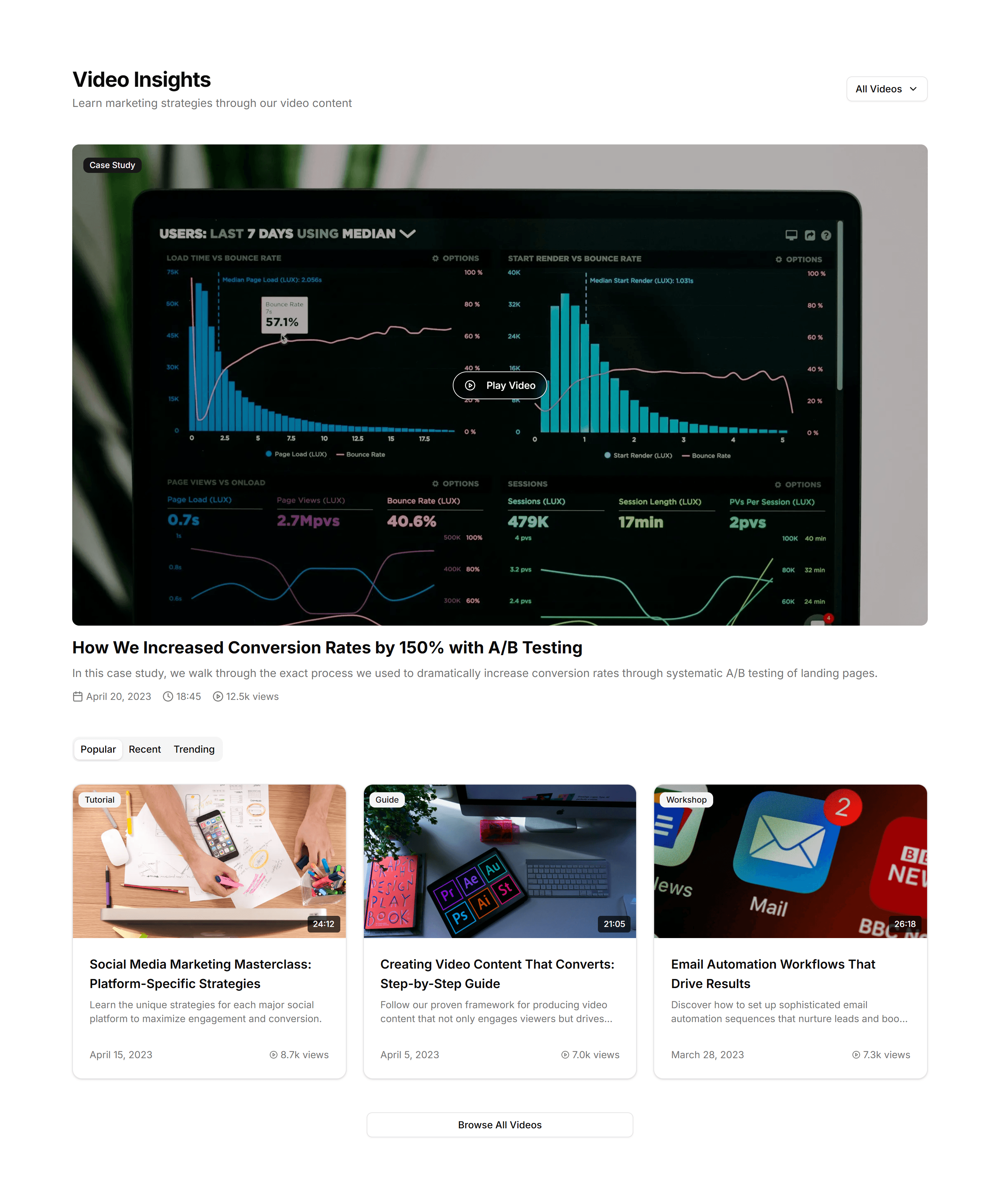
Marketing (Legacy) Blog Section: Video Blog
A grid of video cards with thumbnails, durations, and titles. Use it to run a video first blog where each card opens a clip or full episode.
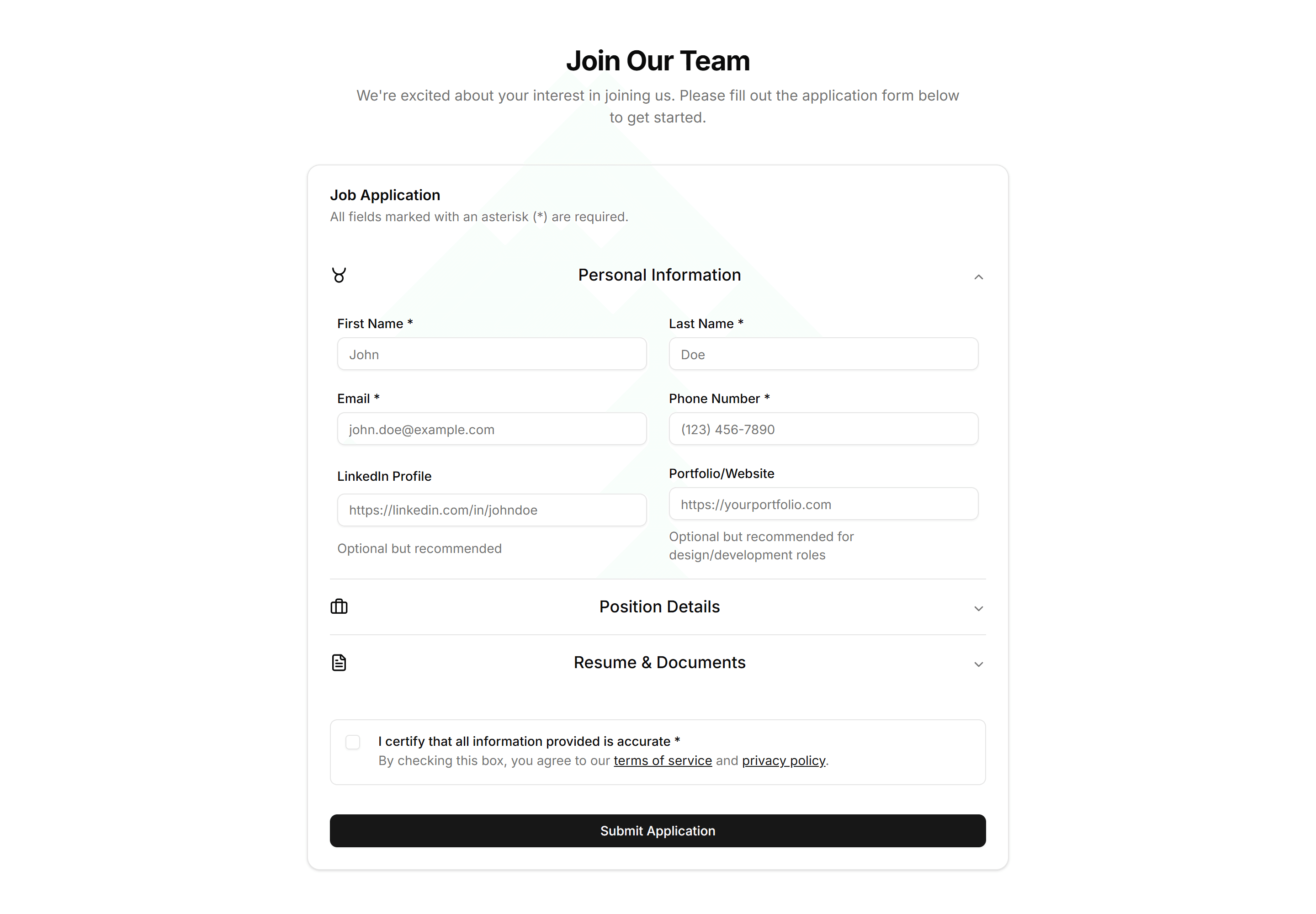
Marketing (Legacy) Career: Application Form
A job application form with fields for contact details, resume upload, and a cover letter. Lets candidates apply directly from your careers page.
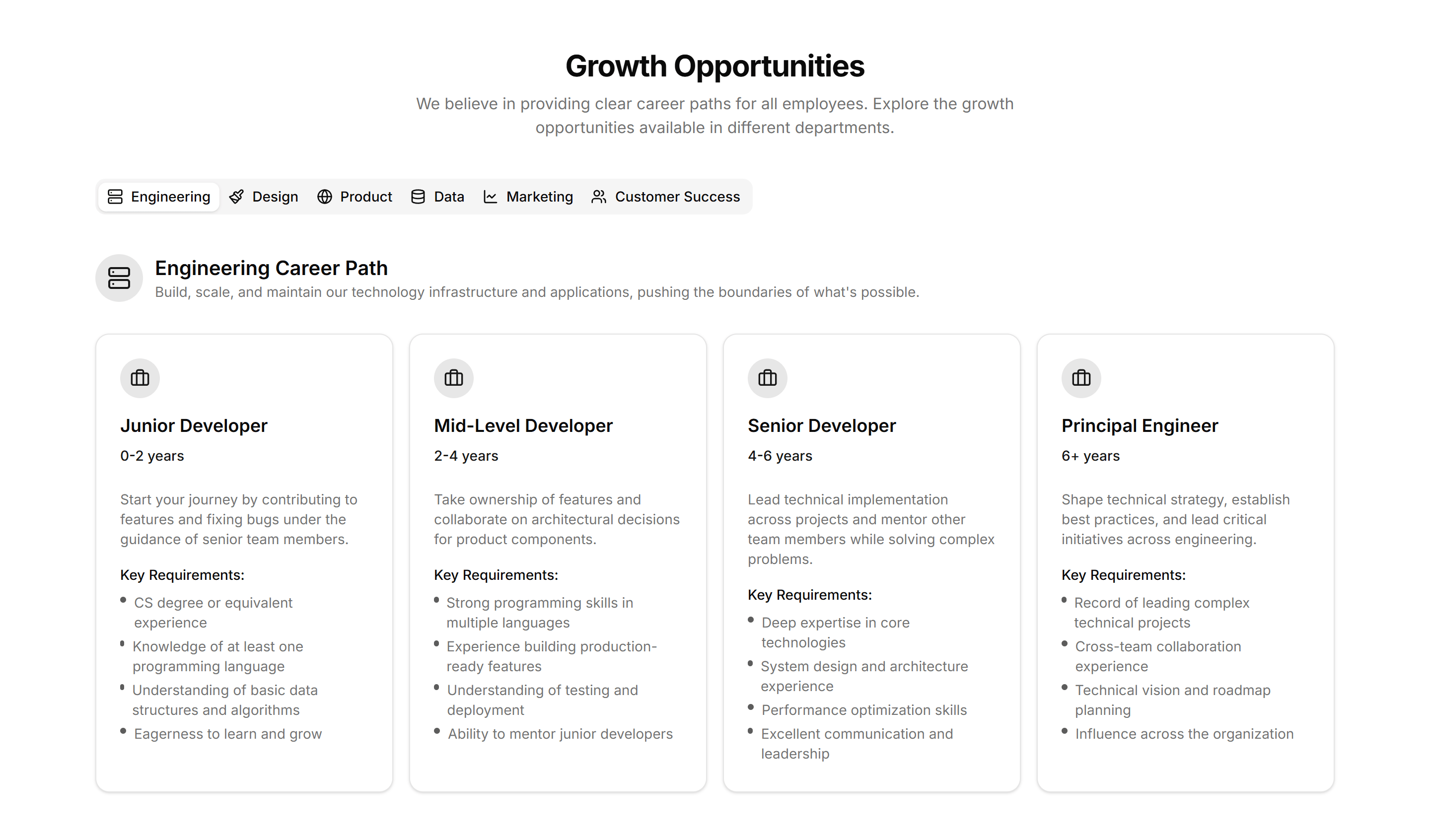
Marketing (Legacy) Career: Career Path
A career path layout showing role progression, levels, and growth milestones. Helps applicants picture how they advance after joining your team.
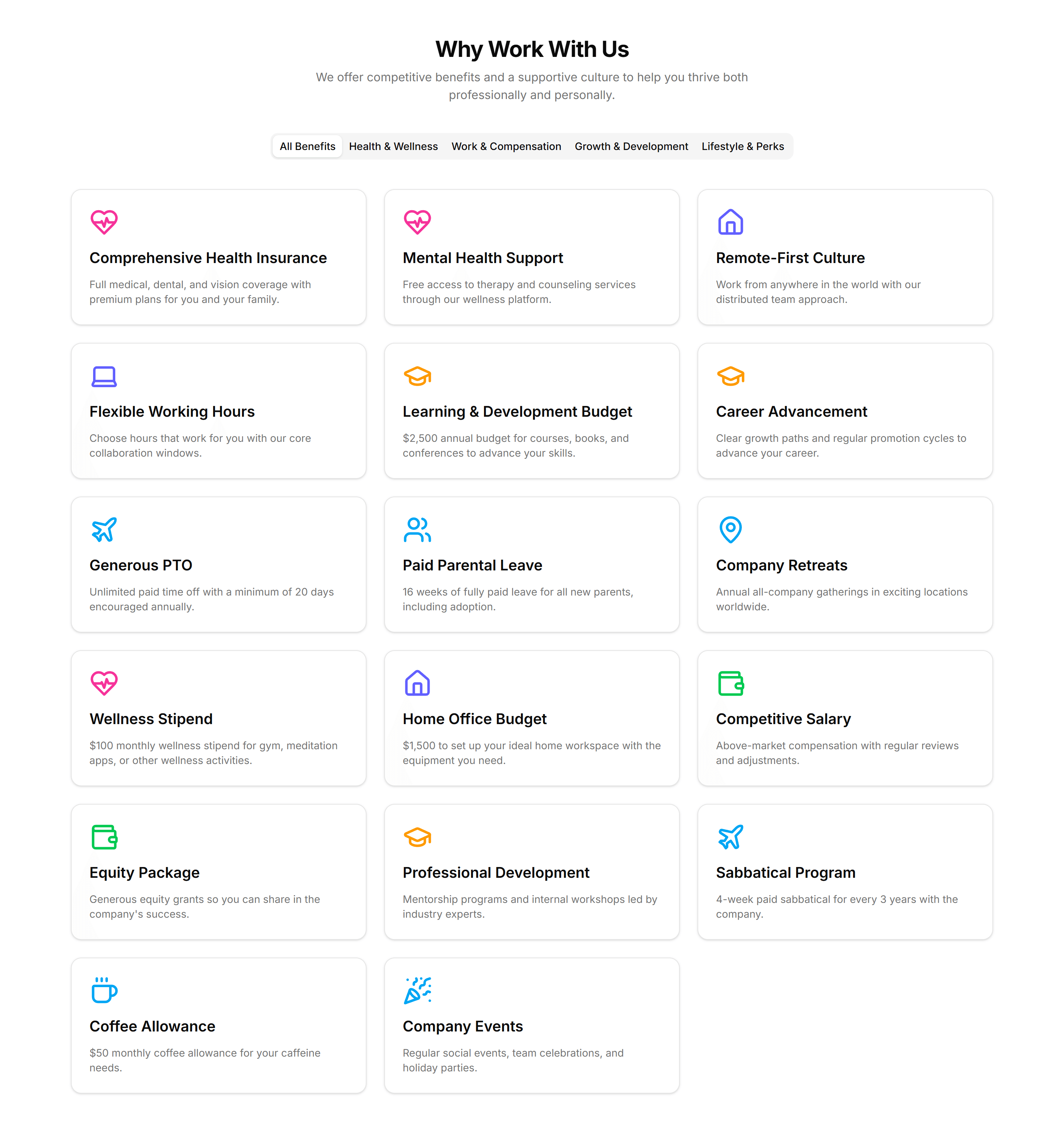
Marketing (Legacy) Career: Company Benefits
A company benefits section with icons and short blurbs for perks like health, time off, and remote work. Reassures candidates as they read open roles.
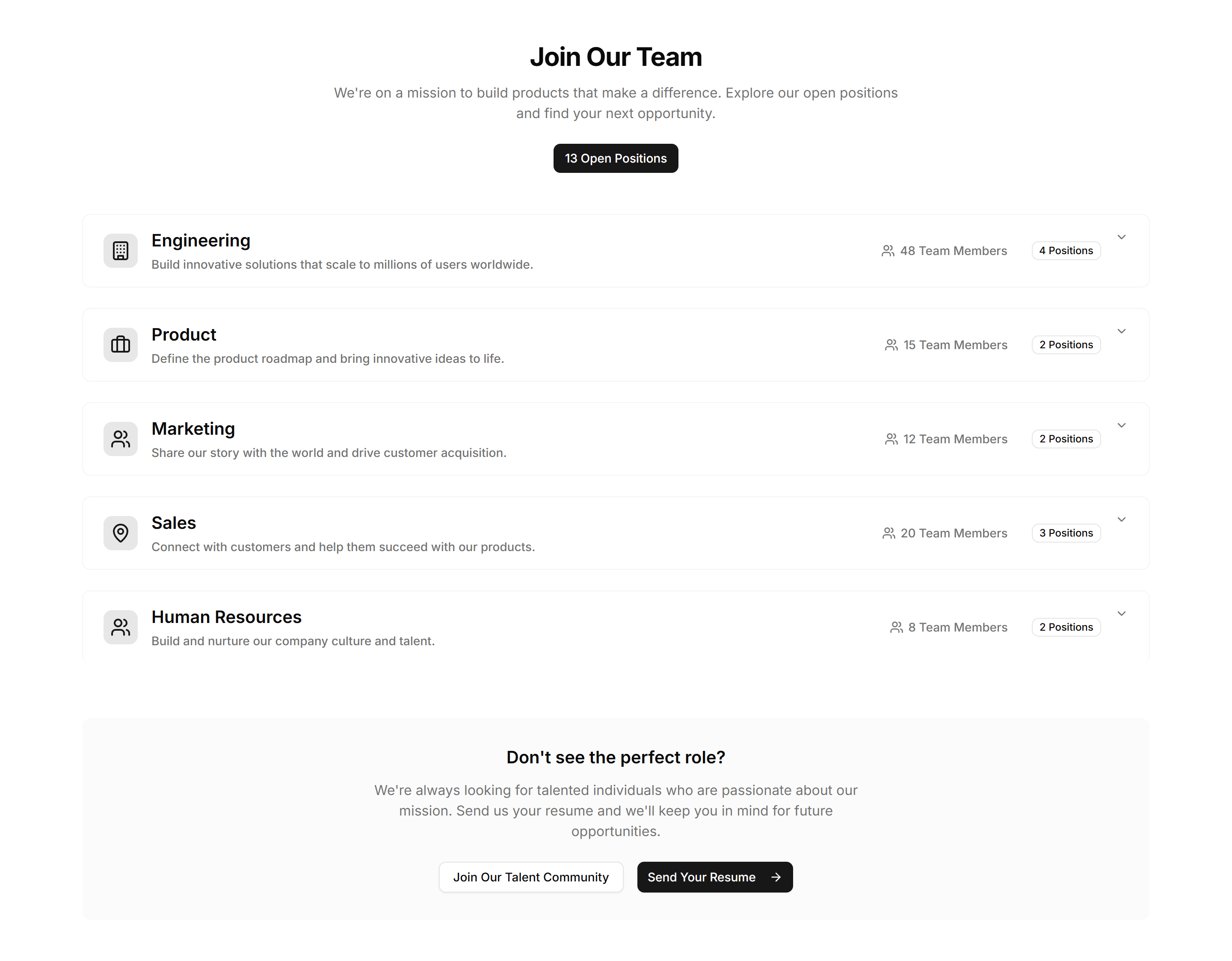
Marketing (Legacy) Career: Department Positions
A list of open positions grouped by department, each with a title and location. Helps candidates find the right team and apply to the matching role.
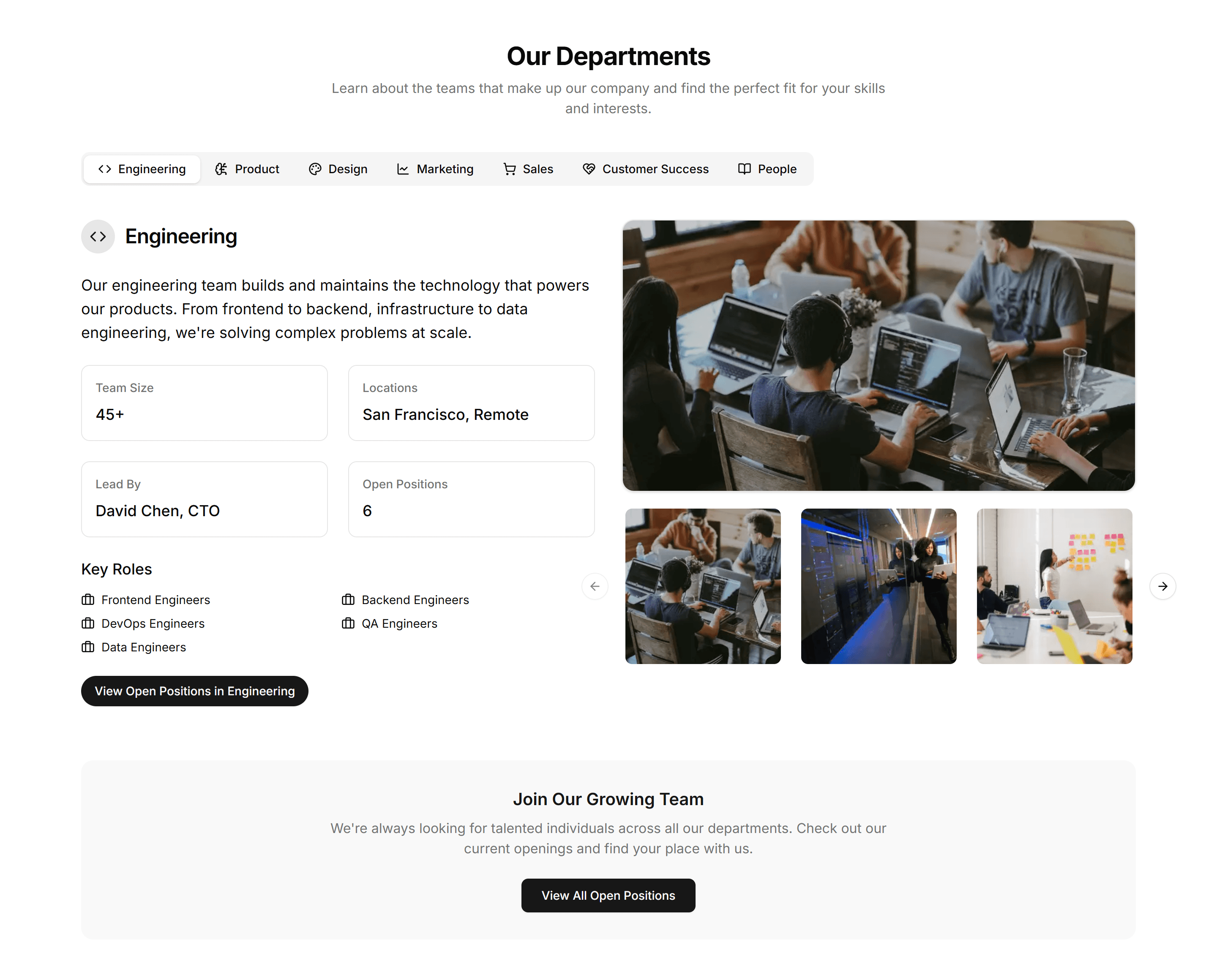
Marketing (Legacy) Career: Department Showcase
A department showcase with cards describing each team, its focus, and people. Helps candidates understand where they fit before browsing open roles.
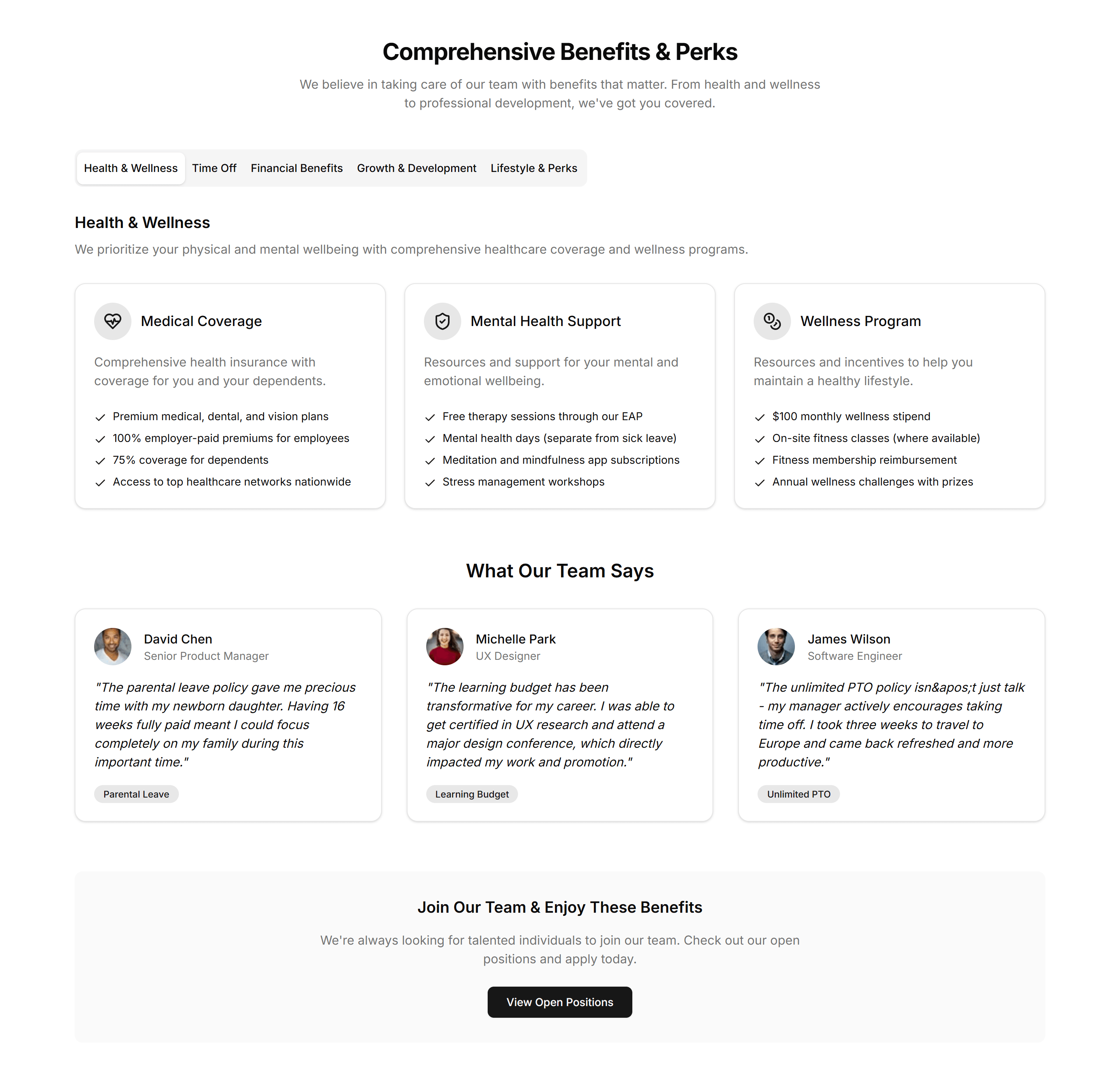
Marketing (Legacy) Career: Employee Benefits
An employee benefits grid covering insurance, learning budgets, and flexible hours. Shows candidates the full package while they consider applying.
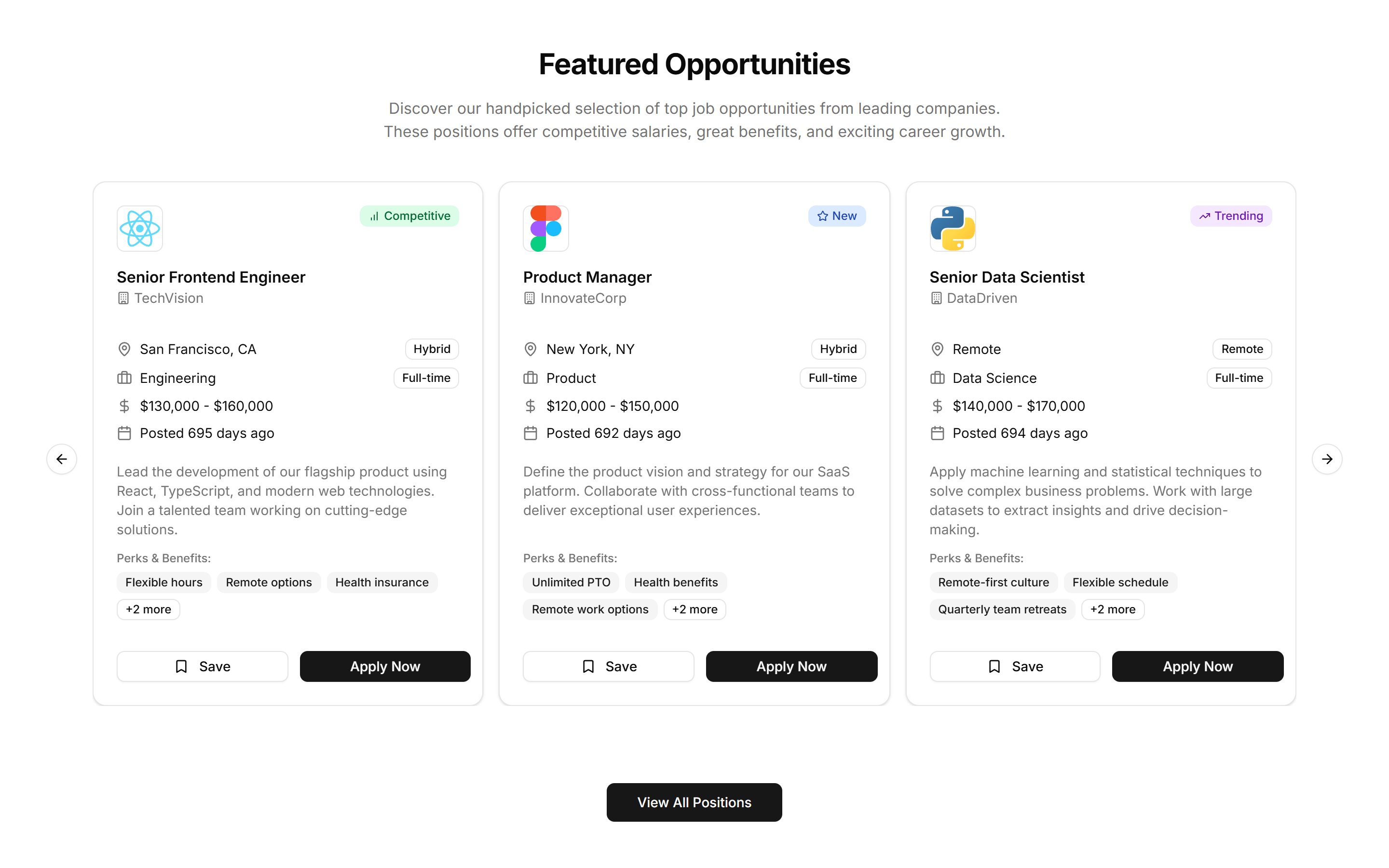
Marketing (Legacy) Career: Featured Job Slider
A horizontal slider of featured job cards with title, team, and location. Spotlights priority roles you want candidates to notice on the careers page.
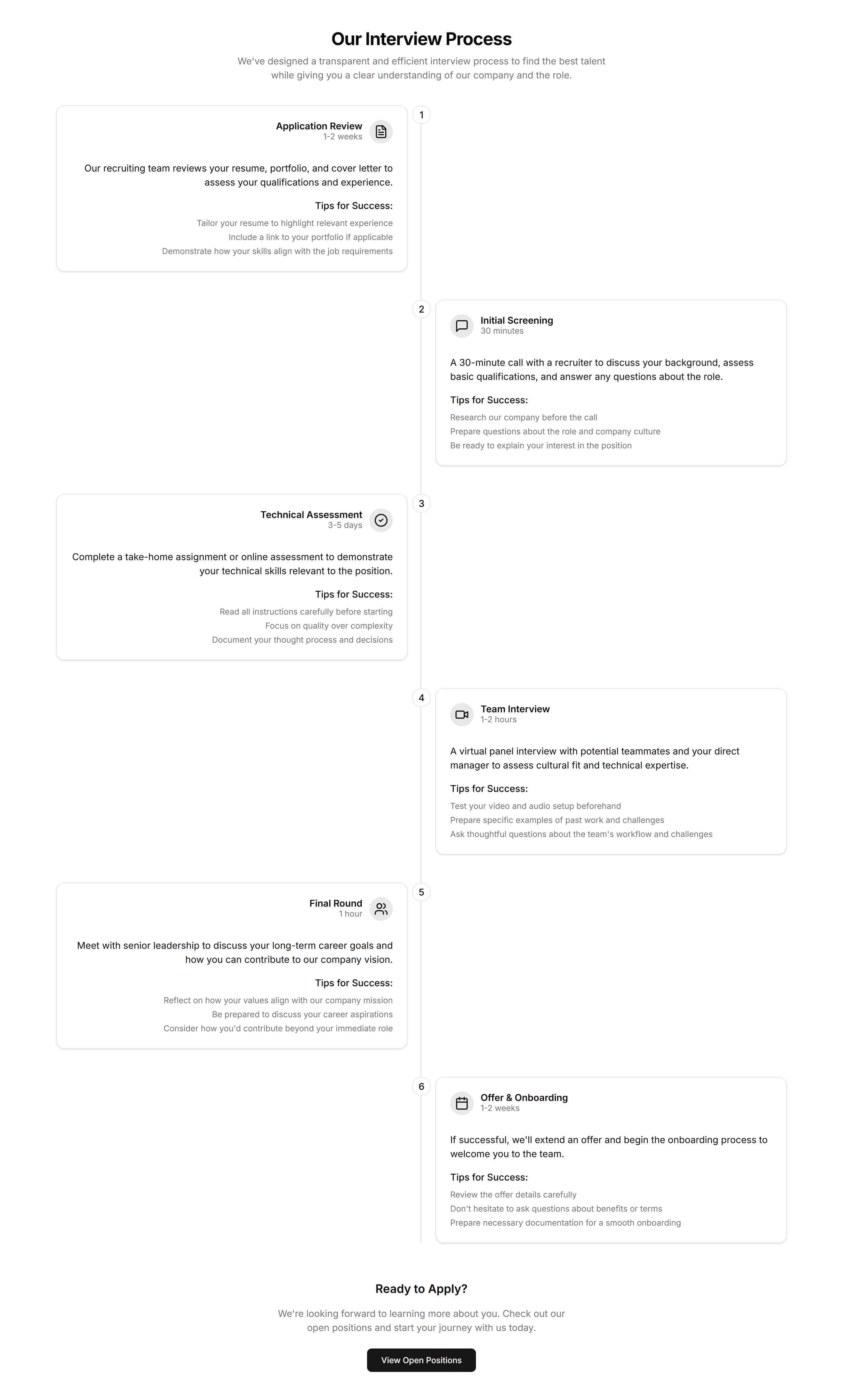
Marketing (Legacy) Career: Interview Process
A step by step interview process timeline running from first application to final offer. Sets expectations so candidates know what each hiring stage involves.
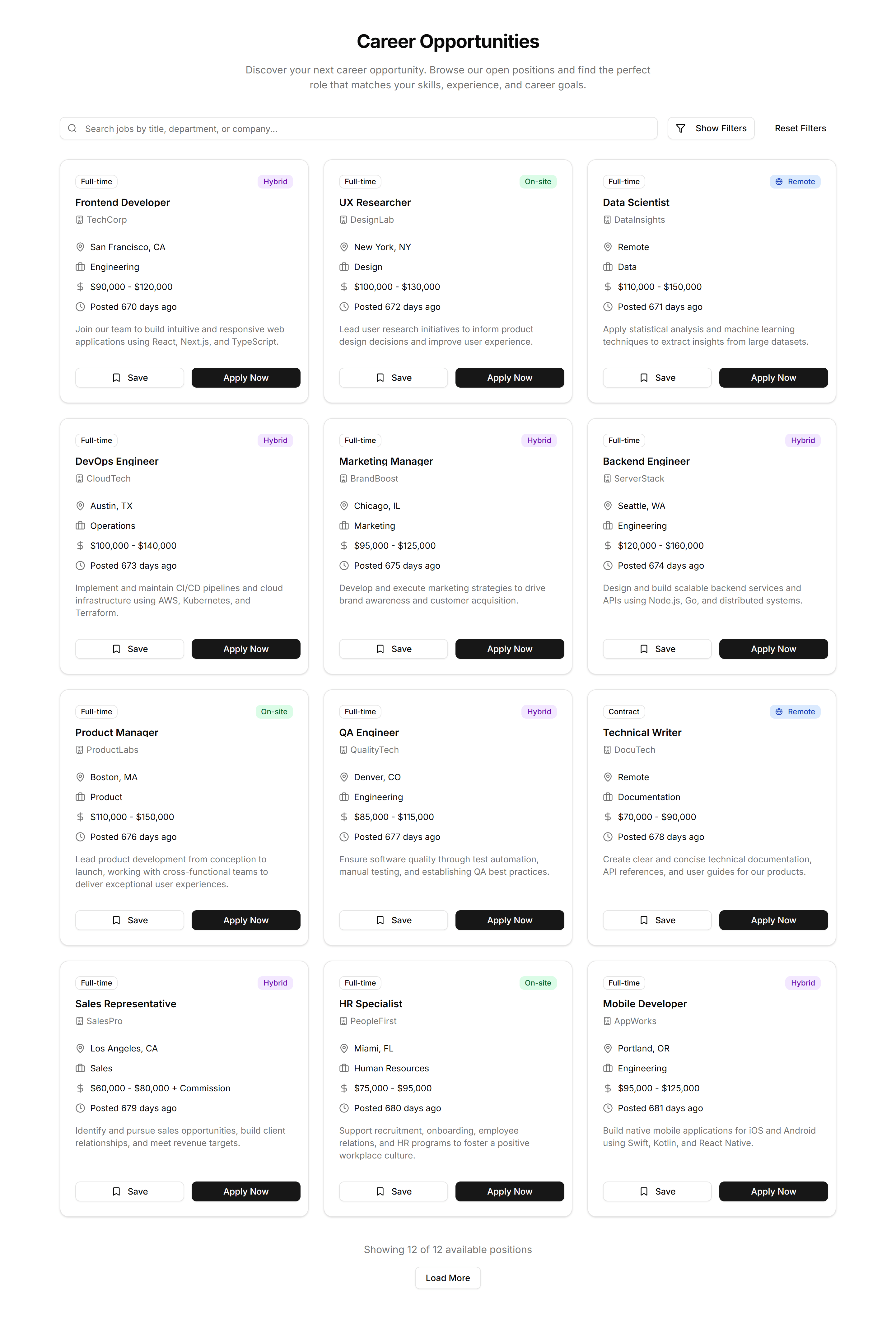
Marketing (Legacy) Career: Job Board
A searchable job board with filters for team, location, and type. Lets candidates scan every open role and apply to the one that fits them best.
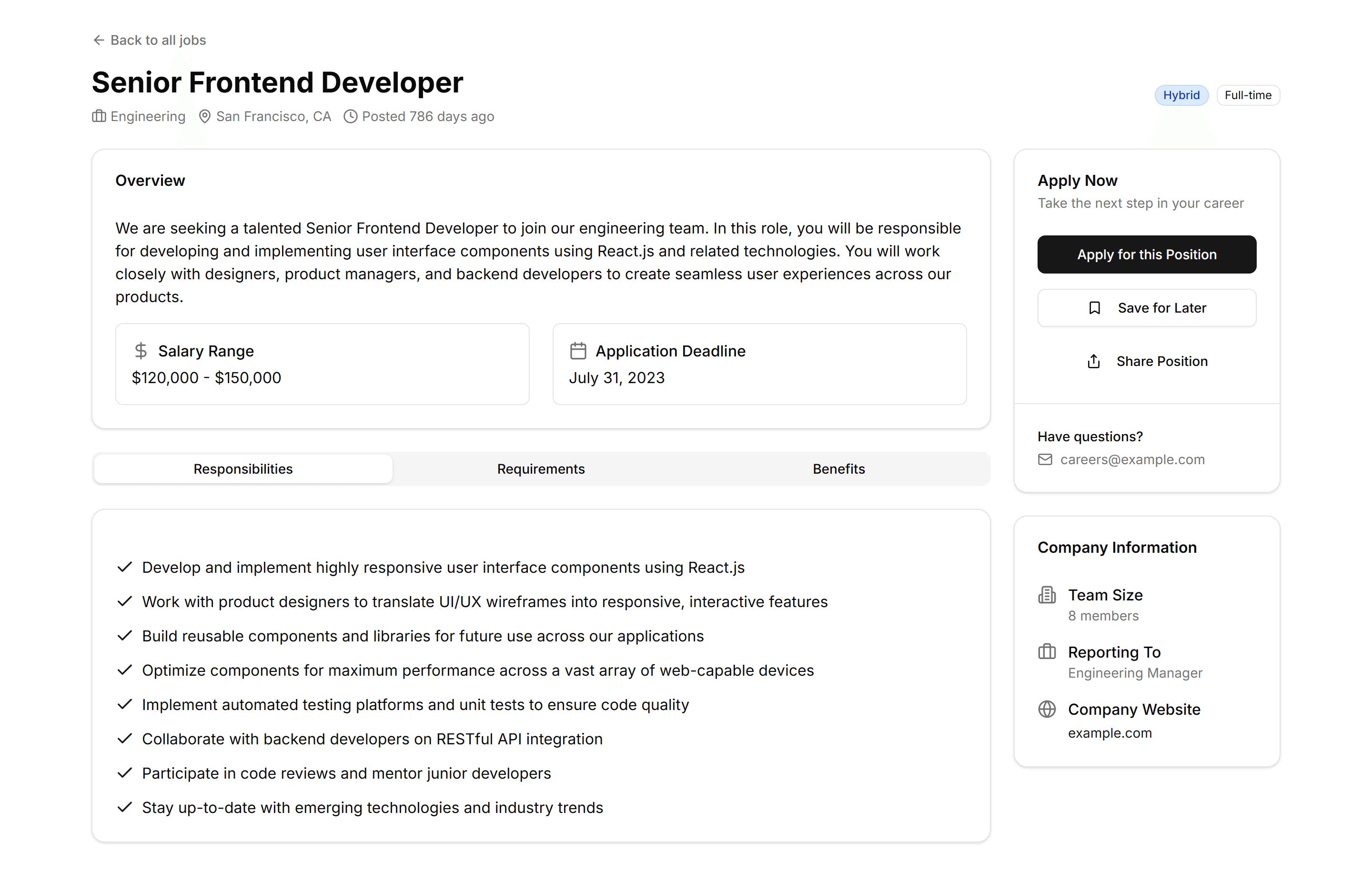
Marketing (Legacy) Career: Job Details
A single job details page with description, responsibilities, and an apply button. Gives candidates everything they need to decide and submit.
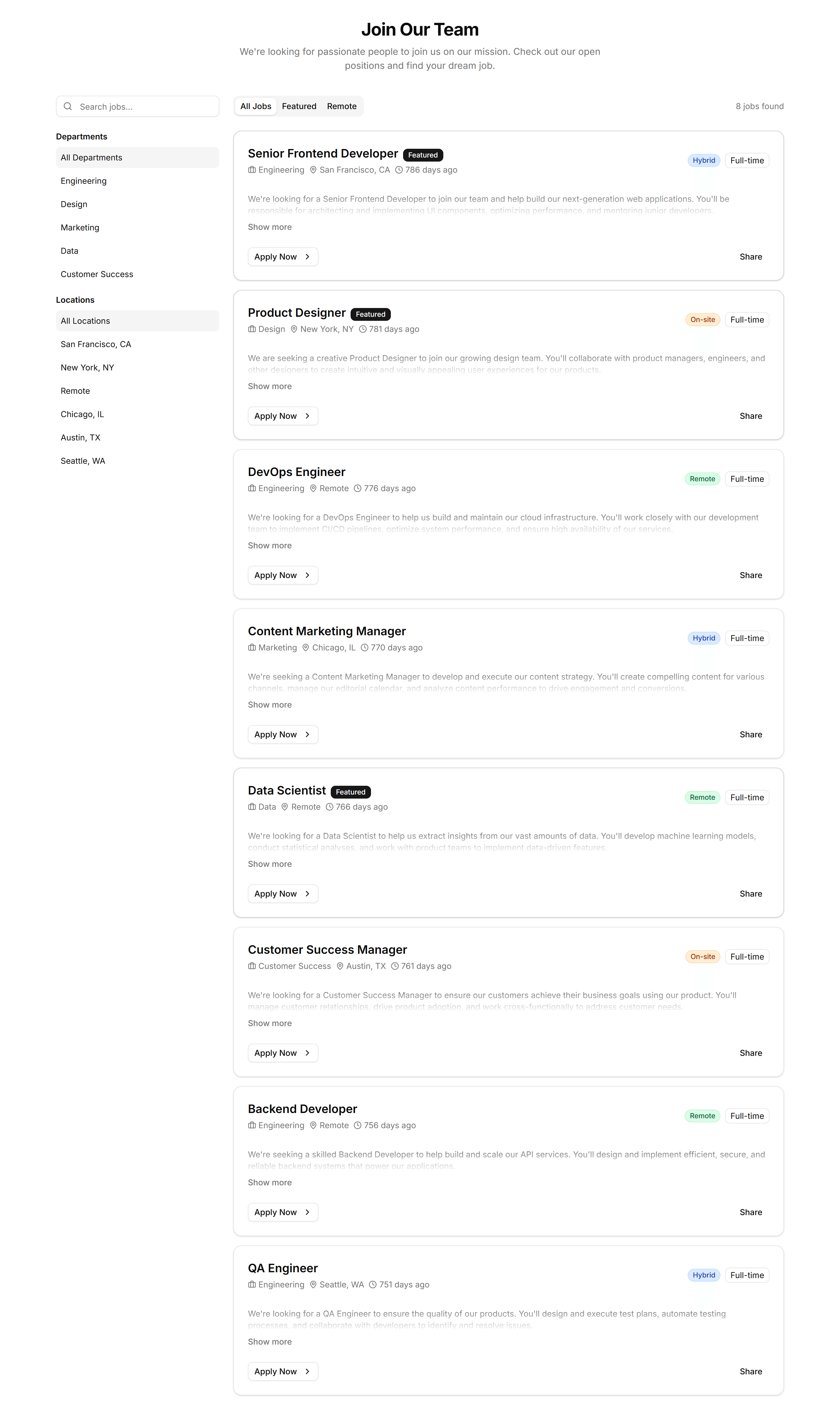
Marketing (Legacy) Career: Job Listings
A clean list of job listings with title, location, and a quick apply link. Helps candidates skim available roles and pick one to pursue today.
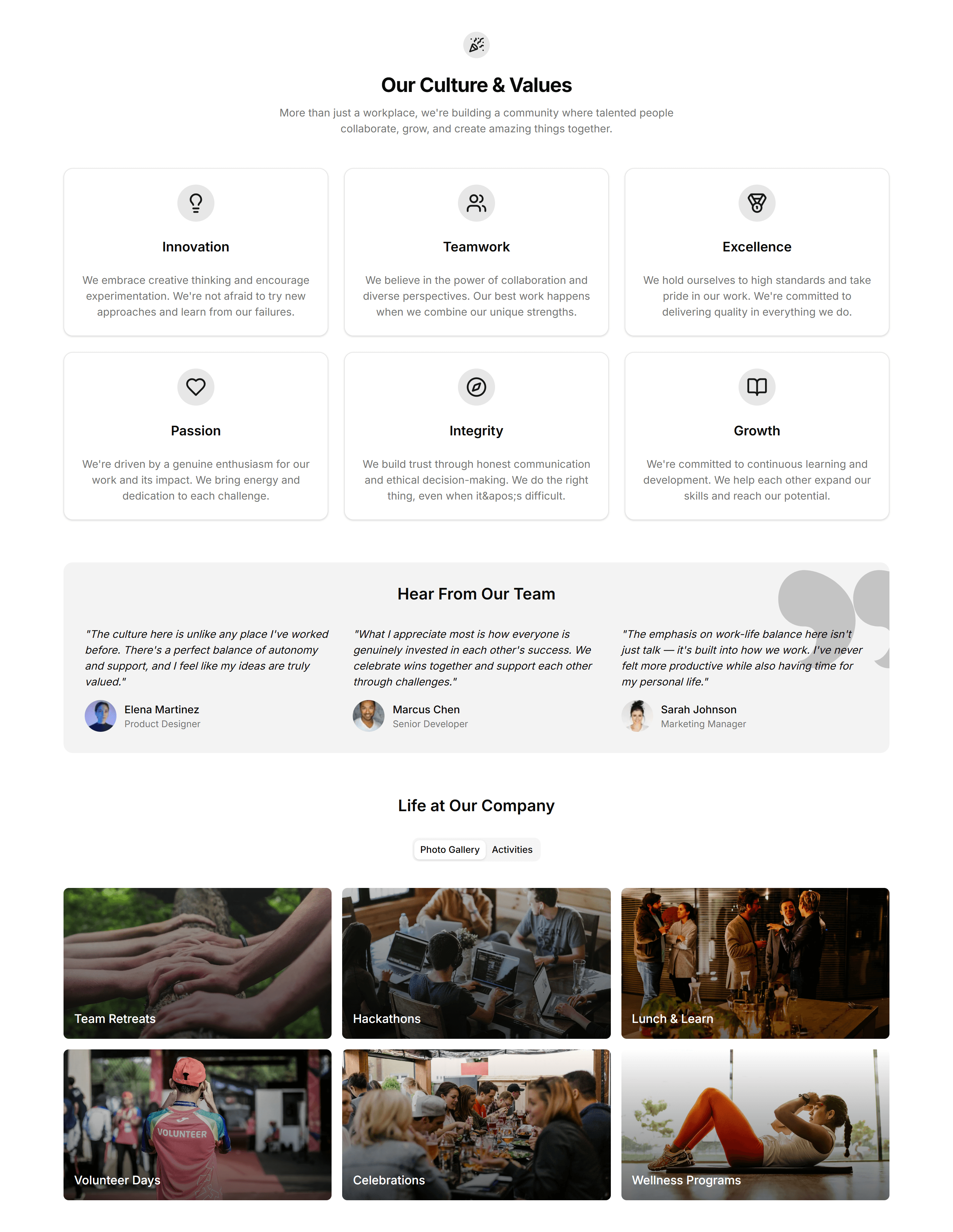
Marketing (Legacy) Career: Workplace Culture
A workplace culture section with photos and short stories about daily life. Gives candidates a feel for the team before they decide to apply.
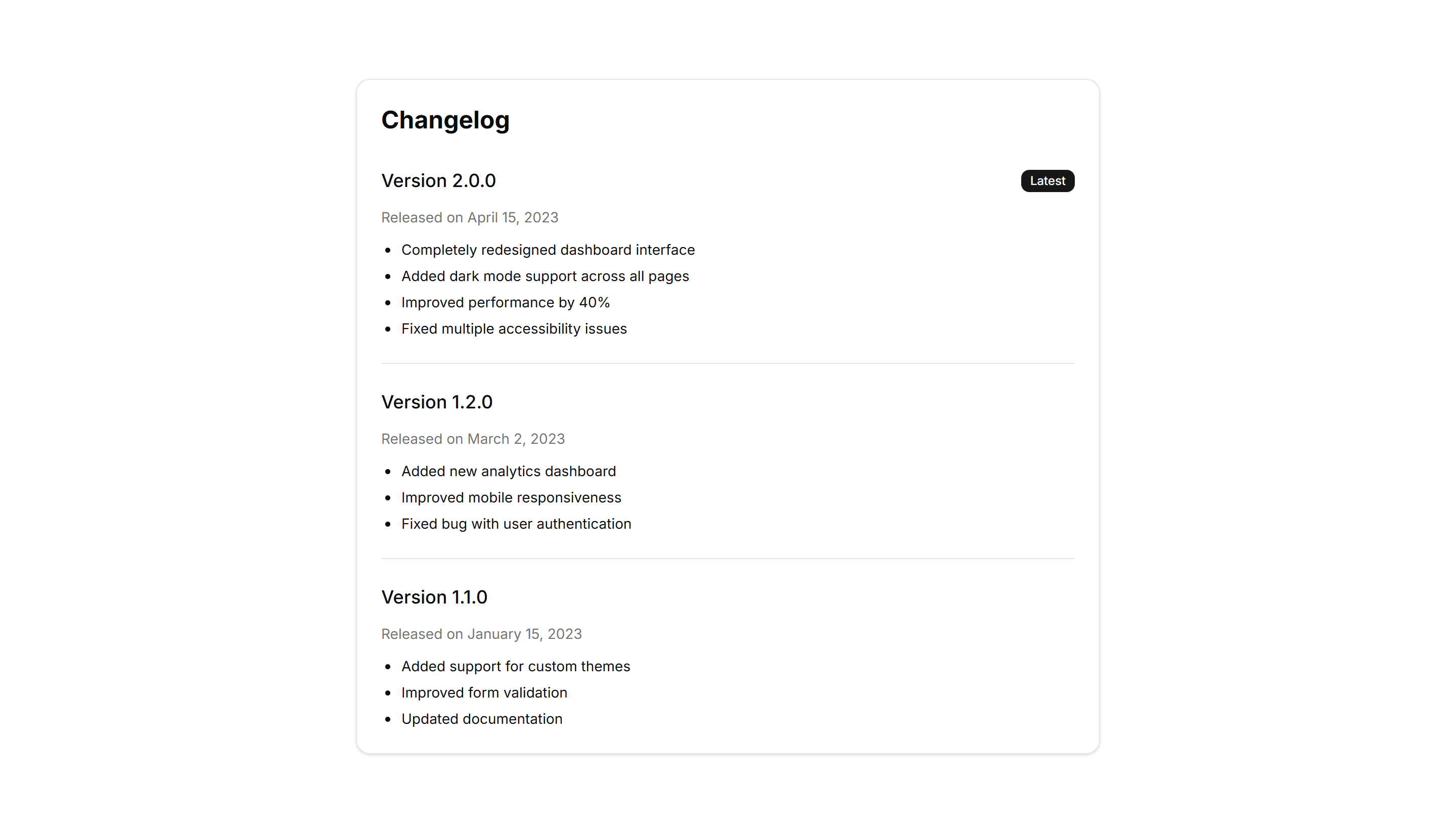
Marketing (Legacy) Changelog: Basic Changelog
A straightforward changelog list with version numbers, dates, and bullet points. Use it to post release notes when you want clarity over visual flourish.
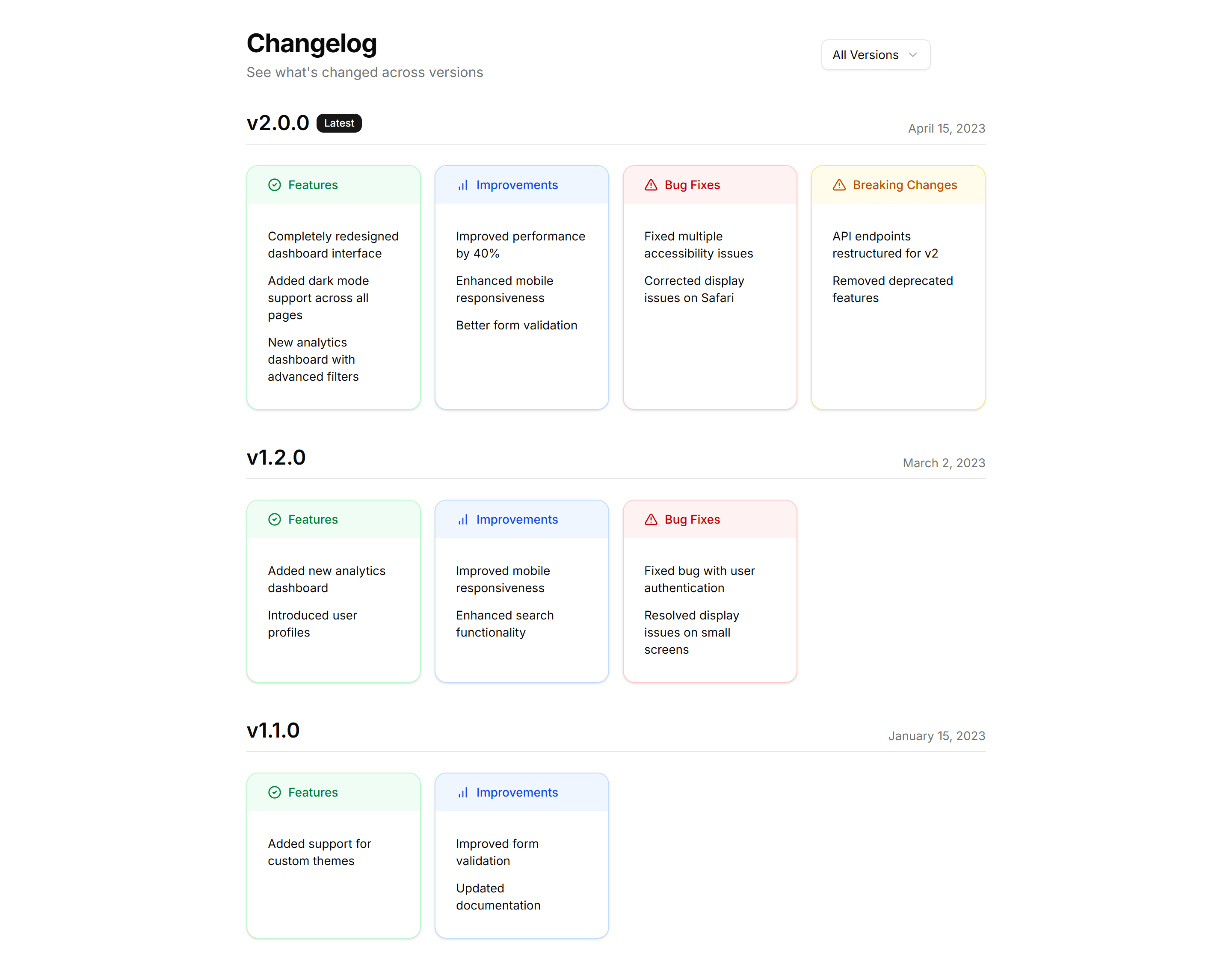
Marketing (Legacy) Changelog: Categorized Changelog
Release notes split into Added, Fixed, and Changed sections under each version. Helps readers scan a busy update and jump to the changes they care about.
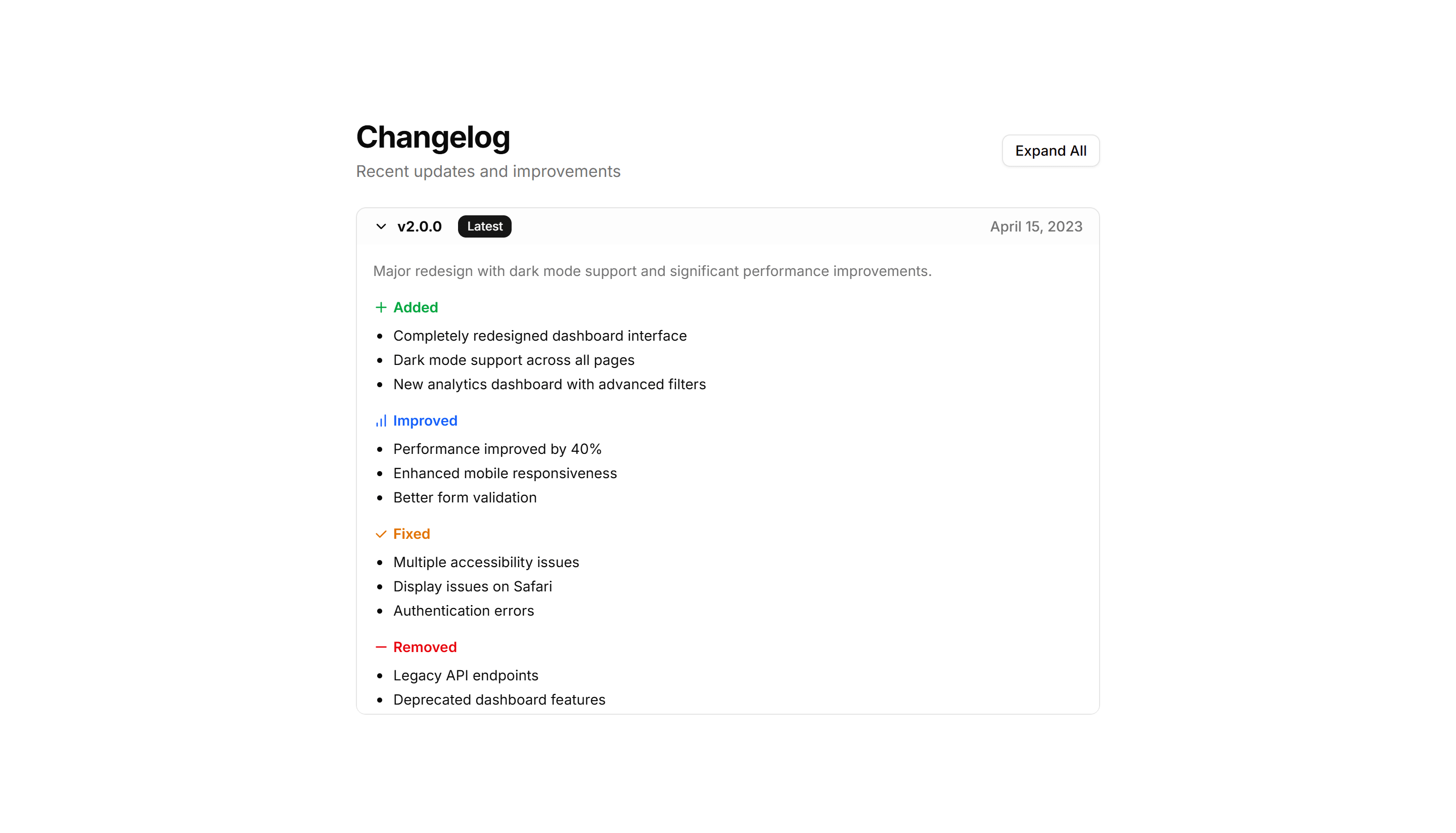
Marketing (Legacy) Changelog: Compact Changelog
A dense changelog that packs many versions into a tight column. Ideal when you ship often and want the full history visible without heavy scrolling.
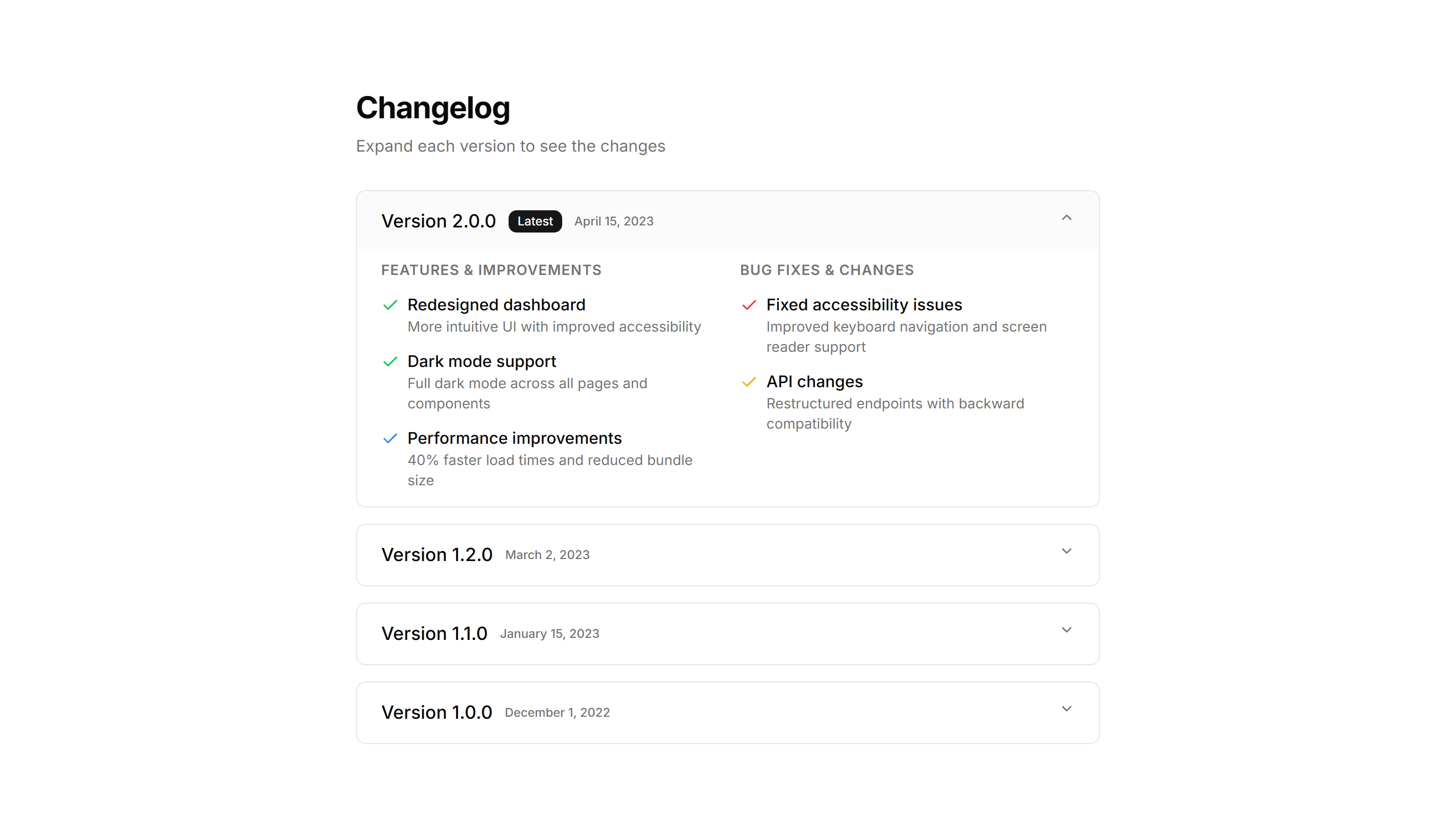
Marketing (Legacy) Changelog: Expandable Changelog
Collapsed version entries that open on click to reveal full details. Keeps a long release history short while letting readers drill into any update.
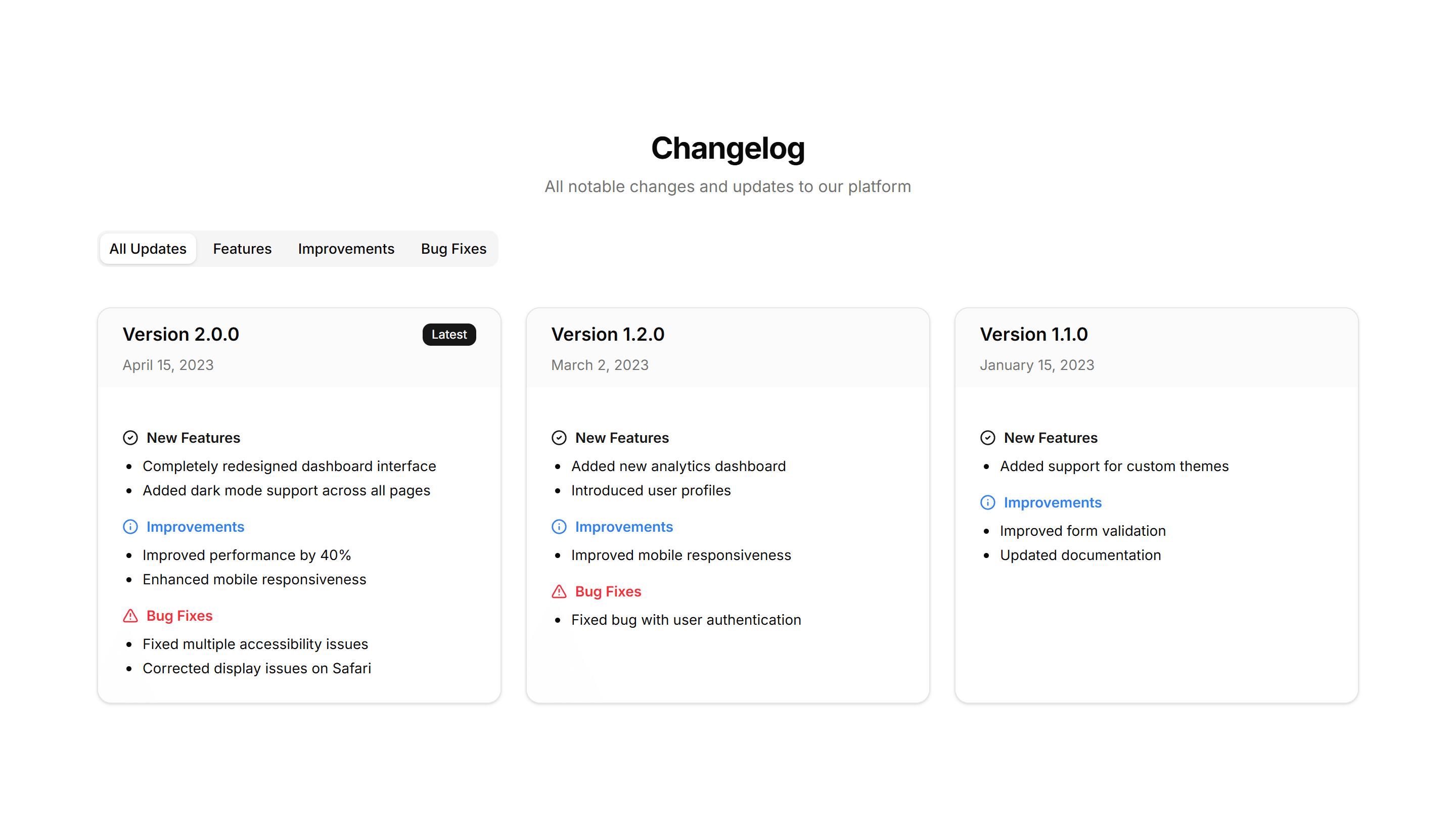
Marketing (Legacy) Changelog: Grid Changelog
Release entries laid out as cards in a responsive grid. Use it to show recent updates side by side with badges, dates, and short summaries at a glance.
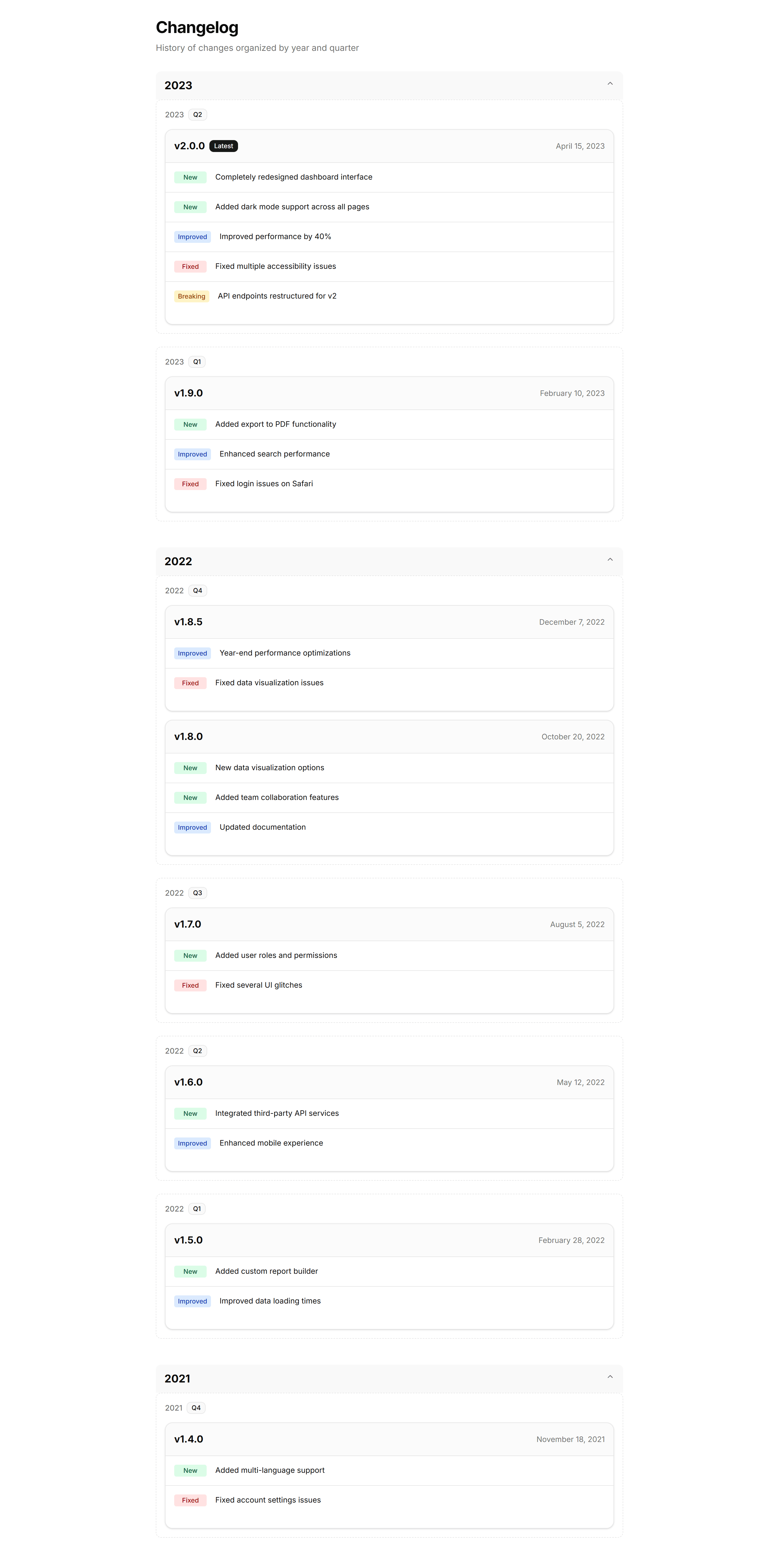
Marketing (Legacy) Changelog: Grouped Changelog
Updates clustered by month or release so related entries sit together. Good for products with frequent shipping where context across versions matters.
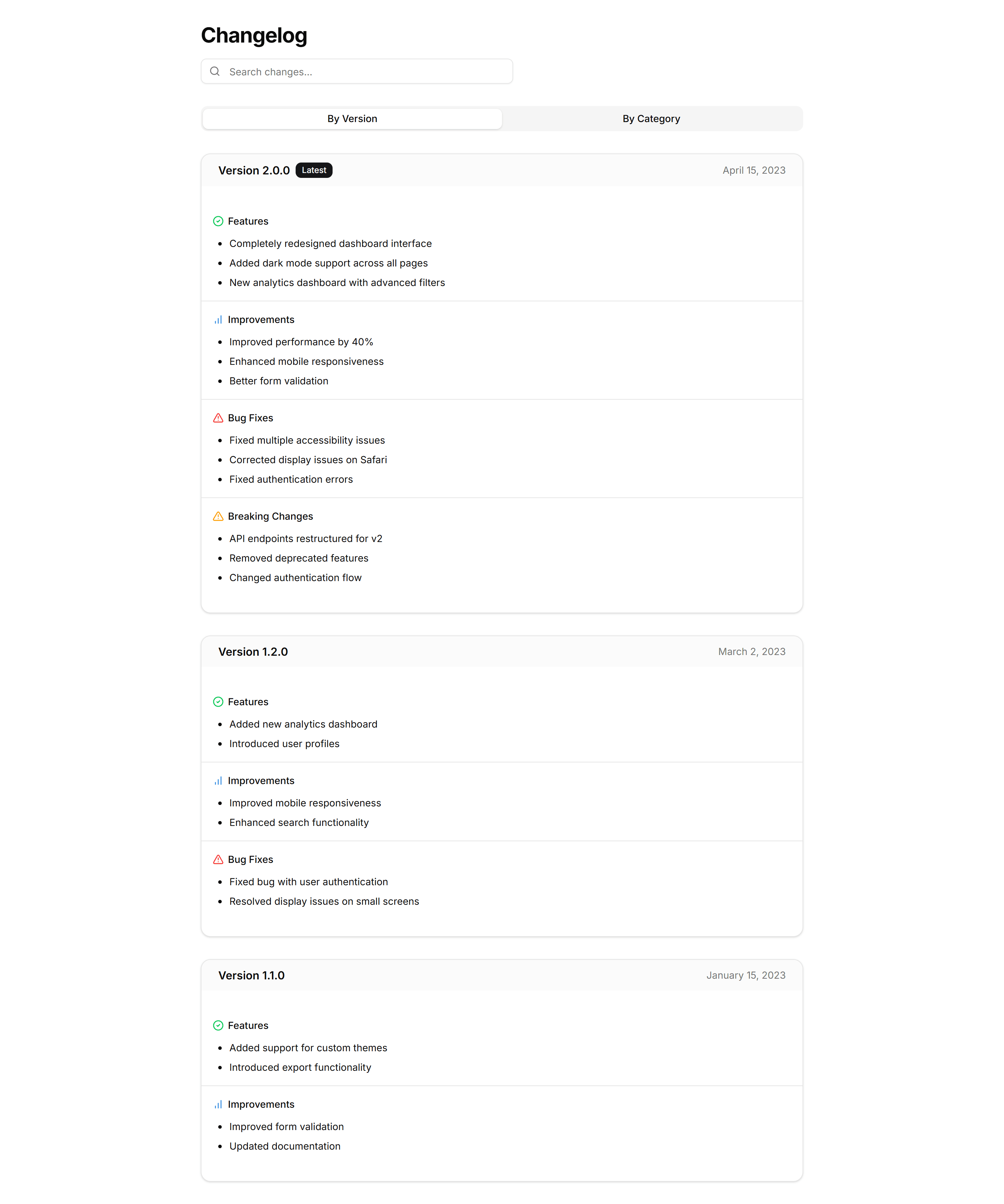
Marketing (Legacy) Changelog: Interactive Changelog
A changelog with filters and clickable entries that reveal more detail. Lets visitors explore updates by type and focus on the releases that matter.
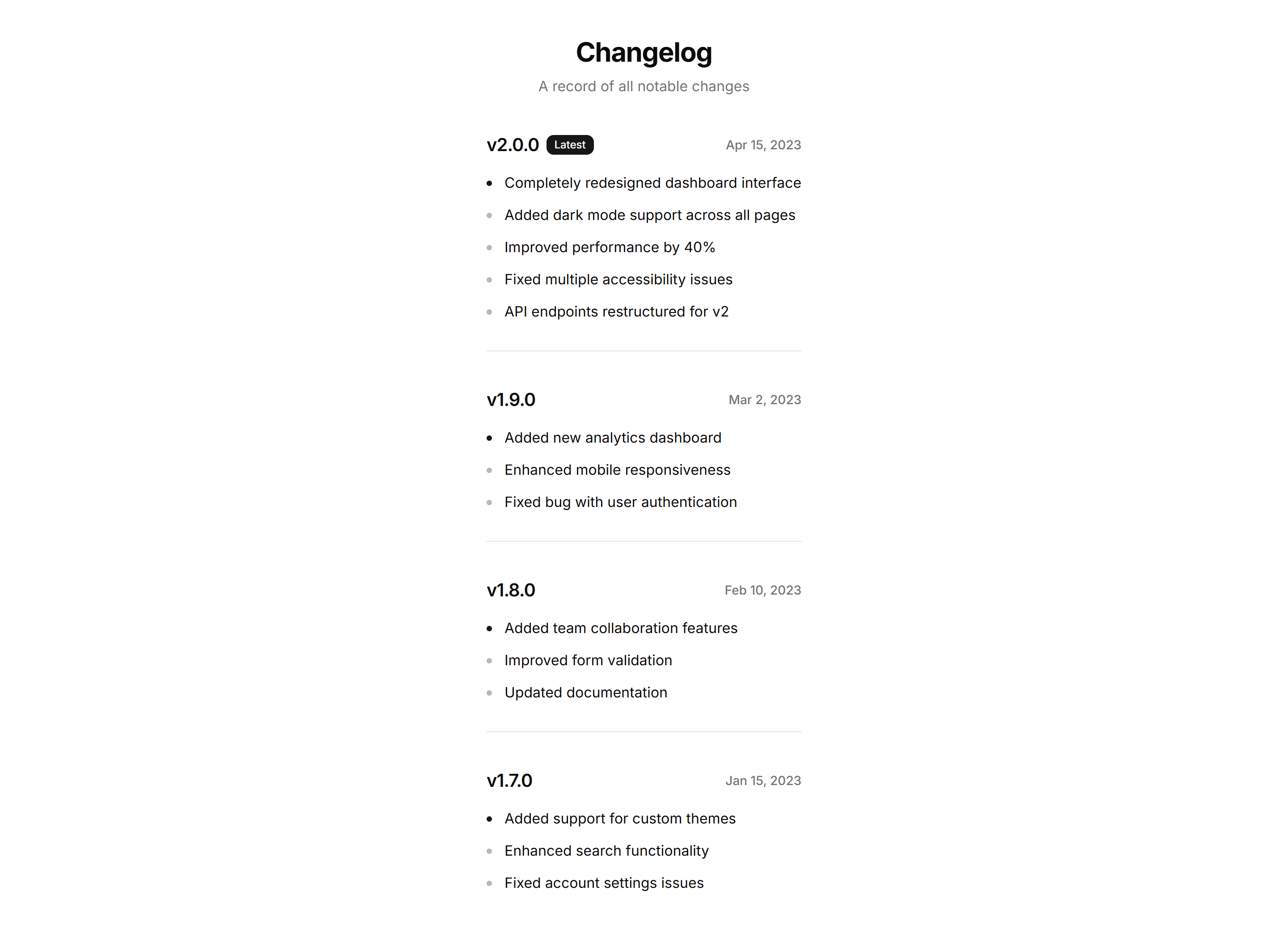
Marketing (Legacy) Changelog: Minimalist Changelog
A pared back changelog with just dates, versions, and one line per change. Use it when you want updates to feel quiet and stay out of the way.
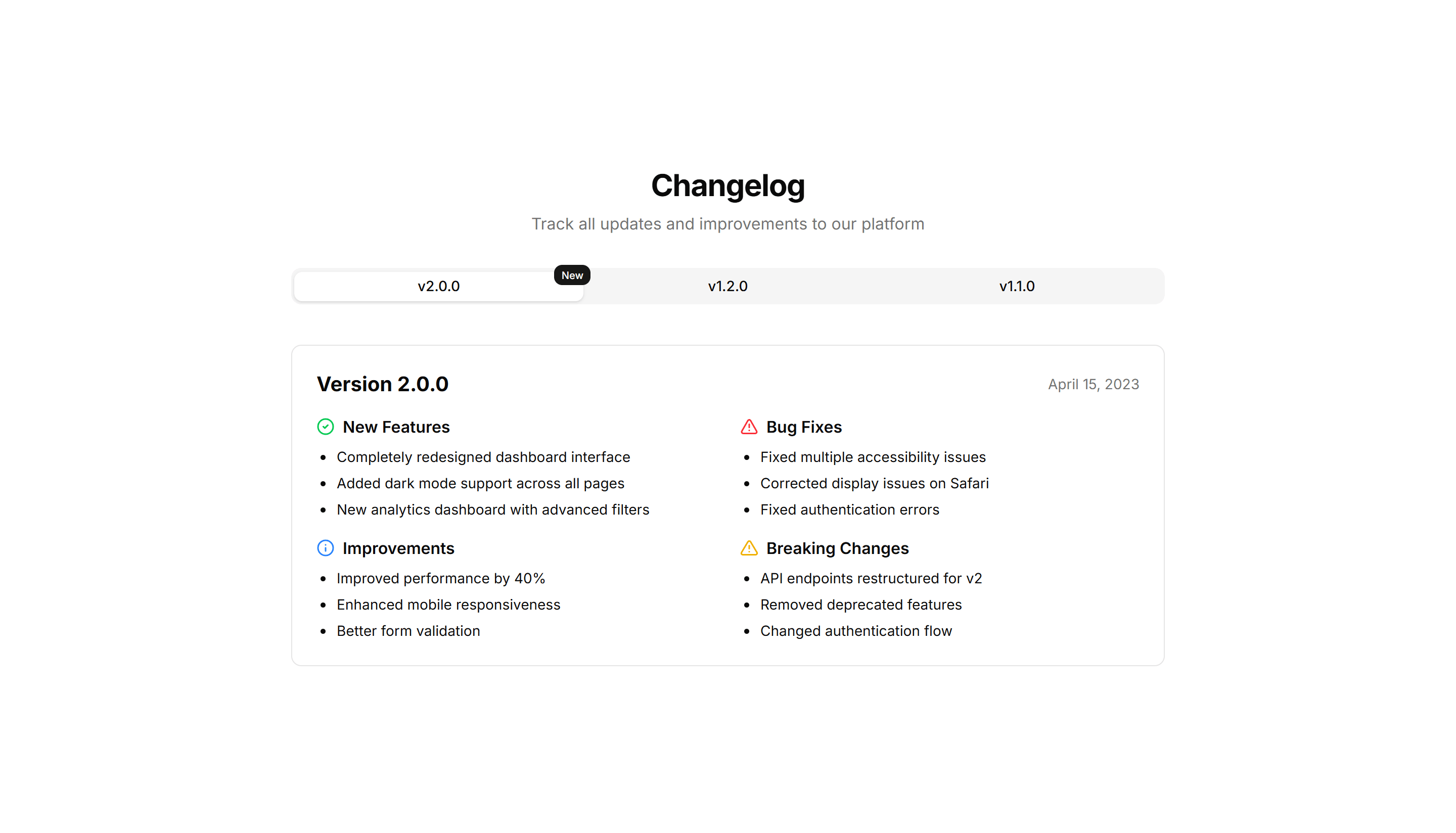
Marketing (Legacy) Changelog: Tabbed Changelog
Release notes organized into tabs by version or category. Lets readers switch between updates without scrolling, keeping each release neatly contained.
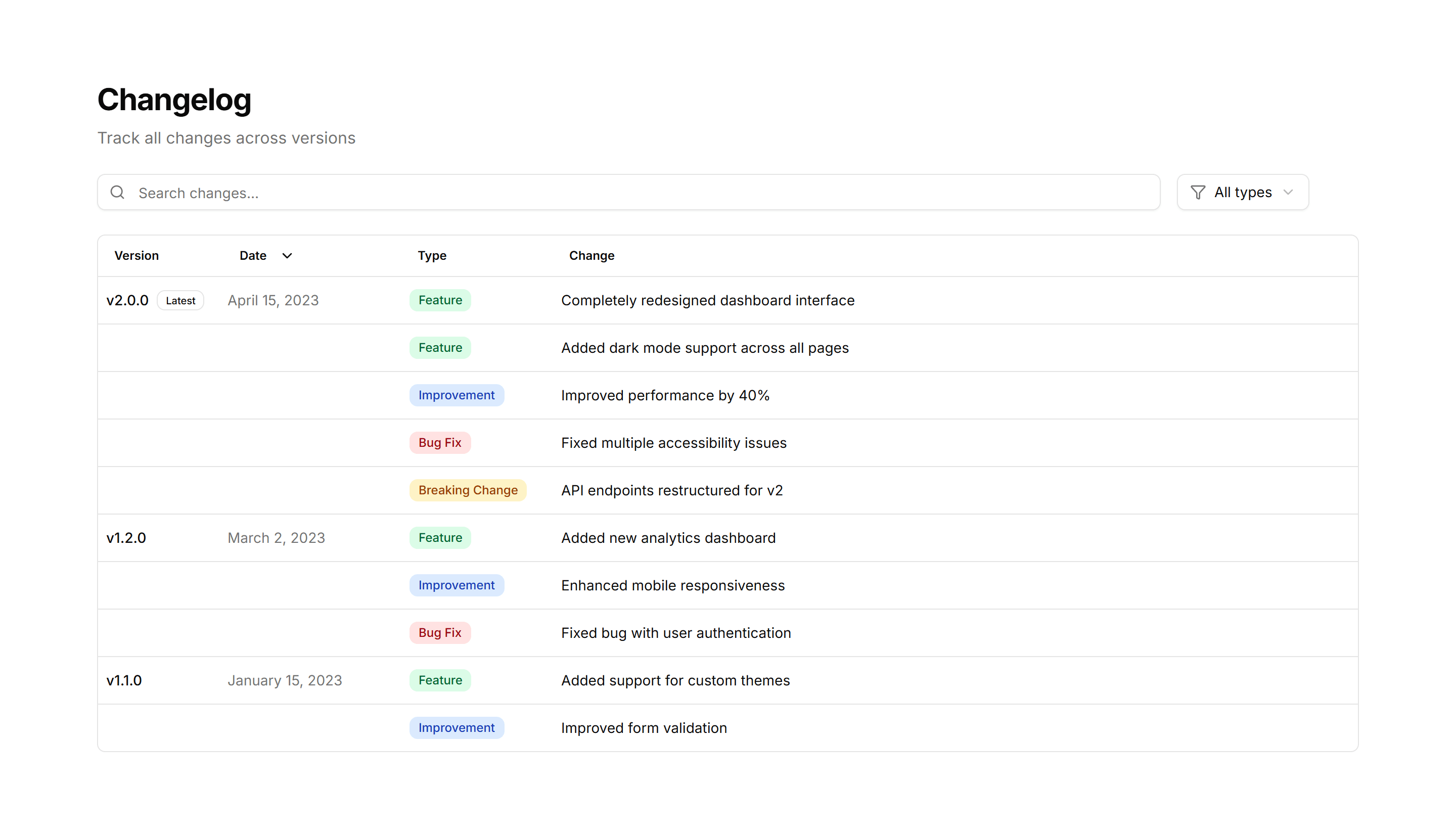
Marketing (Legacy) Changelog: Table Changelog
A changelog rendered as a table with columns for version, date, and notes. Use it when readers need to scan and compare many releases quickly.
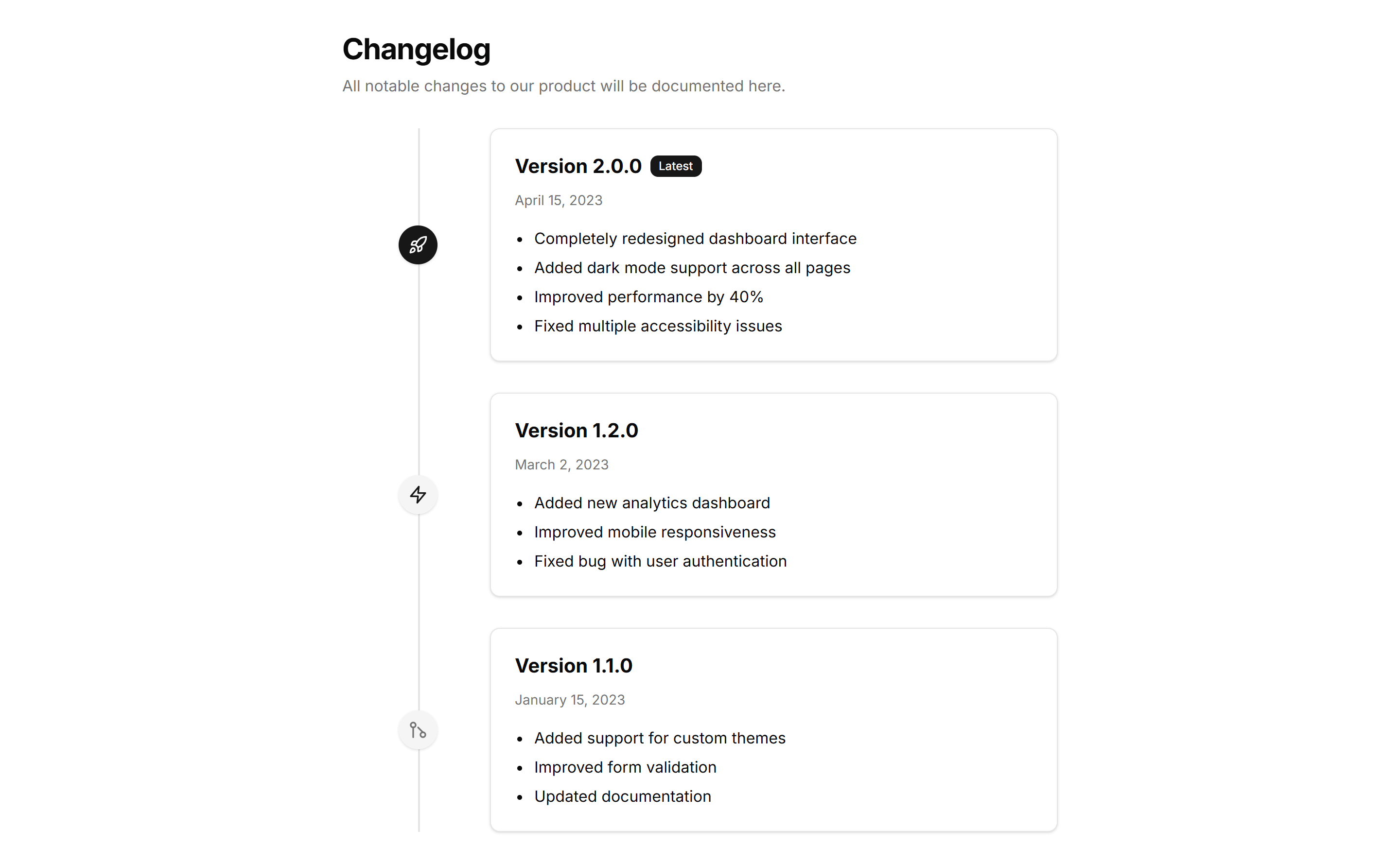
Marketing (Legacy) Changelog: Timeline Changelog
A vertical timeline that plots releases in order with dates and notes. Use it to tell the story of a product as it grows version over version.
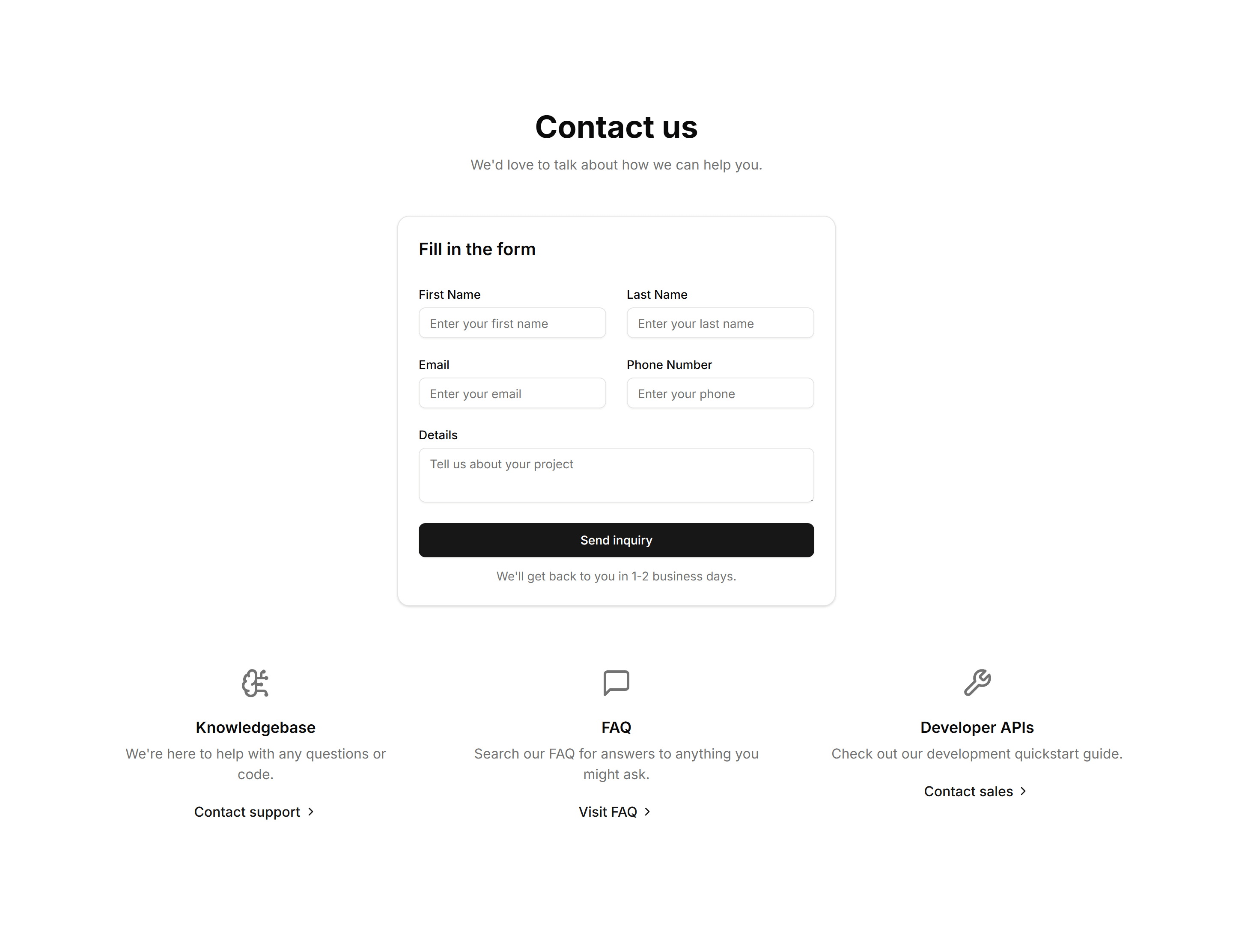
Marketing (Legacy) Contact Section: Center Aligned
A center aligned contact form with heading, supporting text, and stacked fields. Drops onto a simple contact page so visitors can send a message fast.
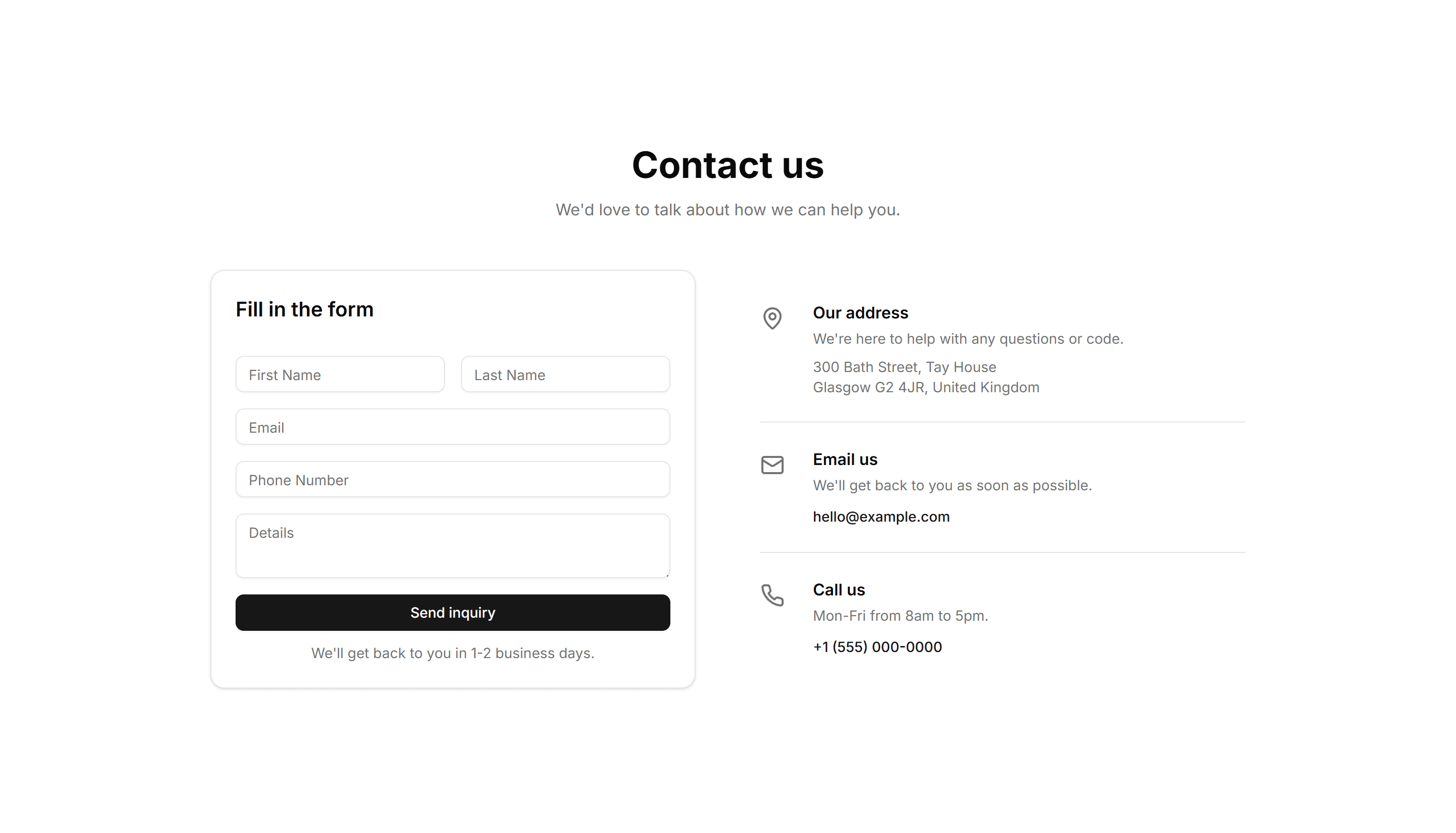
Marketing (Legacy) Contact Section: Split With Details
A split layout pairing a contact form with a column of details like email, phone, and hours. Use it when people need a quick way to reach the right team.
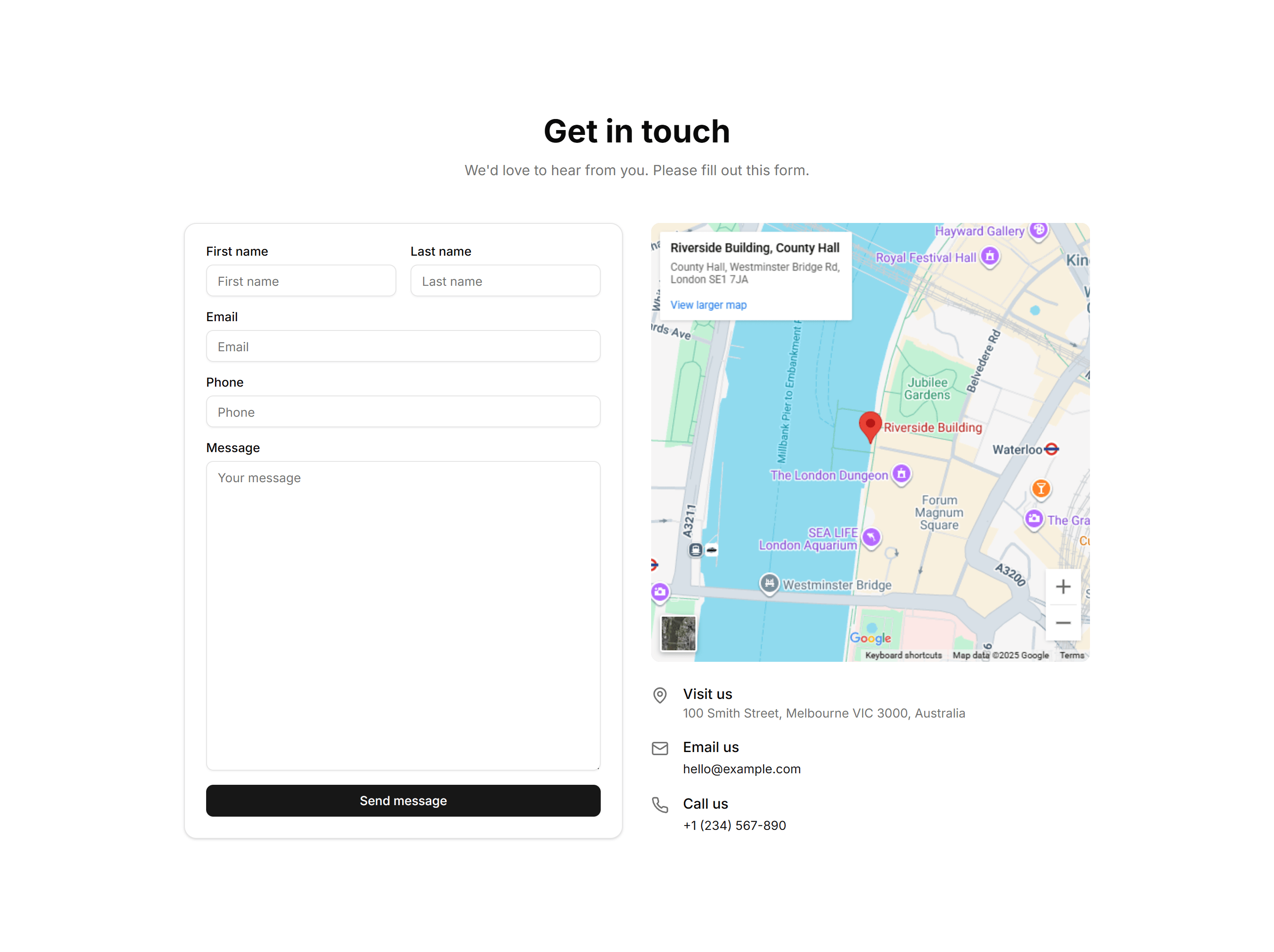
Marketing (Legacy) Contact Section: With Map
A contact section that places a form beside an embedded map of your location. Ideal for a storefront or office that wants visitors to find and reach it.
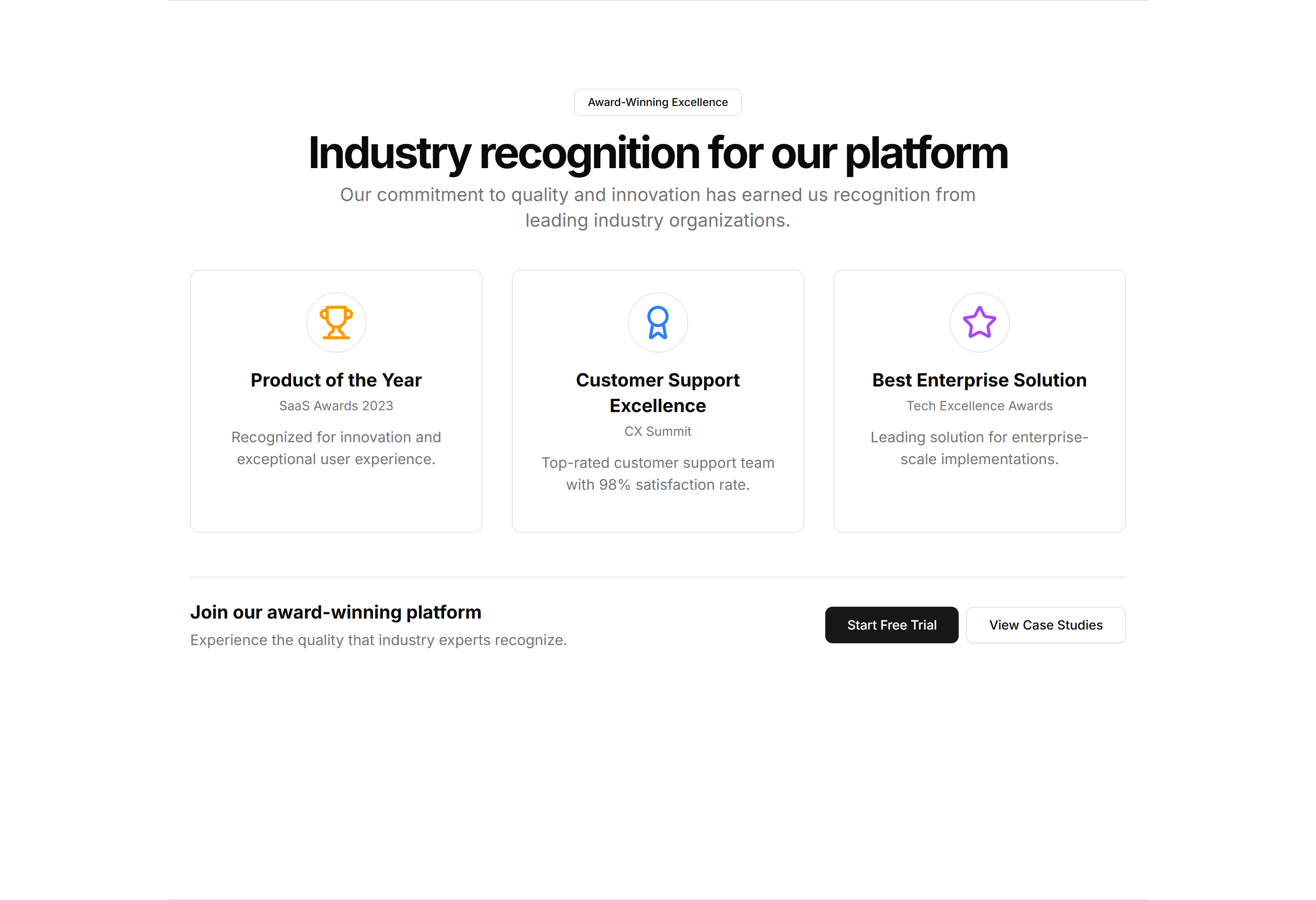
Marketing (Legacy) CTA Section: Awards CTA
A call to action that pairs award badges and recognition logos with a signup prompt. Builds trust before the click on a landing or pricing page.

Marketing (Legacy) CTA Section: Banner With Background
A full width banner with a background image, headline, and button. Anchors a campaign message across the top or bottom of any marketing page.
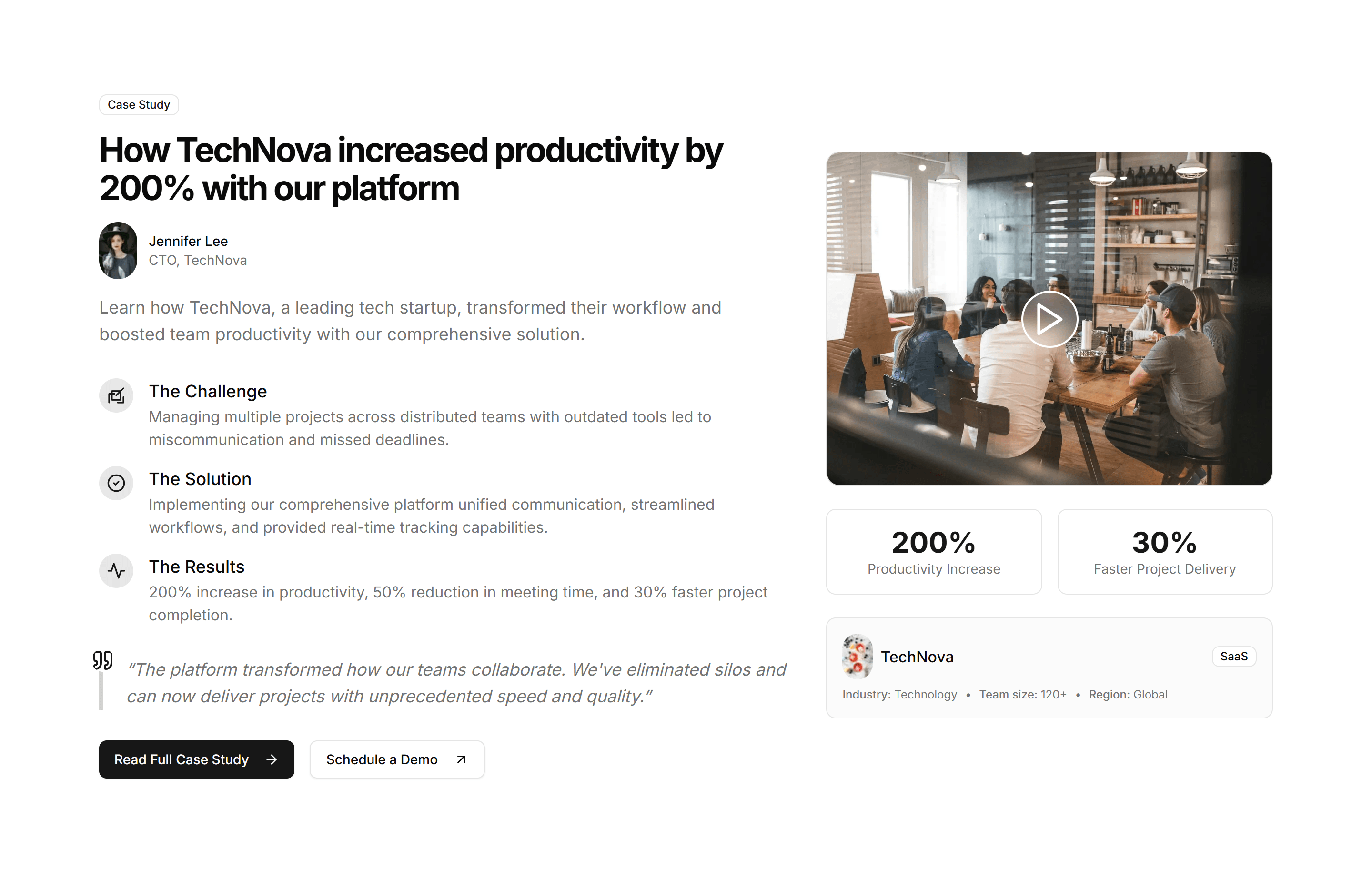
Marketing (Legacy) CTA Section: Case Study CTA
A call to action framed around a customer story with a headline result and link. Use it after proof points to push readers toward booking a demo.
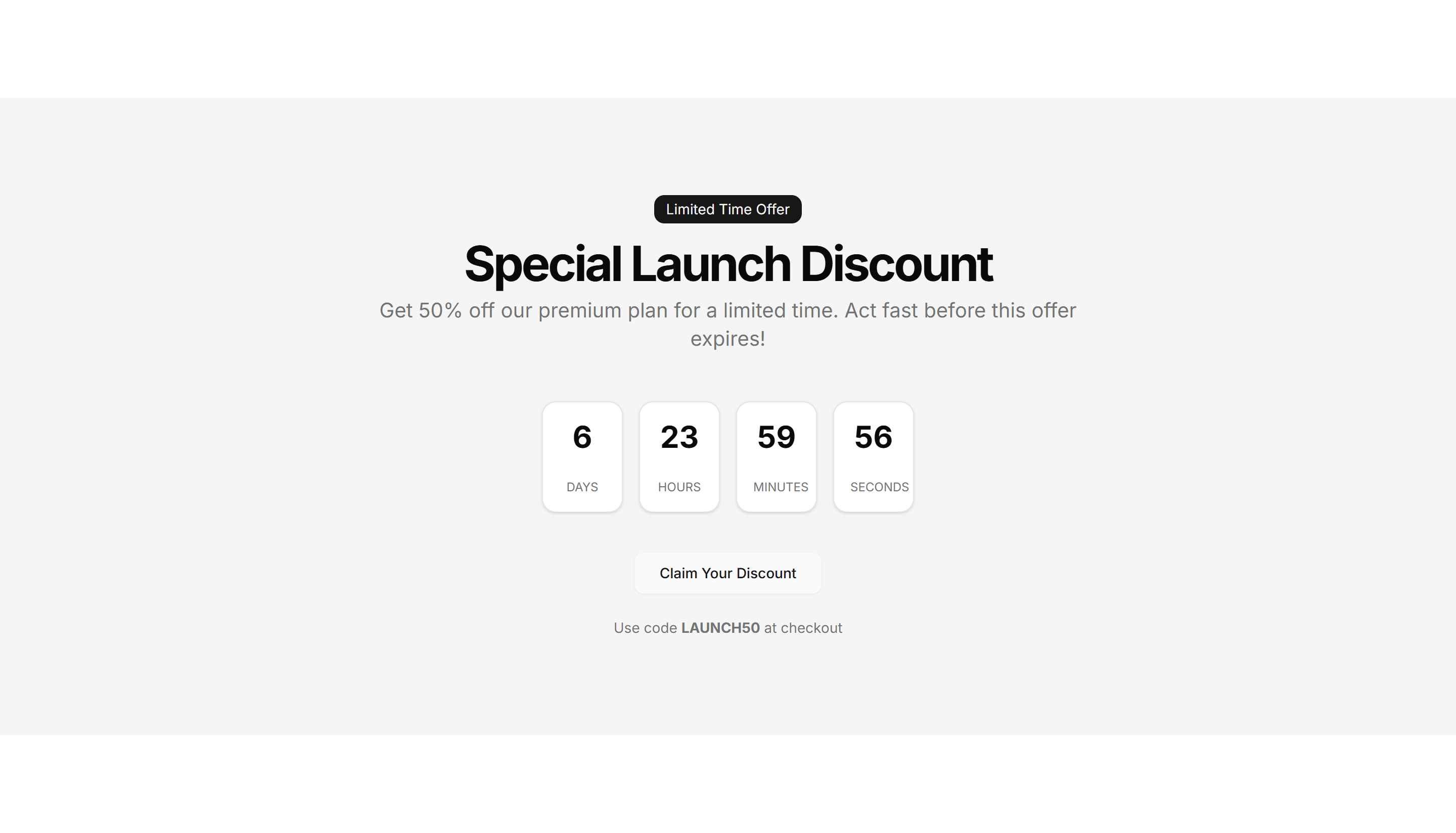
Marketing (Legacy) CTA Section: Countdown Timer
A call to action with a live countdown clock beside a headline and button. Drives urgency for a sale, launch, or webinar registration deadline.
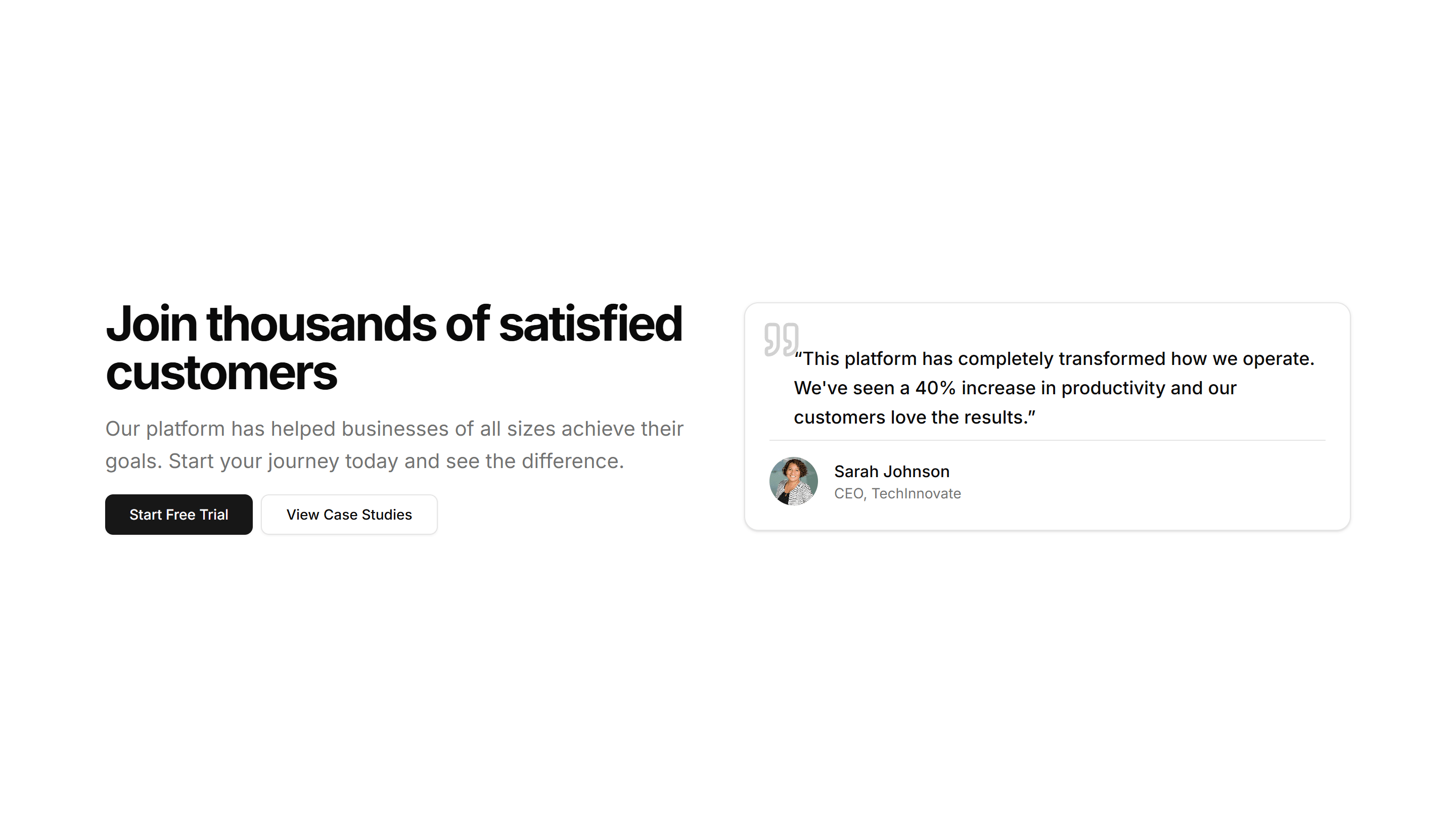
Marketing (Legacy) CTA Section: CTA With Testimonial
A call to action that places a customer quote and avatar right next to a signup button. Reinforces social proof at the moment a visitor decides.
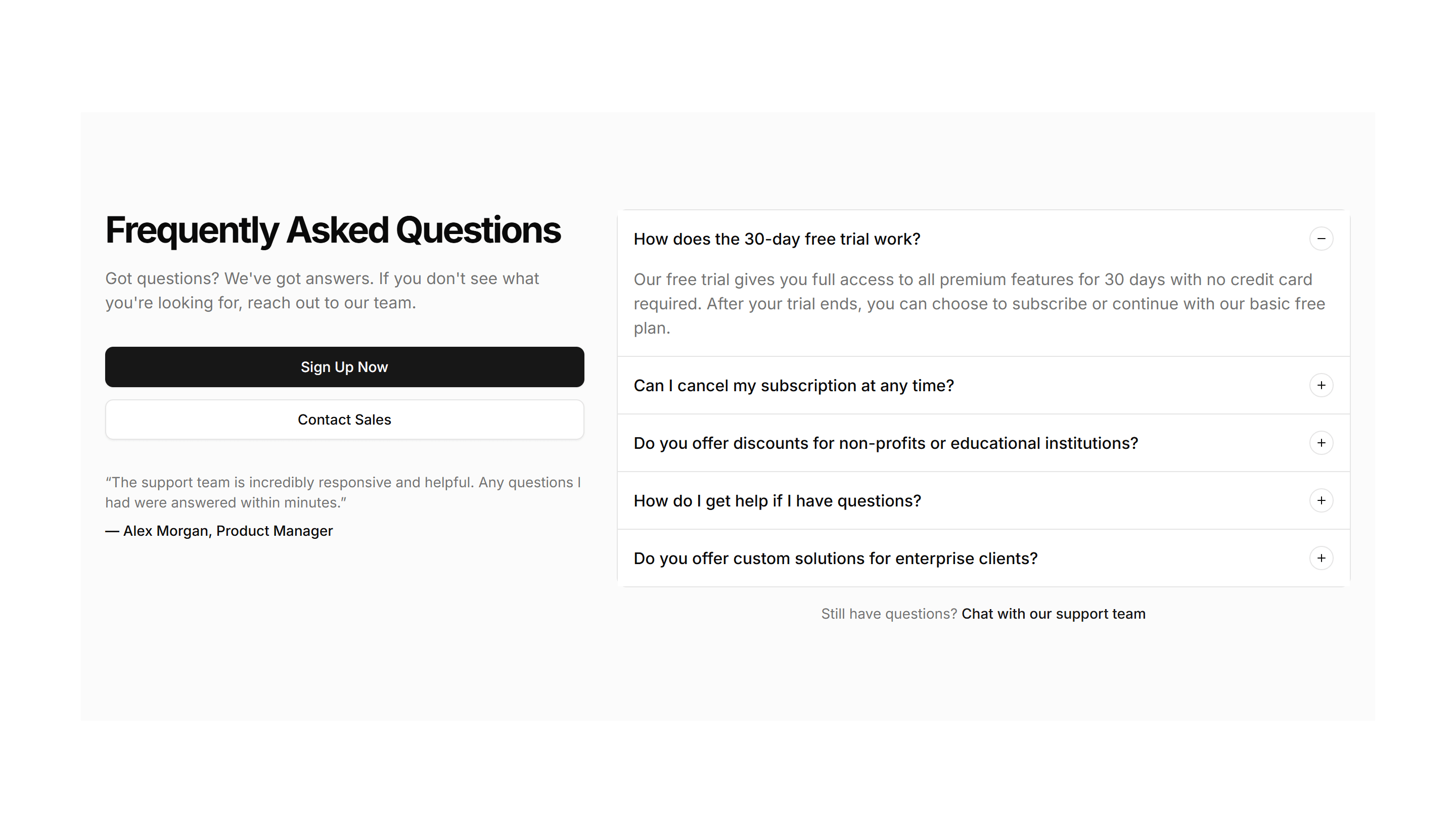
Marketing (Legacy) CTA Section: FAQ CTA
A short FAQ list paired with a closing prompt and button. Answers the last objections and nudges readers to convert at the end of a long page.
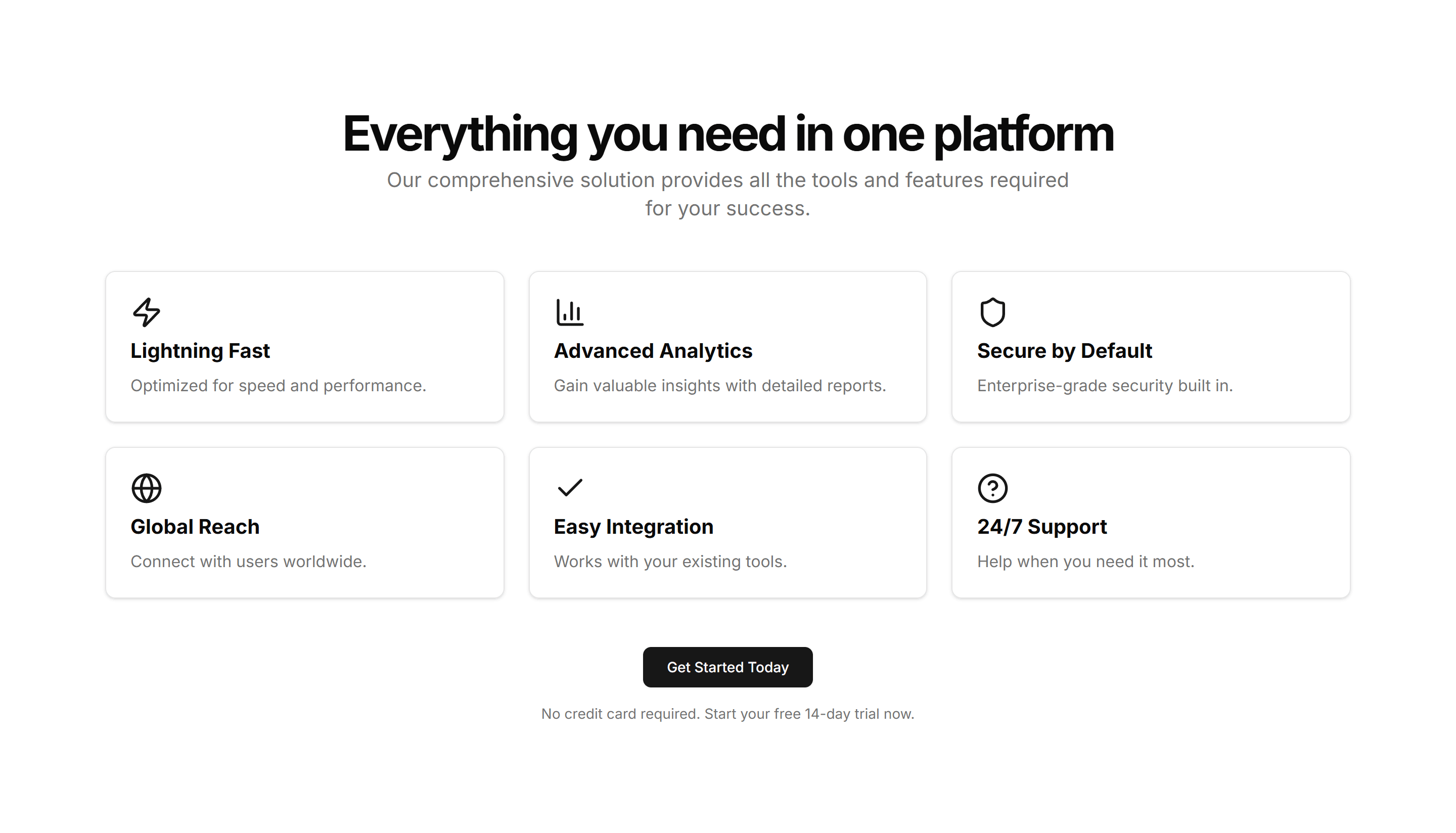
Marketing (Legacy) CTA Section: Feature Grid
A call to action backed by a grid of feature highlights with icons. Recaps the value of a product before inviting visitors to start a free trial.
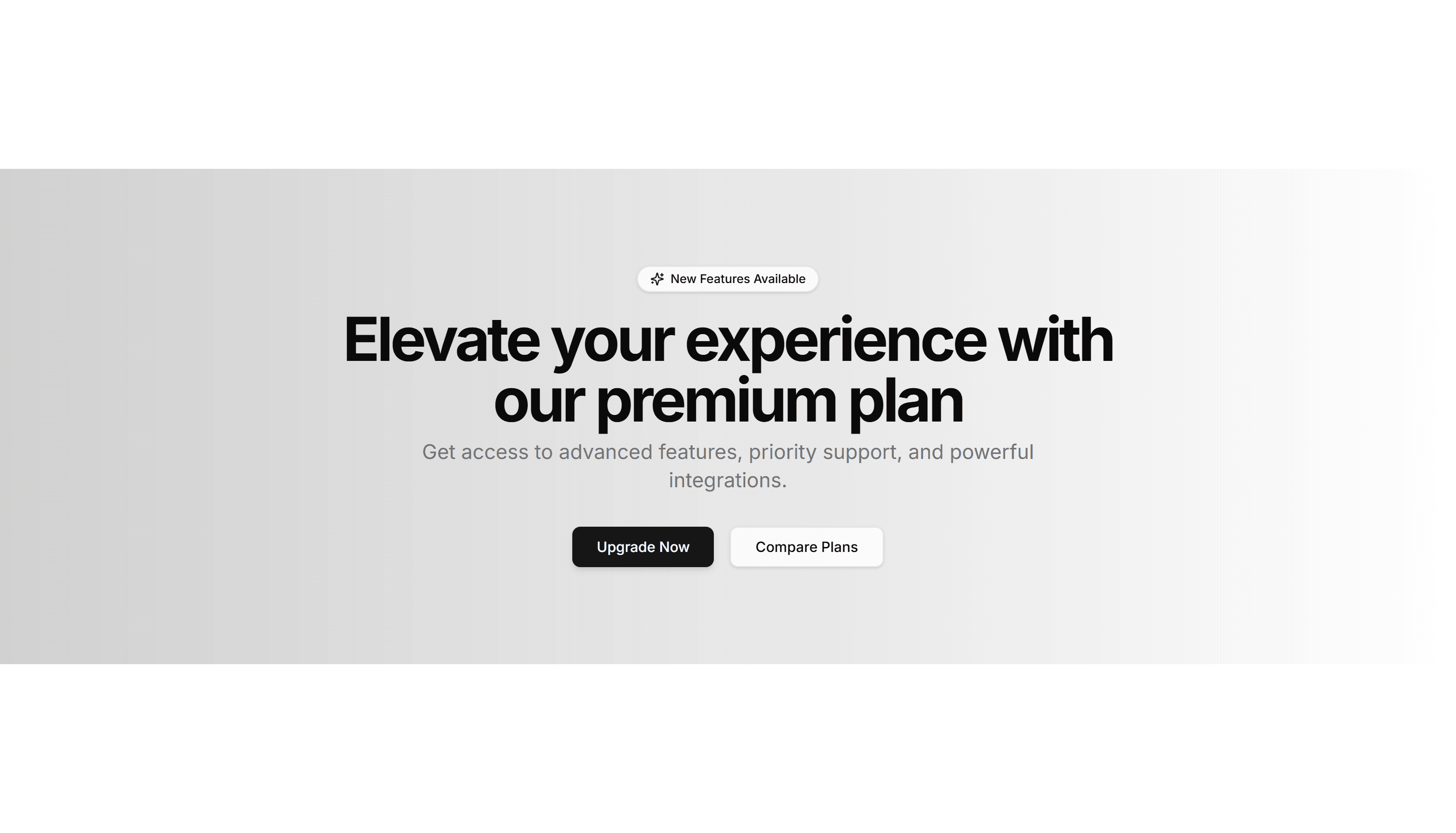
Marketing (Legacy) CTA Section: Gradient CTA
A centered call to action set on a vivid gradient panel with a headline and button. A bright closing section for a homepage or feature page.
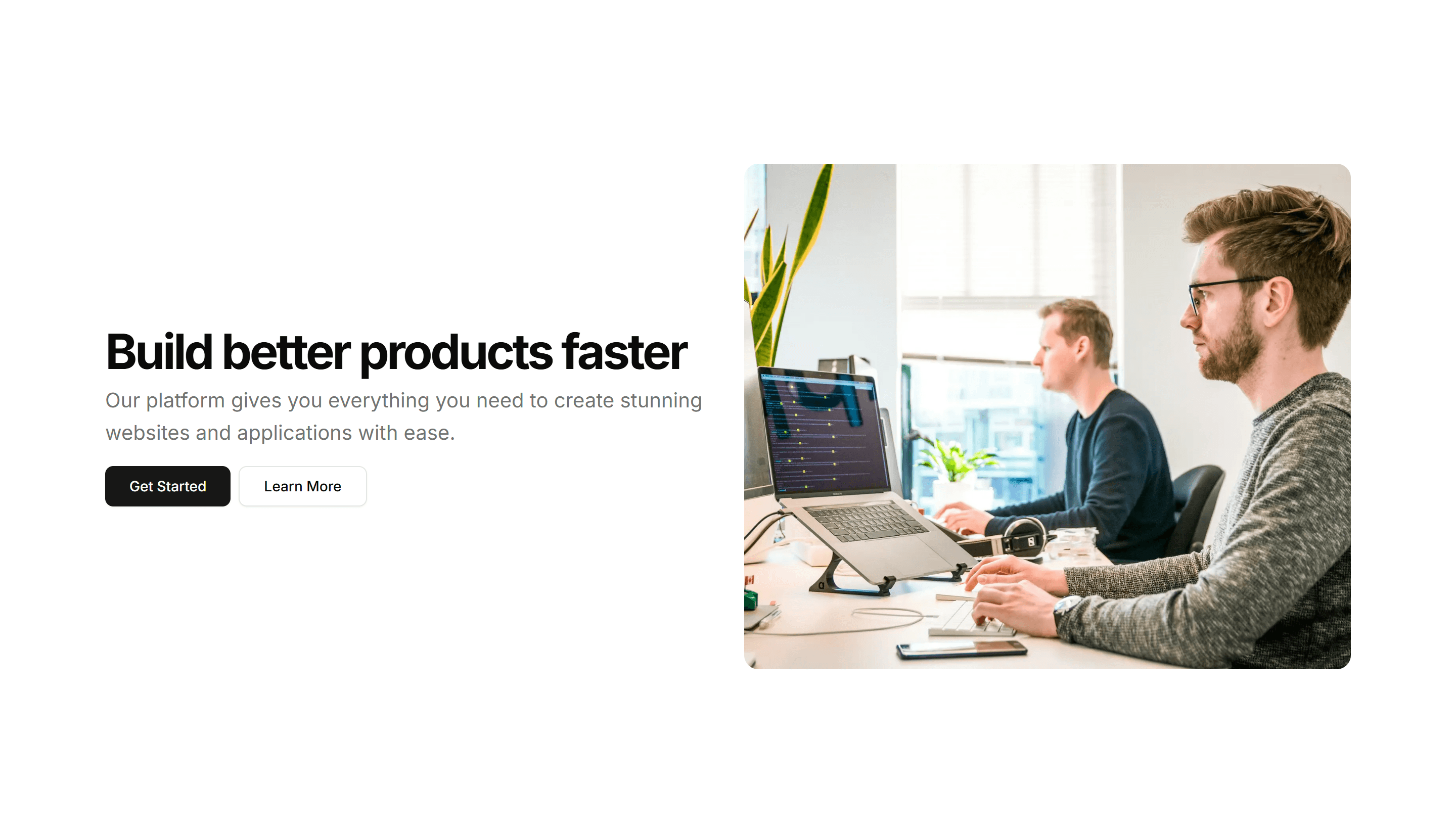
Marketing (Legacy) CTA Section: Image With Text
A call to action that sets an image beside a headline, body copy, and button. Use it to show a product shot while inviting the visitor to act.
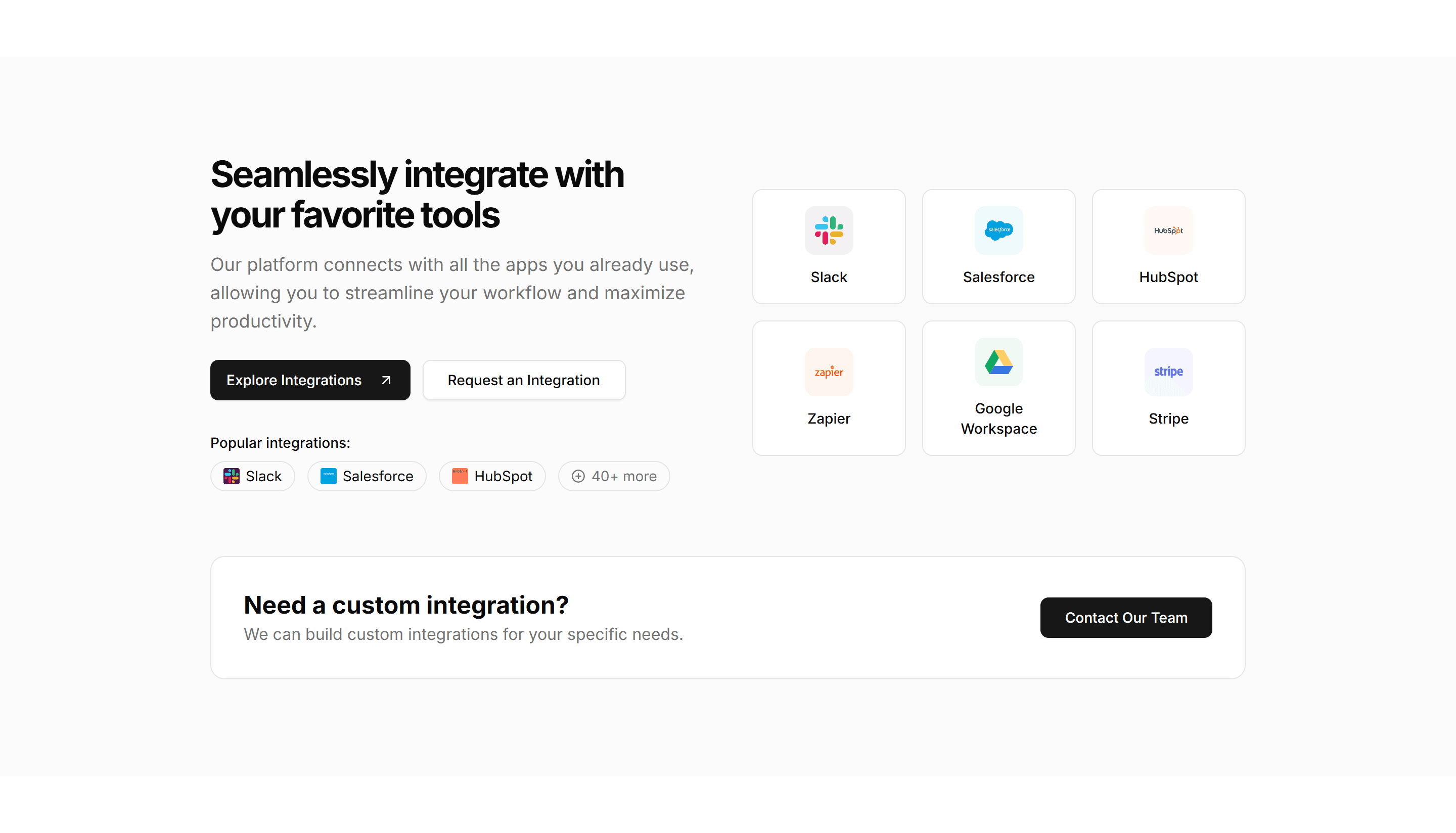
Marketing (Legacy) CTA Section: Integrations CTA
A call to action surrounded by logos of supported tools and platforms. Reassures teams about compatibility before they sign up and connect apps.
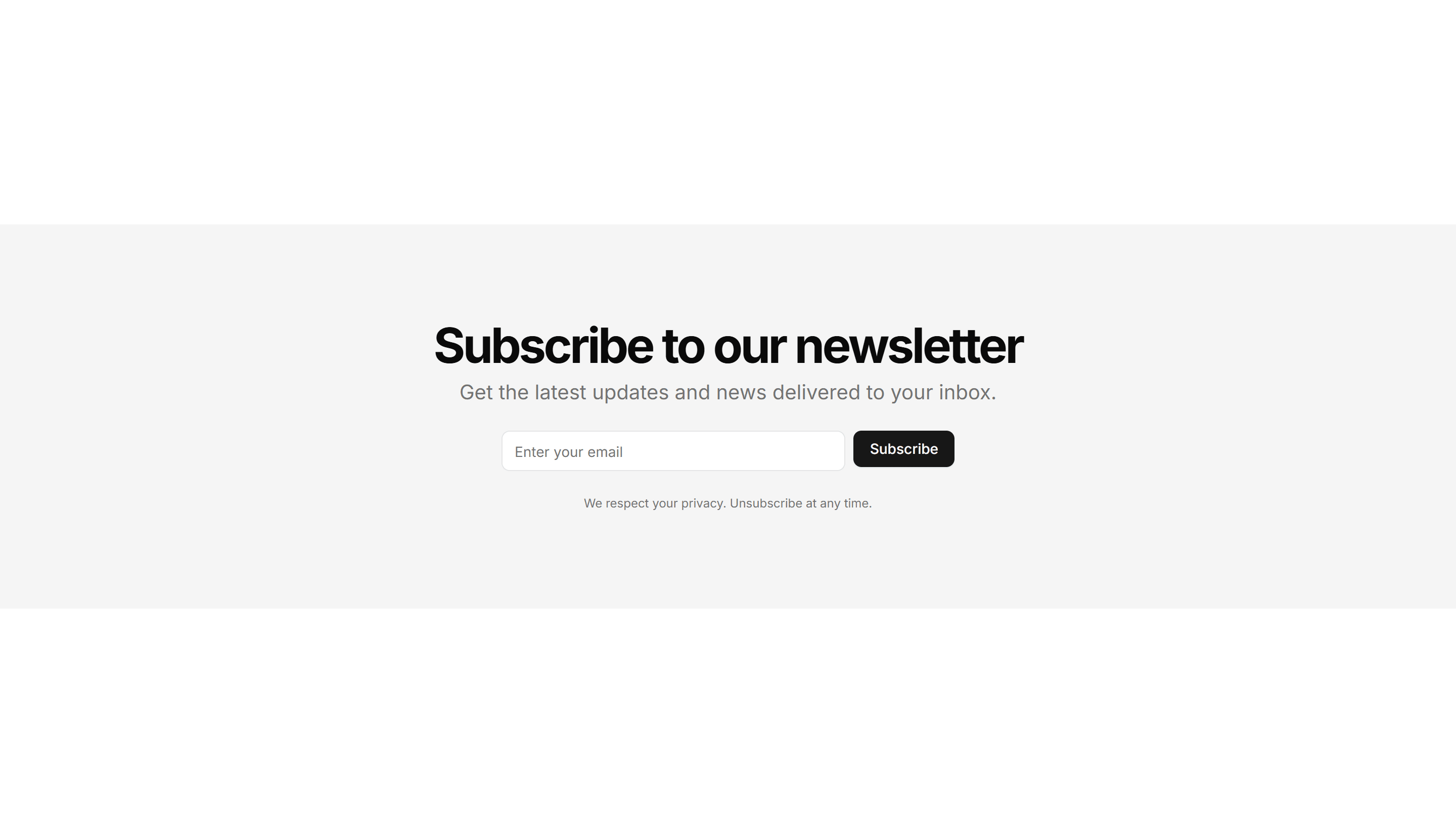
Marketing (Legacy) CTA Section: Newsletter Form
A signup section with an email input and subscribe button under a short pitch. Collects leads for a newsletter, waitlist, or product updates.
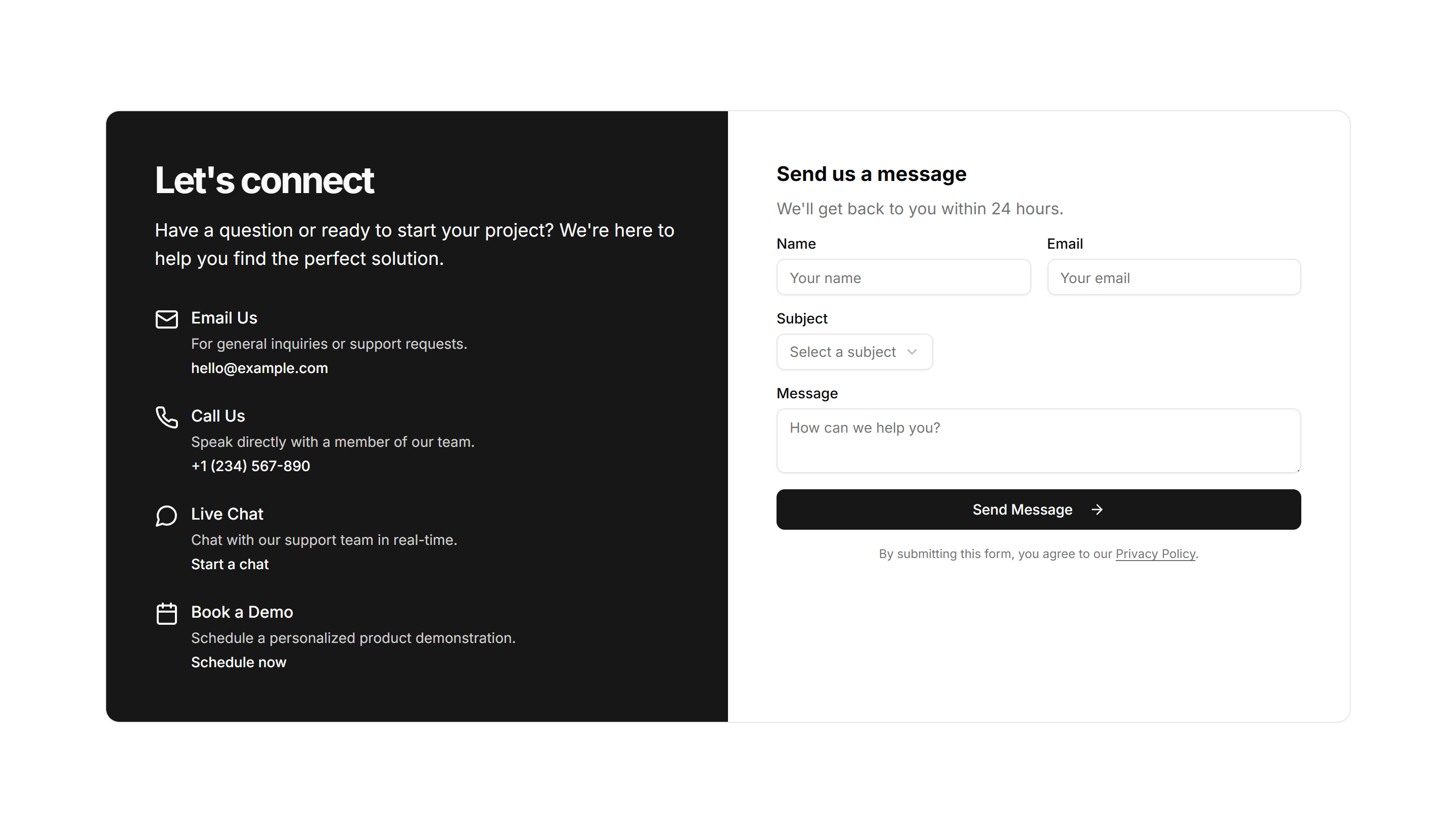
Marketing (Legacy) CTA Section: Quick Contact CTA
A compact contact prompt with a short form or button to reach the team. Drops into a footer or sidebar so visitors can get in touch fast.
Marketing (Legacy) CTA Section: Simple Centered
A centered call to action with a headline, supporting line, and button. A clean closing section to end a landing page and prompt the next step.
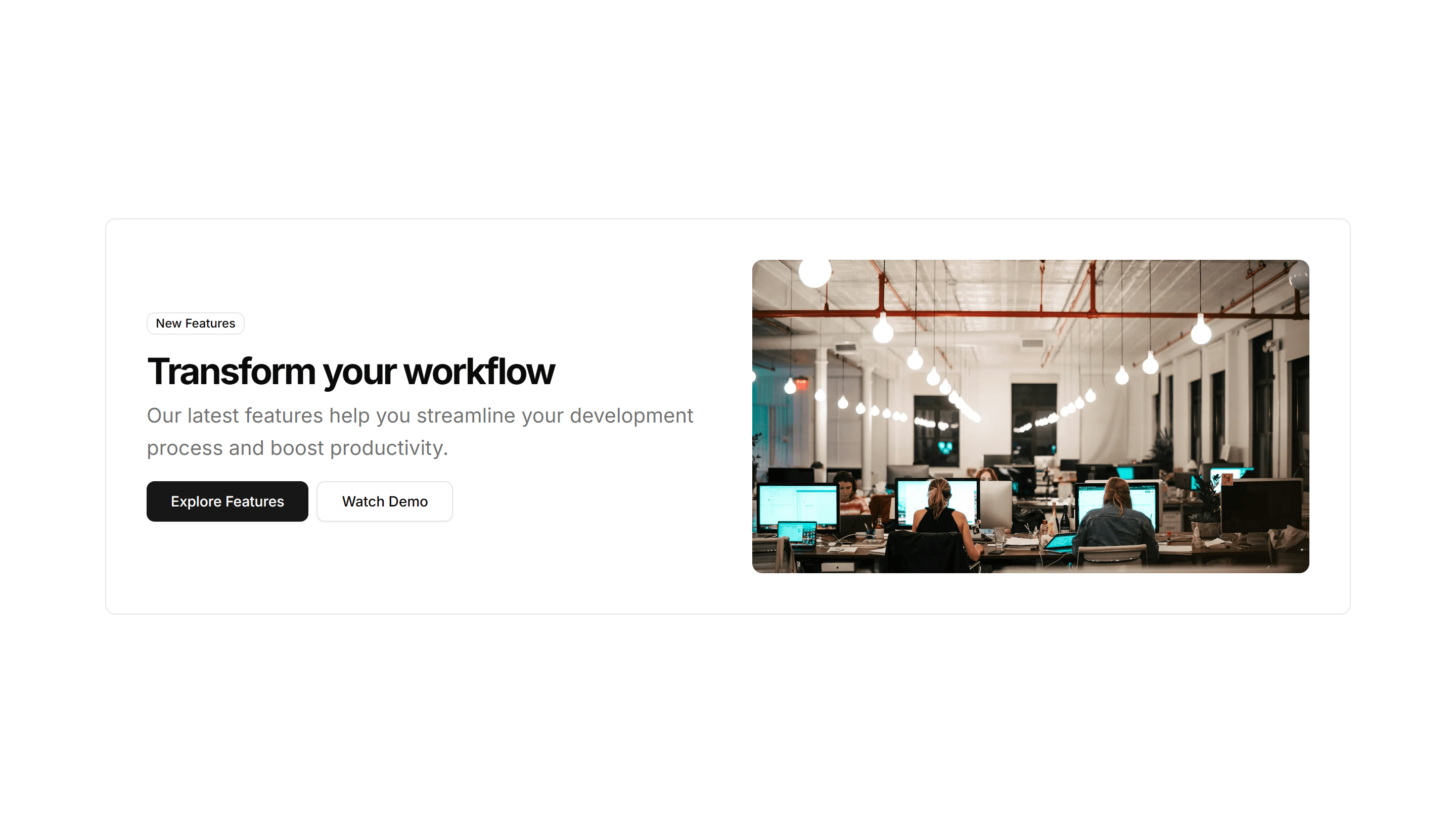
Marketing (Legacy) CTA Section: Split With Image
A two column call to action with copy on one side and an image on the other. Balances message and visual to invite a signup or demo request.
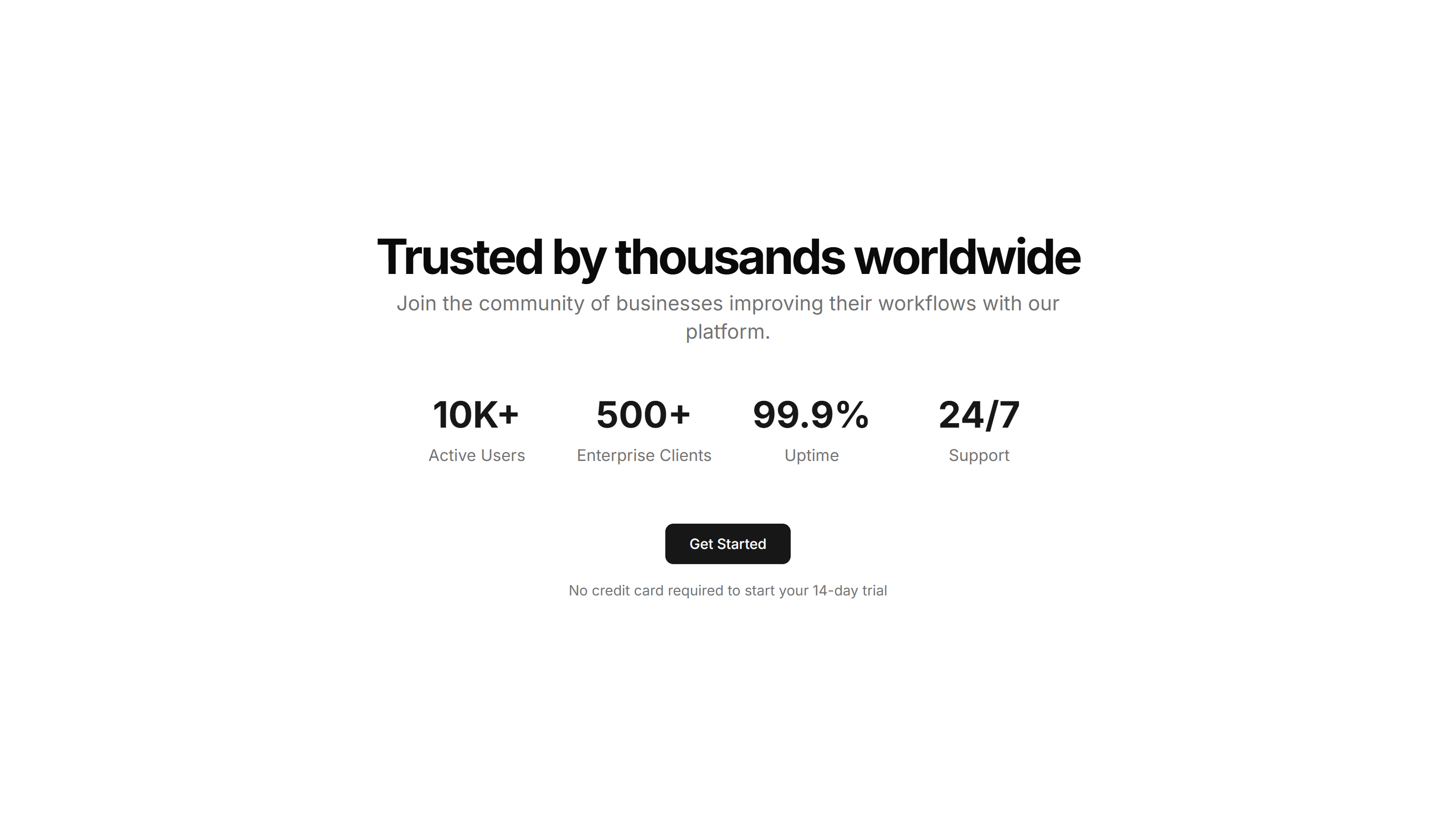
Marketing (Legacy) CTA Section: Stats CTA
A call to action that leads with key metrics like users or uptime, then a button. Uses hard numbers to convince visitors before they commit.
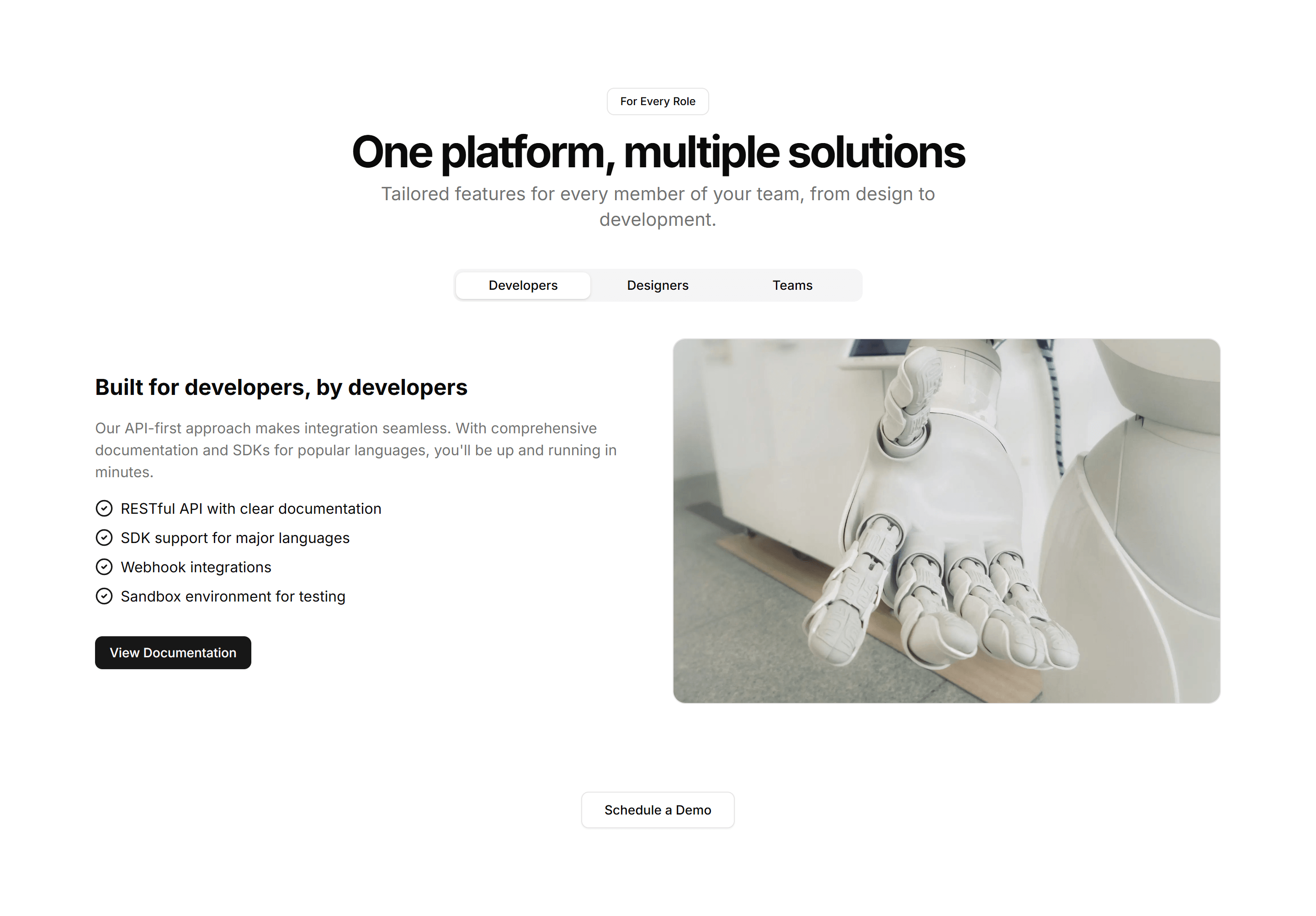
Marketing (Legacy) CTA Section: Tab CTA
A call to action with tabbed content that swaps messages by audience or use case. Lets visitors pick a path before clicking the matching button.
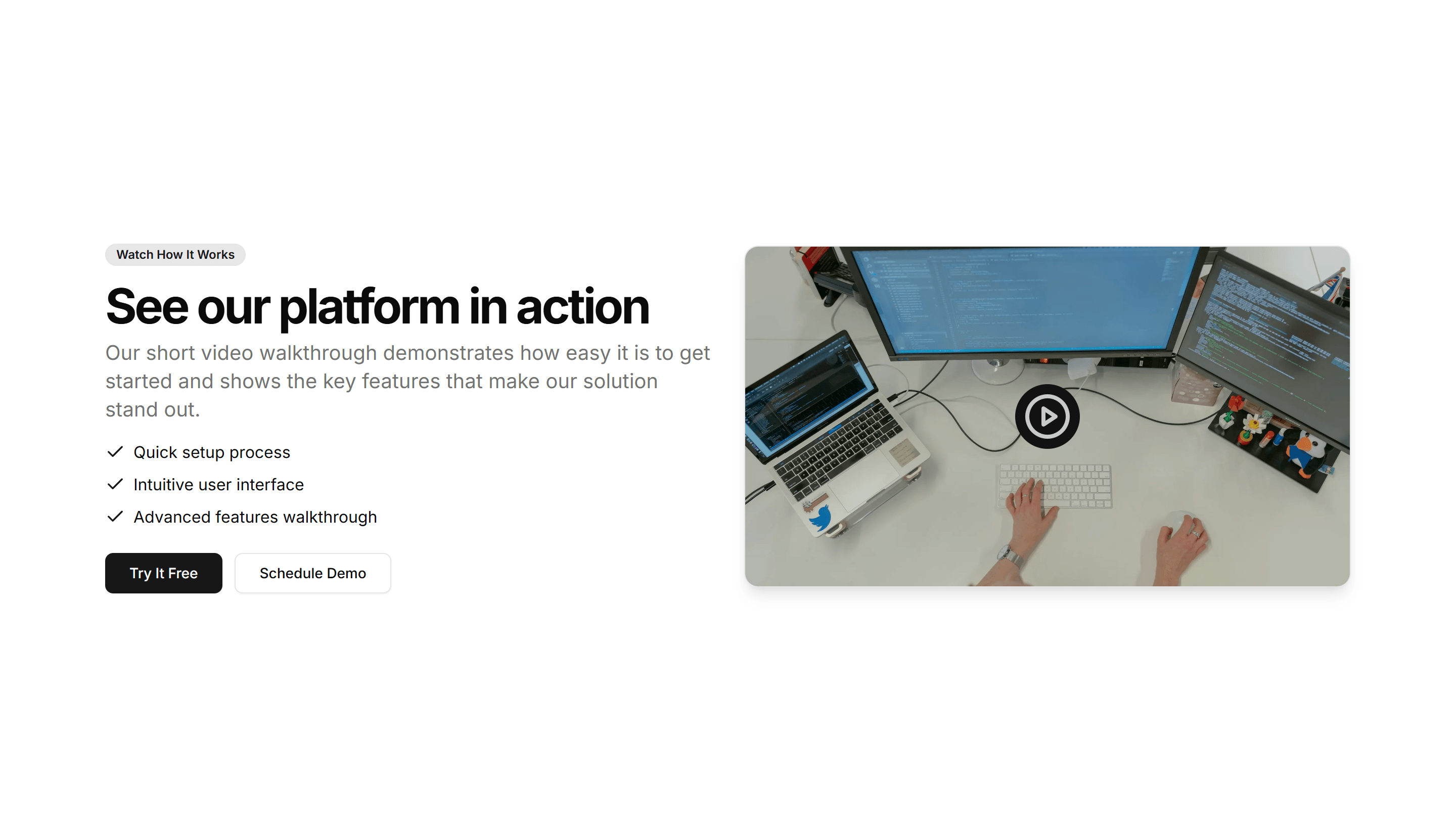
Marketing (Legacy) CTA Section: Video CTA
A call to action built around an embedded video with a headline and button. Plays a quick demo or pitch, then invites the viewer to start now.
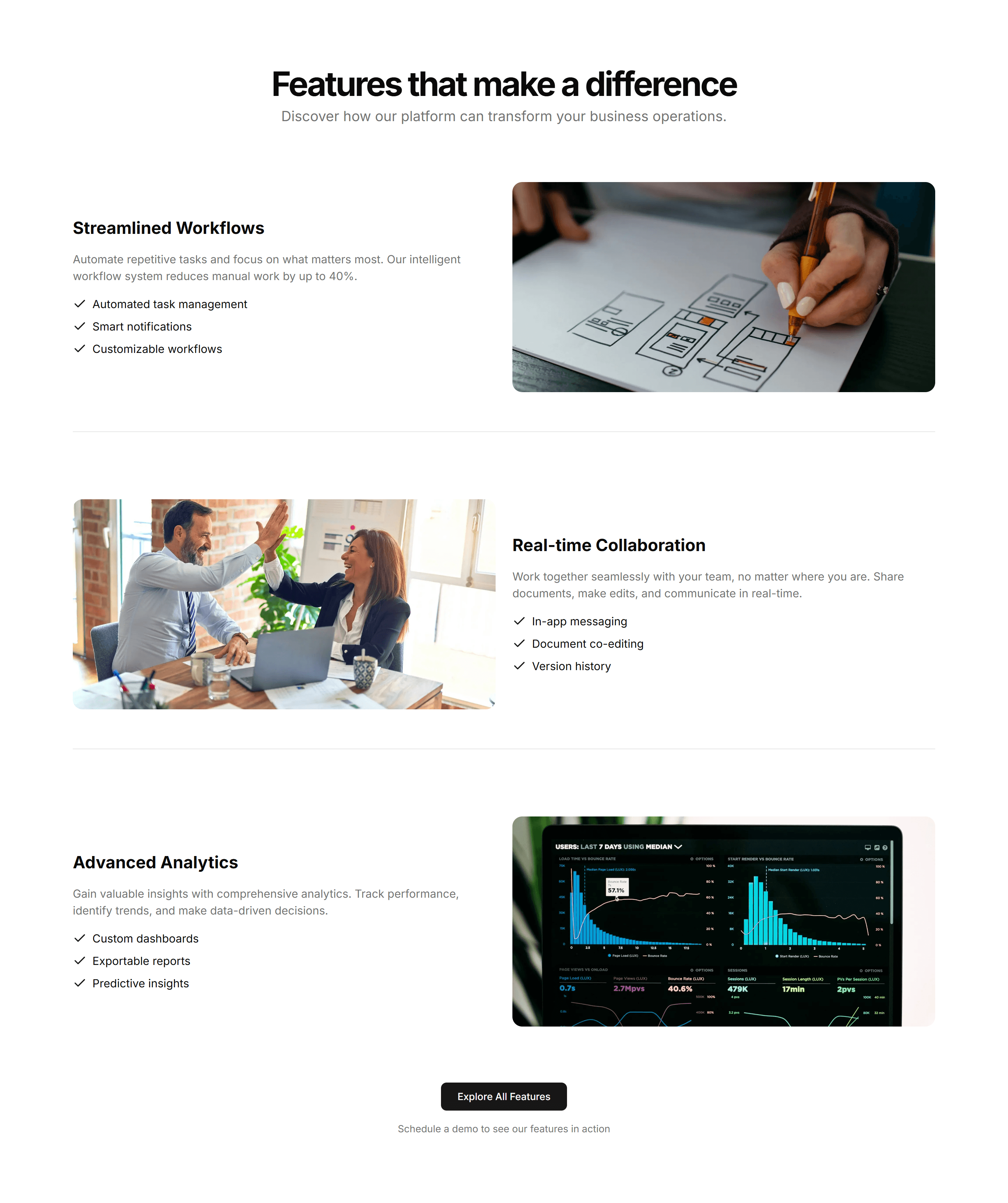
Marketing (Legacy) CTA Section: Zigzag CTA
A call to action with alternating text and image rows that lead into a button. Walks readers through benefits before the final closing prompt.
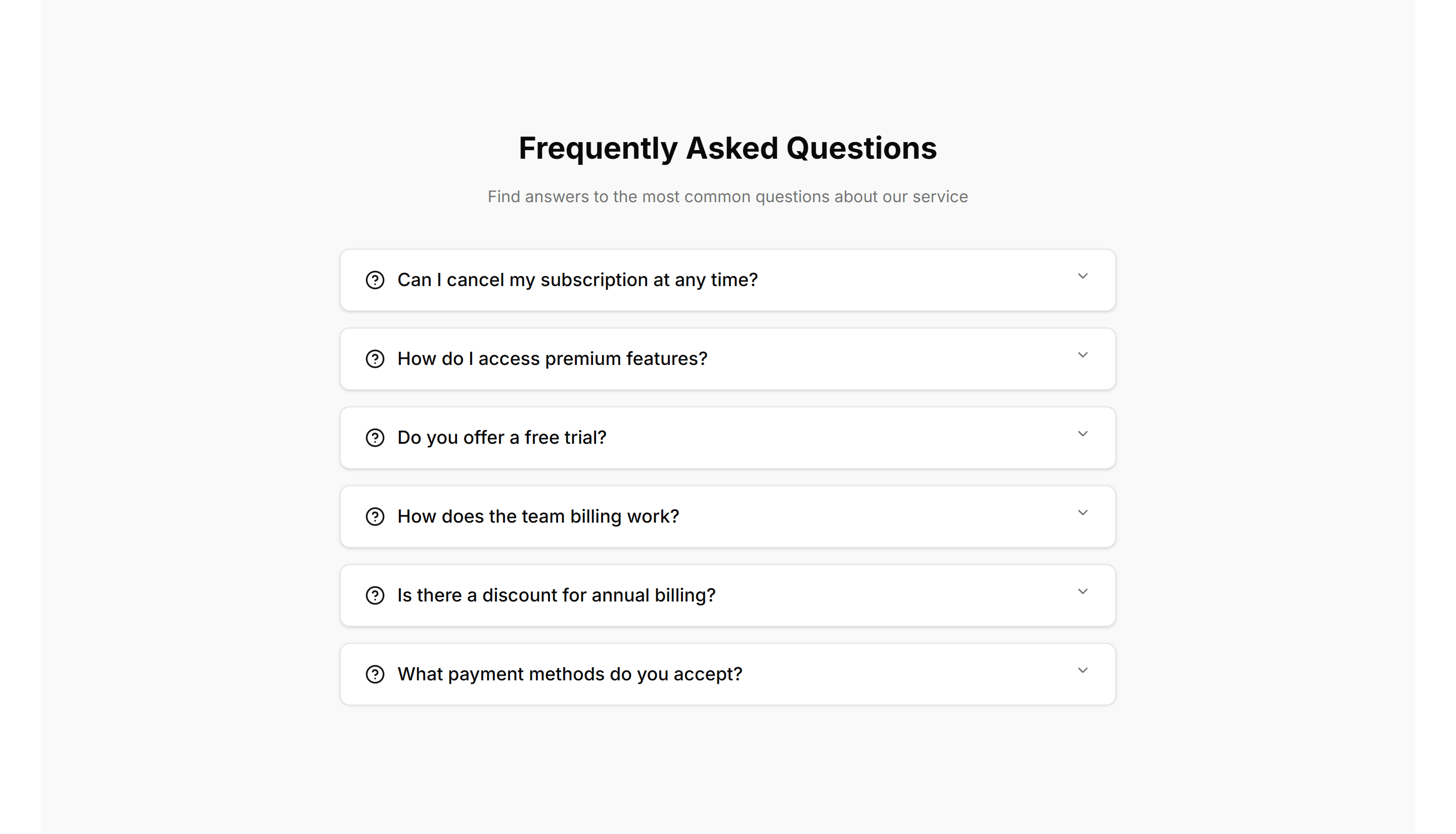
Marketing (Legacy) FAQ Section: Accordion With Background
An accordion FAQ set against a tinted background panel. Each question expands to reveal its answer, keeping long lists of details tidy and easy to scan.
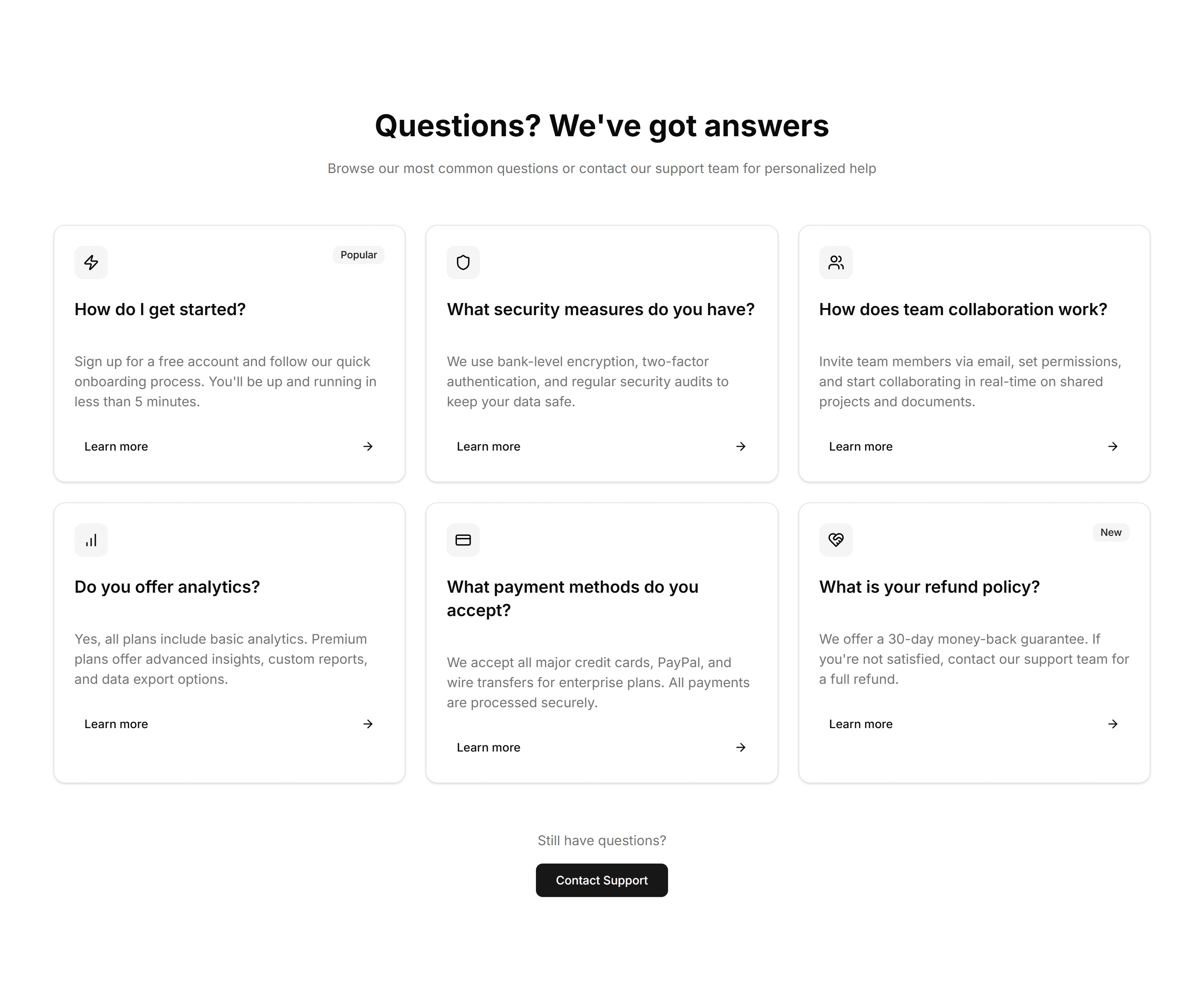
Marketing (Legacy) FAQ Section: Card Grid
A grid of question cards, each holding one query and its answer inline. Lays out frequent questions clearly so visitors find what they need at a glance.
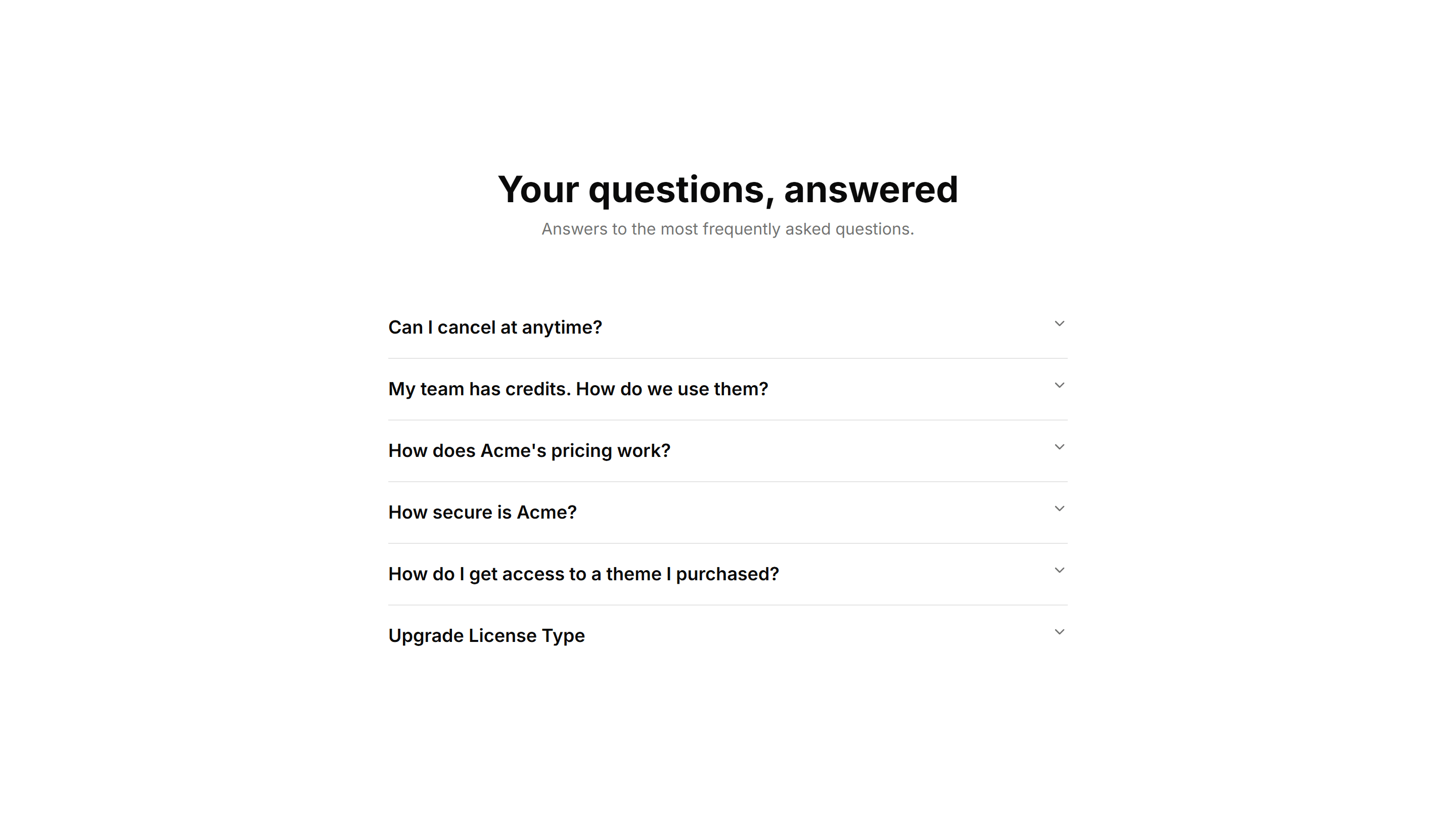
Marketing (Legacy) FAQ Section: Center Aligned
A centered FAQ column with a heading and stacked accordion items. Keeps focus on the questions and works well as a standalone support section on any page.
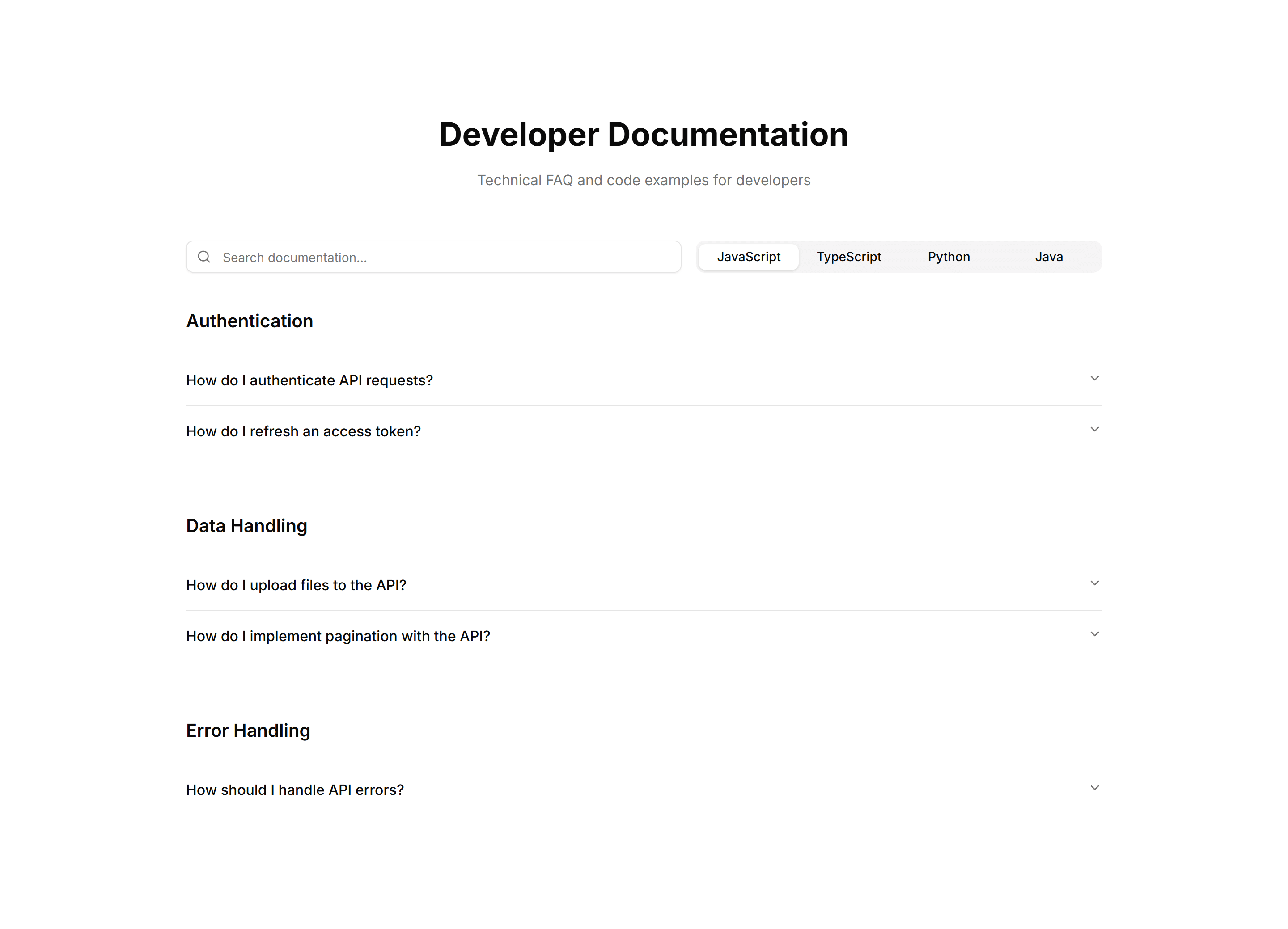
Marketing (Legacy) FAQ Section: Code Snippets
An FAQ layout with formatted code blocks inside answers. Built for developer docs where responses need syntax examples, commands, or configuration shown.
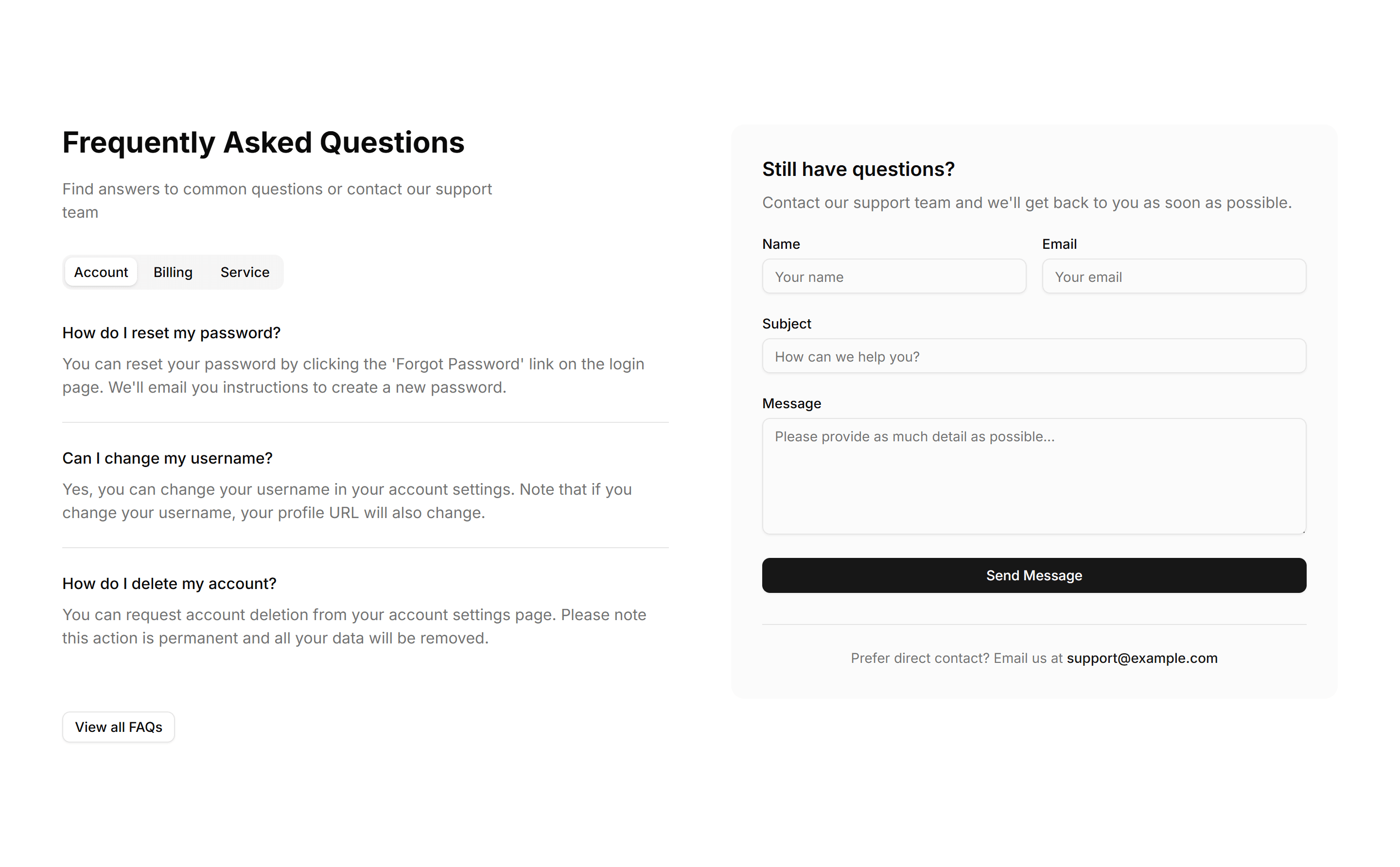
Marketing (Legacy) FAQ Section: Contact Form
An FAQ section paired with a contact form, so visitors read common answers and reach out when their question is not covered, all within one tidy section.
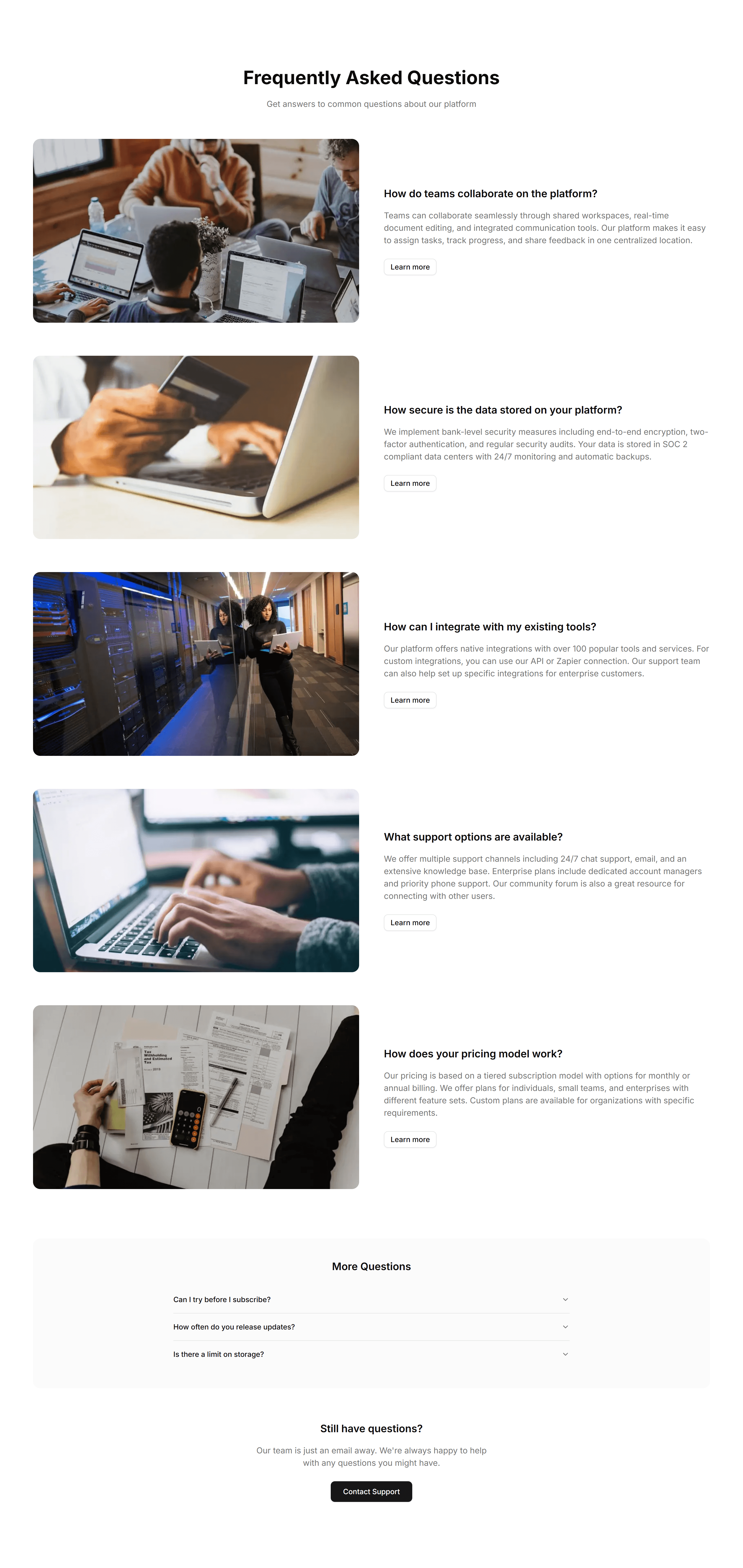
Marketing (Legacy) FAQ Section: Image Illustrated
An FAQ section with a supporting illustration beside the question list. Adds visual context and warmth to a help area while answers stay easy to read.
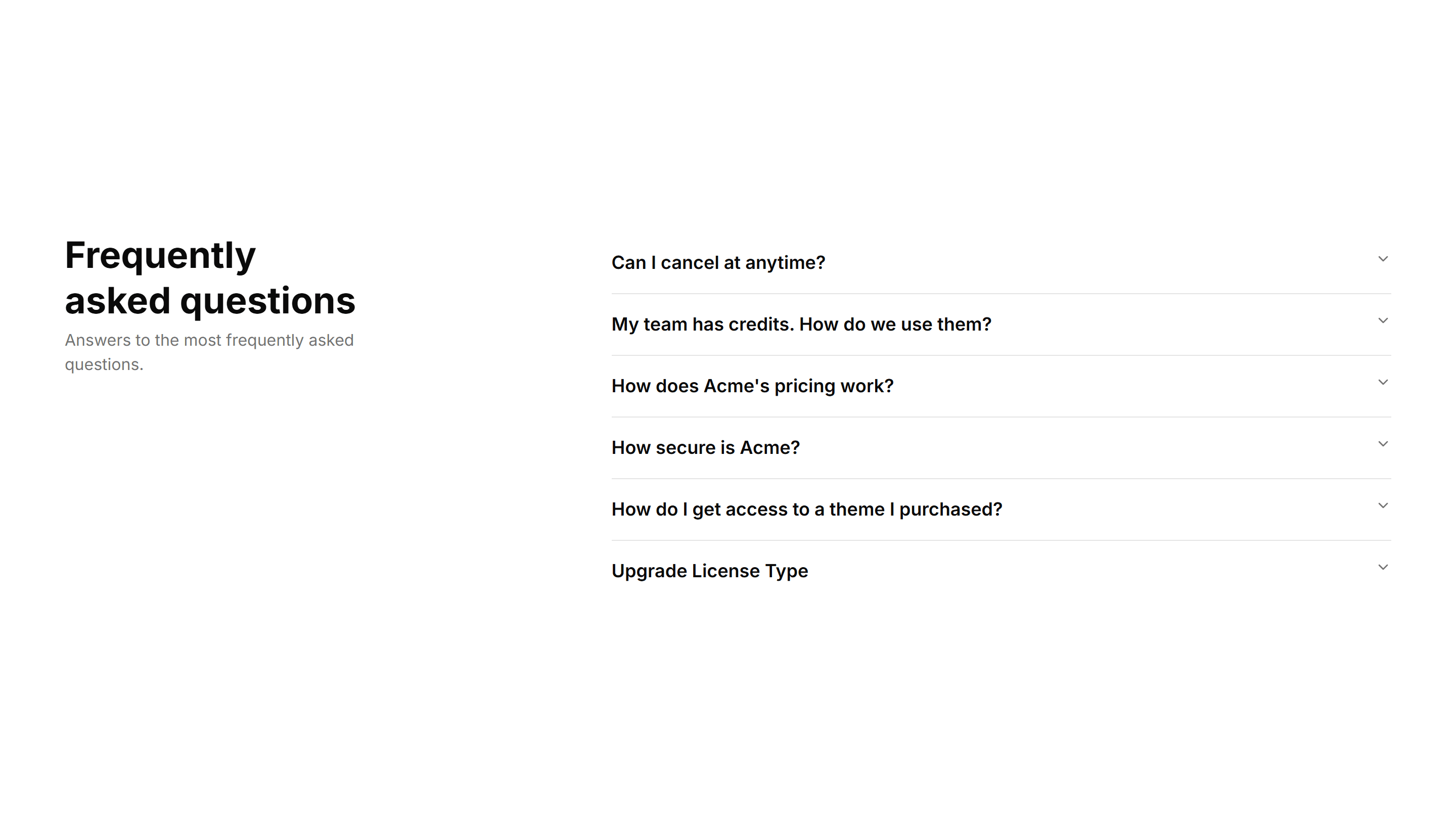
Marketing (Legacy) FAQ Section: Right Aligned
A two column FAQ with the heading and intro on the left and accordion items on the right. Balances explanation and detail across a wide support section.
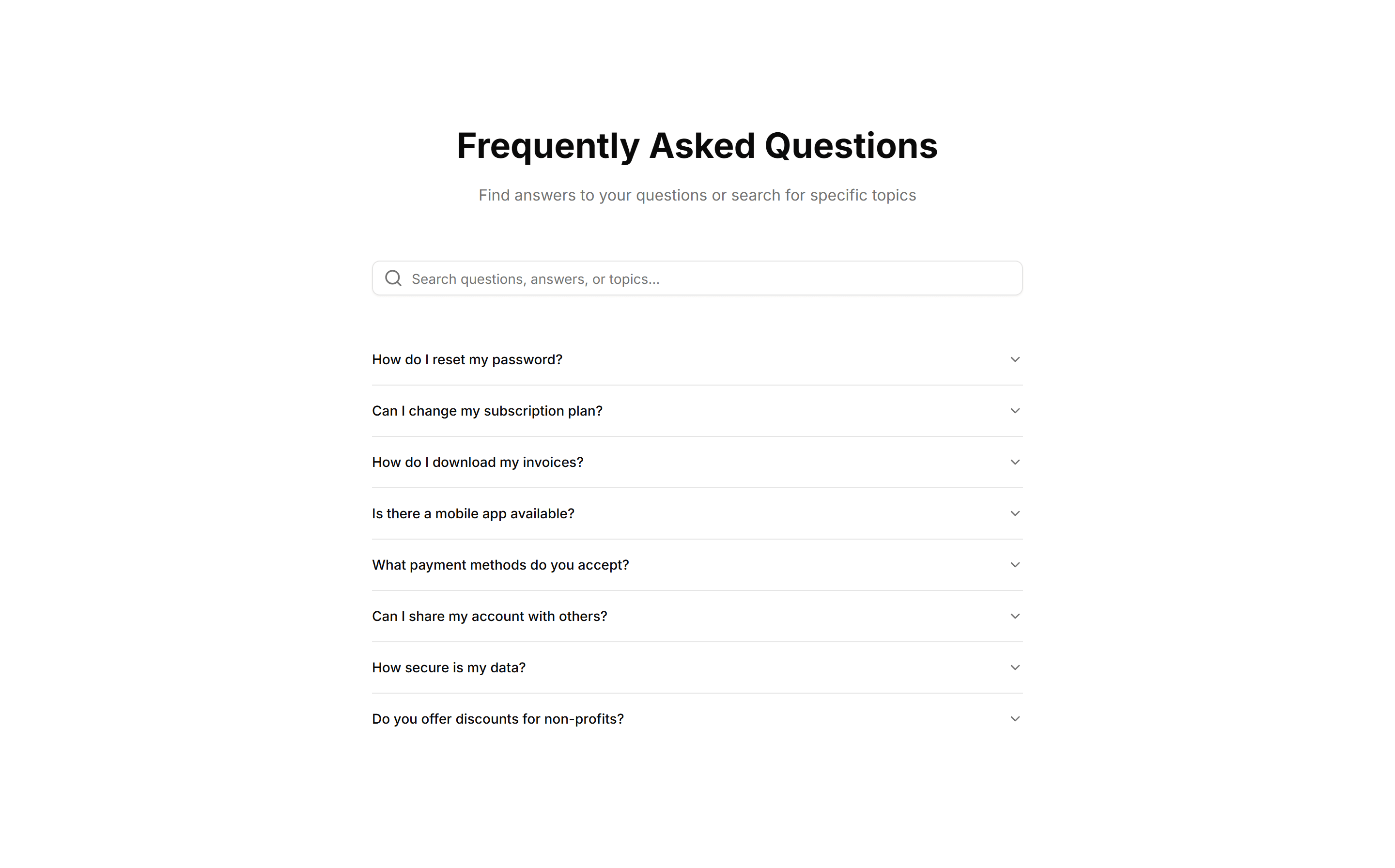
Marketing (Legacy) FAQ Section: Search Filter
An FAQ section with a search field that filters questions as you type. Helps visitors jump straight to the answer they want across a long question list.
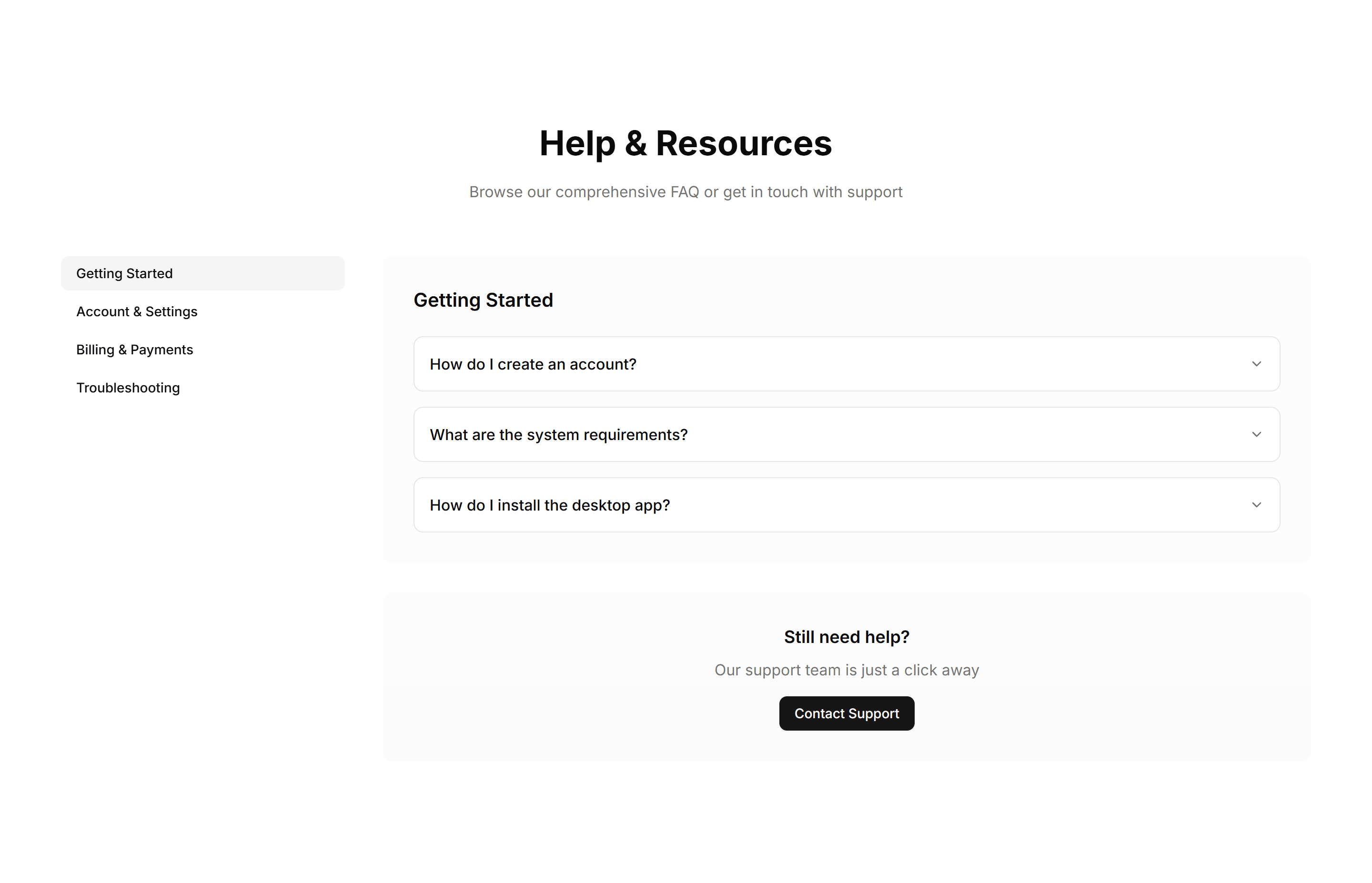
Marketing (Legacy) FAQ Section: Sidebar Navigation
An FAQ layout with a sidebar of categories beside the answers. Lets visitors switch topics quickly and keeps large help sections organized and navigable.
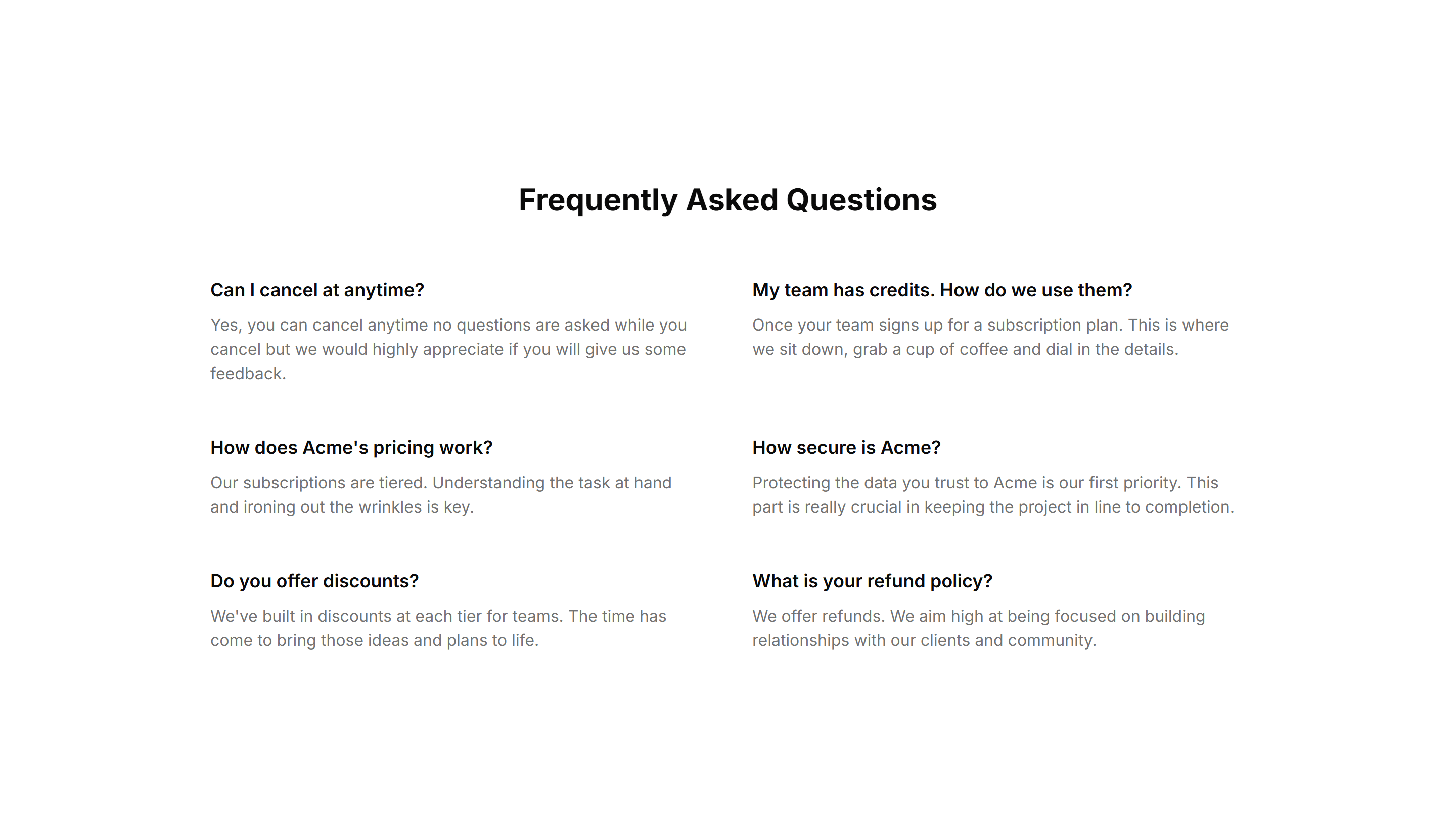
Marketing (Legacy) FAQ Section: Simple 2 Cols Grid
A plain two column grid of questions and answers. A compact way to cover many topics at once, ideal for a quick reference block near a page footer.

Marketing (Legacy) FAQ Section: Simple With Divider And Icon
A clean FAQ list with an icon by each question and dividers between rows. Keeps a long set of answers readable and clearly separated on any support page.
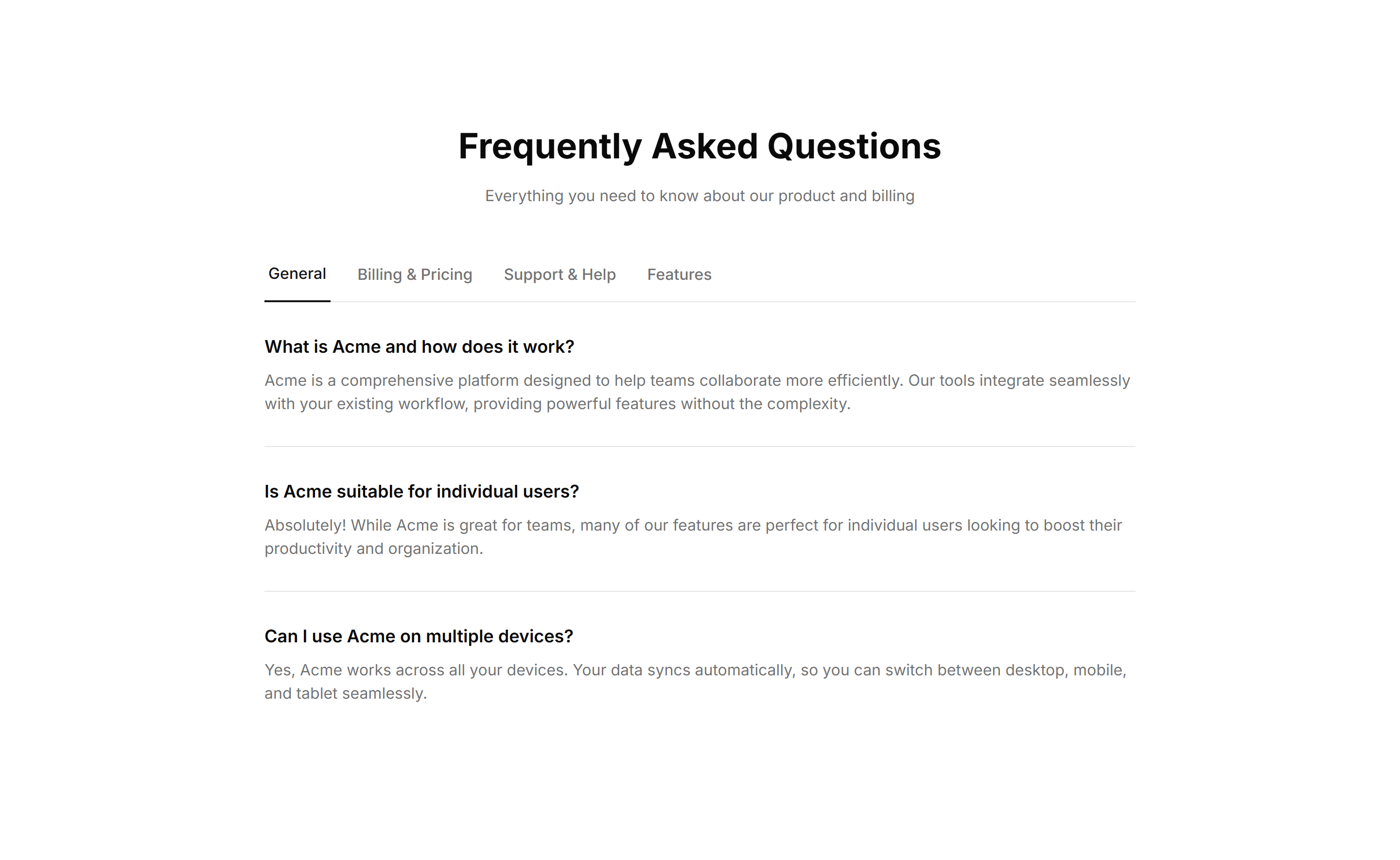
Marketing (Legacy) FAQ Section: Tabbed Categories
An FAQ section with tabs that group questions by category. Visitors pick a topic and see only relevant answers, keeping a broad help area uncluttered.
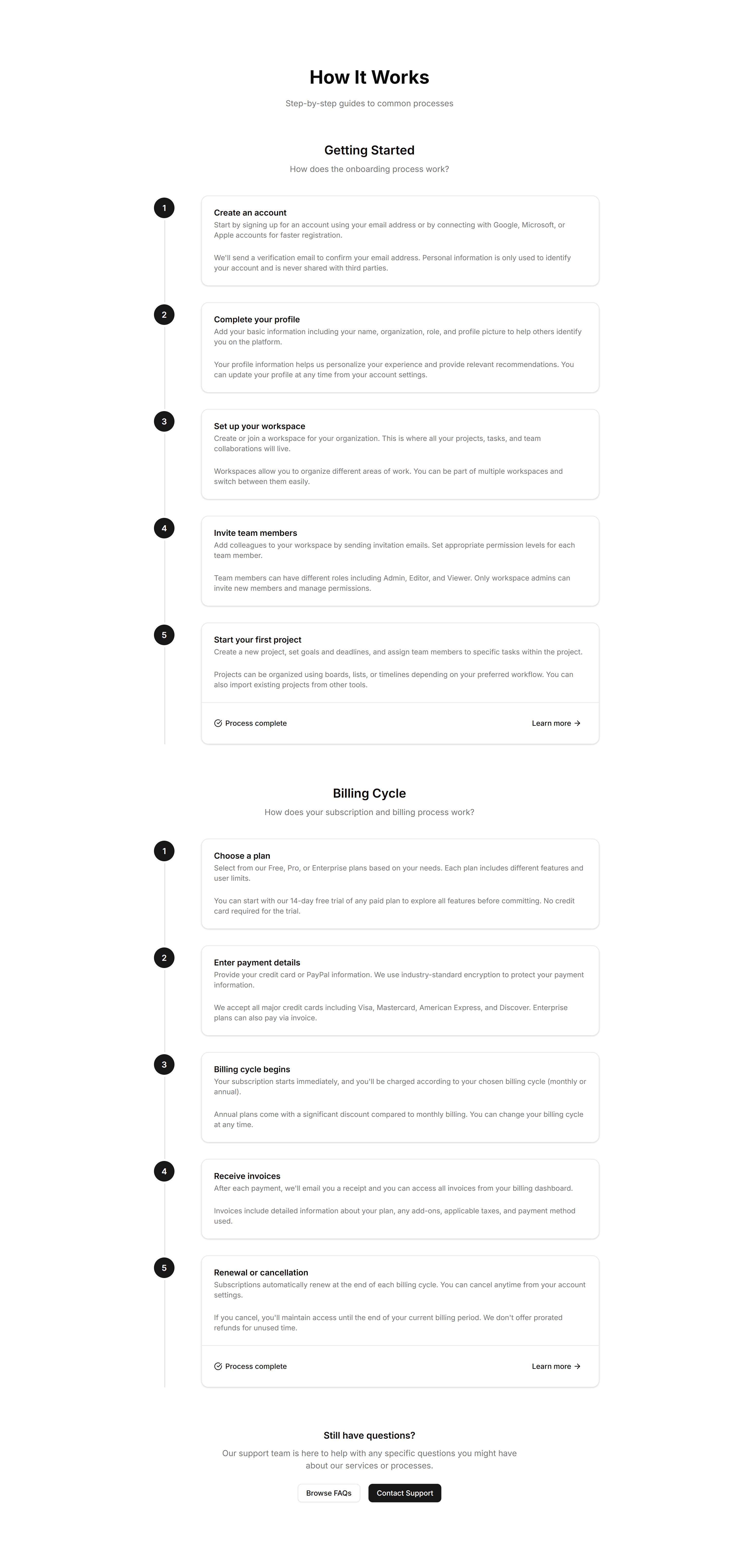
Marketing (Legacy) FAQ Section: Timeline FAQ
An FAQ laid out as a vertical timeline, walking visitors through questions in order. Suited to onboarding or step by step guides where sequence matters.
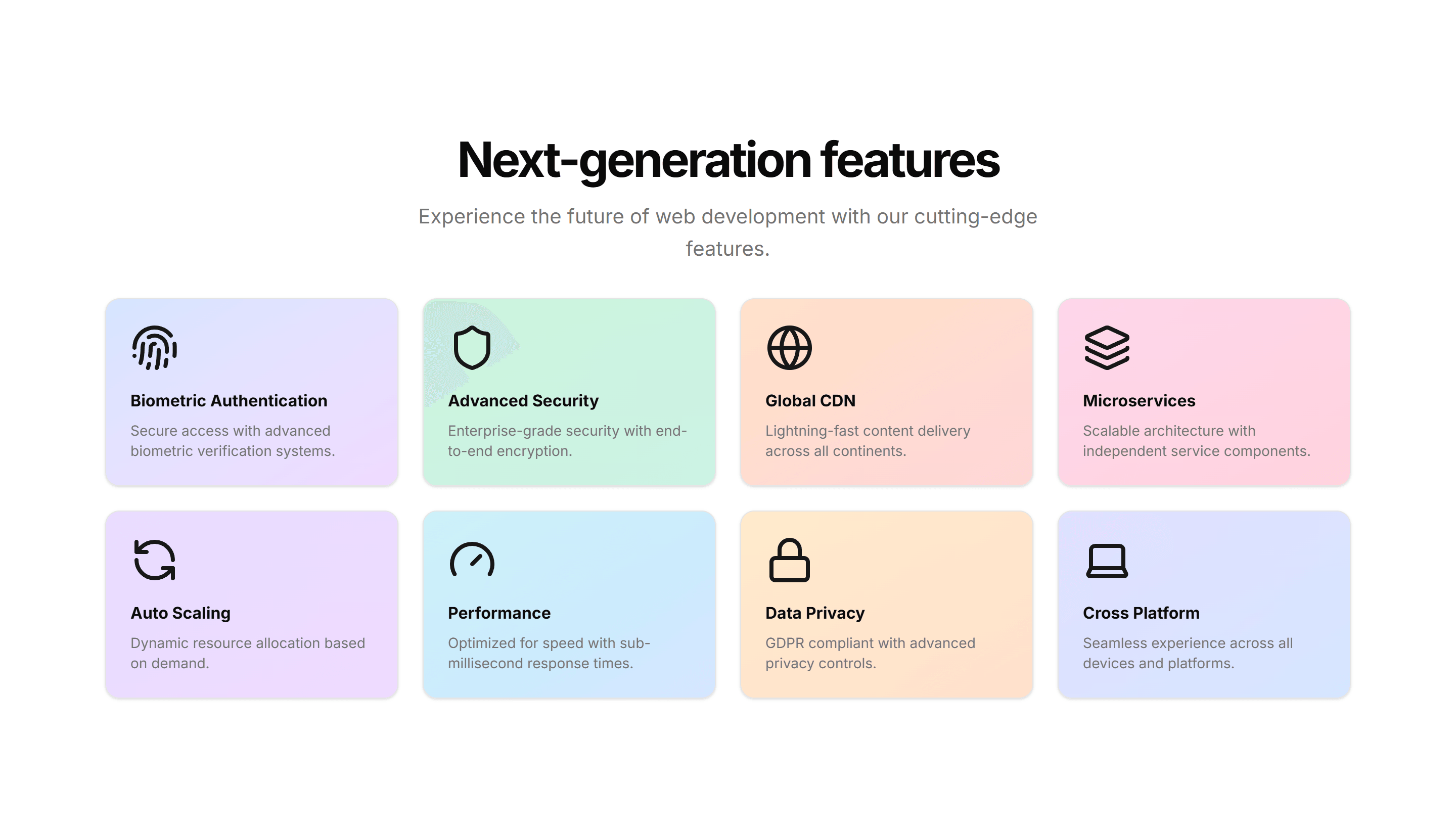
Marketing (Legacy) Feature Section: 3D Cards
Feature cards that tilt in 3D as the cursor moves, each holding an icon, title, and copy. Adds depth to a landing page when you want highlights to feel tactile.
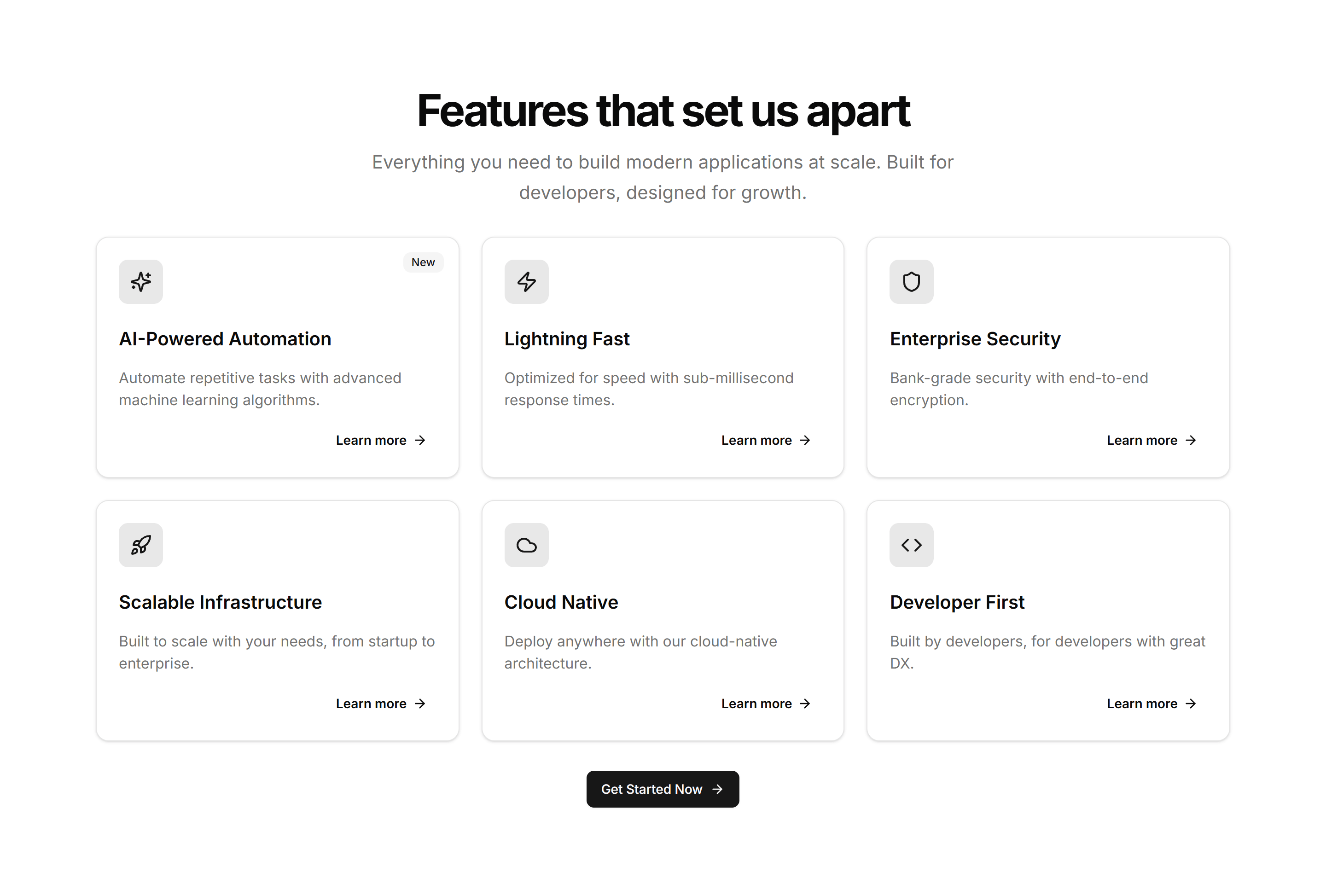
Marketing (Legacy) Feature Section: Card Grid
A tidy grid of feature cards, each with an icon, heading, and short description. Lays out several product capabilities at once for a clean overview section.
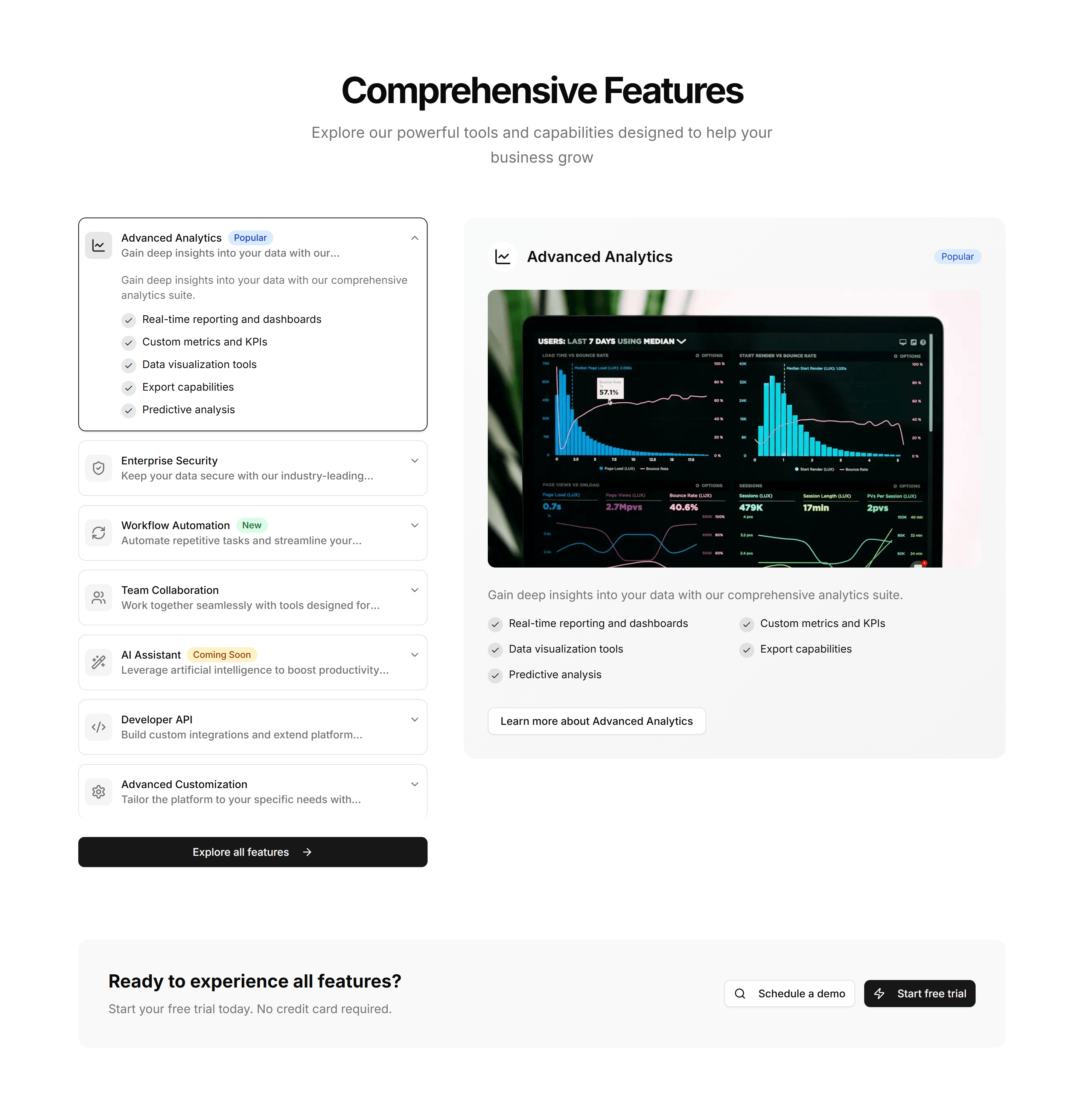
Marketing (Legacy) Feature Section: Feature Accordion
Stacked feature panels that expand on click to reveal detail and a paired visual. Lets visitors drill into one capability at a time without crowding the page.
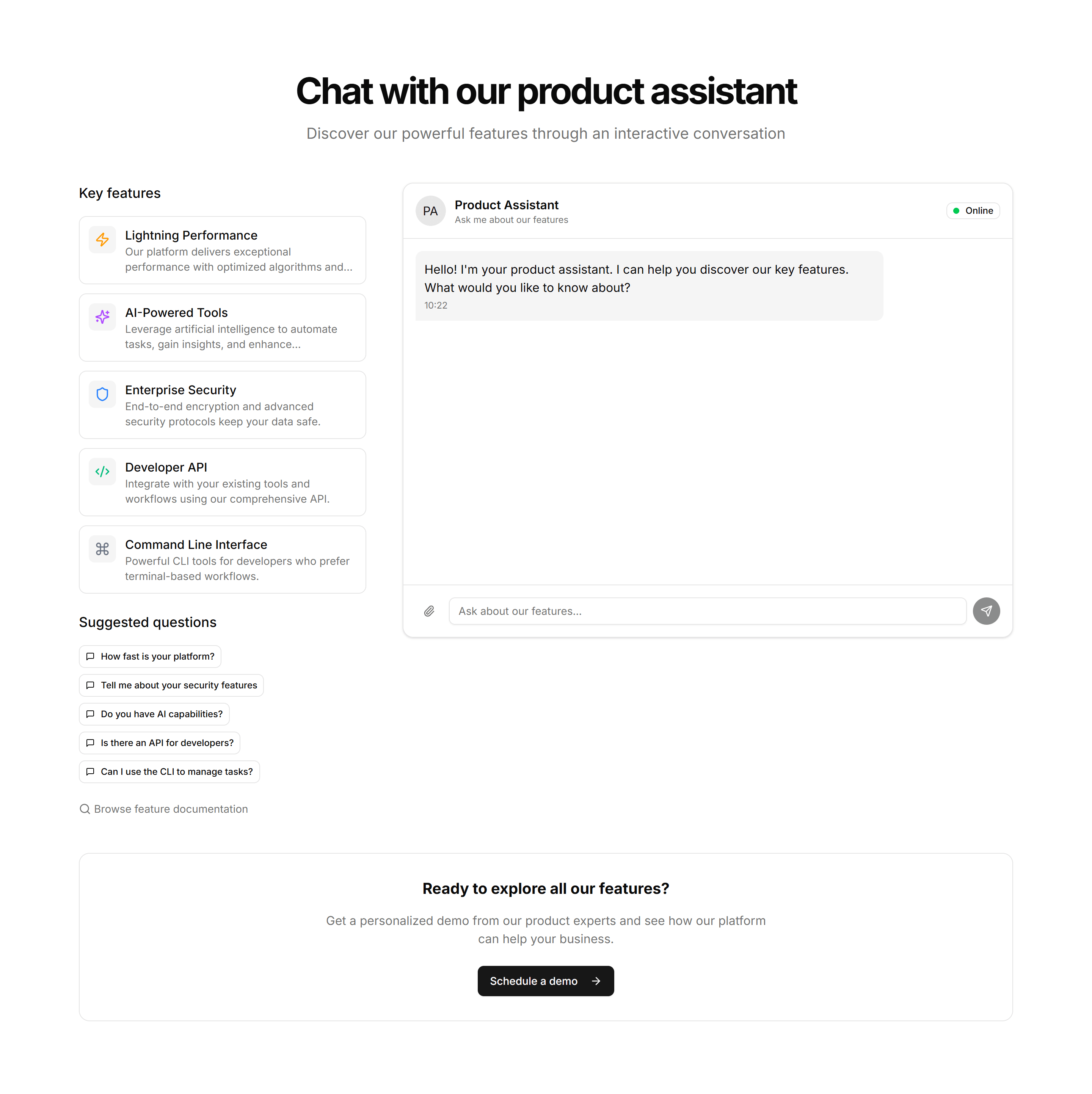
Marketing (Legacy) Feature Section: Feature Chat
A feature section styled as a chat thread, pairing message bubbles with copy. Built to show a messaging or support product talking in real conversation.
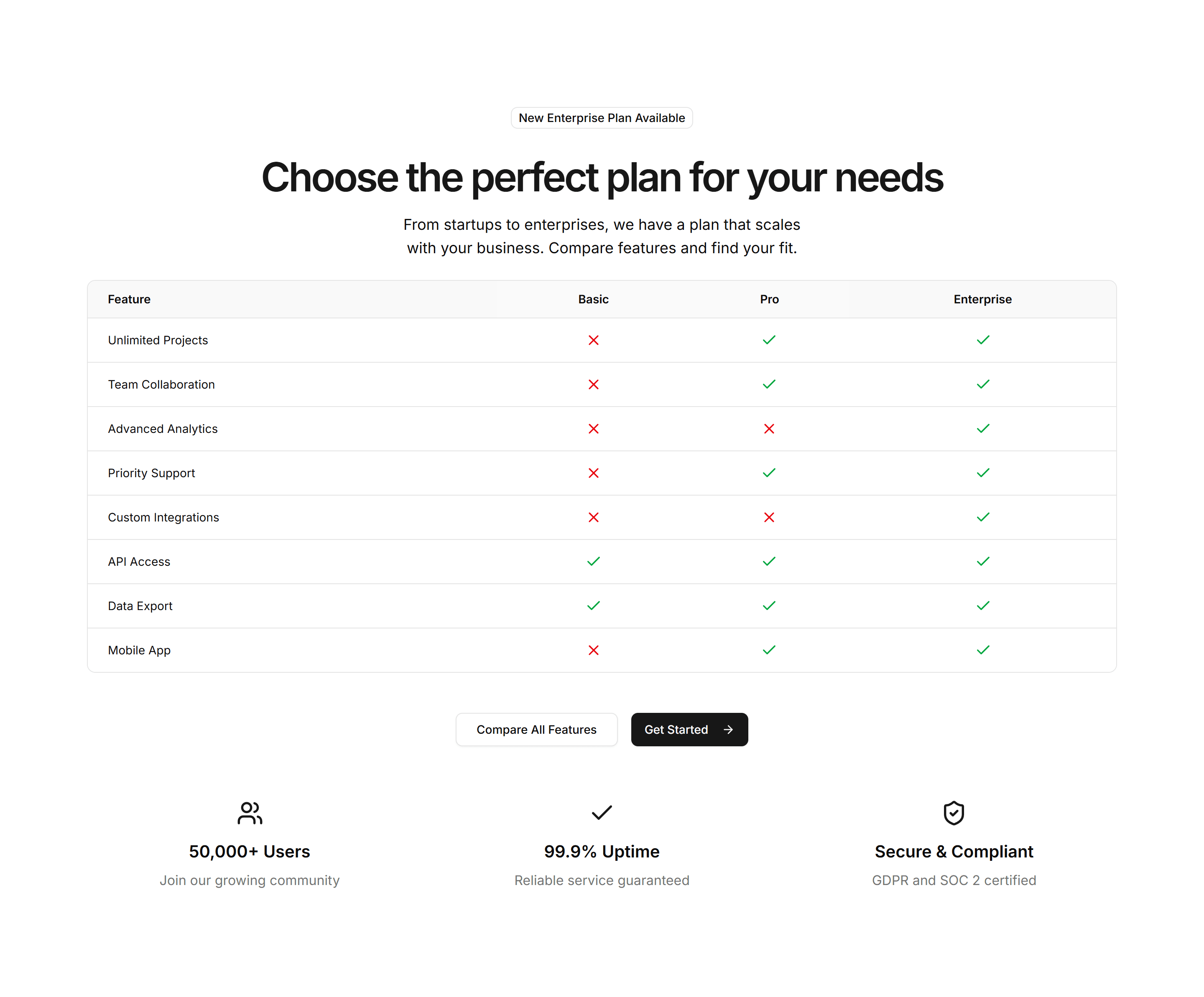
Marketing (Legacy) Feature Section: Feature Comparison
Sets two options side by side with checkmarks and notes per row. Use it to contrast your product against an alternative and make the better choice obvious.
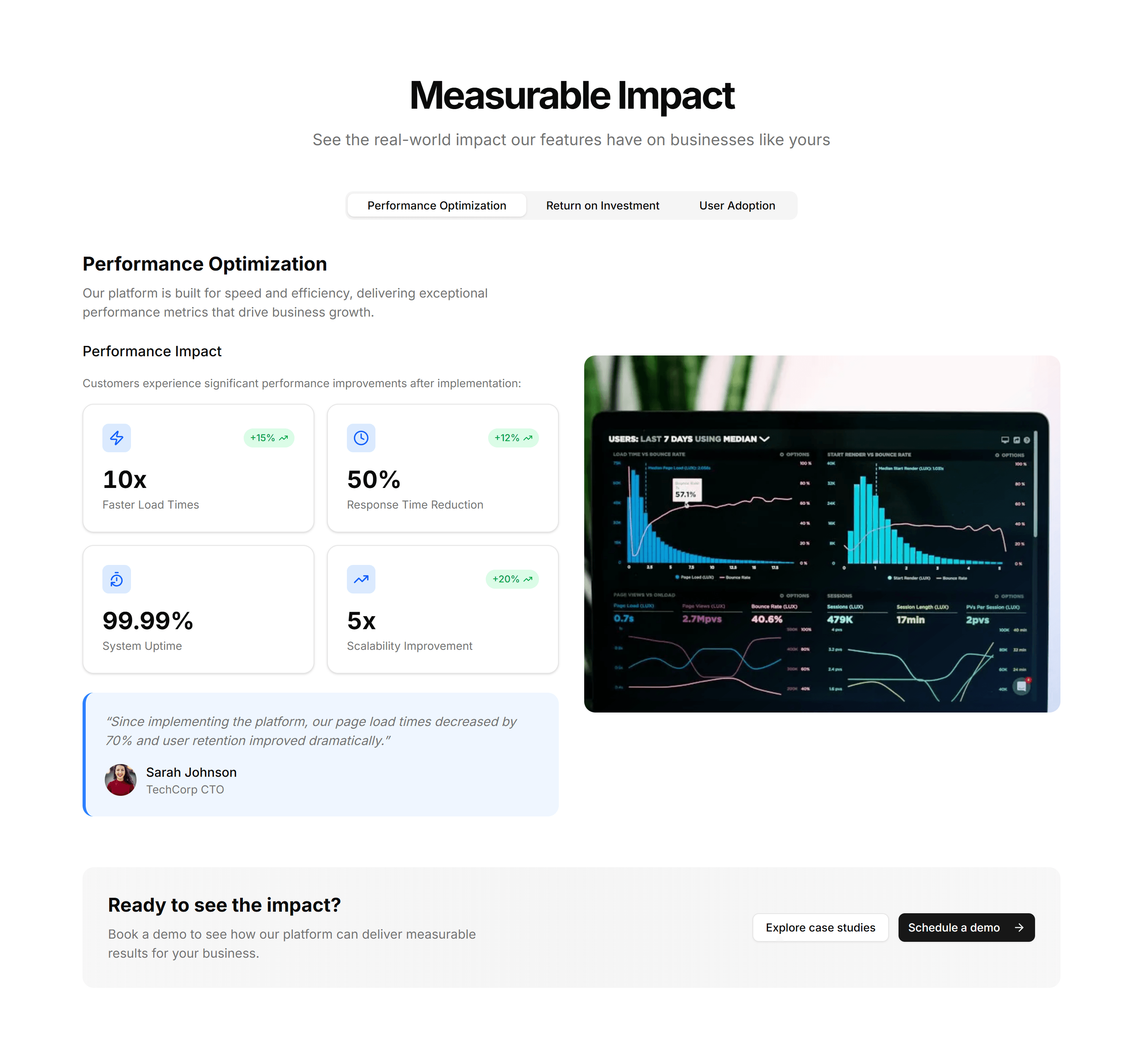
Marketing (Legacy) Feature Section: Feature Stats
Feature copy paired with bold metrics like uptime, users, or speed. Backs your claims with numbers and builds trust on a homepage or product overview.
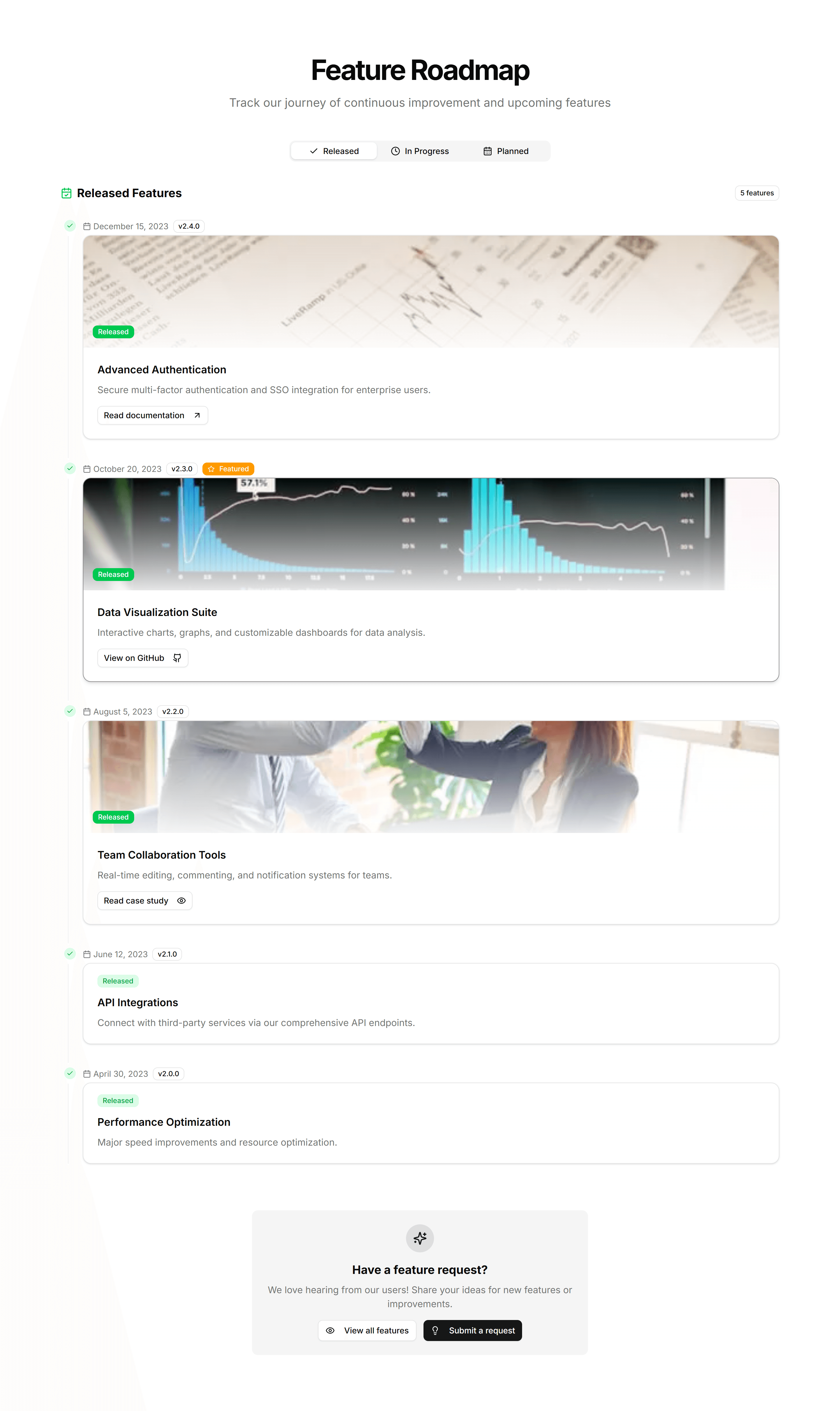
Marketing (Legacy) Feature Section: Feature Timeline
A vertical timeline that walks through features or milestones in sequence. Ideal for telling how a product flow works or how your story unfolded over time.
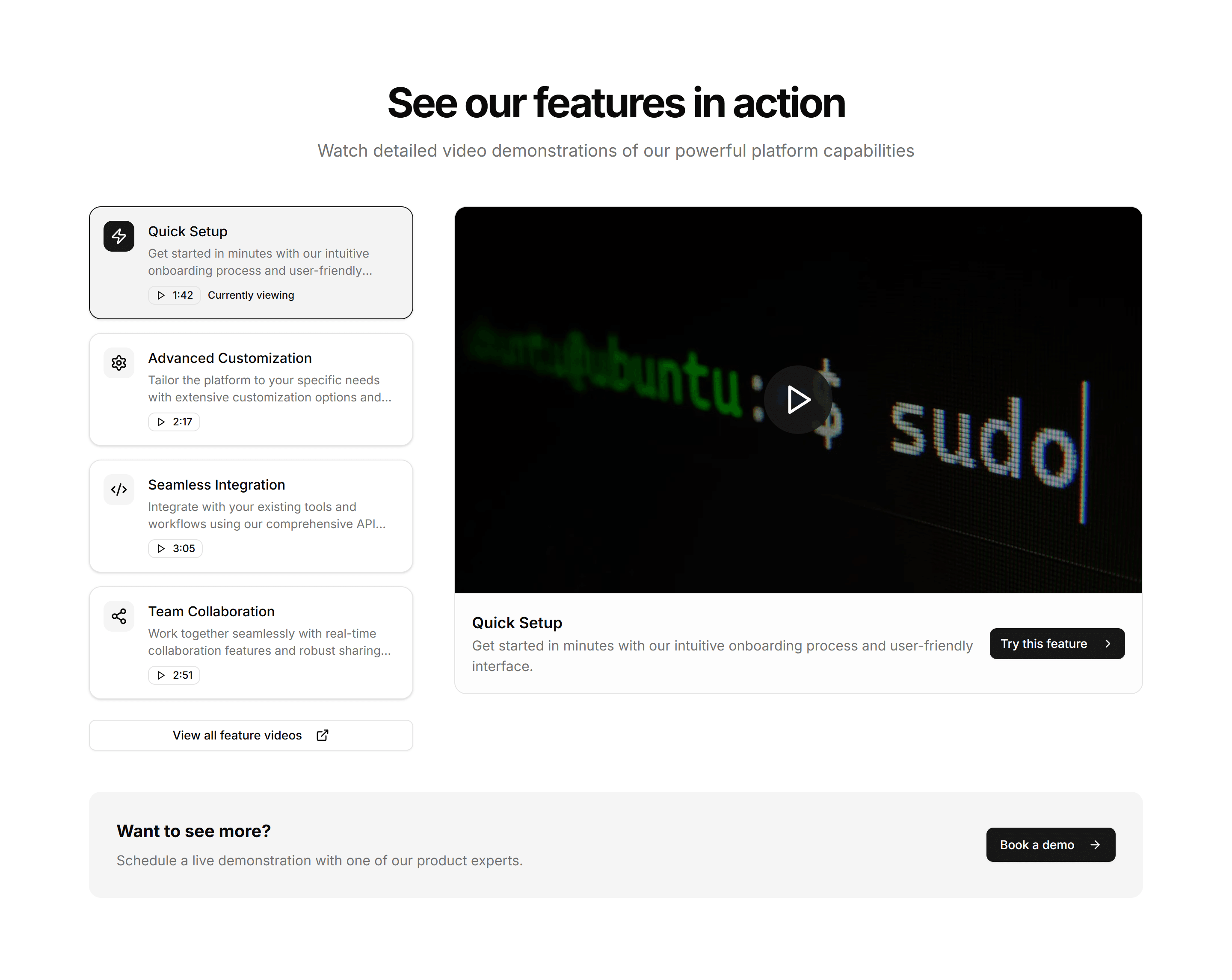
Marketing (Legacy) Feature Section: Feature Videos
A feature layout built around short video clips, each captioned with a benefit. Best when a moving demo explains the value faster than text alone could.
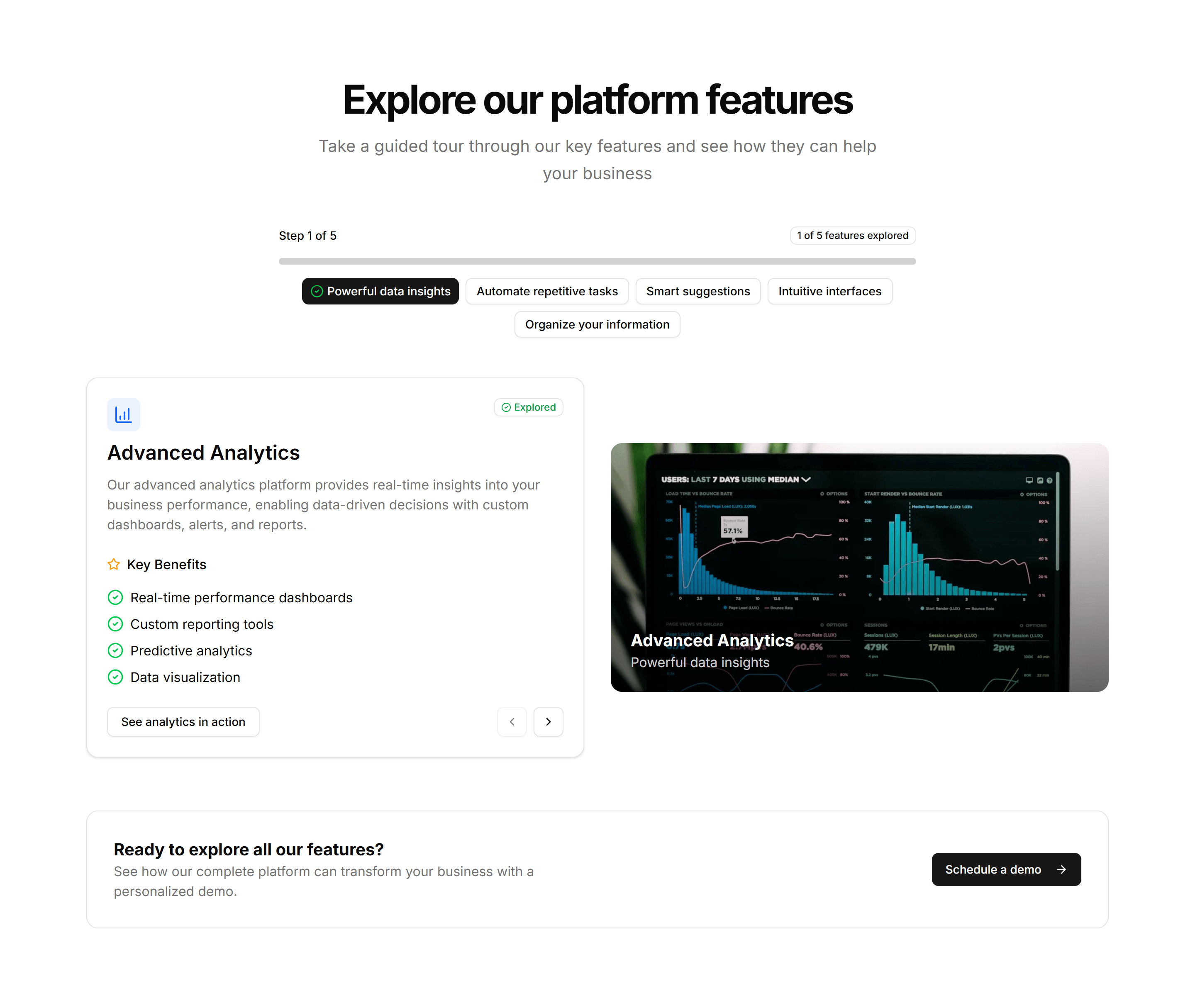
Marketing (Legacy) Feature Section: Feature Wizard
A guided, multi step layout that reveals features as the visitor advances. Useful for onboarding copy or walking through a setup flow one screen at a time.
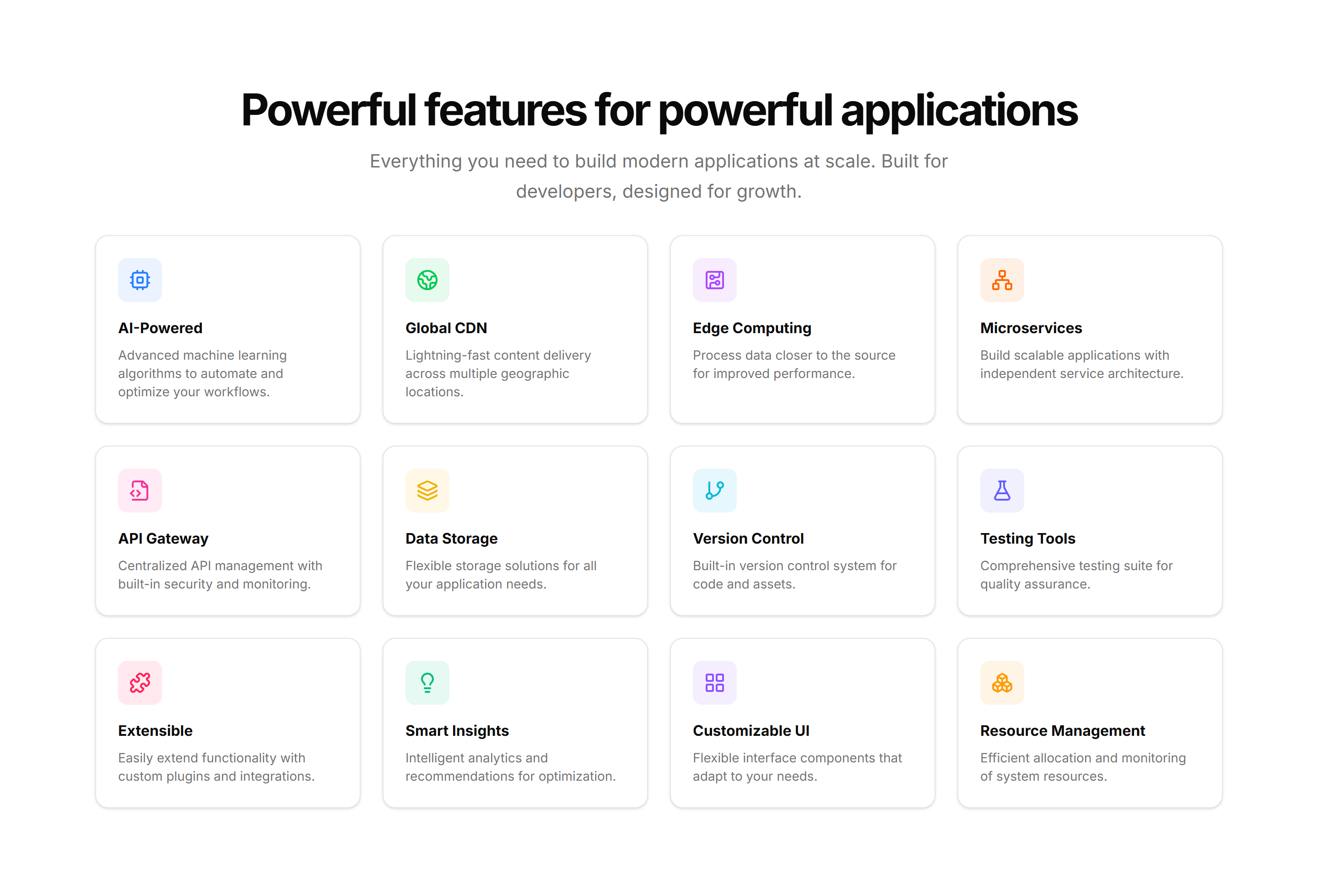
Marketing (Legacy) Feature Section: Grid Hover
A feature grid where each cell reveals more copy and a glow on hover. Keeps the section compact at rest, then rewards visitors who explore each capability.
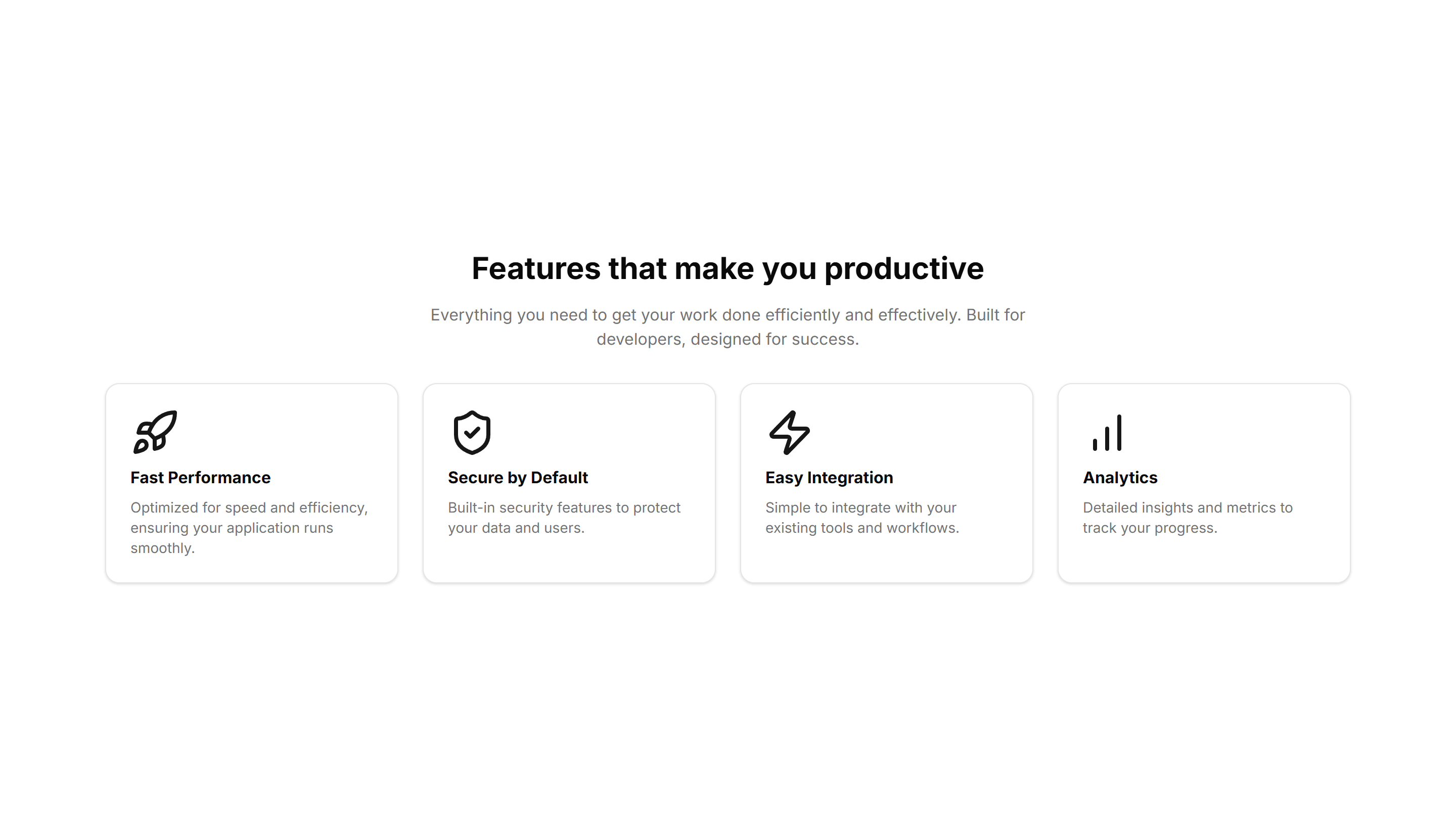
Marketing (Legacy) Feature Section: Simple
A clean feature section with a heading, supporting text, and a short list of points. Reach for it when you want clarity over decoration on a marketing page.
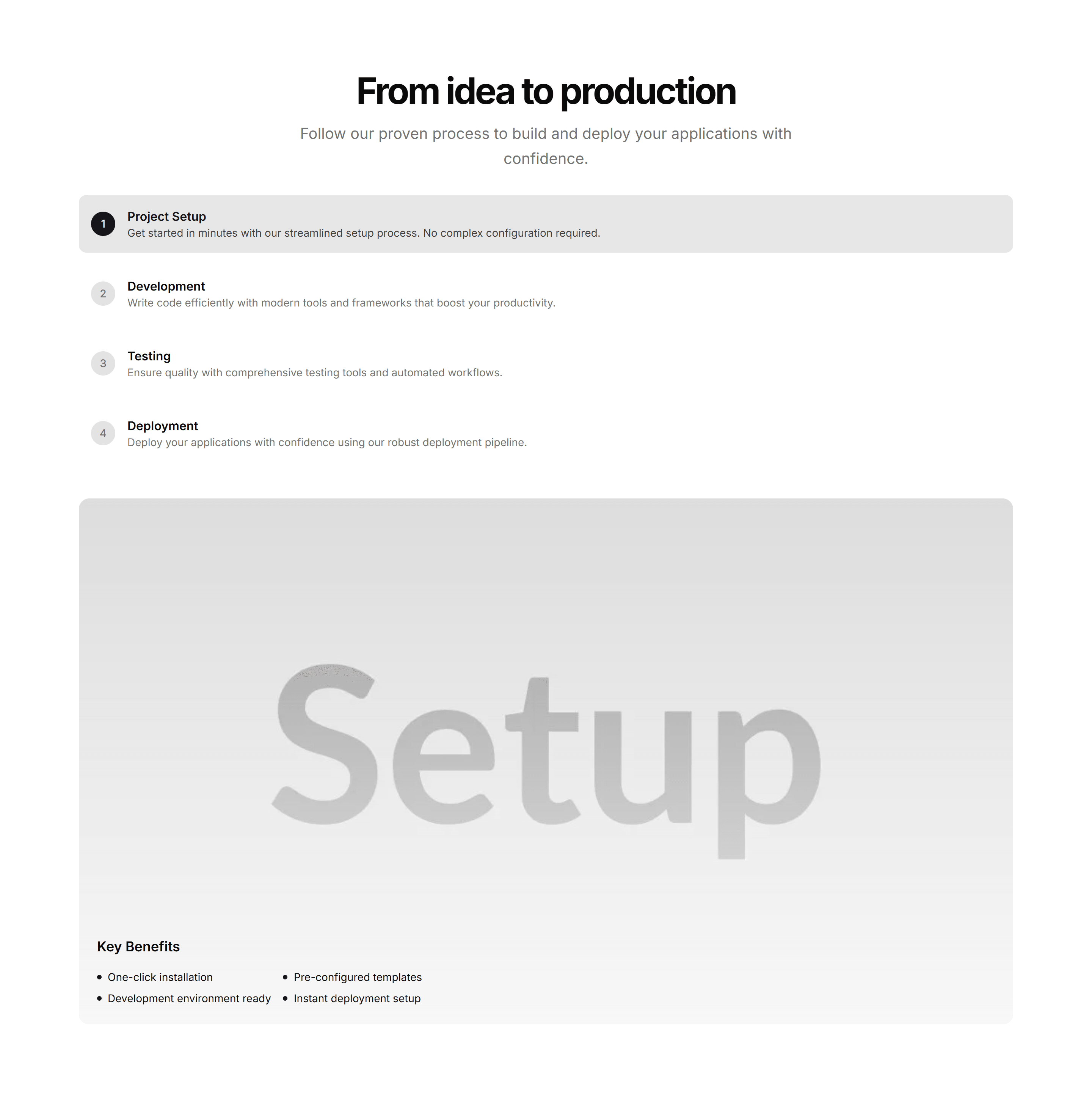
Marketing (Legacy) Feature Section: Steps
Numbered steps that lay out how your product works from start to finish. Drop it on a homepage to turn a process into an easy three or four part story.
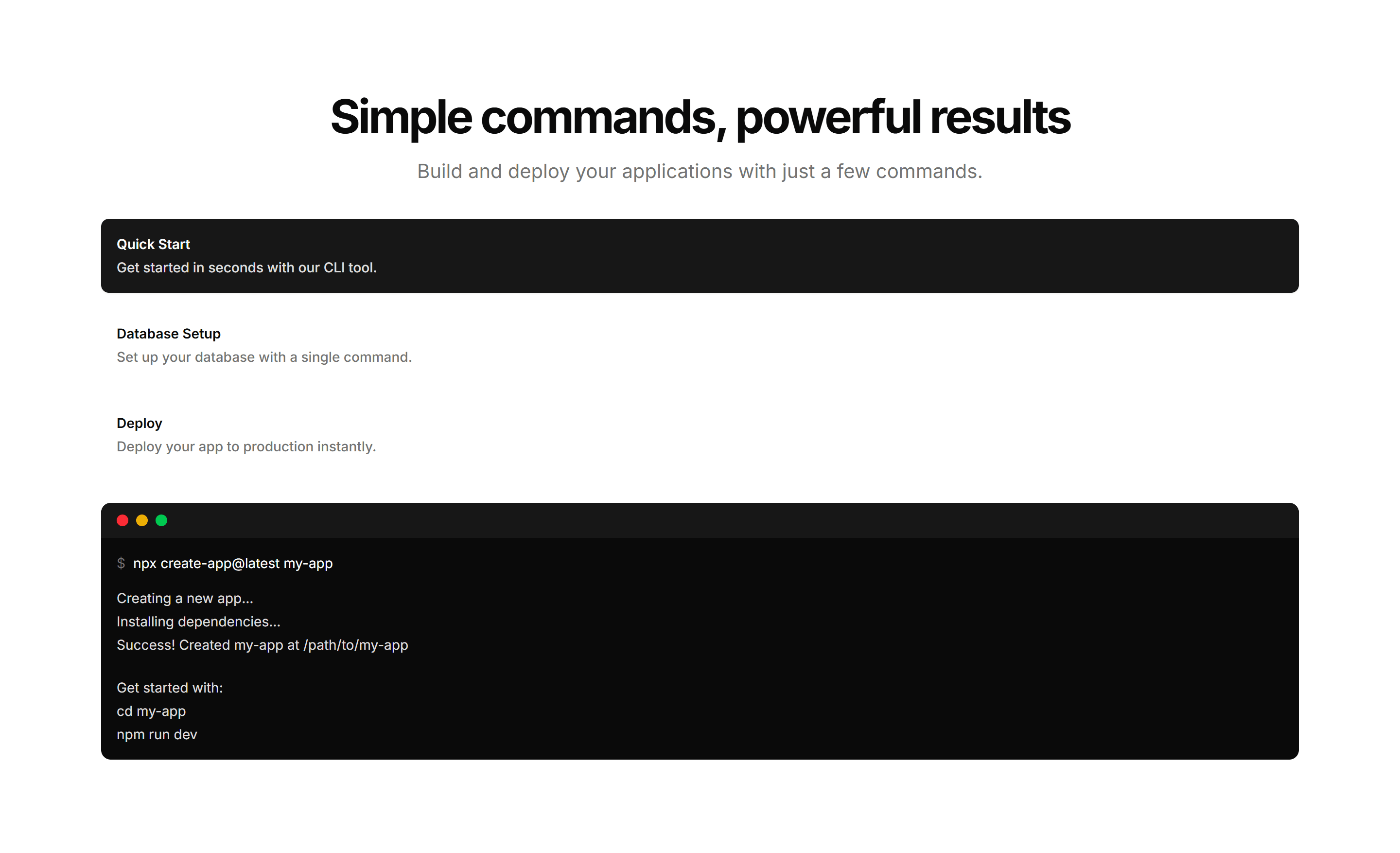
Marketing (Legacy) Feature Section: Terminal
A feature section featuring a mock terminal with typed commands and output. Built for developer tools where showing real CLI usage sells the value fast.
Marketing (Legacy) Feature Section: With Carousel
Feature highlights in a swipeable carousel, one slide per capability with copy and a visual. Fits many features into a small space without a long scroll.
Marketing (Legacy) Feature Section: With Comparison
A feature block that places before and after states next to each other. Use it to show the change your product brings and let the difference speak plainly.
Marketing (Legacy) Feature Section: With Images
Alternating rows of feature copy beside supporting images. A reliable pattern for explaining several capabilities while keeping the page lively and balanced.
Marketing (Legacy) Feature Section: With Stats
Feature descriptions interleaved with headline numbers and labels. Pairs the what with the proof so visitors trust the results on a product or pricing page.
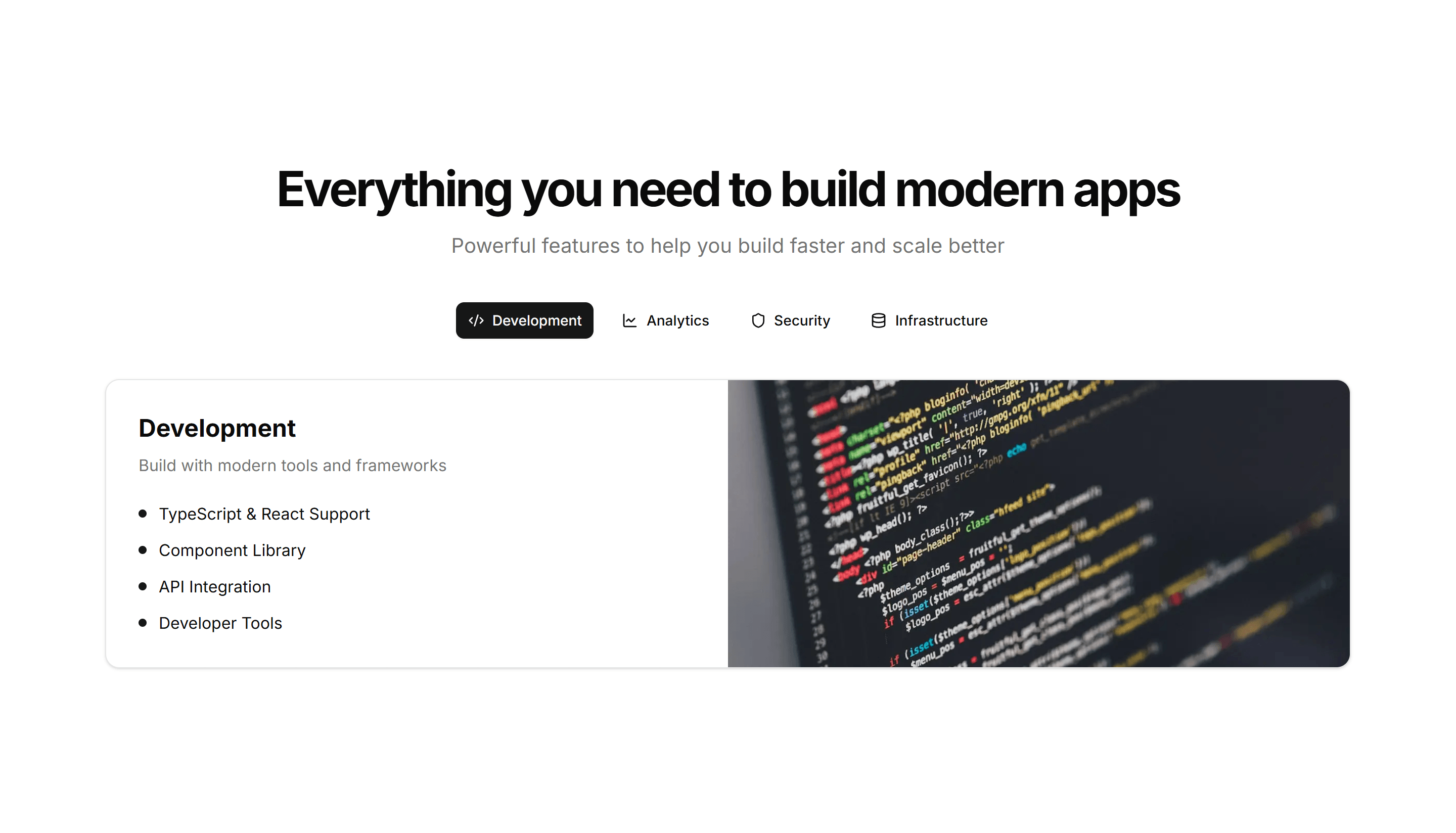
Marketing (Legacy) Feature Section: With Tabs
Tabbed feature panels that swap content and visuals as visitors switch tabs. Organizes many capabilities into one compact, tidy section that stays readable.
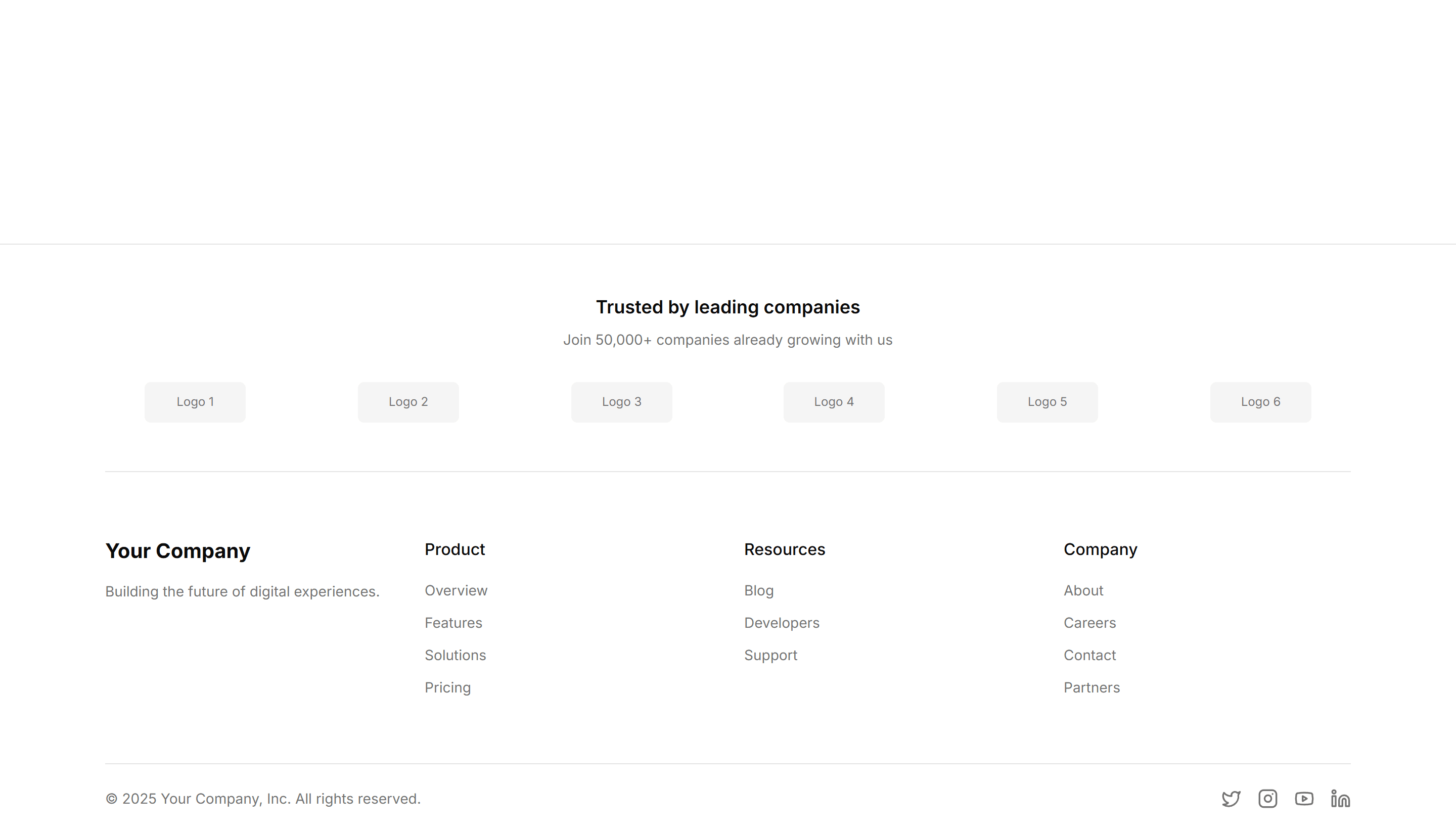
Marketing (Legacy) Footer: Logo Cloud
A footer with a row of partner and customer logos above the navigation links. Adds social proof and brand trust at the bottom of a landing page.
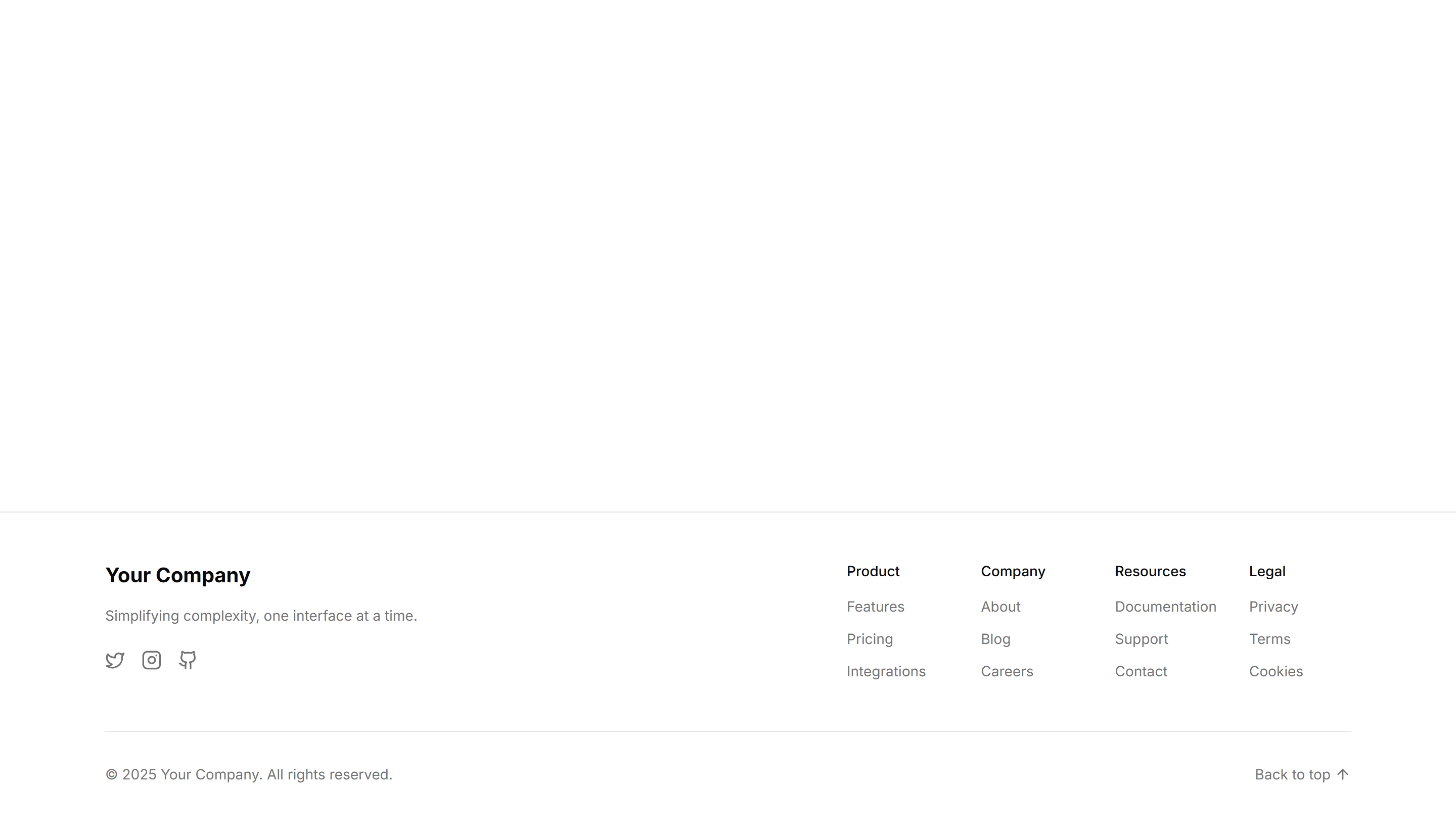
Marketing (Legacy) Footer: Minimal
A compact footer with a single line of copyright text and a few essential links. Keeps the bottom of an app or docs page quiet and out of the way.
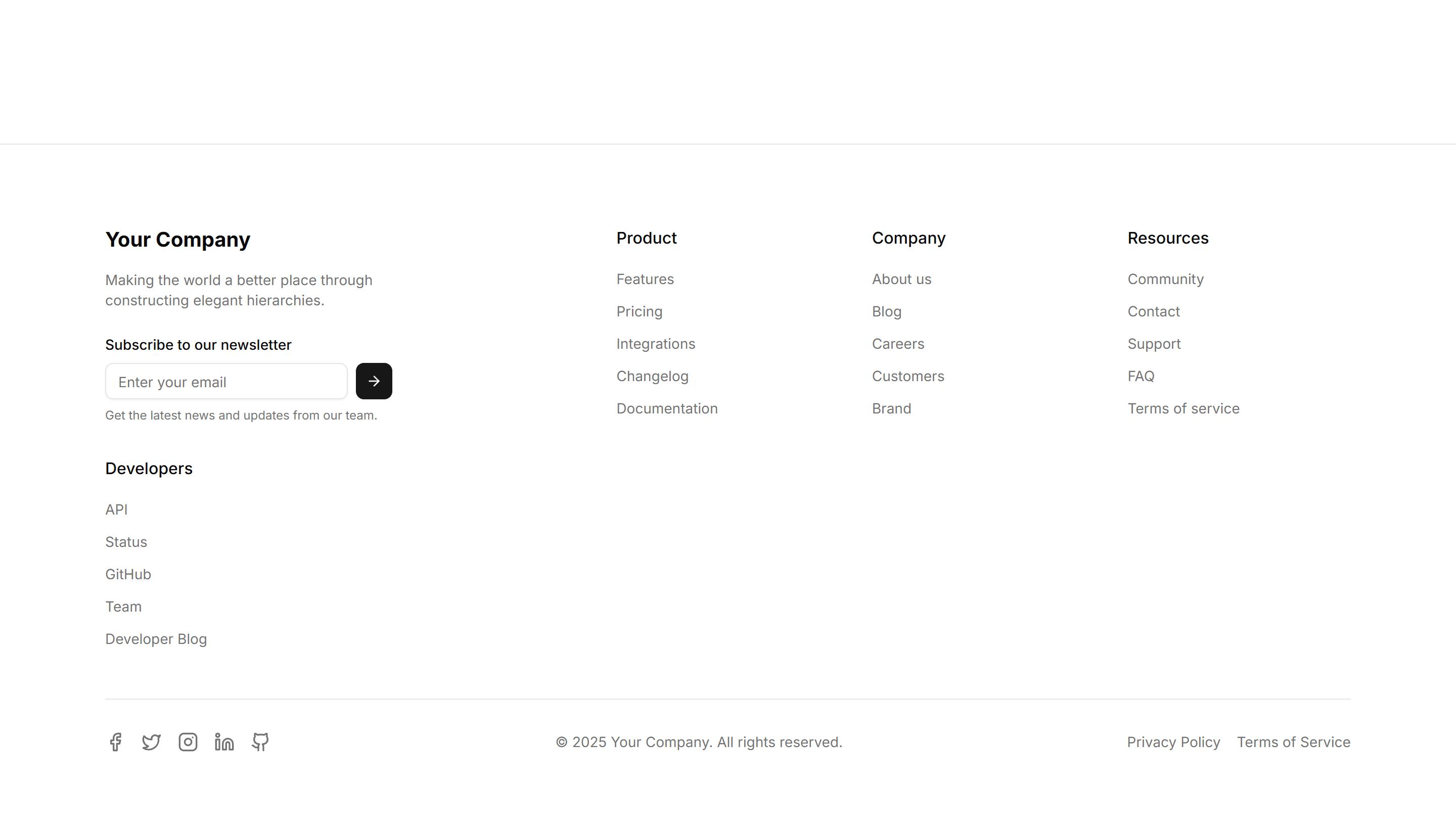
Marketing (Legacy) Footer: Multi Column
A footer split into grouped link columns for products, company, and resources. Organizes deep site navigation on a large marketing or app homepage.
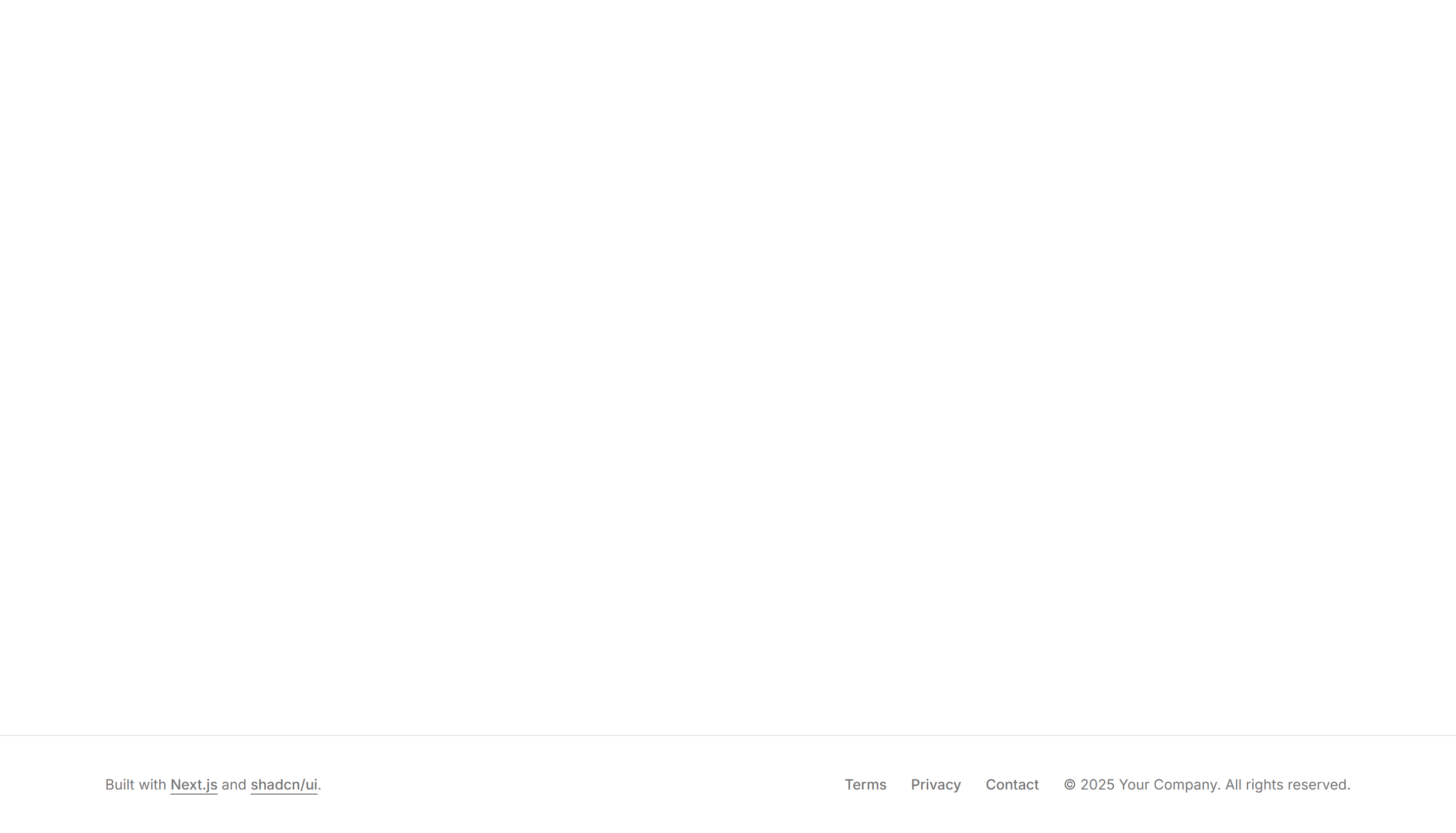
Marketing (Legacy) Footer: Simple
A footer pairing a logo and short tagline with a tidy row of page links. Rounds off a small business or portfolio site without crowding the layout.
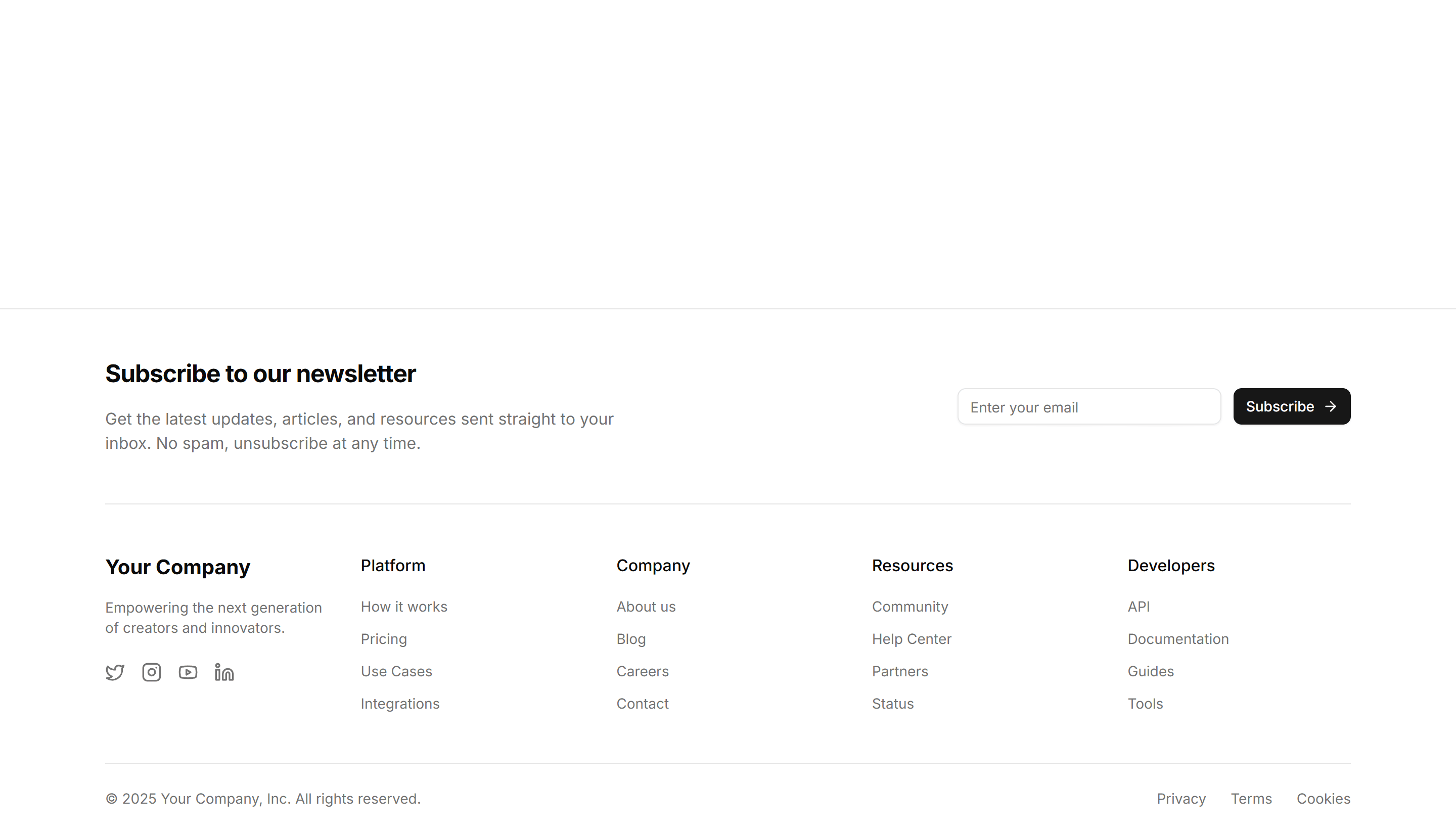
Marketing (Legacy) Footer: Subscribe
A footer with an email newsletter form beside the usual navigation links. Captures signups while visitors are leaving the bottom of your site.
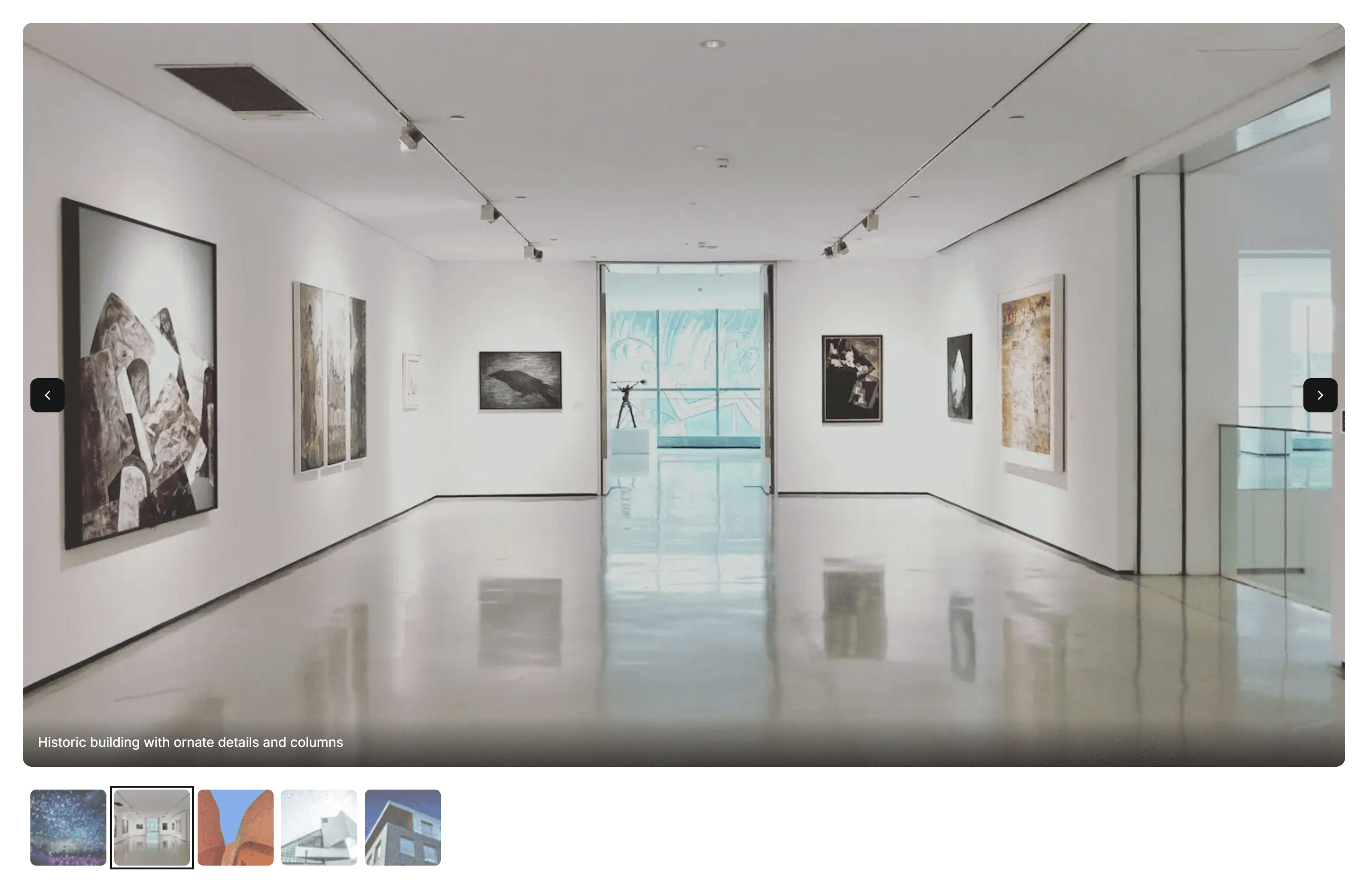
Marketing (Legacy) Gallery: Carousel Gallery
A swipeable carousel that steps through images one at a time. Use it to feature product shots or photos in a compact space on any landing page.
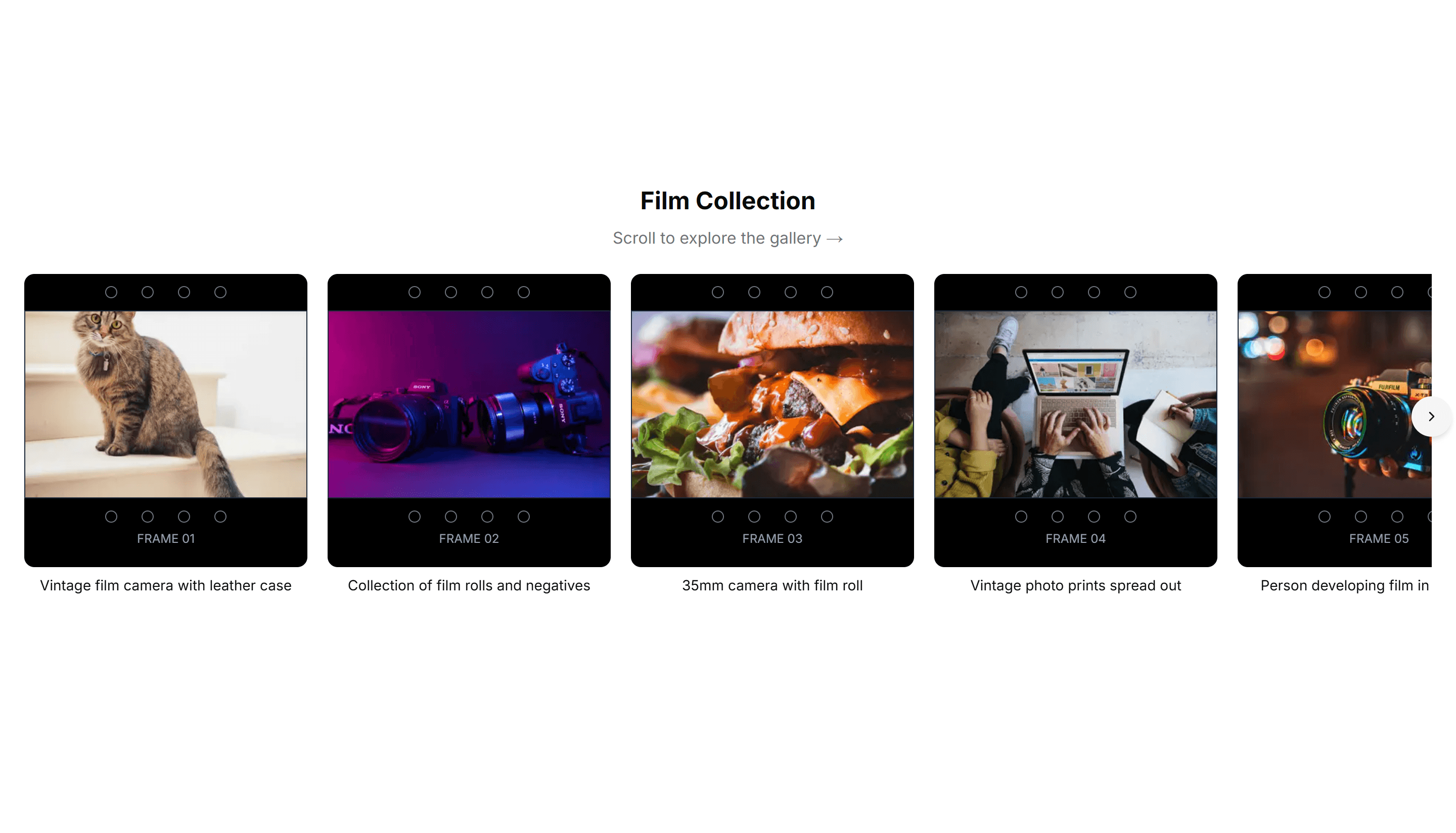
Marketing (Legacy) Gallery: Filmstrip Gallery
A horizontal filmstrip of thumbnails with a larger preview above. Ideal for browsing a photo set or product angles while keeping every frame in view.
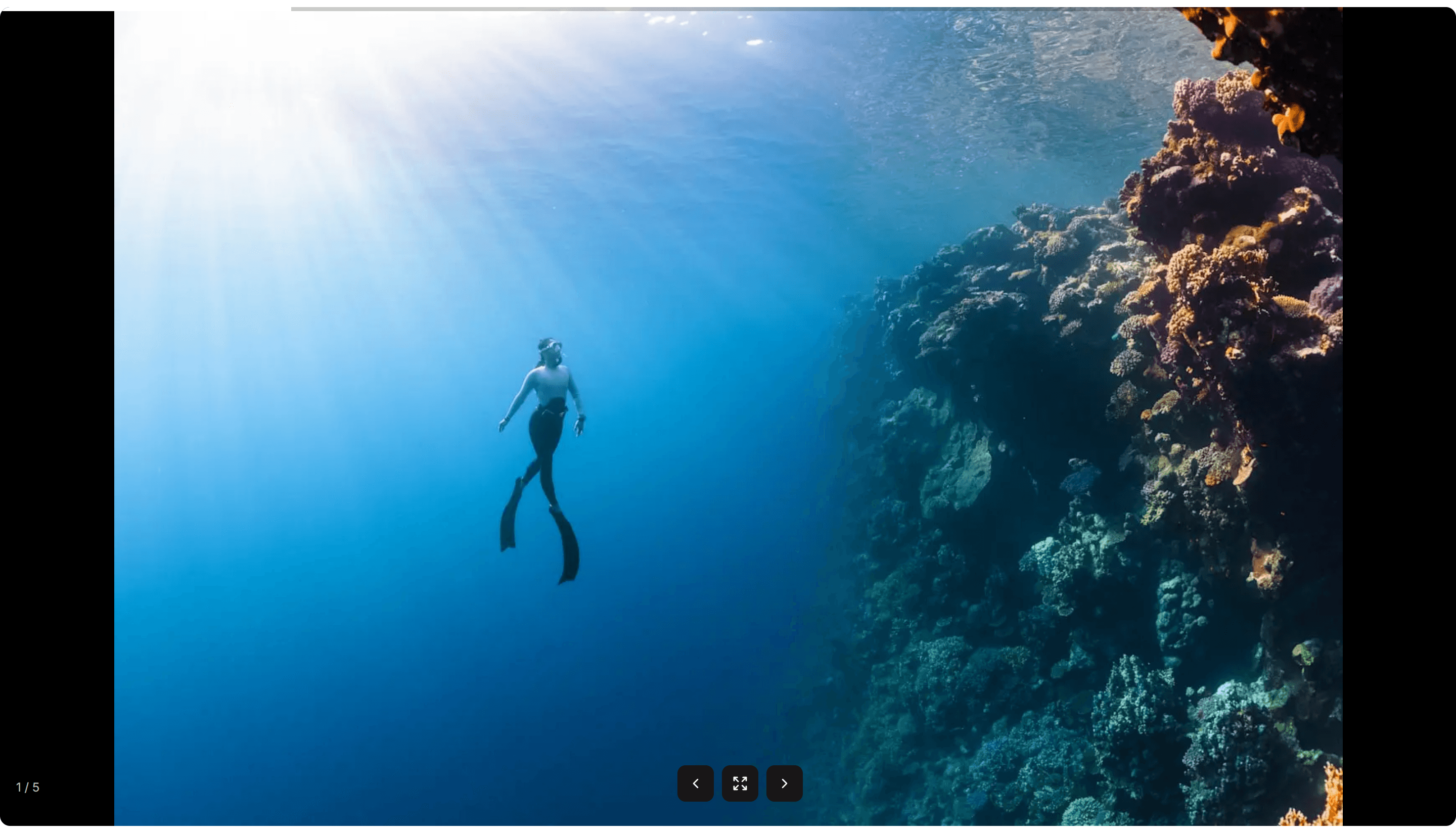
Marketing (Legacy) Gallery: Fullscreen Gallery
A fullscreen gallery that fills the viewport with one image at a time. Good for immersive photo stories, lookbooks, or a striking visual showcase.
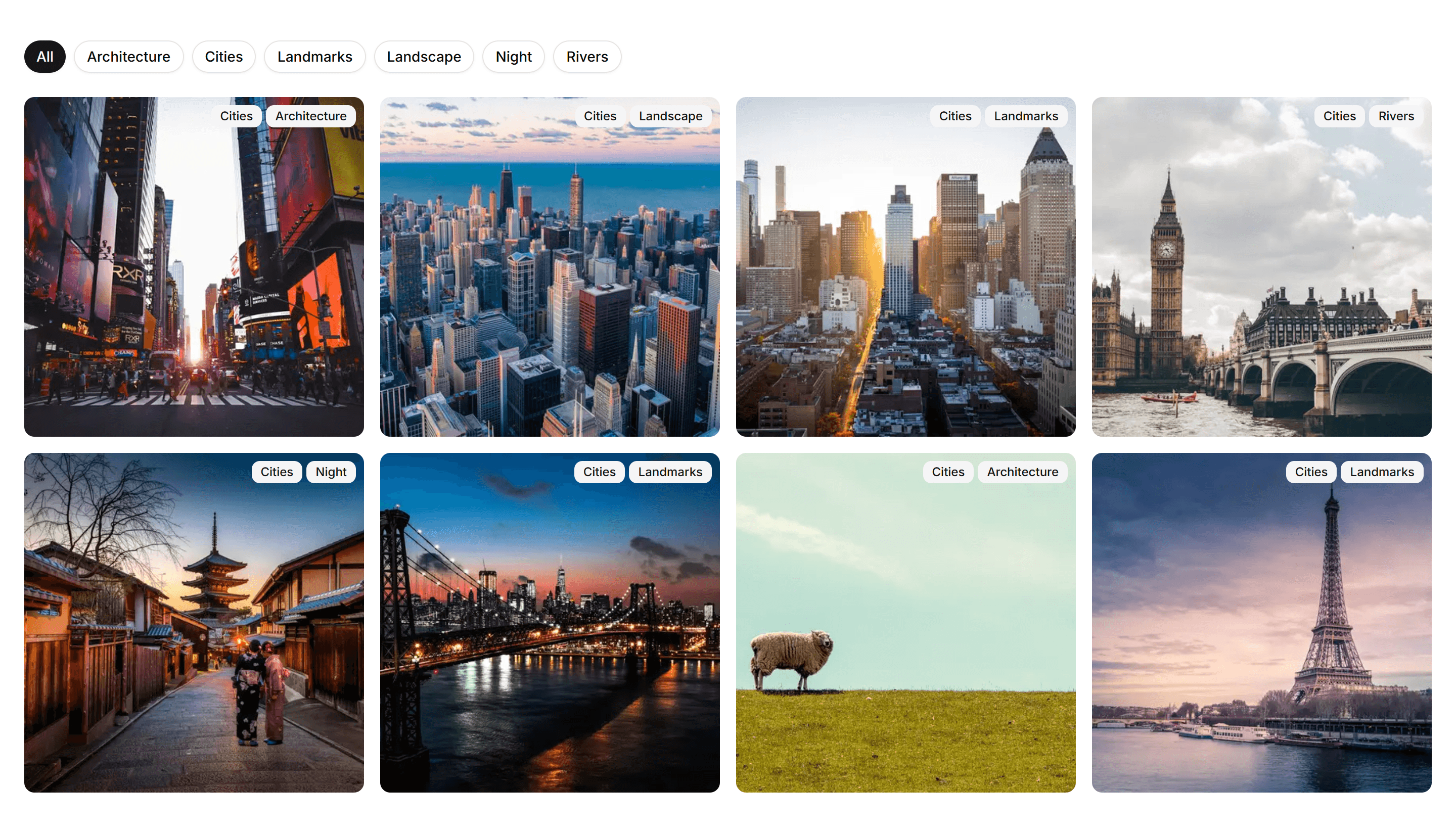
Marketing (Legacy) Gallery: Grid Gallery
A responsive grid of evenly sized image tiles. Use it to display many photos, products, or case studies at once with a clean, scannable layout.
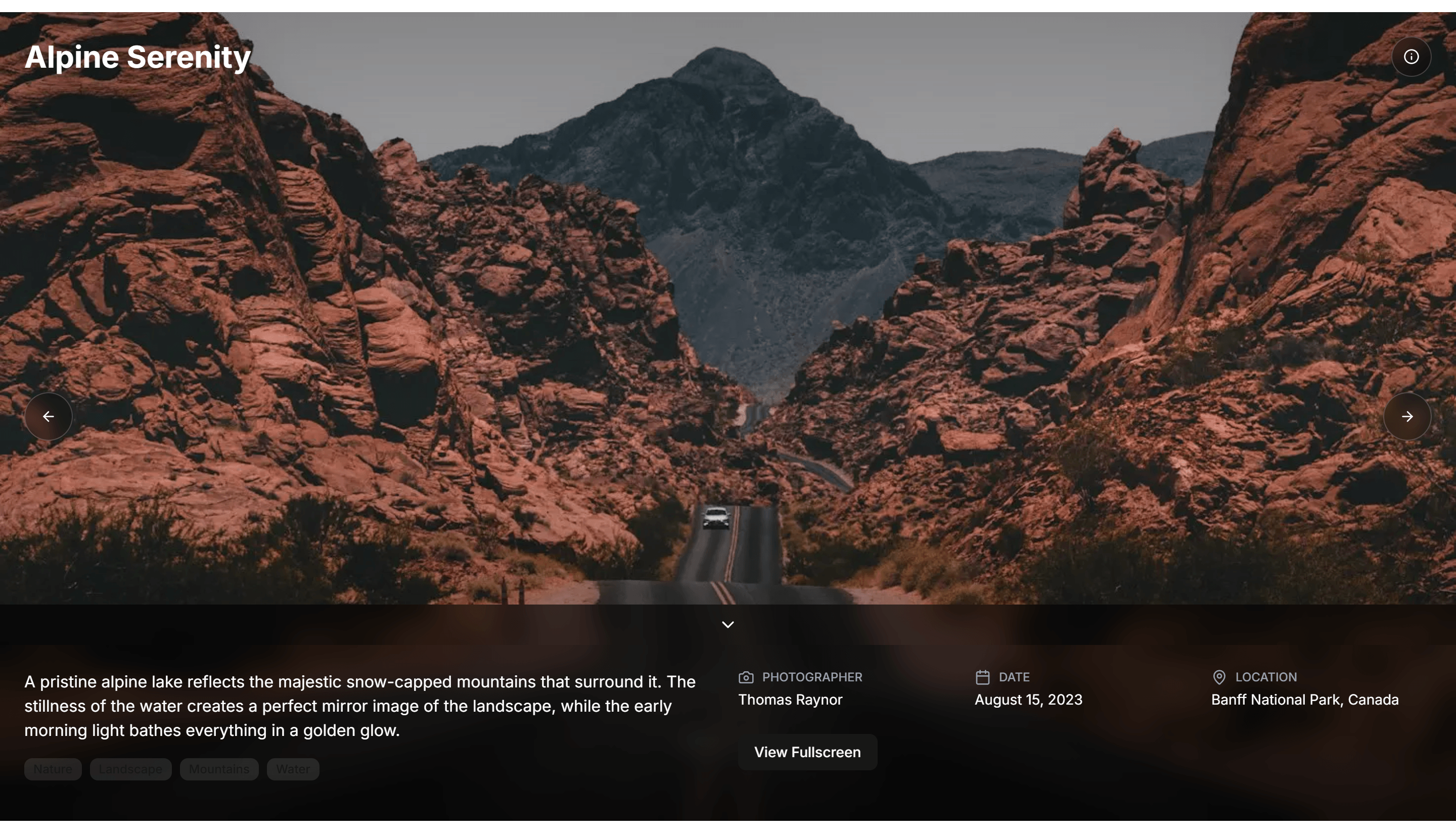
Marketing (Legacy) Gallery: Immersive Gallery
An edge to edge gallery with large visuals and smooth motion. Use it to surround visitors in your photos or brand imagery on a campaign page.
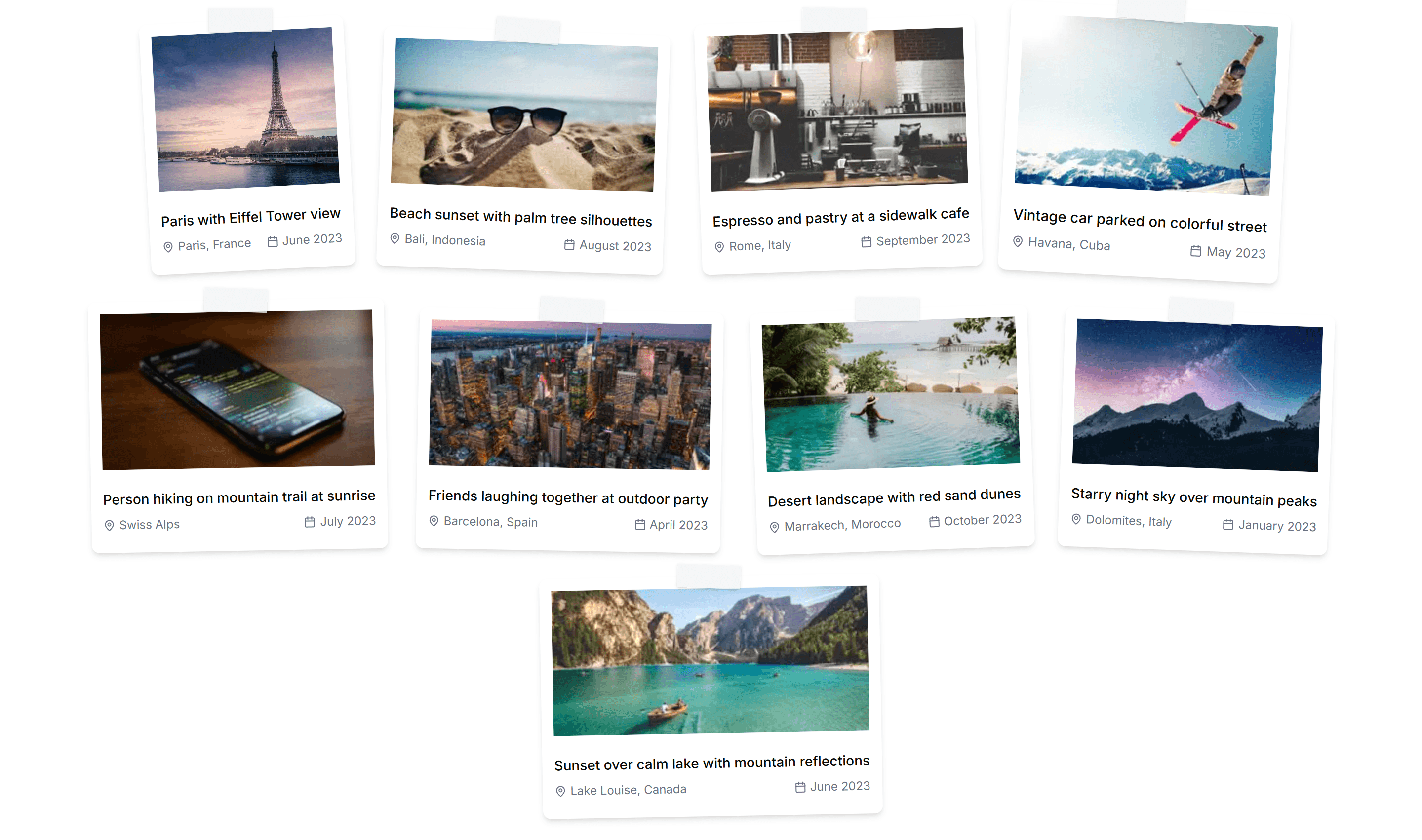
Marketing (Legacy) Gallery: Polaroid Gallery
A scattered set of polaroid style cards with captions and slight tilts. Great for adding a casual, personal feel to an about page or event recap.
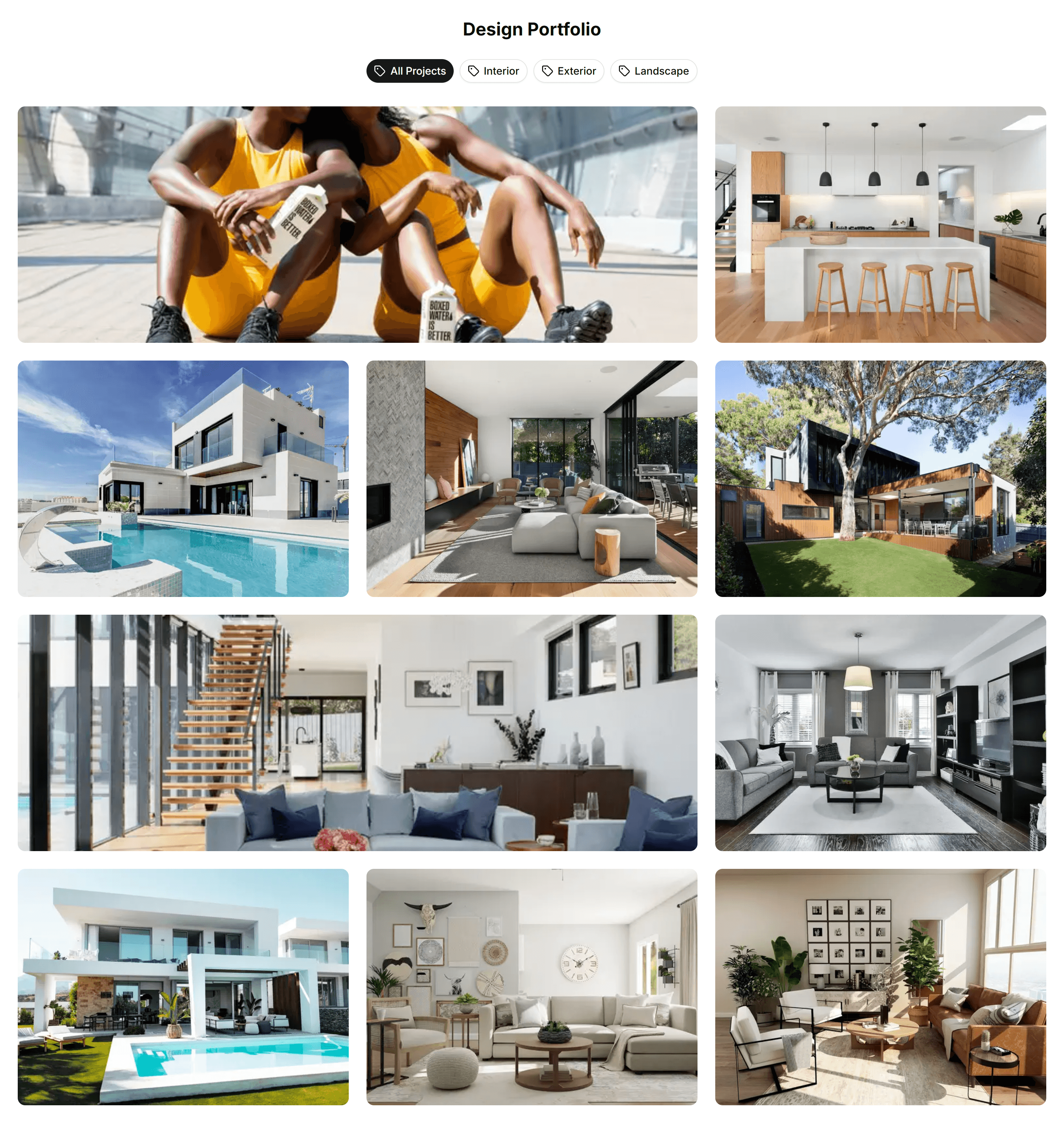
Marketing (Legacy) Gallery: Portfolio Gallery
A portfolio layout that pairs project images with titles and short notes. Use it to present work, case studies, or a creative showcase to clients.
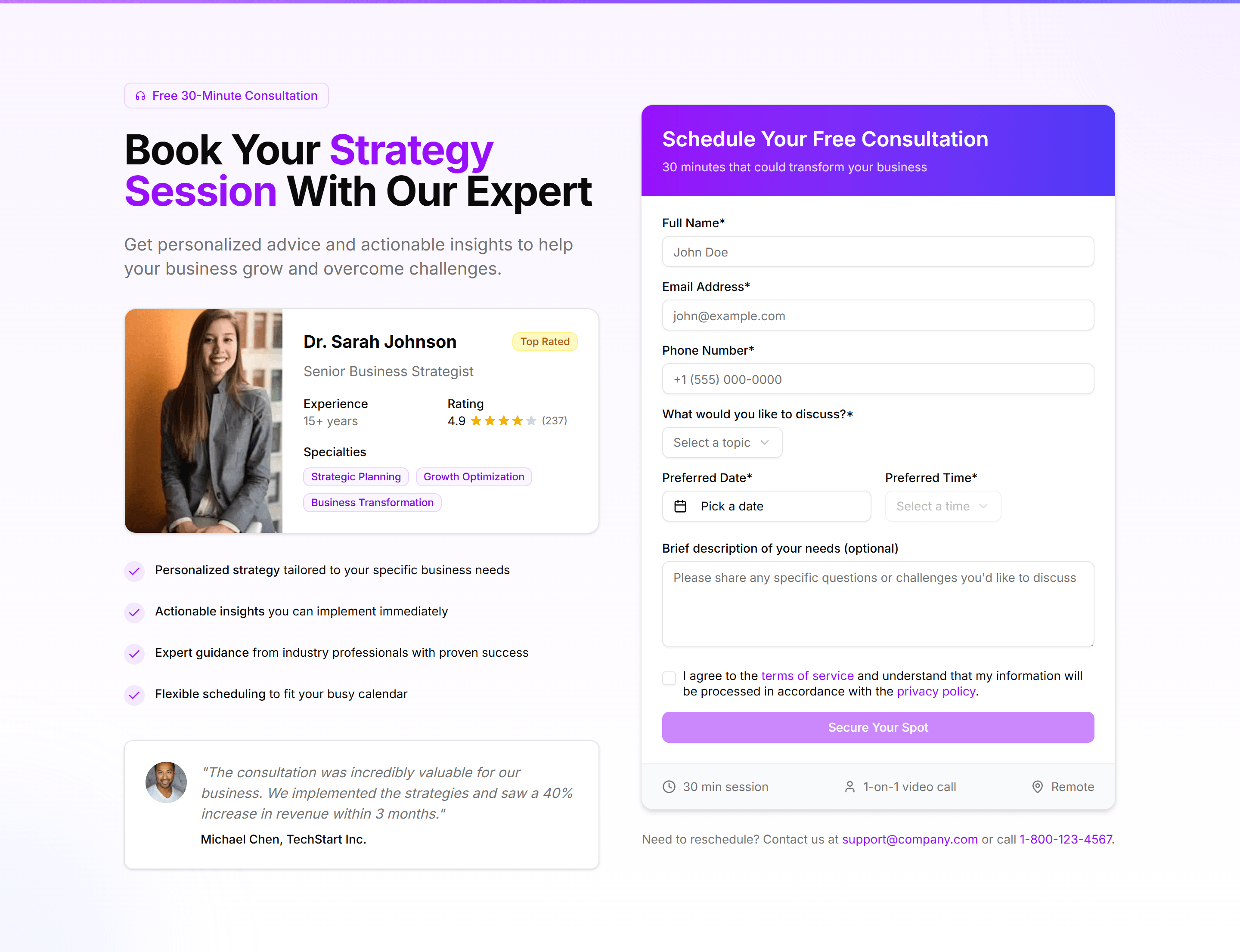
Marketing (Legacy) Hero Form: Booking Form
A hero with a booking form for dates, times, and guest details next to a headline. Lets visitors reserve a slot the moment they land on the page.
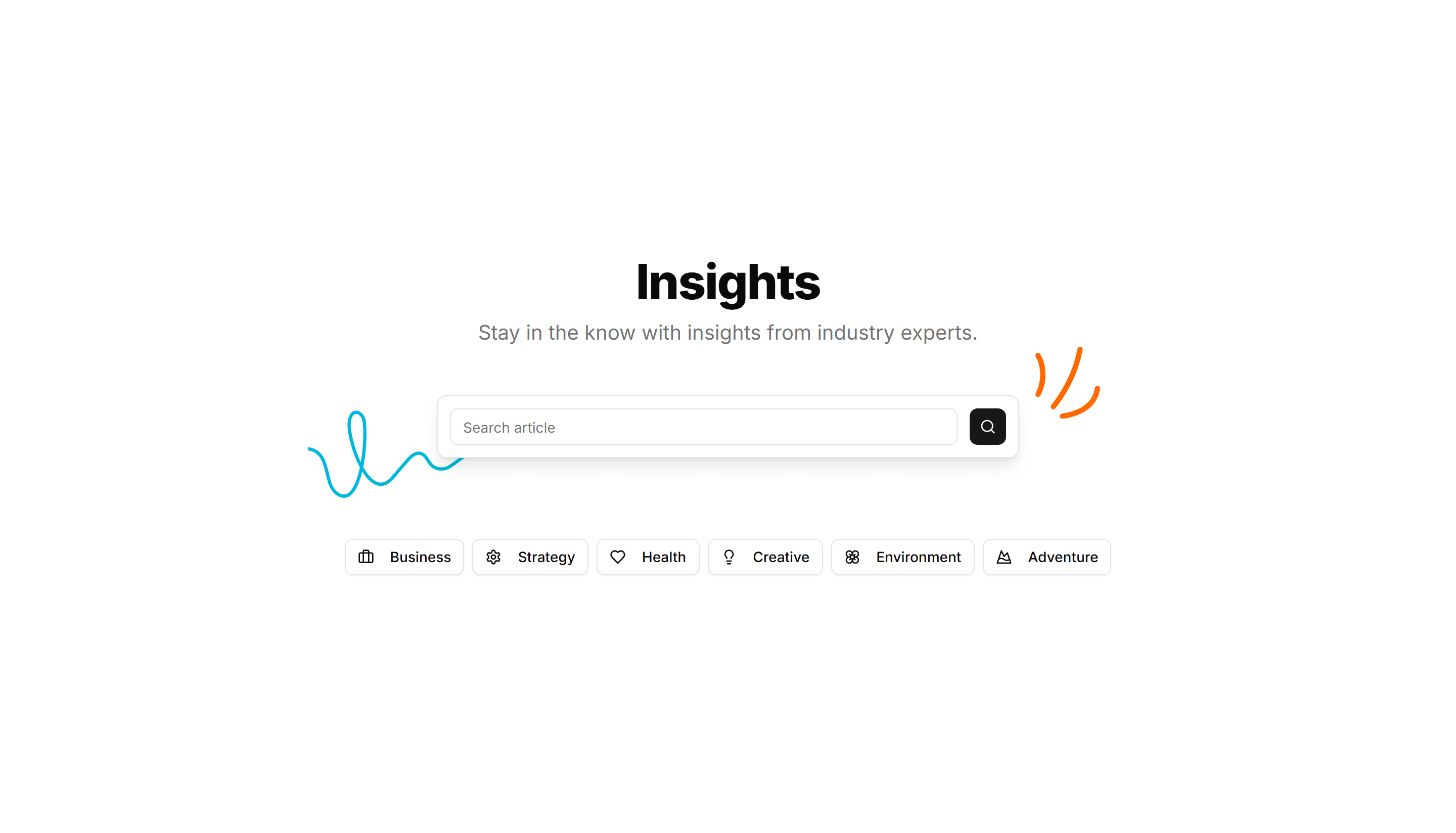
Marketing (Legacy) Hero Form: Center Aligned Search With Tags
A centered hero built around a search field with popular tags below it. Helps visitors find what they need fast on a directory or marketplace home.
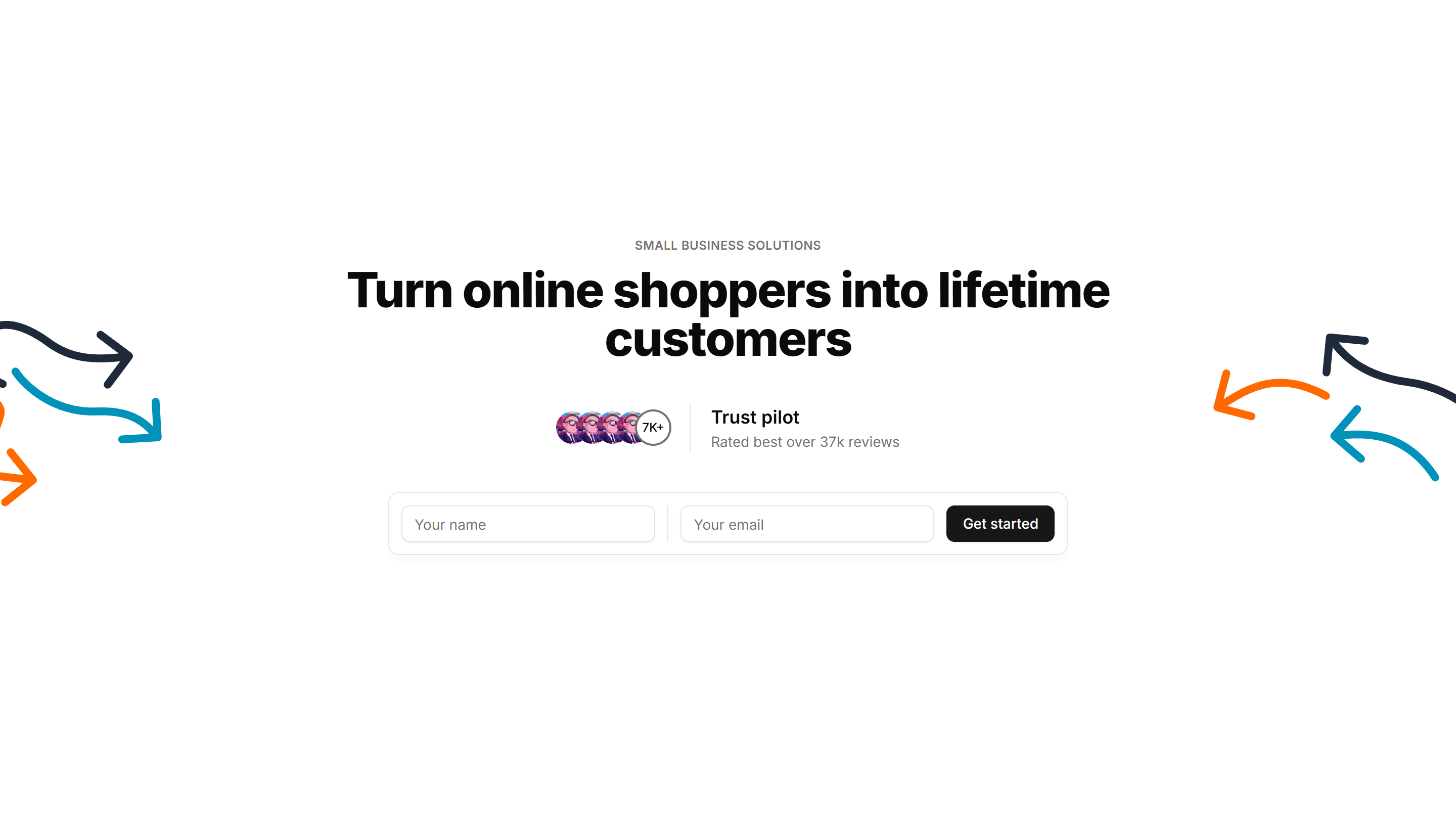
Marketing (Legacy) Hero Form: Center Aligned With A Form
A centered hero pairing a headline and subtext with a short inline form. Collects an email or signup in one view to start onboarding immediately.
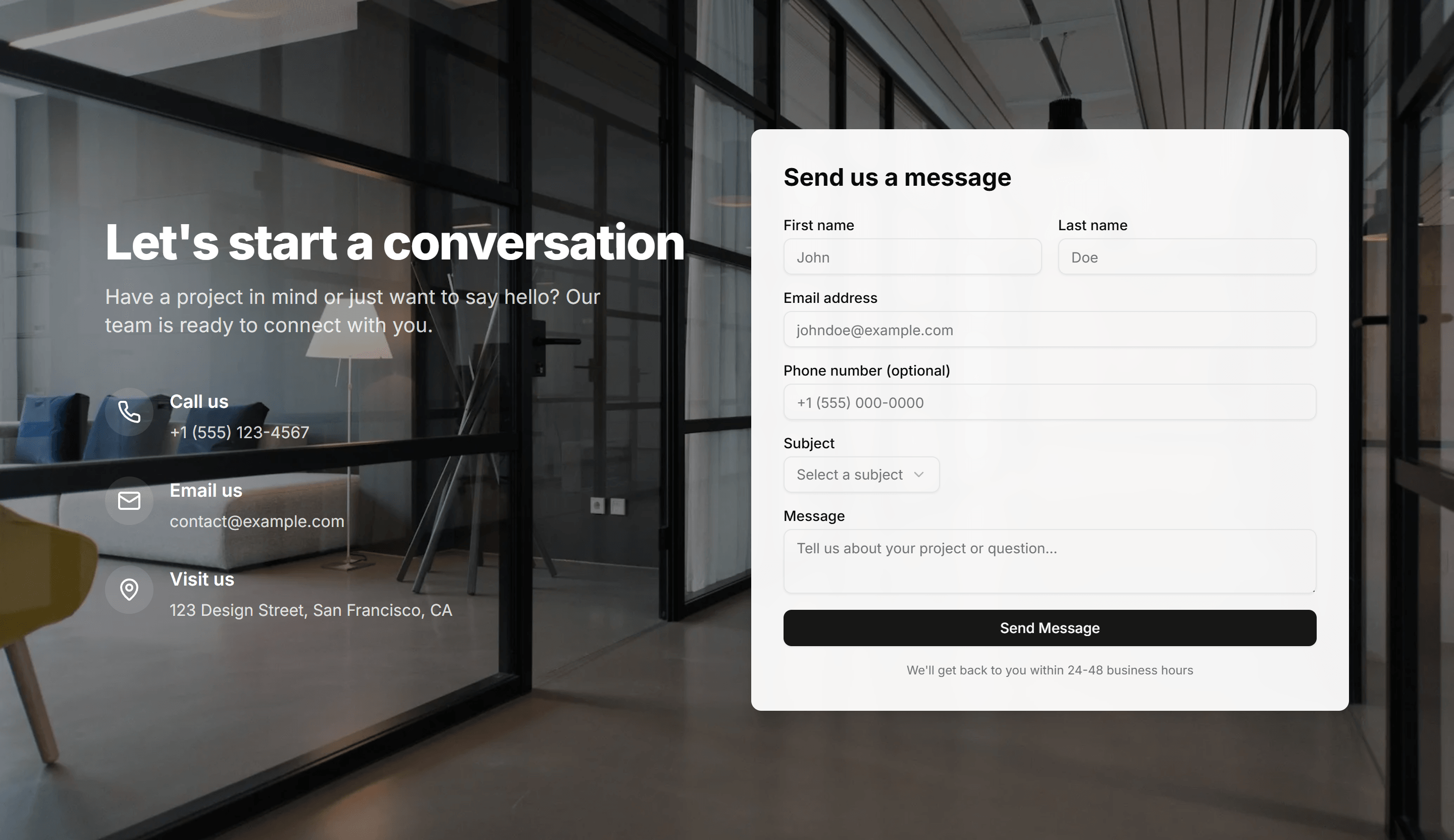
Marketing (Legacy) Hero Form: Contact Form With Background
A hero with a full contact form set over a styled background image. Invites visitors to send a message or request a quote without leaving the top.
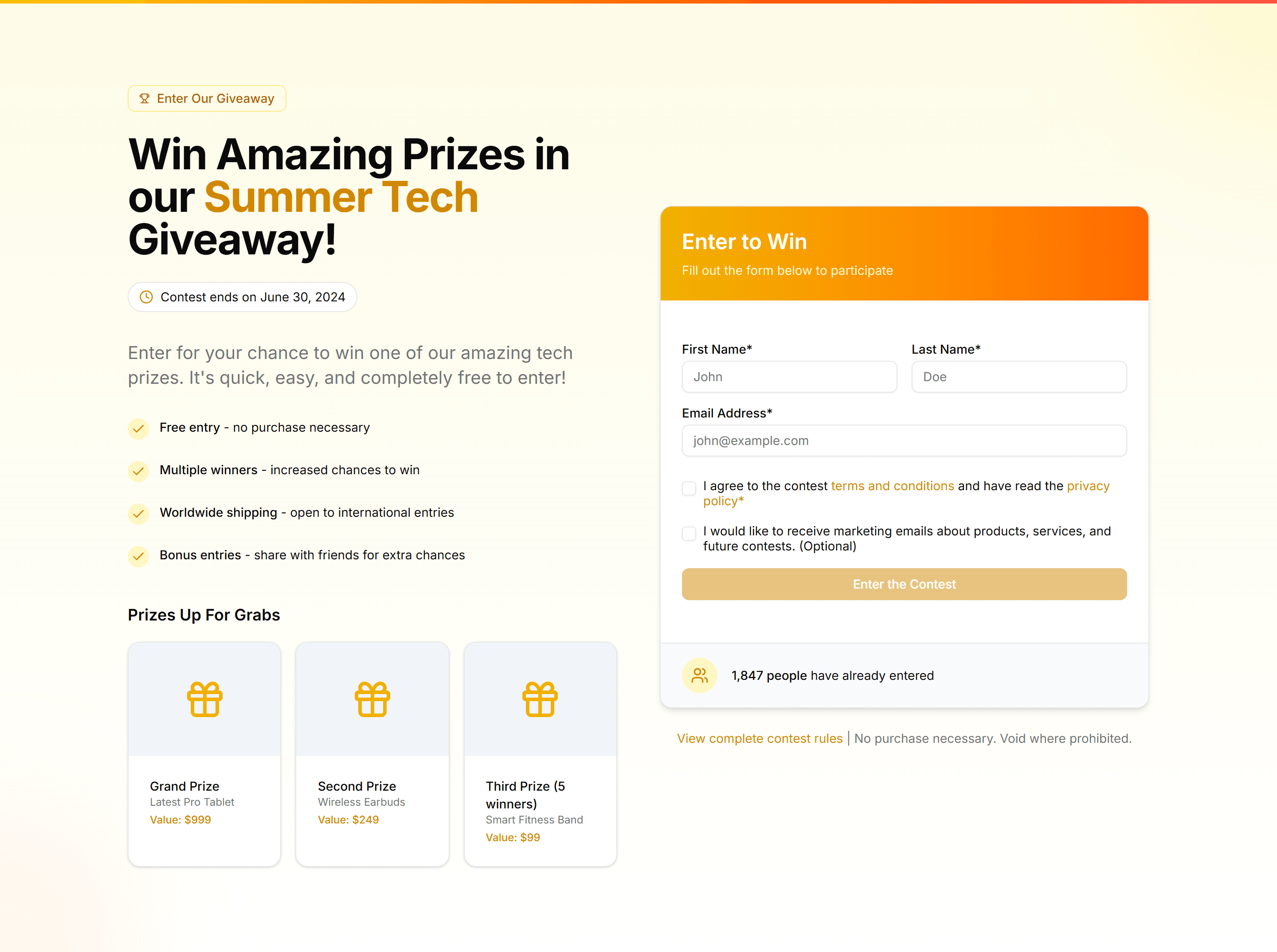
Marketing (Legacy) Hero Form: Contest Entry Form
A hero with a contest entry form for name, email, and answer fields. Drives signups and excitement around a giveaway or promotional campaign.
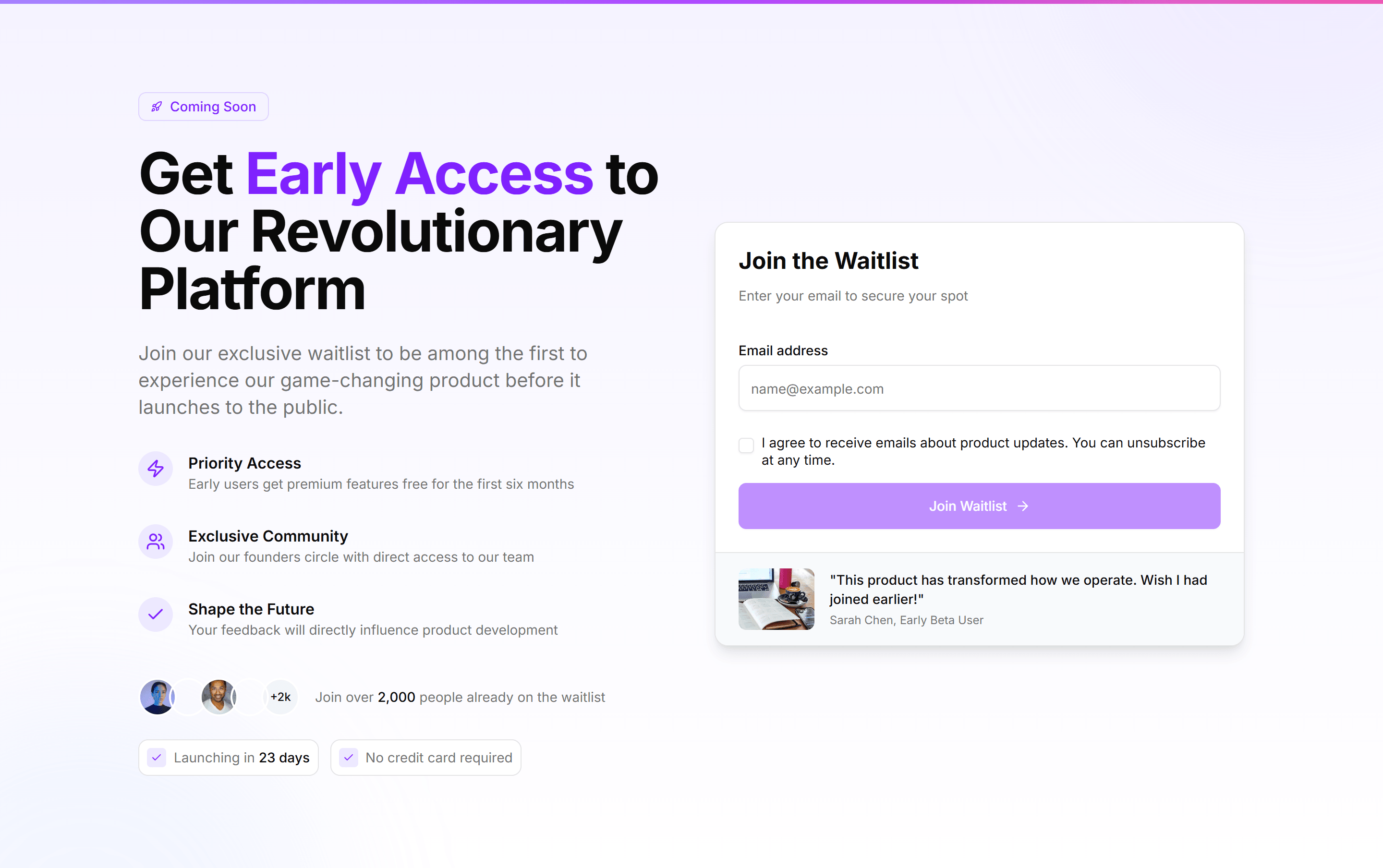
Marketing (Legacy) Hero Form: Early Access Form
A hero with an early access form and a single email field beside the pitch. Builds a waitlist for an upcoming product before the public launch.
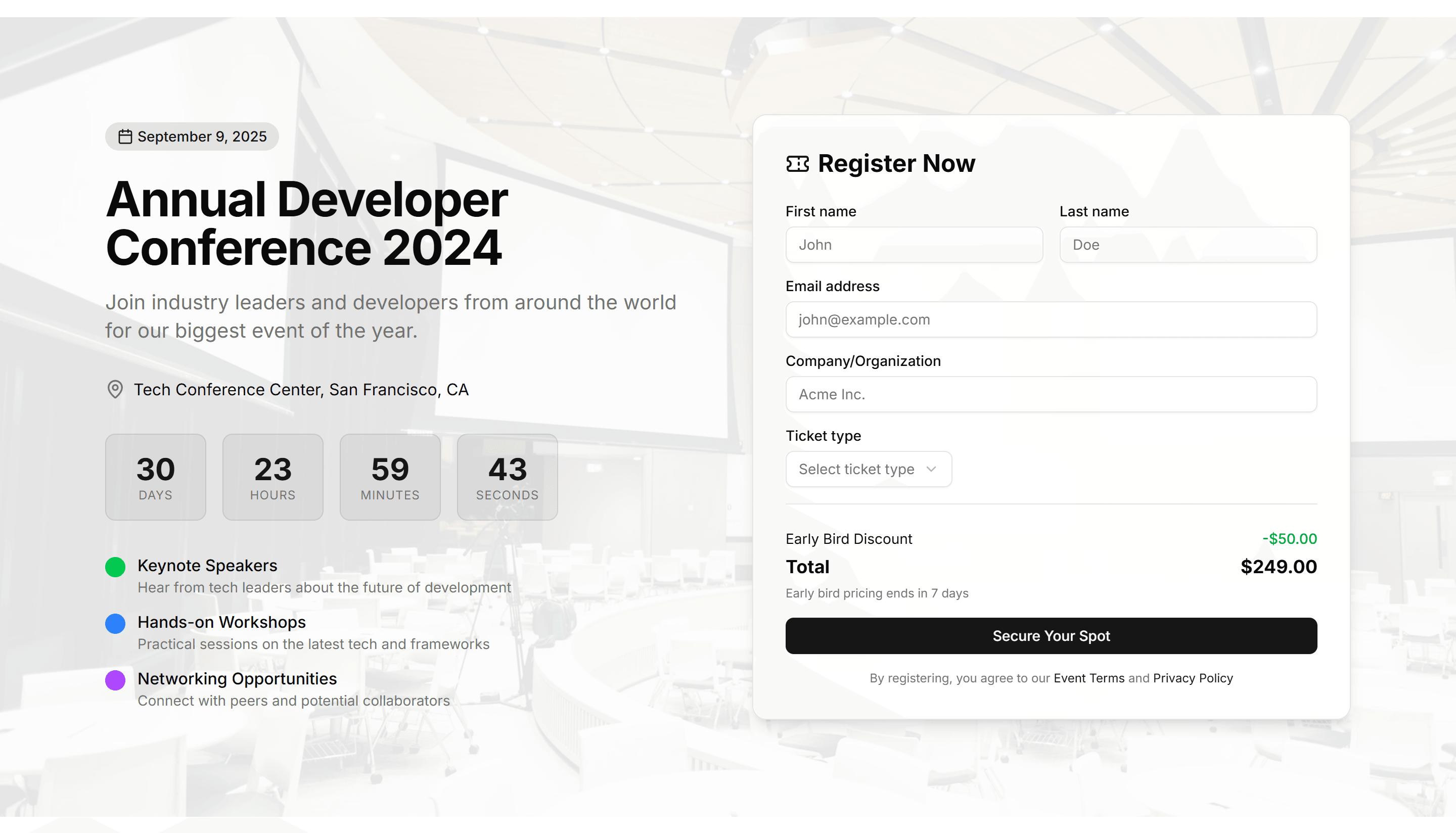
Marketing (Legacy) Hero Form: Event Registration Countdown
A hero combining a registration form with a live countdown timer. Pushes visitors to claim a spot before an event or sale window closes.
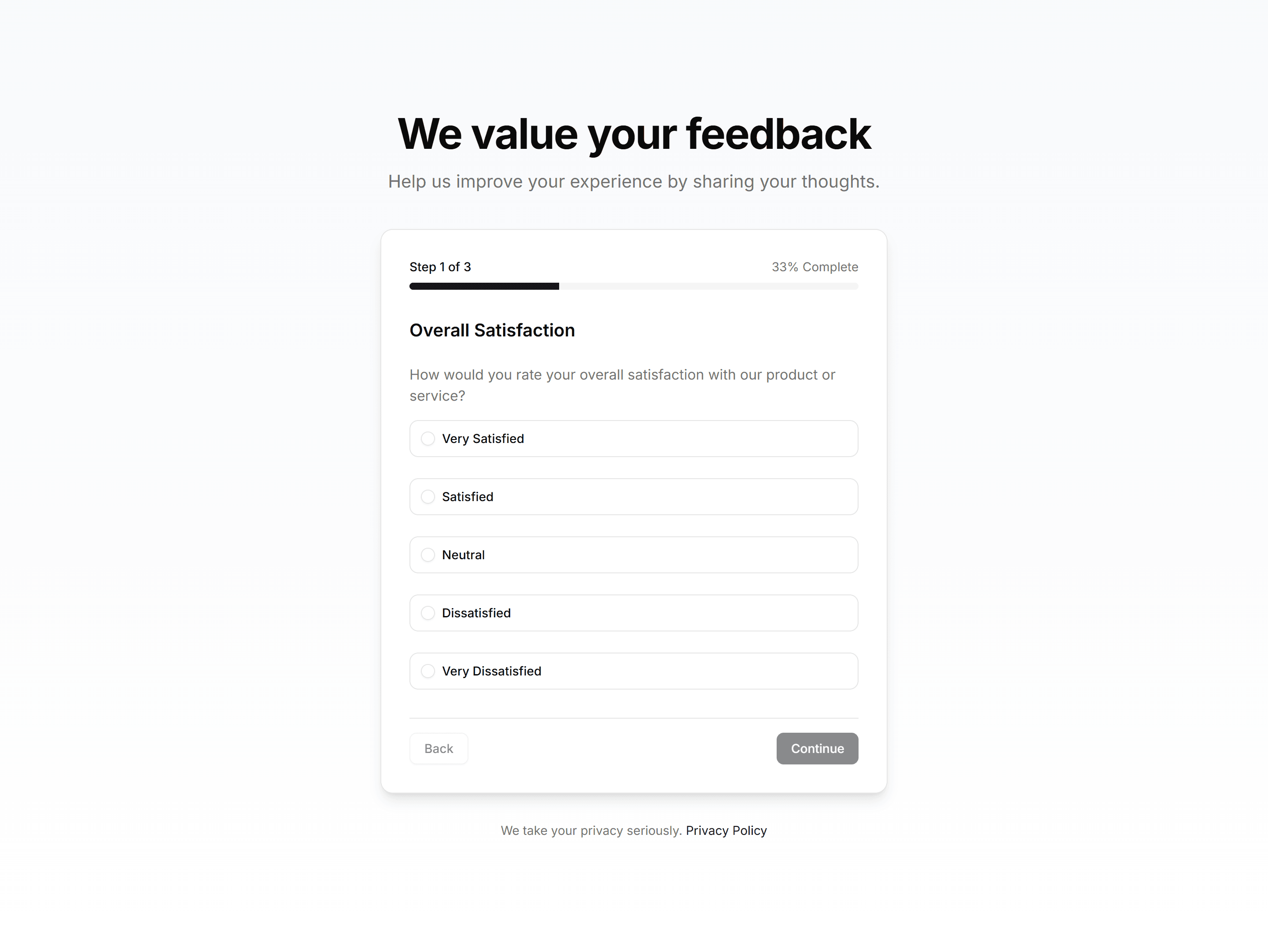
Marketing (Legacy) Hero Form: Feedback Survey Form
A hero with a feedback survey form using ratings and short answers. Gathers visitor opinions on a product or service in a single focused view.
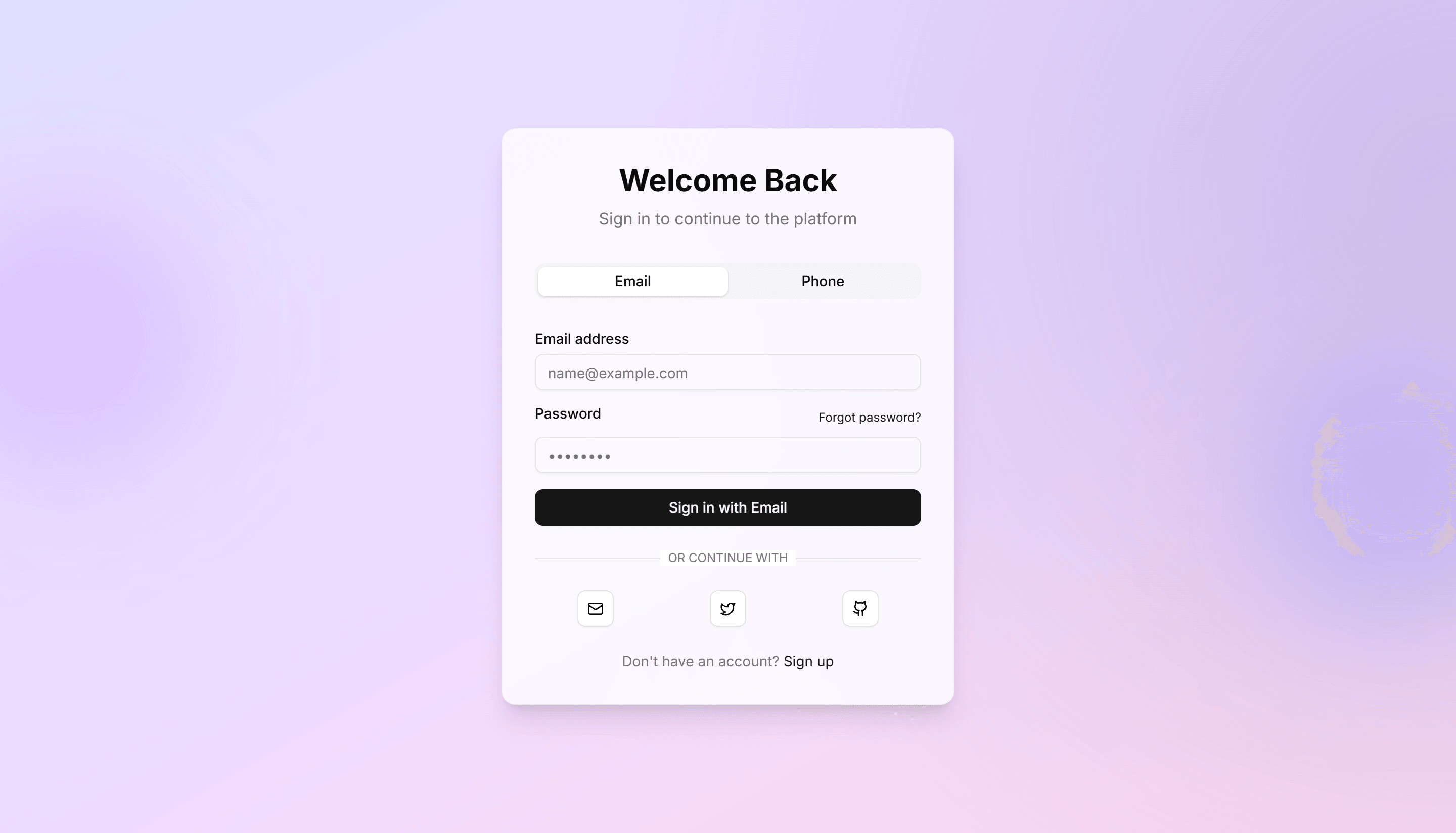
Marketing (Legacy) Hero Form: Floating Card With Gradient
A hero with a floating form card resting over a soft gradient backdrop. Highlights a signup field and pulls the eye to one clear action.
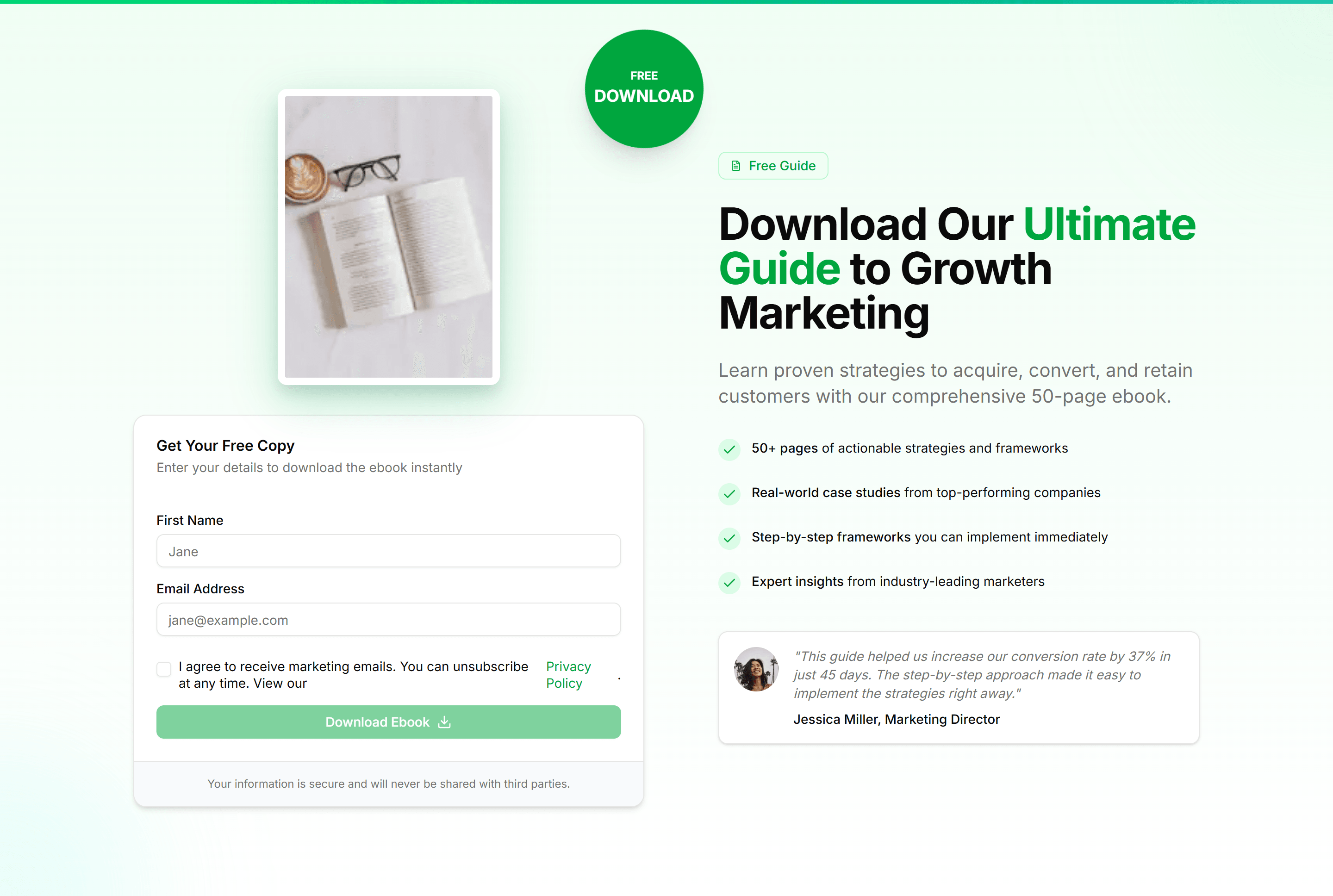
Marketing (Legacy) Hero Form: Free Ebook Form
A hero with a free ebook form that trades an email for a download. Grows a mailing list while offering a guide or report as the incentive.
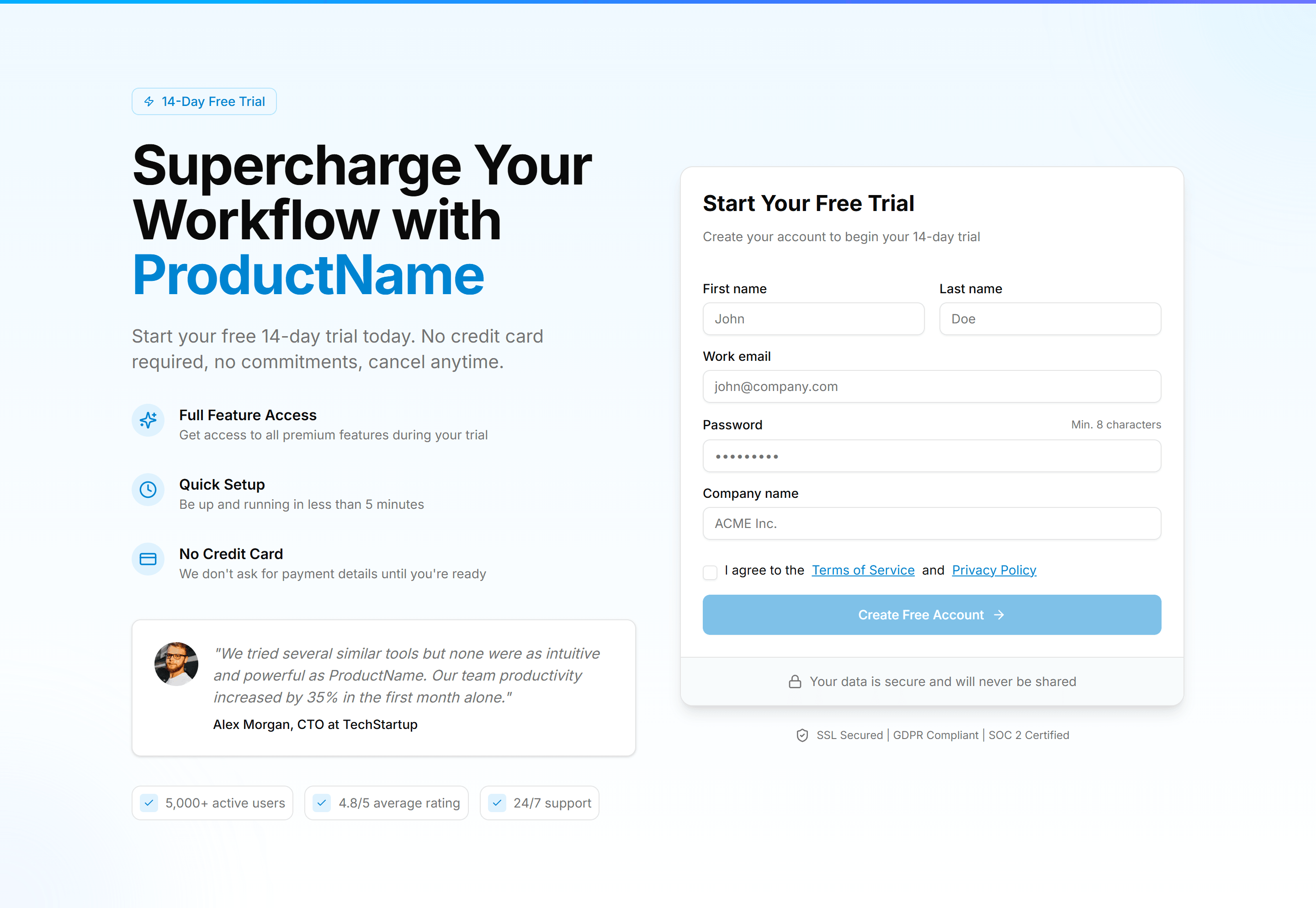
Marketing (Legacy) Hero Form: Free Trial Signup Form
A hero with a free trial signup form for email and password fields. Starts new accounts the moment a visitor decides to try the product.
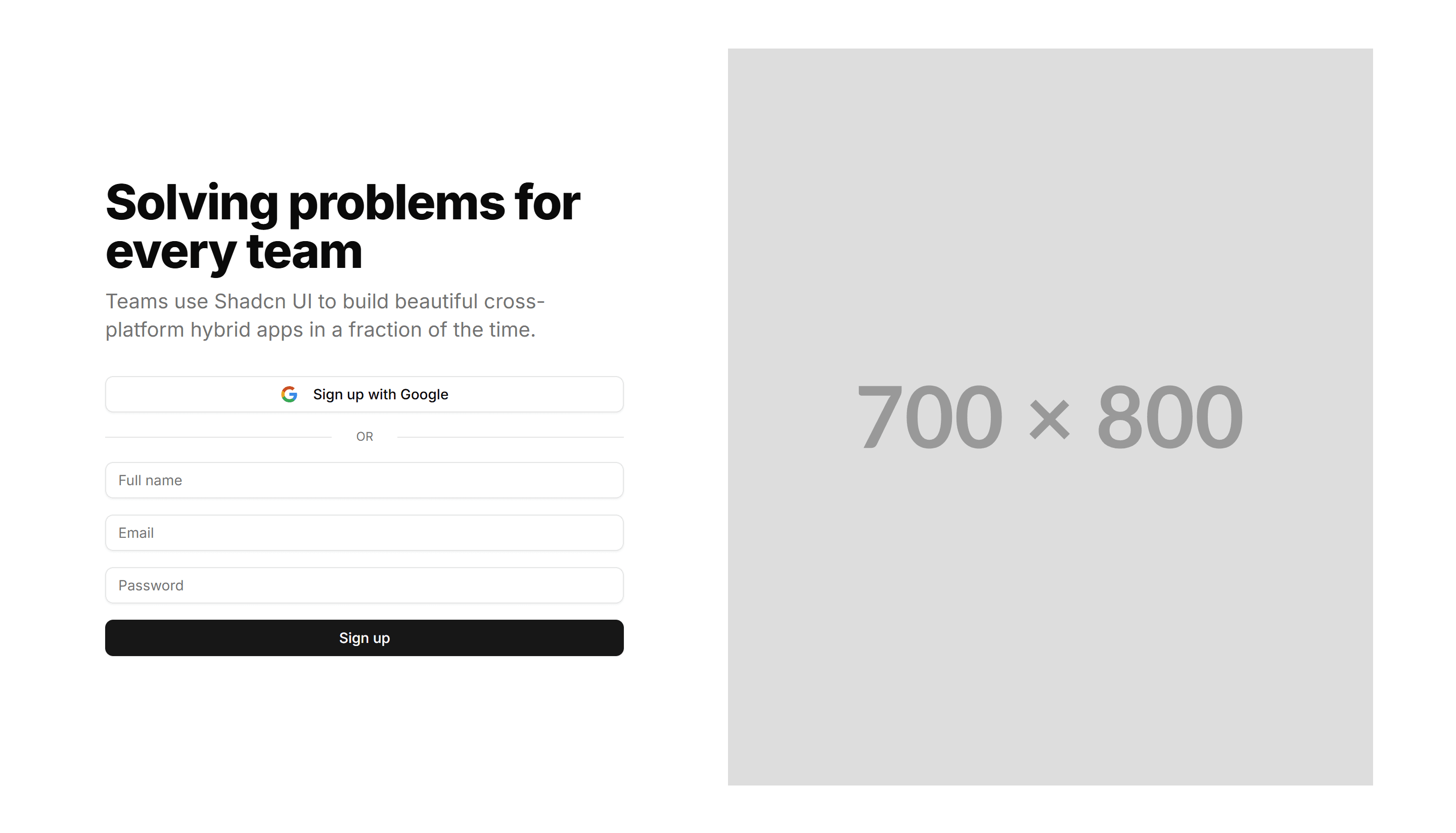
Marketing (Legacy) Hero Form: Image And Form
A split hero with a product image on one side and a signup form on the other. Balances visual proof with a clear path to start using the product.
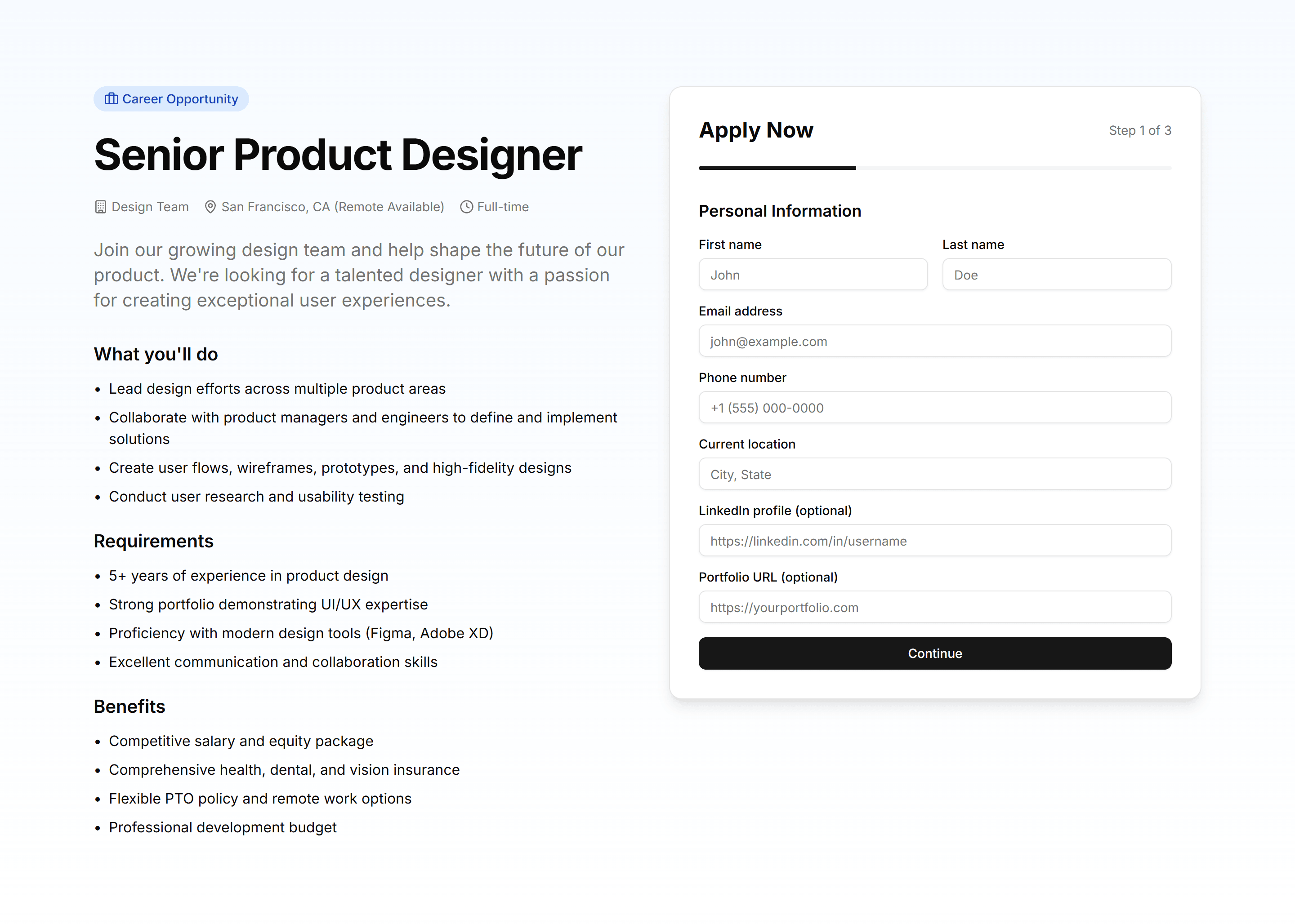
Marketing (Legacy) Hero Form: Job Application Form
A hero with a job application form for contact details and a resume upload. Lets candidates apply right from the top of a careers page.
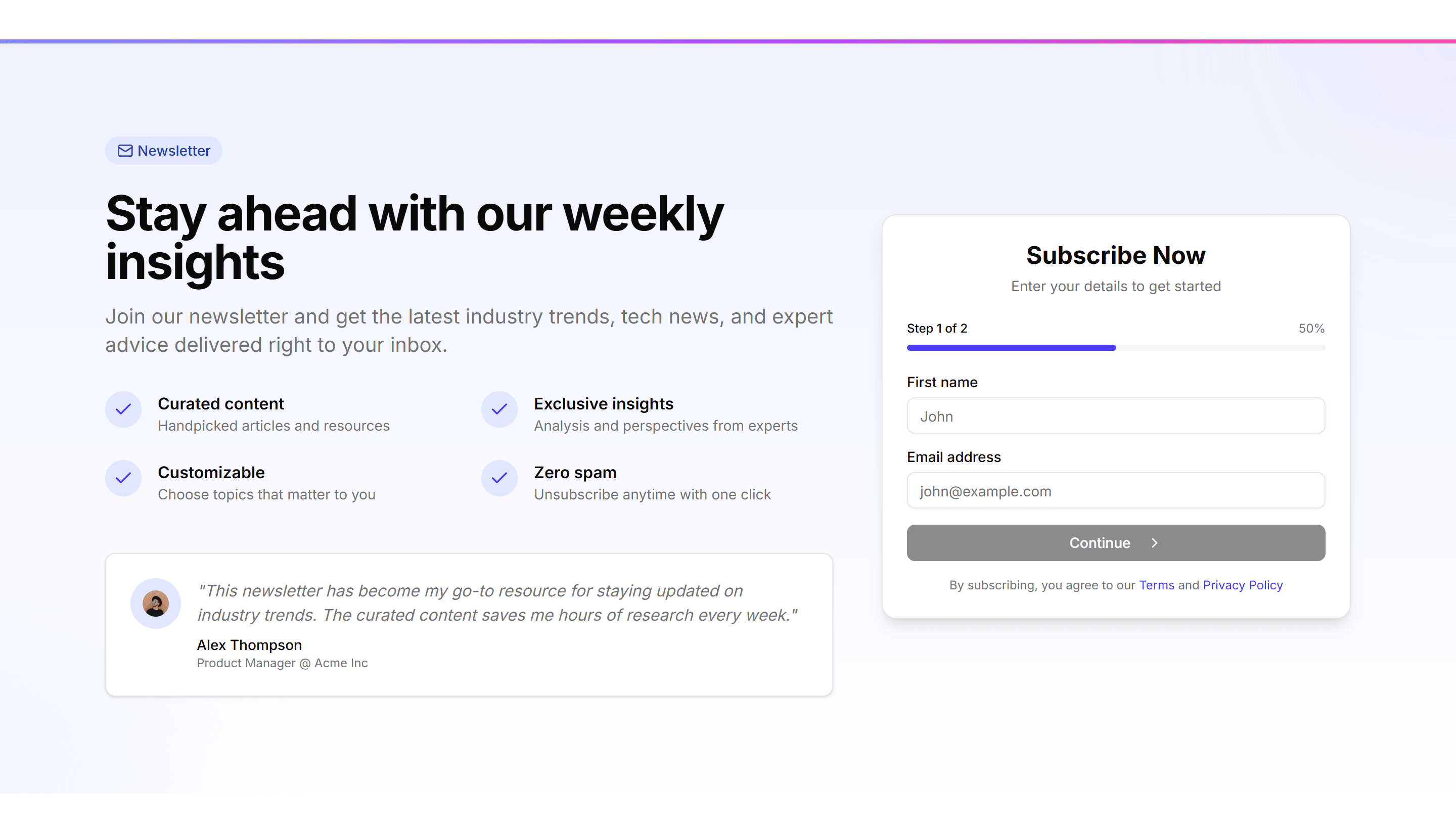
Marketing (Legacy) Hero Form: Newsletter Subscription
A hero with a newsletter subscription field and a short value pitch. Turns first time visitors into subscribers with one quick email entry.
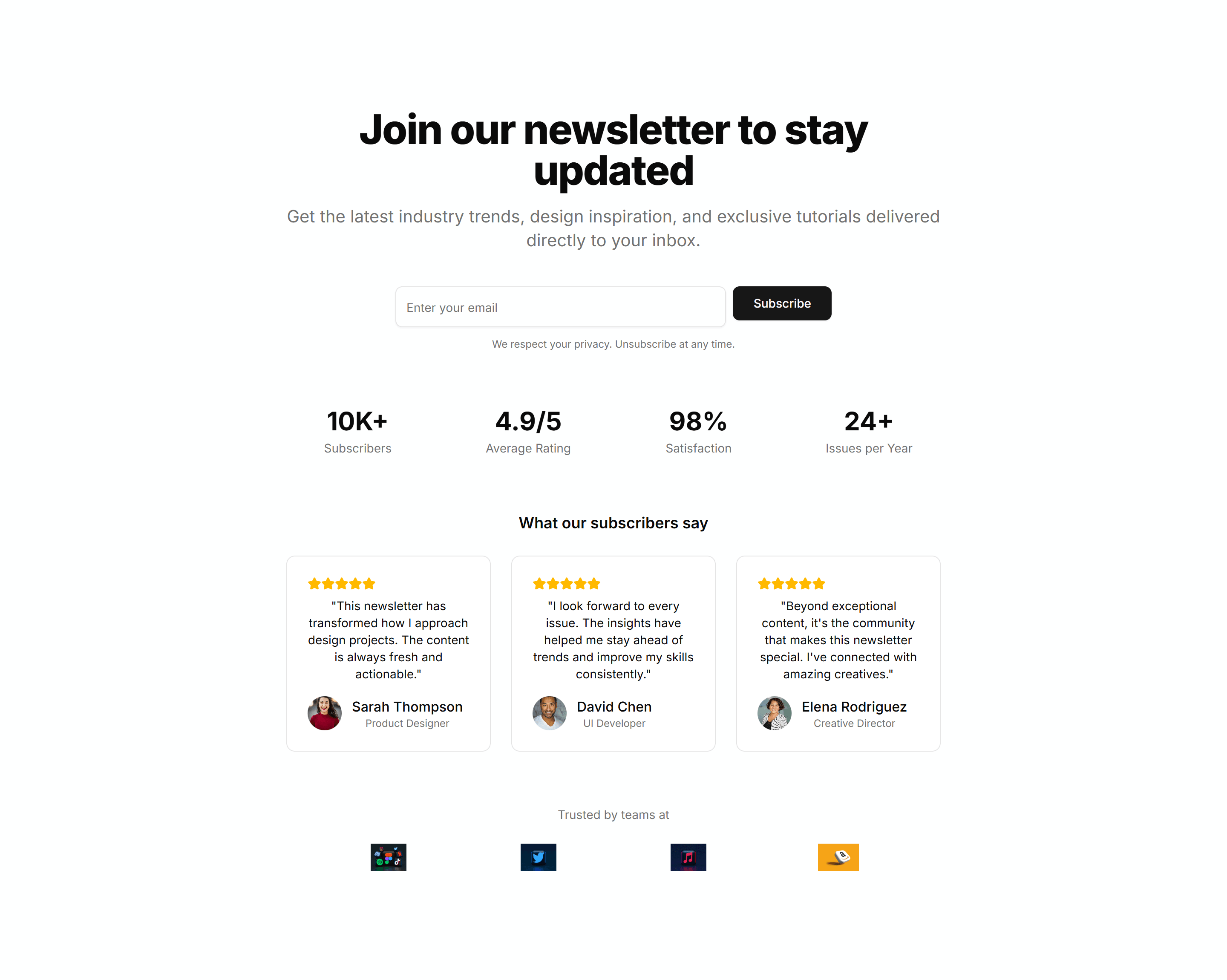
Marketing (Legacy) Hero Form: Newsletter With Social Proof
A hero pairing a newsletter form with subscriber counts and logos. Uses social proof to convince visitors the list is worth joining today.
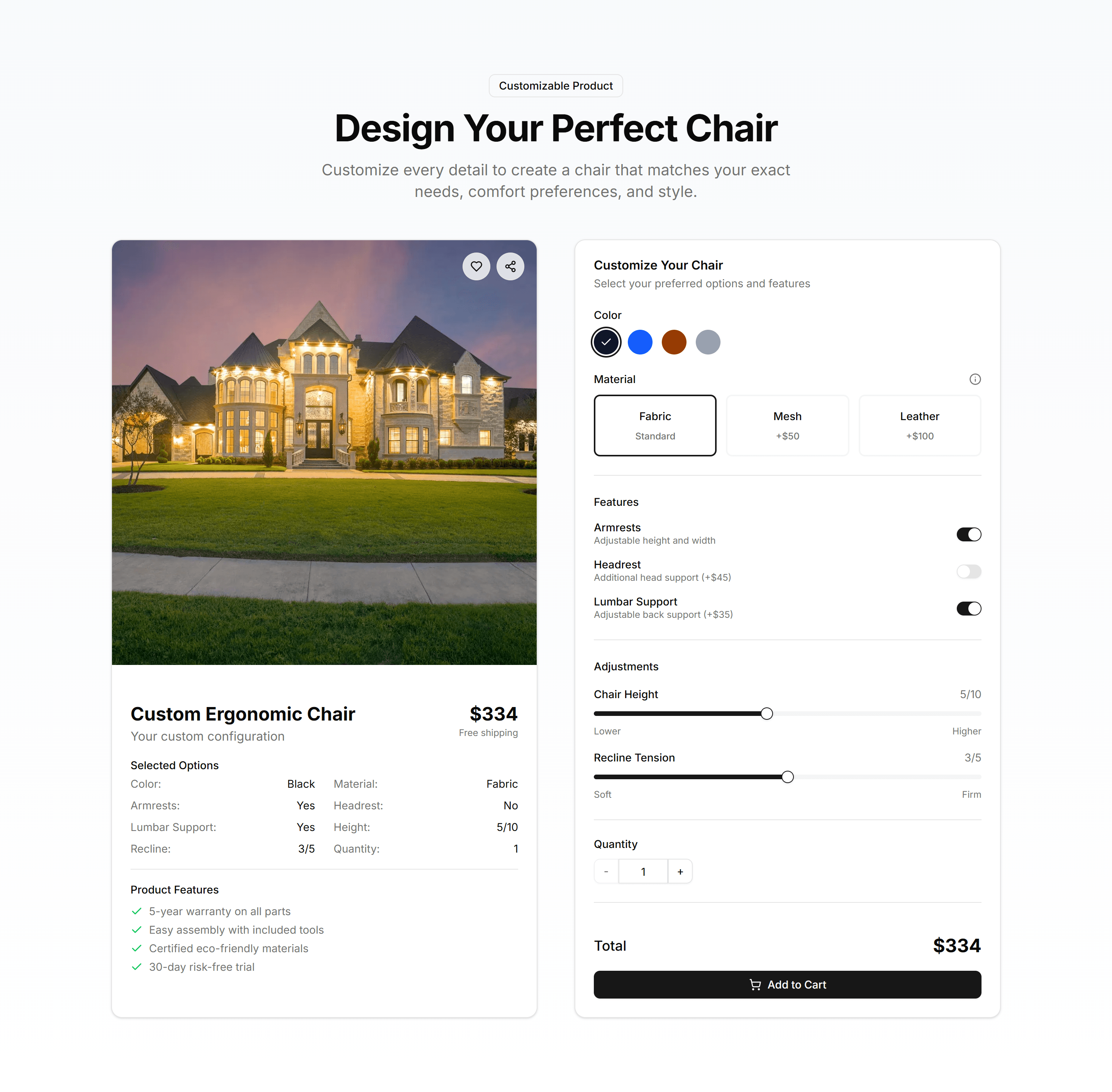
Marketing (Legacy) Hero Form: Product Customizer Form
A hero with a product customizer form for options like size and color. Lets shoppers configure their choice and preview it before checkout.
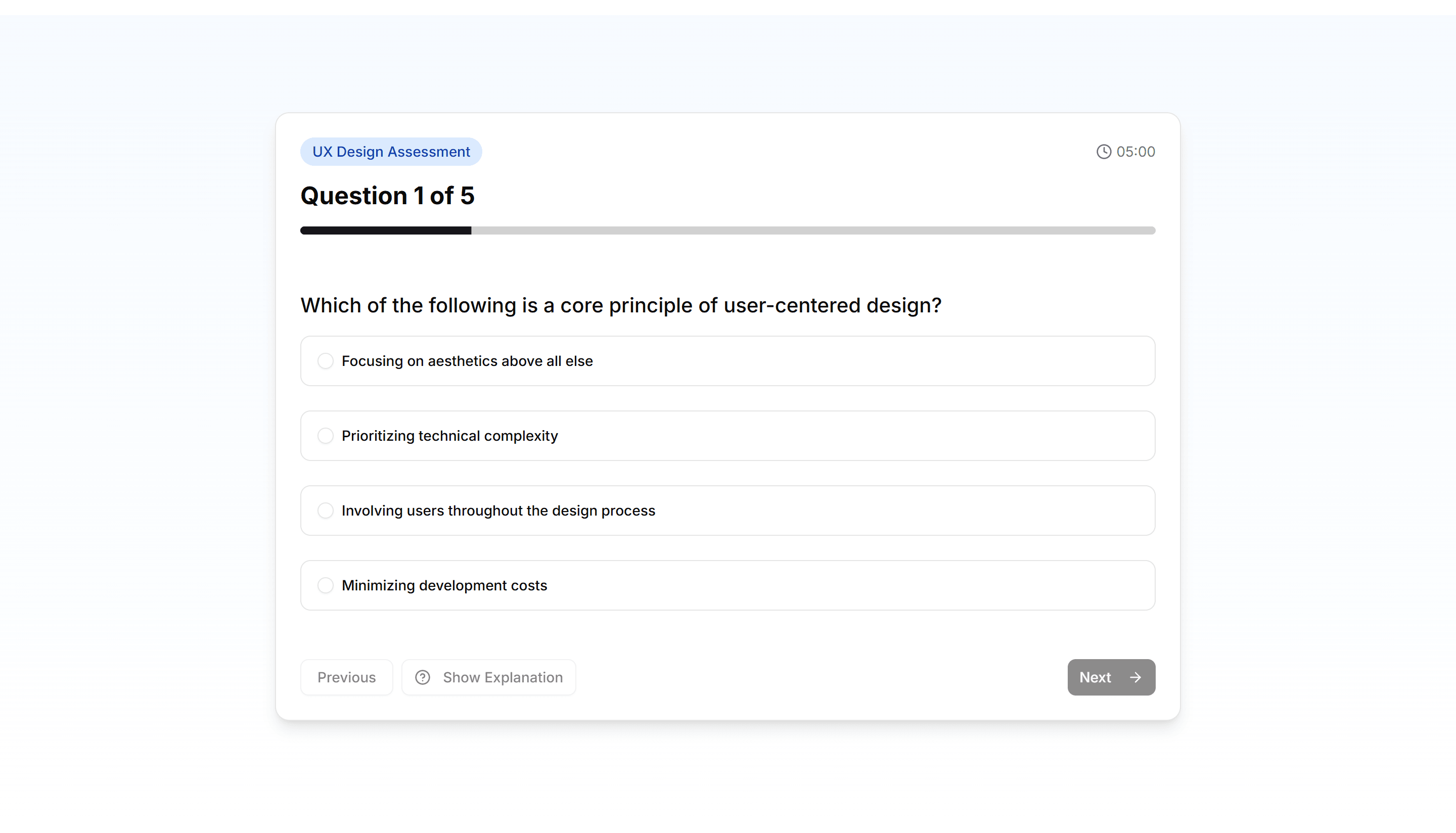
Marketing (Legacy) Hero Form: Quiz Assessment Form
A hero with a quiz or assessment form that walks through scored questions. Engages visitors and routes them toward a tailored recommendation.
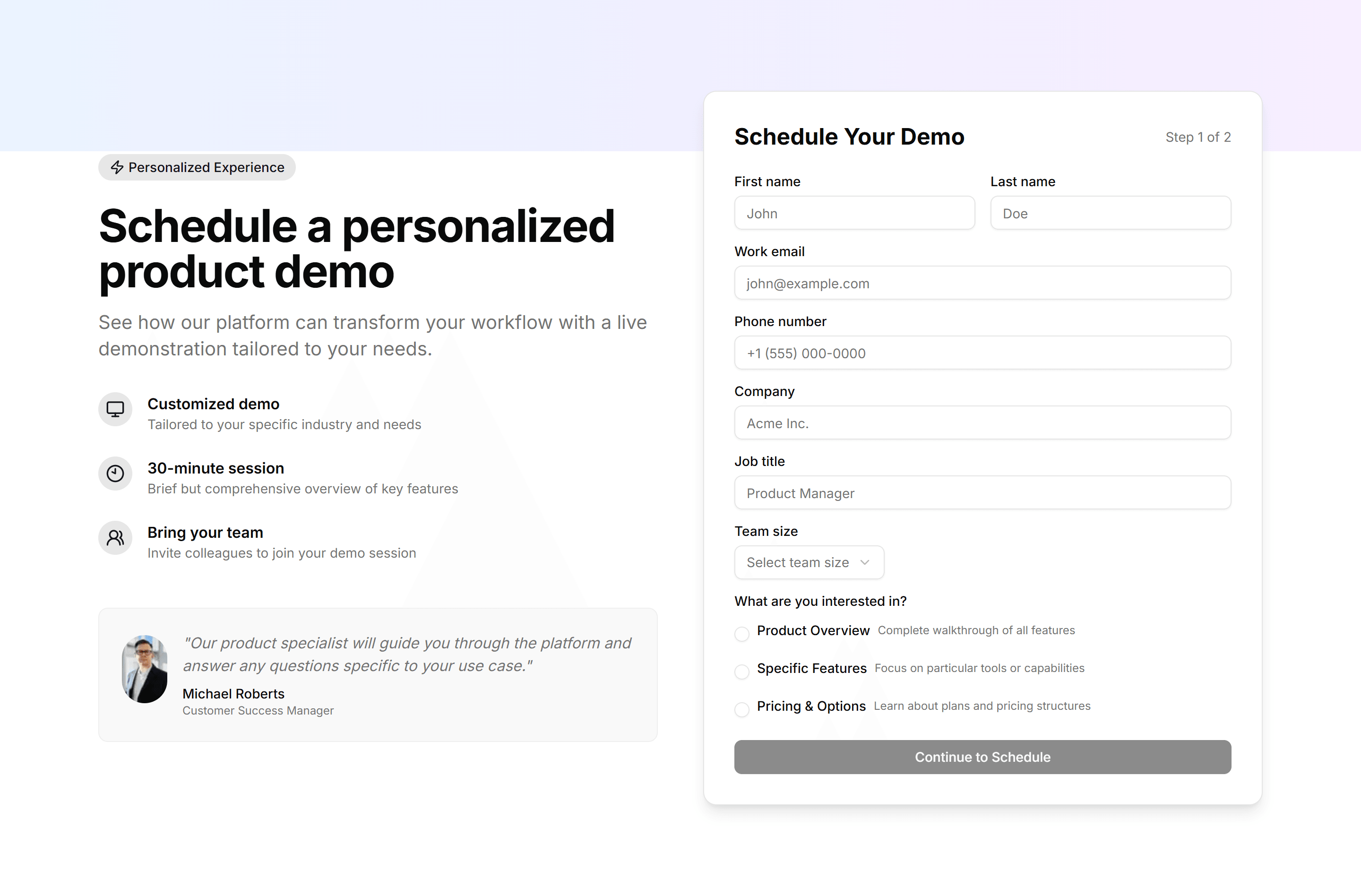
Marketing (Legacy) Hero Form: Schedule Demo Form
A hero with a schedule demo form for name, company, and a time slot. Books sales calls with prospects right where they first arrive.
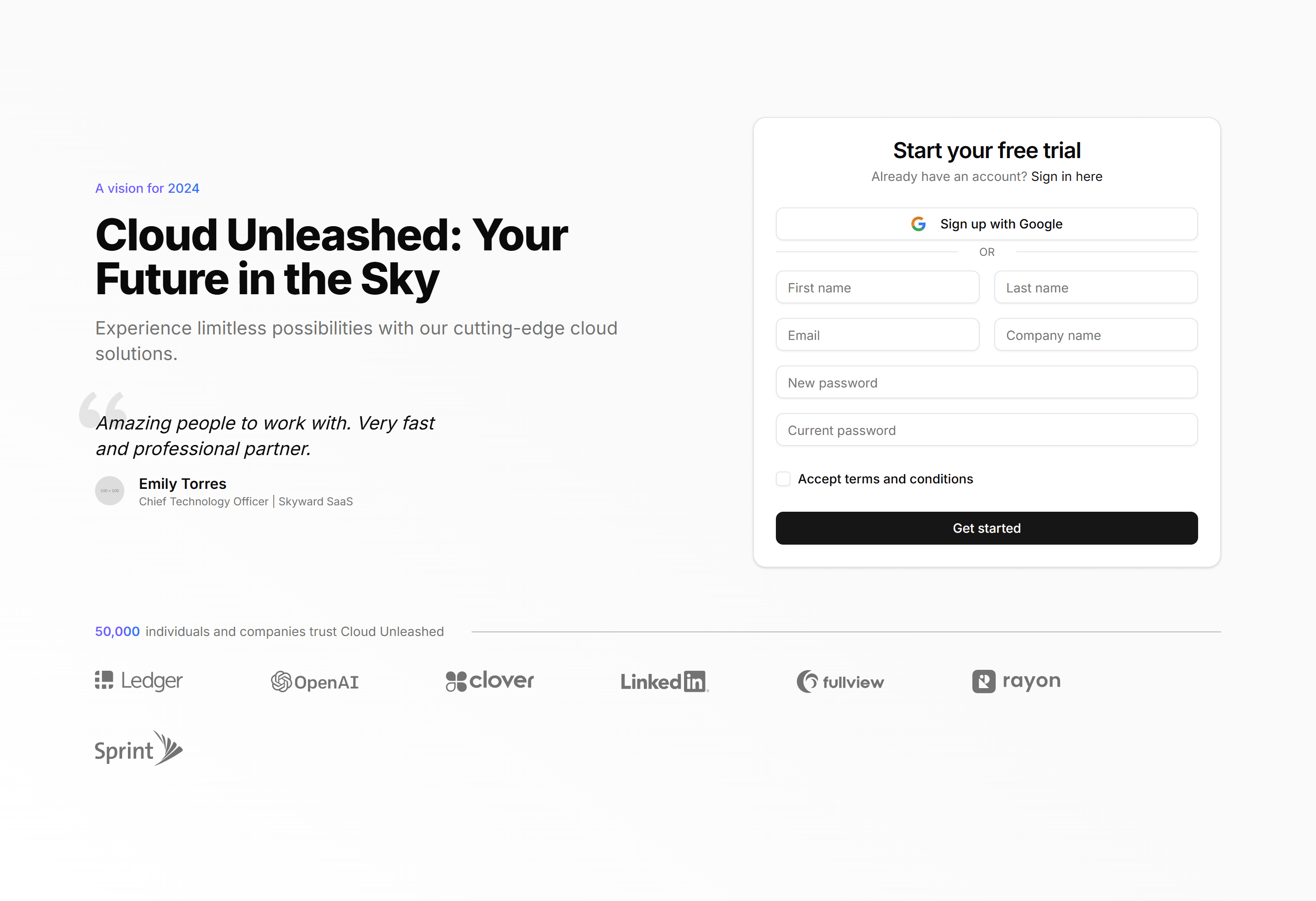
Marketing (Legacy) Hero Form: Sign Up Form
A hero with a sign up form for email and password beside the headline. Opens new accounts fast so visitors can start using the product now.
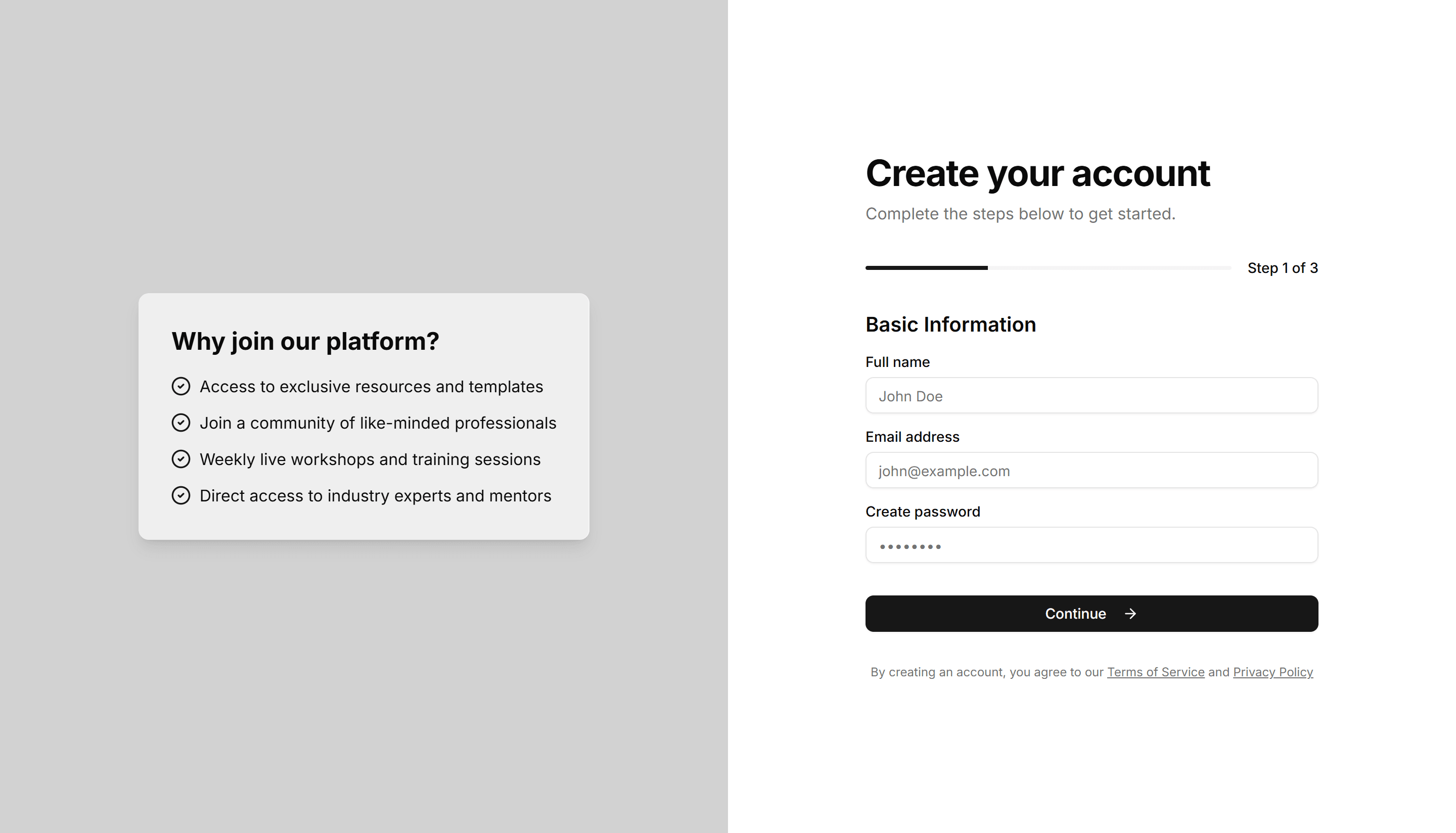
Marketing (Legacy) Hero Form: Split Screen Multi Step
A split screen hero with a multi step form and a progress indicator. Guides visitors through a longer signup without overwhelming them at once.
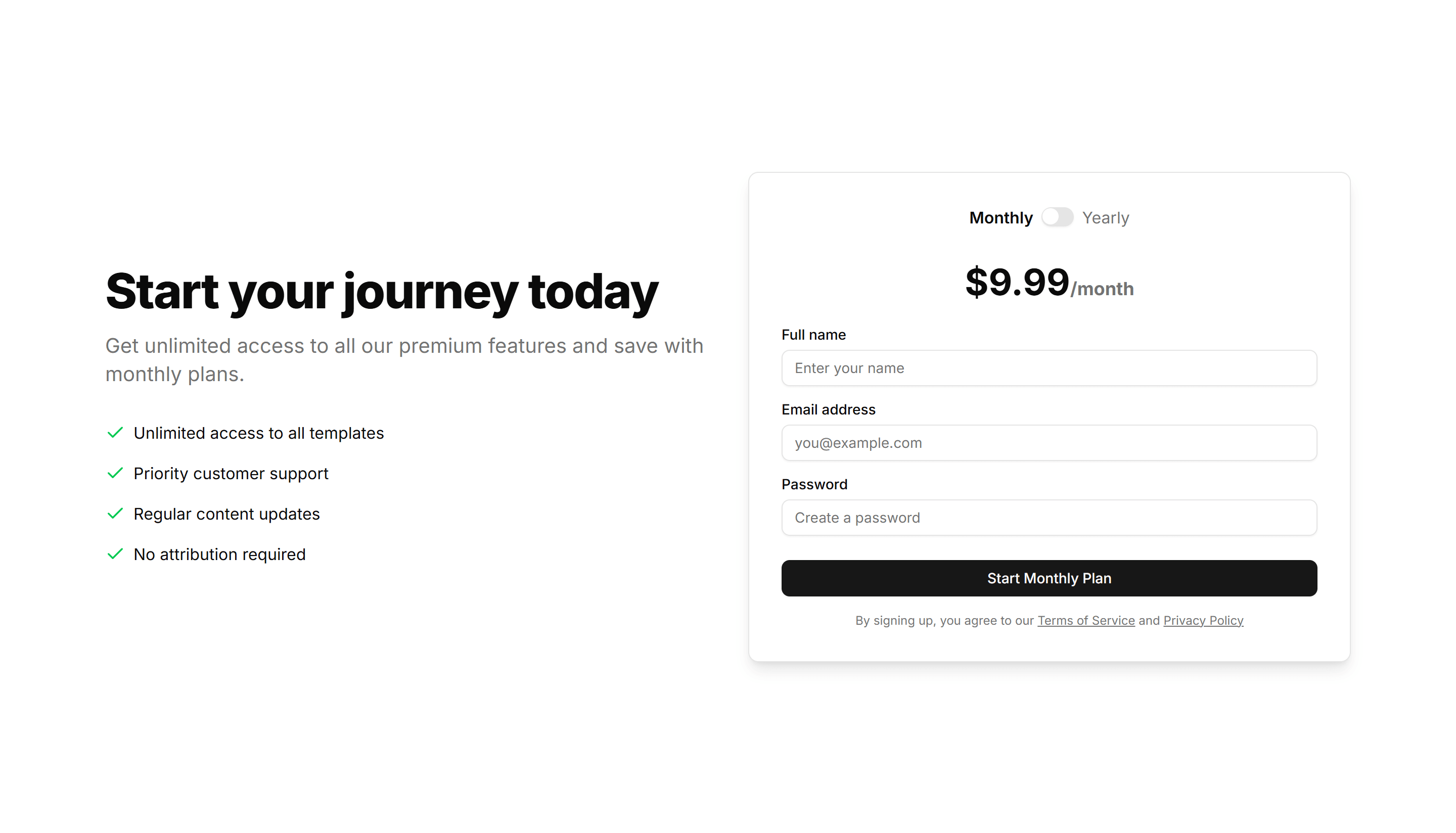
Marketing (Legacy) Hero Form: Subscription Form With Toggle
A hero with a subscription form and a monthly to yearly billing toggle. Lets visitors pick a plan and price before they start a paid signup.
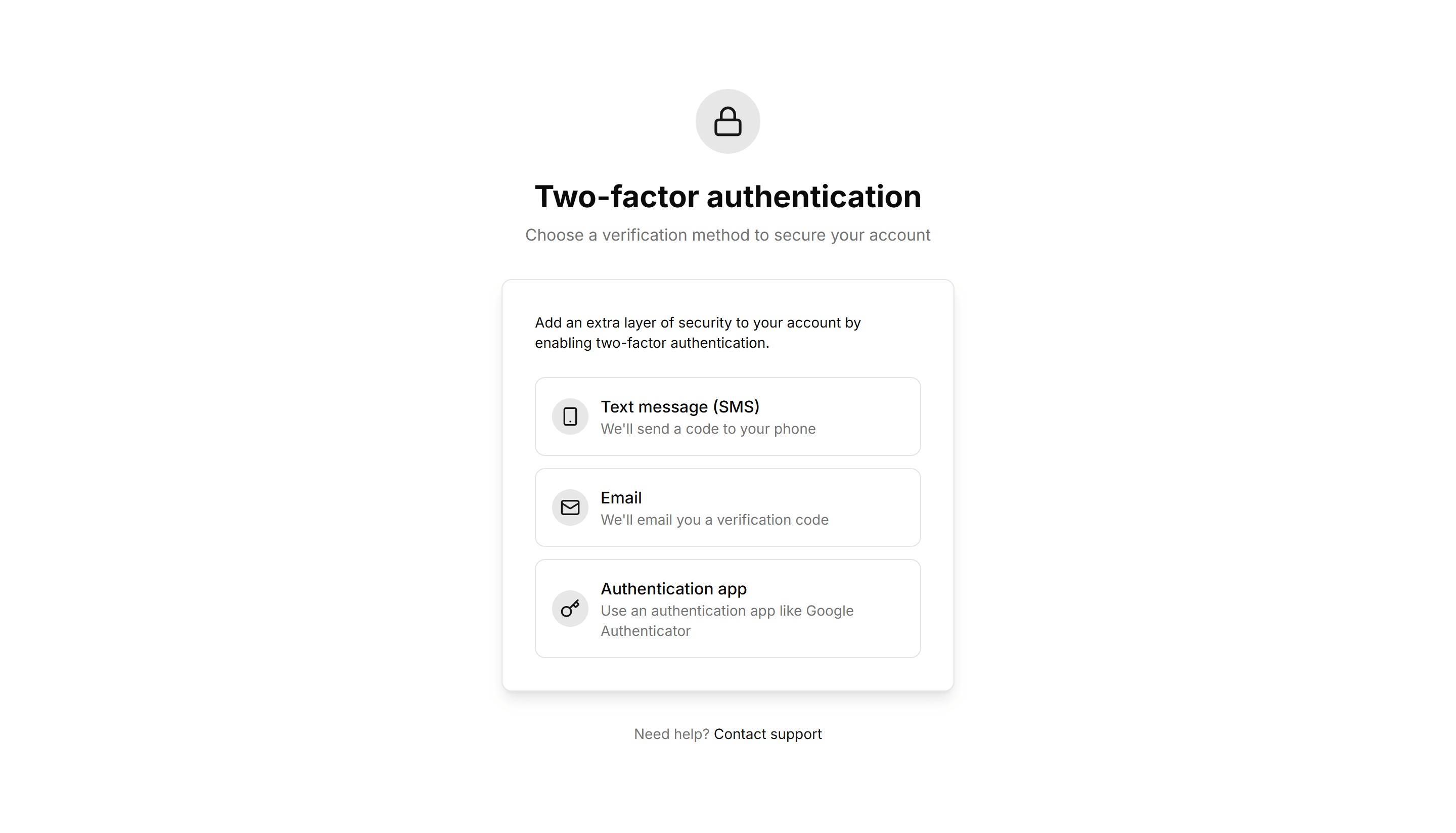
Marketing (Legacy) Hero Form: Two Factor Verification
A hero with a two factor verification form for a one time security code. Confirms identity during signin to keep new accounts safe and secure.
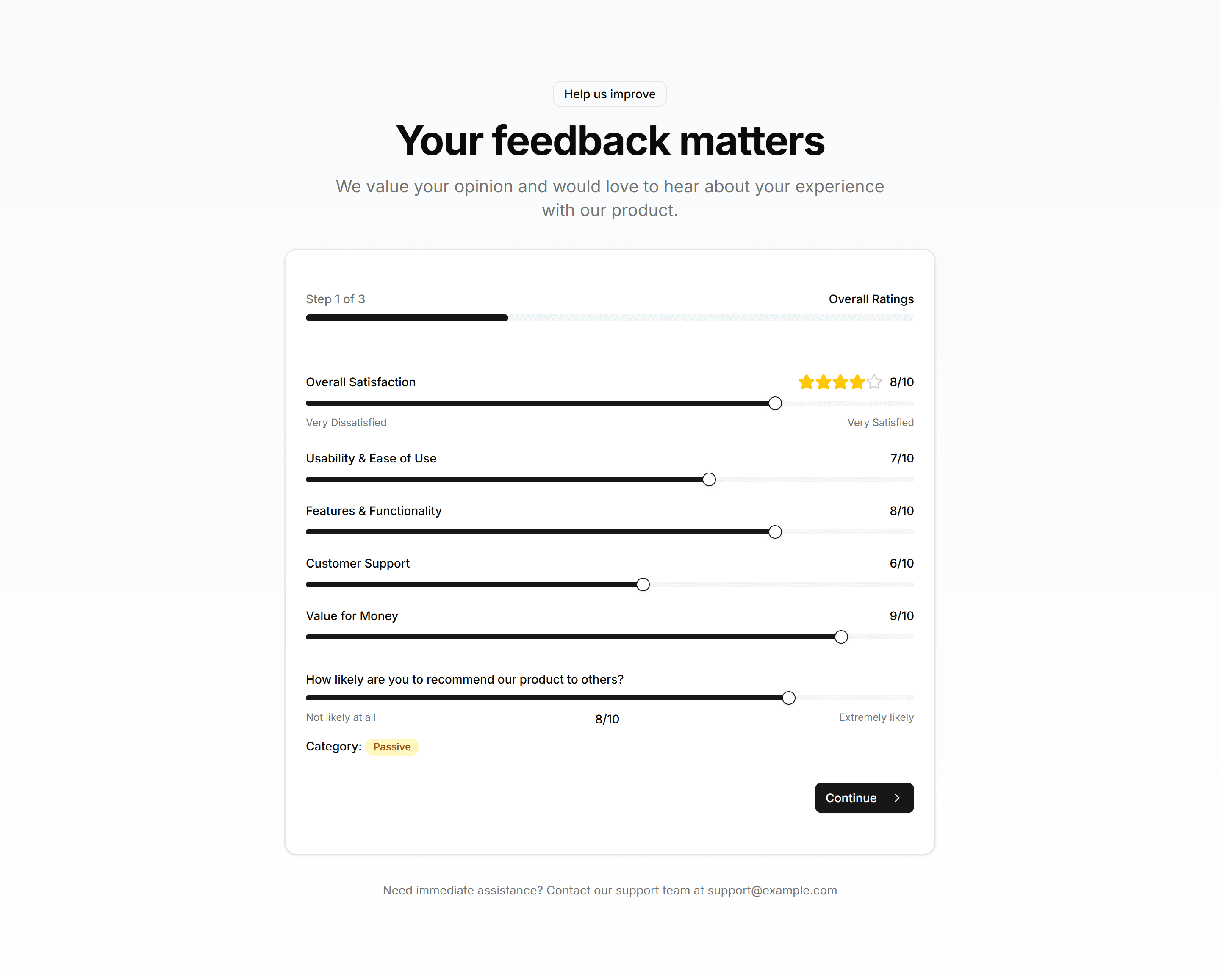
Marketing (Legacy) Hero Form: User Feedback Form
A hero with a user feedback form for comments, ratings, and contact info. Collects honest input from visitors to guide the next product update.
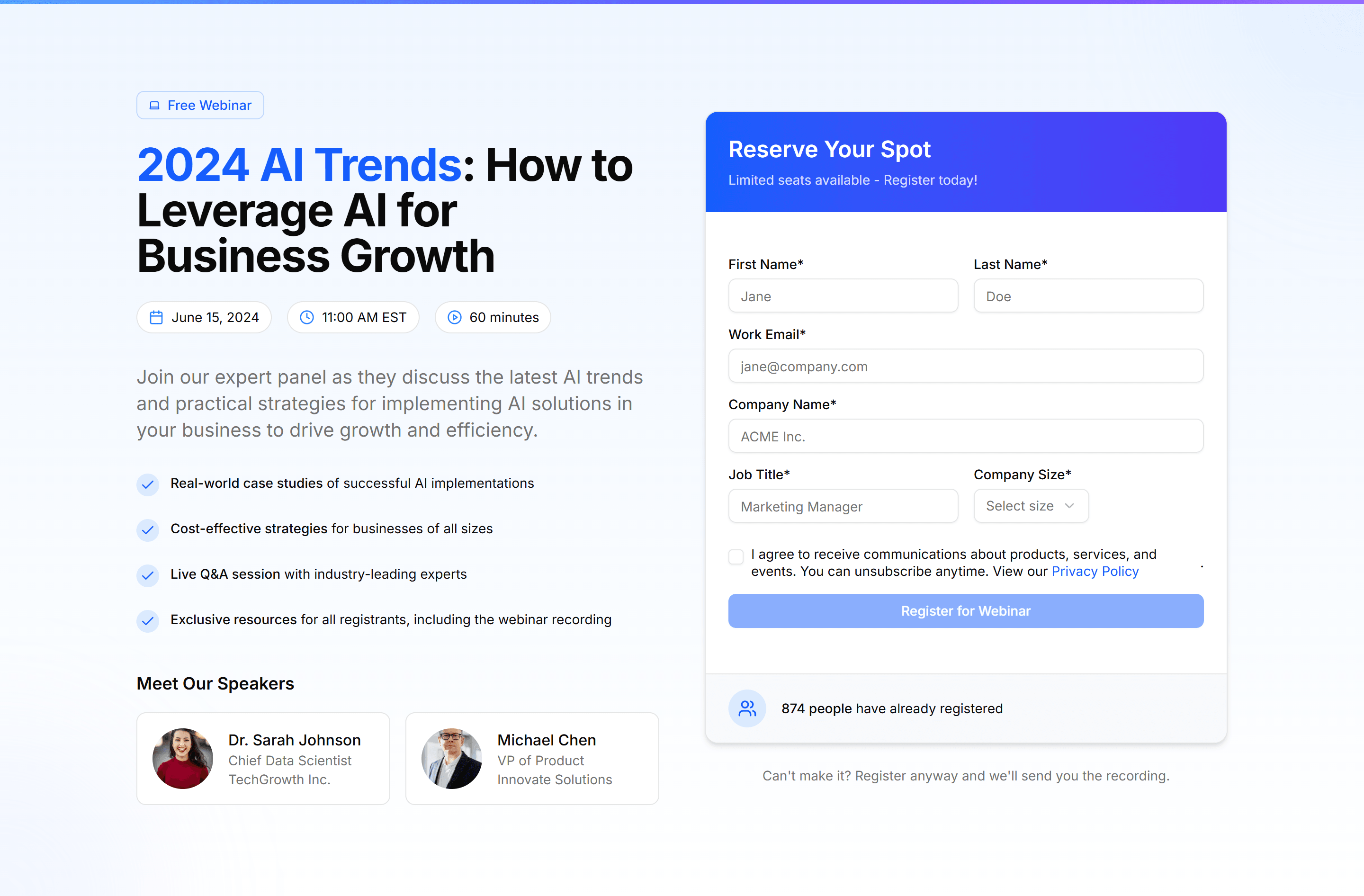
Marketing (Legacy) Hero Form: Webinar Registration Form
A hero with a webinar registration form for name, email, and session time. Fills seats for a live session straight from the landing page top.
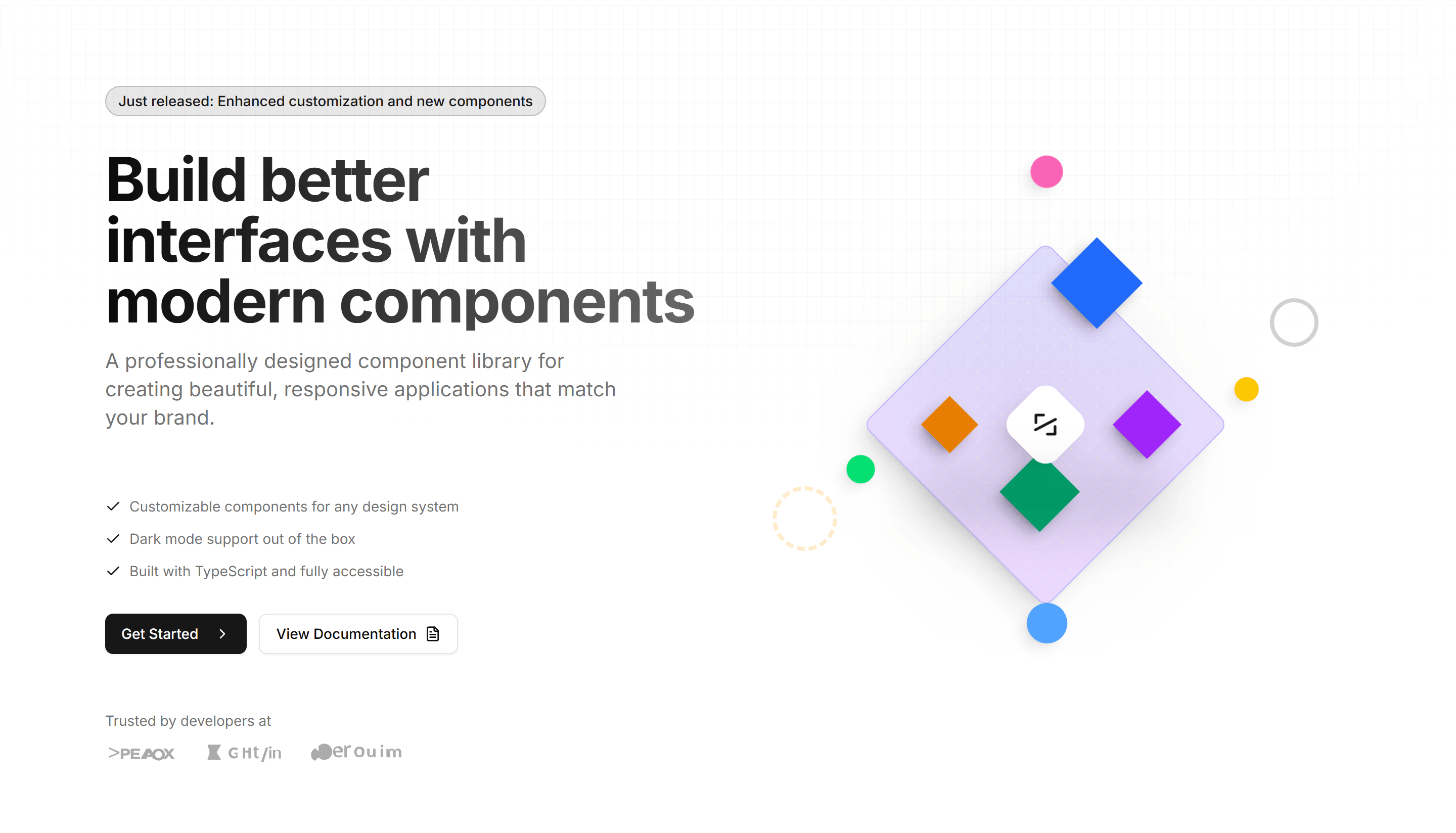
Marketing (Legacy) Hero Section: 3D Isometric Hero
A hero with a 3D isometric illustration beside a headline and call to action. Adds depth and a modern feel to the top of a product landing page.
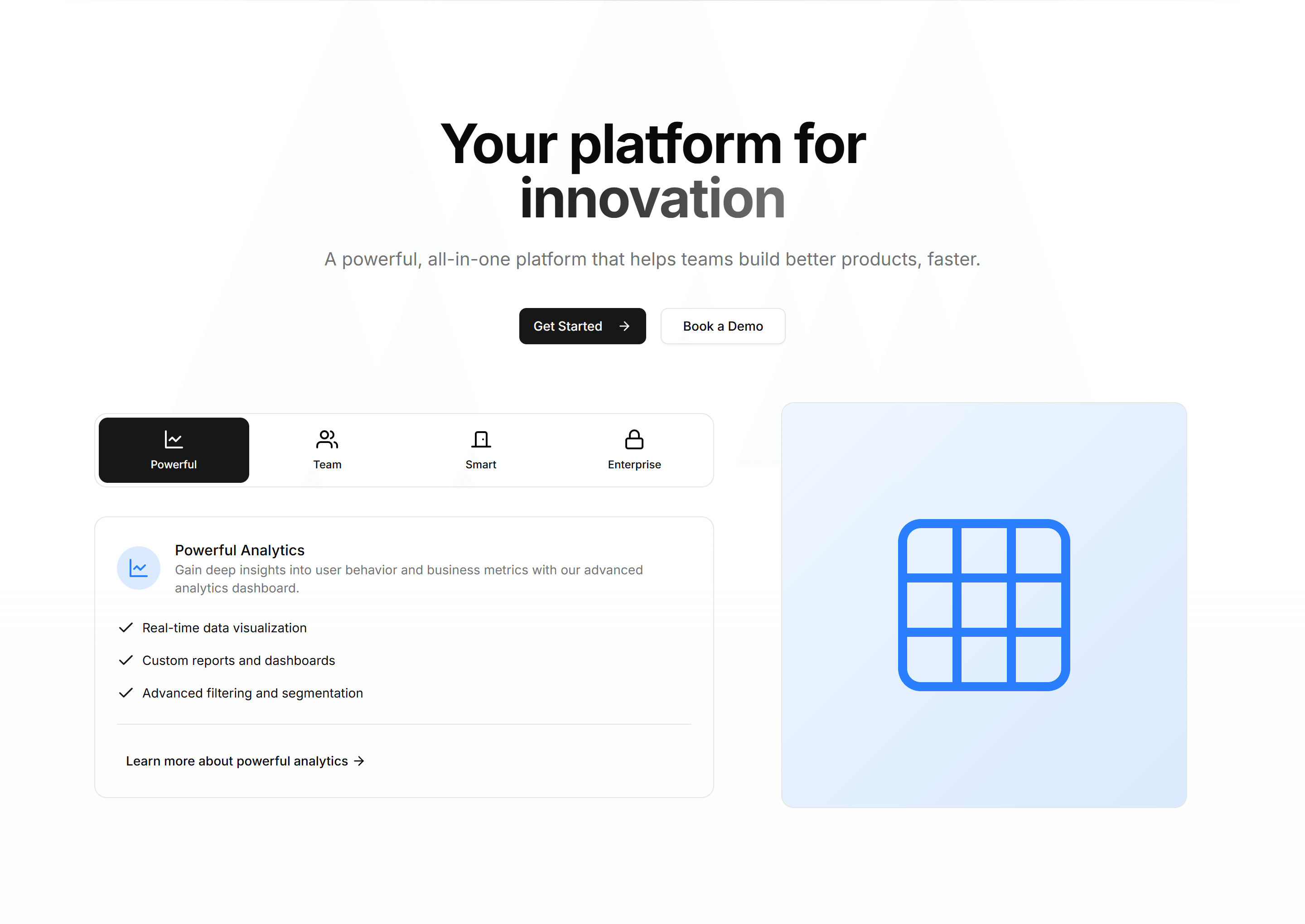
Marketing (Legacy) Hero Section: Animated Features Hero
A hero that cycles through key features with motion next to a headline and CTA. Use it to show what your product does the moment a visitor arrives.
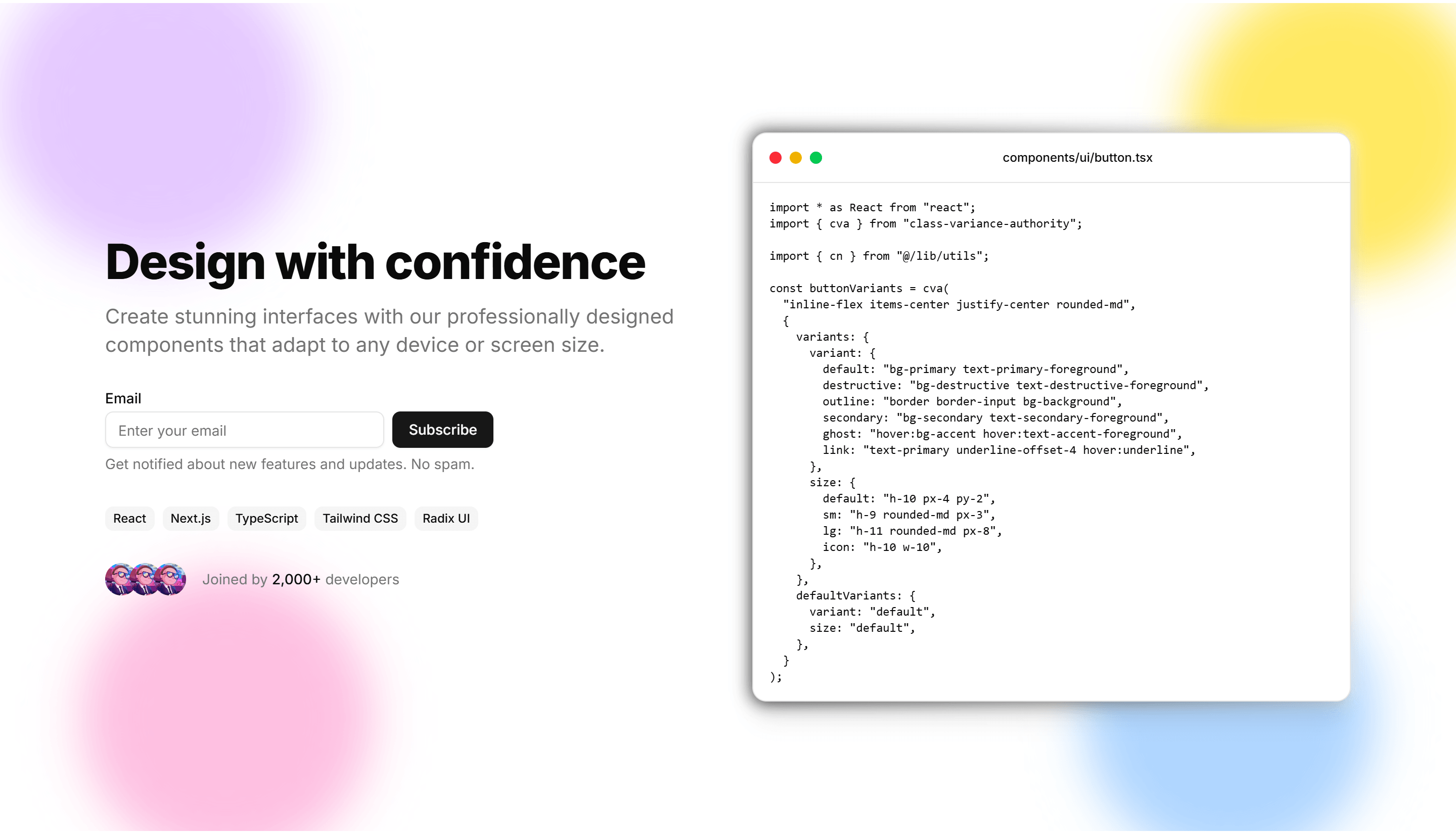
Marketing (Legacy) Hero Section: Animated Gradient
A hero set on a slowly shifting gradient backdrop with a centered headline and CTA. A colorful, lively opener for SaaS and creative product pages.
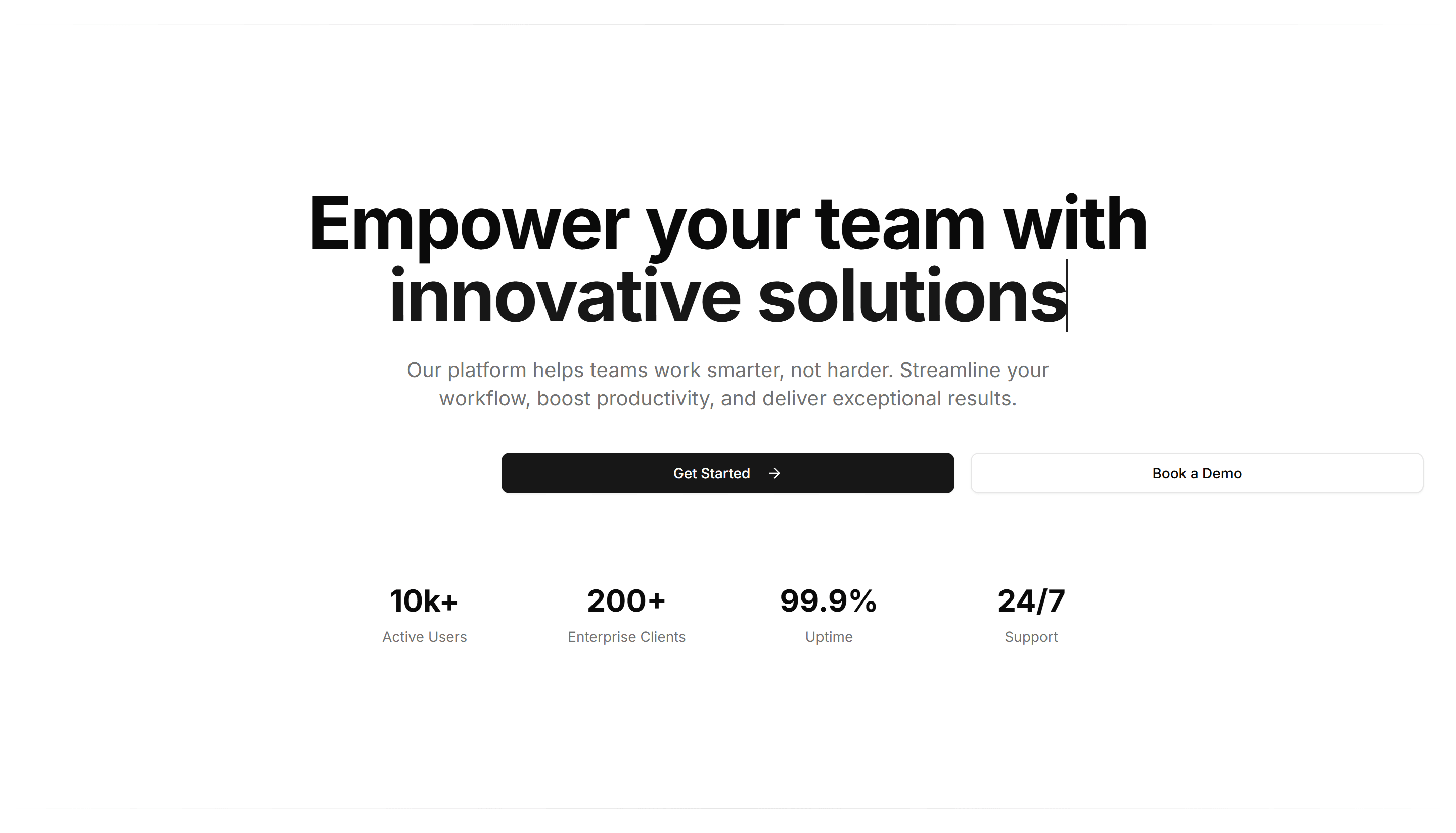
Marketing (Legacy) Hero Section: Animated Text Hero
A hero where the headline word swaps through phrases with smooth motion. Highlights several value points in one line at the top of a landing page.
Marketing (Legacy) Hero Section: Centred With Image
A centered hero with a headline, subtext, and CTA above a wide product image. A balanced, classic opener for marketing and SaaS landing pages.
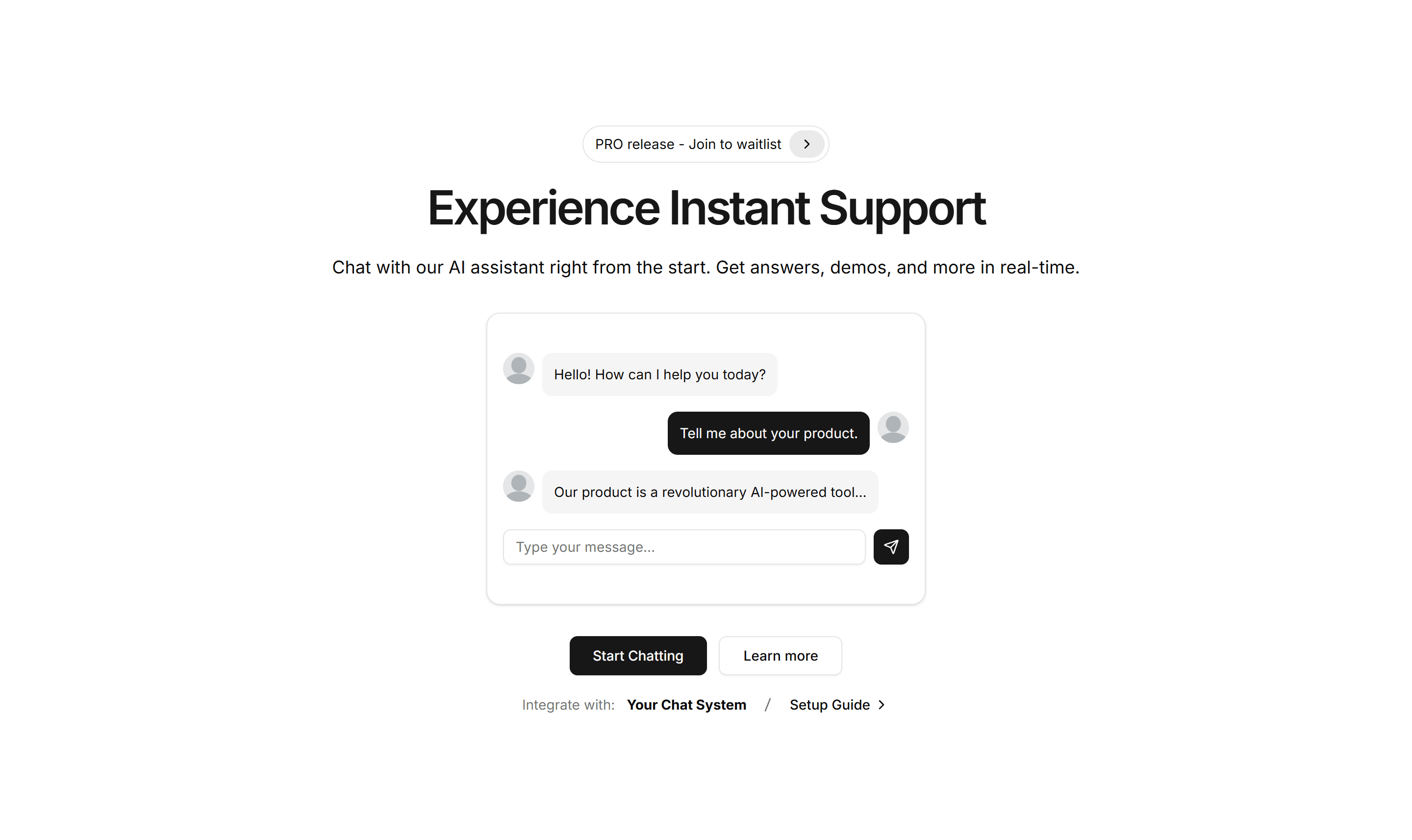
Marketing (Legacy) Hero Section: Chat Preview Hero
A hero pairing a headline and CTA with a live chat conversation preview. Ideal for messaging, support, or AI assistant products you want to demo.
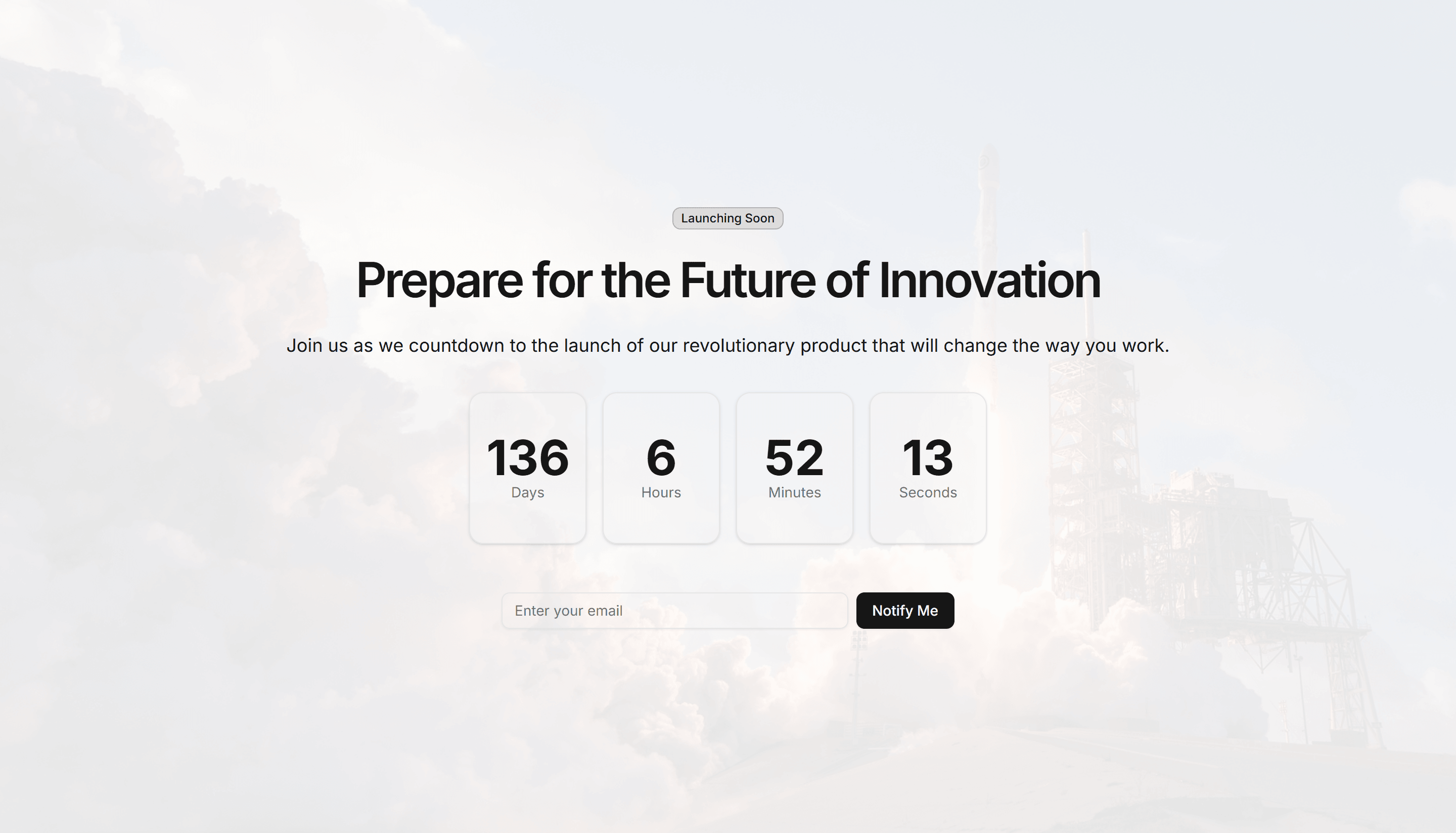
Marketing (Legacy) Hero Section: Countdown Hero
A hero with a ticking countdown timer beside a headline and CTA. Builds urgency for launches, sales, webinars, and limited time offer landing pages.
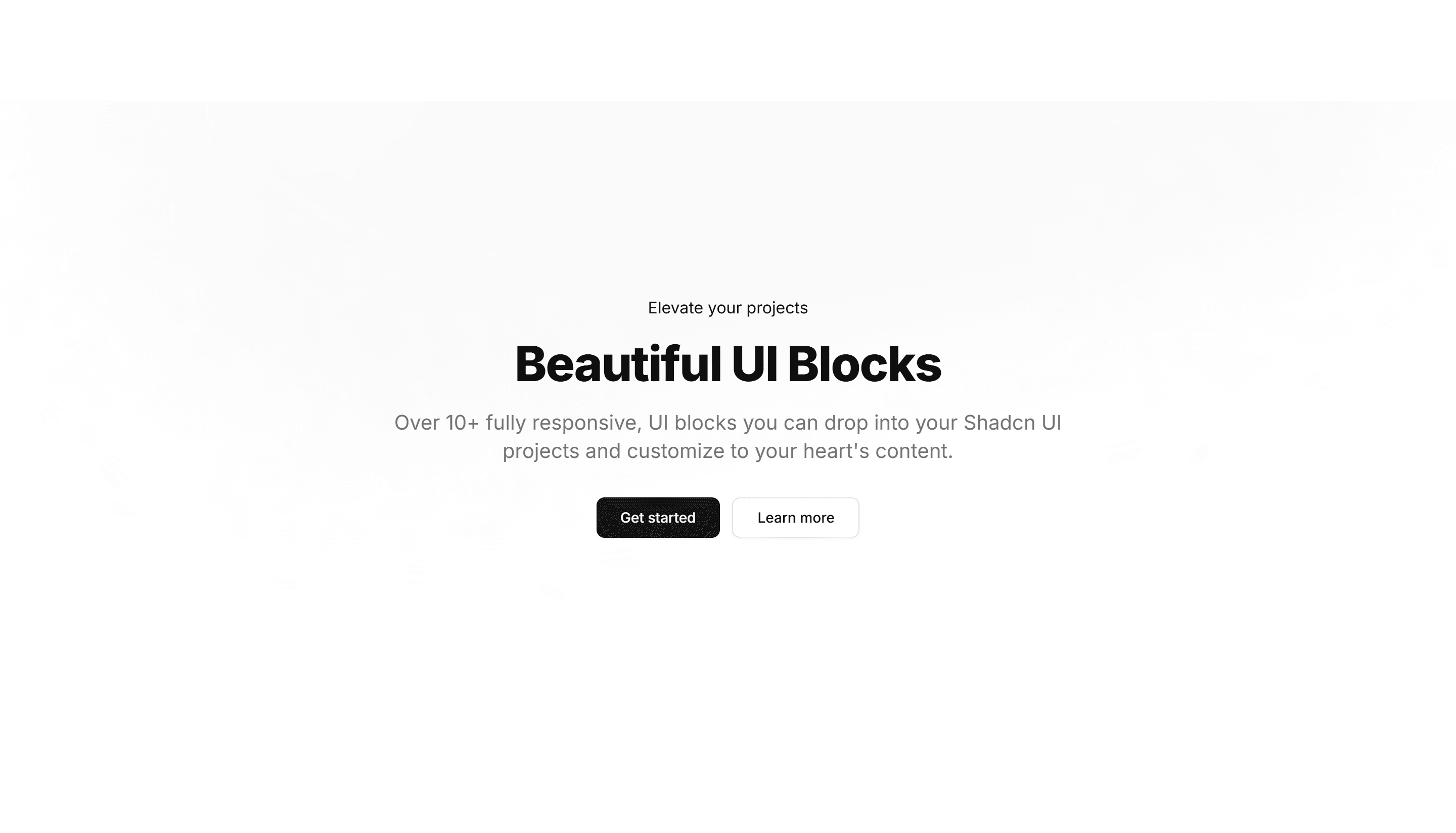
Marketing (Legacy) Hero Section: Gradient Background
A hero on a rich gradient background with a centered headline, subtext, and CTA. A bold, color led opener for product and campaign landing pages.
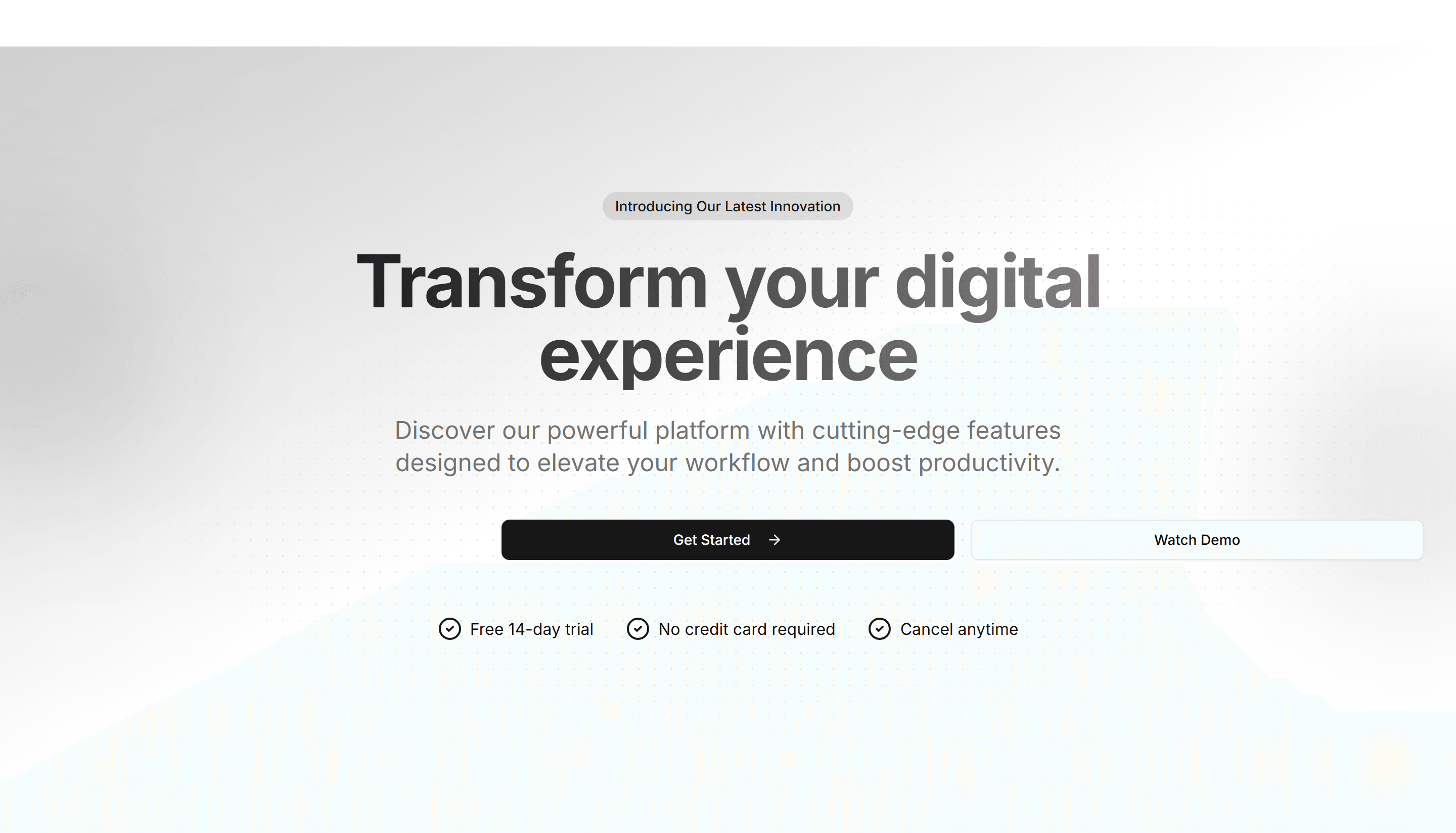
Marketing (Legacy) Hero Section: Gradient Mesh Hero
A hero with a soft mesh gradient behind a centered headline and CTA. Gives a calm, premium backdrop to SaaS, design, and startup landing pages.

Marketing (Legacy) Hero Section: Image Carousel Hero
A hero with a rotating image carousel next to a headline and CTA. Shows several product shots or screens at the top of a landing page in turn.
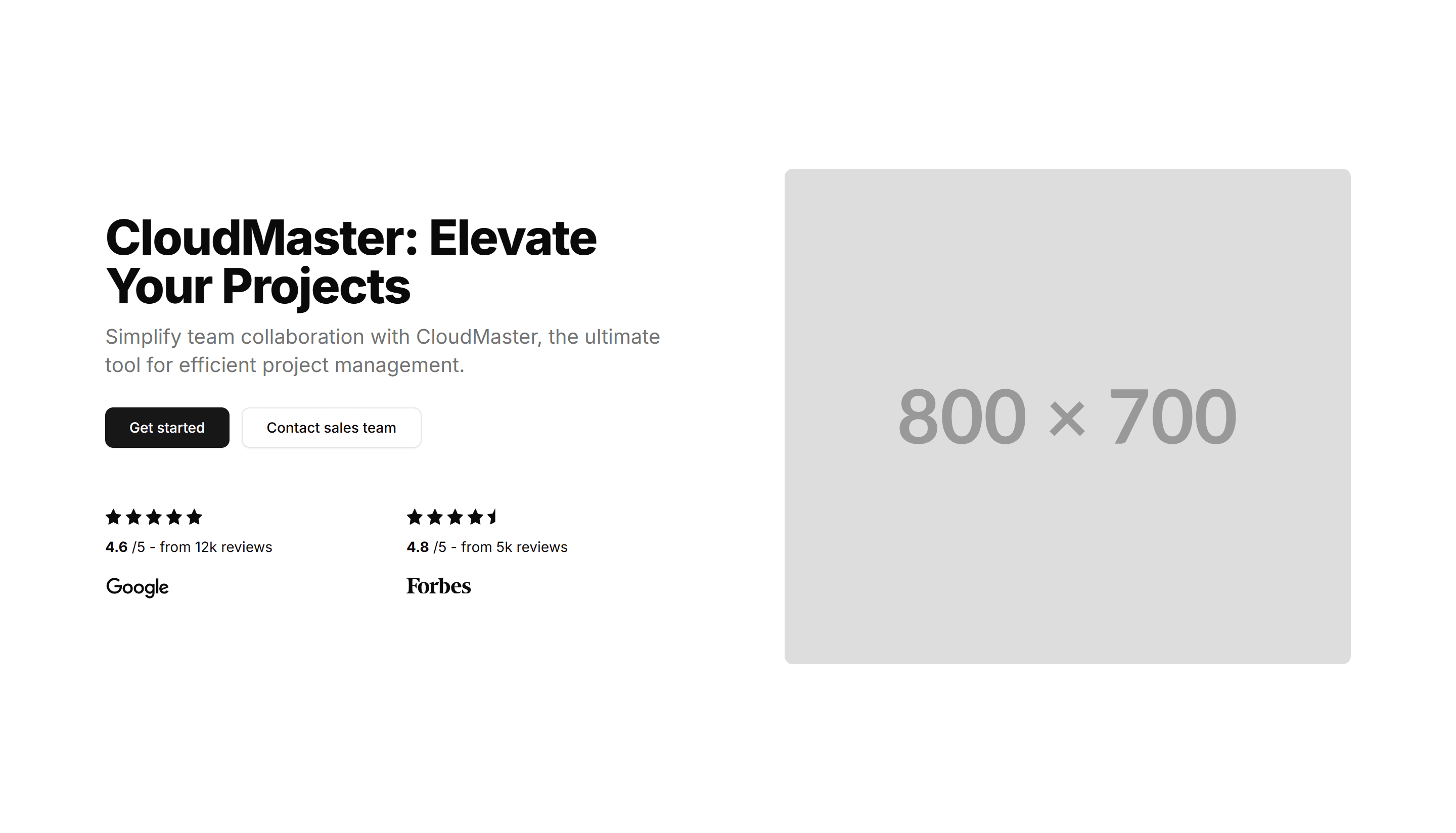
Marketing (Legacy) Hero Section: Image With Reviews
A hero placing a product image alongside short customer reviews and a CTA. Pairs your pitch with proof to win trust on a landing page right away.
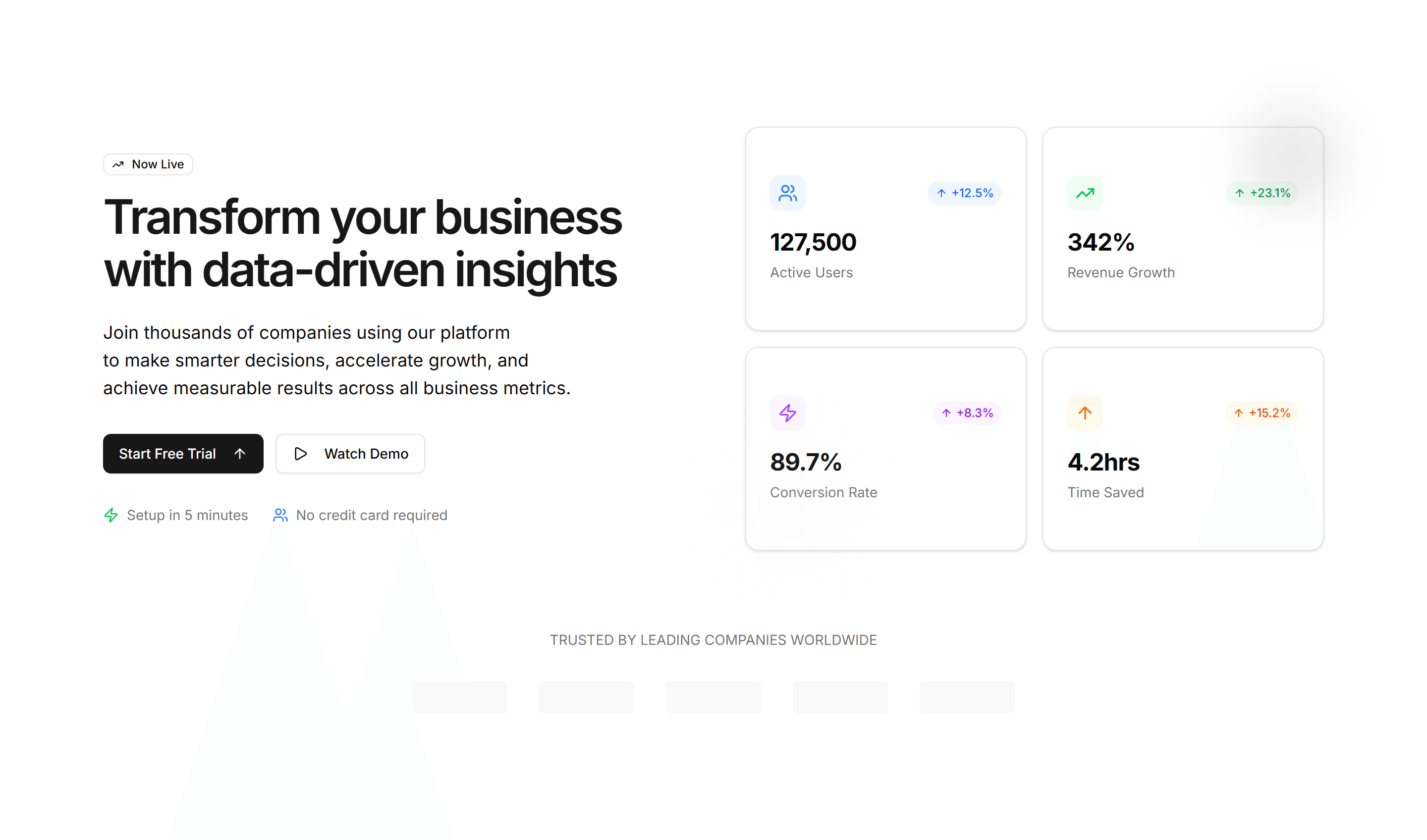
Marketing (Legacy) Hero Section: Interactive Metrics
A hero with live, interactive stat counters beside a headline and CTA. Use it to make growth, usage, or results tangible on a SaaS landing page.
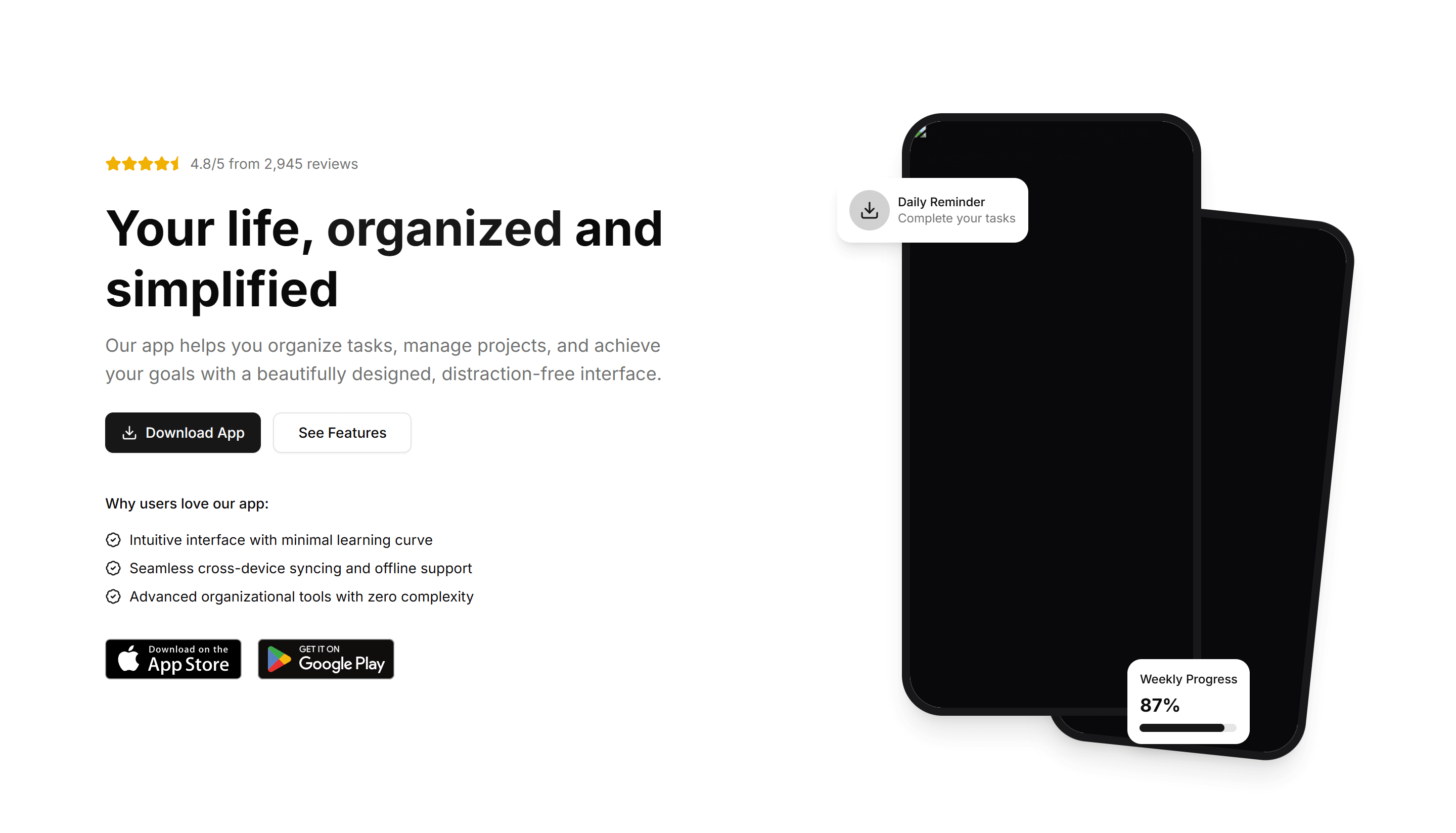
Marketing (Legacy) Hero Section: Mobile App Hero
A hero with a phone mockup, app store badges, and a headline. Built to drive downloads at the top of a mobile app marketing or launch page.
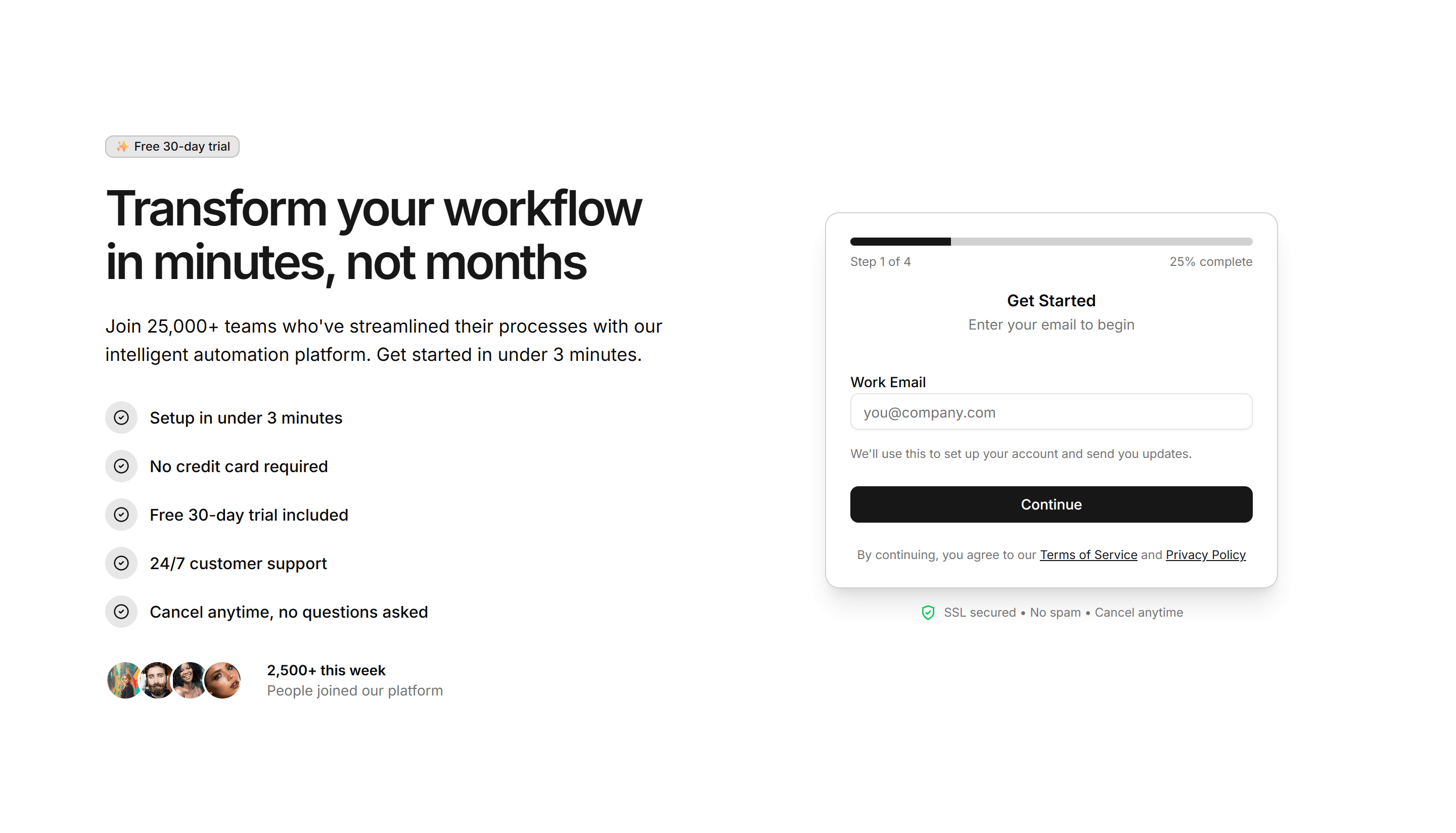
Marketing (Legacy) Hero Section: Multi-Step CTA Hero
A hero that guides visitors through a short multi step call to action. Use it to qualify leads or onboard users right from a landing page header.
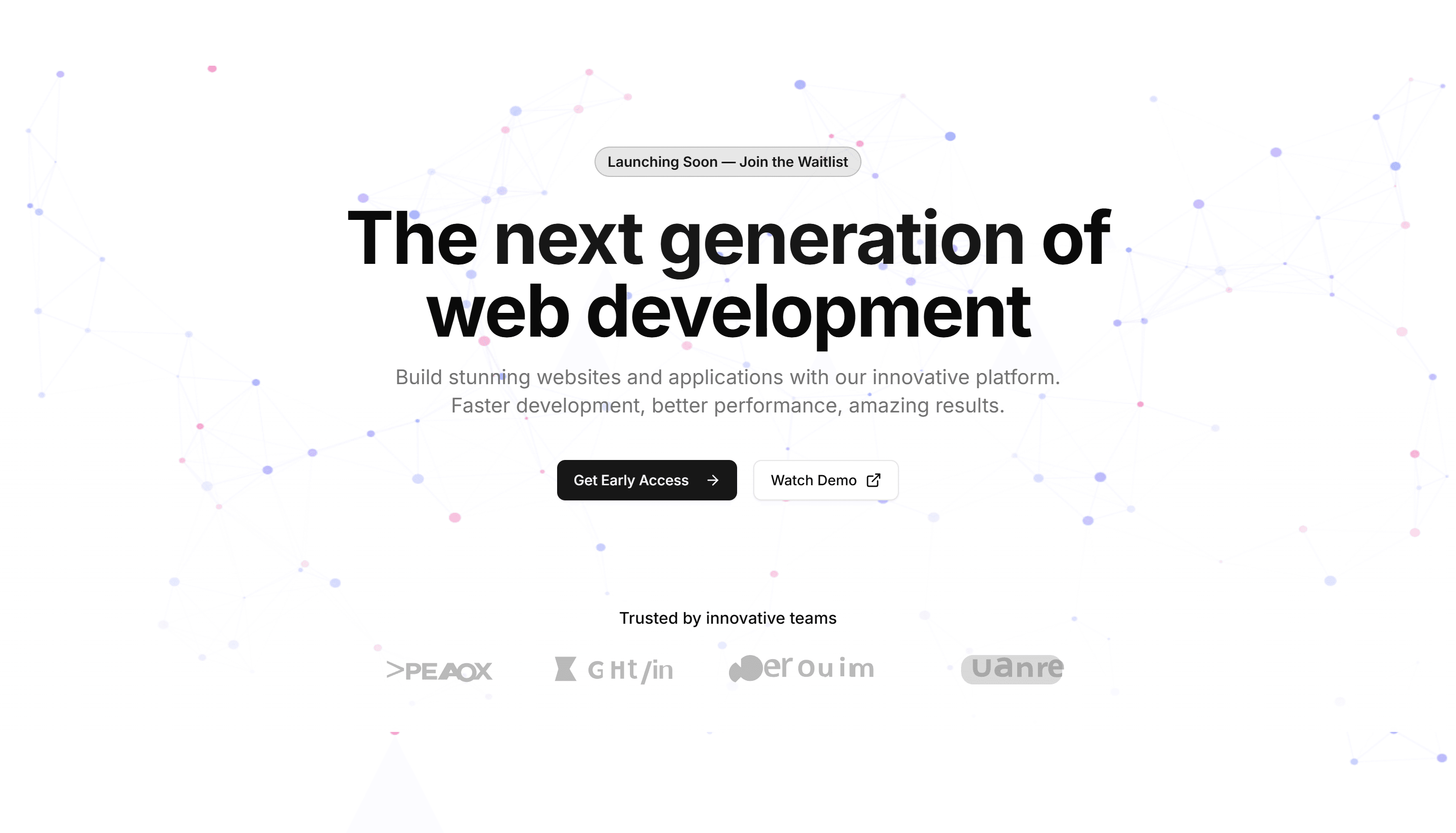
Marketing (Legacy) Hero Section: Particles Background Hero
A hero with animated particles drifting behind a centered headline and CTA. A dynamic, tech forward opener for software and startup landing pages.
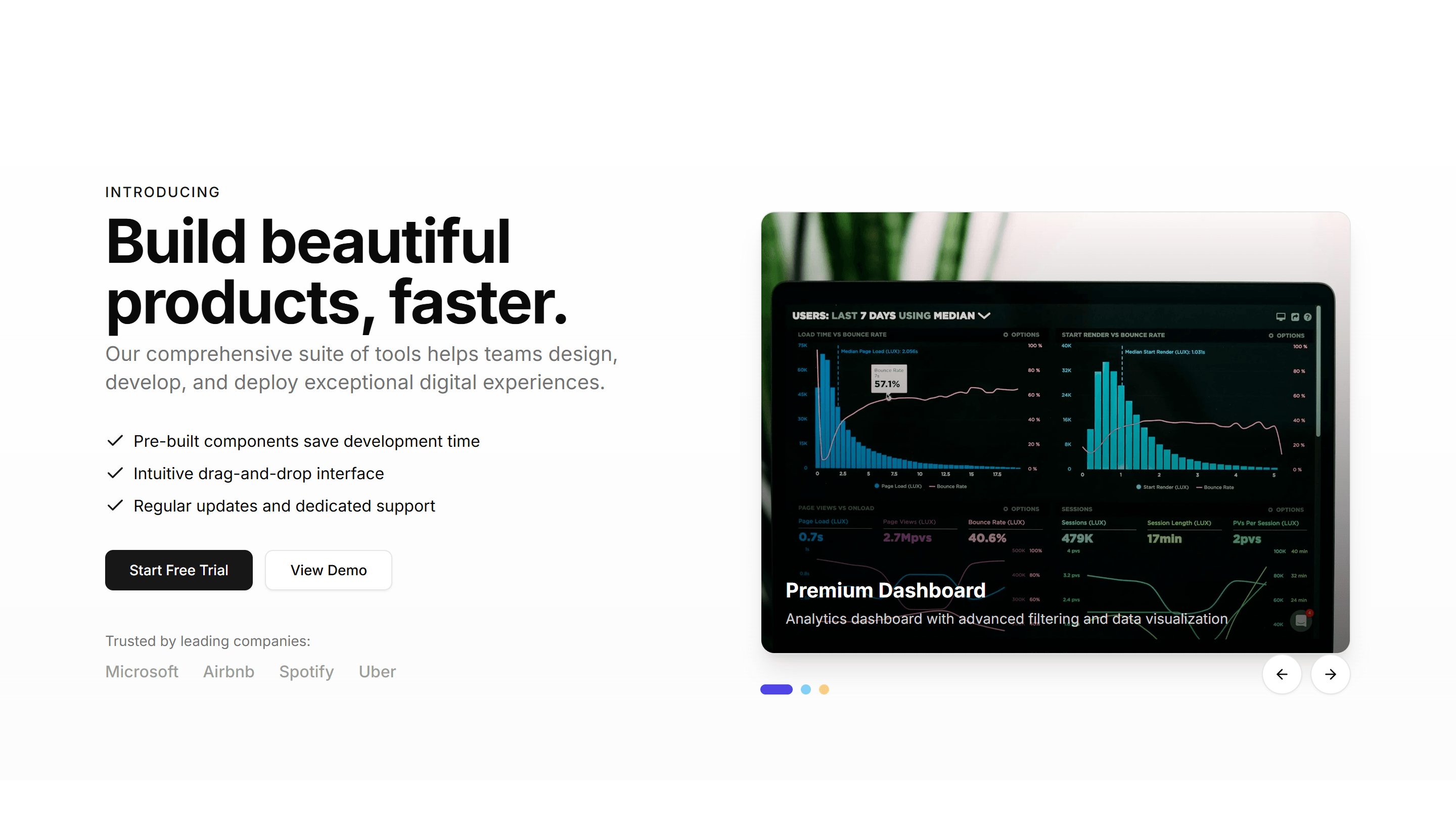
Marketing (Legacy) Hero Section: Product Carousel Hero
A hero with a swipeable product carousel beside a headline and CTA. Showcases a range of items or plans at the top of an ecommerce landing page.

Marketing (Legacy) Hero Section: Progress Tracker Hero
A hero with a step progress tracker next to a headline and CTA. Use it to show a setup flow or journey at the top of an onboarding landing page.
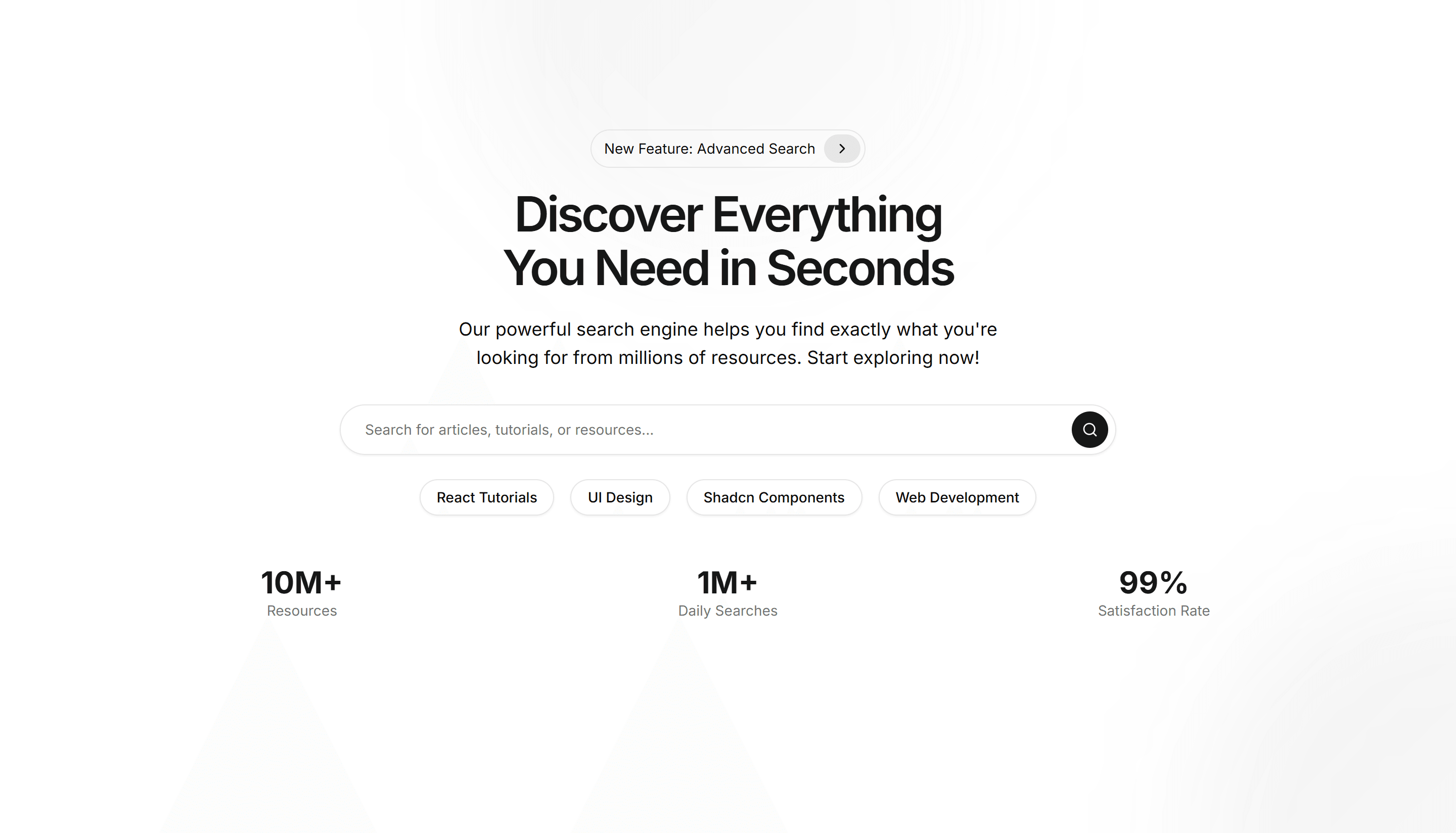
Marketing (Legacy) Hero Section: Search Bar
A hero centered on a prominent search bar below a headline and subtext. Ideal for directories, docs, marketplaces, and content heavy landing pages.
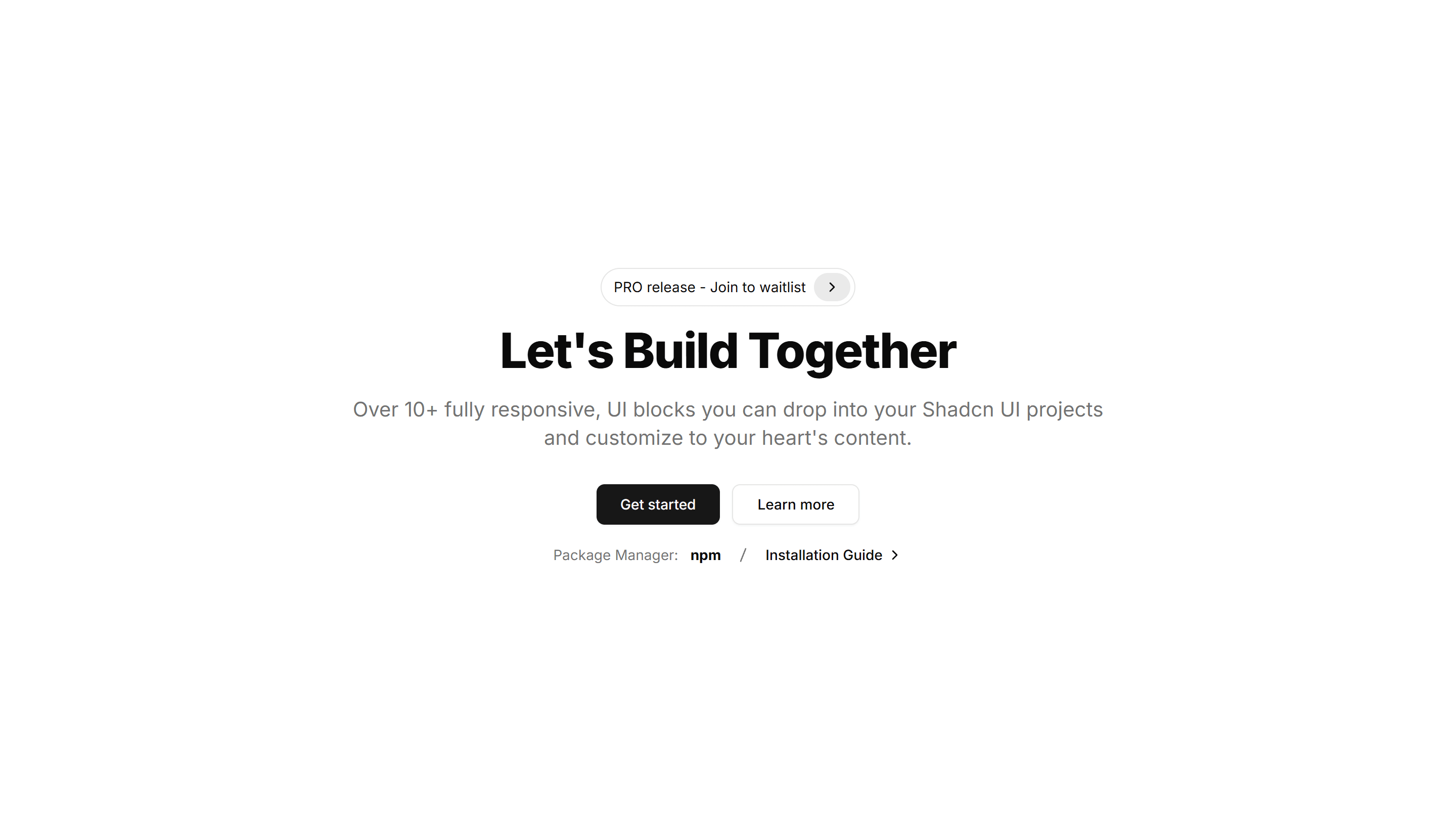
Marketing (Legacy) Hero Section: Simple Centred
A clean centered hero with a headline, short subtext, and a single CTA. A minimal, fast loading opener that suits almost any landing page or product.
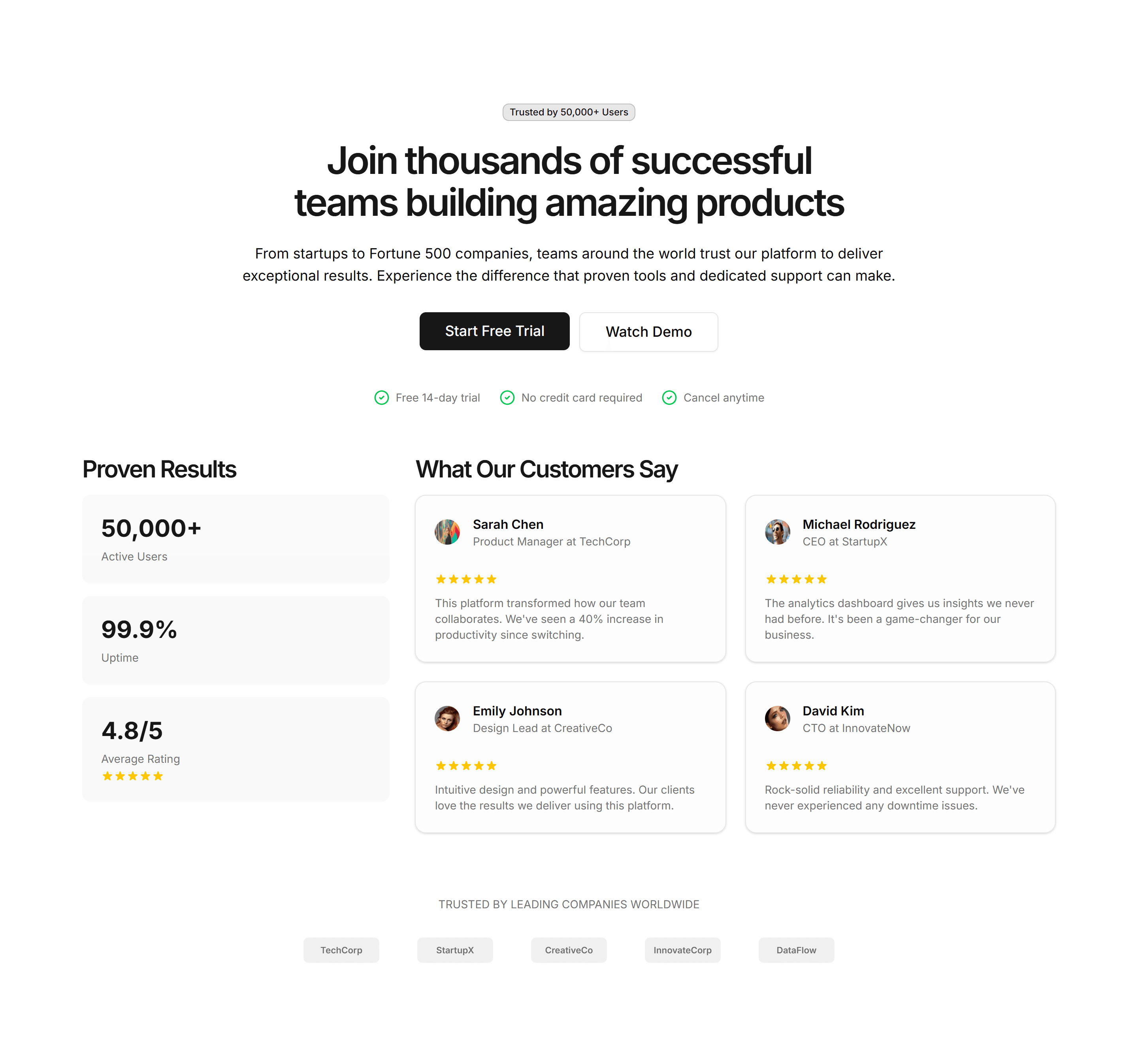
Marketing (Legacy) Hero Section: Social Proof Hero
A hero pairing a headline and CTA with logos, ratings, and user counts. Leads with credibility to reassure visitors at the top of a landing page.
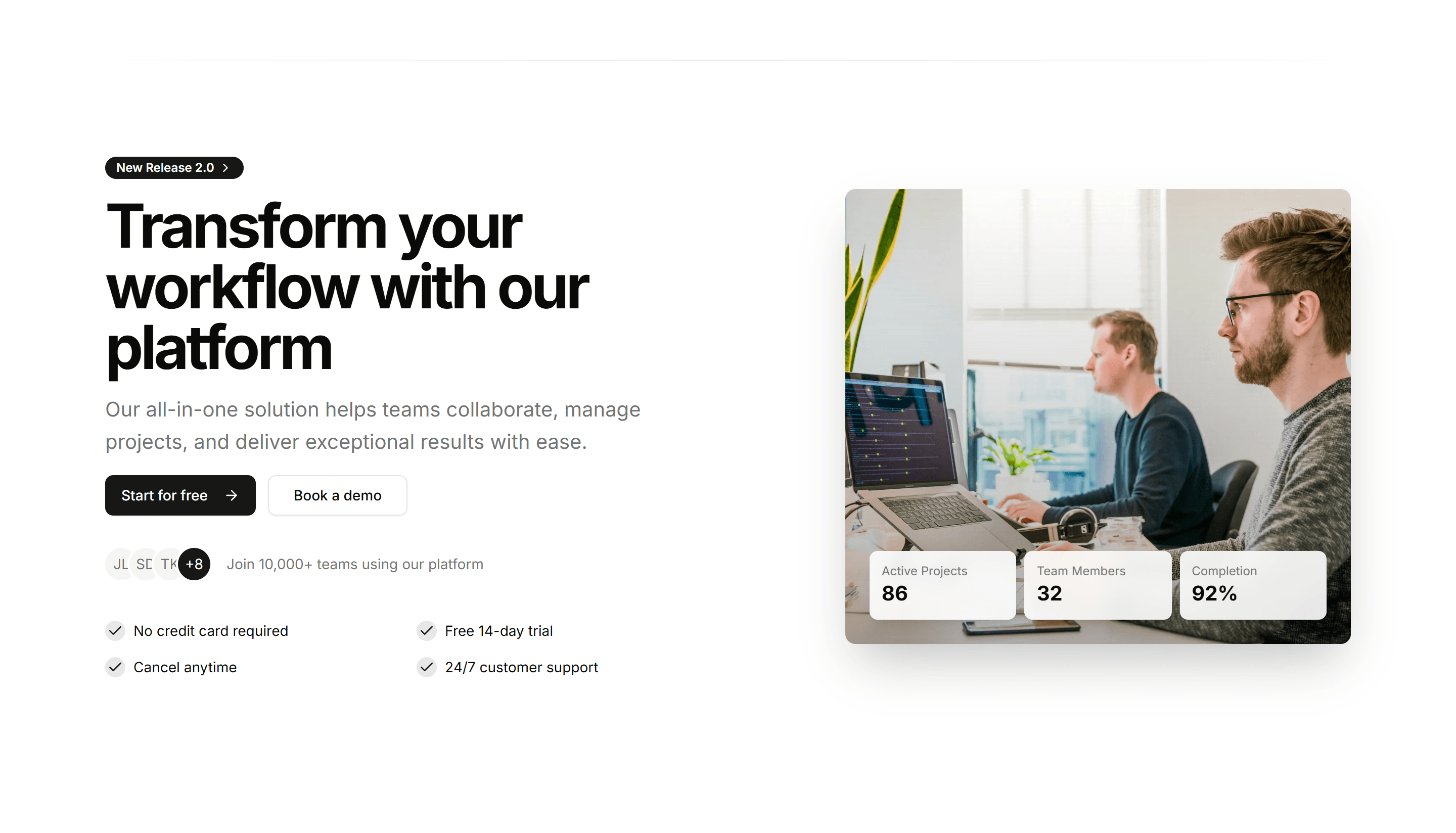
Marketing (Legacy) Hero Section: Split Content Hero
A hero with a two column split, text and CTA on one side, content on the other. A flexible opener that balances your message and a visual cleanly.
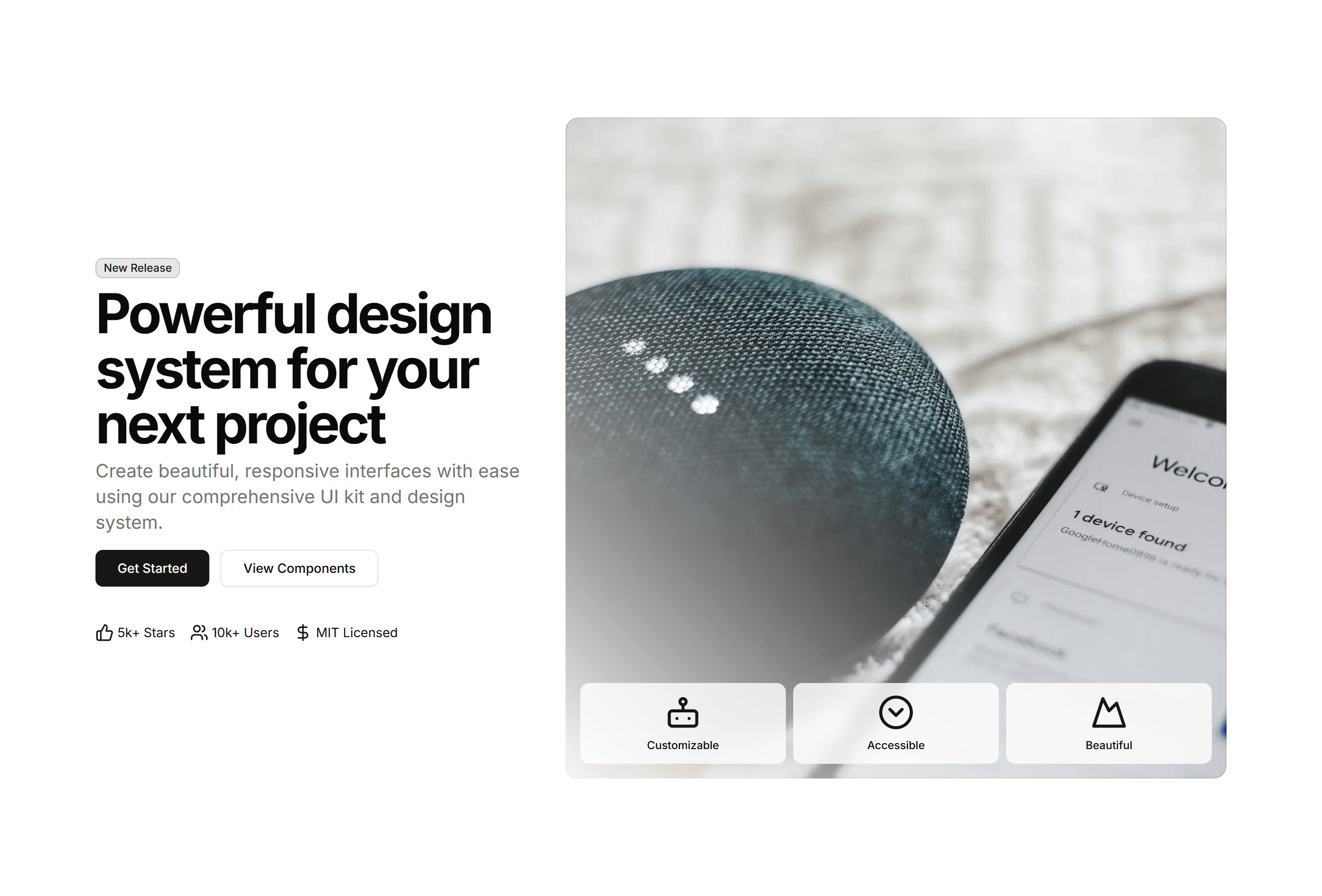
Marketing (Legacy) Hero Section: Split Image Hero
A hero split into a text column and a full height product image. A direct, balanced opener that pairs your pitch with a visual on a landing page.
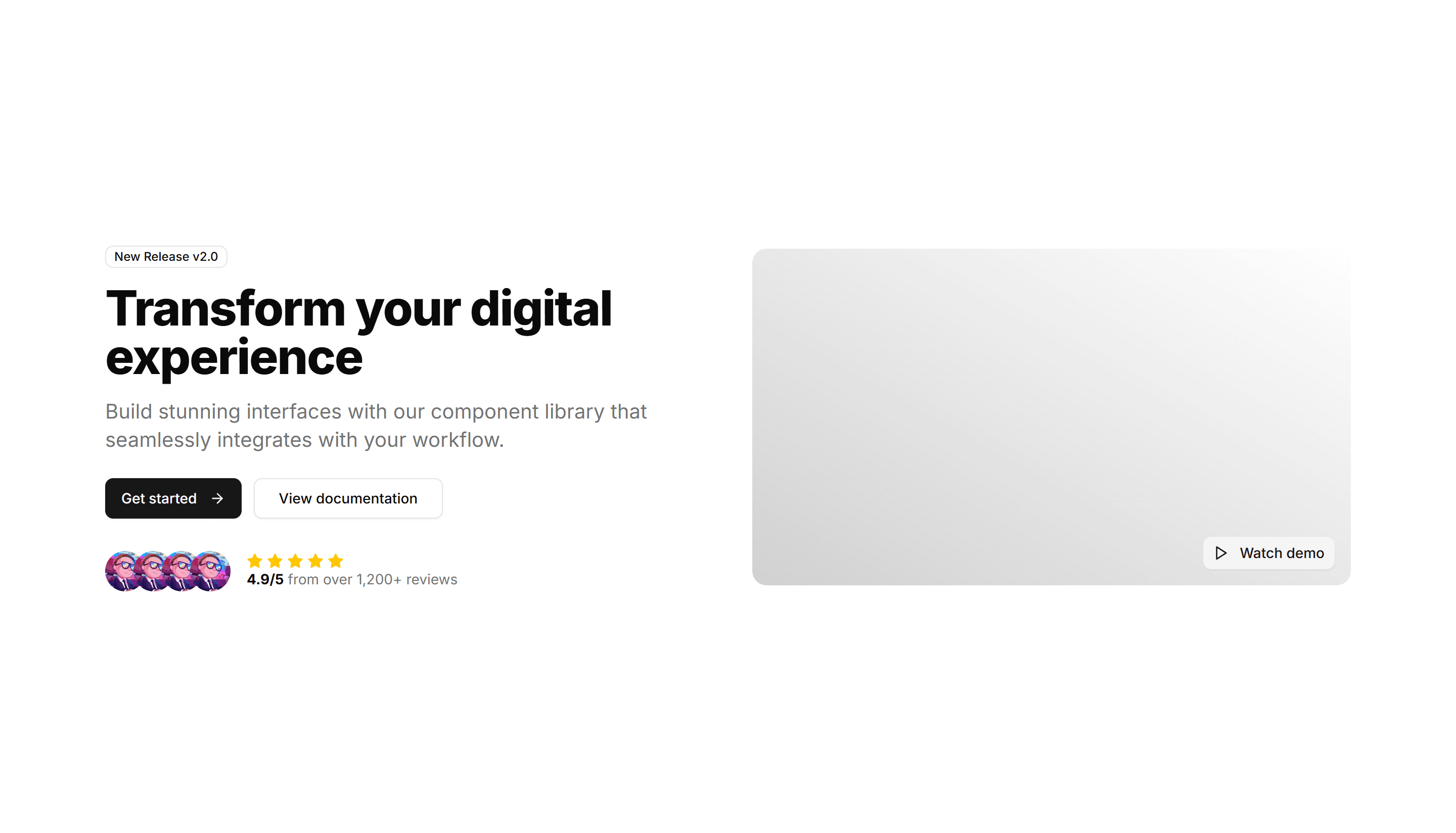
Marketing (Legacy) Hero Section: Split With Video
A hero split between a headline with CTA and an embedded product video. Use it to show your product in motion at the top of a landing page.
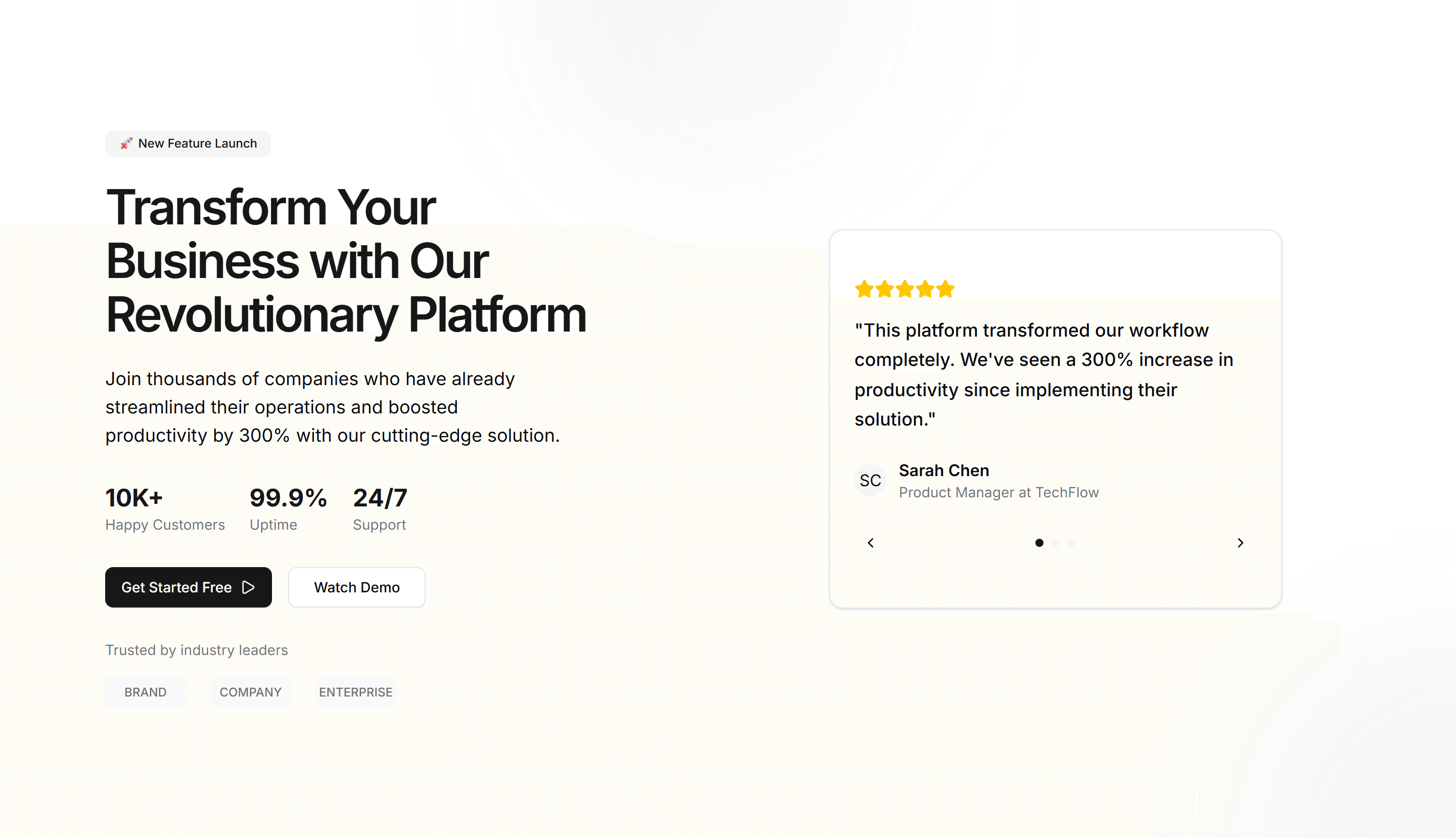
Marketing (Legacy) Hero Section: Testimonial Carousel
A hero with a rotating carousel of customer testimonials and a CTA. Opens a landing page with real quotes to build trust before the pitch lands.
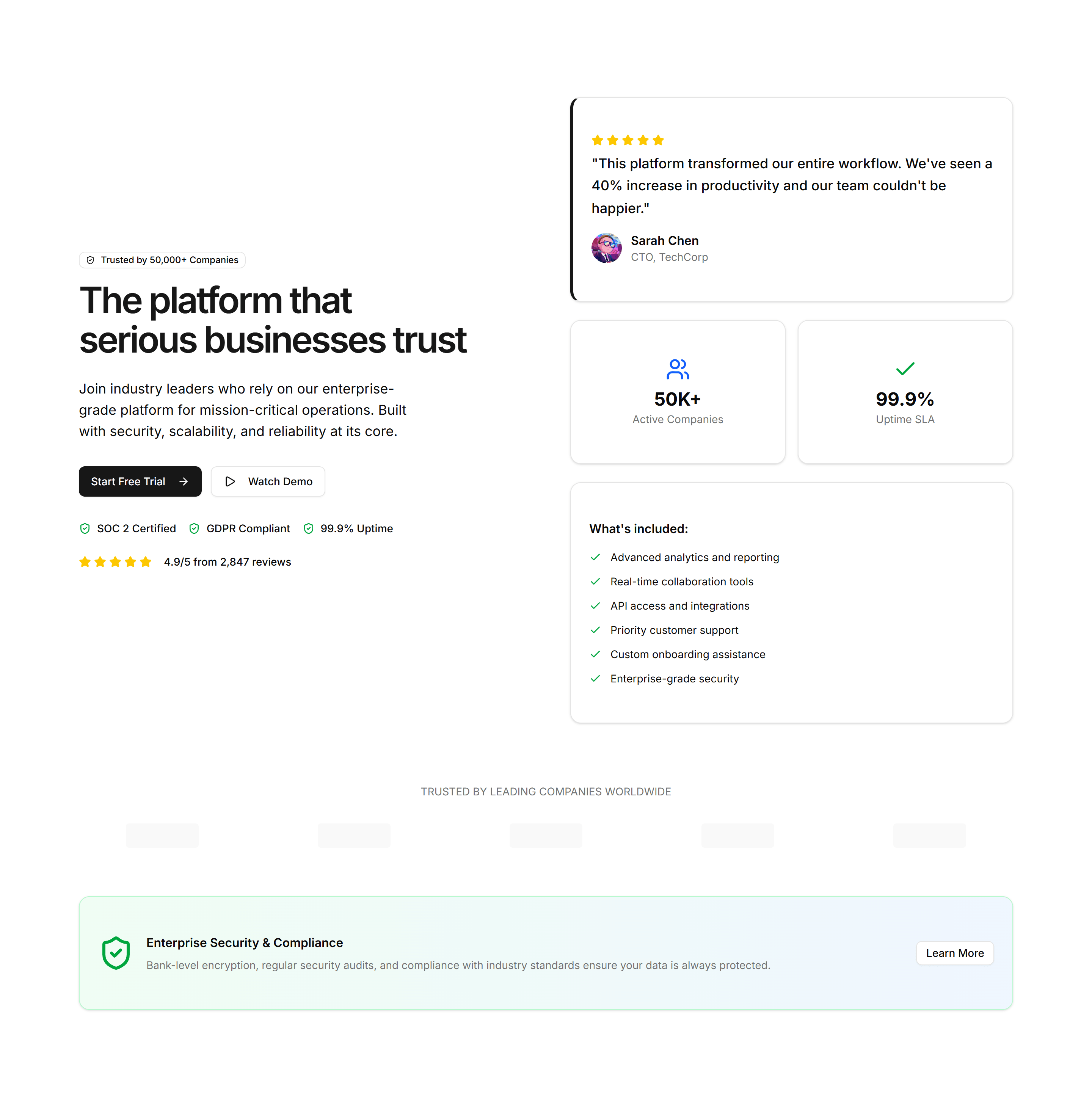
Marketing (Legacy) Hero Section: Trust Indicators
A hero leading with security badges, certifications, and partner logos. Reassures cautious buyers at the top of a landing or enterprise sales page.

Marketing (Legacy) Hero Section: Video Background Hero
A hero with a looping video filling the background behind a headline and CTA. Sets an immersive, cinematic tone at the top of a landing page.
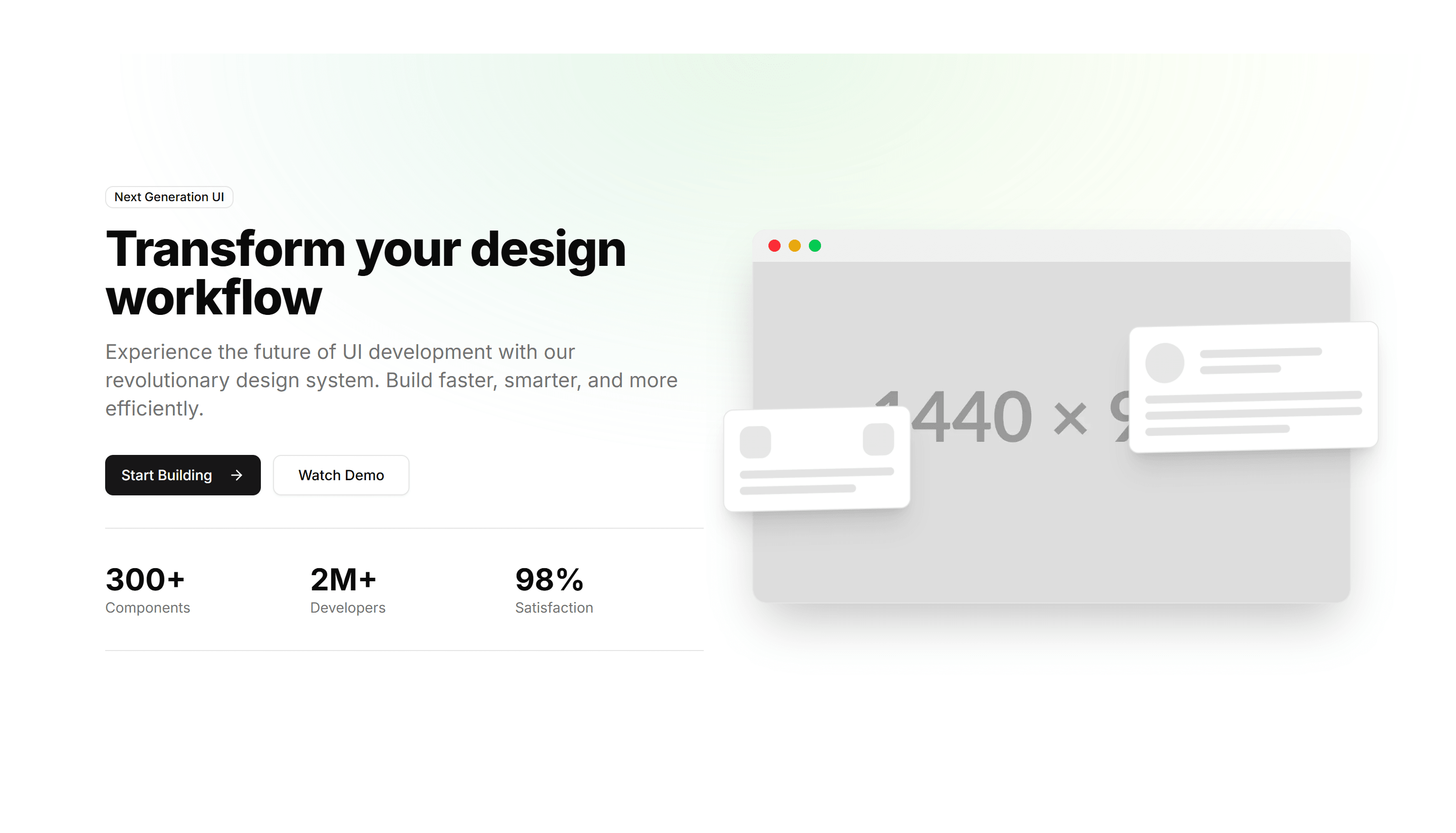
Marketing (Legacy) Hero Section: With 3D Mockup
A hero featuring a rotating 3D device mockup beside a headline and CTA. Presents your app or product with depth on a modern landing page.
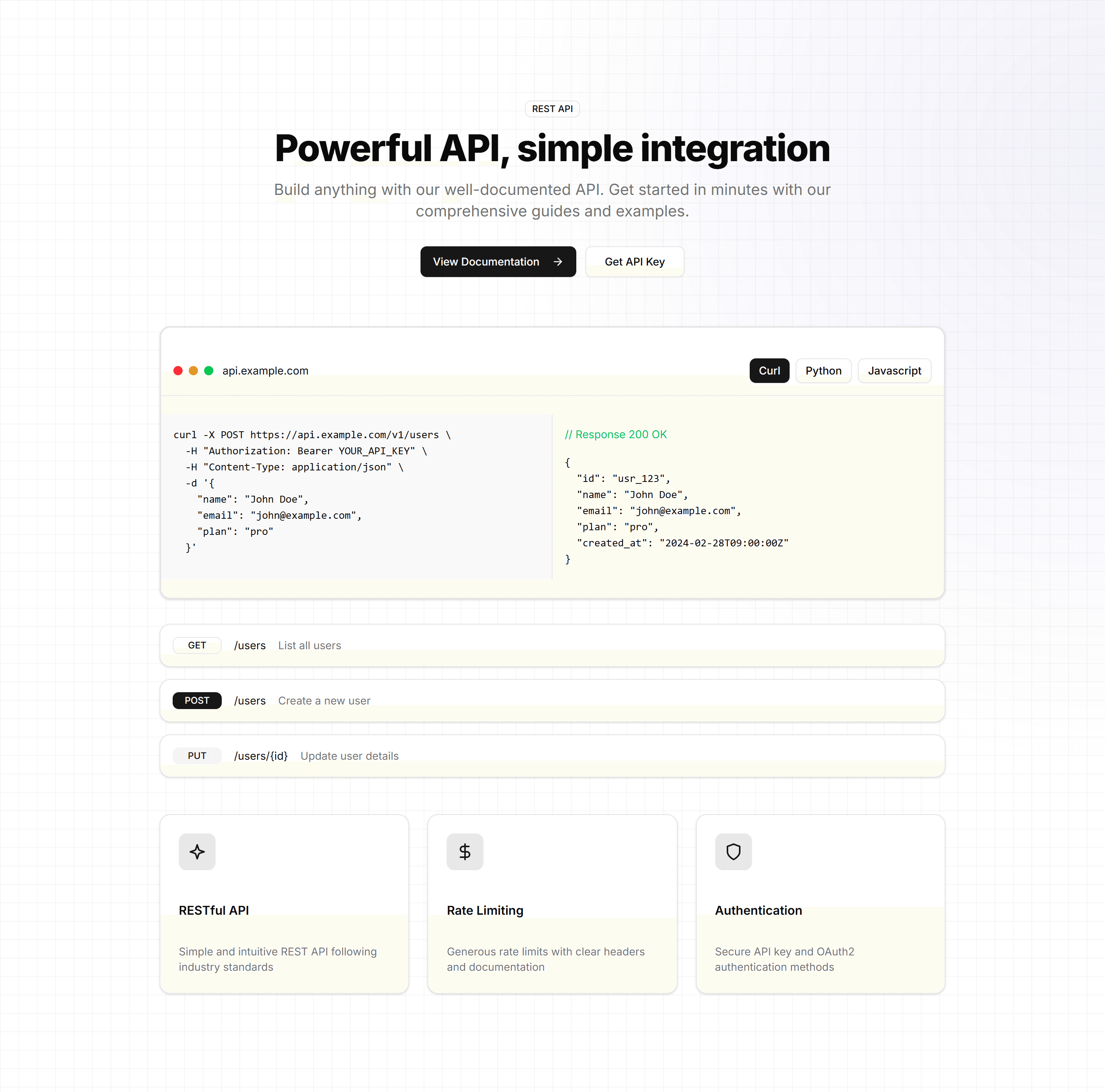
Marketing (Legacy) Hero Section: With API Preview
A hero pairing a headline and CTA with a live API request and response preview. Built for developer tools and platforms aimed at technical buyers.
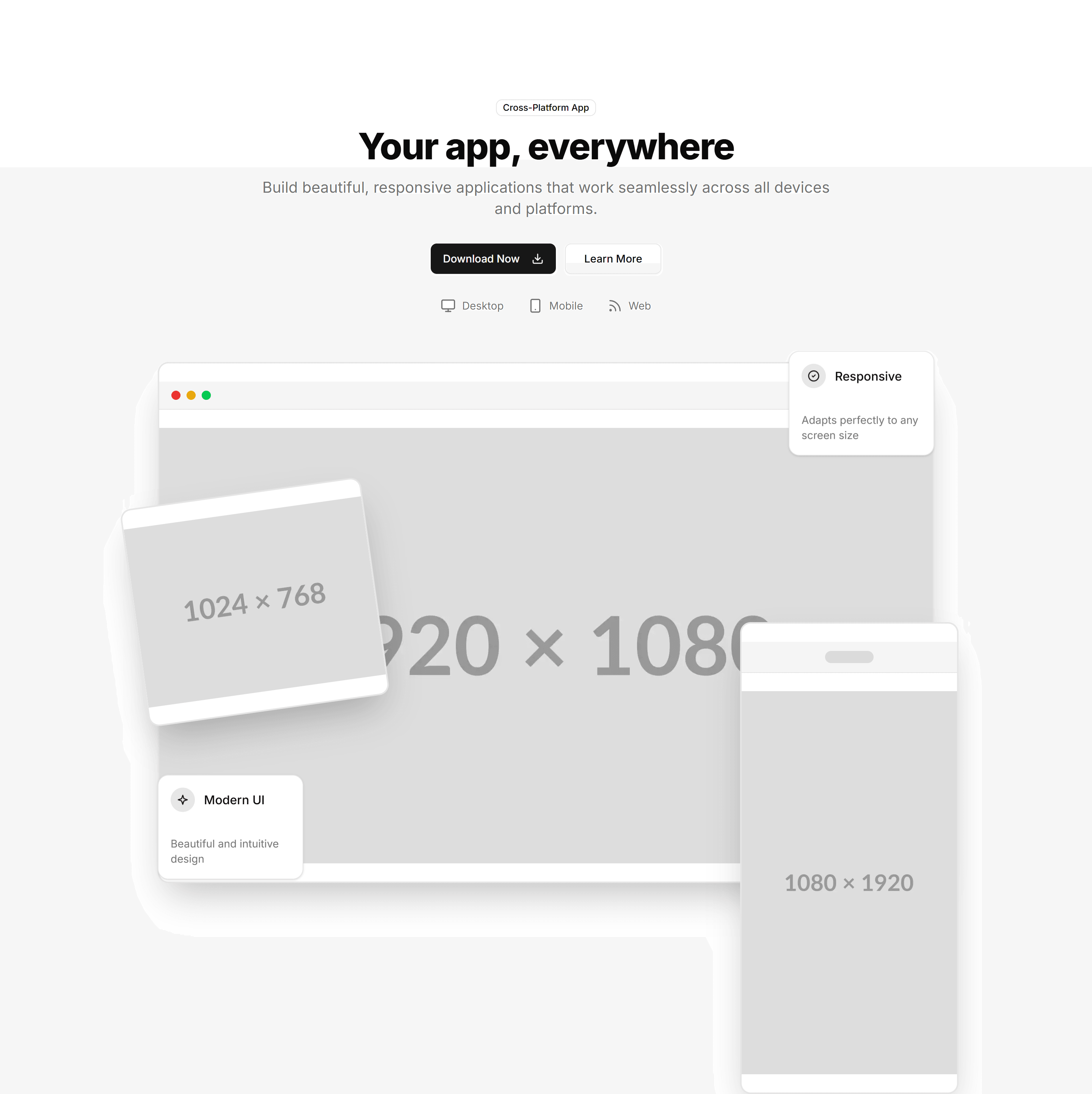
Marketing (Legacy) Hero Section: With App Showcase
A hero showcasing app screens in a layered layout next to a headline and CTA. Use it to highlight the interface on a software product landing page.
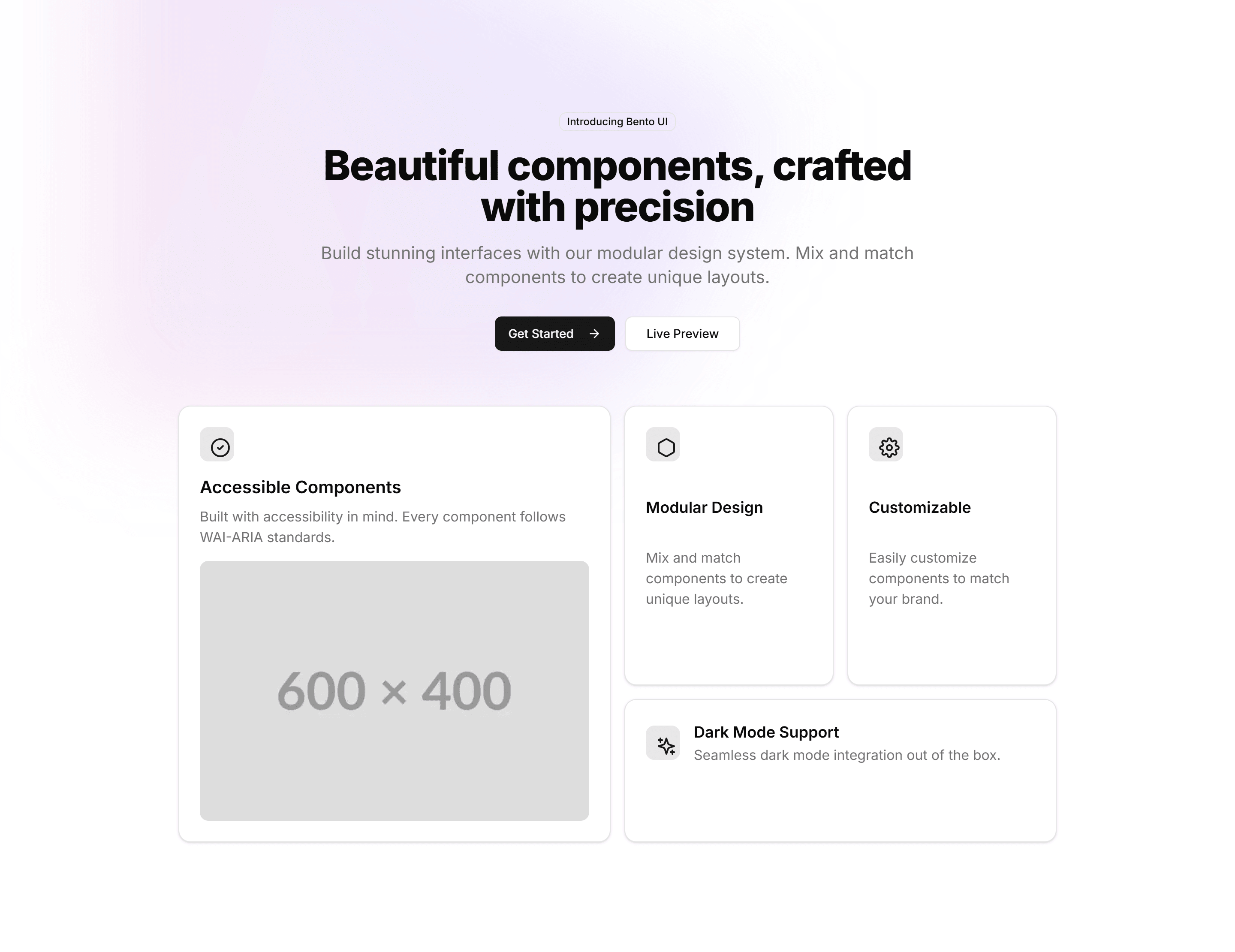
Marketing (Legacy) Hero Section: With Bento Grid
A hero with a bento grid of feature tiles below a headline and CTA. Summarizes several capabilities at a glance on a modern SaaS landing page.
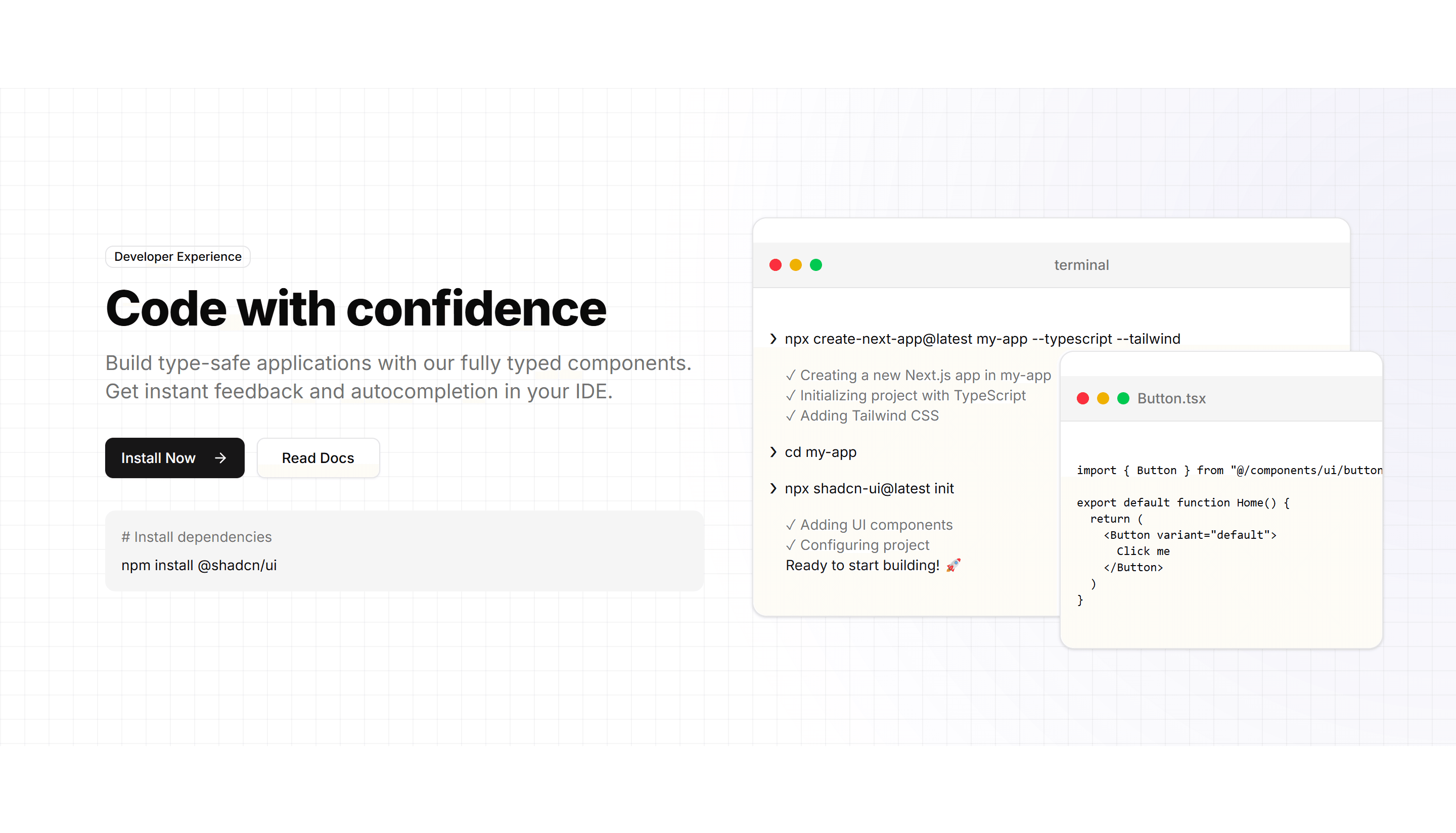
Marketing (Legacy) Hero Section: With Code Preview
A hero pairing a headline and CTA with a syntax highlighted code snippet. Speaks directly to developers at the top of a tool or library landing page.
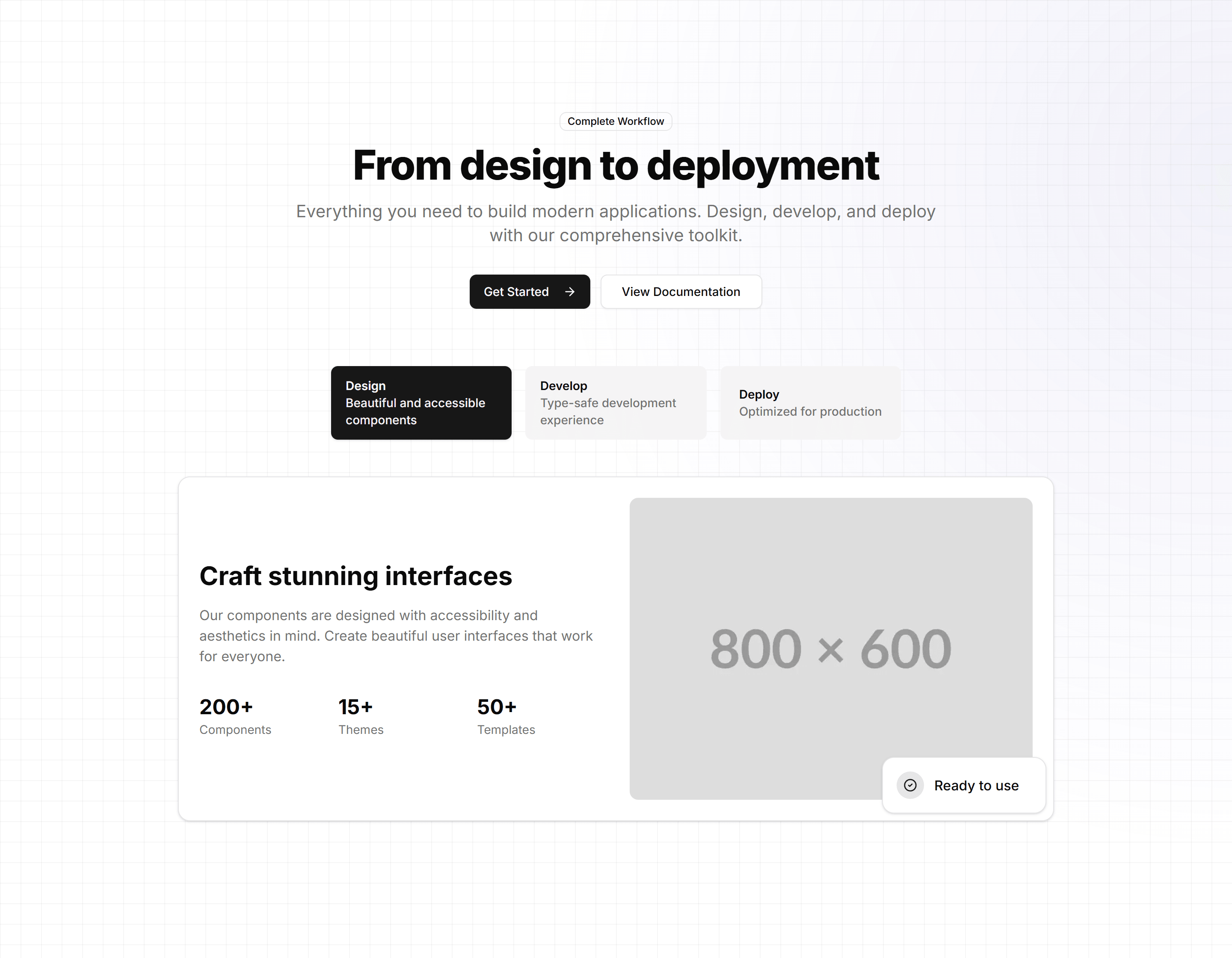
Marketing (Legacy) Hero Section: With Content Tabs
A hero with tabbed panels that swap content beneath a headline and CTA. Use it to present several use cases or features in one compact area.
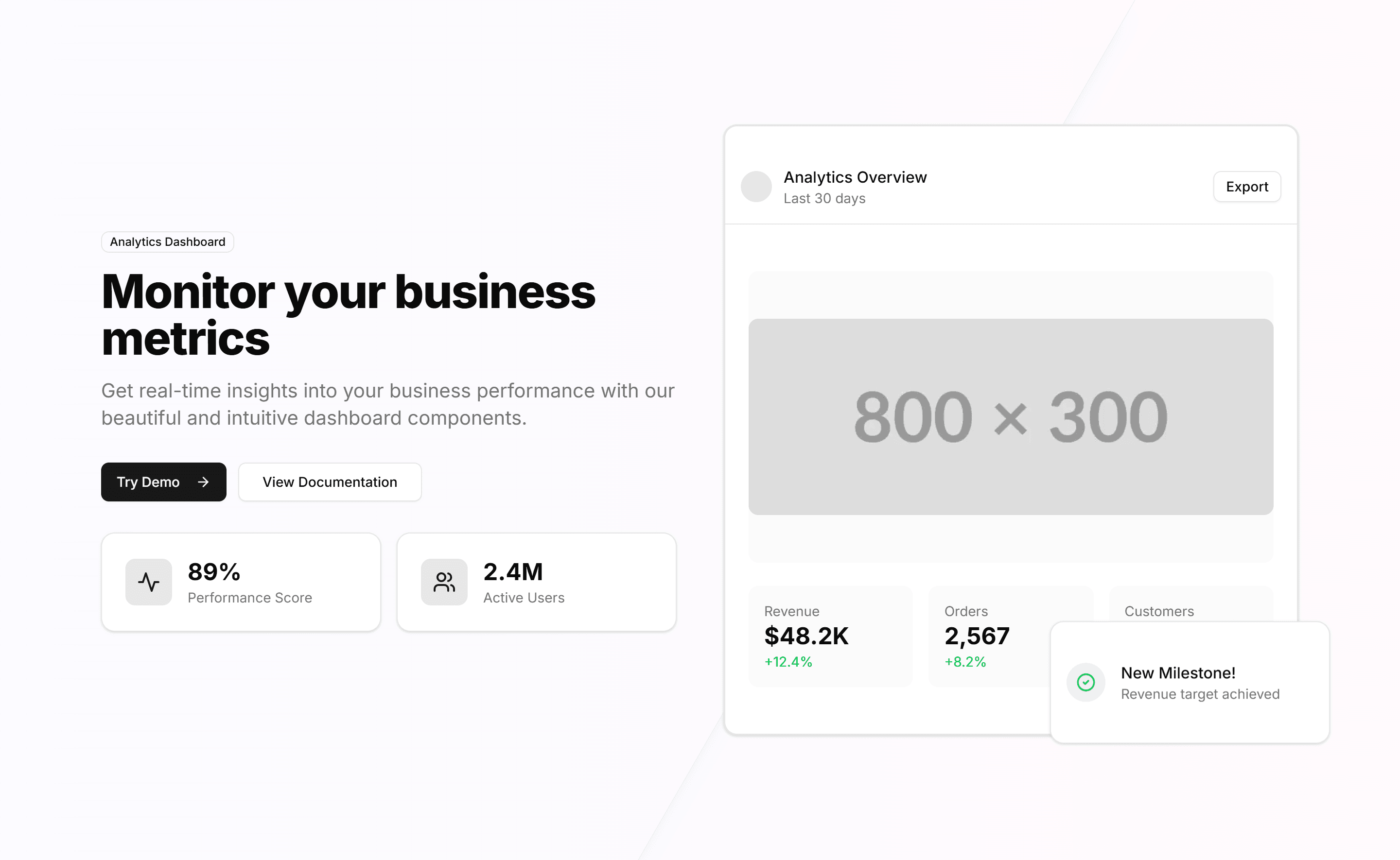
Marketing (Legacy) Hero Section: With Dashboard
A hero placing a product dashboard screenshot next to a headline and CTA. Shows your interface and data at the top of a SaaS or analytics page.
Marketing (Legacy) Hero Section: With Email Input
A hero centered on an inline email capture form below a headline and subtext. Ideal for waitlists, newsletters, and early access landing pages.
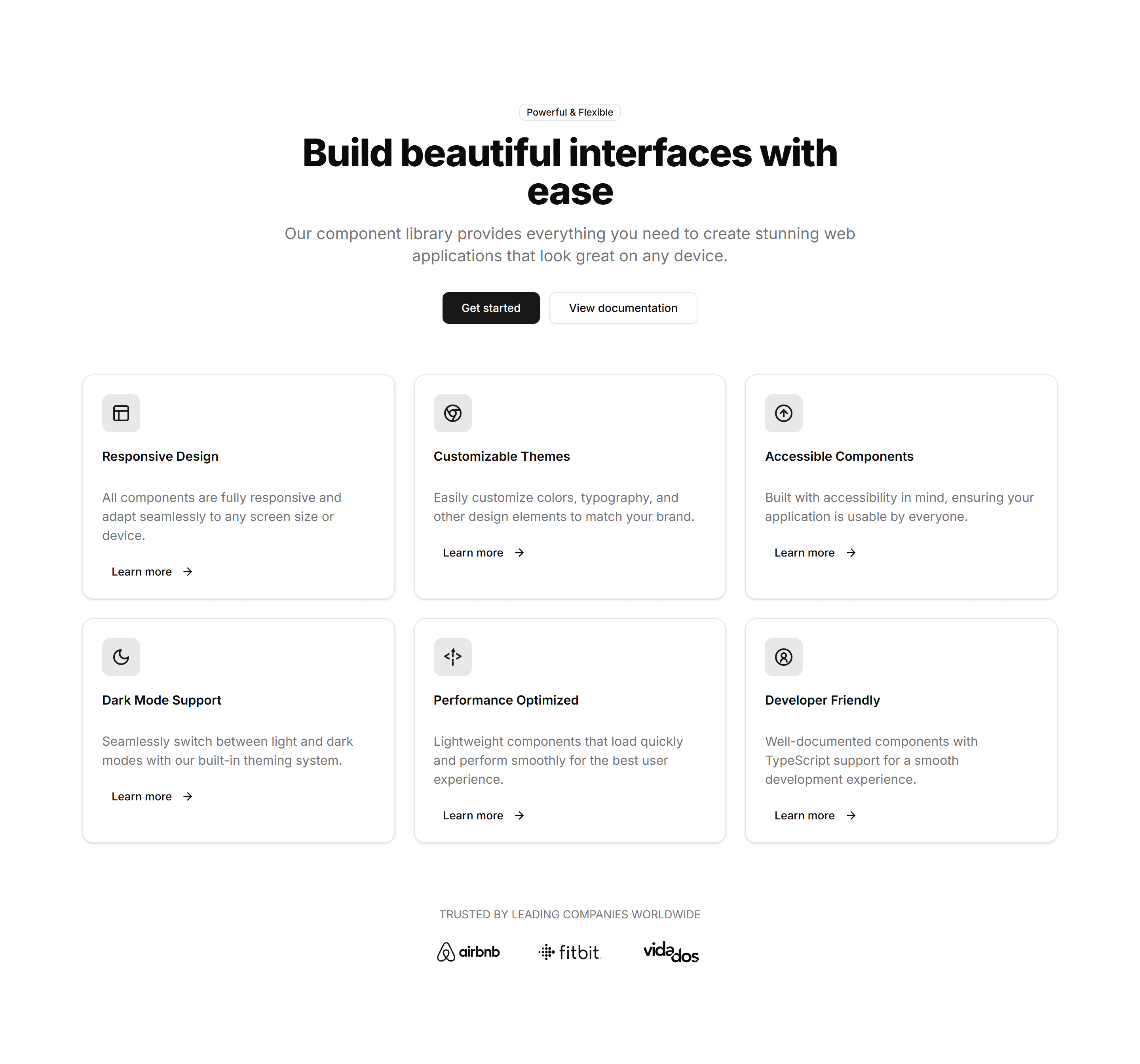
Marketing (Legacy) Hero Section: With Feature Cards
A hero with a row of feature cards beneath a headline and CTA. Breaks your key benefits into scannable tiles at the top of a landing page.
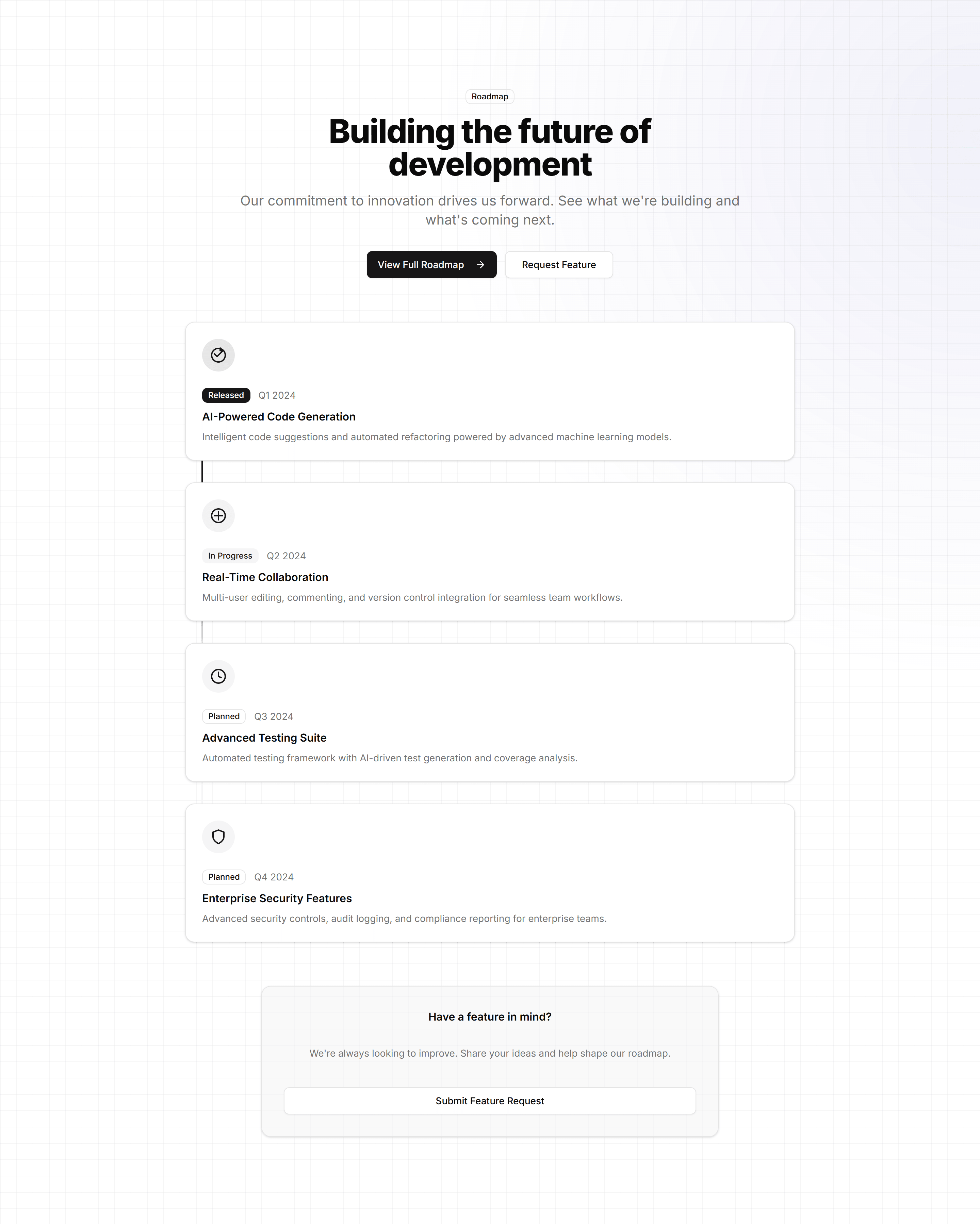
Marketing (Legacy) Hero Section: With Feature Timeline
A hero with a feature timeline beside a headline and CTA. Walks visitors through a workflow or roadmap at the top of a product landing page.
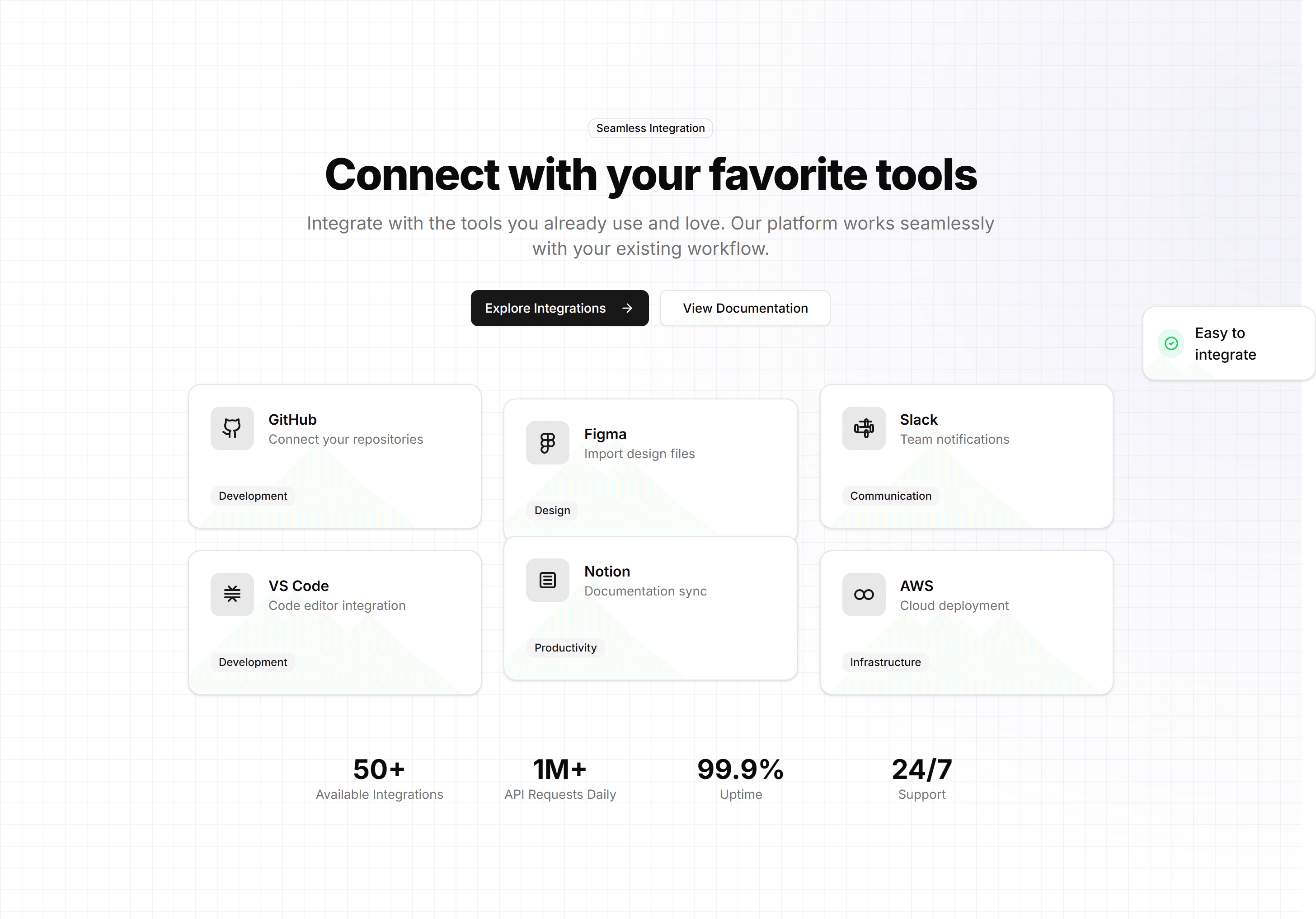
Marketing (Legacy) Hero Section: With Integration Showcase
A hero showing a grid of integration logos beside a headline and CTA. Highlights the tools your product connects to on a platform landing page.
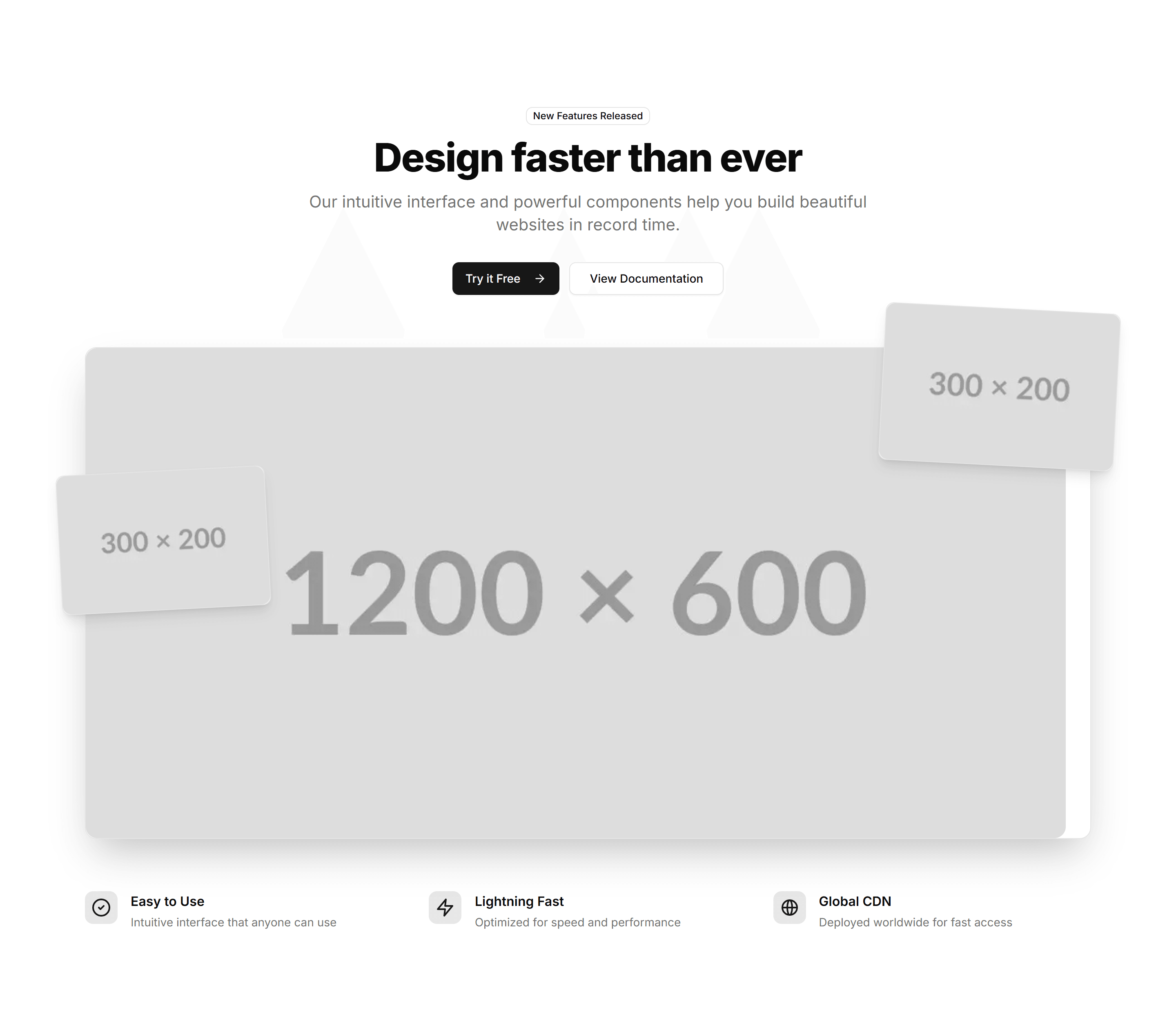
Marketing (Legacy) Hero Section: With Product Screenshots
A hero with framed product screenshots next to a headline and CTA. Shows the real interface at the top of a software or SaaS landing page.
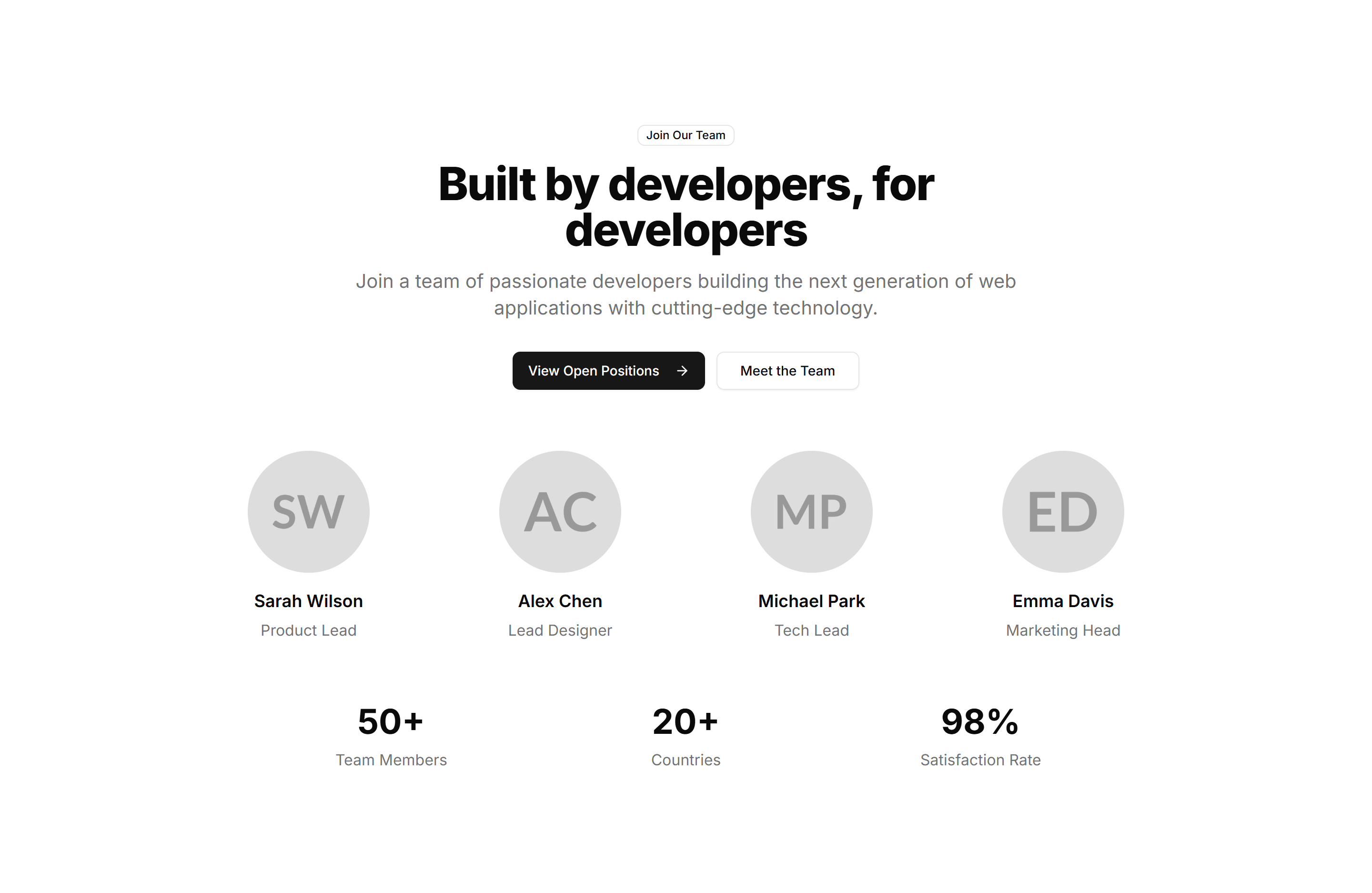
Marketing (Legacy) Hero Section: With Team Grid
A hero pairing a headline and CTA with a grid of team member photos. Adds a human face to about, agency, and company landing pages from the start.
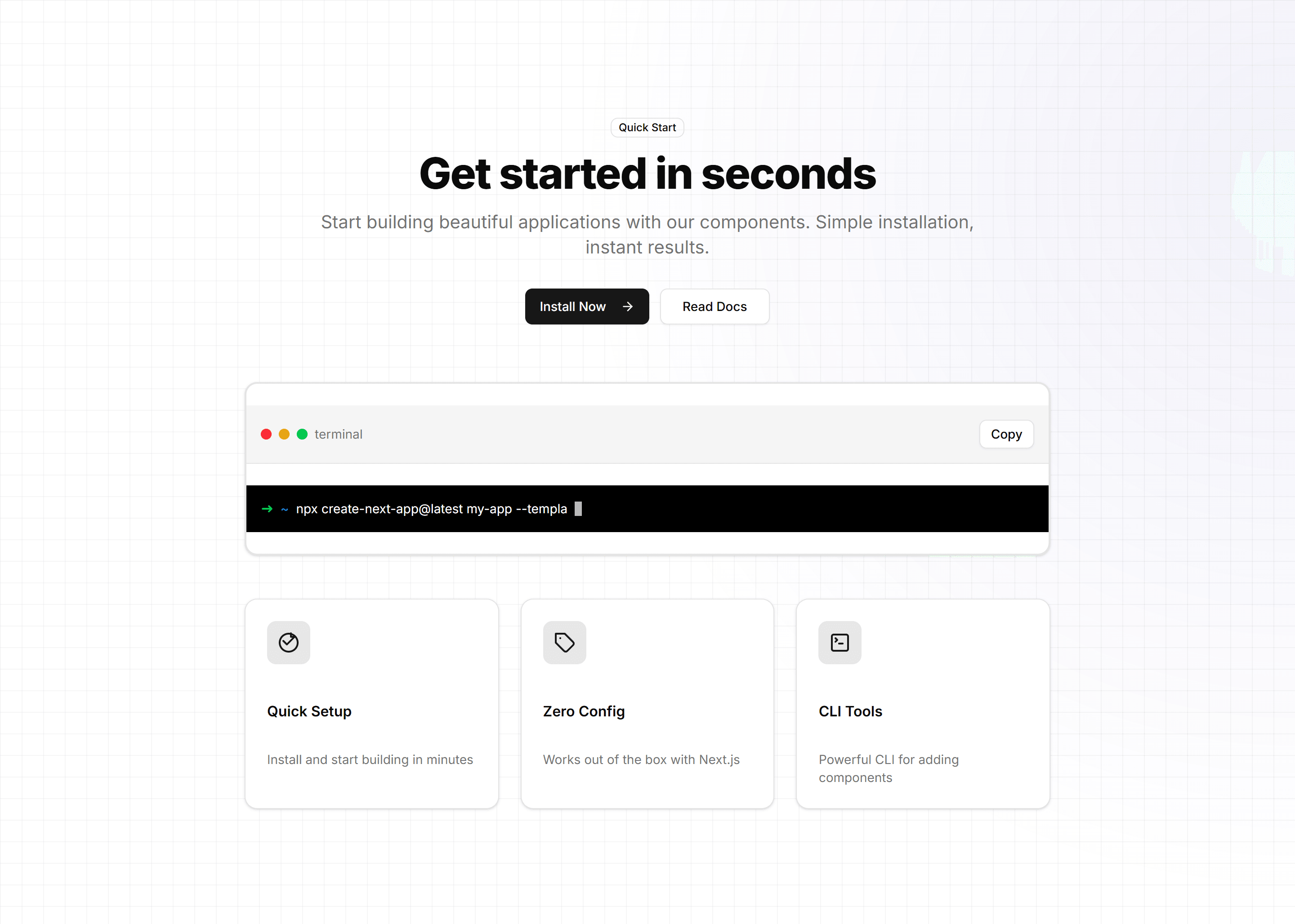
Marketing (Legacy) Hero Section: With Terminal
A hero pairing a headline and CTA with an animated terminal window. Speaks to developers and shows install or usage commands on a tool landing page.

Marketing (Legacy) Icon Section: 2 Cols Grid
A two column grid pairing each icon with a heading and short paragraph. Lays out a handful of product features in a clean, balanced reading layout.

Marketing (Legacy) Icon Section: Animated Icon Grid
A grid of feature icons that animate into view on scroll. Adds motion to a list of capabilities so each benefit catches the eye as users read down.

Marketing (Legacy) Icon Section: Centred Description With Icon Blocks
A centred intro paragraph above a row of icon blocks. Frames a section theme, then lists supporting features in tidy, evenly spaced columns.

Marketing (Legacy) Icon Section: Circle Icons Centre Aligned
Centre aligned icons set in soft circles, each with a title and caption. A friendly way to present three or four core benefits on a landing page.

Marketing (Legacy) Icon Section: Compact Metric List
A tight vertical list pairing icons with numbers and labels. Shows key metrics in a small footprint, ideal for sidebars or dense feature pages.

Marketing (Legacy) Icon Section: Description On Left Icon Blocks On Right
A split layout with a section heading and copy on the left and stacked icon blocks on the right. Pairs a narrative pitch with scannable feature points.

Marketing (Legacy) Icon Section: Expandable Icon Cards
Icon cards that expand on click to reveal more detail. Keeps the section compact while letting curious visitors dig into any feature they choose.

Marketing (Legacy) Icon Section: Feature Icon Tabs
Icon tabs that switch between feature panels in place. Lets visitors explore several capabilities without scrolling, one focused view at a time.

Marketing (Legacy) Icon Section: Horizontal Scrolling Icons
A horizontal strip of icon cards users swipe or scroll through. Fits many features in limited height and reads naturally on mobile screens.

Marketing (Legacy) Icon Section: Icon Feature Carousel
A carousel rotating through icon features one slide at a time. Highlights a long list of capabilities without crowding the page or overwhelming readers.

Marketing (Legacy) Icon Section: Icon Stats Grid
A grid of stat cards pairing an icon with a bold number and label. Surfaces growth figures and key results to build trust on a marketing page.

Marketing (Legacy) Icon Section: Icon Tabs Categories
Category tabs marked with icons that filter the features shown below. Helps visitors jump straight to the feature set that matches their needs.

Marketing (Legacy) Icon Section: Icon Timeline
A vertical timeline with an icon at each step. Walks visitors through a process or product journey in clear order, one milestone after another.

Marketing (Legacy) Icon Section: Icons With Tooltips
A row of icons that reveal a short tooltip on hover. Packs many features into a small space while keeping extra detail one cursor away.

Marketing (Legacy) Icon Section: Interactive Icon Showcase
An interactive panel where hovering an icon updates the description beside it. Invites visitors to explore features at their own pace and stay engaged.

Marketing (Legacy) Icon Section: Metric Cards
A set of cards pairing an icon with a headline metric and caption. Presents results, usage, or savings in confident, easy to scan tiles.

Marketing (Legacy) Icon Section: Minimal Stats Tiles
Clean tiles showing an icon, a number, and a short label. A spare way to display a few key stats without distracting from the surrounding copy.

Marketing (Legacy) Icon Section: Radial Icon Layout
Icons arranged in a circular, radial pattern around a central label. A distinctive way to show how features connect to one core product idea.

Marketing (Legacy) Icon Section: Solid Icon With Hover Effect
Solid filled icons that shift colour or lift on hover. Adds tactile feedback to a feature grid so the section feels responsive as visitors browse.

Marketing (Legacy) Icon Section: Stacked Cards
Vertically stacked icon cards, each with a title and short blurb. Reads top to bottom on any screen and keeps a long feature list easy to follow.
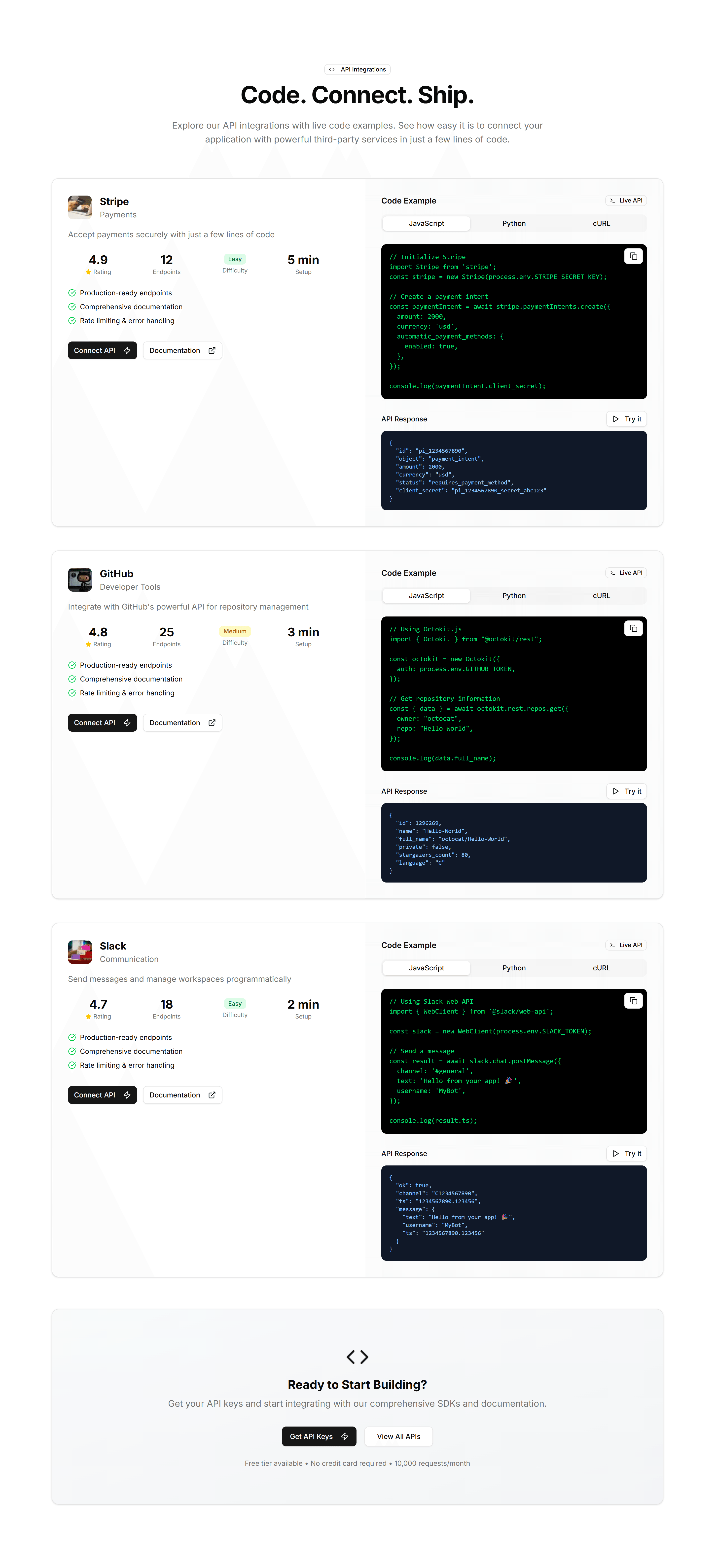
Marketing (Legacy) Integration: API Preview
A code sample panel beside copy that explains your API. Drop it on a developer page to show how integrations connect in only a few short lines.
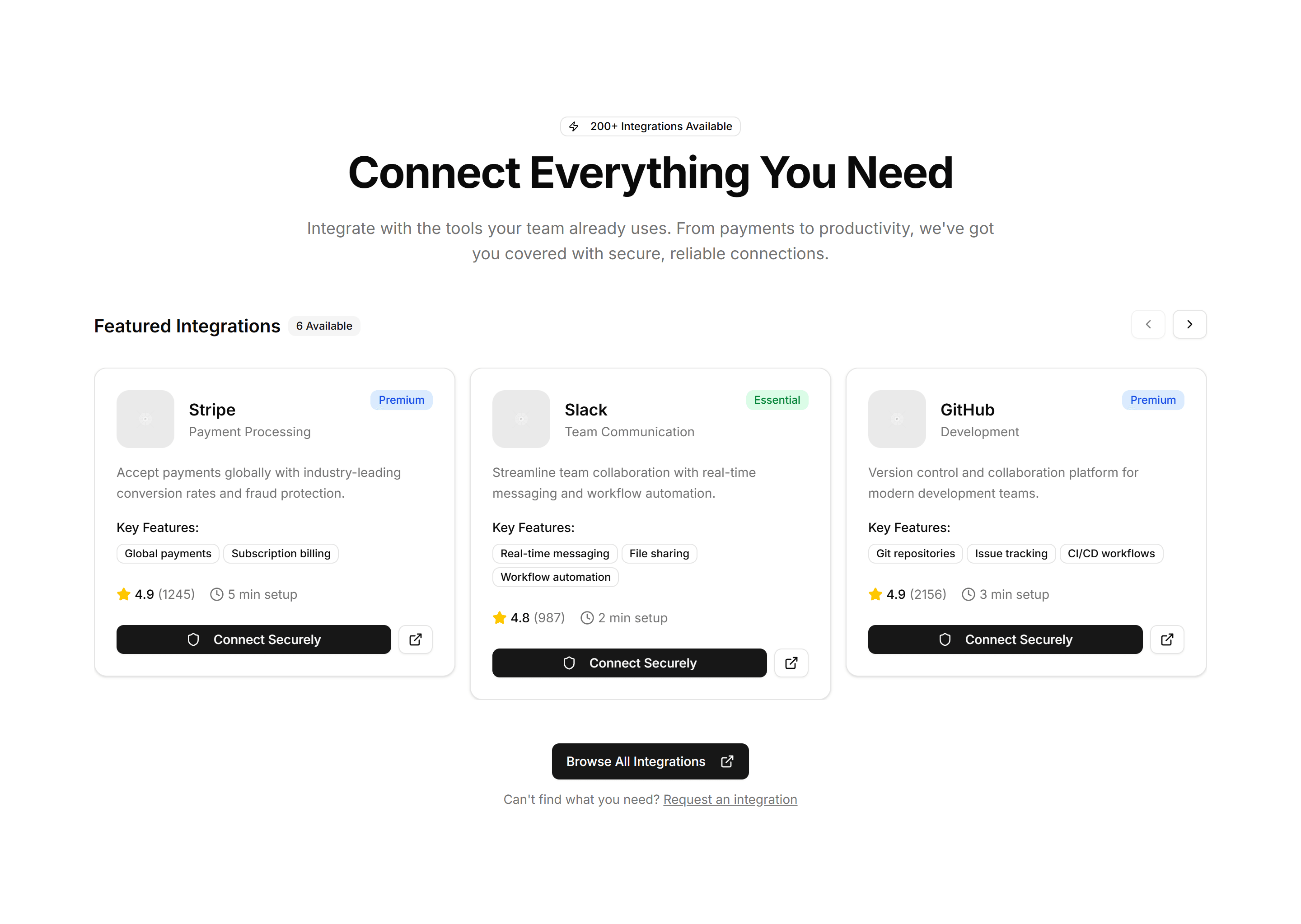
Marketing (Legacy) Integration: Carousel
A scrolling row of partner and app logos that loops as visitors watch. Place it under a hero to prove your product fits neatly into an existing stack.
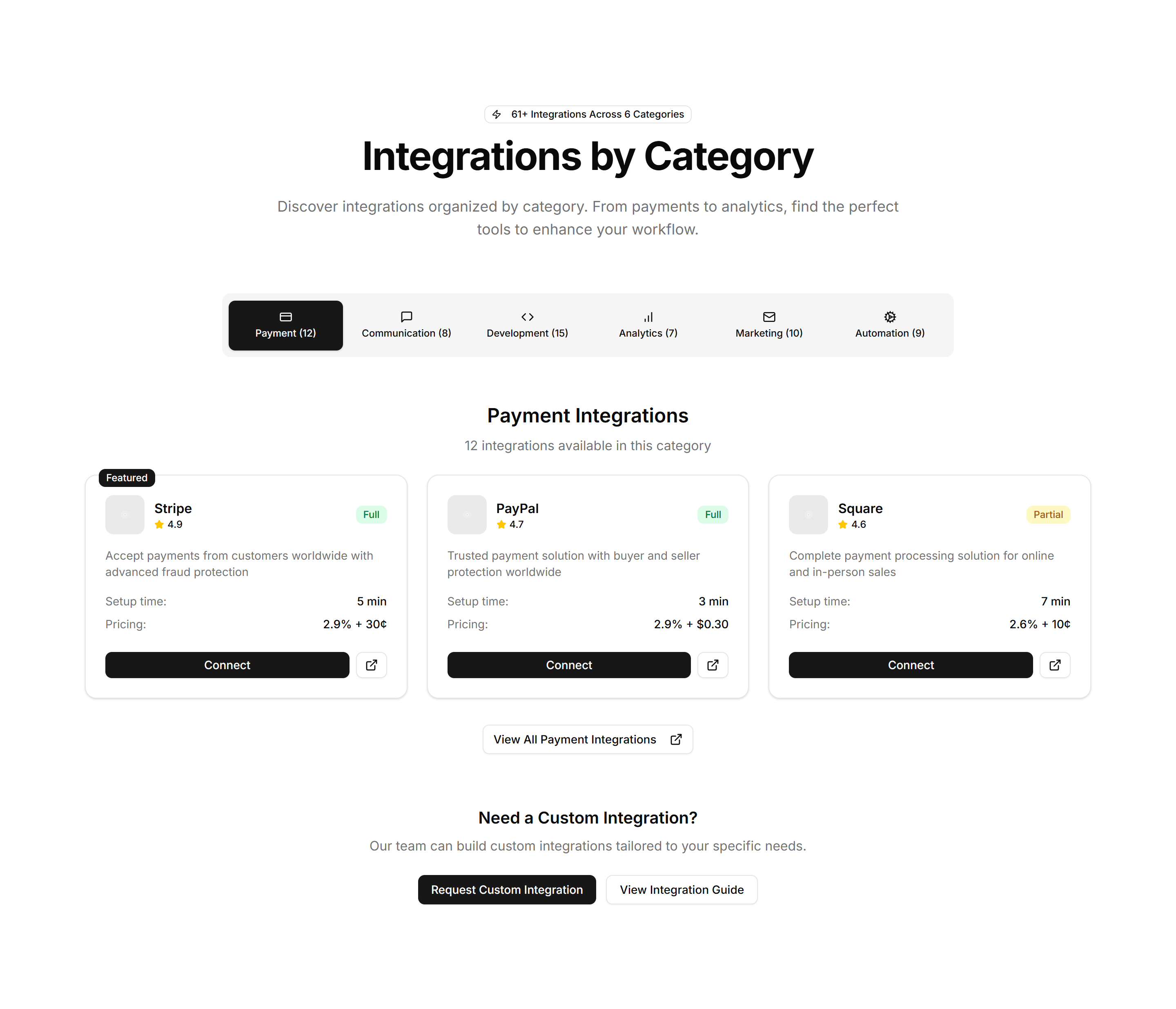
Marketing (Legacy) Integration: Category Tabs
Tabs that sort connected apps by type, so visitors filter integrations to find the one they use. Ideal for a busy marketplace or directory page.
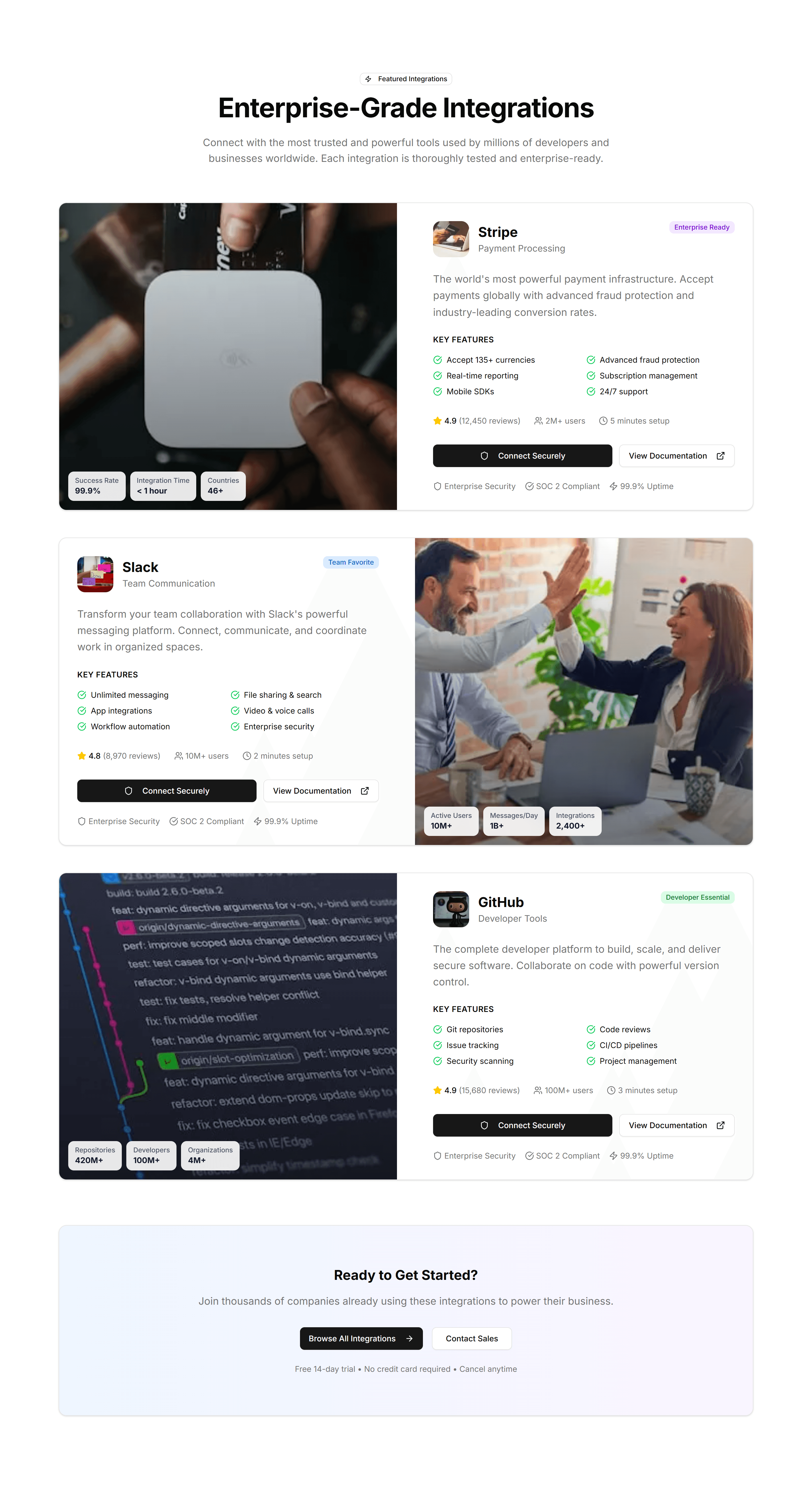
Marketing (Legacy) Integration: Featured Showcase
A large card spotlighting one key integration with its logo, summary, and a link. Use it to highlight a flagship partner above the full list.
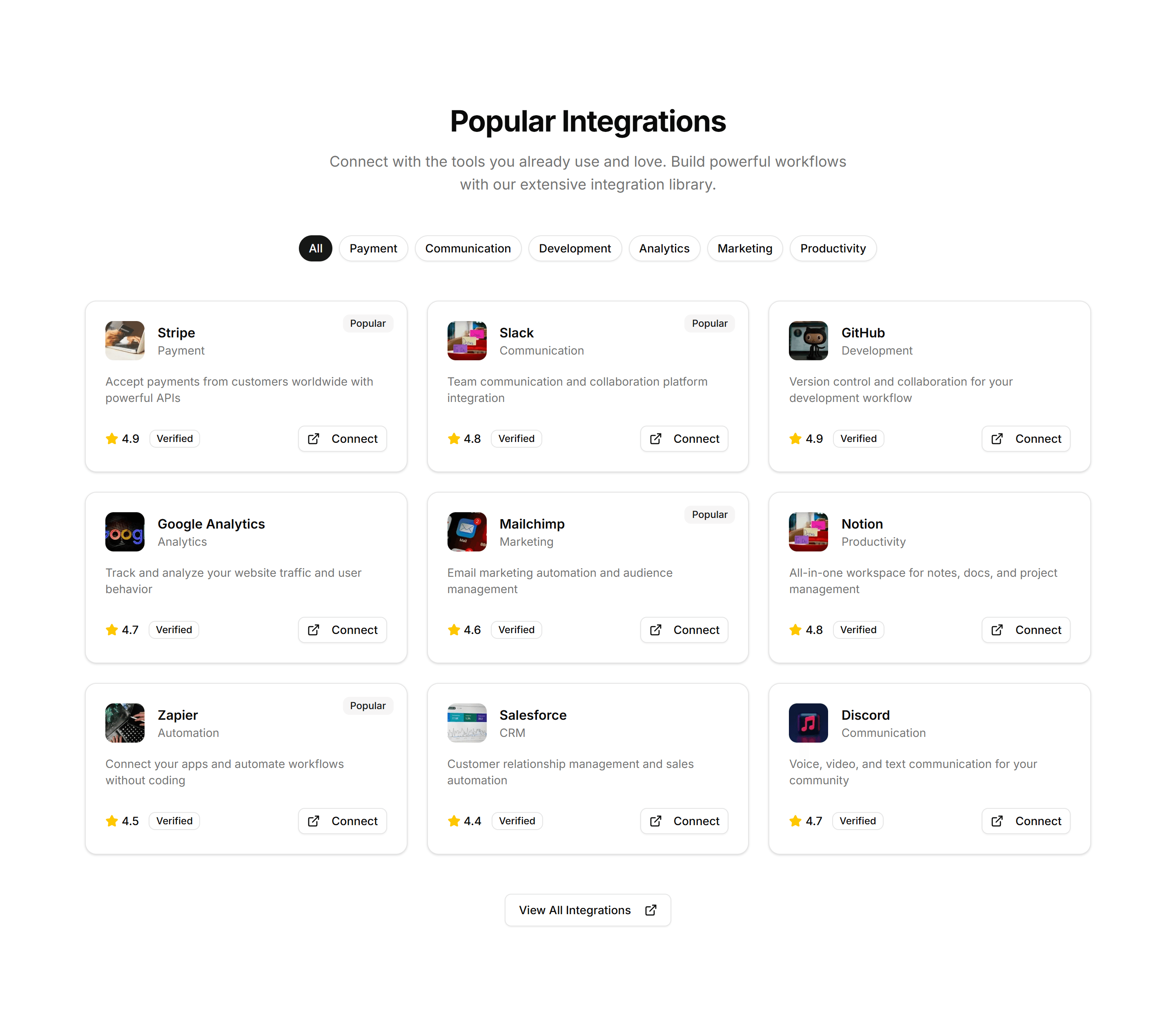
Marketing (Legacy) Integration: Simple Grid
A clean grid of integration logos in even rows and columns. Use it on a connections page to display the apps and services your product supports.
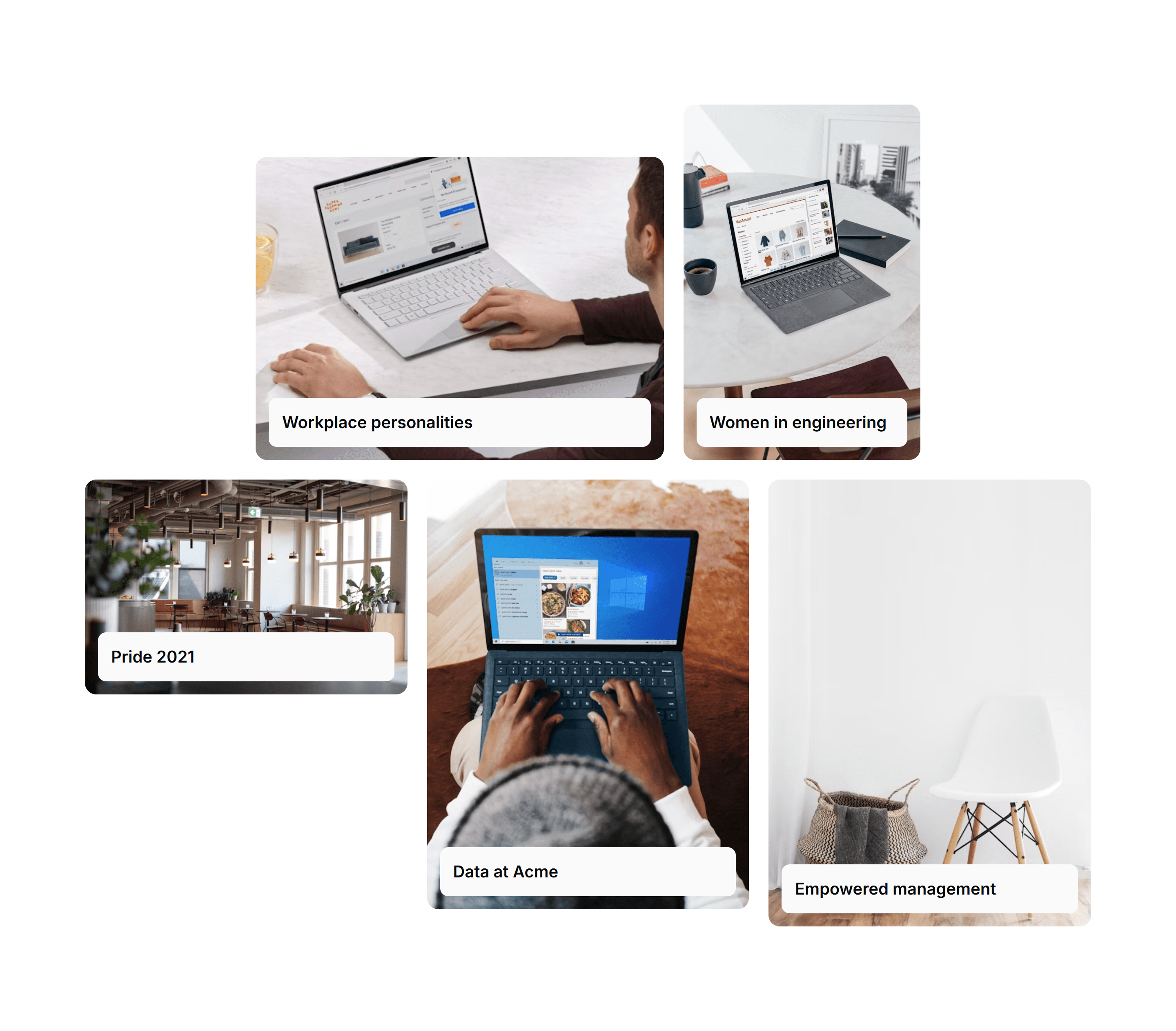
Marketing (Legacy) Masonry Section: Cards On Images
A masonry grid of cards layered over images, each with a heading and short text. Showcases a gallery, portfolio, or product collection on a landing page.
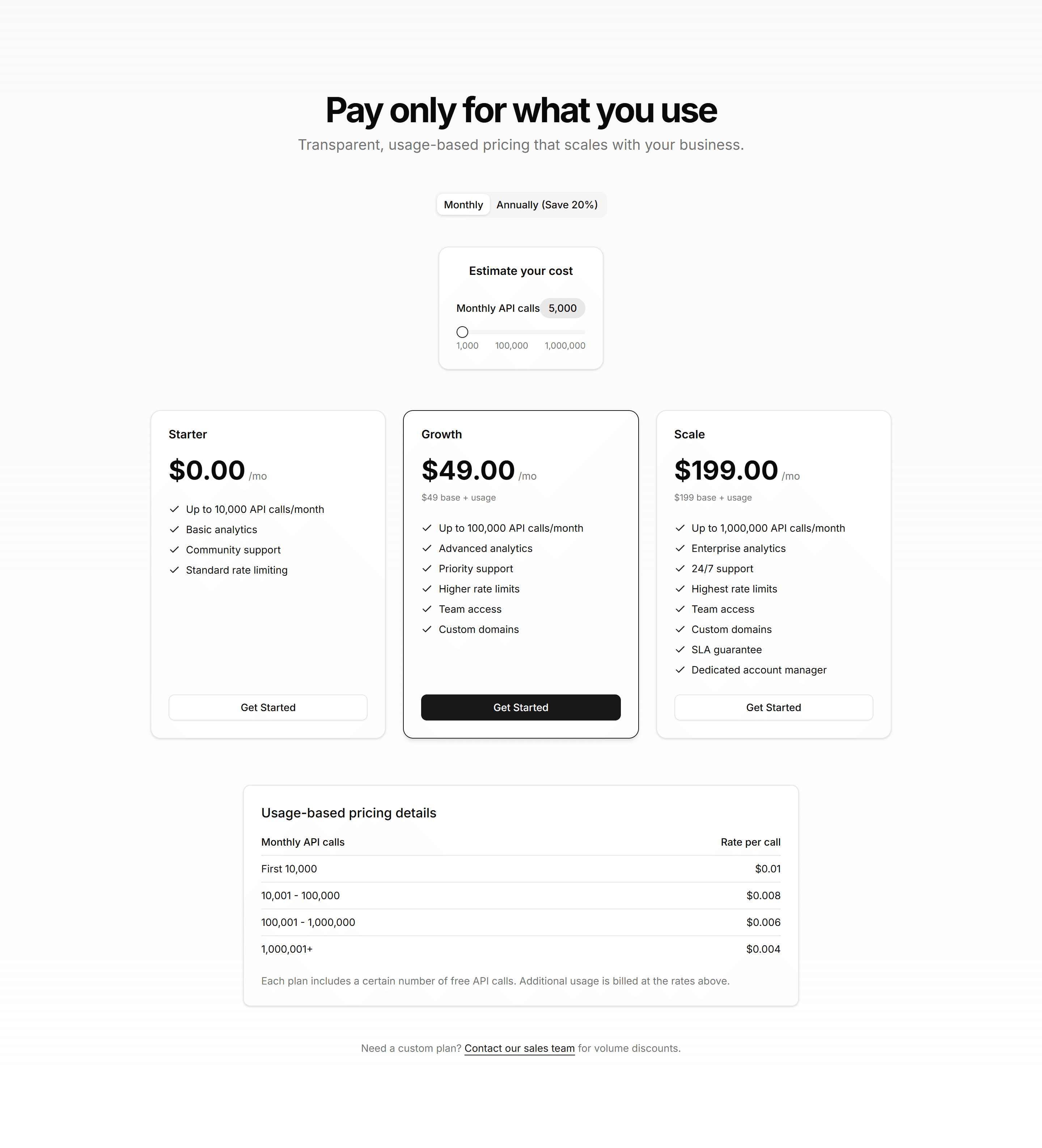
Marketing (Legacy) Pricing Section: Calculator
A pricing calculator with sliders and inputs that estimate cost from usage. Use it when plans scale by seats, requests, or volume so buyers see real numbers.
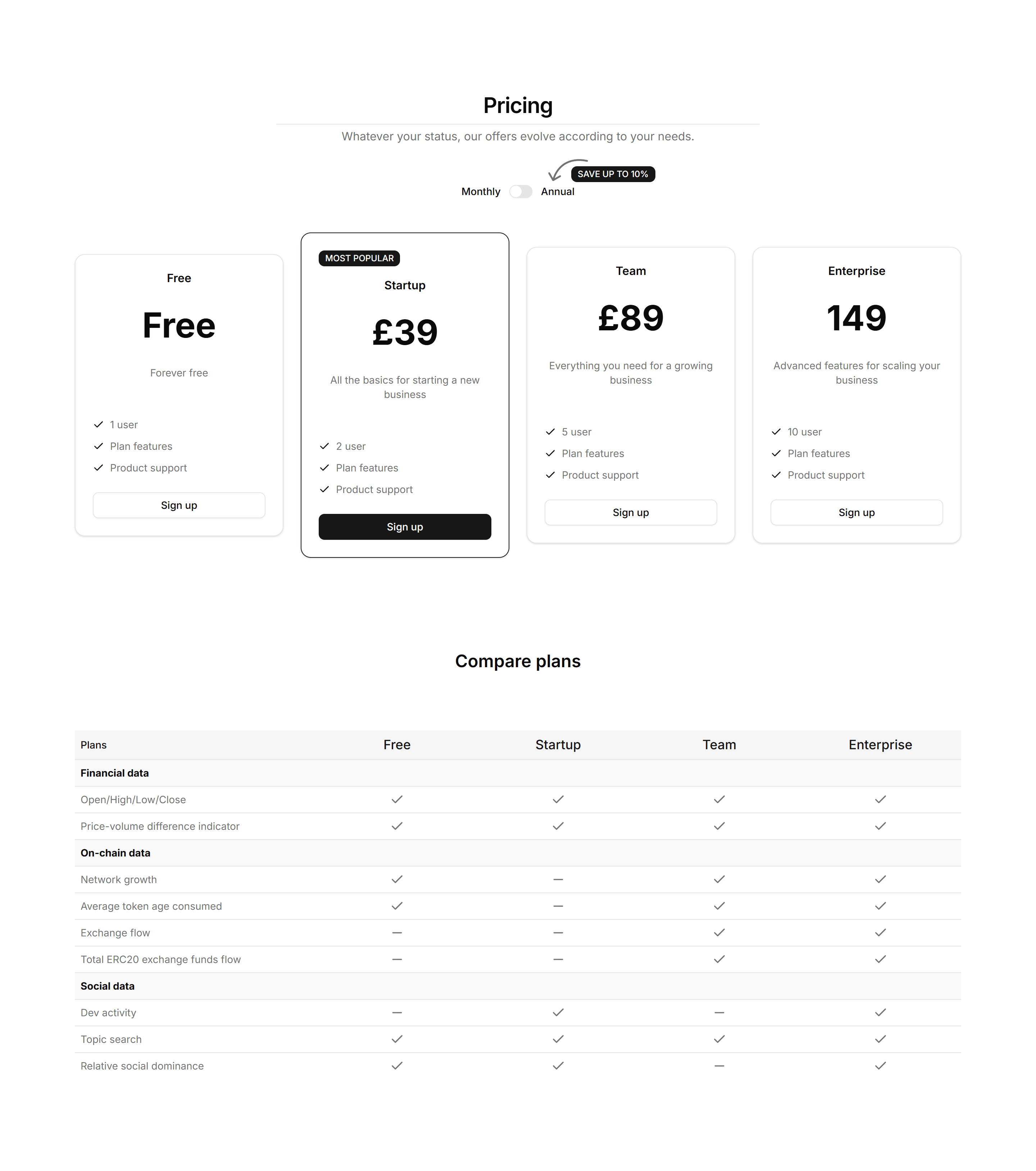
Marketing (Legacy) Pricing Section: Cards
A row of pricing cards listing plan names, prices, and features with a clear call to action. Drop it on a pricing page to compare tiers at a glance.
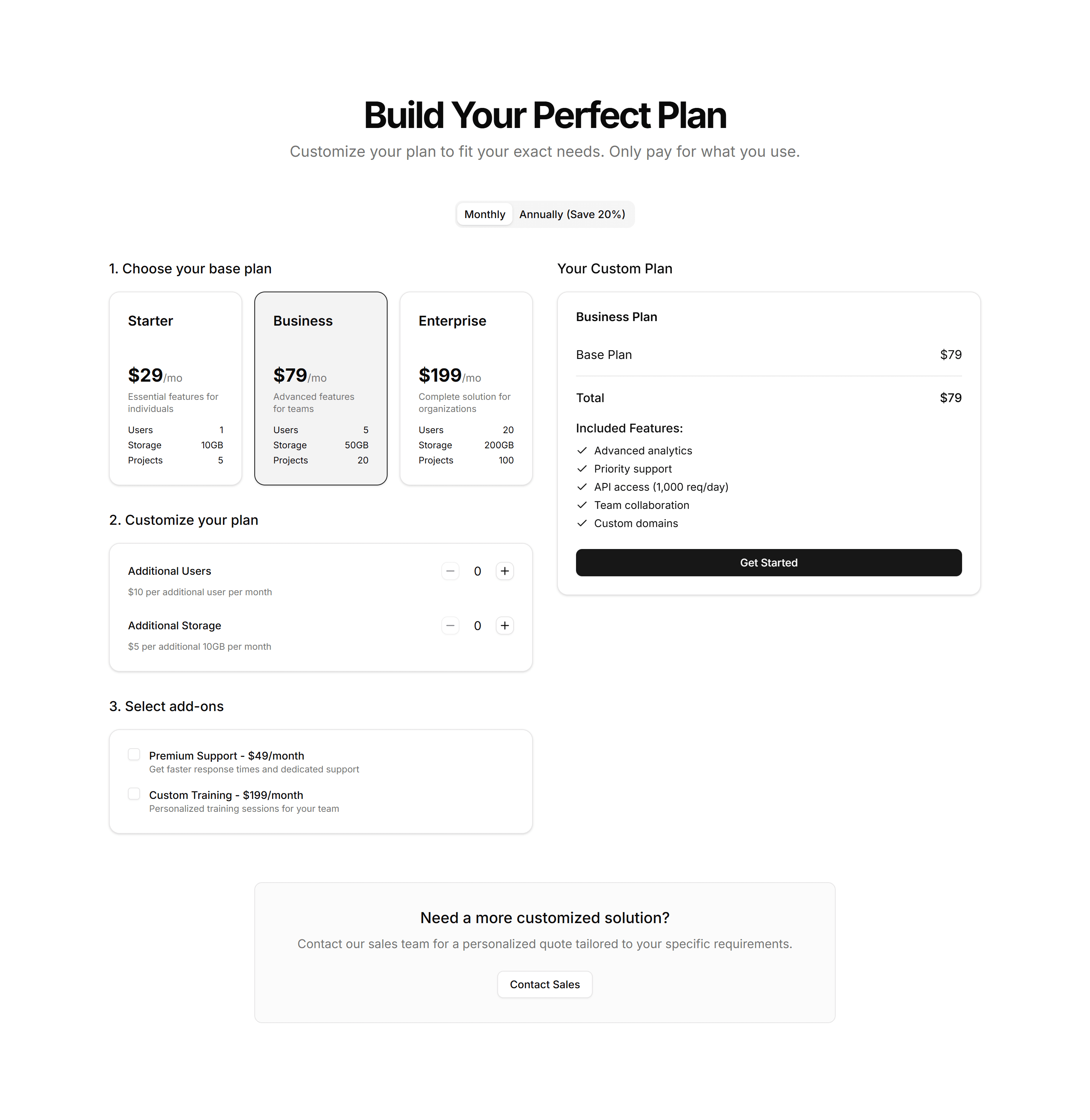
Marketing (Legacy) Pricing Section: Custom Builder
A plan builder where buyers pick features and quantities to assemble a quote. Use it for modular products where every customer needs a different mix.
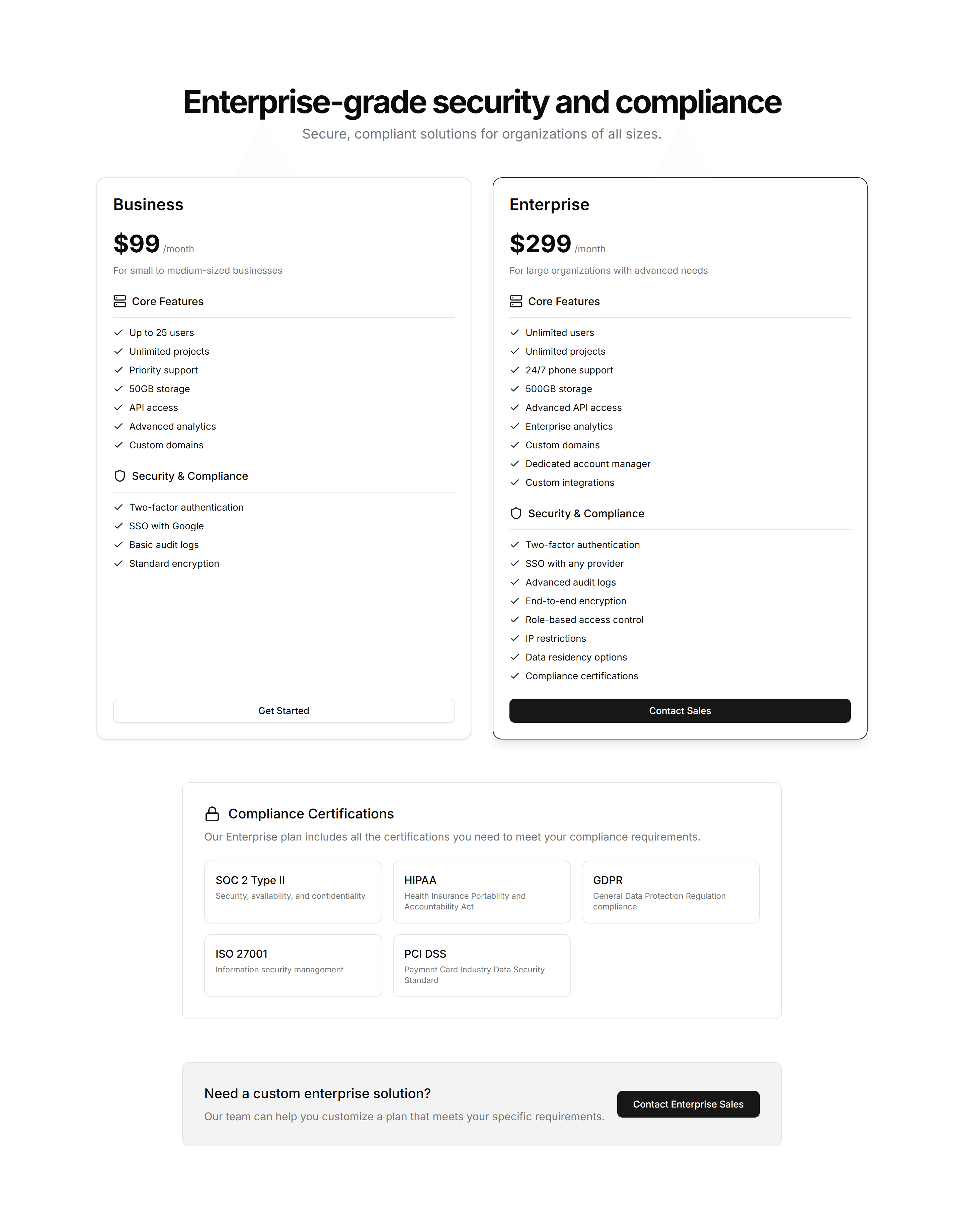
Marketing (Legacy) Pricing Section: Enterprise
A pricing layout pairing standard tiers with a contact sales panel for large accounts. Use it when bigger deals need custom quotes and a human conversation.
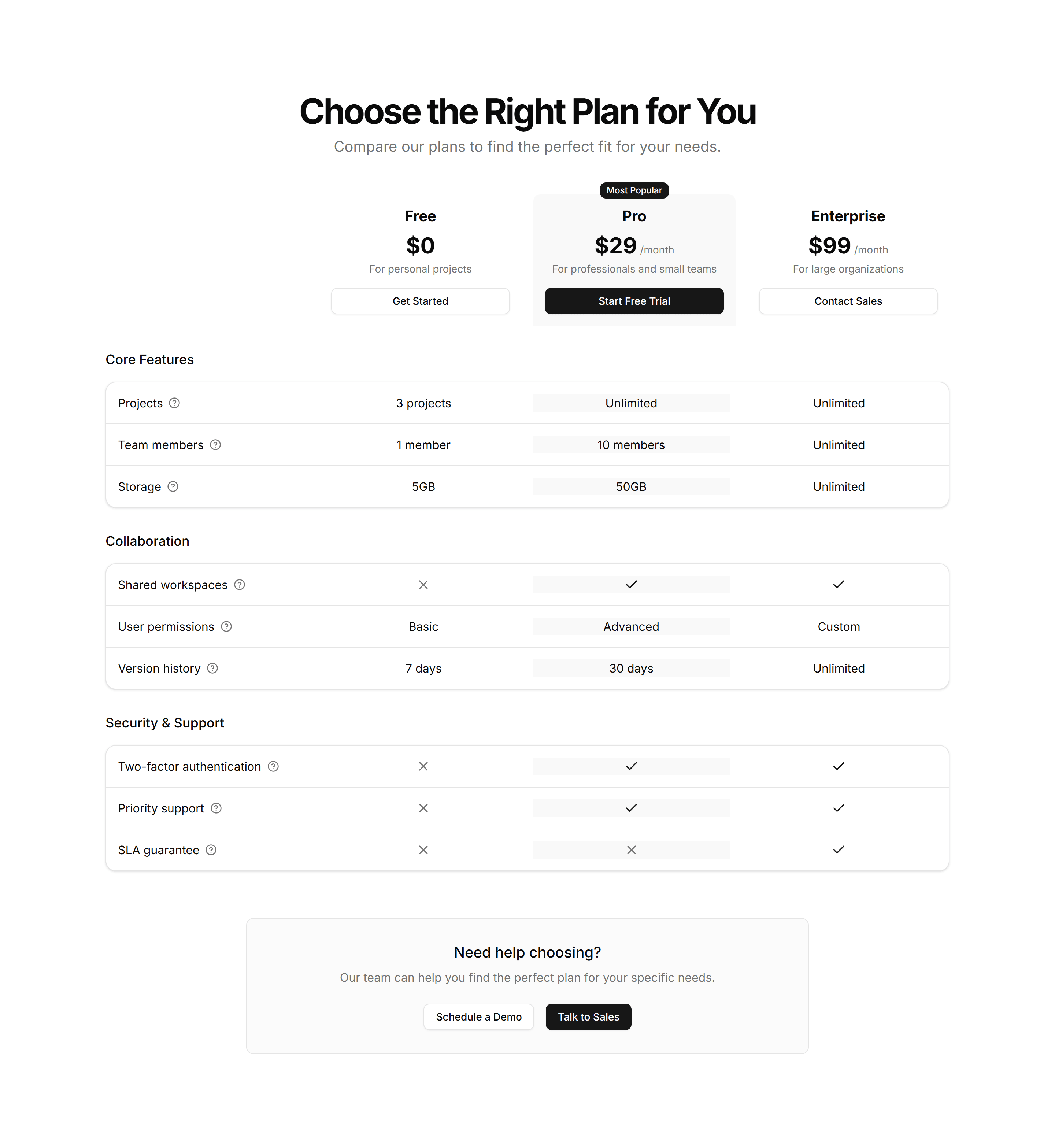
Marketing (Legacy) Pricing Section: Feature Grid
A pricing table mapping every feature to each plan across rows and columns. Use it when buyers want to confirm exactly what each tier includes before paying.
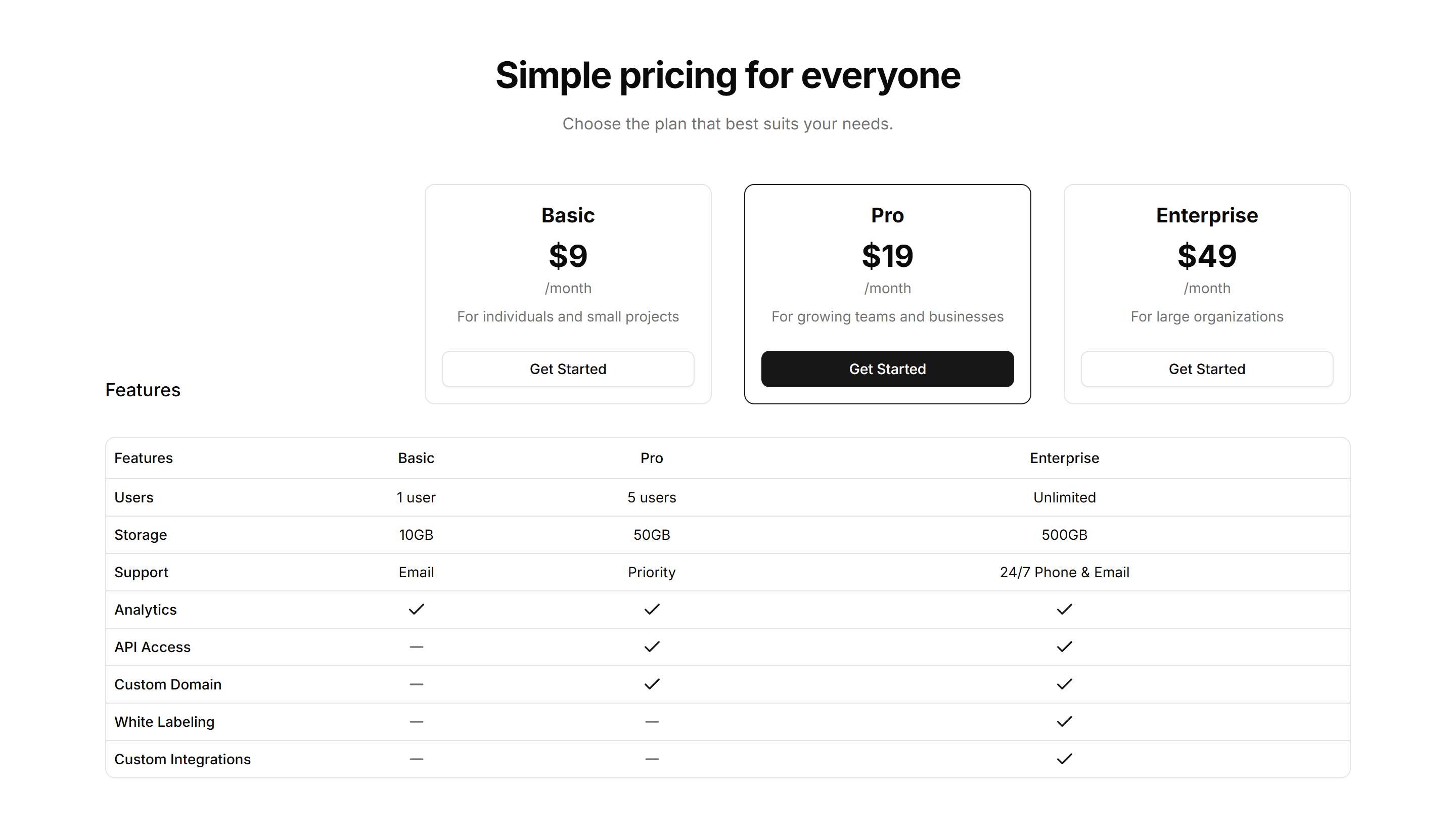
Marketing (Legacy) Pricing Section: Horizontal
A wide pricing row that lays plans side by side in a single band. Fits narrow page slots and pages where you want plans visible without much scrolling.
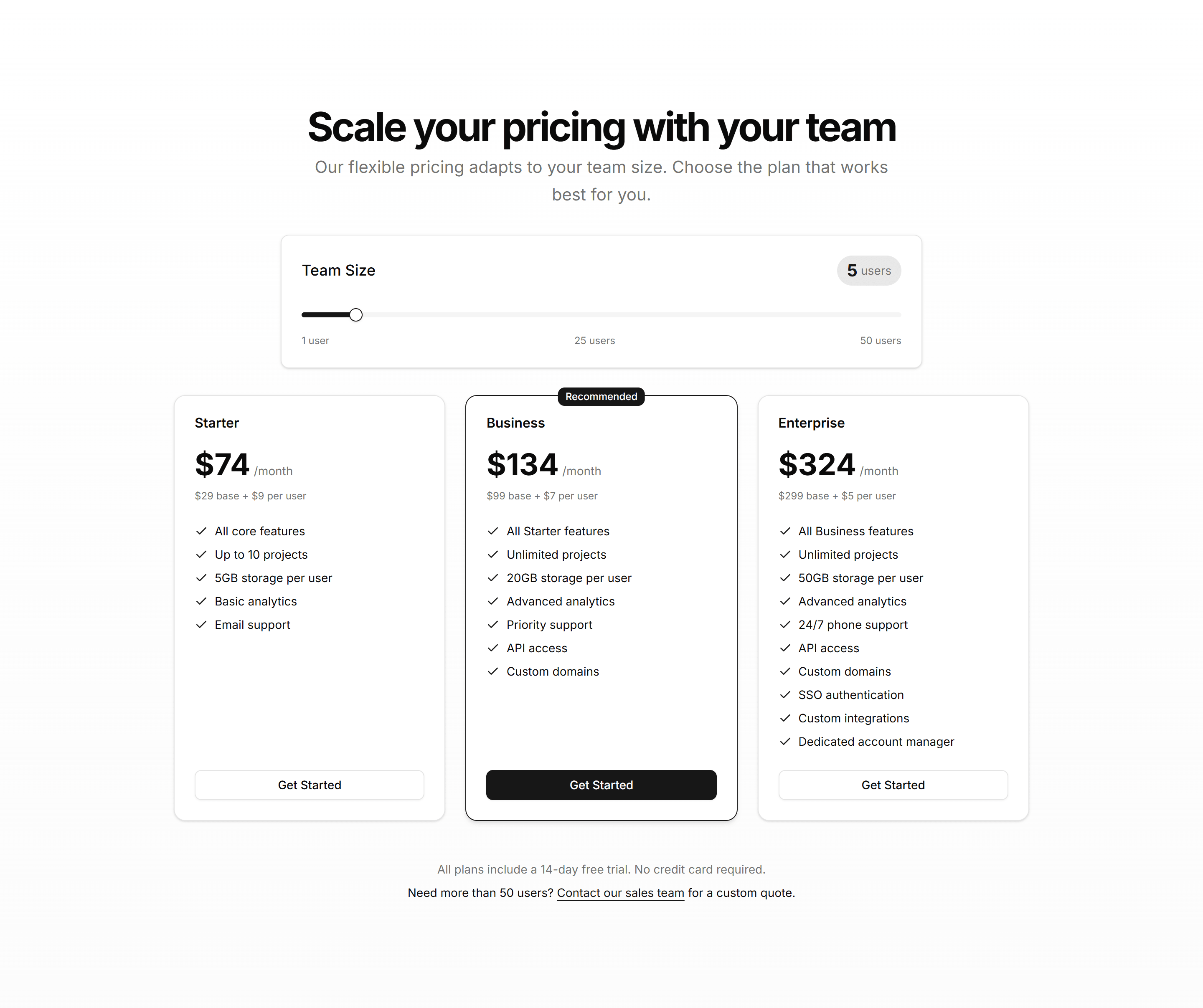
Marketing (Legacy) Pricing Section: Interactive
A pricing section that updates prices and highlights as buyers select options. Use it when choices like seats or add ons should reflect cost instantly.
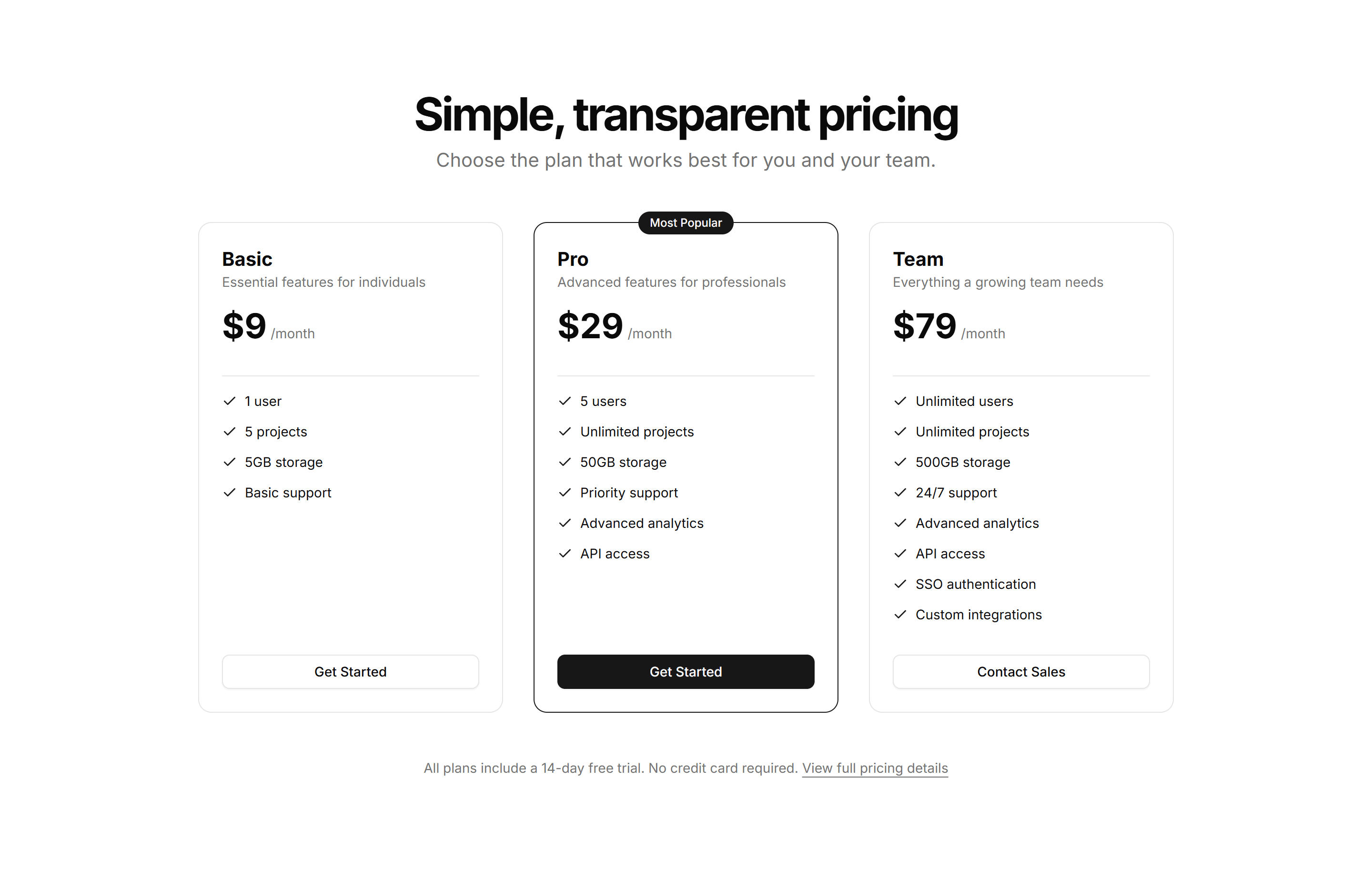
Marketing (Legacy) Pricing Section: Minimalist
A pared back pricing layout with generous spacing, plain type, and one clear price. Use it when a single plan or clean brand needs no visual clutter.
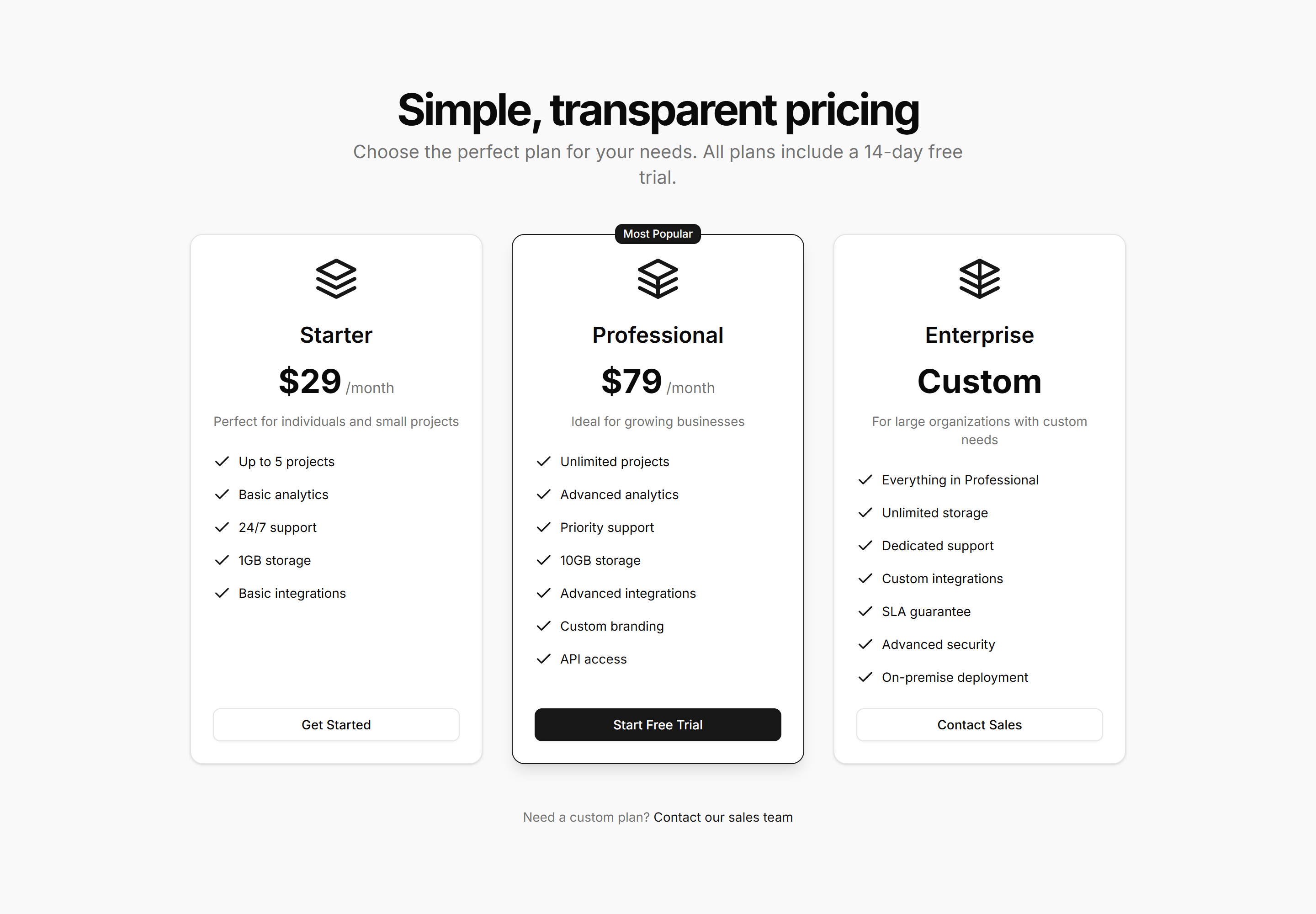
Marketing (Legacy) Pricing Section: Modern
A contemporary pricing section with bold cards, soft shadows, and accent gradients. Use it to give a polished, current feel to a product or SaaS page.
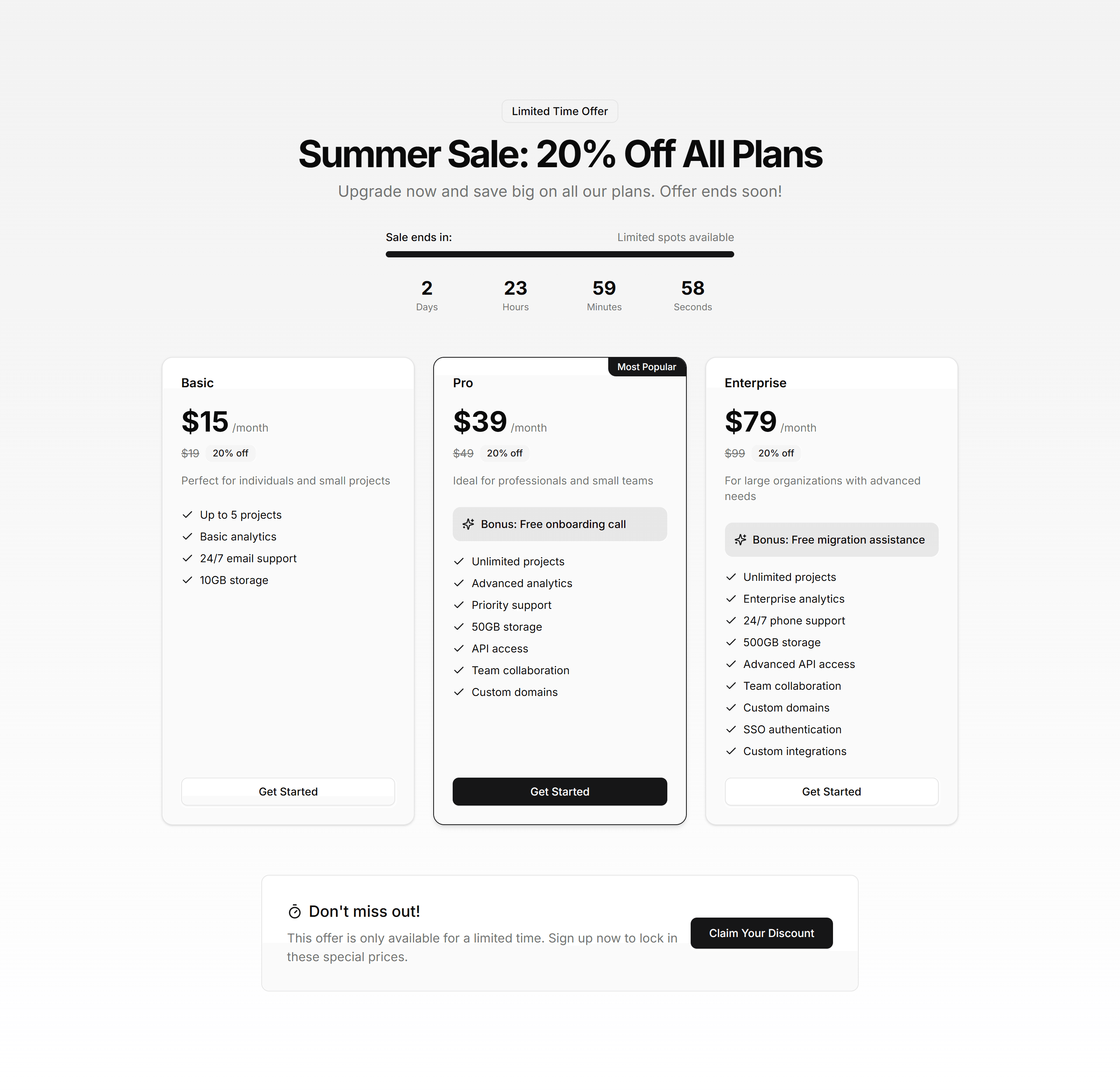
Marketing (Legacy) Pricing Section: Seasonal
A pricing section with promotional banners and limited time discounts on each plan. Use it for holiday sales, launches, and campaigns that push urgency.
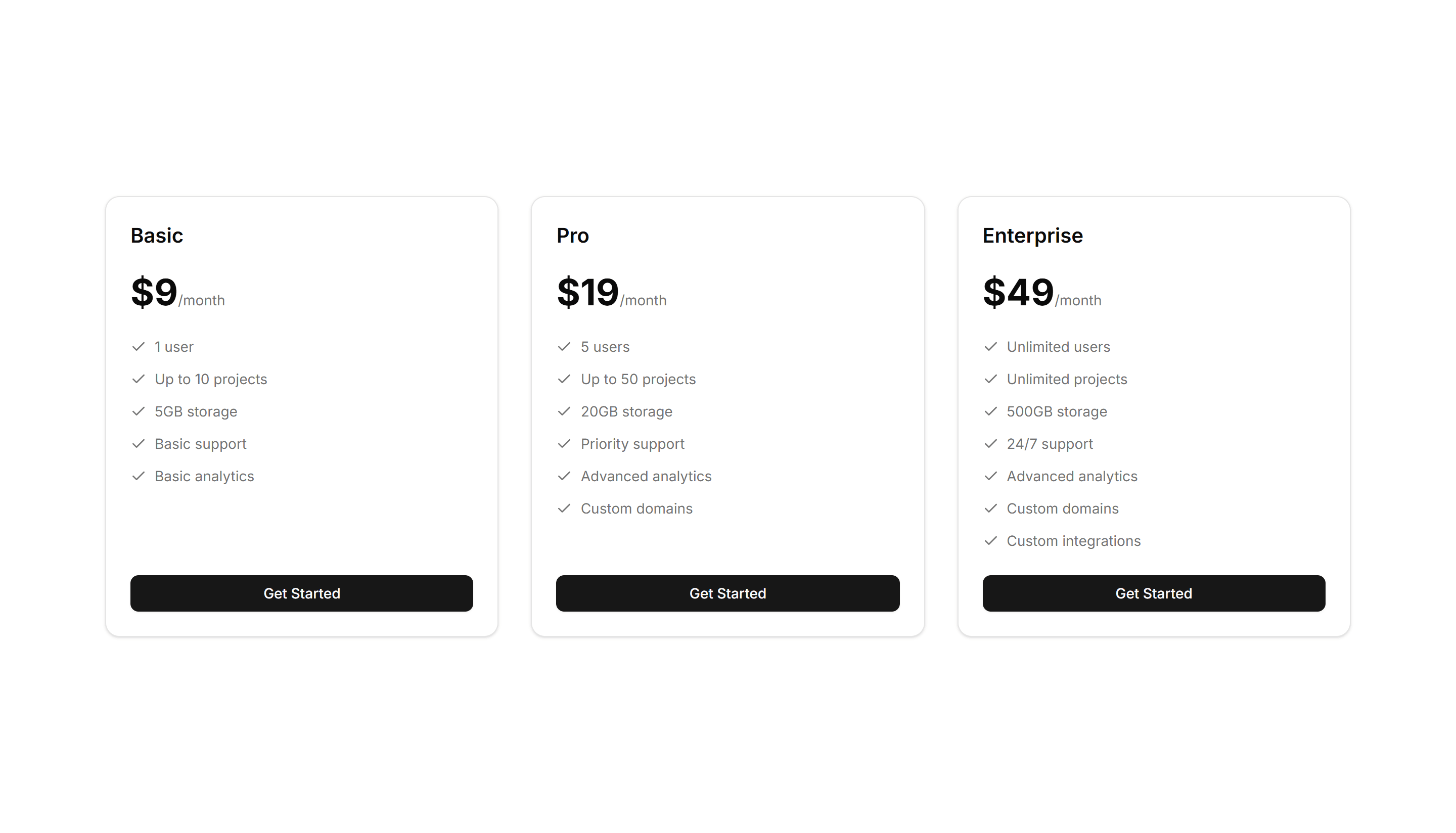
Marketing (Legacy) Pricing Section: Simple
A clean pricing section showing a few plans with price, features, and a button each. Use it when you want fast comprehension without extra decoration.
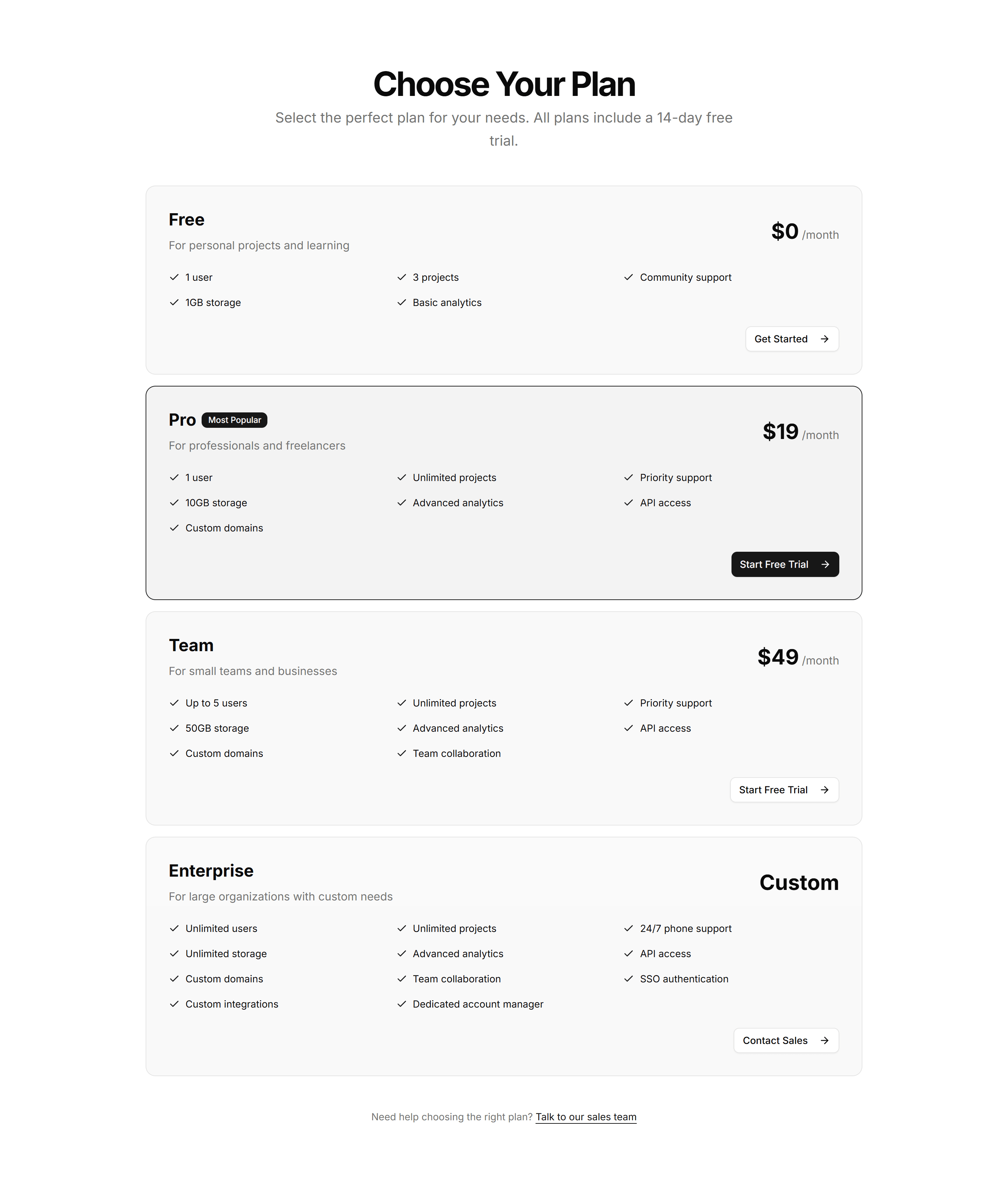
Marketing (Legacy) Pricing Section: Stacked
A pricing layout that stacks plan cards vertically for narrow columns and phones. Use it on mobile first pages or sidebars where width is limited.
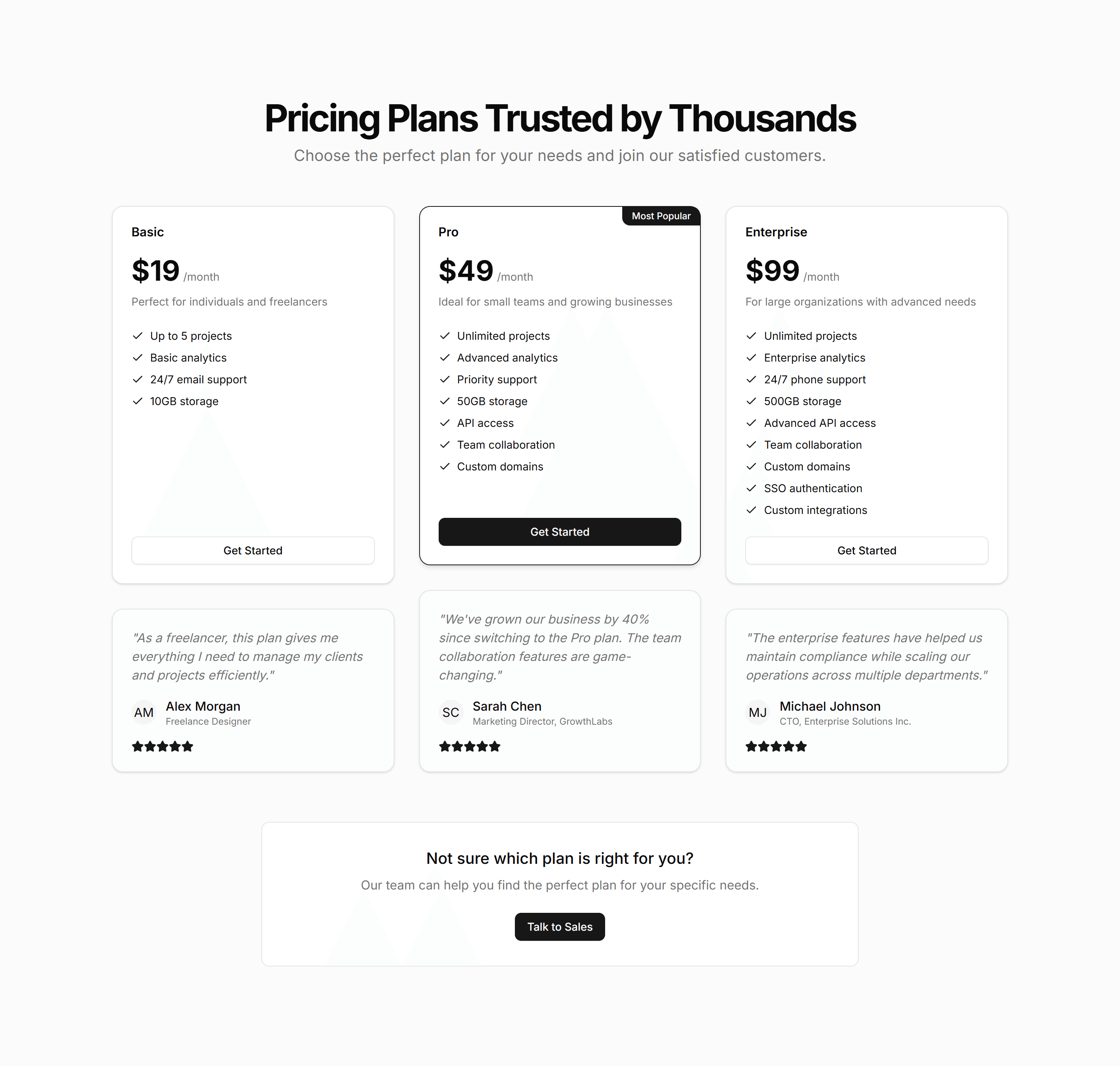
Marketing (Legacy) Pricing Section: Testimonial
A pricing section that pairs plan cards with customer quotes and logos. Use it to add social proof right where buyers weigh price and decide to commit.
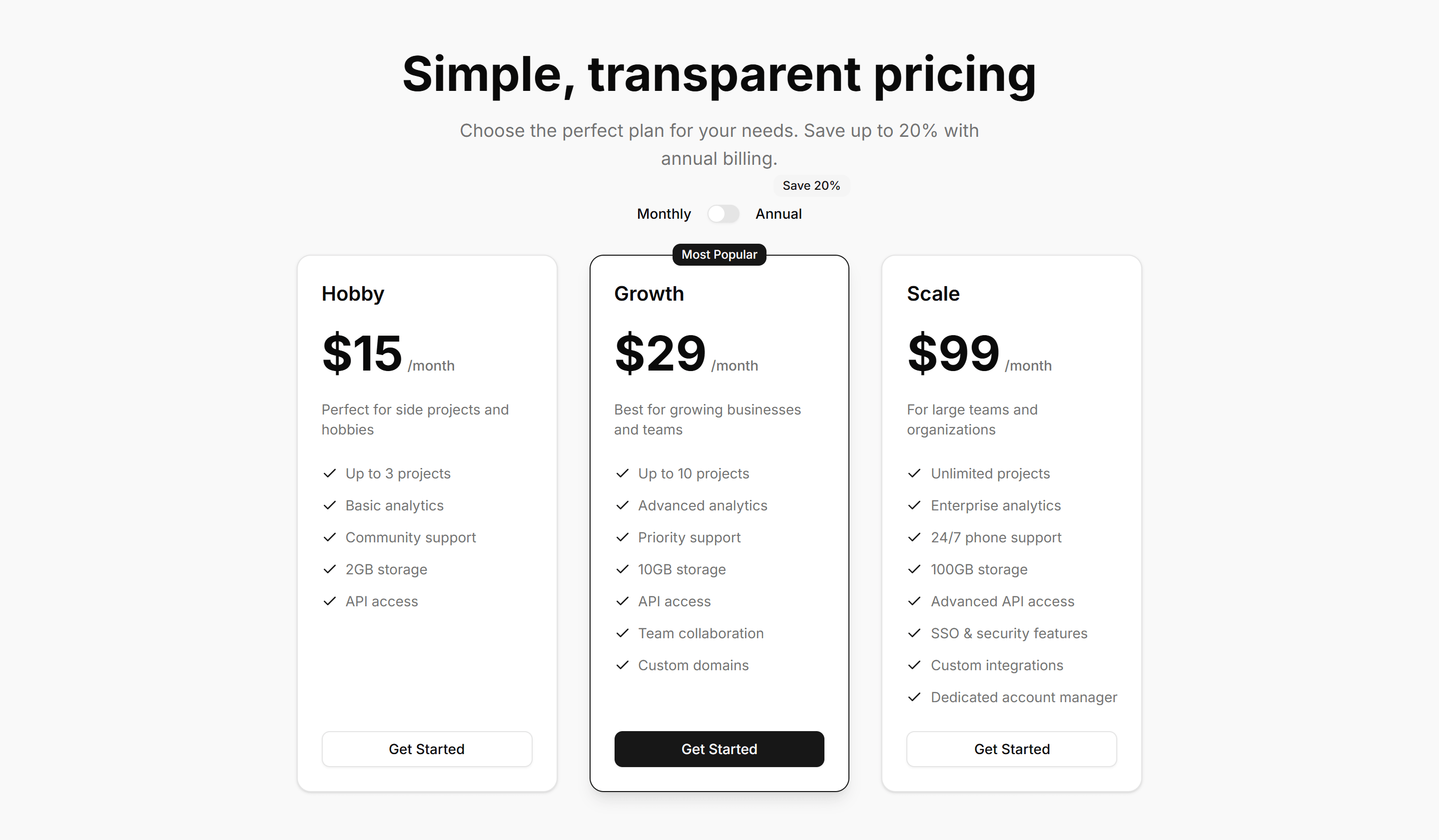
Marketing (Legacy) Pricing Section: Toggle
A pricing section with a monthly and yearly switch that updates every plan price. Use it to show annual savings and let buyers pick a billing cycle fast.
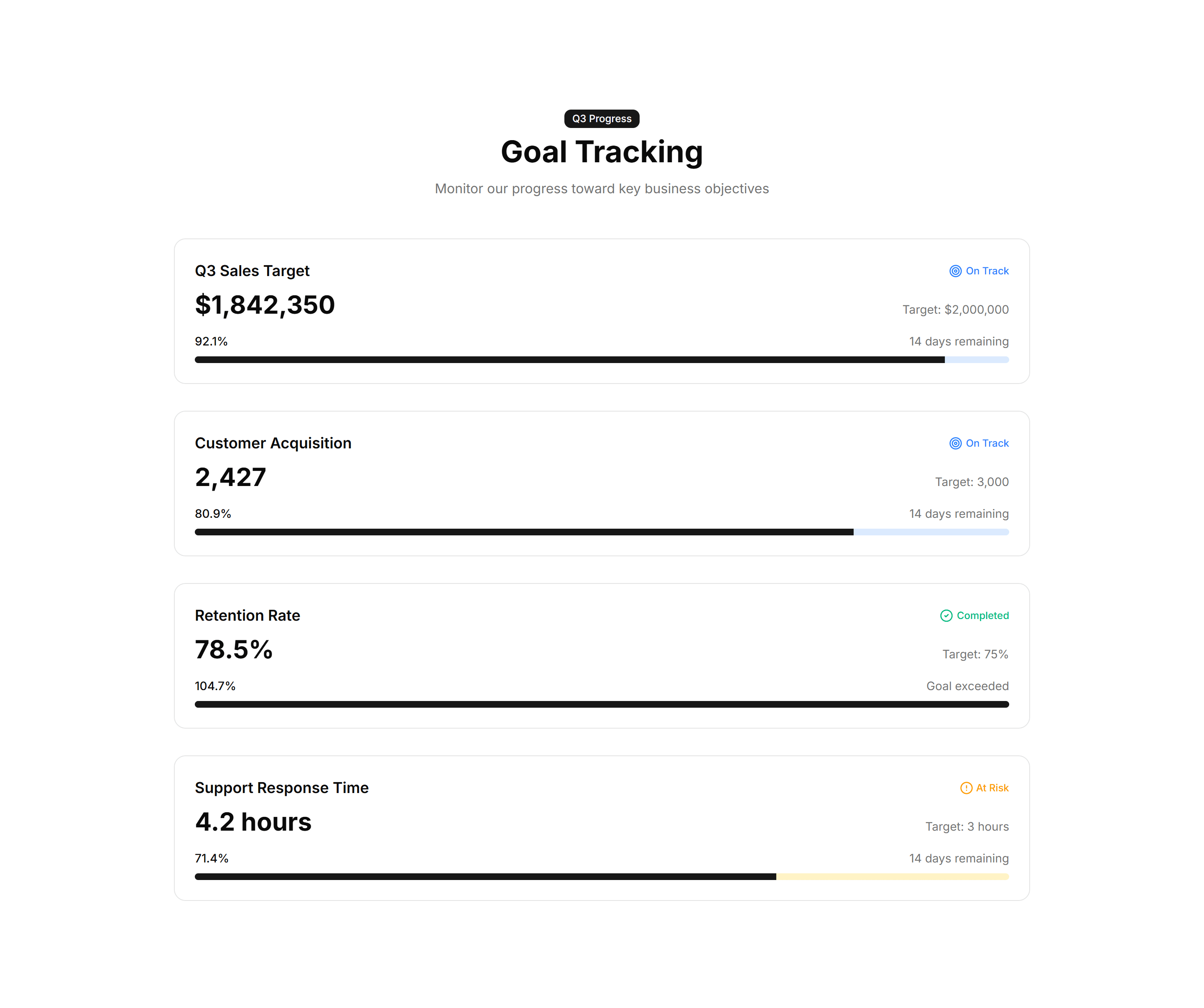
Marketing (Legacy) Stat: Achievement Bars
Horizontal bars that fill to show milestones reached against a target. Drop it on a results page to visualize goals hit and progress toward each one.
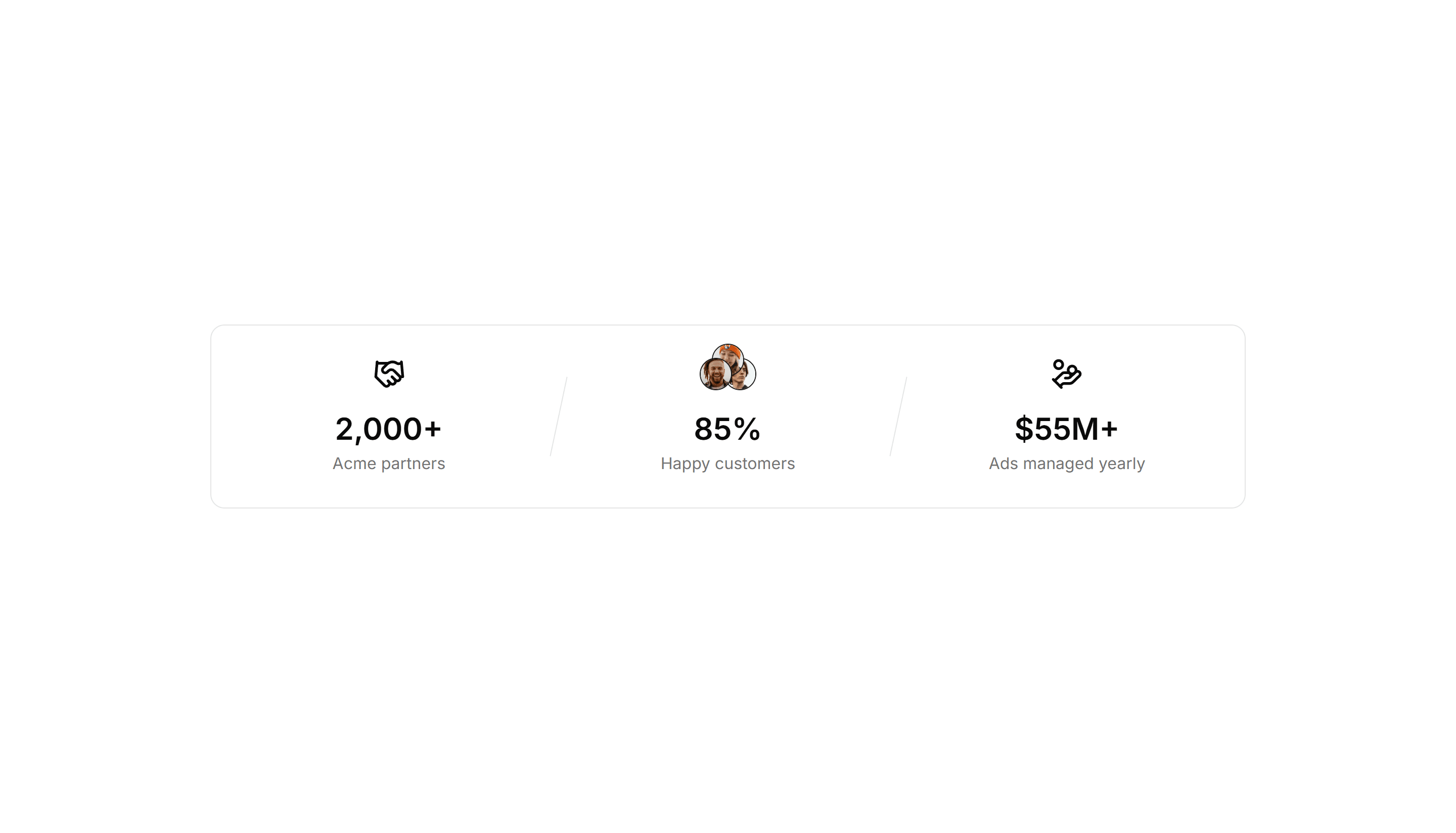
Marketing (Legacy) Stat: Card Group
A cluster of stat cards with a big number, label, and short caption in each. Use it to spotlight key metrics across a landing page in a clean grid.
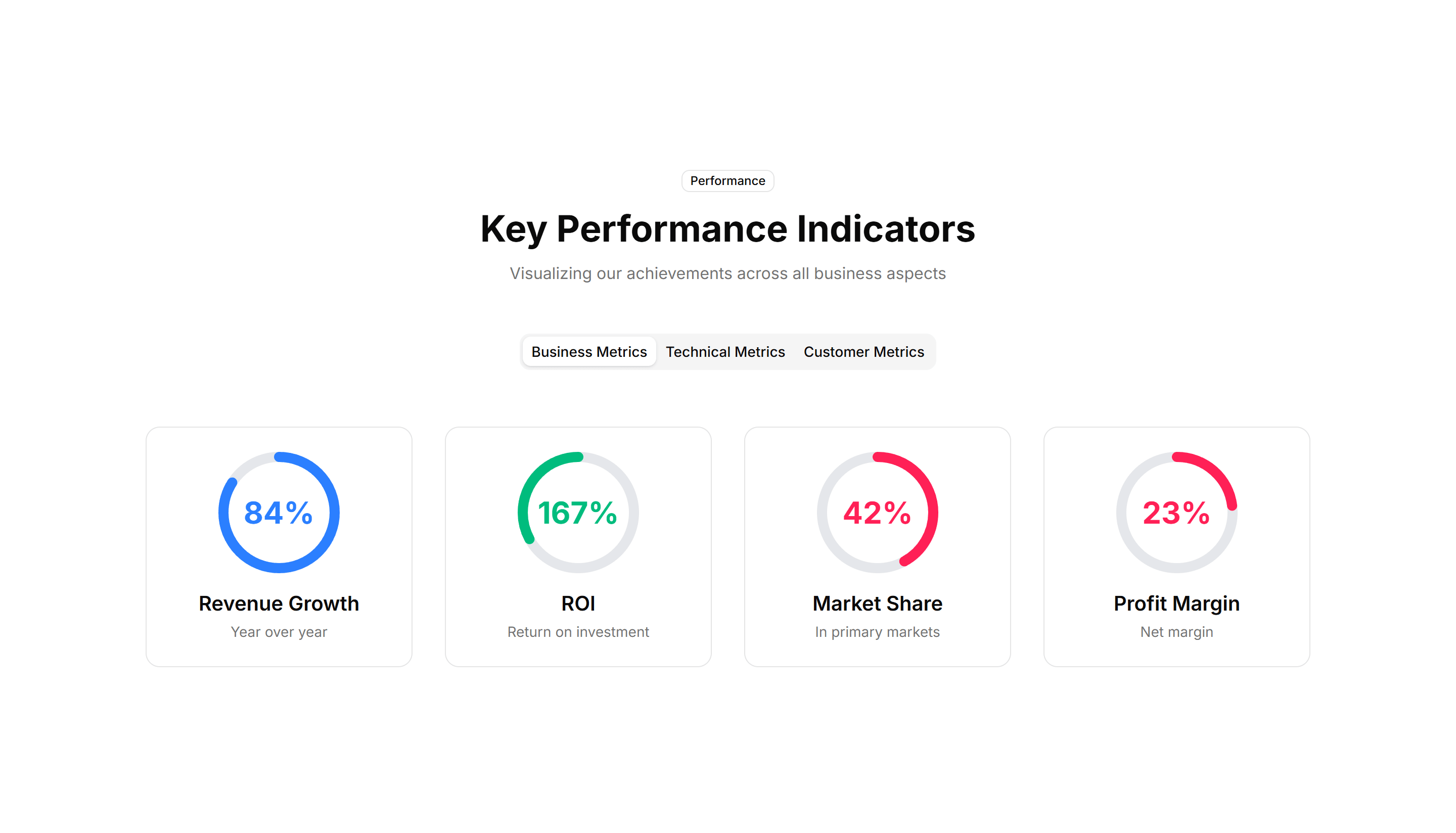
Marketing (Legacy) Stat: Circular Progress
Ring shaped progress dials that animate to a percentage value. Good for dashboards or landing pages that report completion rates and capacity at a glance.
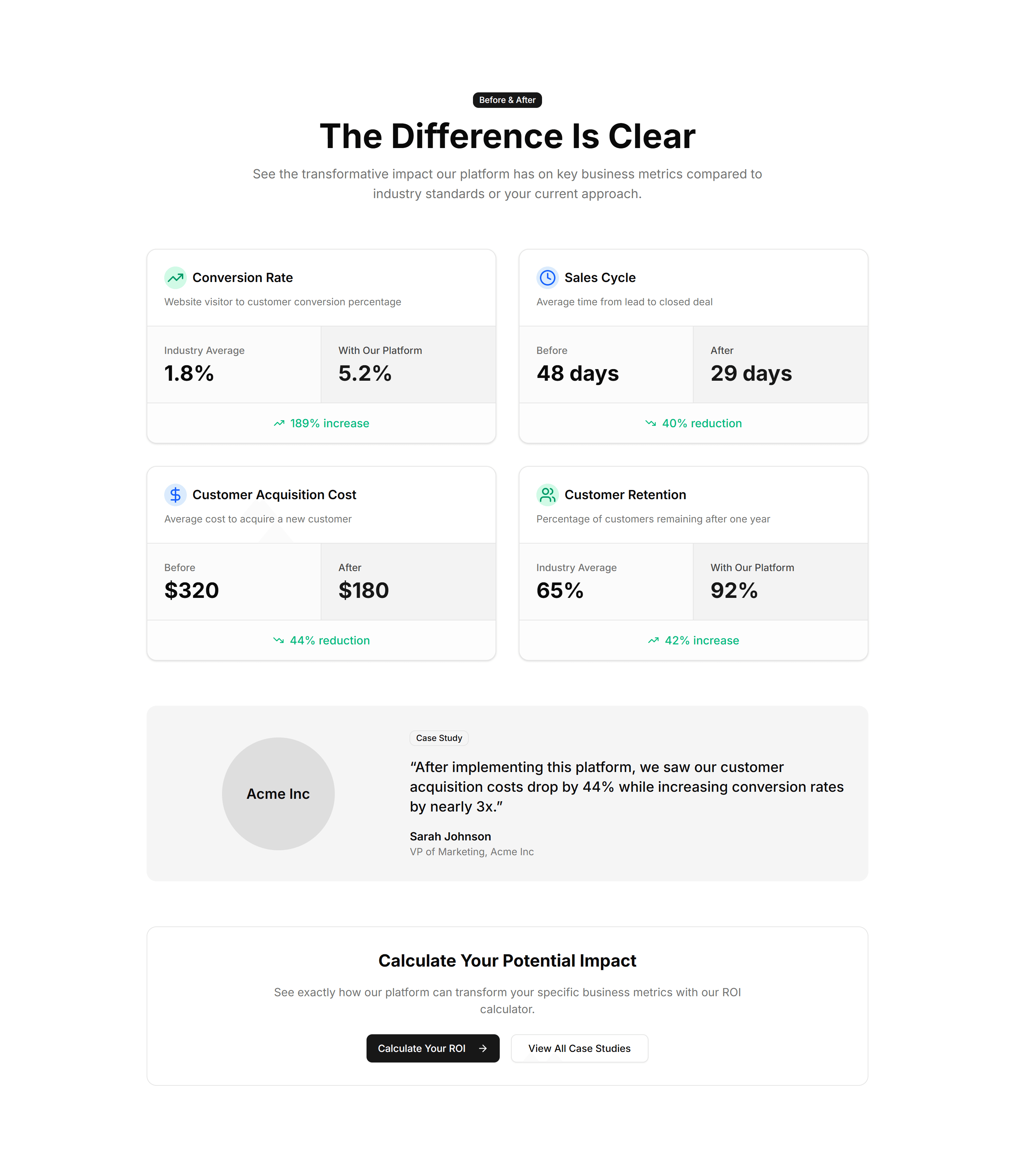
Marketing (Legacy) Stat: Comparison Metrics
Two columns of numbers placed side by side to contrast before and after results. Use it to show the lift your product delivers over the old way.
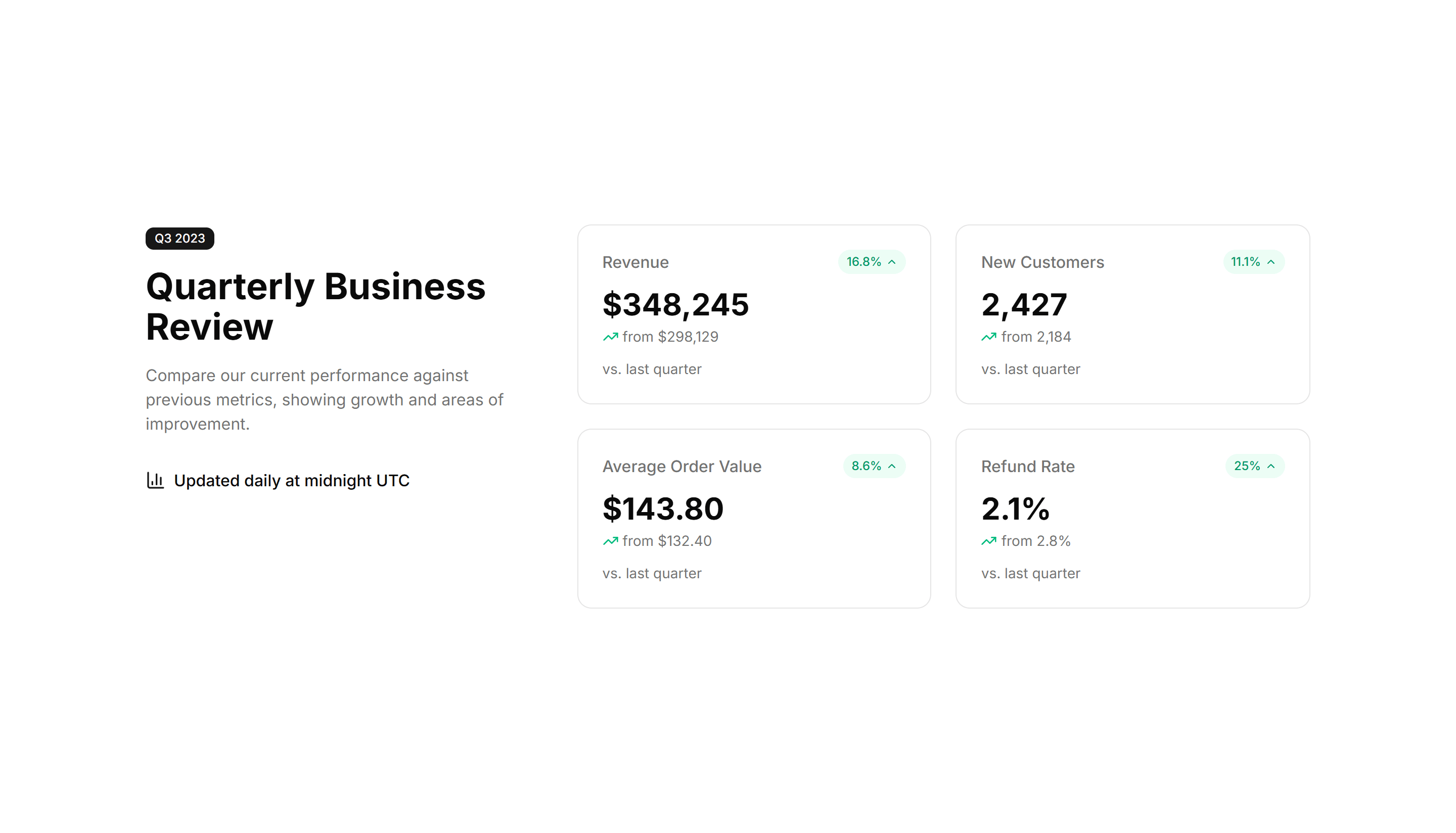
Marketing (Legacy) Stat: Comparison Stats
Paired figures with labels that weigh your offering against a baseline. Great for sales pages that need to make the gain feel concrete and credible.
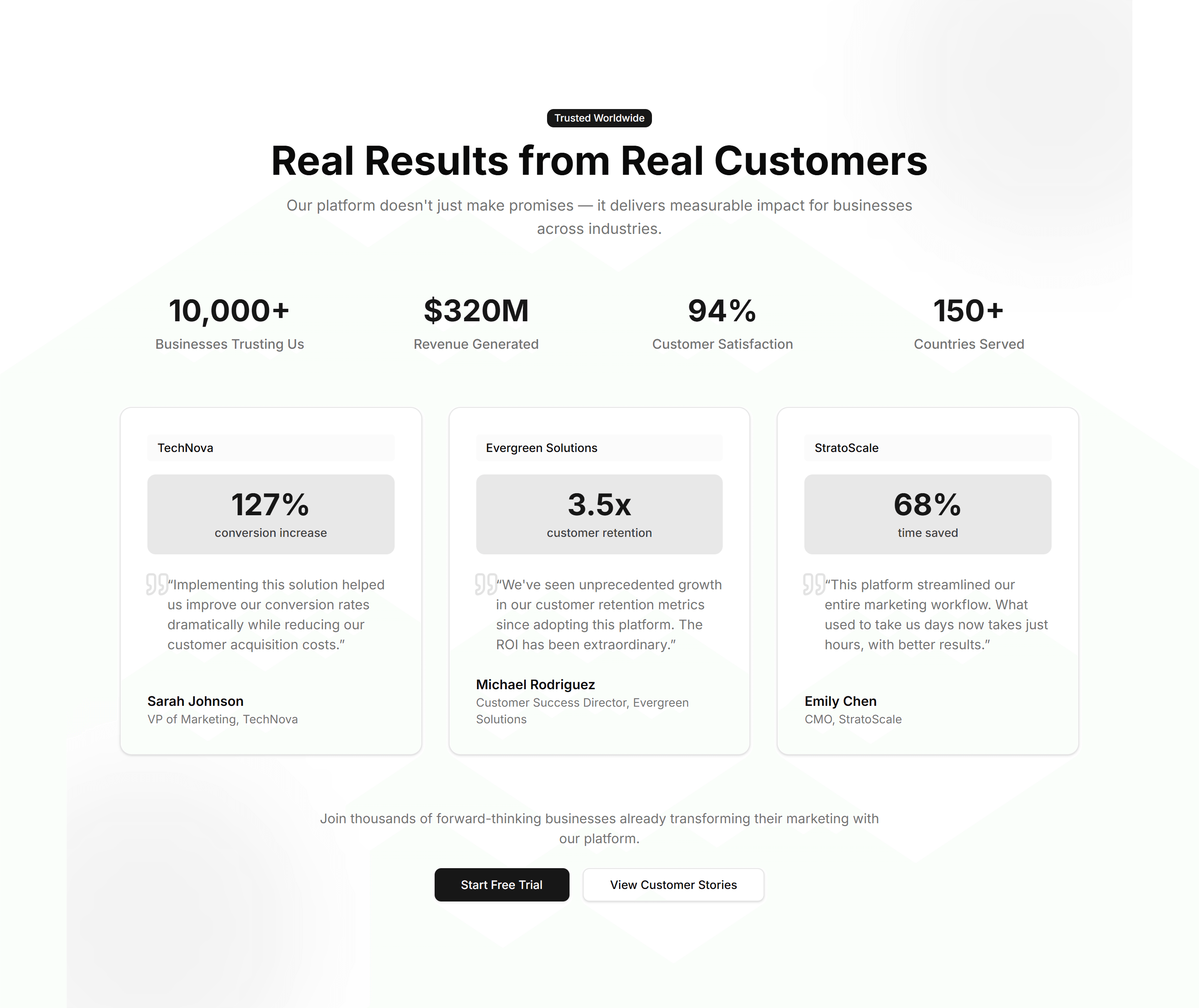
Marketing (Legacy) Stat: Customer Testimonial
A quote from a customer next to the numbers their team reached with you. Use it to pair social proof with hard results on a case study page.
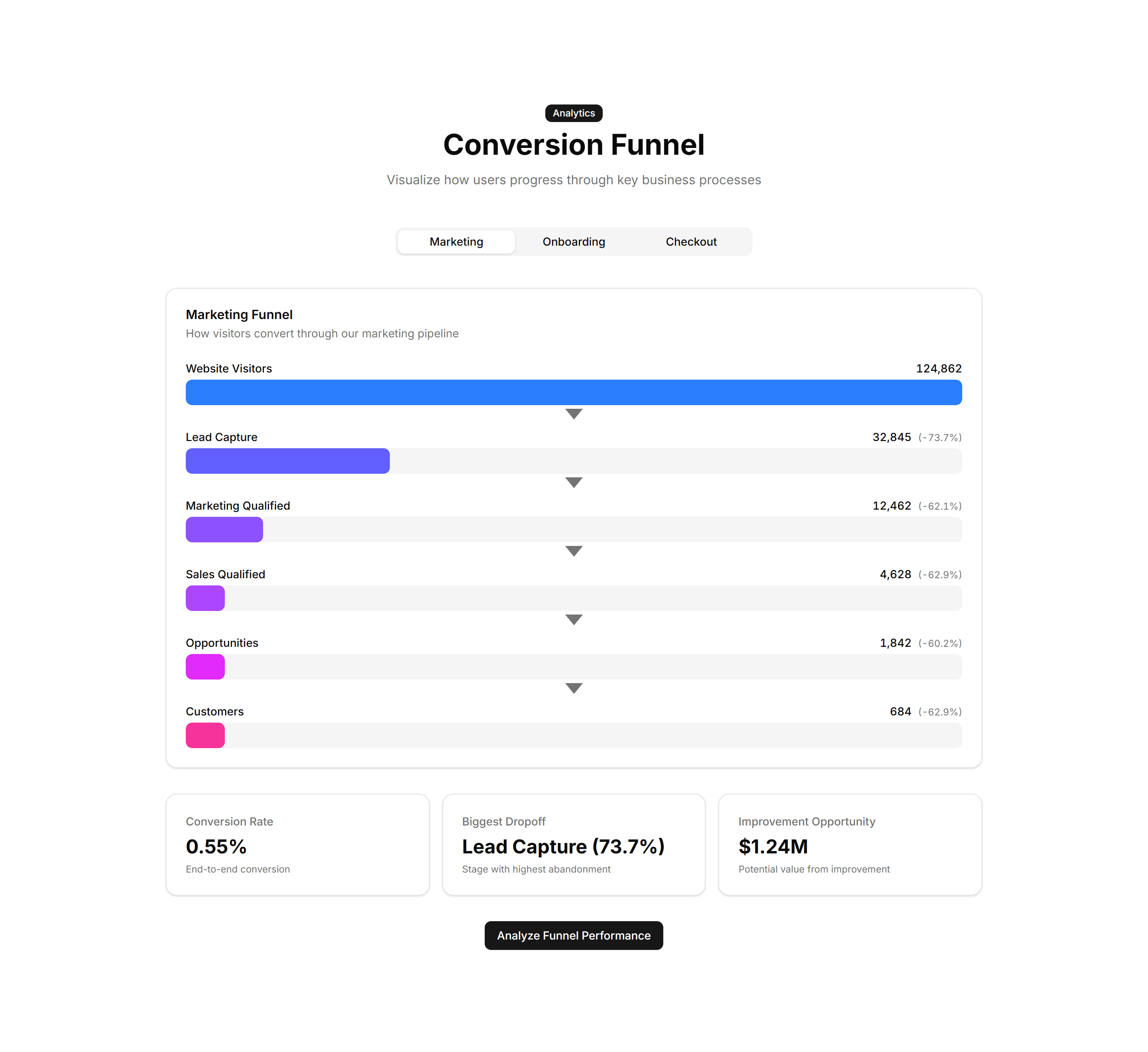
Marketing (Legacy) Stat: Funnel Stats
A stepped funnel showing how many visitors move from view to signup to paid. Use it to explain conversion and where users drop off in your flow.
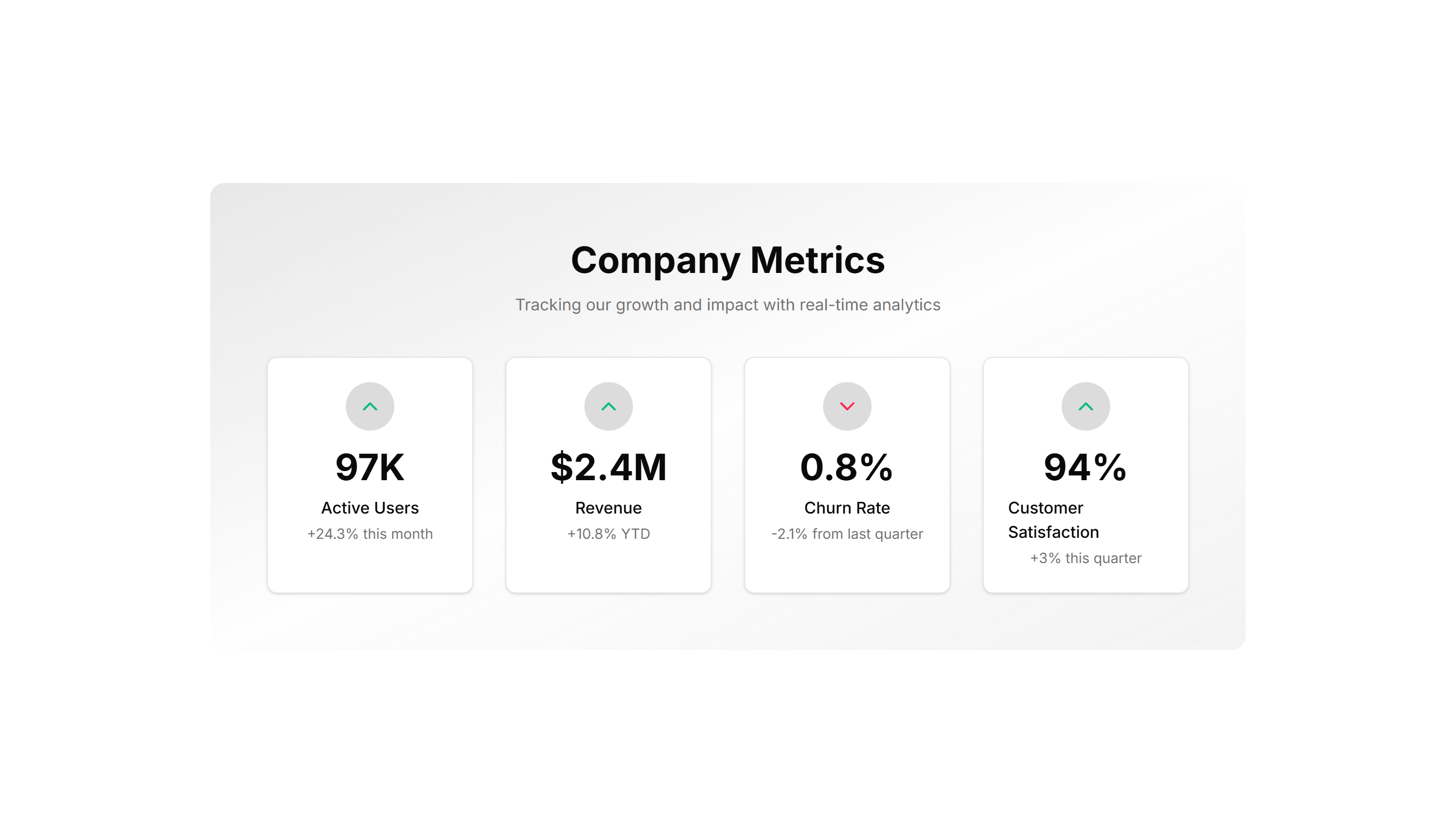
Marketing (Legacy) Stat: Gradient Grid
A grid of stat tiles washed in soft gradients for a vivid, modern look. Use it to display headline metrics when you want the section to feel premium.
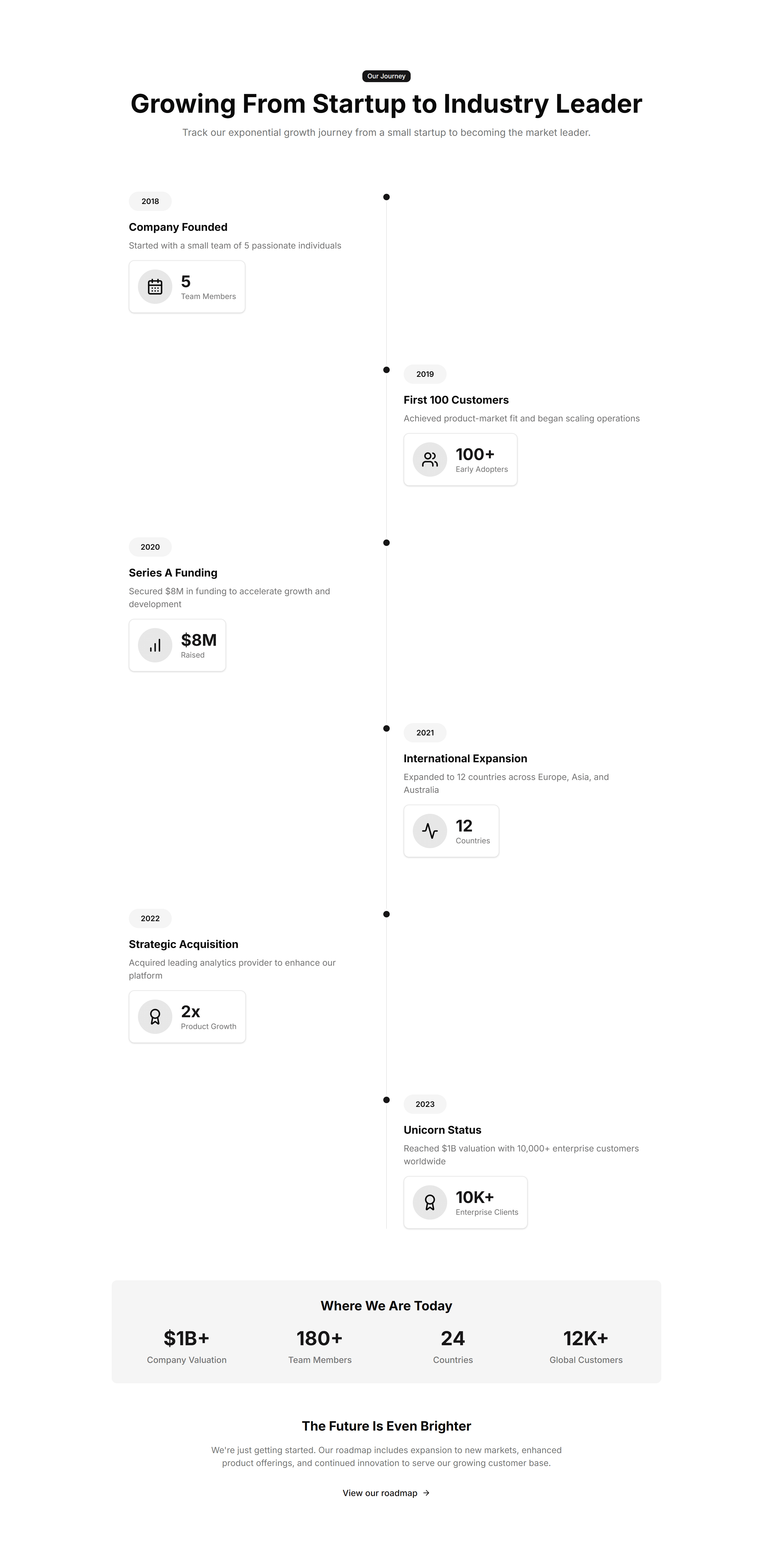
Marketing (Legacy) Stat: Growth Timeline
A vertical timeline pairing dates with the numbers you hit at each stage. Use it to chart company momentum on an about page or investor deck.
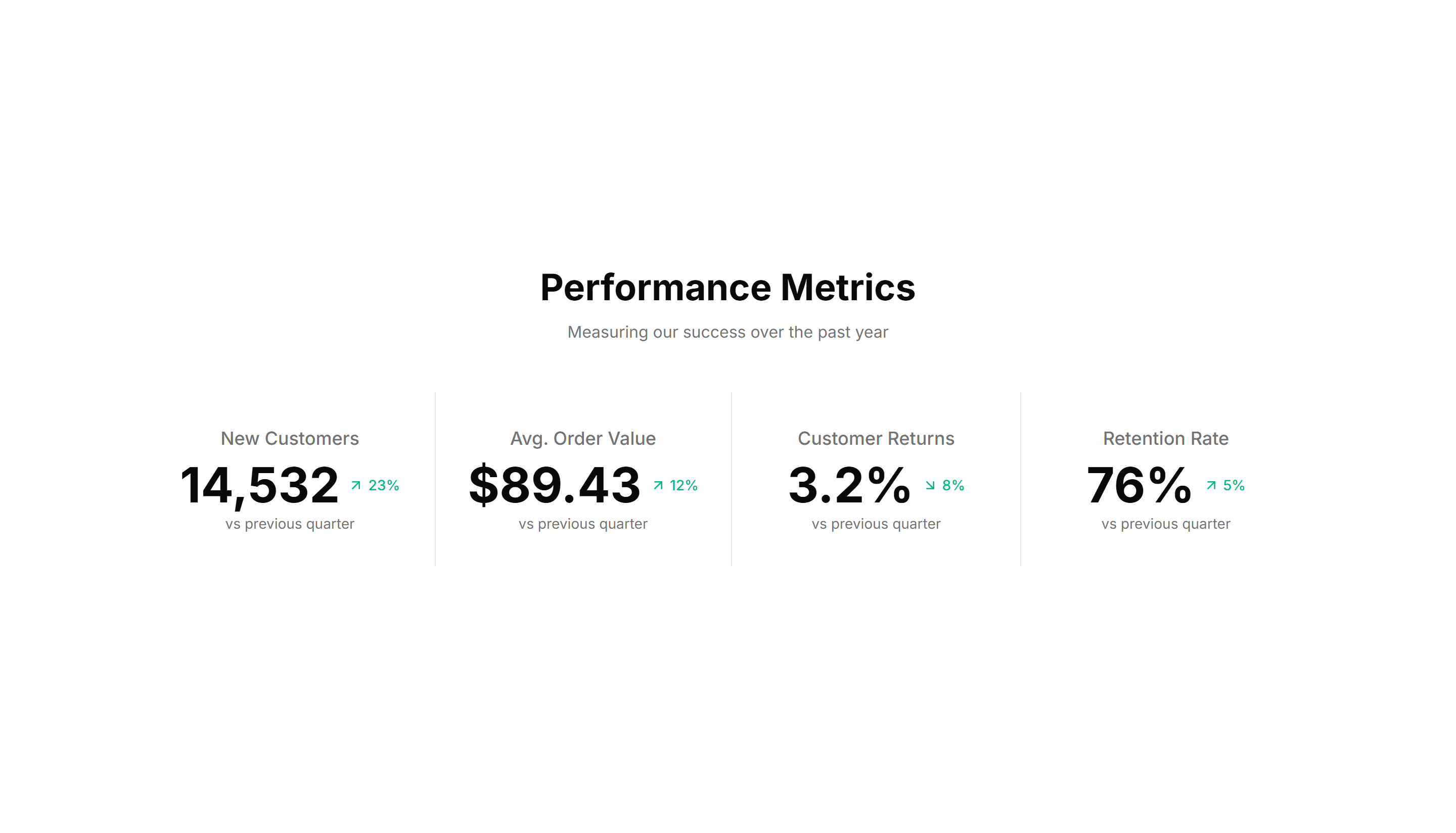
Marketing (Legacy) Stat: Horizontal With Dividers
A single row of figures split by thin vertical dividers for a tidy summary. Use it under a hero to surface three or four headline numbers fast.
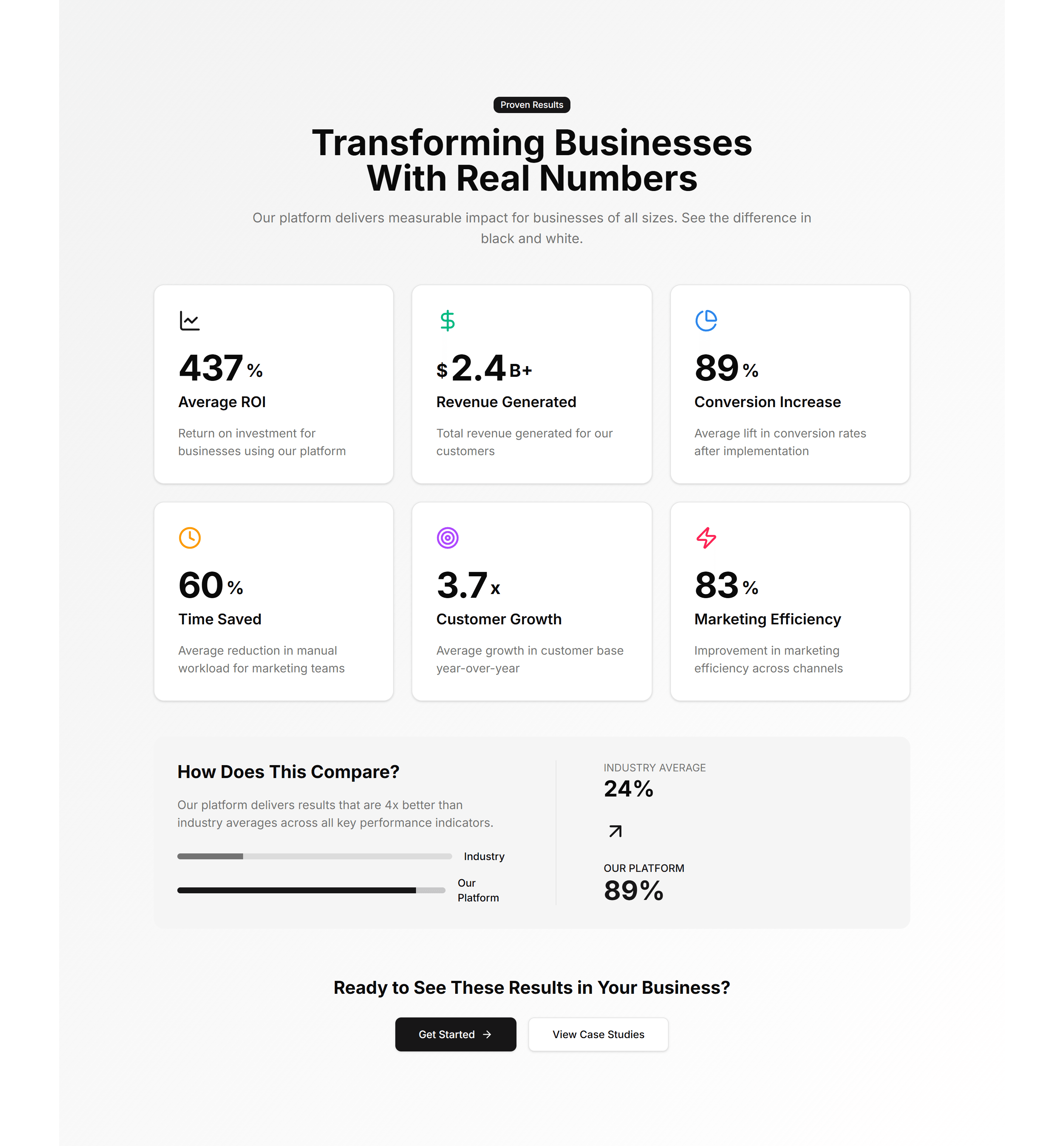
Marketing (Legacy) Stat: Impact Numbers
Oversized counters that animate upward as the section scrolls into view. Use it to make reach, users, or revenue feel bold and immediate to readers.
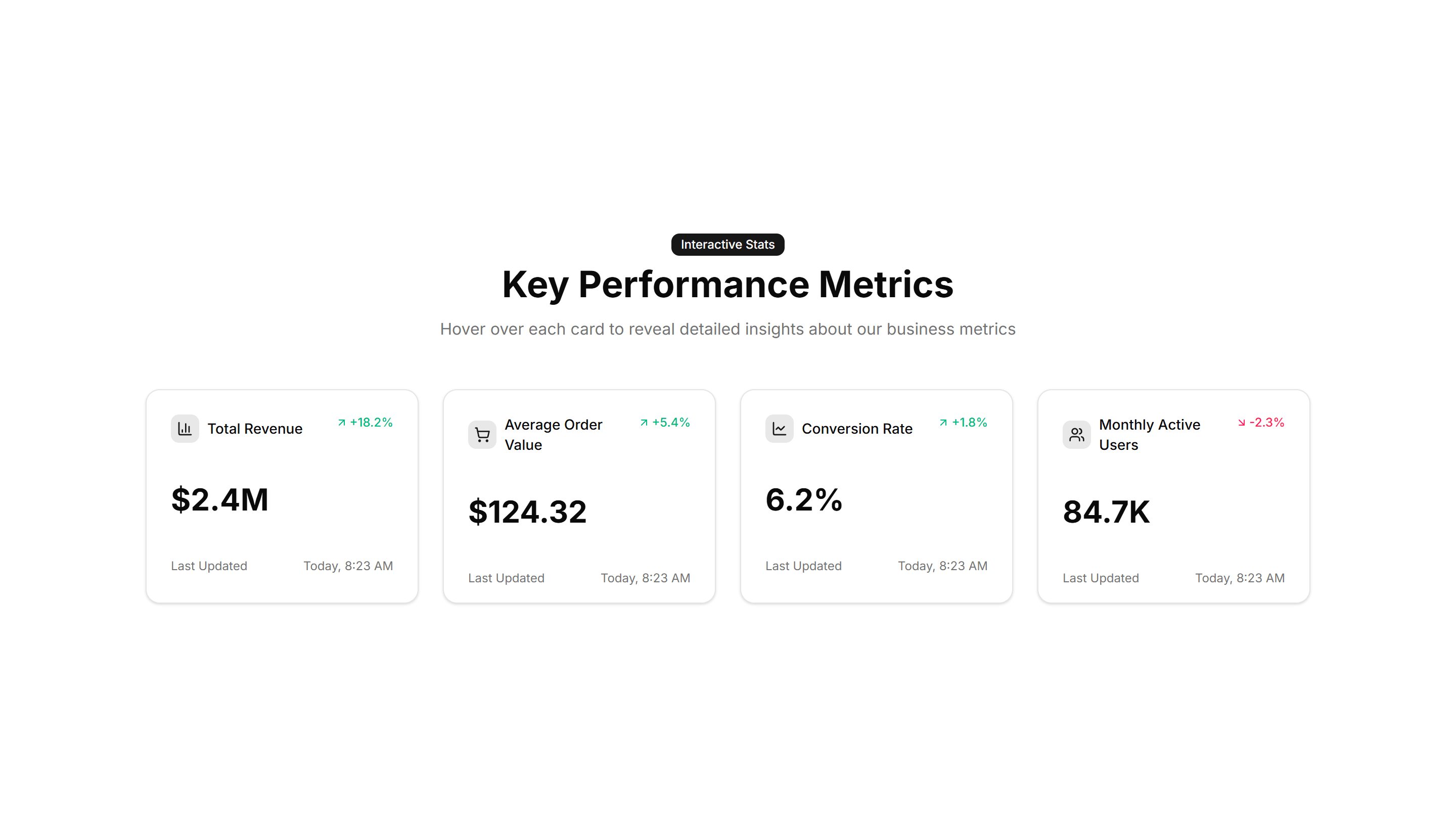
Marketing (Legacy) Stat: Interactive Hover
Stat cards that reveal extra detail or a chart when you hover over them. Use it when you want a number to expand into context on a feature page.
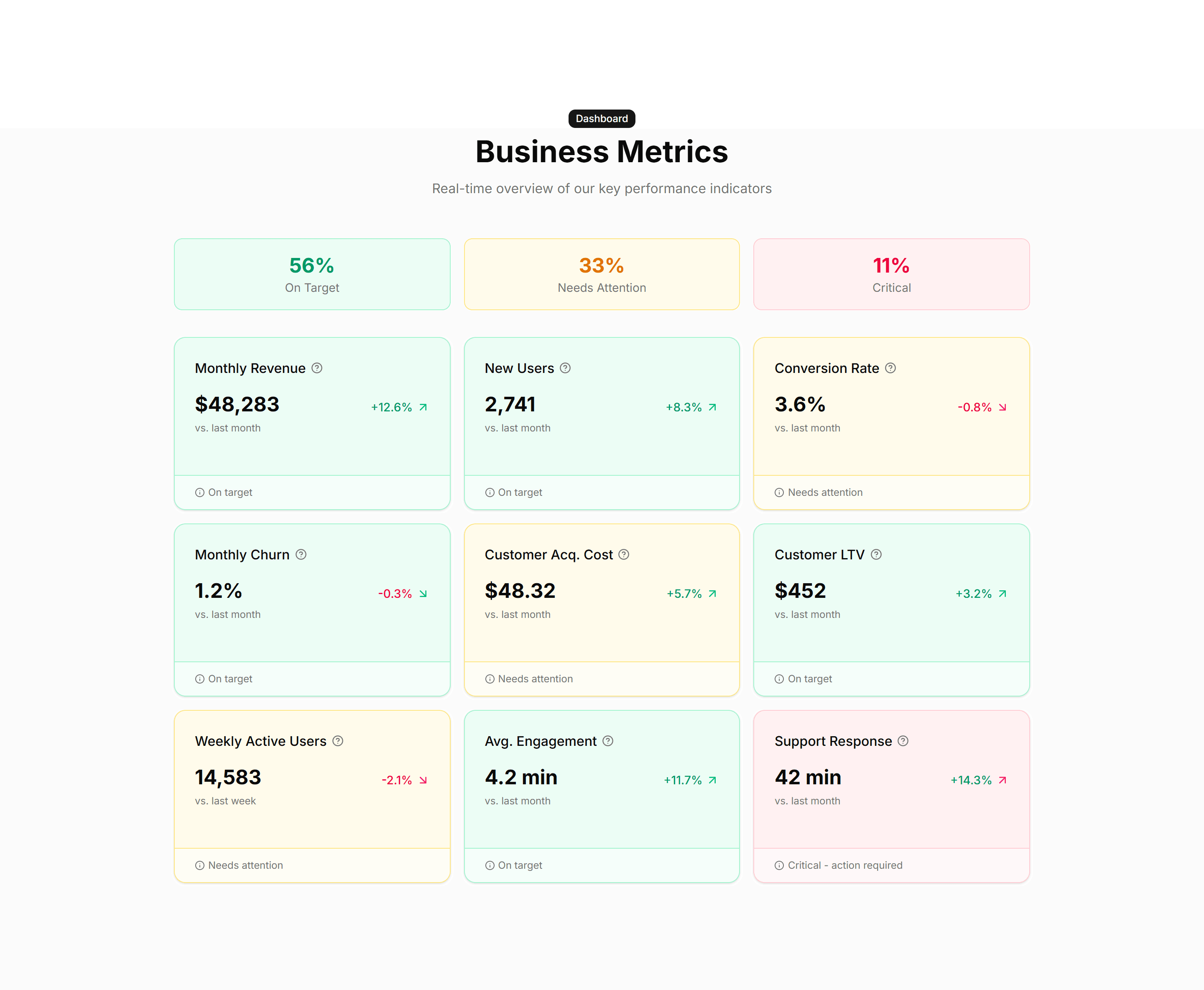
Marketing (Legacy) Stat: Metric Cards
Bordered cards each holding one metric, a label, and a trend note. Use it to report KPIs in a structured layout on a homepage or product page.
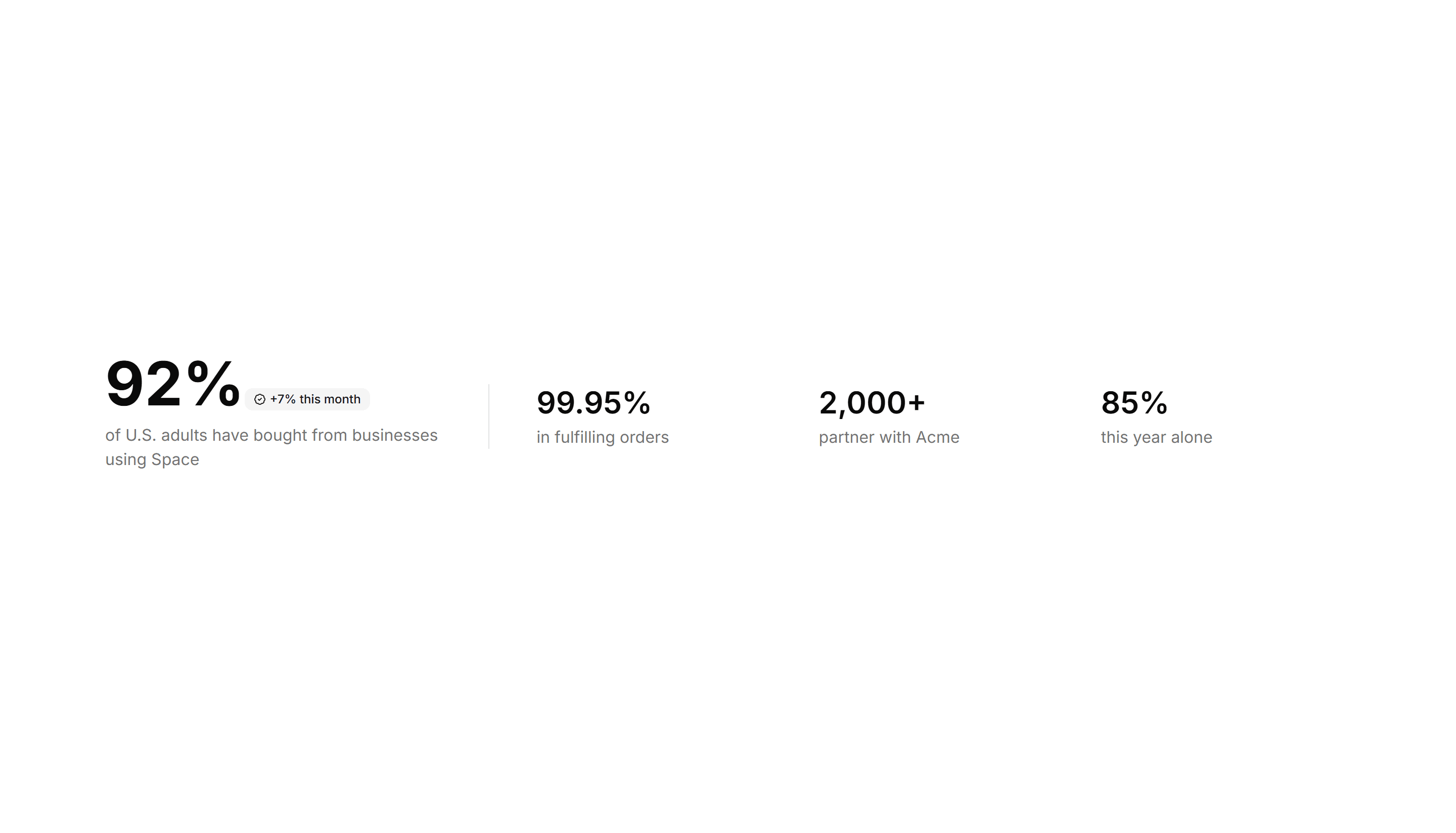
Marketing (Legacy) Stat: One Main With Three Follow Ups
One large headline number anchored by three smaller supporting stats. Use it to lead with your strongest figure and back it with related proof.
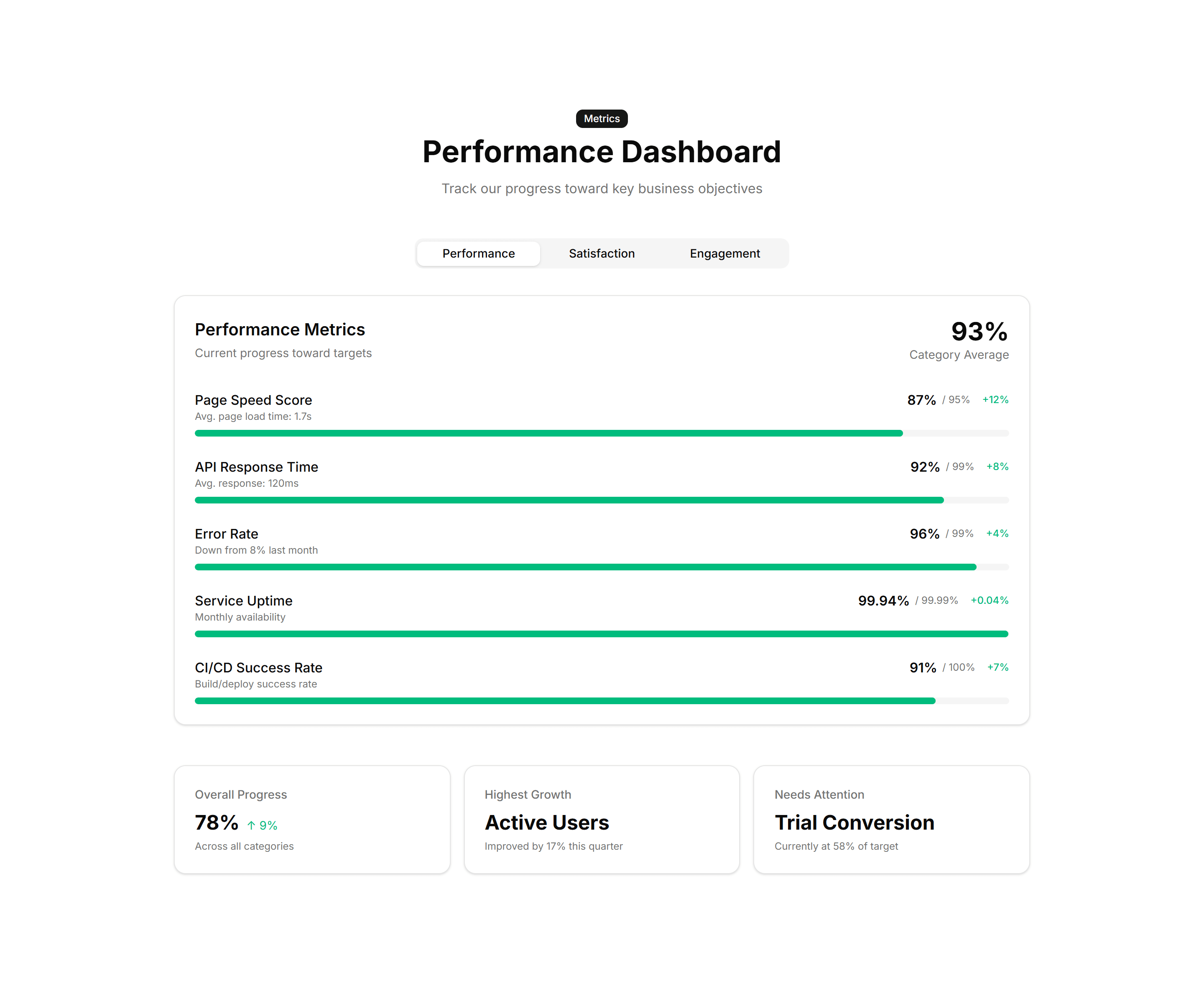
Marketing (Legacy) Stat: Progress Bars
Labeled bars that fill to a percentage to track adoption or completion. Use it on a status page or report to show how far each goal has come.
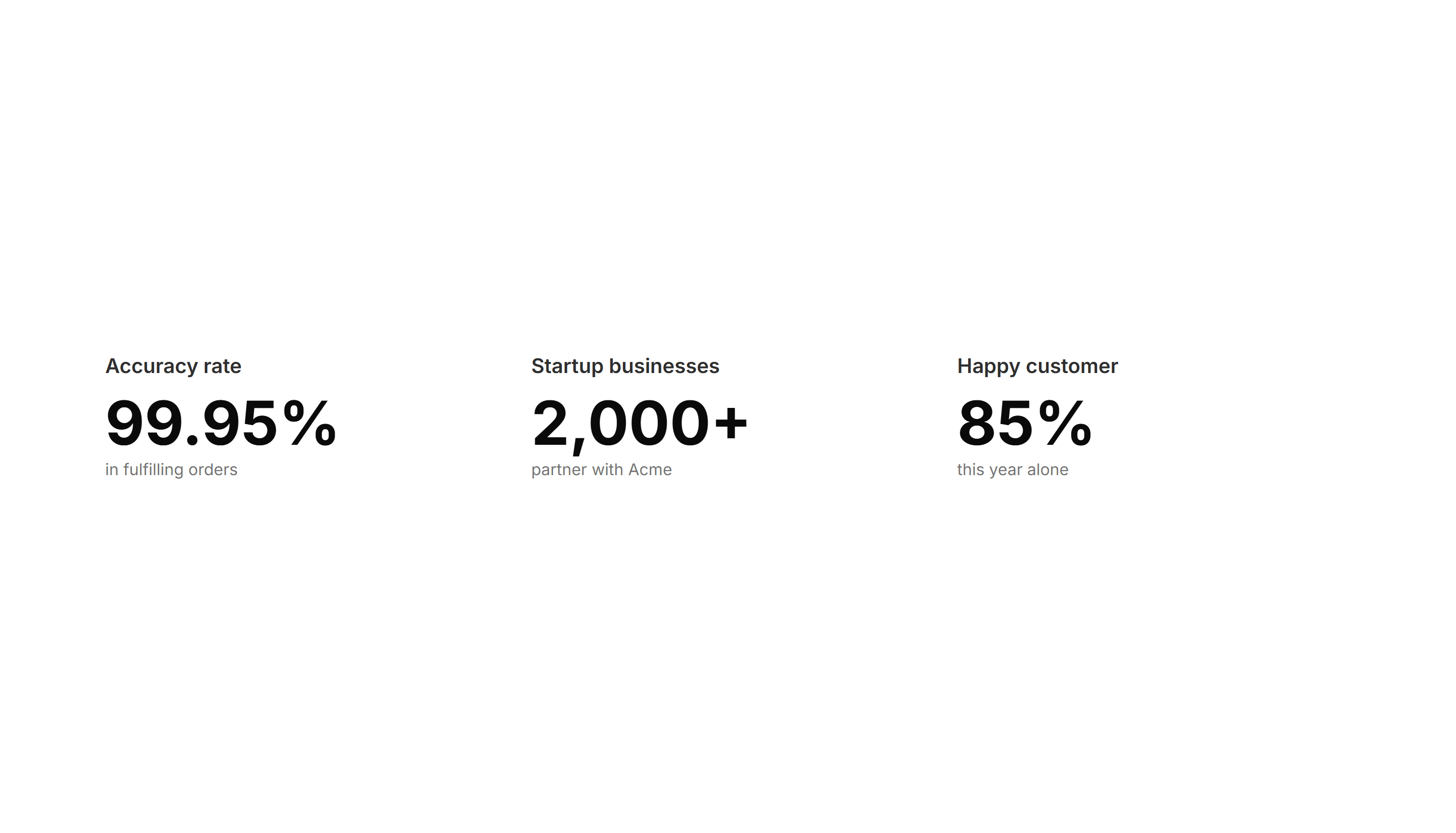
Marketing (Legacy) Stat: Simple 3 Cols
Three evenly spaced columns each with a number and a short label below. Use it for a clean, balanced stats strip on any marketing or about page.
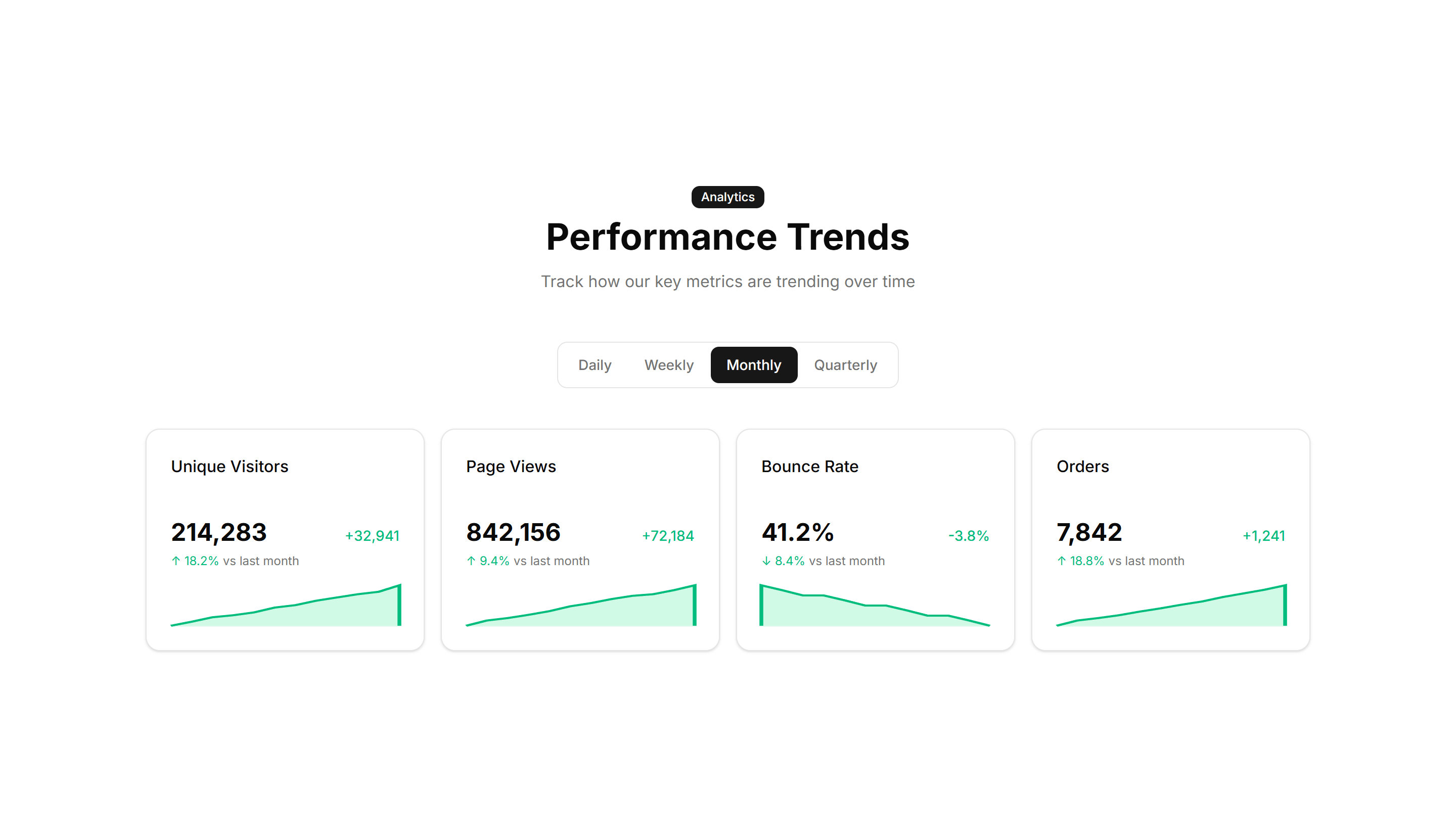
Marketing (Legacy) Stat: Sparkline Stats
Stat cards that pair a current value with a tiny inline trend chart. Use it to show a number and its recent direction together on a dashboard view.

Marketing (Legacy) Stat: Stats With Icons
Each figure sits beside an icon that signals what the number measures. Use it to make a stats row scannable and add visual cues to every metric.
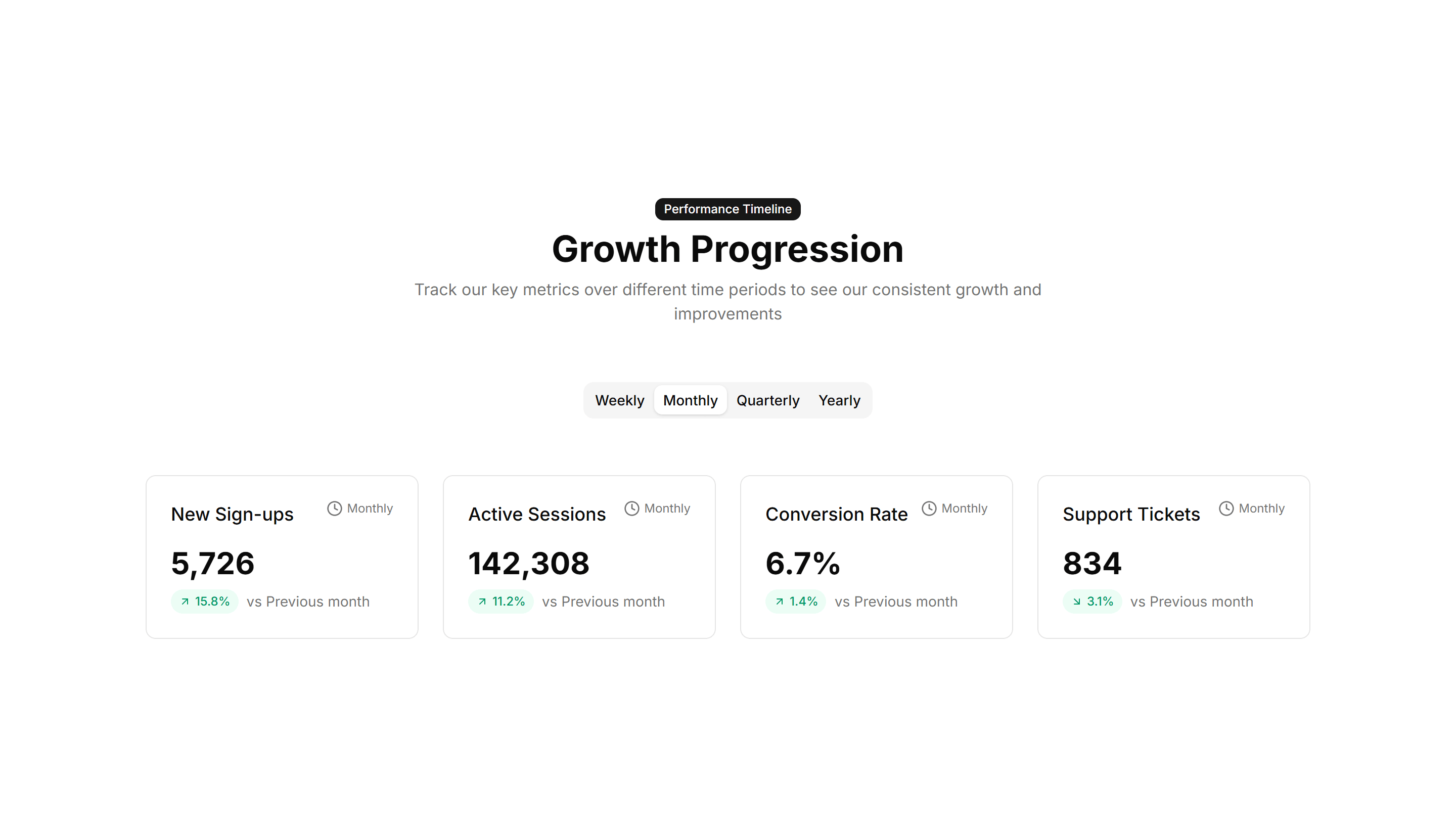
Marketing (Legacy) Stat: Timeline Stats
Key numbers plotted along a horizontal timeline of moments and dates. Use it to tell a growth story across quarters on an about or press page.
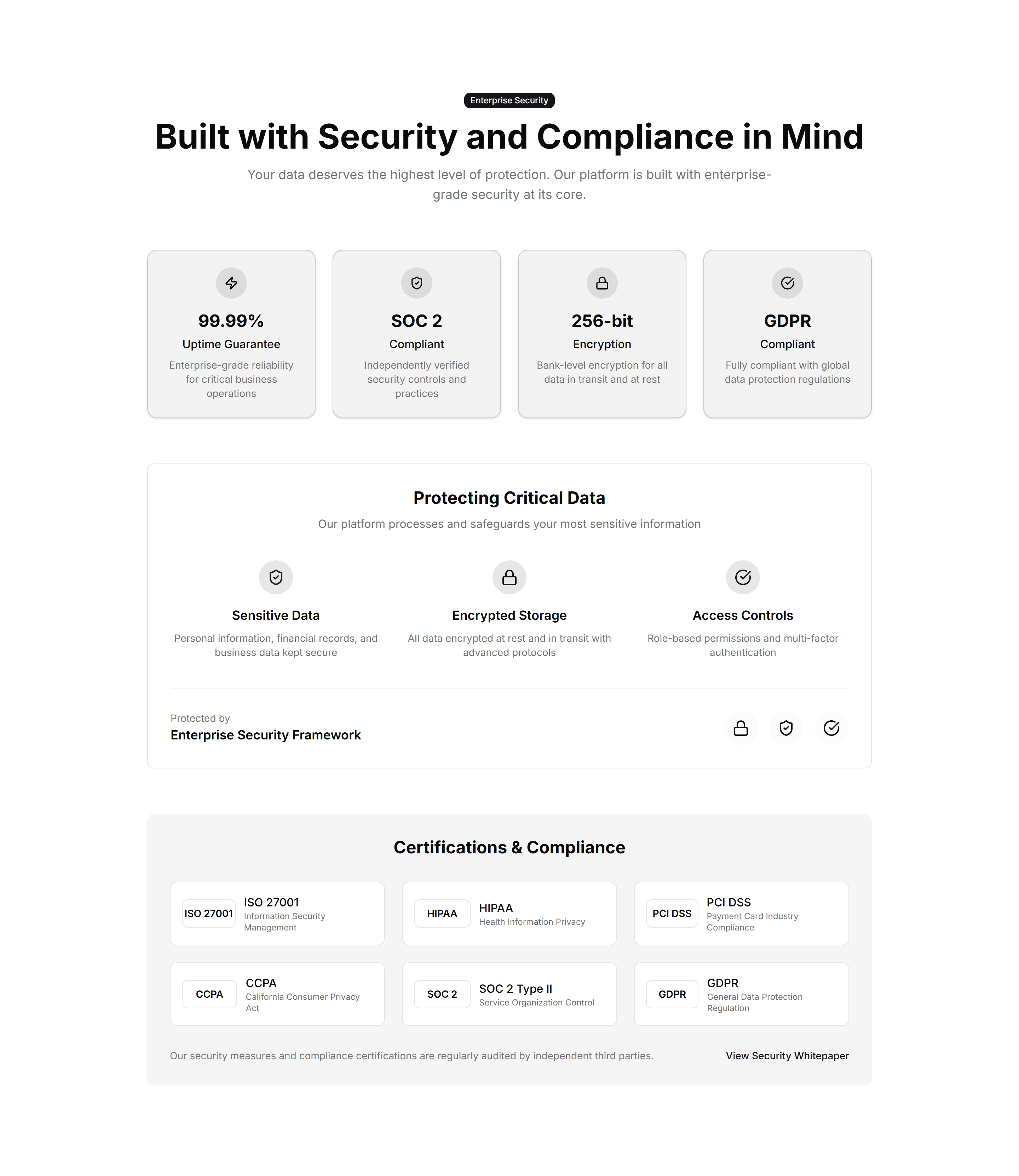
Marketing (Legacy) Stat: Trust Indicators
A band of proof points like uptime, customers, and ratings in one row. Use it near a signup form to reassure visitors and lift their confidence.
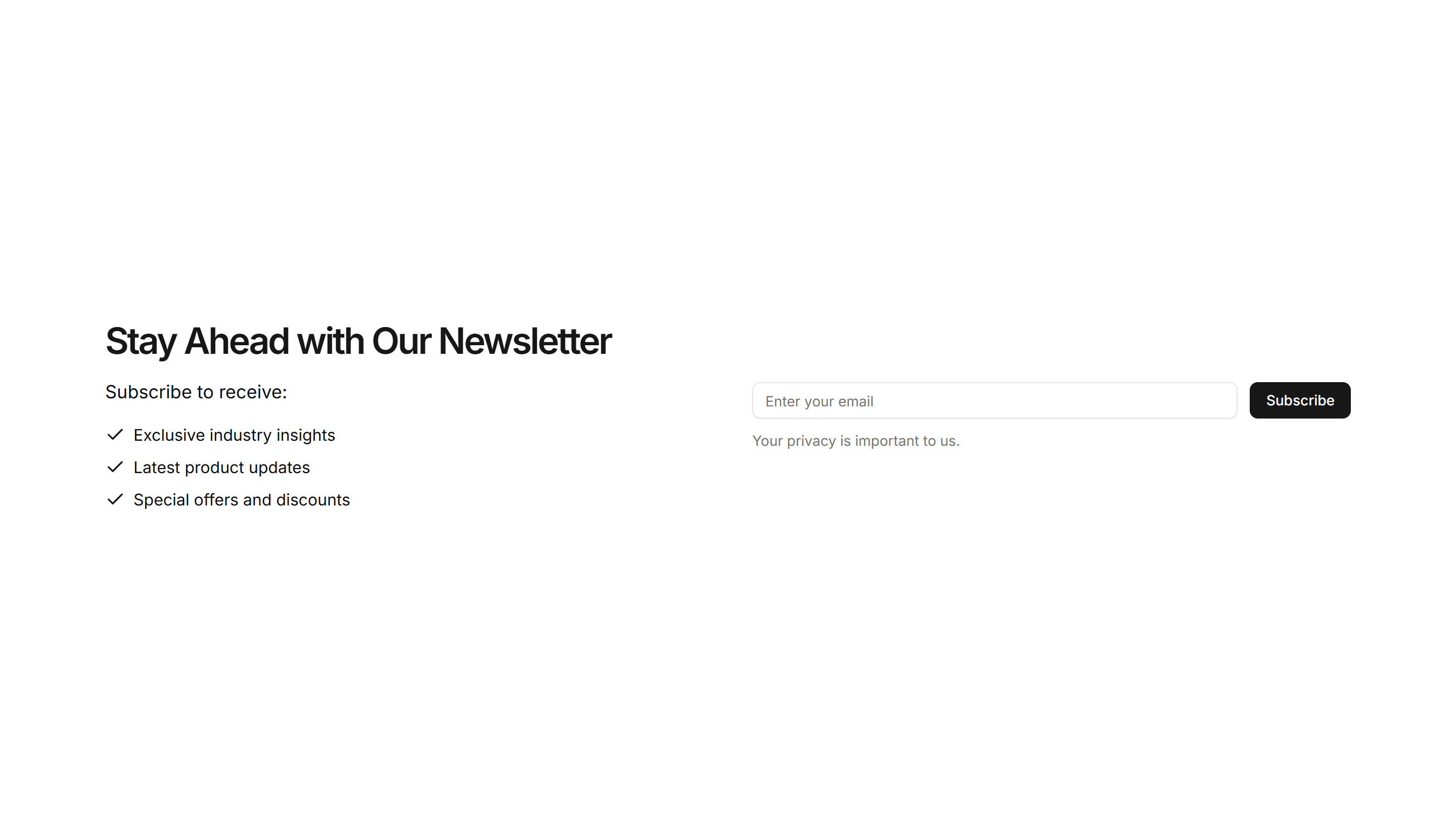
Marketing (Legacy) Subscribe: Benefits List
A subscribe form paired with a bulleted list of benefits and an email field. Tells visitors what they get before they sign up to your newsletter.
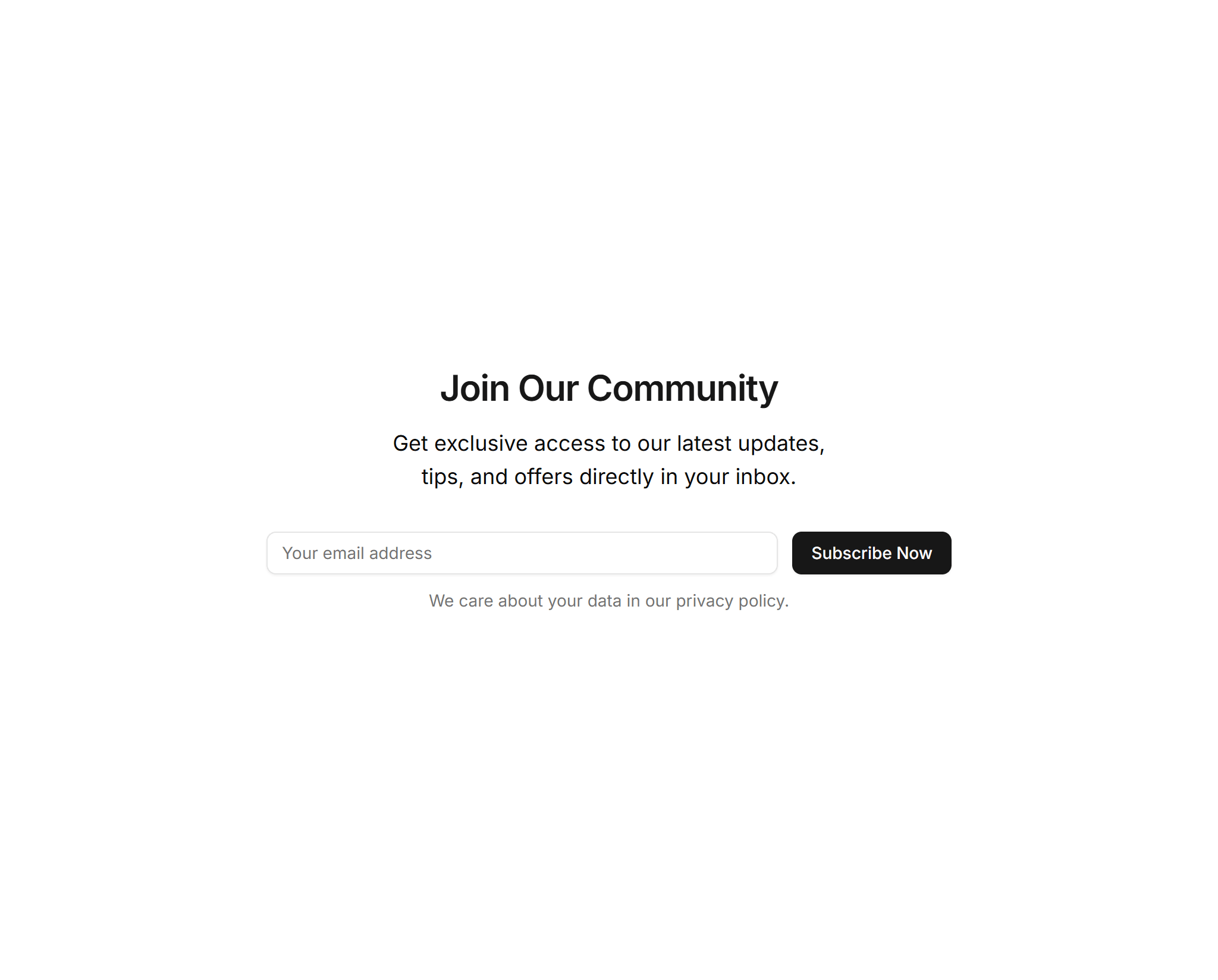
Marketing (Legacy) Subscribe: Incentive Center Aligned
A centered signup block that offers a clear incentive above the email field. Use it to reward visitors who join your list with a discount or guide.
Marketing (Legacy) Subscribe: Input Style
A compact email input with an inline submit button on one row. Drop it into a footer or banner where space is tight but you still want signups.
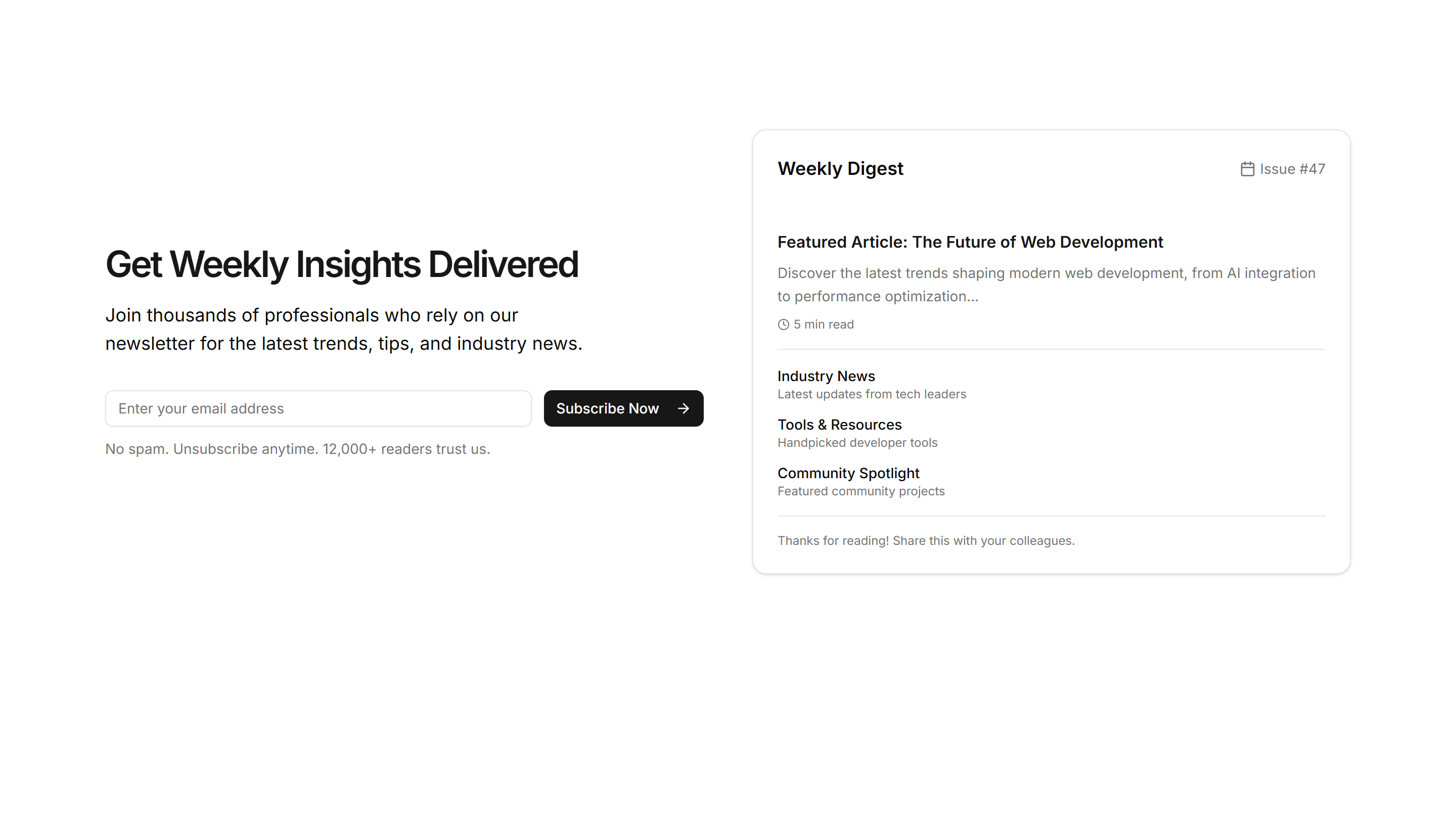
Marketing (Legacy) Subscribe: Newsletter Preview
A signup block showing a small preview of the newsletter content beside the email field. Sets reader expectations before they subscribe to it.
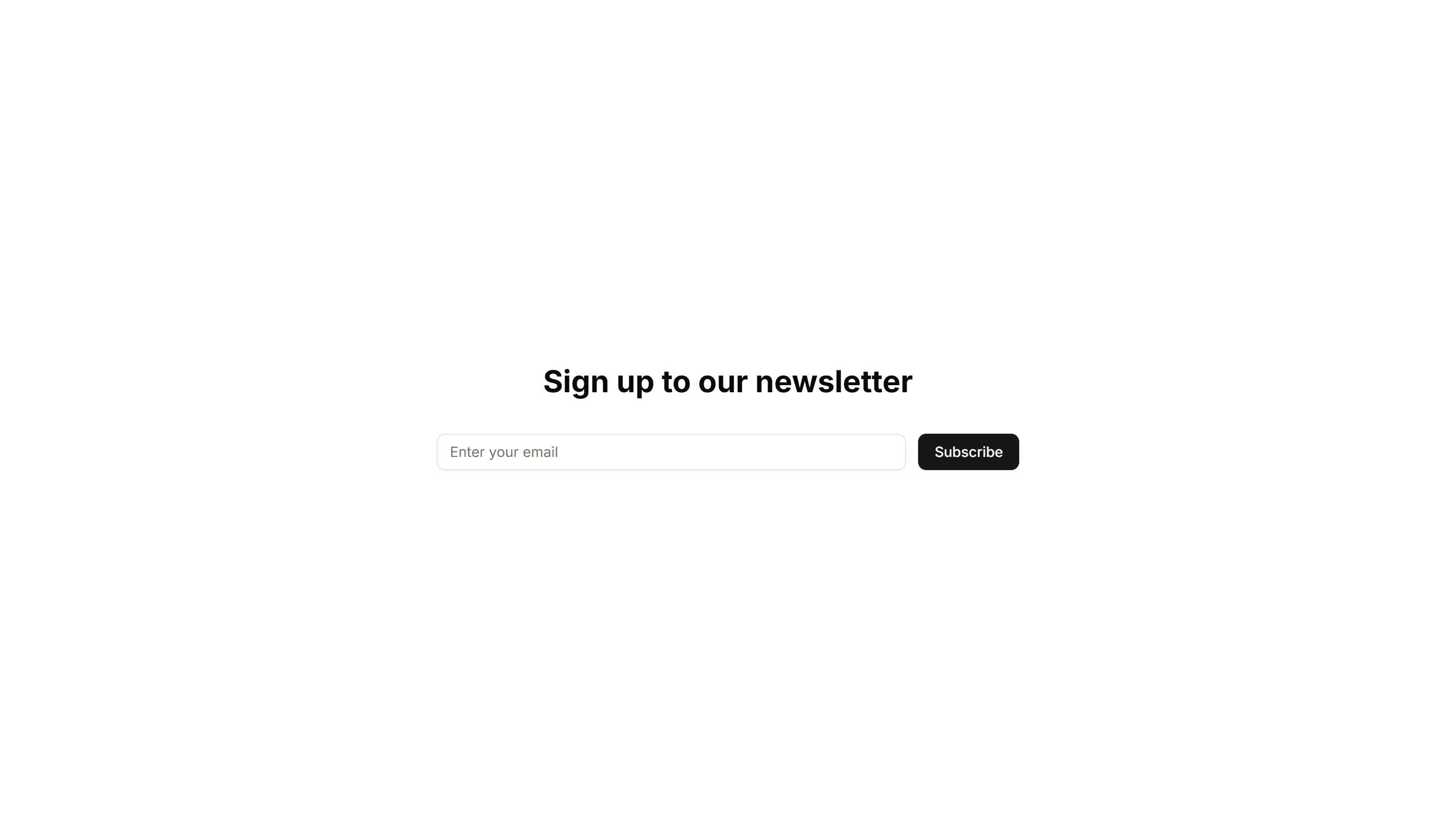
Marketing (Legacy) Subscribe: Simple Center Aligned
A clean centered newsletter signup with a heading, short text, and email field. The reliable default for landing pages and blog footers here.
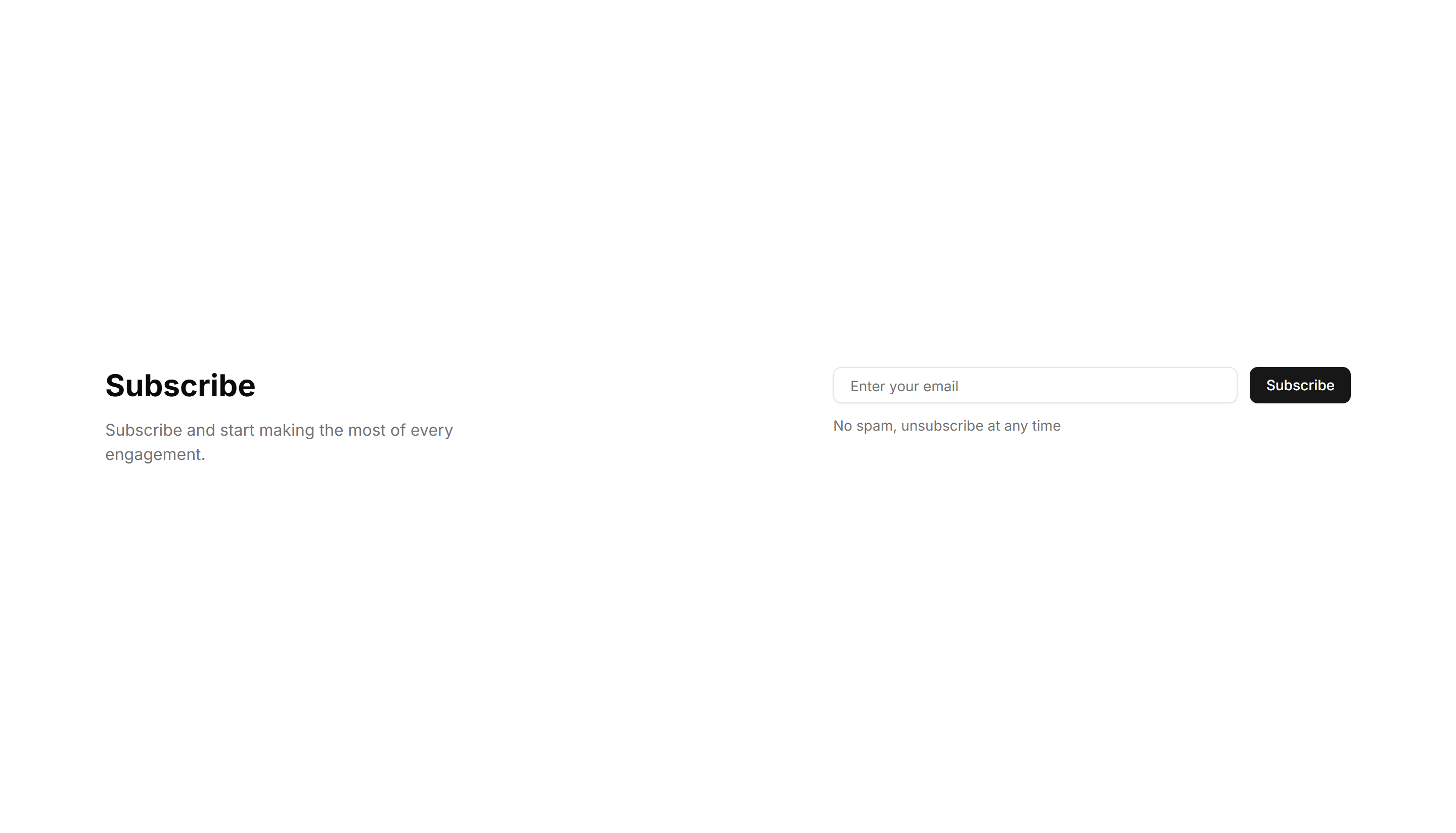
Marketing (Legacy) Subscribe: Simple Right Aligned
A signup block with text on the left and the email field aligned right. Fits wide sections where you want the form to balance the supporting copy.
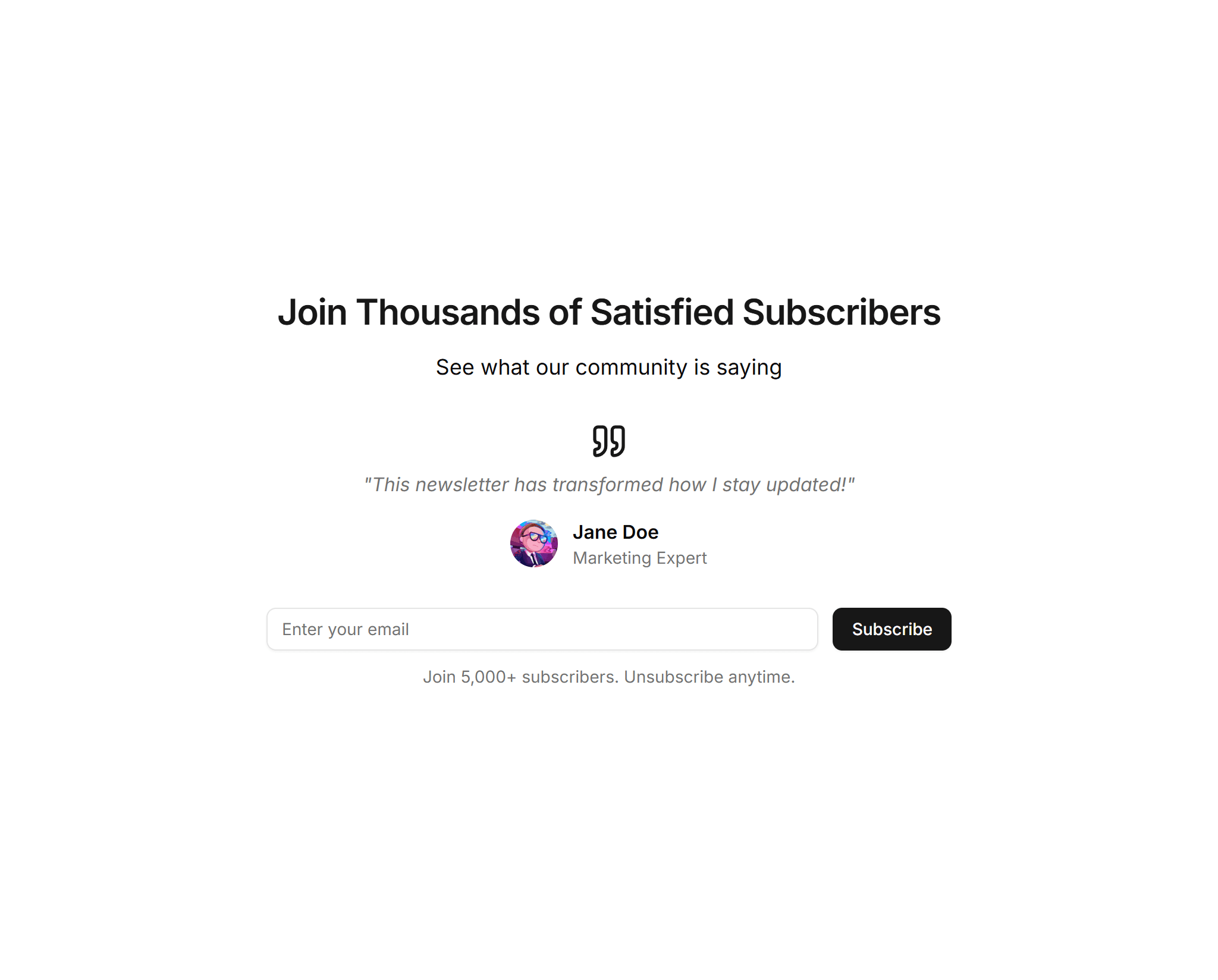
Marketing (Legacy) Subscribe: Social Proof Center
A centered subscribe form topped with subscriber counts or avatars as social proof. Use it when trust nudges visitors to join your mailing list.
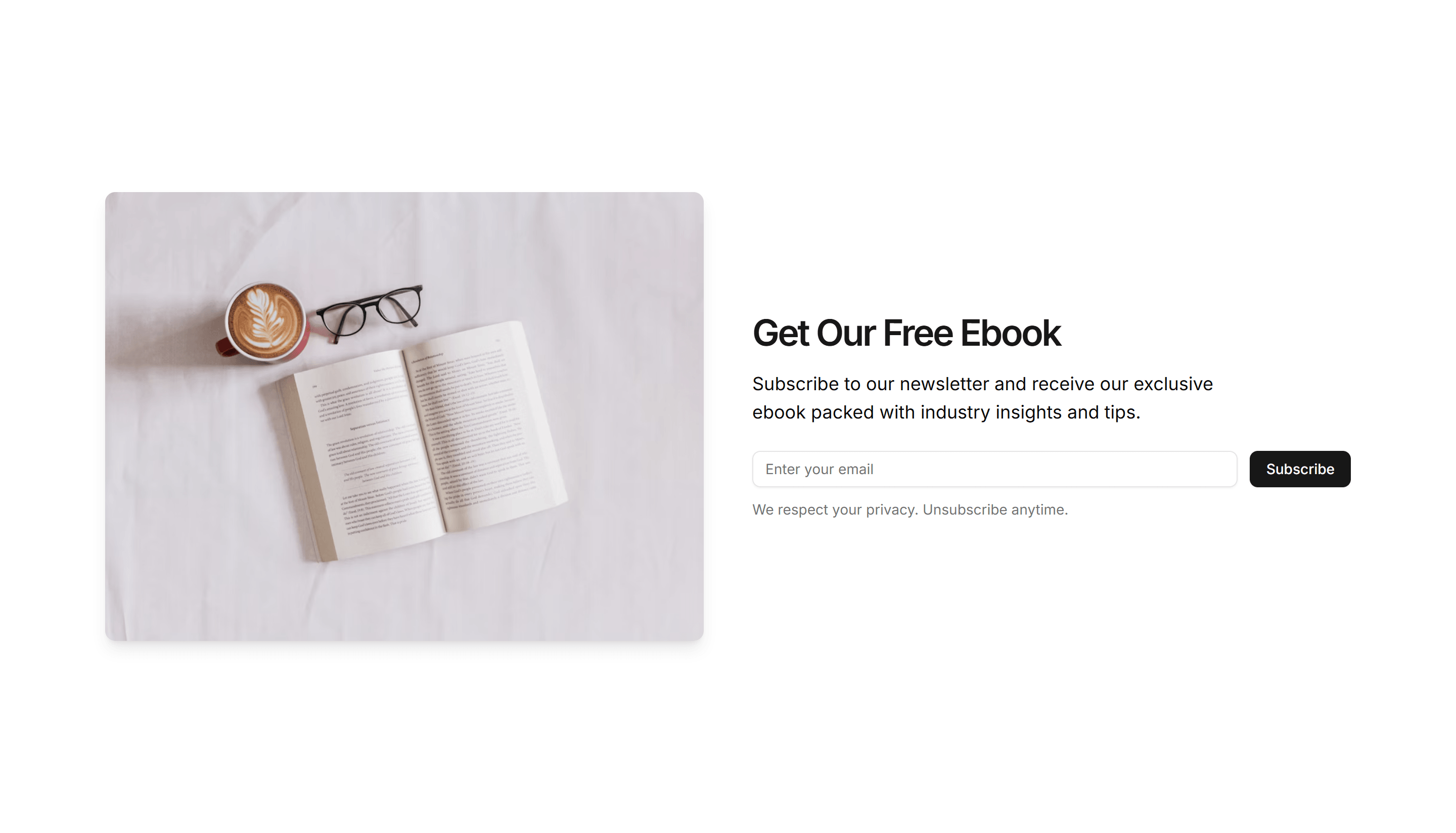
Marketing (Legacy) Subscribe: Split Layout
A two column subscribe block pairing an image or copy on one side with the email form on the other. Adds visual interest to a signup section.
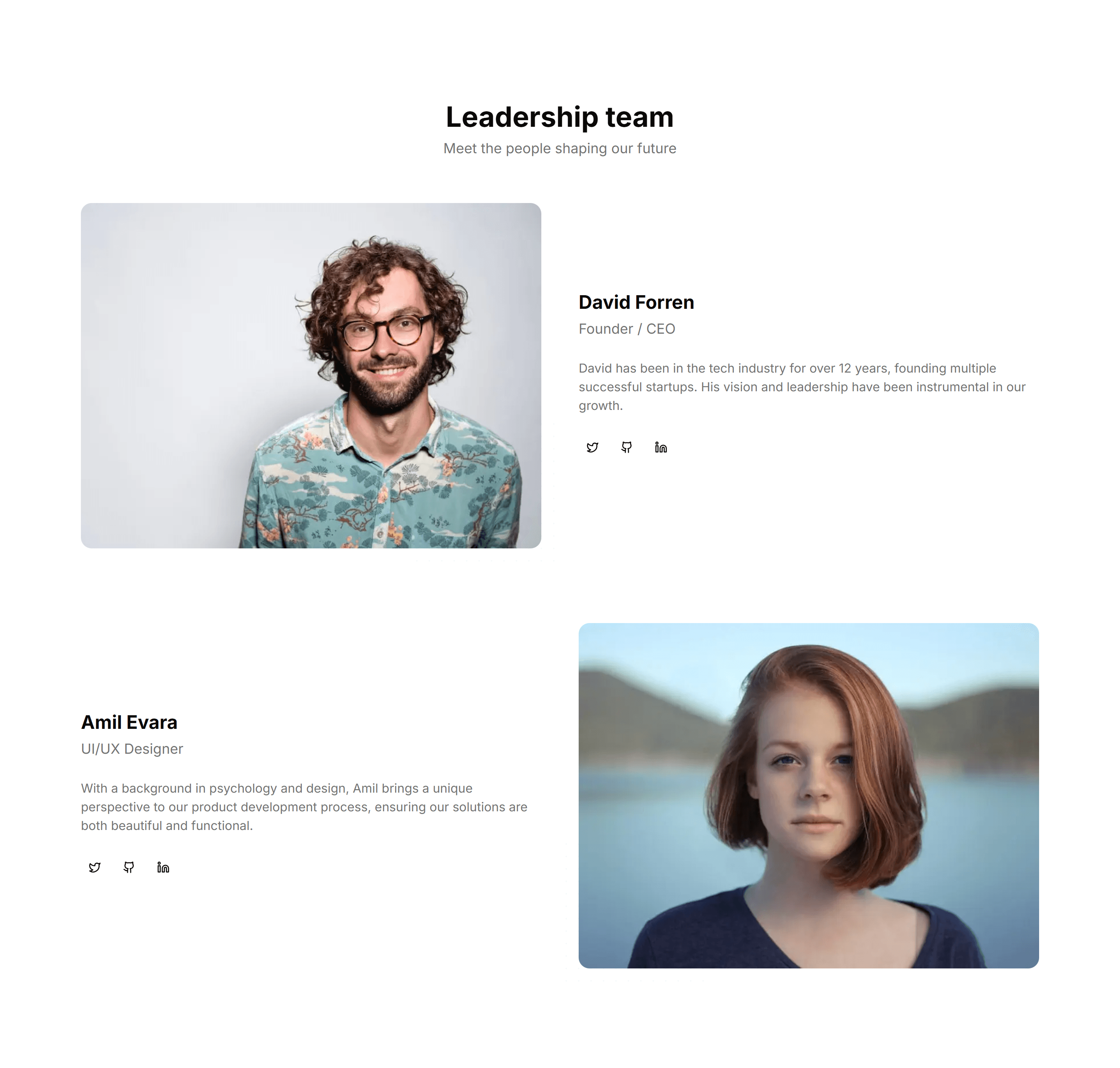
Marketing (Legacy) Team Section: Alternating Sections
A team layout that alternates photos and bios from left to right down the page. Adds rhythm and gives room for longer profiles on an about page.

Marketing (Legacy) Team Section: Masonry Grid
A team showcase in a staggered masonry grid where photos vary in height. Fills the space naturally and suits a large, photo rich company roster.
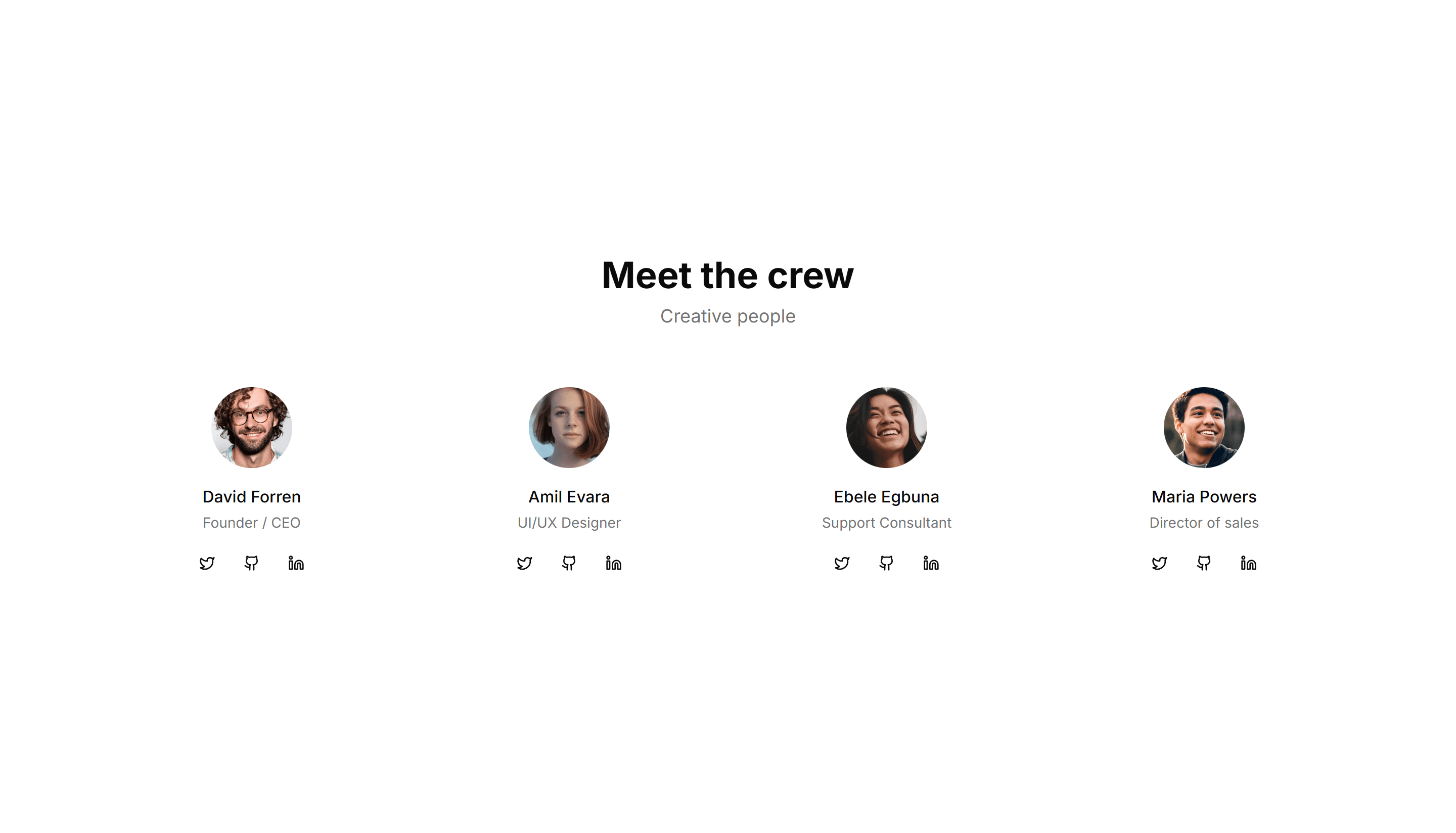
Marketing (Legacy) Team Section: Simple Cards
A clean grid of team member cards, each with a photo, name, and role. The fast, tidy way to introduce a small team on an about or company page.
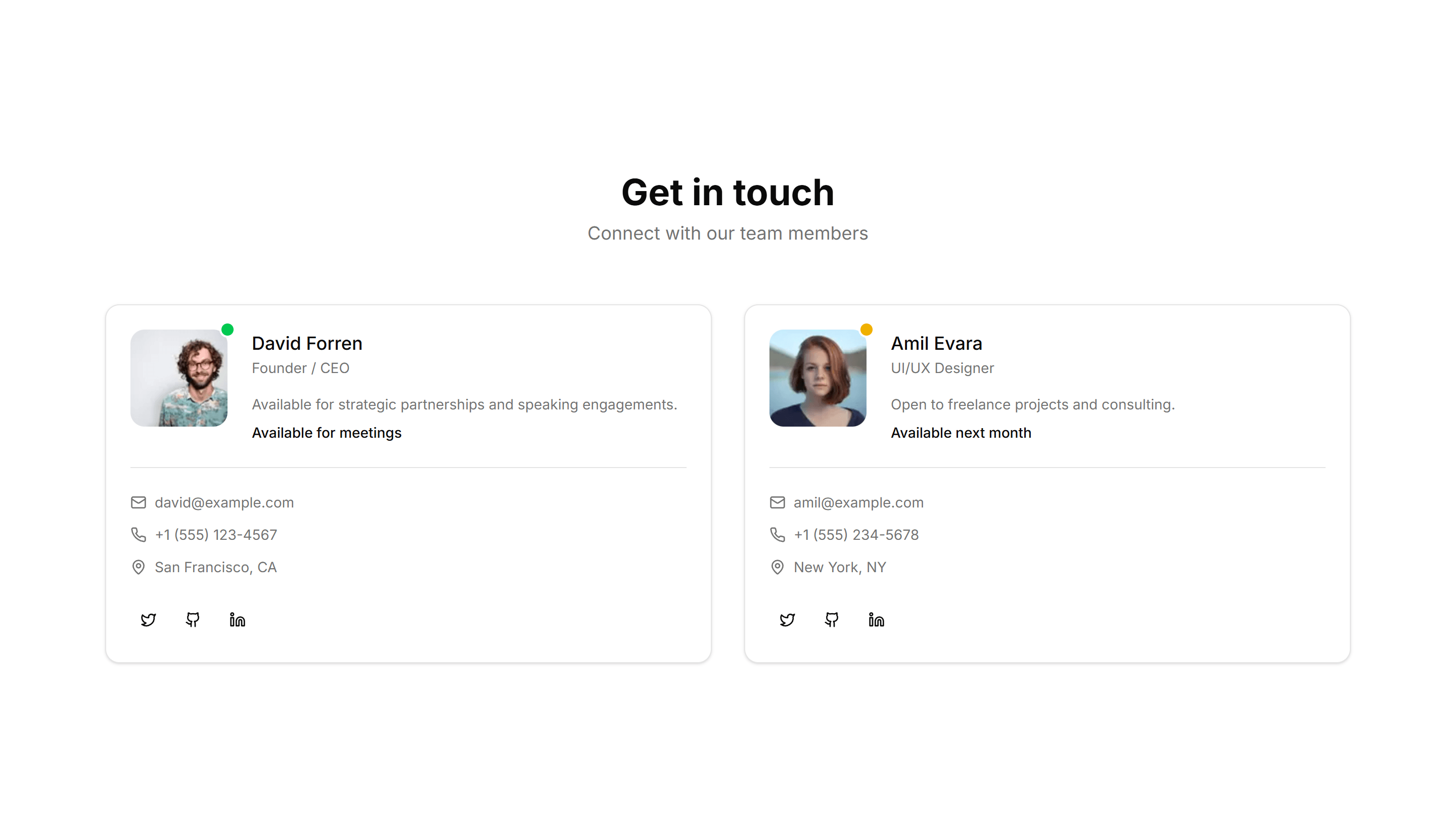
Marketing (Legacy) Team Section: With Contact
Team cards that pair each photo and role with an email or phone link. Lets visitors reach the right person directly from your about or contact page.
Marketing (Legacy) Team Section: With Filters
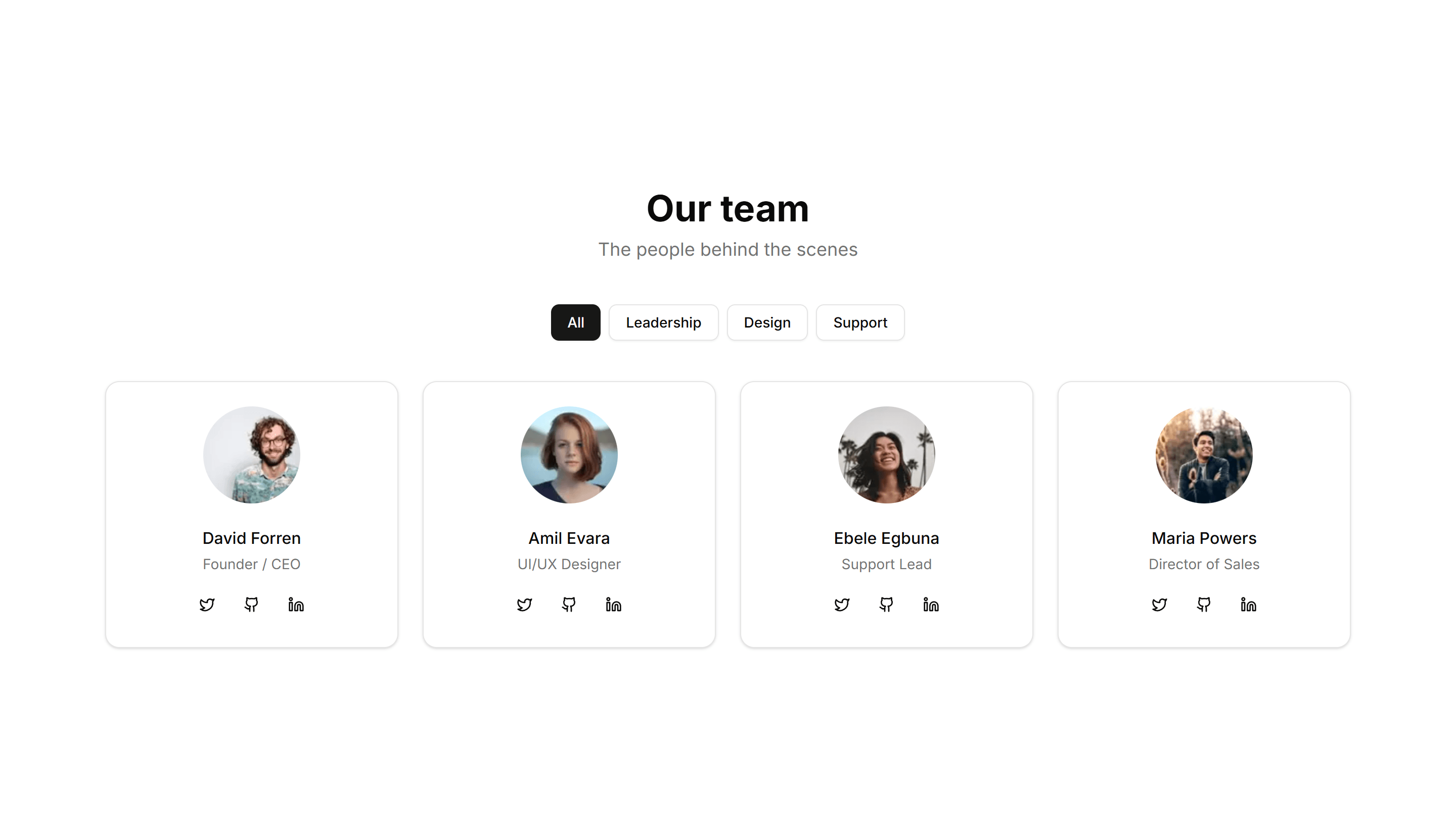
A team directory with category filters that sort members by department or location. Helps visitors find the right person inside a large company.
Marketing (Legacy) Team Section: With Hover Cards
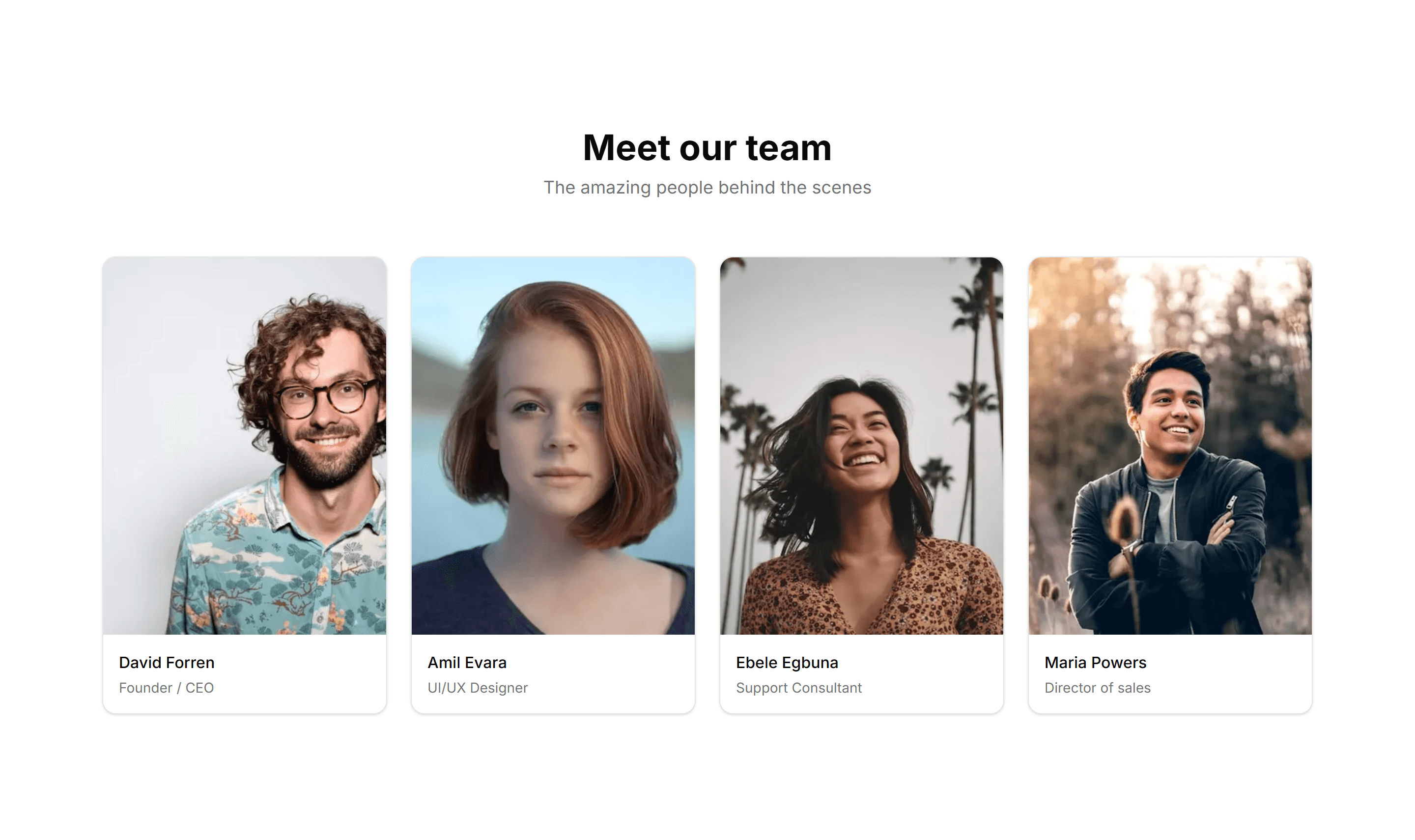
A team grid where each photo reveals a short bio and social links on hover. Keeps the layout clean while extra detail stays one mouse move away.
Marketing (Legacy) Team Section: With Large Images
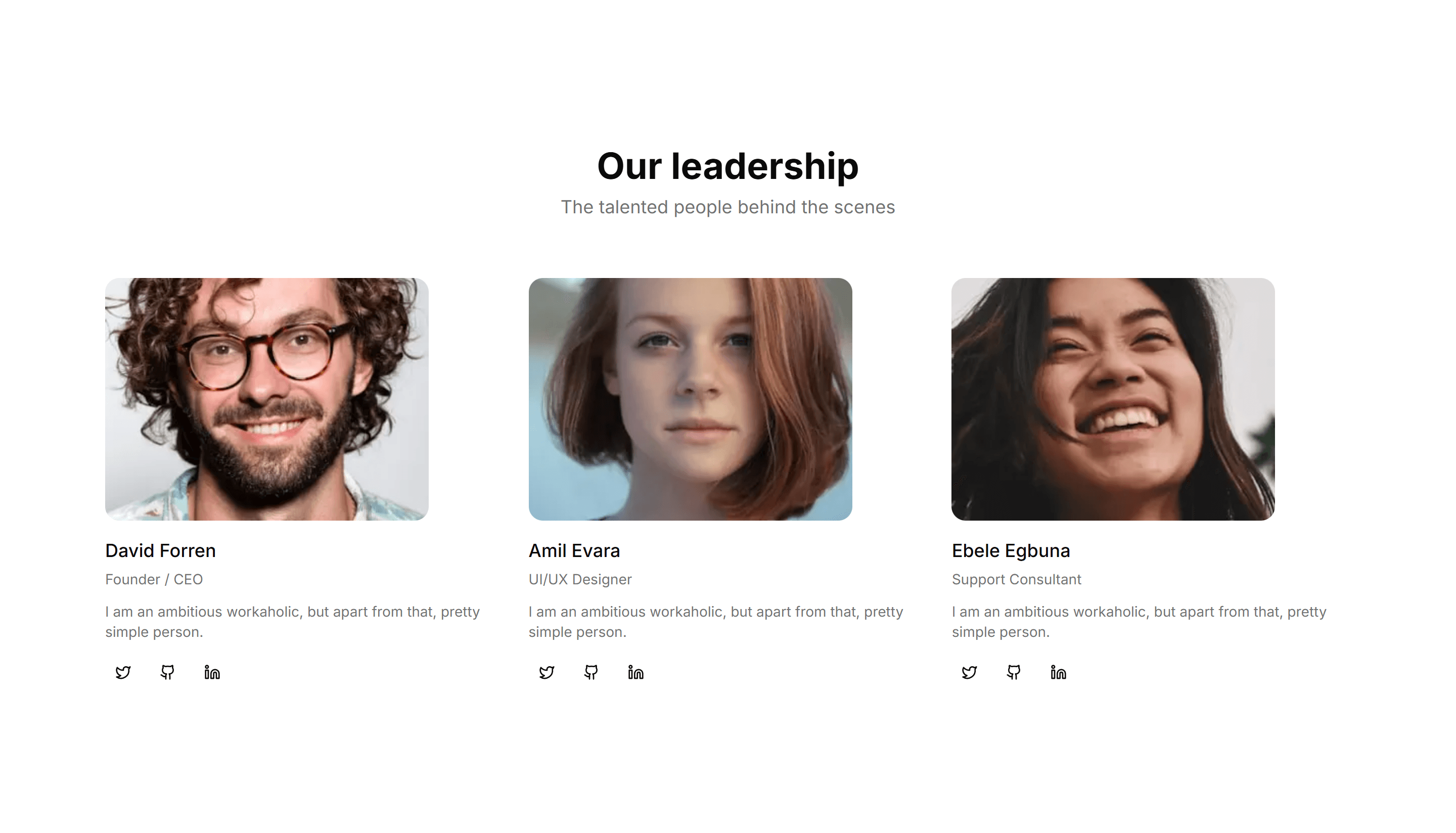
Team profiles built around big, full bleed portraits with name and role. Puts faces front and center for a bold, personal about page that feels human.
Marketing (Legacy) Team Section: With Skill Badges
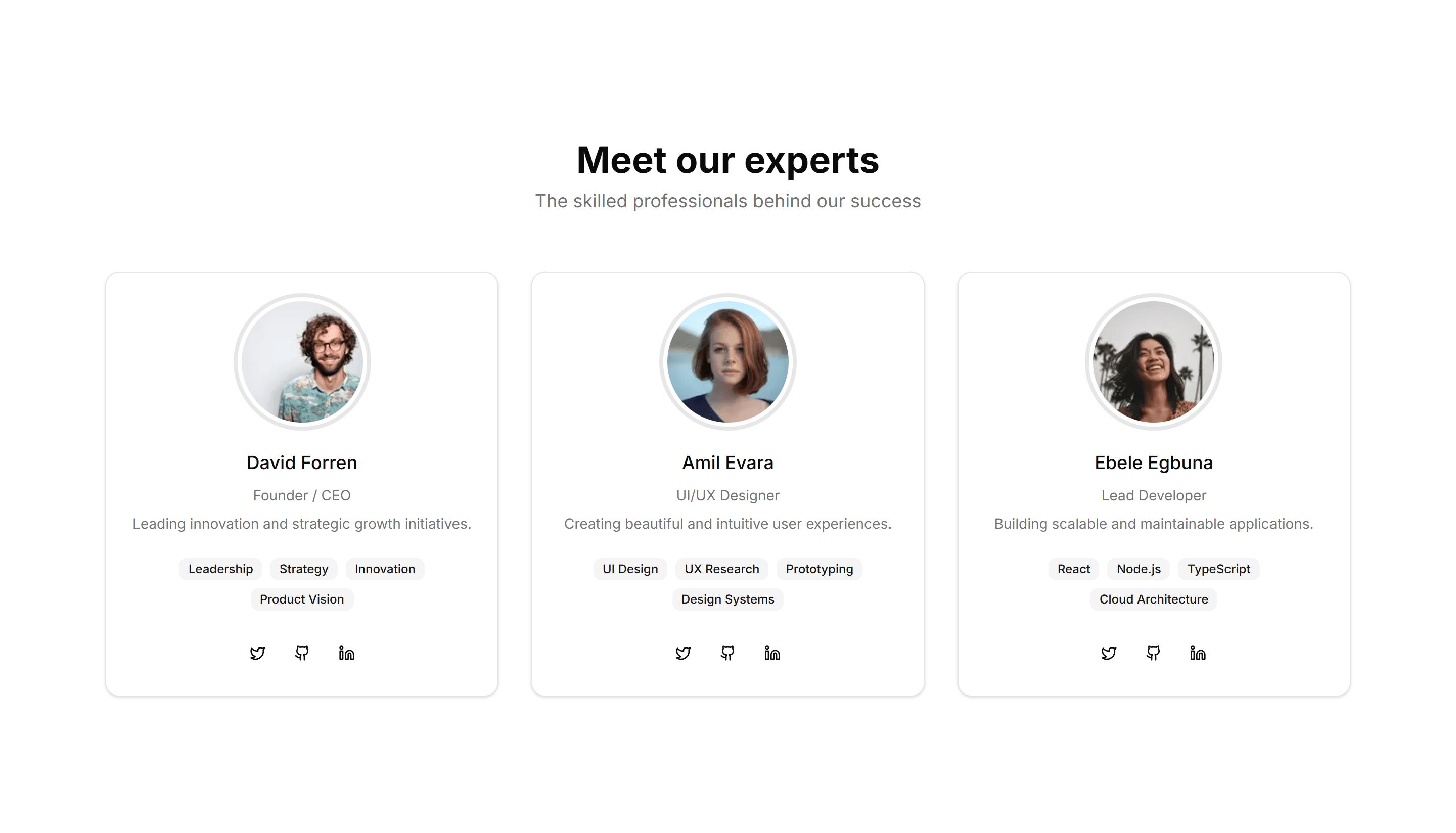
Team cards that list each member with badges for their skills and tools. Great for agencies and studios that want to show real expertise at a glance.
Marketing (Legacy) Team Section: With Testimonials
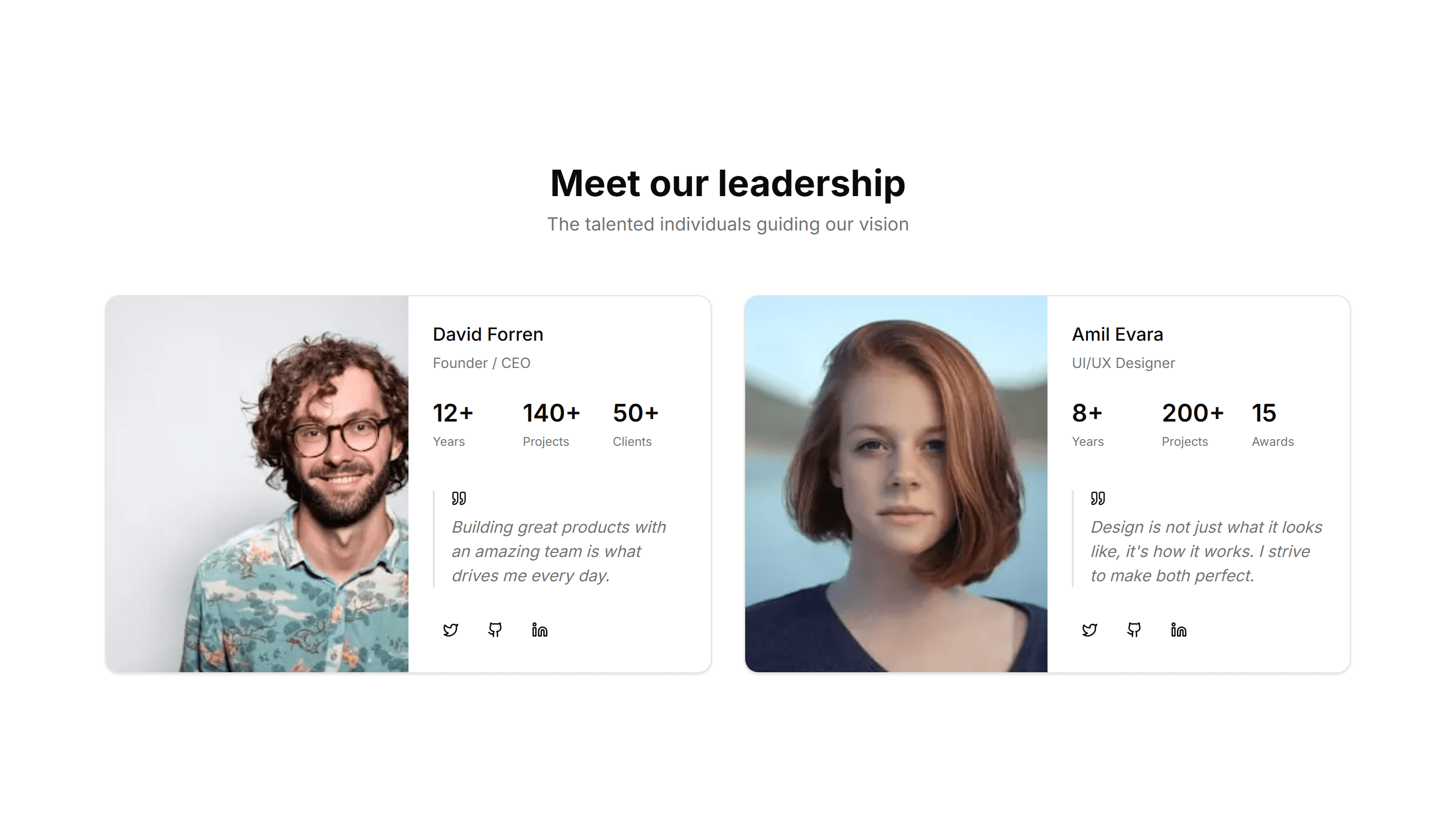
Team profiles paired with short quotes from each member or their clients. Adds a human voice and social proof to the about page of any company.
Marketing (Legacy) Testimonial: Base
A clean testimonial section with a customer quote, name, role, and avatar. Drop it onto any landing page to add a trusted voice with little effort.
Marketing (Legacy) Testimonial: Big Image
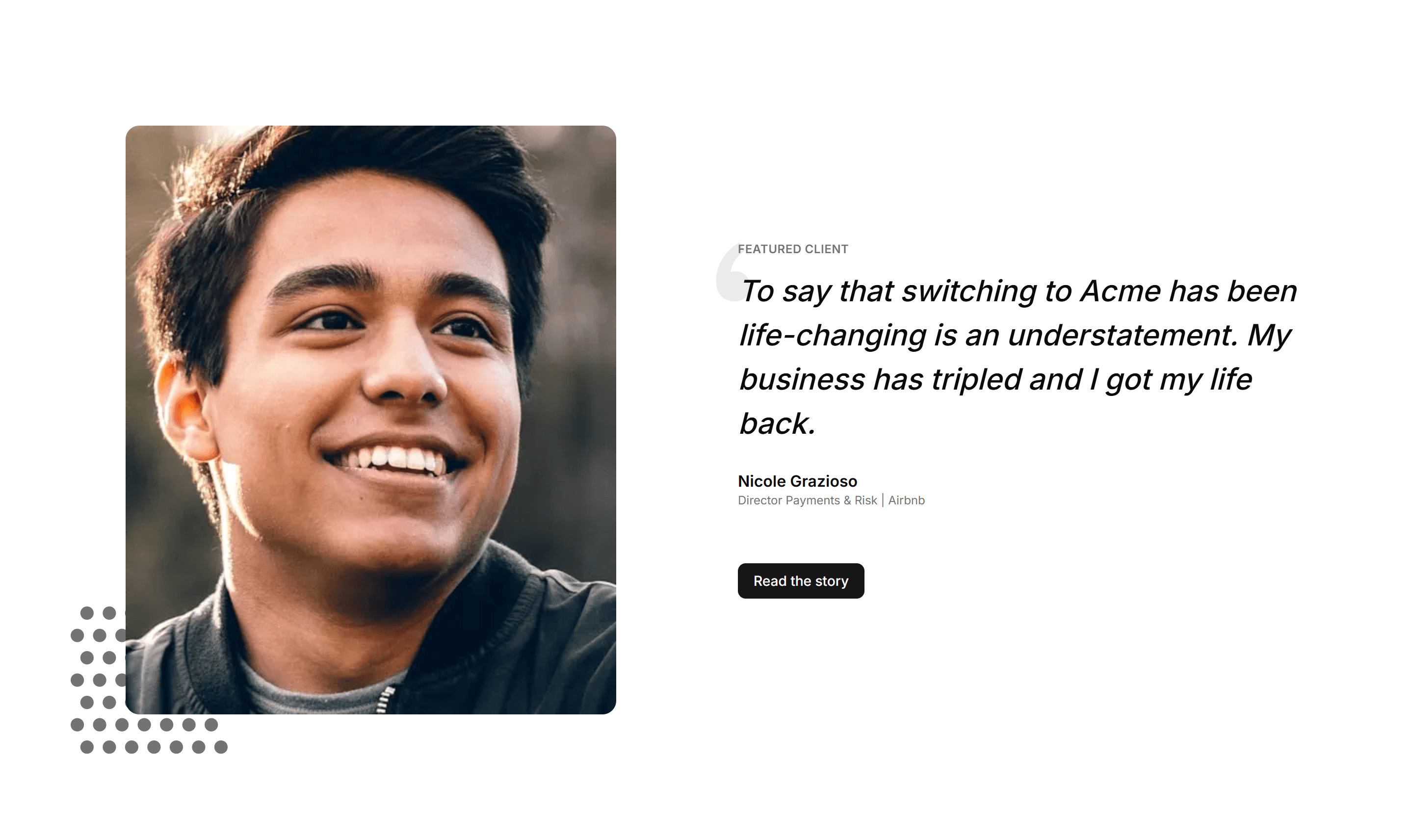
A testimonial paired with a large customer photo beside the quote. Use it when you want a single voice to carry weight and feel personal and real.
Marketing (Legacy) Testimonial: Cards
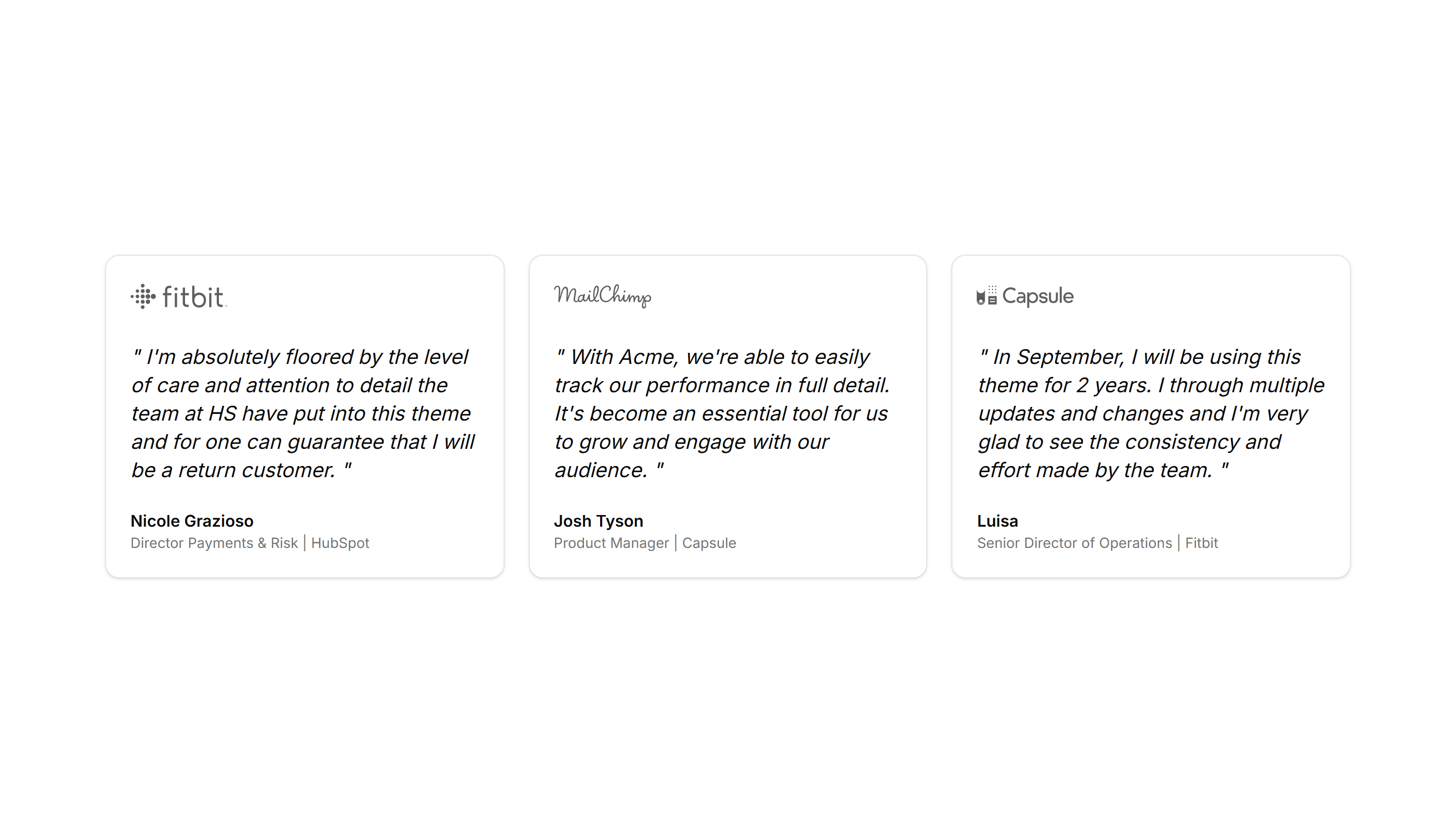
A grid of testimonial cards, each holding a quote, avatar, name, and title. Show several happy customers at once to build trust across your page.
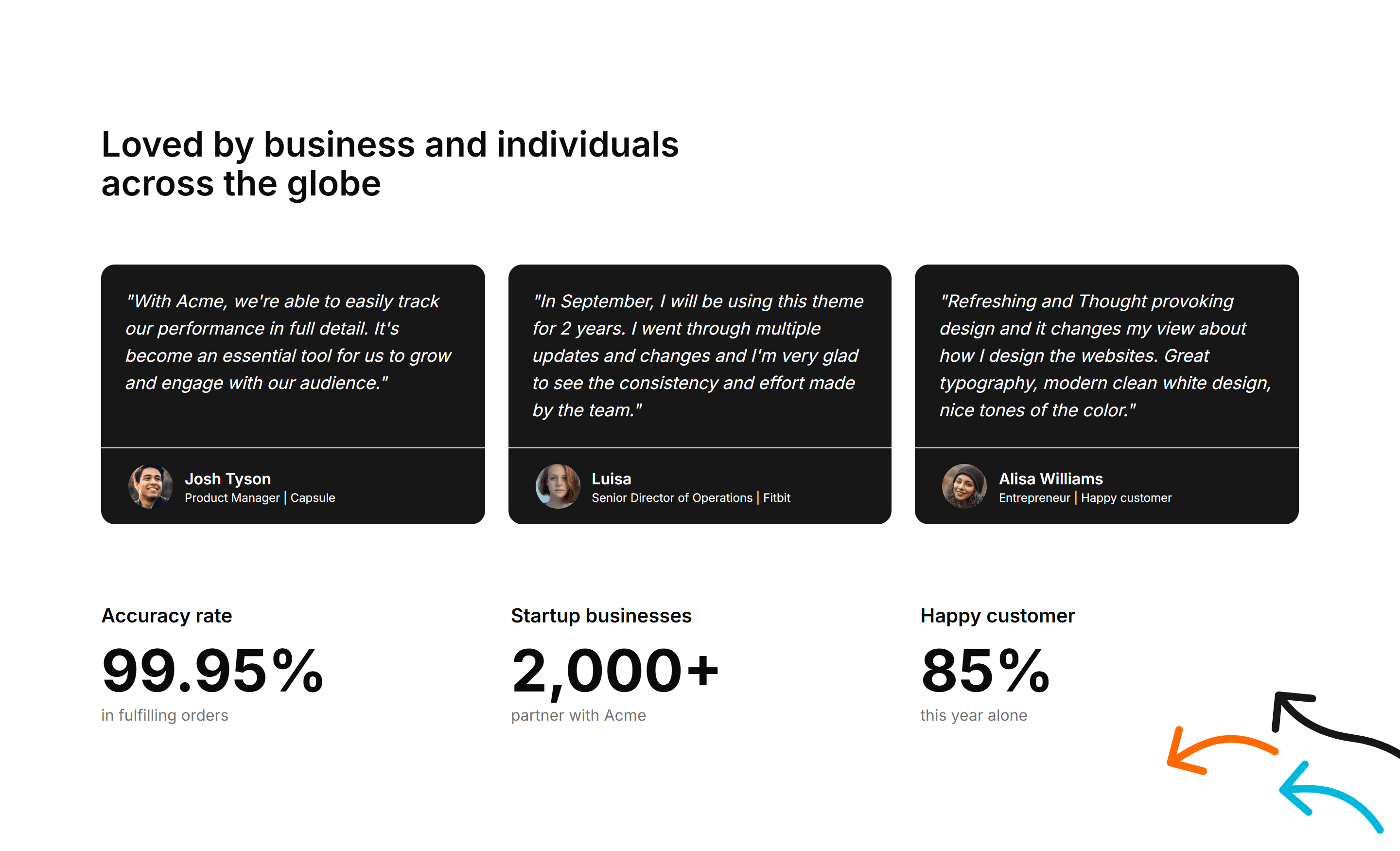
Marketing (Legacy) Testimonial: Cards With Stats
Testimonial cards joined by a row of headline metrics like users and revenue. Pair real quotes with hard numbers to prove your product delivers.
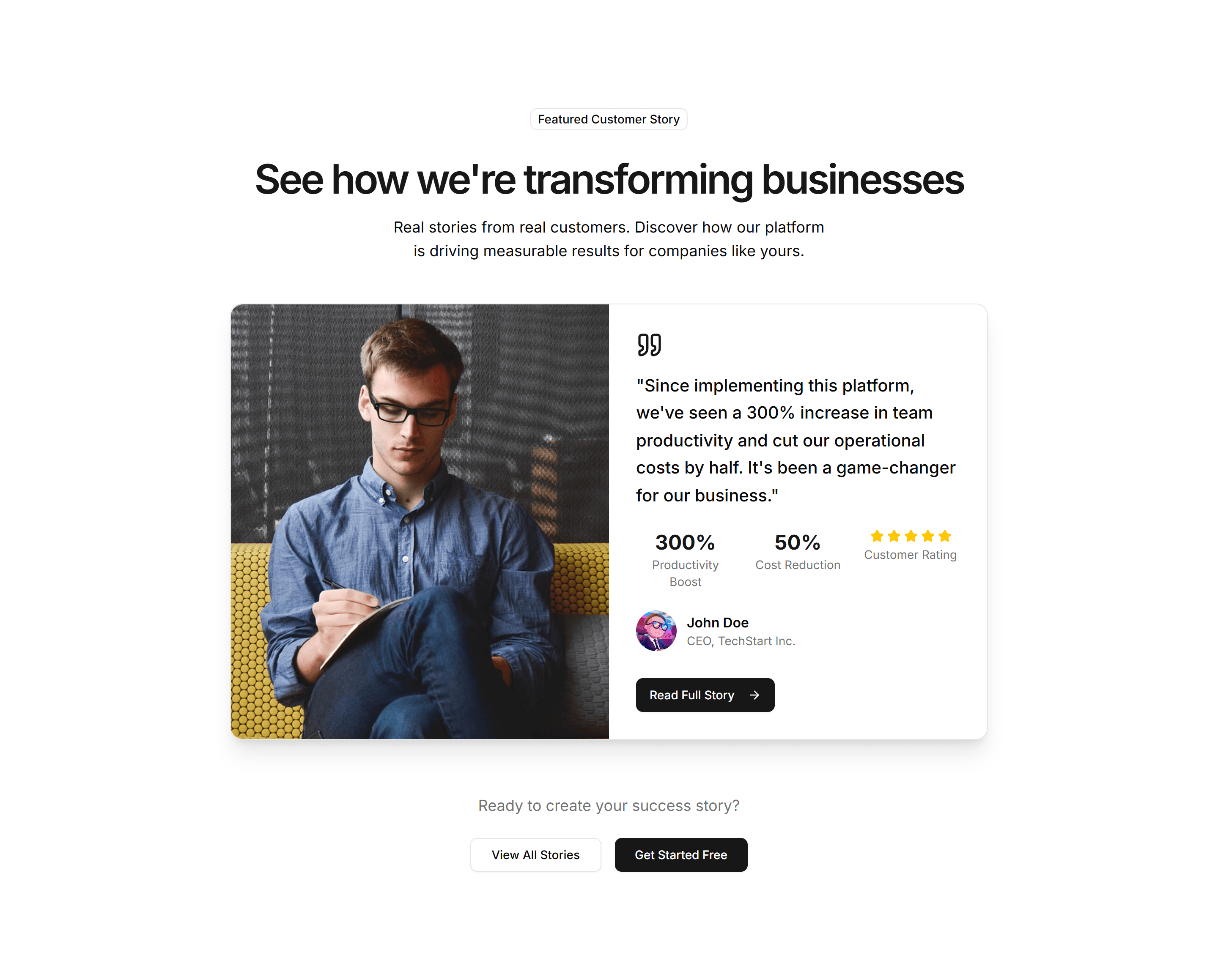
Marketing (Legacy) Testimonial: Customer Story Showcase
A featured customer story with a detailed quote, company logo, and result. Use it as social proof when one account speaks to your ideal buyer.
Marketing (Legacy) Testimonial: Mini With Dividers In Grid
Compact testimonials arranged in a grid with thin dividers between them. Fit many short quotes into a tidy space without crowding the layout.
Marketing (Legacy) Testimonial: Short Review With Logo And Stars
A brief review with a star rating and a company logo for instant credibility. Place it near a pricing table to reassure buyers before they commit.
Marketing (Legacy) Testimonial: Simple Center Aligned With Logo
A single centered quote topped with a company logo and the author below. Keep focus on one strong endorsement on a calm, uncluttered section.
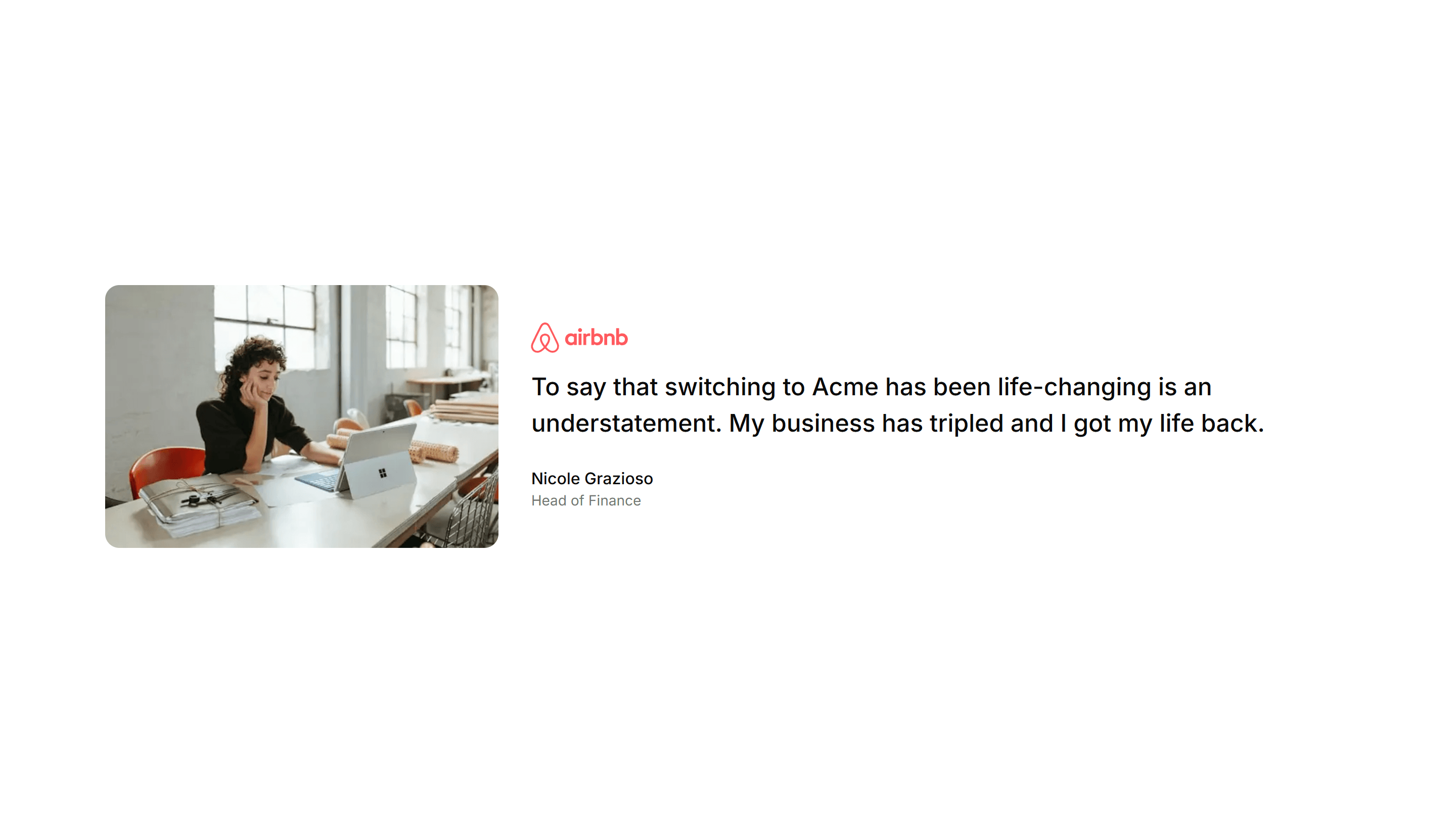
Marketing (Legacy) Testimonial: Small Image
A testimonial with a small rounded avatar set beside a concise quote and name. A friendly, lightweight option for sidebars or quieter page spots.
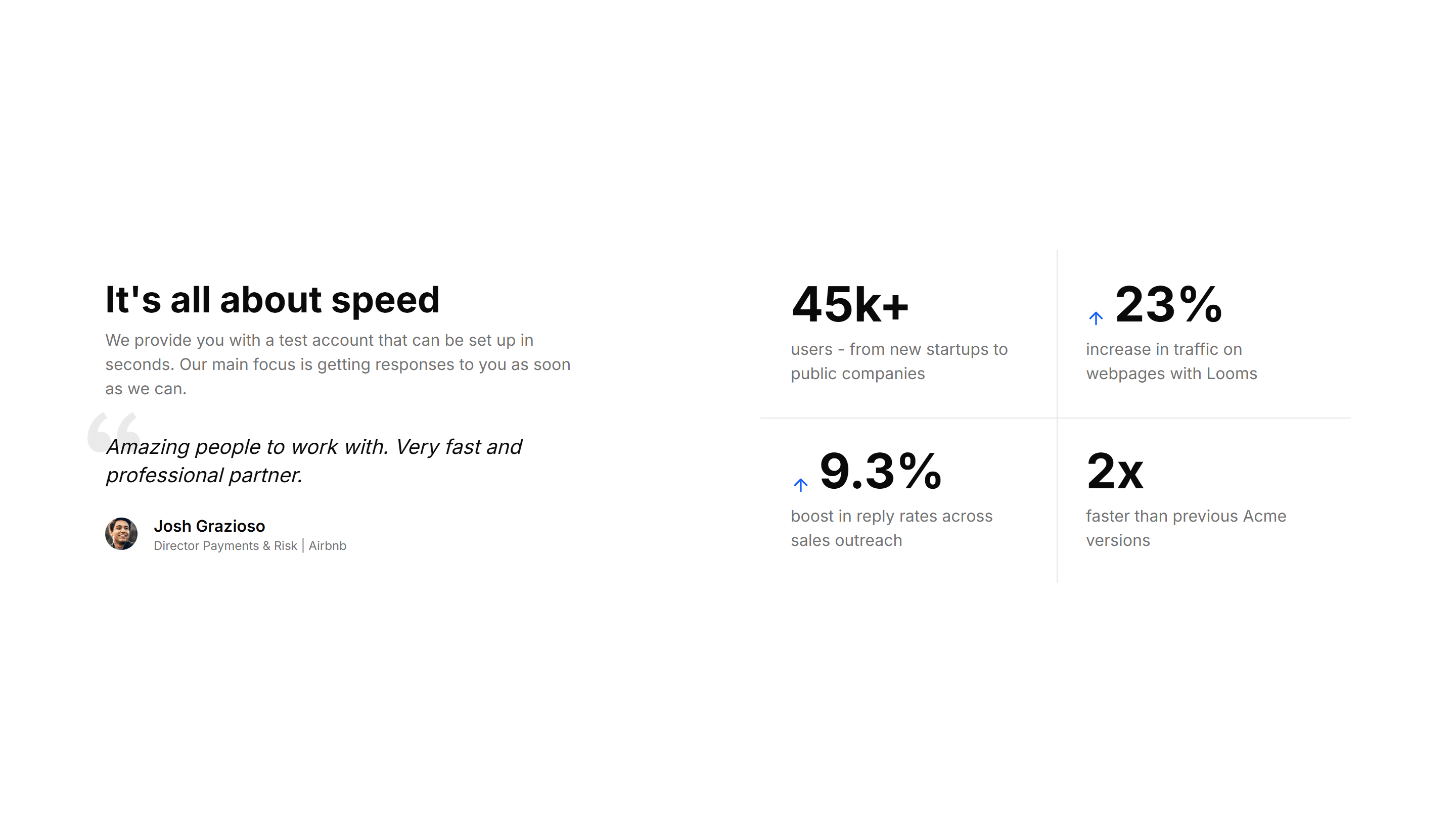
Marketing (Legacy) Testimonial: With Stats
A testimonial section blended with key metrics such as customers served and ratings. Combine a quote with proof points to back your claims with data.
Marketing (Legacy) About Section: Achievements
A grid of awards and milestones with icons and short captions. Use it on an about page to prove credibility and show what your team has earned.
Marketing (Legacy) About Section: Brand Values
A row of value cards pairing an icon with a short principle. Use it to spell out what your brand stands for and how the team makes decisions.
Marketing (Legacy) About Section: Company Values
A clean grid of core values, each with an icon, title, and sentence. Use it to explain the beliefs that guide how your company operates daily.
Marketing (Legacy) About Section: Founders
Portrait cards of the founders with names, roles, and a short bio. Use it on an about page to put faces and a personal story behind the company.
Marketing (Legacy) About Section: Press & Recognitions
A strip of publication logos and pull quotes that show where you have been featured. Use it on an about page to borrow trust from known names.
Marketing (Legacy) About Section: Simple
A minimal about block with a heading and a paragraph of company background. Use it when you want to introduce the business without extra clutter.
Marketing (Legacy) About Section: Tabs
Tabbed panels that split your story into mission, team, and history. Use it on an about page to pack a lot of context into one compact space.
Marketing (Legacy) About Section: Timeline
A vertical list of dated milestones marking how the company grew. Use it on an about page to walk visitors through your story, year by year.
Marketing (Legacy) About Section: Values
A set of value cards each holding an icon, title, and one line. Use it on an about page to share the principles your team works by every day.
Marketing (Legacy) Announcement Banner: Floating
A banner that floats above page content with rounded corners and a dismiss button. Announce a promotion or update without pushing the layout down.
Marketing (Legacy) Announcement Banner: With Action
A banner pairing a short message with a button so readers can act at once. Use it to drive signups, trial starts, or a link to a new release.
Marketing (Legacy) Announcement Banner: With Image
A banner that places a thumbnail or icon next to the headline and link. Spotlight a product, event, or article with a visual that draws the eye.
Marketing (Legacy) Blog Section: Author Spotlight
A profile block pairing an author photo, bio, and their latest posts. Use it to build trust on a blog and surface more writing from one voice.
Marketing (Legacy) Blog Section: Case Study Showcase
A grid of case study cards with logos, results, and short summaries. Use it to present customer stories and proof on a results focused blog page.
Marketing (Legacy) Blog Section: Compact List
A dense vertical list of posts with titles, dates, and short excerpts. Use it to show many articles in little space on an index or archive page.
Marketing (Legacy) Blog Section: Featured List
A list led by one large featured article above smaller stacked posts. Use it to spotlight your top story while listing the rest of the feed.
Marketing (Legacy) Blog Section: Hero Focus
A full width hero centered on a single article with a large cover image. Use it to launch a flagship post and pull readers straight into it.
Marketing (Legacy) Blog Section: Magazine Layout
An editorial grid that mixes large and small story cards across columns. Use it to give a content heavy blog the dense feel of a print magazine.
Marketing (Legacy) Blog Section: Newsletter Blog
An article feed combined with an email signup form and short prompt. Use it to grow a subscriber list while showcasing your most recent posts.
Marketing (Legacy) Blog Section: Simple Grid
An even grid of article cards with cover images, titles, and dates. Use it as a clean, flexible blog index that scales to any number of posts.
Marketing (Legacy) Blog Section: Video Blog
A grid of video cards with thumbnails, durations, and titles. Use it to run a video first blog where each card opens a clip or full episode.
Marketing (Legacy) Career: Career Path
A career path layout showing role progression, levels, and growth milestones. Helps applicants picture how they advance after joining your team.
Marketing (Legacy) Career: Department Positions
A list of open positions grouped by department, each with a title and location. Helps candidates find the right team and apply to the matching role.
Marketing (Legacy) Career: Employee Benefits
An employee benefits grid covering insurance, learning budgets, and flexible hours. Shows candidates the full package while they consider applying.
Marketing (Legacy) Career: Interview Process
A step by step interview process timeline running from first application to final offer. Sets expectations so candidates know what each hiring stage involves.
Marketing (Legacy) Career: Job Details
A single job details page with description, responsibilities, and an apply button. Gives candidates everything they need to decide and submit.
Marketing (Legacy) Career: Workplace Culture
A workplace culture section with photos and short stories about daily life. Gives candidates a feel for the team before they decide to apply.
Marketing (Legacy) Changelog: Categorized Changelog
Release notes split into Added, Fixed, and Changed sections under each version. Helps readers scan a busy update and jump to the changes they care about.
Marketing (Legacy) Changelog: Expandable Changelog
Collapsed version entries that open on click to reveal full details. Keeps a long release history short while letting readers drill into any update.
Marketing (Legacy) Changelog: Grouped Changelog
Updates clustered by month or release so related entries sit together. Good for products with frequent shipping where context across versions matters.
Marketing (Legacy) Changelog: Minimalist Changelog
A pared back changelog with just dates, versions, and one line per change. Use it when you want updates to feel quiet and stay out of the way.
Marketing (Legacy) Changelog: Table Changelog
A changelog rendered as a table with columns for version, date, and notes. Use it when readers need to scan and compare many releases quickly.
Marketing (Legacy) Contact Section: Center Aligned
A center aligned contact form with heading, supporting text, and stacked fields. Drops onto a simple contact page so visitors can send a message fast.
Marketing (Legacy) Contact Section: With Map
A contact section that places a form beside an embedded map of your location. Ideal for a storefront or office that wants visitors to find and reach it.
Marketing (Legacy) CTA Section: Banner With Background
A full width banner with a background image, headline, and button. Anchors a campaign message across the top or bottom of any marketing page.
Marketing (Legacy) CTA Section: Countdown Timer
A call to action with a live countdown clock beside a headline and button. Drives urgency for a sale, launch, or webinar registration deadline.
Marketing (Legacy) CTA Section: FAQ CTA
A short FAQ list paired with a closing prompt and button. Answers the last objections and nudges readers to convert at the end of a long page.
Marketing (Legacy) CTA Section: Gradient CTA
A centered call to action set on a vivid gradient panel with a headline and button. A bright closing section for a homepage or feature page.
Marketing (Legacy) CTA Section: Integrations CTA
A call to action surrounded by logos of supported tools and platforms. Reassures teams about compatibility before they sign up and connect apps.
Marketing (Legacy) CTA Section: Quick Contact CTA
A compact contact prompt with a short form or button to reach the team. Drops into a footer or sidebar so visitors can get in touch fast.
Marketing (Legacy) CTA Section: Split With Image
A two column call to action with copy on one side and an image on the other. Balances message and visual to invite a signup or demo request.
Marketing (Legacy) CTA Section: Tab CTA
A call to action with tabbed content that swaps messages by audience or use case. Lets visitors pick a path before clicking the matching button.
Marketing (Legacy) CTA Section: Zigzag CTA
A call to action with alternating text and image rows that lead into a button. Walks readers through benefits before the final closing prompt.
Marketing (Legacy) FAQ Section: Card Grid
A grid of question cards, each holding one query and its answer inline. Lays out frequent questions clearly so visitors find what they need at a glance.
Marketing (Legacy) FAQ Section: Code Snippets
An FAQ layout with formatted code blocks inside answers. Built for developer docs where responses need syntax examples, commands, or configuration shown.
Marketing (Legacy) FAQ Section: Image Illustrated
An FAQ section with a supporting illustration beside the question list. Adds visual context and warmth to a help area while answers stay easy to read.
Marketing (Legacy) FAQ Section: Search Filter
An FAQ section with a search field that filters questions as you type. Helps visitors jump straight to the answer they want across a long question list.
Marketing (Legacy) FAQ Section: Simple 2 Cols Grid
A plain two column grid of questions and answers. A compact way to cover many topics at once, ideal for a quick reference block near a page footer.
Marketing (Legacy) FAQ Section: Tabbed Categories
An FAQ section with tabs that group questions by category. Visitors pick a topic and see only relevant answers, keeping a broad help area uncluttered.
Marketing (Legacy) Feature Section: 3D Cards
Feature cards that tilt in 3D as the cursor moves, each holding an icon, title, and copy. Adds depth to a landing page when you want highlights to feel tactile.
Marketing (Legacy) Feature Section: Feature Accordion
Stacked feature panels that expand on click to reveal detail and a paired visual. Lets visitors drill into one capability at a time without crowding the page.
Marketing (Legacy) Feature Section: Feature Comparison
Sets two options side by side with checkmarks and notes per row. Use it to contrast your product against an alternative and make the better choice obvious.
Marketing (Legacy) Feature Section: Feature Timeline
A vertical timeline that walks through features or milestones in sequence. Ideal for telling how a product flow works or how your story unfolded over time.
Marketing (Legacy) Feature Section: Feature Wizard
A guided, multi step layout that reveals features as the visitor advances. Useful for onboarding copy or walking through a setup flow one screen at a time.
Marketing (Legacy) Feature Section: Simple
A clean feature section with a heading, supporting text, and a short list of points. Reach for it when you want clarity over decoration on a marketing page.
Marketing (Legacy) Feature Section: Terminal
A feature section featuring a mock terminal with typed commands and output. Built for developer tools where showing real CLI usage sells the value fast.
Marketing (Legacy) Feature Section: With Comparison
A feature block that places before and after states next to each other. Use it to show the change your product brings and let the difference speak plainly.
Marketing (Legacy) Feature Section: With Stats
Feature descriptions interleaved with headline numbers and labels. Pairs the what with the proof so visitors trust the results on a product or pricing page.
Marketing (Legacy) Footer: Logo Cloud
A footer with a row of partner and customer logos above the navigation links. Adds social proof and brand trust at the bottom of a landing page.
Marketing (Legacy) Footer: Multi Column
A footer split into grouped link columns for products, company, and resources. Organizes deep site navigation on a large marketing or app homepage.
Marketing (Legacy) Footer: Subscribe
A footer with an email newsletter form beside the usual navigation links. Captures signups while visitors are leaving the bottom of your site.
Marketing (Legacy) Gallery: Filmstrip Gallery
A horizontal filmstrip of thumbnails with a larger preview above. Ideal for browsing a photo set or product angles while keeping every frame in view.
Marketing (Legacy) Gallery: Grid Gallery
A responsive grid of evenly sized image tiles. Use it to display many photos, products, or case studies at once with a clean, scannable layout.
Marketing (Legacy) Gallery: Polaroid Gallery
A scattered set of polaroid style cards with captions and slight tilts. Great for adding a casual, personal feel to an about page or event recap.
Marketing (Legacy) Hero Form: Booking Form
A hero with a booking form for dates, times, and guest details next to a headline. Lets visitors reserve a slot the moment they land on the page.
Marketing (Legacy) Hero Form: Center Aligned With A Form
A centered hero pairing a headline and subtext with a short inline form. Collects an email or signup in one view to start onboarding immediately.
Marketing (Legacy) Hero Form: Contest Entry Form
A hero with a contest entry form for name, email, and answer fields. Drives signups and excitement around a giveaway or promotional campaign.
Marketing (Legacy) Hero Form: Event Registration Countdown
A hero combining a registration form with a live countdown timer. Pushes visitors to claim a spot before an event or sale window closes.
Marketing (Legacy) Hero Form: Floating Card With Gradient
A hero with a floating form card resting over a soft gradient backdrop. Highlights a signup field and pulls the eye to one clear action.
Marketing (Legacy) Hero Form: Free Trial Signup Form
A hero with a free trial signup form for email and password fields. Starts new accounts the moment a visitor decides to try the product.
Marketing (Legacy) Hero Form: Job Application Form
A hero with a job application form for contact details and a resume upload. Lets candidates apply right from the top of a careers page.
Marketing (Legacy) Hero Form: Newsletter With Social Proof
A hero pairing a newsletter form with subscriber counts and logos. Uses social proof to convince visitors the list is worth joining today.
Marketing (Legacy) Hero Form: Quiz Assessment Form
A hero with a quiz or assessment form that walks through scored questions. Engages visitors and routes them toward a tailored recommendation.
Marketing (Legacy) Hero Form: Sign Up Form
A hero with a sign up form for email and password beside the headline. Opens new accounts fast so visitors can start using the product now.
Marketing (Legacy) Hero Form: Subscription Form With Toggle
A hero with a subscription form and a monthly to yearly billing toggle. Lets visitors pick a plan and price before they start a paid signup.
Marketing (Legacy) Hero Form: User Feedback Form
A hero with a user feedback form for comments, ratings, and contact info. Collects honest input from visitors to guide the next product update.
Marketing (Legacy) Hero Section: 3D Isometric Hero
A hero with a 3D isometric illustration beside a headline and call to action. Adds depth and a modern feel to the top of a product landing page.
Marketing (Legacy) Hero Section: Animated Gradient
A hero set on a slowly shifting gradient backdrop with a centered headline and CTA. A colorful, lively opener for SaaS and creative product pages.
Marketing (Legacy) Hero Section: Centred With Image
A centered hero with a headline, subtext, and CTA above a wide product image. A balanced, classic opener for marketing and SaaS landing pages.
Marketing (Legacy) Hero Section: Countdown Hero
A hero with a ticking countdown timer beside a headline and CTA. Builds urgency for launches, sales, webinars, and limited time offer landing pages.
Marketing (Legacy) Hero Section: Gradient Mesh Hero
A hero with a soft mesh gradient behind a centered headline and CTA. Gives a calm, premium backdrop to SaaS, design, and startup landing pages.
Marketing (Legacy) Hero Section: Image With Reviews
A hero placing a product image alongside short customer reviews and a CTA. Pairs your pitch with proof to win trust on a landing page right away.
Marketing (Legacy) Hero Section: Mobile App Hero
A hero with a phone mockup, app store badges, and a headline. Built to drive downloads at the top of a mobile app marketing or launch page.
Marketing (Legacy) Hero Section: Particles Background Hero
A hero with animated particles drifting behind a centered headline and CTA. A dynamic, tech forward opener for software and startup landing pages.
Marketing (Legacy) Hero Section: Progress Tracker Hero
A hero with a step progress tracker next to a headline and CTA. Use it to show a setup flow or journey at the top of an onboarding landing page.
Marketing (Legacy) Hero Section: Simple Centred
A clean centered hero with a headline, short subtext, and a single CTA. A minimal, fast loading opener that suits almost any landing page or product.
Marketing (Legacy) Hero Section: Split Content Hero
A hero with a two column split, text and CTA on one side, content on the other. A flexible opener that balances your message and a visual cleanly.
Marketing (Legacy) Hero Section: Split With Video
A hero split between a headline with CTA and an embedded product video. Use it to show your product in motion at the top of a landing page.
Marketing (Legacy) Hero Section: Trust Indicators
A hero leading with security badges, certifications, and partner logos. Reassures cautious buyers at the top of a landing or enterprise sales page.
Marketing (Legacy) Hero Section: With 3D Mockup
A hero featuring a rotating 3D device mockup beside a headline and CTA. Presents your app or product with depth on a modern landing page.
Marketing (Legacy) Hero Section: With App Showcase
A hero showcasing app screens in a layered layout next to a headline and CTA. Use it to highlight the interface on a software product landing page.
Marketing (Legacy) Hero Section: With Code Preview
A hero pairing a headline and CTA with a syntax highlighted code snippet. Speaks directly to developers at the top of a tool or library landing page.
Marketing (Legacy) Hero Section: With Dashboard
A hero placing a product dashboard screenshot next to a headline and CTA. Shows your interface and data at the top of a SaaS or analytics page.
Marketing (Legacy) Hero Section: With Feature Cards
A hero with a row of feature cards beneath a headline and CTA. Breaks your key benefits into scannable tiles at the top of a landing page.
Marketing (Legacy) Hero Section: With Integration Showcase
A hero showing a grid of integration logos beside a headline and CTA. Highlights the tools your product connects to on a platform landing page.
Marketing (Legacy) Hero Section: With Team Grid
A hero pairing a headline and CTA with a grid of team member photos. Adds a human face to about, agency, and company landing pages from the start.
Marketing (Legacy) Icon Section: 2 Cols Grid
A two column grid pairing each icon with a heading and short paragraph. Lays out a handful of product features in a clean, balanced reading layout.
Marketing (Legacy) Icon Section: Centred Description With Icon Blocks
A centred intro paragraph above a row of icon blocks. Frames a section theme, then lists supporting features in tidy, evenly spaced columns.
Marketing (Legacy) Icon Section: Compact Metric List
A tight vertical list pairing icons with numbers and labels. Shows key metrics in a small footprint, ideal for sidebars or dense feature pages.
Marketing (Legacy) Icon Section: Expandable Icon Cards
Icon cards that expand on click to reveal more detail. Keeps the section compact while letting curious visitors dig into any feature they choose.
Marketing (Legacy) Icon Section: Horizontal Scrolling Icons
A horizontal strip of icon cards users swipe or scroll through. Fits many features in limited height and reads naturally on mobile screens.
Marketing (Legacy) Icon Section: Icon Stats Grid
A grid of stat cards pairing an icon with a bold number and label. Surfaces growth figures and key results to build trust on a marketing page.
Marketing (Legacy) Icon Section: Icon Timeline
A vertical timeline with an icon at each step. Walks visitors through a process or product journey in clear order, one milestone after another.
Marketing (Legacy) Icon Section: Interactive Icon Showcase
An interactive panel where hovering an icon updates the description beside it. Invites visitors to explore features at their own pace and stay engaged.
Marketing (Legacy) Icon Section: Minimal Stats Tiles
Clean tiles showing an icon, a number, and a short label. A spare way to display a few key stats without distracting from the surrounding copy.
Marketing (Legacy) Icon Section: Solid Icon With Hover Effect
Solid filled icons that shift colour or lift on hover. Adds tactile feedback to a feature grid so the section feels responsive as visitors browse.
Marketing (Legacy) Integration: API Preview
A code sample panel beside copy that explains your API. Drop it on a developer page to show how integrations connect in only a few short lines.
Marketing (Legacy) Integration: Category Tabs
Tabs that sort connected apps by type, so visitors filter integrations to find the one they use. Ideal for a busy marketplace or directory page.
Marketing (Legacy) Integration: Simple Grid
A clean grid of integration logos in even rows and columns. Use it on a connections page to display the apps and services your product supports.
Marketing (Legacy) Pricing Section: Calculator
A pricing calculator with sliders and inputs that estimate cost from usage. Use it when plans scale by seats, requests, or volume so buyers see real numbers.
Marketing (Legacy) Pricing Section: Custom Builder
A plan builder where buyers pick features and quantities to assemble a quote. Use it for modular products where every customer needs a different mix.
Marketing (Legacy) Pricing Section: Feature Grid
A pricing table mapping every feature to each plan across rows and columns. Use it when buyers want to confirm exactly what each tier includes before paying.
Marketing (Legacy) Pricing Section: Interactive
A pricing section that updates prices and highlights as buyers select options. Use it when choices like seats or add ons should reflect cost instantly.
Marketing (Legacy) Pricing Section: Modern
A contemporary pricing section with bold cards, soft shadows, and accent gradients. Use it to give a polished, current feel to a product or SaaS page.
Marketing (Legacy) Pricing Section: Simple
A clean pricing section showing a few plans with price, features, and a button each. Use it when you want fast comprehension without extra decoration.
Marketing (Legacy) Pricing Section: Testimonial
A pricing section that pairs plan cards with customer quotes and logos. Use it to add social proof right where buyers weigh price and decide to commit.
Marketing (Legacy) Stat: Achievement Bars
Horizontal bars that fill to show milestones reached against a target. Drop it on a results page to visualize goals hit and progress toward each one.
Marketing (Legacy) Stat: Circular Progress
Ring shaped progress dials that animate to a percentage value. Good for dashboards or landing pages that report completion rates and capacity at a glance.
Marketing (Legacy) Stat: Comparison Stats
Paired figures with labels that weigh your offering against a baseline. Great for sales pages that need to make the gain feel concrete and credible.
Marketing (Legacy) Stat: Funnel Stats
A stepped funnel showing how many visitors move from view to signup to paid. Use it to explain conversion and where users drop off in your flow.
Marketing (Legacy) Stat: Growth Timeline
A vertical timeline pairing dates with the numbers you hit at each stage. Use it to chart company momentum on an about page or investor deck.
Marketing (Legacy) Stat: Impact Numbers
Oversized counters that animate upward as the section scrolls into view. Use it to make reach, users, or revenue feel bold and immediate to readers.
Marketing (Legacy) Stat: Metric Cards
Bordered cards each holding one metric, a label, and a trend note. Use it to report KPIs in a structured layout on a homepage or product page.
Marketing (Legacy) Stat: Progress Bars
Labeled bars that fill to a percentage to track adoption or completion. Use it on a status page or report to show how far each goal has come.
Marketing (Legacy) Stat: Sparkline Stats
Stat cards that pair a current value with a tiny inline trend chart. Use it to show a number and its recent direction together on a dashboard view.
Marketing (Legacy) Stat: Timeline Stats
Key numbers plotted along a horizontal timeline of moments and dates. Use it to tell a growth story across quarters on an about or press page.
Marketing (Legacy) Subscribe: Benefits List
A subscribe form paired with a bulleted list of benefits and an email field. Tells visitors what they get before they sign up to your newsletter.
Marketing (Legacy) Subscribe: Input Style
A compact email input with an inline submit button on one row. Drop it into a footer or banner where space is tight but you still want signups.
Marketing (Legacy) Subscribe: Simple Center Aligned
A clean centered newsletter signup with a heading, short text, and email field. The reliable default for landing pages and blog footers here.
Marketing (Legacy) Subscribe: Social Proof Center
A centered subscribe form topped with subscriber counts or avatars as social proof. Use it when trust nudges visitors to join your mailing list.
Marketing (Legacy) Team Section: Alternating Sections
A team layout that alternates photos and bios from left to right down the page. Adds rhythm and gives room for longer profiles on an about page.
Marketing (Legacy) Team Section: Simple Cards
A clean grid of team member cards, each with a photo, name, and role. The fast, tidy way to introduce a small team on an about or company page.
Marketing (Legacy) Team Section: With Filters
A team directory with category filters that sort members by department or location. Helps visitors find the right person inside a large company.
Marketing (Legacy) Team Section: With Large Images
Team profiles built around big, full bleed portraits with name and role. Puts faces front and center for a bold, personal about page that feels human.
Marketing (Legacy) Team Section: With Testimonials
Team profiles paired with short quotes from each member or their clients. Adds a human voice and social proof to the about page of any company.
Marketing (Legacy) Testimonial: Big Image
A testimonial paired with a large customer photo beside the quote. Use it when you want a single voice to carry weight and feel personal and real.
Marketing (Legacy) Testimonial: Cards With Stats
Testimonial cards joined by a row of headline metrics like users and revenue. Pair real quotes with hard numbers to prove your product delivers.
Marketing (Legacy) Testimonial: Mini With Dividers In Grid
Compact testimonials arranged in a grid with thin dividers between them. Fit many short quotes into a tidy space without crowding the layout.
Marketing (Legacy) Testimonial: Simple Center Aligned With Logo
A single centered quote topped with a company logo and the author below. Keep focus on one strong endorsement on a calm, uncluttered section.
Marketing (Legacy) Testimonial: With Stats
A testimonial section blended with key metrics such as customers served and ratings. Combine a quote with proof points to back your claims with data.
Marketing (Legacy) About Section: Animated Stats
Headline metrics that count up as they scroll into view. Drop it on an about page to make growth, users, and revenue feel alive and concrete.
Marketing (Legacy) About Section: Company Culture
Photos and short blurbs that show how the team works and what daily life feels like. Use it on a careers or about page to attract good people.
Marketing (Legacy) About Section: Diversity & Inclusion
A section pairing a statement on belonging with supporting stats and imagery. Use it to show how your company invests in people and fairness.
Marketing (Legacy) About Section: Mission Statement
A bold single statement of purpose framed as a centered headline. Use it at the top of an about page to anchor everything in one clear idea.
Marketing (Legacy) About Section: Process
Numbered steps that walk through how you work, from first contact to final delivery. Use it on an about or services page to set expectations.
Marketing (Legacy) About Section: Stats Grid
A tidy grid of key numbers with labels for users, revenue, or reach. Use it on an about page to back up your story with solid figures, fast.
Marketing (Legacy) About Section: Team Grid
A responsive grid of headshots with names, titles, and social links. Use it on an about page to introduce the real people behind your product.
Marketing (Legacy) About Section: Two Column
A split layout with company text on one side and an image on the other. Use it on an about page to balance a short story with a clear visual.
Marketing (Legacy) About Section: With Image
An about block pairing a paragraph of background with a large photo. Use it to introduce the company while a real image builds warmth and trust.
Marketing (Legacy) Announcement Banner: Simple Centered
A slim bar with centered text and a single dismiss control. Share a short notice like free shipping or a new feature across the top of any page.
Marketing (Legacy) Announcement Banner: With Countdown
A banner with a live countdown timer beside the message. Build urgency for a sale, webinar, or deadline and prompt visitors to act before time runs out.
Marketing (Legacy) Announcement Banner: With Social Proof
A banner showing user counts, ratings, or avatars next to the message. Build instant trust at the top of a page and nudge new visitors to convert.
Marketing (Legacy) Blog Section: Carousel
A horizontal slider of article cards with cover images and titles. Use it to feature recent or popular posts in a compact strip readers can swipe.
Marketing (Legacy) Blog Section: Category Filter
A post grid paired with category tabs that filter the visible articles. Use it to help readers narrow a busy blog down to the topics they want.
Marketing (Legacy) Blog Section: Expert Roundup
A grid collecting quotes and headshots from several contributors. Use it to package an opinion roundup or panel feature into one shareable post.
Marketing (Legacy) Blog Section: Featured With Sidebar
A two column layout with a main article feed beside a sidebar of links. Use it for a blog home that mixes posts with categories and promos here.
Marketing (Legacy) Blog Section: Interview Format
A question and answer layout with a guest portrait and intro. Use it to publish interviews in a clear, readable format on an editorial blog.
Marketing (Legacy) Blog Section: Minimal Blog
A clean list of post titles, dates, and excerpts set in plenty of space. Use it for a writing focused blog where the words carry the whole page.
Marketing (Legacy) Blog Section: Podcast List
A list of episode cards with cover art, titles, and play controls. Use it to publish a podcast feed where listeners browse and start episodes.
Marketing (Legacy) Blog Section: Timeline Blog
A vertical timeline that orders posts by date with markers and dots. Use it for a changelog, release notes, or a chronological story archive.
Marketing (Legacy) Career: Application Form
A job application form with fields for contact details, resume upload, and a cover letter. Lets candidates apply directly from your careers page.
Marketing (Legacy) Career: Company Benefits
A company benefits section with icons and short blurbs for perks like health, time off, and remote work. Reassures candidates as they read open roles.
Marketing (Legacy) Career: Department Showcase
A department showcase with cards describing each team, its focus, and people. Helps candidates understand where they fit before browsing open roles.
Marketing (Legacy) Career: Featured Job Slider
A horizontal slider of featured job cards with title, team, and location. Spotlights priority roles you want candidates to notice on the careers page.
Marketing (Legacy) Career: Job Board
A searchable job board with filters for team, location, and type. Lets candidates scan every open role and apply to the one that fits them best.
Marketing (Legacy) Career: Job Listings
A clean list of job listings with title, location, and a quick apply link. Helps candidates skim available roles and pick one to pursue today.
Marketing (Legacy) Changelog: Basic Changelog
A straightforward changelog list with version numbers, dates, and bullet points. Use it to post release notes when you want clarity over visual flourish.
Marketing (Legacy) Changelog: Compact Changelog
A dense changelog that packs many versions into a tight column. Ideal when you ship often and want the full history visible without heavy scrolling.
Marketing (Legacy) Changelog: Grid Changelog
Release entries laid out as cards in a responsive grid. Use it to show recent updates side by side with badges, dates, and short summaries at a glance.
Marketing (Legacy) Changelog: Interactive Changelog
A changelog with filters and clickable entries that reveal more detail. Lets visitors explore updates by type and focus on the releases that matter.
Marketing (Legacy) Changelog: Tabbed Changelog
Release notes organized into tabs by version or category. Lets readers switch between updates without scrolling, keeping each release neatly contained.
Marketing (Legacy) Changelog: Timeline Changelog
A vertical timeline that plots releases in order with dates and notes. Use it to tell the story of a product as it grows version over version.
Marketing (Legacy) Contact Section: Split With Details
A split layout pairing a contact form with a column of details like email, phone, and hours. Use it when people need a quick way to reach the right team.
Marketing (Legacy) CTA Section: Awards CTA
A call to action that pairs award badges and recognition logos with a signup prompt. Builds trust before the click on a landing or pricing page.
Marketing (Legacy) CTA Section: Case Study CTA
A call to action framed around a customer story with a headline result and link. Use it after proof points to push readers toward booking a demo.
Marketing (Legacy) CTA Section: CTA With Testimonial
A call to action that places a customer quote and avatar right next to a signup button. Reinforces social proof at the moment a visitor decides.
Marketing (Legacy) CTA Section: Feature Grid
A call to action backed by a grid of feature highlights with icons. Recaps the value of a product before inviting visitors to start a free trial.
Marketing (Legacy) CTA Section: Image With Text
A call to action that sets an image beside a headline, body copy, and button. Use it to show a product shot while inviting the visitor to act.
Marketing (Legacy) CTA Section: Newsletter Form
A signup section with an email input and subscribe button under a short pitch. Collects leads for a newsletter, waitlist, or product updates.
Marketing (Legacy) CTA Section: Simple Centered
A centered call to action with a headline, supporting line, and button. A clean closing section to end a landing page and prompt the next step.
Marketing (Legacy) CTA Section: Stats CTA
A call to action that leads with key metrics like users or uptime, then a button. Uses hard numbers to convince visitors before they commit.
Marketing (Legacy) CTA Section: Video CTA
A call to action built around an embedded video with a headline and button. Plays a quick demo or pitch, then invites the viewer to start now.
Marketing (Legacy) FAQ Section: Accordion With Background
An accordion FAQ set against a tinted background panel. Each question expands to reveal its answer, keeping long lists of details tidy and easy to scan.
Marketing (Legacy) FAQ Section: Center Aligned
A centered FAQ column with a heading and stacked accordion items. Keeps focus on the questions and works well as a standalone support section on any page.
Marketing (Legacy) FAQ Section: Contact Form
An FAQ section paired with a contact form, so visitors read common answers and reach out when their question is not covered, all within one tidy section.
Marketing (Legacy) FAQ Section: Right Aligned
A two column FAQ with the heading and intro on the left and accordion items on the right. Balances explanation and detail across a wide support section.
Marketing (Legacy) FAQ Section: Sidebar Navigation
An FAQ layout with a sidebar of categories beside the answers. Lets visitors switch topics quickly and keeps large help sections organized and navigable.
Marketing (Legacy) FAQ Section: Simple With Divider And Icon
A clean FAQ list with an icon by each question and dividers between rows. Keeps a long set of answers readable and clearly separated on any support page.
Marketing (Legacy) FAQ Section: Timeline FAQ
An FAQ laid out as a vertical timeline, walking visitors through questions in order. Suited to onboarding or step by step guides where sequence matters.
Marketing (Legacy) Feature Section: Card Grid
A tidy grid of feature cards, each with an icon, heading, and short description. Lays out several product capabilities at once for a clean overview section.
Marketing (Legacy) Feature Section: Feature Chat
A feature section styled as a chat thread, pairing message bubbles with copy. Built to show a messaging or support product talking in real conversation.
Marketing (Legacy) Feature Section: Feature Stats
Feature copy paired with bold metrics like uptime, users, or speed. Backs your claims with numbers and builds trust on a homepage or product overview.
Marketing (Legacy) Feature Section: Feature Videos
A feature layout built around short video clips, each captioned with a benefit. Best when a moving demo explains the value faster than text alone could.
Marketing (Legacy) Feature Section: Grid Hover
A feature grid where each cell reveals more copy and a glow on hover. Keeps the section compact at rest, then rewards visitors who explore each capability.
Marketing (Legacy) Feature Section: Steps
Numbered steps that lay out how your product works from start to finish. Drop it on a homepage to turn a process into an easy three or four part story.
Marketing (Legacy) Feature Section: With Carousel
Feature highlights in a swipeable carousel, one slide per capability with copy and a visual. Fits many features into a small space without a long scroll.
Marketing (Legacy) Feature Section: With Images
Alternating rows of feature copy beside supporting images. A reliable pattern for explaining several capabilities while keeping the page lively and balanced.
Marketing (Legacy) Feature Section: With Tabs
Tabbed feature panels that swap content and visuals as visitors switch tabs. Organizes many capabilities into one compact, tidy section that stays readable.
Marketing (Legacy) Footer: Minimal
A compact footer with a single line of copyright text and a few essential links. Keeps the bottom of an app or docs page quiet and out of the way.
Marketing (Legacy) Footer: Simple
A footer pairing a logo and short tagline with a tidy row of page links. Rounds off a small business or portfolio site without crowding the layout.
Marketing (Legacy) Gallery: Carousel Gallery
A swipeable carousel that steps through images one at a time. Use it to feature product shots or photos in a compact space on any landing page.
Marketing (Legacy) Gallery: Fullscreen Gallery
A fullscreen gallery that fills the viewport with one image at a time. Good for immersive photo stories, lookbooks, or a striking visual showcase.
Marketing (Legacy) Gallery: Immersive Gallery
An edge to edge gallery with large visuals and smooth motion. Use it to surround visitors in your photos or brand imagery on a campaign page.
Marketing (Legacy) Gallery: Portfolio Gallery
A portfolio layout that pairs project images with titles and short notes. Use it to present work, case studies, or a creative showcase to clients.
Marketing (Legacy) Hero Form: Center Aligned Search With Tags
A centered hero built around a search field with popular tags below it. Helps visitors find what they need fast on a directory or marketplace home.
Marketing (Legacy) Hero Form: Contact Form With Background
A hero with a full contact form set over a styled background image. Invites visitors to send a message or request a quote without leaving the top.
Marketing (Legacy) Hero Form: Early Access Form
A hero with an early access form and a single email field beside the pitch. Builds a waitlist for an upcoming product before the public launch.
Marketing (Legacy) Hero Form: Feedback Survey Form
A hero with a feedback survey form using ratings and short answers. Gathers visitor opinions on a product or service in a single focused view.
Marketing (Legacy) Hero Form: Free Ebook Form
A hero with a free ebook form that trades an email for a download. Grows a mailing list while offering a guide or report as the incentive.
Marketing (Legacy) Hero Form: Image And Form
A split hero with a product image on one side and a signup form on the other. Balances visual proof with a clear path to start using the product.
Marketing (Legacy) Hero Form: Newsletter Subscription
A hero with a newsletter subscription field and a short value pitch. Turns first time visitors into subscribers with one quick email entry.
Marketing (Legacy) Hero Form: Product Customizer Form
A hero with a product customizer form for options like size and color. Lets shoppers configure their choice and preview it before checkout.
Marketing (Legacy) Hero Form: Schedule Demo Form
A hero with a schedule demo form for name, company, and a time slot. Books sales calls with prospects right where they first arrive.
Marketing (Legacy) Hero Form: Split Screen Multi Step
A split screen hero with a multi step form and a progress indicator. Guides visitors through a longer signup without overwhelming them at once.
Marketing (Legacy) Hero Form: Two Factor Verification
A hero with a two factor verification form for a one time security code. Confirms identity during signin to keep new accounts safe and secure.
Marketing (Legacy) Hero Form: Webinar Registration Form
A hero with a webinar registration form for name, email, and session time. Fills seats for a live session straight from the landing page top.
Marketing (Legacy) Hero Section: Animated Features Hero
A hero that cycles through key features with motion next to a headline and CTA. Use it to show what your product does the moment a visitor arrives.
Marketing (Legacy) Hero Section: Animated Text Hero
A hero where the headline word swaps through phrases with smooth motion. Highlights several value points in one line at the top of a landing page.
Marketing (Legacy) Hero Section: Chat Preview Hero
A hero pairing a headline and CTA with a live chat conversation preview. Ideal for messaging, support, or AI assistant products you want to demo.
Marketing (Legacy) Hero Section: Gradient Background
A hero on a rich gradient background with a centered headline, subtext, and CTA. A bold, color led opener for product and campaign landing pages.
Marketing (Legacy) Hero Section: Image Carousel Hero
A hero with a rotating image carousel next to a headline and CTA. Shows several product shots or screens at the top of a landing page in turn.
Marketing (Legacy) Hero Section: Interactive Metrics
A hero with live, interactive stat counters beside a headline and CTA. Use it to make growth, usage, or results tangible on a SaaS landing page.
Marketing (Legacy) Hero Section: Multi-Step CTA Hero
A hero that guides visitors through a short multi step call to action. Use it to qualify leads or onboard users right from a landing page header.
Marketing (Legacy) Hero Section: Product Carousel Hero
A hero with a swipeable product carousel beside a headline and CTA. Showcases a range of items or plans at the top of an ecommerce landing page.
Marketing (Legacy) Hero Section: Search Bar
A hero centered on a prominent search bar below a headline and subtext. Ideal for directories, docs, marketplaces, and content heavy landing pages.
Marketing (Legacy) Hero Section: Social Proof Hero
A hero pairing a headline and CTA with logos, ratings, and user counts. Leads with credibility to reassure visitors at the top of a landing page.
Marketing (Legacy) Hero Section: Split Image Hero
A hero split into a text column and a full height product image. A direct, balanced opener that pairs your pitch with a visual on a landing page.
Marketing (Legacy) Hero Section: Testimonial Carousel
A hero with a rotating carousel of customer testimonials and a CTA. Opens a landing page with real quotes to build trust before the pitch lands.
Marketing (Legacy) Hero Section: Video Background Hero
A hero with a looping video filling the background behind a headline and CTA. Sets an immersive, cinematic tone at the top of a landing page.
Marketing (Legacy) Hero Section: With API Preview
A hero pairing a headline and CTA with a live API request and response preview. Built for developer tools and platforms aimed at technical buyers.
Marketing (Legacy) Hero Section: With Bento Grid
A hero with a bento grid of feature tiles below a headline and CTA. Summarizes several capabilities at a glance on a modern SaaS landing page.
Marketing (Legacy) Hero Section: With Content Tabs
A hero with tabbed panels that swap content beneath a headline and CTA. Use it to present several use cases or features in one compact area.
Marketing (Legacy) Hero Section: With Email Input
A hero centered on an inline email capture form below a headline and subtext. Ideal for waitlists, newsletters, and early access landing pages.
Marketing (Legacy) Hero Section: With Feature Timeline
A hero with a feature timeline beside a headline and CTA. Walks visitors through a workflow or roadmap at the top of a product landing page.
Marketing (Legacy) Hero Section: With Product Screenshots
A hero with framed product screenshots next to a headline and CTA. Shows the real interface at the top of a software or SaaS landing page.
Marketing (Legacy) Hero Section: With Terminal
A hero pairing a headline and CTA with an animated terminal window. Speaks to developers and shows install or usage commands on a tool landing page.
Marketing (Legacy) Icon Section: Animated Icon Grid
A grid of feature icons that animate into view on scroll. Adds motion to a list of capabilities so each benefit catches the eye as users read down.
Marketing (Legacy) Icon Section: Circle Icons Centre Aligned
Centre aligned icons set in soft circles, each with a title and caption. A friendly way to present three or four core benefits on a landing page.
Marketing (Legacy) Icon Section: Description On Left Icon Blocks On Right
A split layout with a section heading and copy on the left and stacked icon blocks on the right. Pairs a narrative pitch with scannable feature points.
Marketing (Legacy) Icon Section: Feature Icon Tabs
Icon tabs that switch between feature panels in place. Lets visitors explore several capabilities without scrolling, one focused view at a time.
Marketing (Legacy) Icon Section: Icon Feature Carousel
A carousel rotating through icon features one slide at a time. Highlights a long list of capabilities without crowding the page or overwhelming readers.
Marketing (Legacy) Icon Section: Icon Tabs Categories
Category tabs marked with icons that filter the features shown below. Helps visitors jump straight to the feature set that matches their needs.
Marketing (Legacy) Icon Section: Icons With Tooltips
A row of icons that reveal a short tooltip on hover. Packs many features into a small space while keeping extra detail one cursor away.
Marketing (Legacy) Icon Section: Metric Cards
A set of cards pairing an icon with a headline metric and caption. Presents results, usage, or savings in confident, easy to scan tiles.
Marketing (Legacy) Icon Section: Radial Icon Layout
Icons arranged in a circular, radial pattern around a central label. A distinctive way to show how features connect to one core product idea.
Marketing (Legacy) Icon Section: Stacked Cards
Vertically stacked icon cards, each with a title and short blurb. Reads top to bottom on any screen and keeps a long feature list easy to follow.
Marketing (Legacy) Integration: Carousel
A scrolling row of partner and app logos that loops as visitors watch. Place it under a hero to prove your product fits neatly into an existing stack.
Marketing (Legacy) Integration: Featured Showcase
A large card spotlighting one key integration with its logo, summary, and a link. Use it to highlight a flagship partner above the full list.
Marketing (Legacy) Masonry Section: Cards On Images
A masonry grid of cards layered over images, each with a heading and short text. Showcases a gallery, portfolio, or product collection on a landing page.
Marketing (Legacy) Pricing Section: Cards
A row of pricing cards listing plan names, prices, and features with a clear call to action. Drop it on a pricing page to compare tiers at a glance.
Marketing (Legacy) Pricing Section: Enterprise
A pricing layout pairing standard tiers with a contact sales panel for large accounts. Use it when bigger deals need custom quotes and a human conversation.
Marketing (Legacy) Pricing Section: Horizontal
A wide pricing row that lays plans side by side in a single band. Fits narrow page slots and pages where you want plans visible without much scrolling.
Marketing (Legacy) Pricing Section: Minimalist
A pared back pricing layout with generous spacing, plain type, and one clear price. Use it when a single plan or clean brand needs no visual clutter.
Marketing (Legacy) Pricing Section: Seasonal
A pricing section with promotional banners and limited time discounts on each plan. Use it for holiday sales, launches, and campaigns that push urgency.
Marketing (Legacy) Pricing Section: Stacked
A pricing layout that stacks plan cards vertically for narrow columns and phones. Use it on mobile first pages or sidebars where width is limited.
Marketing (Legacy) Pricing Section: Toggle
A pricing section with a monthly and yearly switch that updates every plan price. Use it to show annual savings and let buyers pick a billing cycle fast.
Marketing (Legacy) Stat: Card Group
A cluster of stat cards with a big number, label, and short caption in each. Use it to spotlight key metrics across a landing page in a clean grid.
Marketing (Legacy) Stat: Comparison Metrics
Two columns of numbers placed side by side to contrast before and after results. Use it to show the lift your product delivers over the old way.
Marketing (Legacy) Stat: Customer Testimonial
A quote from a customer next to the numbers their team reached with you. Use it to pair social proof with hard results on a case study page.
Marketing (Legacy) Stat: Gradient Grid
A grid of stat tiles washed in soft gradients for a vivid, modern look. Use it to display headline metrics when you want the section to feel premium.
Marketing (Legacy) Stat: Horizontal With Dividers
A single row of figures split by thin vertical dividers for a tidy summary. Use it under a hero to surface three or four headline numbers fast.
Marketing (Legacy) Stat: Interactive Hover
Stat cards that reveal extra detail or a chart when you hover over them. Use it when you want a number to expand into context on a feature page.
Marketing (Legacy) Stat: One Main With Three Follow Ups
One large headline number anchored by three smaller supporting stats. Use it to lead with your strongest figure and back it with related proof.
Marketing (Legacy) Stat: Simple 3 Cols
Three evenly spaced columns each with a number and a short label below. Use it for a clean, balanced stats strip on any marketing or about page.
Marketing (Legacy) Stat: Stats With Icons
Each figure sits beside an icon that signals what the number measures. Use it to make a stats row scannable and add visual cues to every metric.
Marketing (Legacy) Stat: Trust Indicators
A band of proof points like uptime, customers, and ratings in one row. Use it near a signup form to reassure visitors and lift their confidence.
Marketing (Legacy) Subscribe: Incentive Center Aligned
A centered signup block that offers a clear incentive above the email field. Use it to reward visitors who join your list with a discount or guide.
Marketing (Legacy) Subscribe: Newsletter Preview
A signup block showing a small preview of the newsletter content beside the email field. Sets reader expectations before they subscribe to it.
Marketing (Legacy) Subscribe: Simple Right Aligned
A signup block with text on the left and the email field aligned right. Fits wide sections where you want the form to balance the supporting copy.
Marketing (Legacy) Subscribe: Split Layout
A two column subscribe block pairing an image or copy on one side with the email form on the other. Adds visual interest to a signup section.
Marketing (Legacy) Team Section: Masonry Grid
A team showcase in a staggered masonry grid where photos vary in height. Fills the space naturally and suits a large, photo rich company roster.
Marketing (Legacy) Team Section: With Contact
Team cards that pair each photo and role with an email or phone link. Lets visitors reach the right person directly from your about or contact page.
Marketing (Legacy) Team Section: With Hover Cards
A team grid where each photo reveals a short bio and social links on hover. Keeps the layout clean while extra detail stays one mouse move away.
Marketing (Legacy) Team Section: With Skill Badges
Team cards that list each member with badges for their skills and tools. Great for agencies and studios that want to show real expertise at a glance.
Marketing (Legacy) Testimonial: Base
A clean testimonial section with a customer quote, name, role, and avatar. Drop it onto any landing page to add a trusted voice with little effort.
Marketing (Legacy) Testimonial: Cards
A grid of testimonial cards, each holding a quote, avatar, name, and title. Show several happy customers at once to build trust across your page.
Marketing (Legacy) Testimonial: Customer Story Showcase
A featured customer story with a detailed quote, company logo, and result. Use it as social proof when one account speaks to your ideal buyer.
Marketing (Legacy) Testimonial: Short Review With Logo And Stars
A brief review with a star rating and a company logo for instant credibility. Place it near a pricing table to reassure buyers before they commit.
Marketing (Legacy) Testimonial: Small Image
A testimonial with a small rounded avatar set beside a concise quote and name. A friendly, lightweight option for sidebars or quieter page spots.
Marketing (Legacy) About Section: Achievements
A grid of awards and milestones with icons and short captions. Use it on an about page to prove credibility and show what your team has earned.
Marketing (Legacy) About Section: Company Culture
Photos and short blurbs that show how the team works and what daily life feels like. Use it on a careers or about page to attract good people.
Marketing (Legacy) About Section: Founders
Portrait cards of the founders with names, roles, and a short bio. Use it on an about page to put faces and a personal story behind the company.
Marketing (Legacy) About Section: Process
Numbered steps that walk through how you work, from first contact to final delivery. Use it on an about or services page to set expectations.
Marketing (Legacy) About Section: Tabs
Tabbed panels that split your story into mission, team, and history. Use it on an about page to pack a lot of context into one compact space.
Marketing (Legacy) About Section: Two Column
A split layout with company text on one side and an image on the other. Use it on an about page to balance a short story with a clear visual.
Marketing (Legacy) Announcement Banner: Floating
A banner that floats above page content with rounded corners and a dismiss button. Announce a promotion or update without pushing the layout down.
Marketing (Legacy) Announcement Banner: With Countdown
A banner with a live countdown timer beside the message. Build urgency for a sale, webinar, or deadline and prompt visitors to act before time runs out.
Marketing (Legacy) Blog Section: Author Spotlight
A profile block pairing an author photo, bio, and their latest posts. Use it to build trust on a blog and surface more writing from one voice.
Marketing (Legacy) Blog Section: Category Filter
A post grid paired with category tabs that filter the visible articles. Use it to help readers narrow a busy blog down to the topics they want.
Marketing (Legacy) Blog Section: Featured List
A list led by one large featured article above smaller stacked posts. Use it to spotlight your top story while listing the rest of the feed.
Marketing (Legacy) Blog Section: Interview Format
A question and answer layout with a guest portrait and intro. Use it to publish interviews in a clear, readable format on an editorial blog.
Marketing (Legacy) Blog Section: Newsletter Blog
An article feed combined with an email signup form and short prompt. Use it to grow a subscriber list while showcasing your most recent posts.
Marketing (Legacy) Blog Section: Timeline Blog
A vertical timeline that orders posts by date with markers and dots. Use it for a changelog, release notes, or a chronological story archive.
Marketing (Legacy) Career: Career Path
A career path layout showing role progression, levels, and growth milestones. Helps applicants picture how they advance after joining your team.
Marketing (Legacy) Career: Department Showcase
A department showcase with cards describing each team, its focus, and people. Helps candidates understand where they fit before browsing open roles.
Marketing (Legacy) Career: Interview Process
A step by step interview process timeline running from first application to final offer. Sets expectations so candidates know what each hiring stage involves.
Marketing (Legacy) Career: Job Listings
A clean list of job listings with title, location, and a quick apply link. Helps candidates skim available roles and pick one to pursue today.
Marketing (Legacy) Changelog: Categorized Changelog
Release notes split into Added, Fixed, and Changed sections under each version. Helps readers scan a busy update and jump to the changes they care about.
Marketing (Legacy) Changelog: Grid Changelog
Release entries laid out as cards in a responsive grid. Use it to show recent updates side by side with badges, dates, and short summaries at a glance.
Marketing (Legacy) Changelog: Minimalist Changelog
A pared back changelog with just dates, versions, and one line per change. Use it when you want updates to feel quiet and stay out of the way.
Marketing (Legacy) Changelog: Timeline Changelog
A vertical timeline that plots releases in order with dates and notes. Use it to tell the story of a product as it grows version over version.
Marketing (Legacy) Contact Section: With Map
A contact section that places a form beside an embedded map of your location. Ideal for a storefront or office that wants visitors to find and reach it.
Marketing (Legacy) CTA Section: Case Study CTA
A call to action framed around a customer story with a headline result and link. Use it after proof points to push readers toward booking a demo.
Marketing (Legacy) CTA Section: FAQ CTA
A short FAQ list paired with a closing prompt and button. Answers the last objections and nudges readers to convert at the end of a long page.
Marketing (Legacy) CTA Section: Image With Text
A call to action that sets an image beside a headline, body copy, and button. Use it to show a product shot while inviting the visitor to act.
Marketing (Legacy) CTA Section: Quick Contact CTA
A compact contact prompt with a short form or button to reach the team. Drops into a footer or sidebar so visitors can get in touch fast.
Marketing (Legacy) CTA Section: Stats CTA
A call to action that leads with key metrics like users or uptime, then a button. Uses hard numbers to convince visitors before they commit.
Marketing (Legacy) CTA Section: Zigzag CTA
A call to action with alternating text and image rows that lead into a button. Walks readers through benefits before the final closing prompt.
Marketing (Legacy) FAQ Section: Center Aligned
A centered FAQ column with a heading and stacked accordion items. Keeps focus on the questions and works well as a standalone support section on any page.
Marketing (Legacy) FAQ Section: Image Illustrated
An FAQ section with a supporting illustration beside the question list. Adds visual context and warmth to a help area while answers stay easy to read.
Marketing (Legacy) FAQ Section: Sidebar Navigation
An FAQ layout with a sidebar of categories beside the answers. Lets visitors switch topics quickly and keeps large help sections organized and navigable.
Marketing (Legacy) FAQ Section: Tabbed Categories
An FAQ section with tabs that group questions by category. Visitors pick a topic and see only relevant answers, keeping a broad help area uncluttered.
Marketing (Legacy) Feature Section: Card Grid
A tidy grid of feature cards, each with an icon, heading, and short description. Lays out several product capabilities at once for a clean overview section.
Marketing (Legacy) Feature Section: Feature Comparison
Sets two options side by side with checkmarks and notes per row. Use it to contrast your product against an alternative and make the better choice obvious.
Marketing (Legacy) Feature Section: Feature Videos
A feature layout built around short video clips, each captioned with a benefit. Best when a moving demo explains the value faster than text alone could.
Marketing (Legacy) Feature Section: Simple
A clean feature section with a heading, supporting text, and a short list of points. Reach for it when you want clarity over decoration on a marketing page.
Marketing (Legacy) Feature Section: With Carousel
Feature highlights in a swipeable carousel, one slide per capability with copy and a visual. Fits many features into a small space without a long scroll.
Marketing (Legacy) Feature Section: With Stats
Feature descriptions interleaved with headline numbers and labels. Pairs the what with the proof so visitors trust the results on a product or pricing page.
Marketing (Legacy) Footer: Minimal
A compact footer with a single line of copyright text and a few essential links. Keeps the bottom of an app or docs page quiet and out of the way.
Marketing (Legacy) Footer: Subscribe
A footer with an email newsletter form beside the usual navigation links. Captures signups while visitors are leaving the bottom of your site.
Marketing (Legacy) Gallery: Fullscreen Gallery
A fullscreen gallery that fills the viewport with one image at a time. Good for immersive photo stories, lookbooks, or a striking visual showcase.
Marketing (Legacy) Gallery: Polaroid Gallery
A scattered set of polaroid style cards with captions and slight tilts. Great for adding a casual, personal feel to an about page or event recap.
Marketing (Legacy) Hero Form: Center Aligned Search With Tags
A centered hero built around a search field with popular tags below it. Helps visitors find what they need fast on a directory or marketplace home.
Marketing (Legacy) Hero Form: Contest Entry Form
A hero with a contest entry form for name, email, and answer fields. Drives signups and excitement around a giveaway or promotional campaign.
Marketing (Legacy) Hero Form: Feedback Survey Form
A hero with a feedback survey form using ratings and short answers. Gathers visitor opinions on a product or service in a single focused view.
Marketing (Legacy) Hero Form: Free Trial Signup Form
A hero with a free trial signup form for email and password fields. Starts new accounts the moment a visitor decides to try the product.
Marketing (Legacy) Hero Form: Newsletter Subscription
A hero with a newsletter subscription field and a short value pitch. Turns first time visitors into subscribers with one quick email entry.
Marketing (Legacy) Hero Form: Quiz Assessment Form
A hero with a quiz or assessment form that walks through scored questions. Engages visitors and routes them toward a tailored recommendation.
Marketing (Legacy) Hero Form: Split Screen Multi Step
A split screen hero with a multi step form and a progress indicator. Guides visitors through a longer signup without overwhelming them at once.
Marketing (Legacy) Hero Form: User Feedback Form
A hero with a user feedback form for comments, ratings, and contact info. Collects honest input from visitors to guide the next product update.
Marketing (Legacy) Hero Section: Animated Features Hero
A hero that cycles through key features with motion next to a headline and CTA. Use it to show what your product does the moment a visitor arrives.
Marketing (Legacy) Hero Section: Centred With Image
A centered hero with a headline, subtext, and CTA above a wide product image. A balanced, classic opener for marketing and SaaS landing pages.
Marketing (Legacy) Hero Section: Gradient Background
A hero on a rich gradient background with a centered headline, subtext, and CTA. A bold, color led opener for product and campaign landing pages.
Marketing (Legacy) Hero Section: Image With Reviews
A hero placing a product image alongside short customer reviews and a CTA. Pairs your pitch with proof to win trust on a landing page right away.
Marketing (Legacy) Hero Section: Multi-Step CTA Hero
A hero that guides visitors through a short multi step call to action. Use it to qualify leads or onboard users right from a landing page header.
Marketing (Legacy) Hero Section: Progress Tracker Hero
A hero with a step progress tracker next to a headline and CTA. Use it to show a setup flow or journey at the top of an onboarding landing page.
Marketing (Legacy) Hero Section: Social Proof Hero
A hero pairing a headline and CTA with logos, ratings, and user counts. Leads with credibility to reassure visitors at the top of a landing page.
Marketing (Legacy) Hero Section: Split With Video
A hero split between a headline with CTA and an embedded product video. Use it to show your product in motion at the top of a landing page.
Marketing (Legacy) Hero Section: Video Background Hero
A hero with a looping video filling the background behind a headline and CTA. Sets an immersive, cinematic tone at the top of a landing page.
Marketing (Legacy) Hero Section: With App Showcase
A hero showcasing app screens in a layered layout next to a headline and CTA. Use it to highlight the interface on a software product landing page.
Marketing (Legacy) Hero Section: With Content Tabs
A hero with tabbed panels that swap content beneath a headline and CTA. Use it to present several use cases or features in one compact area.
Marketing (Legacy) Hero Section: With Feature Cards
A hero with a row of feature cards beneath a headline and CTA. Breaks your key benefits into scannable tiles at the top of a landing page.
Marketing (Legacy) Hero Section: With Product Screenshots
A hero with framed product screenshots next to a headline and CTA. Shows the real interface at the top of a software or SaaS landing page.
Marketing (Legacy) Icon Section: 2 Cols Grid
A two column grid pairing each icon with a heading and short paragraph. Lays out a handful of product features in a clean, balanced reading layout.
Marketing (Legacy) Icon Section: Circle Icons Centre Aligned
Centre aligned icons set in soft circles, each with a title and caption. A friendly way to present three or four core benefits on a landing page.
Marketing (Legacy) Icon Section: Expandable Icon Cards
Icon cards that expand on click to reveal more detail. Keeps the section compact while letting curious visitors dig into any feature they choose.
Marketing (Legacy) Icon Section: Icon Feature Carousel
A carousel rotating through icon features one slide at a time. Highlights a long list of capabilities without crowding the page or overwhelming readers.
Marketing (Legacy) Icon Section: Icon Timeline
A vertical timeline with an icon at each step. Walks visitors through a process or product journey in clear order, one milestone after another.
Marketing (Legacy) Icon Section: Metric Cards
A set of cards pairing an icon with a headline metric and caption. Presents results, usage, or savings in confident, easy to scan tiles.
Marketing (Legacy) Icon Section: Solid Icon With Hover Effect
Solid filled icons that shift colour or lift on hover. Adds tactile feedback to a feature grid so the section feels responsive as visitors browse.
Marketing (Legacy) Integration: Carousel
A scrolling row of partner and app logos that loops as visitors watch. Place it under a hero to prove your product fits neatly into an existing stack.
Marketing (Legacy) Integration: Simple Grid
A clean grid of integration logos in even rows and columns. Use it on a connections page to display the apps and services your product supports.
Marketing (Legacy) Pricing Section: Cards
A row of pricing cards listing plan names, prices, and features with a clear call to action. Drop it on a pricing page to compare tiers at a glance.
Marketing (Legacy) Pricing Section: Feature Grid
A pricing table mapping every feature to each plan across rows and columns. Use it when buyers want to confirm exactly what each tier includes before paying.
Marketing (Legacy) Pricing Section: Minimalist
A pared back pricing layout with generous spacing, plain type, and one clear price. Use it when a single plan or clean brand needs no visual clutter.
Marketing (Legacy) Pricing Section: Simple
A clean pricing section showing a few plans with price, features, and a button each. Use it when you want fast comprehension without extra decoration.
Marketing (Legacy) Pricing Section: Toggle
A pricing section with a monthly and yearly switch that updates every plan price. Use it to show annual savings and let buyers pick a billing cycle fast.
Marketing (Legacy) Stat: Circular Progress
Ring shaped progress dials that animate to a percentage value. Good for dashboards or landing pages that report completion rates and capacity at a glance.
Marketing (Legacy) Stat: Customer Testimonial
A quote from a customer next to the numbers their team reached with you. Use it to pair social proof with hard results on a case study page.
Marketing (Legacy) Stat: Growth Timeline
A vertical timeline pairing dates with the numbers you hit at each stage. Use it to chart company momentum on an about page or investor deck.
Marketing (Legacy) Stat: Interactive Hover
Stat cards that reveal extra detail or a chart when you hover over them. Use it when you want a number to expand into context on a feature page.
Marketing (Legacy) Stat: Progress Bars
Labeled bars that fill to a percentage to track adoption or completion. Use it on a status page or report to show how far each goal has come.
Marketing (Legacy) Stat: Stats With Icons
Each figure sits beside an icon that signals what the number measures. Use it to make a stats row scannable and add visual cues to every metric.
Marketing (Legacy) Subscribe: Benefits List
A subscribe form paired with a bulleted list of benefits and an email field. Tells visitors what they get before they sign up to your newsletter.
Marketing (Legacy) Subscribe: Newsletter Preview
A signup block showing a small preview of the newsletter content beside the email field. Sets reader expectations before they subscribe to it.
Marketing (Legacy) Subscribe: Social Proof Center
A centered subscribe form topped with subscriber counts or avatars as social proof. Use it when trust nudges visitors to join your mailing list.
Marketing (Legacy) Team Section: Masonry Grid
A team showcase in a staggered masonry grid where photos vary in height. Fills the space naturally and suits a large, photo rich company roster.
Marketing (Legacy) Team Section: With Filters
A team directory with category filters that sort members by department or location. Helps visitors find the right person inside a large company.
Marketing (Legacy) Team Section: With Skill Badges
Team cards that list each member with badges for their skills and tools. Great for agencies and studios that want to show real expertise at a glance.
Marketing (Legacy) Testimonial: Big Image
A testimonial paired with a large customer photo beside the quote. Use it when you want a single voice to carry weight and feel personal and real.
Marketing (Legacy) Testimonial: Customer Story Showcase
A featured customer story with a detailed quote, company logo, and result. Use it as social proof when one account speaks to your ideal buyer.
Marketing (Legacy) Testimonial: Simple Center Aligned With Logo
A single centered quote topped with a company logo and the author below. Keep focus on one strong endorsement on a calm, uncluttered section.
Marketing (Legacy) About Section: Animated Stats
Headline metrics that count up as they scroll into view. Drop it on an about page to make growth, users, and revenue feel alive and concrete.
Marketing (Legacy) About Section: Company Values
A clean grid of core values, each with an icon, title, and sentence. Use it to explain the beliefs that guide how your company operates daily.
Marketing (Legacy) About Section: Mission Statement
A bold single statement of purpose framed as a centered headline. Use it at the top of an about page to anchor everything in one clear idea.
Marketing (Legacy) About Section: Simple
A minimal about block with a heading and a paragraph of company background. Use it when you want to introduce the business without extra clutter.
Marketing (Legacy) About Section: Team Grid
A responsive grid of headshots with names, titles, and social links. Use it on an about page to introduce the real people behind your product.
Marketing (Legacy) About Section: Values
A set of value cards each holding an icon, title, and one line. Use it on an about page to share the principles your team works by every day.
Marketing (Legacy) Announcement Banner: Simple Centered
A slim bar with centered text and a single dismiss control. Share a short notice like free shipping or a new feature across the top of any page.
Marketing (Legacy) Announcement Banner: With Image
A banner that places a thumbnail or icon next to the headline and link. Spotlight a product, event, or article with a visual that draws the eye.
Marketing (Legacy) Blog Section: Carousel
A horizontal slider of article cards with cover images and titles. Use it to feature recent or popular posts in a compact strip readers can swipe.
Marketing (Legacy) Blog Section: Compact List
A dense vertical list of posts with titles, dates, and short excerpts. Use it to show many articles in little space on an index or archive page.
Marketing (Legacy) Blog Section: Featured With Sidebar
A two column layout with a main article feed beside a sidebar of links. Use it for a blog home that mixes posts with categories and promos here.
Marketing (Legacy) Blog Section: Magazine Layout
An editorial grid that mixes large and small story cards across columns. Use it to give a content heavy blog the dense feel of a print magazine.
Marketing (Legacy) Blog Section: Podcast List
A list of episode cards with cover art, titles, and play controls. Use it to publish a podcast feed where listeners browse and start episodes.
Marketing (Legacy) Blog Section: Video Blog
A grid of video cards with thumbnails, durations, and titles. Use it to run a video first blog where each card opens a clip or full episode.
Marketing (Legacy) Career: Company Benefits
A company benefits section with icons and short blurbs for perks like health, time off, and remote work. Reassures candidates as they read open roles.
Marketing (Legacy) Career: Employee Benefits
An employee benefits grid covering insurance, learning budgets, and flexible hours. Shows candidates the full package while they consider applying.
Marketing (Legacy) Career: Job Board
A searchable job board with filters for team, location, and type. Lets candidates scan every open role and apply to the one that fits them best.
Marketing (Legacy) Career: Workplace Culture
A workplace culture section with photos and short stories about daily life. Gives candidates a feel for the team before they decide to apply.
Marketing (Legacy) Changelog: Compact Changelog
A dense changelog that packs many versions into a tight column. Ideal when you ship often and want the full history visible without heavy scrolling.
Marketing (Legacy) Changelog: Grouped Changelog
Updates clustered by month or release so related entries sit together. Good for products with frequent shipping where context across versions matters.
Marketing (Legacy) Changelog: Tabbed Changelog
Release notes organized into tabs by version or category. Lets readers switch between updates without scrolling, keeping each release neatly contained.
Marketing (Legacy) Contact Section: Center Aligned
A center aligned contact form with heading, supporting text, and stacked fields. Drops onto a simple contact page so visitors can send a message fast.
Marketing (Legacy) CTA Section: Awards CTA
A call to action that pairs award badges and recognition logos with a signup prompt. Builds trust before the click on a landing or pricing page.
Marketing (Legacy) CTA Section: Countdown Timer
A call to action with a live countdown clock beside a headline and button. Drives urgency for a sale, launch, or webinar registration deadline.
Marketing (Legacy) CTA Section: Feature Grid
A call to action backed by a grid of feature highlights with icons. Recaps the value of a product before inviting visitors to start a free trial.
Marketing (Legacy) CTA Section: Integrations CTA
A call to action surrounded by logos of supported tools and platforms. Reassures teams about compatibility before they sign up and connect apps.
Marketing (Legacy) CTA Section: Simple Centered
A centered call to action with a headline, supporting line, and button. A clean closing section to end a landing page and prompt the next step.
Marketing (Legacy) CTA Section: Tab CTA
A call to action with tabbed content that swaps messages by audience or use case. Lets visitors pick a path before clicking the matching button.
Marketing (Legacy) FAQ Section: Accordion With Background
An accordion FAQ set against a tinted background panel. Each question expands to reveal its answer, keeping long lists of details tidy and easy to scan.
Marketing (Legacy) FAQ Section: Code Snippets
An FAQ layout with formatted code blocks inside answers. Built for developer docs where responses need syntax examples, commands, or configuration shown.
Marketing (Legacy) FAQ Section: Right Aligned
A two column FAQ with the heading and intro on the left and accordion items on the right. Balances explanation and detail across a wide support section.
Marketing (Legacy) FAQ Section: Simple 2 Cols Grid
A plain two column grid of questions and answers. A compact way to cover many topics at once, ideal for a quick reference block near a page footer.
Marketing (Legacy) FAQ Section: Timeline FAQ
An FAQ laid out as a vertical timeline, walking visitors through questions in order. Suited to onboarding or step by step guides where sequence matters.
Marketing (Legacy) Feature Section: Feature Accordion
Stacked feature panels that expand on click to reveal detail and a paired visual. Lets visitors drill into one capability at a time without crowding the page.
Marketing (Legacy) Feature Section: Feature Stats
Feature copy paired with bold metrics like uptime, users, or speed. Backs your claims with numbers and builds trust on a homepage or product overview.
Marketing (Legacy) Feature Section: Feature Wizard
A guided, multi step layout that reveals features as the visitor advances. Useful for onboarding copy or walking through a setup flow one screen at a time.
Marketing (Legacy) Feature Section: Steps
Numbered steps that lay out how your product works from start to finish. Drop it on a homepage to turn a process into an easy three or four part story.
Marketing (Legacy) Feature Section: With Comparison
A feature block that places before and after states next to each other. Use it to show the change your product brings and let the difference speak plainly.
Marketing (Legacy) Feature Section: With Tabs
Tabbed feature panels that swap content and visuals as visitors switch tabs. Organizes many capabilities into one compact, tidy section that stays readable.
Marketing (Legacy) Footer: Multi Column
A footer split into grouped link columns for products, company, and resources. Organizes deep site navigation on a large marketing or app homepage.
Marketing (Legacy) Gallery: Carousel Gallery
A swipeable carousel that steps through images one at a time. Use it to feature product shots or photos in a compact space on any landing page.
Marketing (Legacy) Gallery: Grid Gallery
A responsive grid of evenly sized image tiles. Use it to display many photos, products, or case studies at once with a clean, scannable layout.
Marketing (Legacy) Gallery: Portfolio Gallery
A portfolio layout that pairs project images with titles and short notes. Use it to present work, case studies, or a creative showcase to clients.
Marketing (Legacy) Hero Form: Center Aligned With A Form
A centered hero pairing a headline and subtext with a short inline form. Collects an email or signup in one view to start onboarding immediately.
Marketing (Legacy) Hero Form: Early Access Form
A hero with an early access form and a single email field beside the pitch. Builds a waitlist for an upcoming product before the public launch.
Marketing (Legacy) Hero Form: Floating Card With Gradient
A hero with a floating form card resting over a soft gradient backdrop. Highlights a signup field and pulls the eye to one clear action.
Marketing (Legacy) Hero Form: Image And Form
A split hero with a product image on one side and a signup form on the other. Balances visual proof with a clear path to start using the product.
Marketing (Legacy) Hero Form: Newsletter With Social Proof
A hero pairing a newsletter form with subscriber counts and logos. Uses social proof to convince visitors the list is worth joining today.
Marketing (Legacy) Hero Form: Schedule Demo Form
A hero with a schedule demo form for name, company, and a time slot. Books sales calls with prospects right where they first arrive.
Marketing (Legacy) Hero Form: Subscription Form With Toggle
A hero with a subscription form and a monthly to yearly billing toggle. Lets visitors pick a plan and price before they start a paid signup.
Marketing (Legacy) Hero Form: Webinar Registration Form
A hero with a webinar registration form for name, email, and session time. Fills seats for a live session straight from the landing page top.
Marketing (Legacy) Hero Section: Animated Gradient
A hero set on a slowly shifting gradient backdrop with a centered headline and CTA. A colorful, lively opener for SaaS and creative product pages.
Marketing (Legacy) Hero Section: Chat Preview Hero
A hero pairing a headline and CTA with a live chat conversation preview. Ideal for messaging, support, or AI assistant products you want to demo.
Marketing (Legacy) Hero Section: Gradient Mesh Hero
A hero with a soft mesh gradient behind a centered headline and CTA. Gives a calm, premium backdrop to SaaS, design, and startup landing pages.
Marketing (Legacy) Hero Section: Interactive Metrics
A hero with live, interactive stat counters beside a headline and CTA. Use it to make growth, usage, or results tangible on a SaaS landing page.
Marketing (Legacy) Hero Section: Particles Background Hero
A hero with animated particles drifting behind a centered headline and CTA. A dynamic, tech forward opener for software and startup landing pages.
Marketing (Legacy) Hero Section: Search Bar
A hero centered on a prominent search bar below a headline and subtext. Ideal for directories, docs, marketplaces, and content heavy landing pages.
Marketing (Legacy) Hero Section: Split Content Hero
A hero with a two column split, text and CTA on one side, content on the other. A flexible opener that balances your message and a visual cleanly.
Marketing (Legacy) Hero Section: Testimonial Carousel
A hero with a rotating carousel of customer testimonials and a CTA. Opens a landing page with real quotes to build trust before the pitch lands.
Marketing (Legacy) Hero Section: With 3D Mockup
A hero featuring a rotating 3D device mockup beside a headline and CTA. Presents your app or product with depth on a modern landing page.
Marketing (Legacy) Hero Section: With Bento Grid
A hero with a bento grid of feature tiles below a headline and CTA. Summarizes several capabilities at a glance on a modern SaaS landing page.
Marketing (Legacy) Hero Section: With Dashboard
A hero placing a product dashboard screenshot next to a headline and CTA. Shows your interface and data at the top of a SaaS or analytics page.
Marketing (Legacy) Hero Section: With Feature Timeline
A hero with a feature timeline beside a headline and CTA. Walks visitors through a workflow or roadmap at the top of a product landing page.
Marketing (Legacy) Hero Section: With Team Grid
A hero pairing a headline and CTA with a grid of team member photos. Adds a human face to about, agency, and company landing pages from the start.
Marketing (Legacy) Icon Section: Animated Icon Grid
A grid of feature icons that animate into view on scroll. Adds motion to a list of capabilities so each benefit catches the eye as users read down.
Marketing (Legacy) Icon Section: Compact Metric List
A tight vertical list pairing icons with numbers and labels. Shows key metrics in a small footprint, ideal for sidebars or dense feature pages.
Marketing (Legacy) Icon Section: Feature Icon Tabs
Icon tabs that switch between feature panels in place. Lets visitors explore several capabilities without scrolling, one focused view at a time.
Marketing (Legacy) Icon Section: Icon Stats Grid
A grid of stat cards pairing an icon with a bold number and label. Surfaces growth figures and key results to build trust on a marketing page.
Marketing (Legacy) Icon Section: Icons With Tooltips
A row of icons that reveal a short tooltip on hover. Packs many features into a small space while keeping extra detail one cursor away.
Marketing (Legacy) Icon Section: Minimal Stats Tiles
Clean tiles showing an icon, a number, and a short label. A spare way to display a few key stats without distracting from the surrounding copy.
Marketing (Legacy) Icon Section: Stacked Cards
Vertically stacked icon cards, each with a title and short blurb. Reads top to bottom on any screen and keeps a long feature list easy to follow.
Marketing (Legacy) Integration: Category Tabs
Tabs that sort connected apps by type, so visitors filter integrations to find the one they use. Ideal for a busy marketplace or directory page.
Marketing (Legacy) Masonry Section: Cards On Images
A masonry grid of cards layered over images, each with a heading and short text. Showcases a gallery, portfolio, or product collection on a landing page.
Marketing (Legacy) Pricing Section: Custom Builder
A plan builder where buyers pick features and quantities to assemble a quote. Use it for modular products where every customer needs a different mix.
Marketing (Legacy) Pricing Section: Horizontal
A wide pricing row that lays plans side by side in a single band. Fits narrow page slots and pages where you want plans visible without much scrolling.
Marketing (Legacy) Pricing Section: Modern
A contemporary pricing section with bold cards, soft shadows, and accent gradients. Use it to give a polished, current feel to a product or SaaS page.
Marketing (Legacy) Pricing Section: Stacked
A pricing layout that stacks plan cards vertically for narrow columns and phones. Use it on mobile first pages or sidebars where width is limited.
Marketing (Legacy) Stat: Achievement Bars
Horizontal bars that fill to show milestones reached against a target. Drop it on a results page to visualize goals hit and progress toward each one.
Marketing (Legacy) Stat: Comparison Metrics
Two columns of numbers placed side by side to contrast before and after results. Use it to show the lift your product delivers over the old way.
Marketing (Legacy) Stat: Funnel Stats
A stepped funnel showing how many visitors move from view to signup to paid. Use it to explain conversion and where users drop off in your flow.
Marketing (Legacy) Stat: Horizontal With Dividers
A single row of figures split by thin vertical dividers for a tidy summary. Use it under a hero to surface three or four headline numbers fast.
Marketing (Legacy) Stat: Metric Cards
Bordered cards each holding one metric, a label, and a trend note. Use it to report KPIs in a structured layout on a homepage or product page.
Marketing (Legacy) Stat: Simple 3 Cols
Three evenly spaced columns each with a number and a short label below. Use it for a clean, balanced stats strip on any marketing or about page.
Marketing (Legacy) Stat: Timeline Stats
Key numbers plotted along a horizontal timeline of moments and dates. Use it to tell a growth story across quarters on an about or press page.
Marketing (Legacy) Subscribe: Incentive Center Aligned
A centered signup block that offers a clear incentive above the email field. Use it to reward visitors who join your list with a discount or guide.
Marketing (Legacy) Subscribe: Simple Center Aligned
A clean centered newsletter signup with a heading, short text, and email field. The reliable default for landing pages and blog footers here.
Marketing (Legacy) Subscribe: Split Layout
A two column subscribe block pairing an image or copy on one side with the email form on the other. Adds visual interest to a signup section.
Marketing (Legacy) Team Section: Simple Cards
A clean grid of team member cards, each with a photo, name, and role. The fast, tidy way to introduce a small team on an about or company page.
Marketing (Legacy) Team Section: With Hover Cards
A team grid where each photo reveals a short bio and social links on hover. Keeps the layout clean while extra detail stays one mouse move away.
Marketing (Legacy) Team Section: With Testimonials
Team profiles paired with short quotes from each member or their clients. Adds a human voice and social proof to the about page of any company.
Marketing (Legacy) Testimonial: Cards
A grid of testimonial cards, each holding a quote, avatar, name, and title. Show several happy customers at once to build trust across your page.
Marketing (Legacy) Testimonial: Mini With Dividers In Grid
Compact testimonials arranged in a grid with thin dividers between them. Fit many short quotes into a tidy space without crowding the layout.
Marketing (Legacy) Testimonial: Small Image
A testimonial with a small rounded avatar set beside a concise quote and name. A friendly, lightweight option for sidebars or quieter page spots.
Marketing (Legacy) About Section: Brand Values
A row of value cards pairing an icon with a short principle. Use it to spell out what your brand stands for and how the team makes decisions.
Marketing (Legacy) About Section: Diversity & Inclusion
A section pairing a statement on belonging with supporting stats and imagery. Use it to show how your company invests in people and fairness.
Marketing (Legacy) About Section: Press & Recognitions
A strip of publication logos and pull quotes that show where you have been featured. Use it on an about page to borrow trust from known names.
Marketing (Legacy) About Section: Stats Grid
A tidy grid of key numbers with labels for users, revenue, or reach. Use it on an about page to back up your story with solid figures, fast.
Marketing (Legacy) About Section: Timeline
A vertical list of dated milestones marking how the company grew. Use it on an about page to walk visitors through your story, year by year.
Marketing (Legacy) About Section: With Image
An about block pairing a paragraph of background with a large photo. Use it to introduce the company while a real image builds warmth and trust.
Marketing (Legacy) Announcement Banner: With Action
A banner pairing a short message with a button so readers can act at once. Use it to drive signups, trial starts, or a link to a new release.
Marketing (Legacy) Announcement Banner: With Social Proof
A banner showing user counts, ratings, or avatars next to the message. Build instant trust at the top of a page and nudge new visitors to convert.
Marketing (Legacy) Blog Section: Case Study Showcase
A grid of case study cards with logos, results, and short summaries. Use it to present customer stories and proof on a results focused blog page.
Marketing (Legacy) Blog Section: Expert Roundup
A grid collecting quotes and headshots from several contributors. Use it to package an opinion roundup or panel feature into one shareable post.
Marketing (Legacy) Blog Section: Hero Focus
A full width hero centered on a single article with a large cover image. Use it to launch a flagship post and pull readers straight into it.
Marketing (Legacy) Blog Section: Minimal Blog
A clean list of post titles, dates, and excerpts set in plenty of space. Use it for a writing focused blog where the words carry the whole page.
Marketing (Legacy) Blog Section: Simple Grid
An even grid of article cards with cover images, titles, and dates. Use it as a clean, flexible blog index that scales to any number of posts.
Marketing (Legacy) Career: Application Form
A job application form with fields for contact details, resume upload, and a cover letter. Lets candidates apply directly from your careers page.
Marketing (Legacy) Career: Department Positions
A list of open positions grouped by department, each with a title and location. Helps candidates find the right team and apply to the matching role.
Marketing (Legacy) Career: Featured Job Slider
A horizontal slider of featured job cards with title, team, and location. Spotlights priority roles you want candidates to notice on the careers page.
Marketing (Legacy) Career: Job Details
A single job details page with description, responsibilities, and an apply button. Gives candidates everything they need to decide and submit.
Marketing (Legacy) Changelog: Basic Changelog
A straightforward changelog list with version numbers, dates, and bullet points. Use it to post release notes when you want clarity over visual flourish.
Marketing (Legacy) Changelog: Expandable Changelog
Collapsed version entries that open on click to reveal full details. Keeps a long release history short while letting readers drill into any update.
Marketing (Legacy) Changelog: Interactive Changelog
A changelog with filters and clickable entries that reveal more detail. Lets visitors explore updates by type and focus on the releases that matter.
Marketing (Legacy) Changelog: Table Changelog
A changelog rendered as a table with columns for version, date, and notes. Use it when readers need to scan and compare many releases quickly.
Marketing (Legacy) Contact Section: Split With Details
A split layout pairing a contact form with a column of details like email, phone, and hours. Use it when people need a quick way to reach the right team.
Marketing (Legacy) CTA Section: Banner With Background
A full width banner with a background image, headline, and button. Anchors a campaign message across the top or bottom of any marketing page.
Marketing (Legacy) CTA Section: CTA With Testimonial
A call to action that places a customer quote and avatar right next to a signup button. Reinforces social proof at the moment a visitor decides.
Marketing (Legacy) CTA Section: Gradient CTA
A centered call to action set on a vivid gradient panel with a headline and button. A bright closing section for a homepage or feature page.
Marketing (Legacy) CTA Section: Newsletter Form
A signup section with an email input and subscribe button under a short pitch. Collects leads for a newsletter, waitlist, or product updates.
Marketing (Legacy) CTA Section: Split With Image
A two column call to action with copy on one side and an image on the other. Balances message and visual to invite a signup or demo request.
Marketing (Legacy) CTA Section: Video CTA
A call to action built around an embedded video with a headline and button. Plays a quick demo or pitch, then invites the viewer to start now.
Marketing (Legacy) FAQ Section: Card Grid
A grid of question cards, each holding one query and its answer inline. Lays out frequent questions clearly so visitors find what they need at a glance.
Marketing (Legacy) FAQ Section: Contact Form
An FAQ section paired with a contact form, so visitors read common answers and reach out when their question is not covered, all within one tidy section.
Marketing (Legacy) FAQ Section: Search Filter
An FAQ section with a search field that filters questions as you type. Helps visitors jump straight to the answer they want across a long question list.
Marketing (Legacy) FAQ Section: Simple With Divider And Icon
A clean FAQ list with an icon by each question and dividers between rows. Keeps a long set of answers readable and clearly separated on any support page.
Marketing (Legacy) Feature Section: 3D Cards
Feature cards that tilt in 3D as the cursor moves, each holding an icon, title, and copy. Adds depth to a landing page when you want highlights to feel tactile.
Marketing (Legacy) Feature Section: Feature Chat
A feature section styled as a chat thread, pairing message bubbles with copy. Built to show a messaging or support product talking in real conversation.
Marketing (Legacy) Feature Section: Feature Timeline
A vertical timeline that walks through features or milestones in sequence. Ideal for telling how a product flow works or how your story unfolded over time.
Marketing (Legacy) Feature Section: Grid Hover
A feature grid where each cell reveals more copy and a glow on hover. Keeps the section compact at rest, then rewards visitors who explore each capability.
Marketing (Legacy) Feature Section: Terminal
A feature section featuring a mock terminal with typed commands and output. Built for developer tools where showing real CLI usage sells the value fast.
Marketing (Legacy) Feature Section: With Images
Alternating rows of feature copy beside supporting images. A reliable pattern for explaining several capabilities while keeping the page lively and balanced.
Marketing (Legacy) Footer: Logo Cloud
A footer with a row of partner and customer logos above the navigation links. Adds social proof and brand trust at the bottom of a landing page.
Marketing (Legacy) Footer: Simple
A footer pairing a logo and short tagline with a tidy row of page links. Rounds off a small business or portfolio site without crowding the layout.
Marketing (Legacy) Gallery: Filmstrip Gallery
A horizontal filmstrip of thumbnails with a larger preview above. Ideal for browsing a photo set or product angles while keeping every frame in view.
Marketing (Legacy) Gallery: Immersive Gallery
An edge to edge gallery with large visuals and smooth motion. Use it to surround visitors in your photos or brand imagery on a campaign page.
Marketing (Legacy) Hero Form: Booking Form
A hero with a booking form for dates, times, and guest details next to a headline. Lets visitors reserve a slot the moment they land on the page.
Marketing (Legacy) Hero Form: Contact Form With Background
A hero with a full contact form set over a styled background image. Invites visitors to send a message or request a quote without leaving the top.
Marketing (Legacy) Hero Form: Event Registration Countdown
A hero combining a registration form with a live countdown timer. Pushes visitors to claim a spot before an event or sale window closes.
Marketing (Legacy) Hero Form: Free Ebook Form
A hero with a free ebook form that trades an email for a download. Grows a mailing list while offering a guide or report as the incentive.
Marketing (Legacy) Hero Form: Job Application Form
A hero with a job application form for contact details and a resume upload. Lets candidates apply right from the top of a careers page.
Marketing (Legacy) Hero Form: Product Customizer Form
A hero with a product customizer form for options like size and color. Lets shoppers configure their choice and preview it before checkout.
Marketing (Legacy) Hero Form: Sign Up Form
A hero with a sign up form for email and password beside the headline. Opens new accounts fast so visitors can start using the product now.
Marketing (Legacy) Hero Form: Two Factor Verification
A hero with a two factor verification form for a one time security code. Confirms identity during signin to keep new accounts safe and secure.
Marketing (Legacy) Hero Section: 3D Isometric Hero
A hero with a 3D isometric illustration beside a headline and call to action. Adds depth and a modern feel to the top of a product landing page.
Marketing (Legacy) Hero Section: Animated Text Hero
A hero where the headline word swaps through phrases with smooth motion. Highlights several value points in one line at the top of a landing page.
Marketing (Legacy) Hero Section: Countdown Hero
A hero with a ticking countdown timer beside a headline and CTA. Builds urgency for launches, sales, webinars, and limited time offer landing pages.
Marketing (Legacy) Hero Section: Image Carousel Hero
A hero with a rotating image carousel next to a headline and CTA. Shows several product shots or screens at the top of a landing page in turn.
Marketing (Legacy) Hero Section: Mobile App Hero
A hero with a phone mockup, app store badges, and a headline. Built to drive downloads at the top of a mobile app marketing or launch page.
Marketing (Legacy) Hero Section: Product Carousel Hero
A hero with a swipeable product carousel beside a headline and CTA. Showcases a range of items or plans at the top of an ecommerce landing page.
Marketing (Legacy) Hero Section: Simple Centred
A clean centered hero with a headline, short subtext, and a single CTA. A minimal, fast loading opener that suits almost any landing page or product.
Marketing (Legacy) Hero Section: Split Image Hero
A hero split into a text column and a full height product image. A direct, balanced opener that pairs your pitch with a visual on a landing page.
Marketing (Legacy) Hero Section: Trust Indicators
A hero leading with security badges, certifications, and partner logos. Reassures cautious buyers at the top of a landing or enterprise sales page.
Marketing (Legacy) Hero Section: With API Preview
A hero pairing a headline and CTA with a live API request and response preview. Built for developer tools and platforms aimed at technical buyers.
Marketing (Legacy) Hero Section: With Code Preview
A hero pairing a headline and CTA with a syntax highlighted code snippet. Speaks directly to developers at the top of a tool or library landing page.
Marketing (Legacy) Hero Section: With Email Input
A hero centered on an inline email capture form below a headline and subtext. Ideal for waitlists, newsletters, and early access landing pages.
Marketing (Legacy) Hero Section: With Integration Showcase
A hero showing a grid of integration logos beside a headline and CTA. Highlights the tools your product connects to on a platform landing page.
Marketing (Legacy) Hero Section: With Terminal
A hero pairing a headline and CTA with an animated terminal window. Speaks to developers and shows install or usage commands on a tool landing page.
Marketing (Legacy) Icon Section: Centred Description With Icon Blocks
A centred intro paragraph above a row of icon blocks. Frames a section theme, then lists supporting features in tidy, evenly spaced columns.
Marketing (Legacy) Icon Section: Description On Left Icon Blocks On Right
A split layout with a section heading and copy on the left and stacked icon blocks on the right. Pairs a narrative pitch with scannable feature points.
Marketing (Legacy) Icon Section: Horizontal Scrolling Icons
A horizontal strip of icon cards users swipe or scroll through. Fits many features in limited height and reads naturally on mobile screens.
Marketing (Legacy) Icon Section: Icon Tabs Categories
Category tabs marked with icons that filter the features shown below. Helps visitors jump straight to the feature set that matches their needs.
Marketing (Legacy) Icon Section: Interactive Icon Showcase
An interactive panel where hovering an icon updates the description beside it. Invites visitors to explore features at their own pace and stay engaged.
Marketing (Legacy) Icon Section: Radial Icon Layout
Icons arranged in a circular, radial pattern around a central label. A distinctive way to show how features connect to one core product idea.
Marketing (Legacy) Integration: API Preview
A code sample panel beside copy that explains your API. Drop it on a developer page to show how integrations connect in only a few short lines.
Marketing (Legacy) Integration: Featured Showcase
A large card spotlighting one key integration with its logo, summary, and a link. Use it to highlight a flagship partner above the full list.
Marketing (Legacy) Pricing Section: Calculator
A pricing calculator with sliders and inputs that estimate cost from usage. Use it when plans scale by seats, requests, or volume so buyers see real numbers.
Marketing (Legacy) Pricing Section: Enterprise
A pricing layout pairing standard tiers with a contact sales panel for large accounts. Use it when bigger deals need custom quotes and a human conversation.
Marketing (Legacy) Pricing Section: Interactive
A pricing section that updates prices and highlights as buyers select options. Use it when choices like seats or add ons should reflect cost instantly.
Marketing (Legacy) Pricing Section: Seasonal
A pricing section with promotional banners and limited time discounts on each plan. Use it for holiday sales, launches, and campaigns that push urgency.
Marketing (Legacy) Pricing Section: Testimonial
A pricing section that pairs plan cards with customer quotes and logos. Use it to add social proof right where buyers weigh price and decide to commit.
Marketing (Legacy) Stat: Card Group
A cluster of stat cards with a big number, label, and short caption in each. Use it to spotlight key metrics across a landing page in a clean grid.
Marketing (Legacy) Stat: Comparison Stats
Paired figures with labels that weigh your offering against a baseline. Great for sales pages that need to make the gain feel concrete and credible.
Marketing (Legacy) Stat: Gradient Grid
A grid of stat tiles washed in soft gradients for a vivid, modern look. Use it to display headline metrics when you want the section to feel premium.
Marketing (Legacy) Stat: Impact Numbers
Oversized counters that animate upward as the section scrolls into view. Use it to make reach, users, or revenue feel bold and immediate to readers.
Marketing (Legacy) Stat: One Main With Three Follow Ups
One large headline number anchored by three smaller supporting stats. Use it to lead with your strongest figure and back it with related proof.
Marketing (Legacy) Stat: Sparkline Stats
Stat cards that pair a current value with a tiny inline trend chart. Use it to show a number and its recent direction together on a dashboard view.
Marketing (Legacy) Stat: Trust Indicators
A band of proof points like uptime, customers, and ratings in one row. Use it near a signup form to reassure visitors and lift their confidence.
Marketing (Legacy) Subscribe: Input Style
A compact email input with an inline submit button on one row. Drop it into a footer or banner where space is tight but you still want signups.
Marketing (Legacy) Subscribe: Simple Right Aligned
A signup block with text on the left and the email field aligned right. Fits wide sections where you want the form to balance the supporting copy.
Marketing (Legacy) Team Section: Alternating Sections
A team layout that alternates photos and bios from left to right down the page. Adds rhythm and gives room for longer profiles on an about page.
Marketing (Legacy) Team Section: With Contact
Team cards that pair each photo and role with an email or phone link. Lets visitors reach the right person directly from your about or contact page.
Marketing (Legacy) Team Section: With Large Images
Team profiles built around big, full bleed portraits with name and role. Puts faces front and center for a bold, personal about page that feels human.
Marketing (Legacy) Testimonial: Base
A clean testimonial section with a customer quote, name, role, and avatar. Drop it onto any landing page to add a trusted voice with little effort.
Marketing (Legacy) Testimonial: Cards With Stats
Testimonial cards joined by a row of headline metrics like users and revenue. Pair real quotes with hard numbers to prove your product delivers.
Marketing (Legacy) Testimonial: Short Review With Logo And Stars
A brief review with a star rating and a company logo for instant credibility. Place it near a pricing table to reassure buyers before they commit.
Marketing (Legacy) Testimonial: With Stats
A testimonial section blended with key metrics such as customers served and ratings. Combine a quote with proof points to back your claims with data.